Wiring harness routing & packaging Rules Week 3 Challenge
Create center points on entry and exit section of p clip . wrt the the rubber casing that is used to protect the wire.
Create 3 planes : basepalne , entry and exit point plane
use Electrical part Design
use support definition
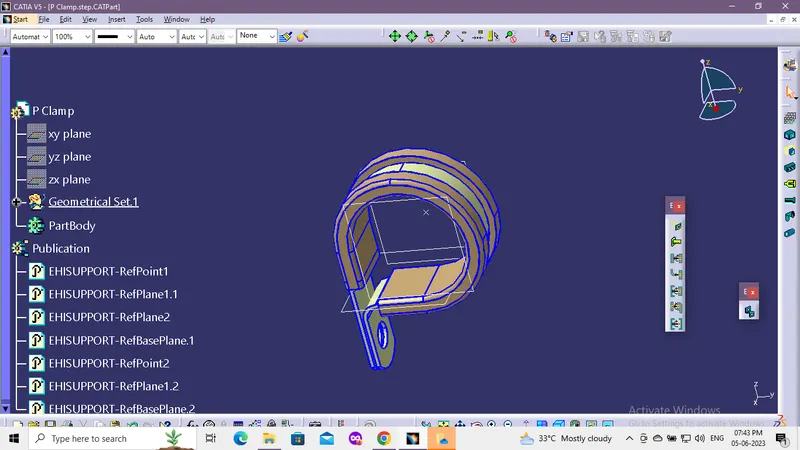
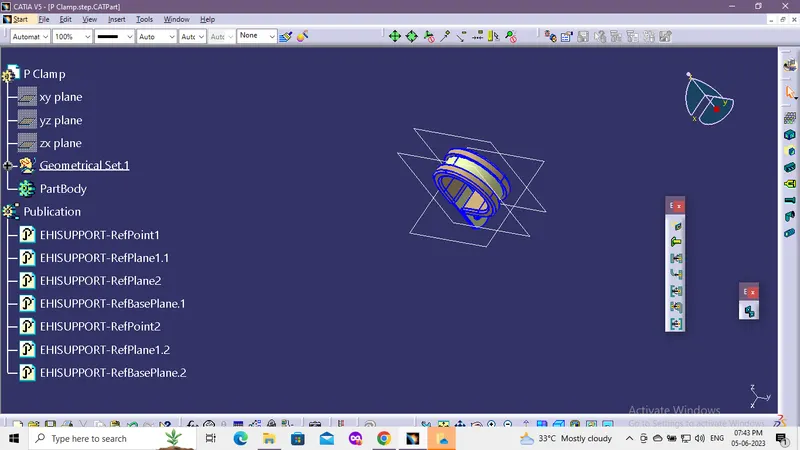
2:
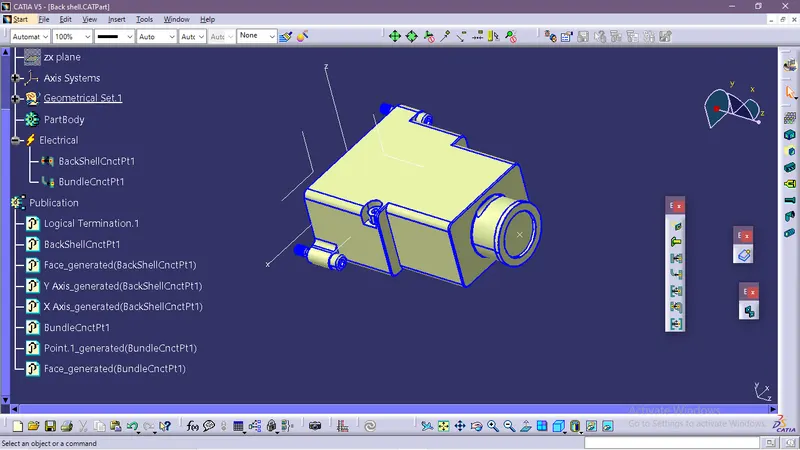
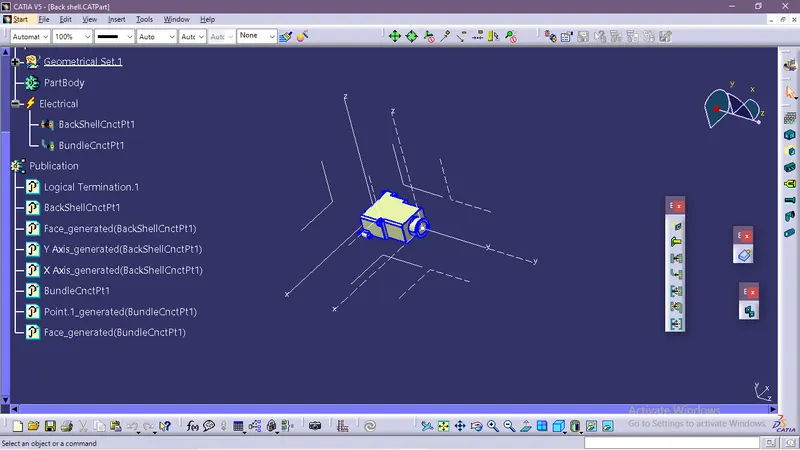
Download following Back shell cad data & define it as Electrical back shell using Electrical Part design Workbench. Define all the necessary properties.
Solution:
given data:
link - https://www.te.com/usa-en/product-1738312-1.html
create center point
mid point reference to mating surface
creating axis system
use electrical part design
define given part as backshell
define bundle connection point
Question 3:
Create Following Corrugated tubes & Add them in Catalogue under “Slit COT” family.
|
Name |
ID (mm) |
OD (mm) |
Thickness (mm) |
|
15mm COT |
12 |
15 |
1.5 |
|
20mm COT |
17 |
20 |
1.5 |
|
35mm COT |
32 |
35 |
1.5 |
|
10mm COT |
7 |
10 |
1.5 |
|
5mm COT |
3 |
5 |
1 |
Solution:
Initaly lets create a CatalogDocument
use Add family tool, add name , change type to electrical.
save the file in desired location.
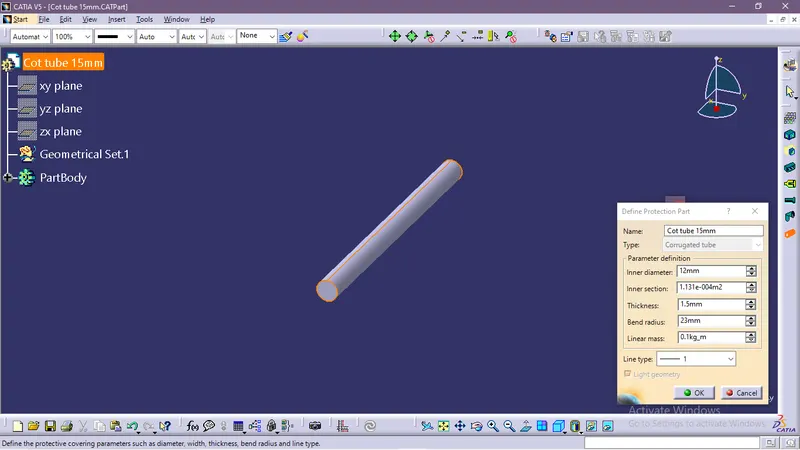
15mm COT
create new part file
As per data given
innerdia =12mm
outerdia=15mm
thickness=(15-12)/2=1.5
min bent radus=outer dia *1.5 =22.5,asume 23mm
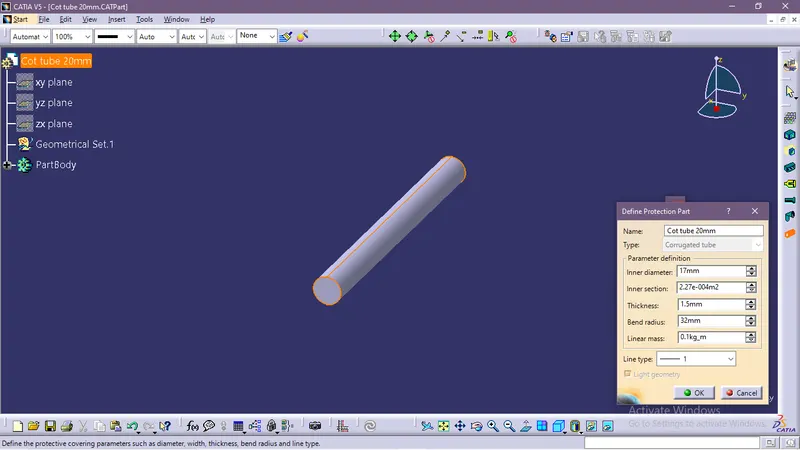
20mm COT
create new part file
As per data given
innerdia =17mm
outerdia=20mm
thickness=(20-17)/2=1.5mm
min bent radus=outer dia *1.5 =30,assume 32mm
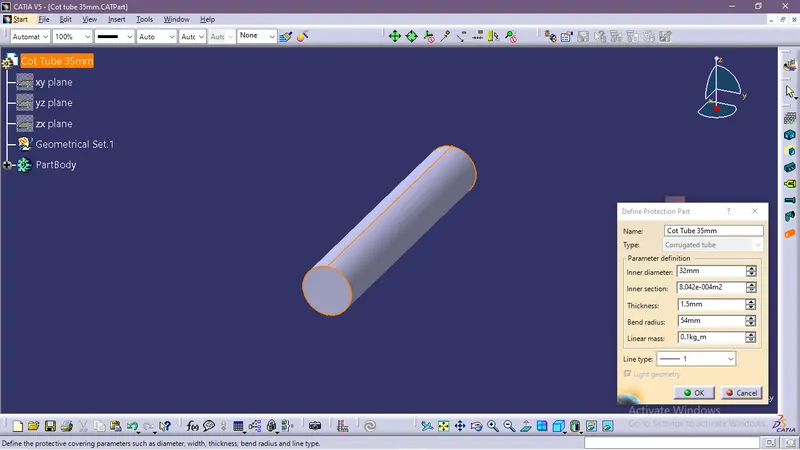
35mm COT
create new part file
As per data given
innerdia =32mm
outerdia=35mm
thickness=(35-32)/2=1.5mm
min bent radus=outer dia *1.5 =52.5,assume 54mm
save andd add to catalog
10mm COT
create new part file
As per data given
innerdia =7mm
outerdia=10mm
thickness=(10-7)/2=1.5mm
min bent radus=outer dia *1.5 =15,assume 17mm
save and add to catalog
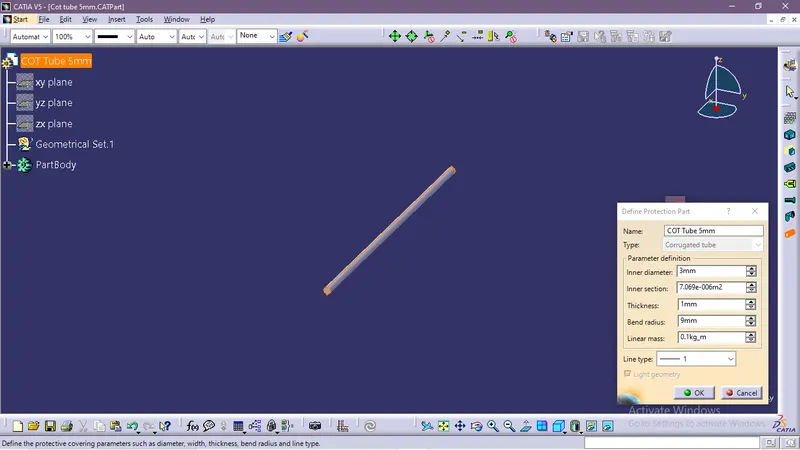
5mm COT
create new part file
As per data given
innerdia =3mm
outerdia=5mm
thickness=(5-3)/2=1mm
min bent radus=outer dia *1.5 =7.5mm,assume 9mm
save and add to catalog
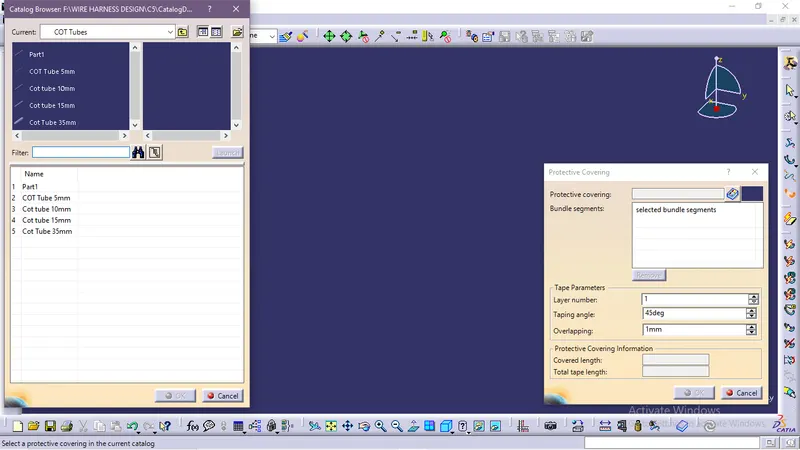
Catalog data
Thank You