Wiring harness routing & packaging Rules Week 3 Challenge
ROUTING AND PACKAGING:
P CLAMP:
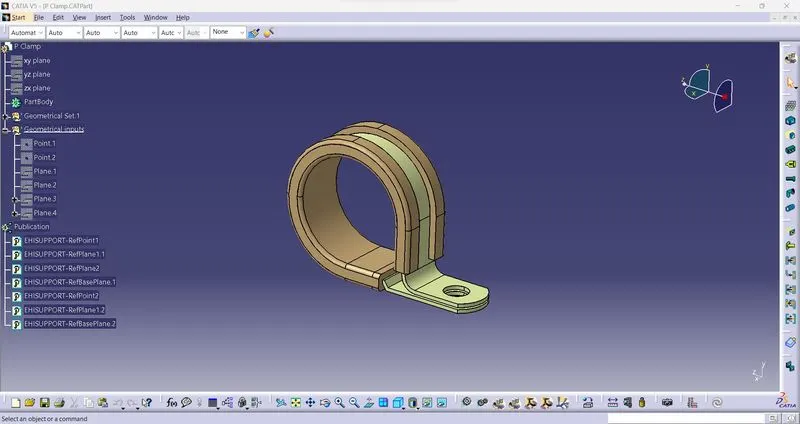
- For defining this mechanical part to support part need to create points, input plane, output plane and base plane on this clamp.
- after creating that need to use define support part and then need to select first point and all planes in order then after again second time same command define support part need to use and have to select second point and also again all planes that's how it becomes support part with both side input and output reference.
BACKSHELL:
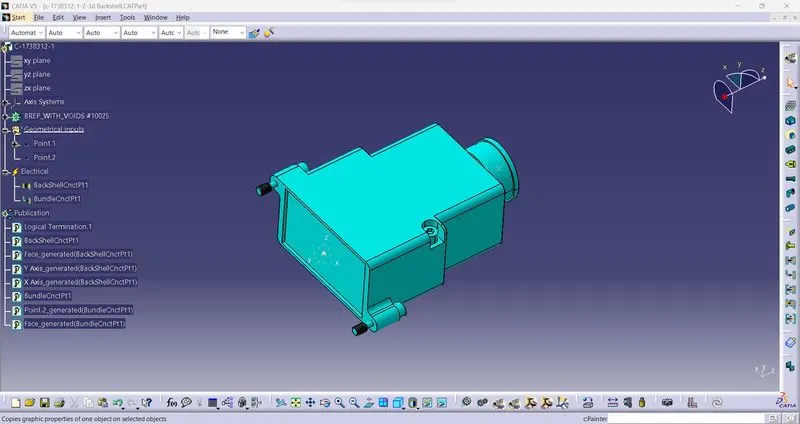
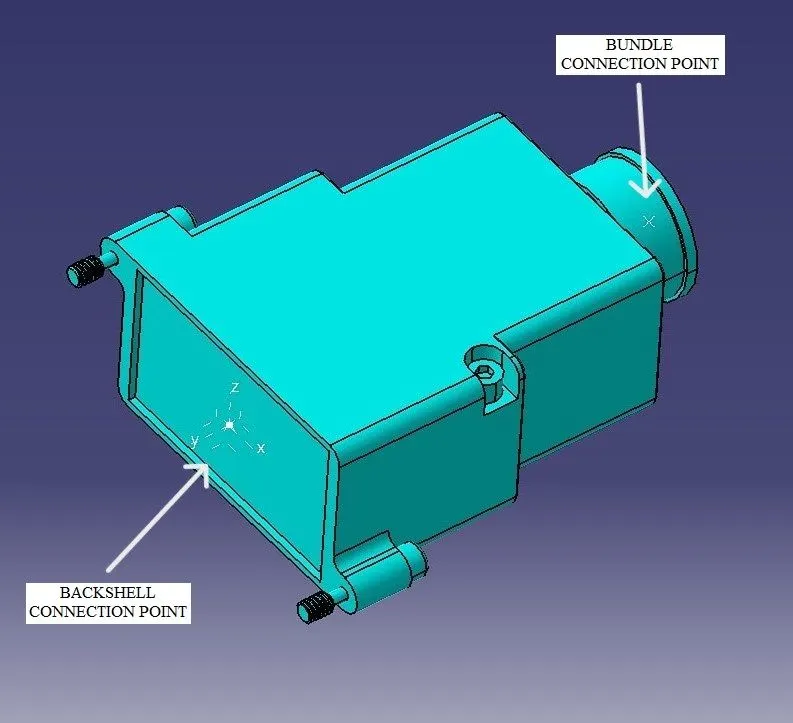
- For this backshell need to create two points one for backshell connection and second for bundle connection.
- First we have to use command as define backshell on this model then need to create points on both side, After creating points and axis need to select define backshell connection point and then as per order need to select point,axis diretion and face.
- Then same as need to select define bundle connection point and other side point get to use and also as per order have to give all their reference point and face.
CORRUGATED TUBES:
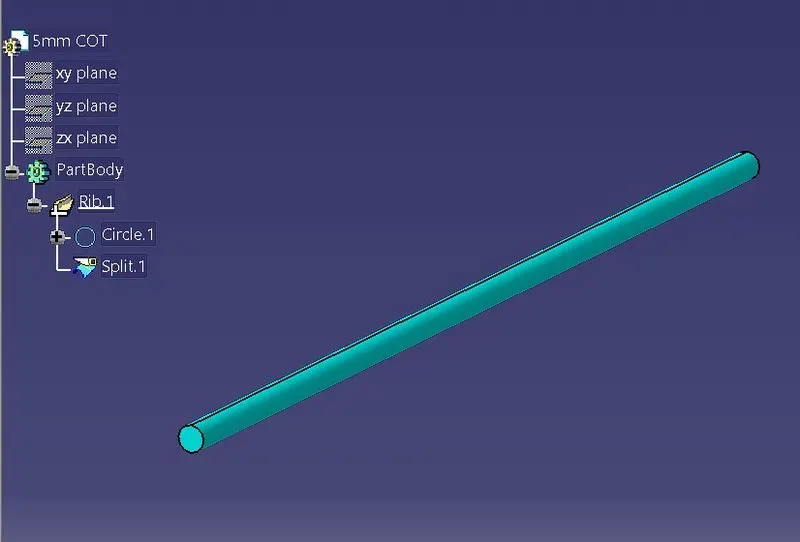
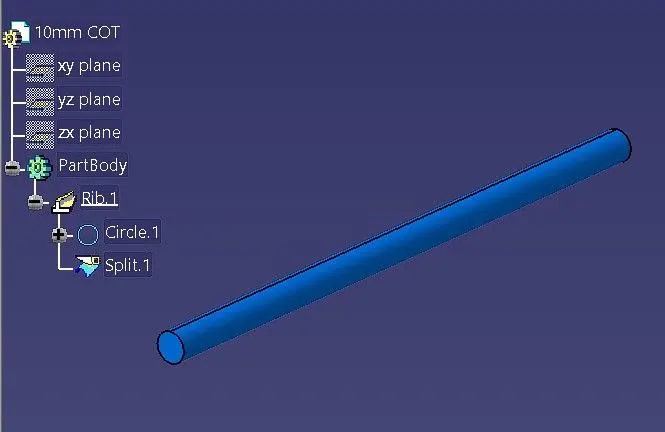
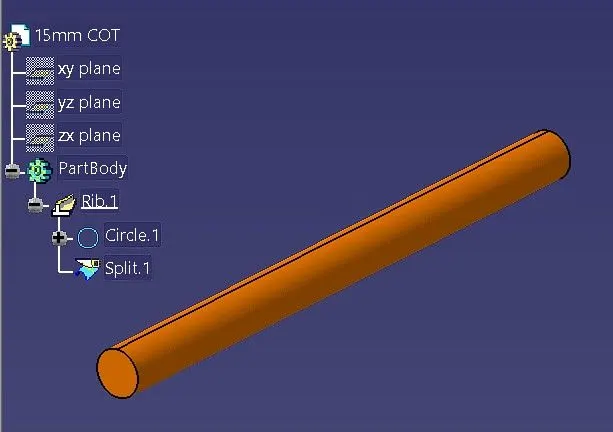
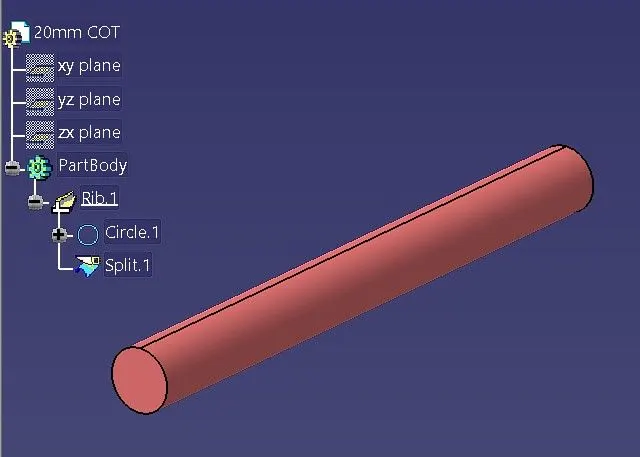
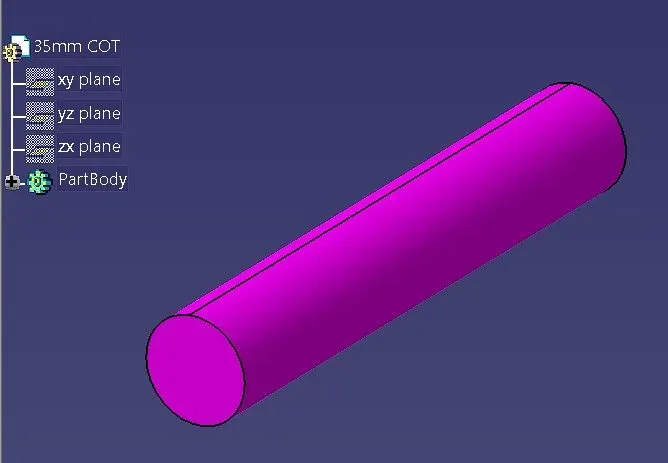
- For creating this corrugated tubes need to use define protection part command.
- After select protection part command as per requirement we need to put value in that command box like internal ID, thickness, bending radius etc. and also need to select corruagate tubes in command box.
- After putting value in that command box automatcally we get corrugated tube design which we can see in upper side pictures.
- And for using these corrugated tube need to create catalogue and then in catalogue command need to use add family with add family command catalogue will get created and then with help of store device command we can insert these corrugated tubes in that created catalogue and in assembly directly we can use them.
Note: (All CAT parts and catalogues in zip file which has attached)
Conclusion: In this challenge i have learned how to define clamp, backshell and how to create corrugated tubes and tapes.