Wiring harness routing & packaging Rules Week 3 Challenge
Q1. Download following cad data & define it as Electrical support using Electrical Part design Workbench. Define all the necessary properties.
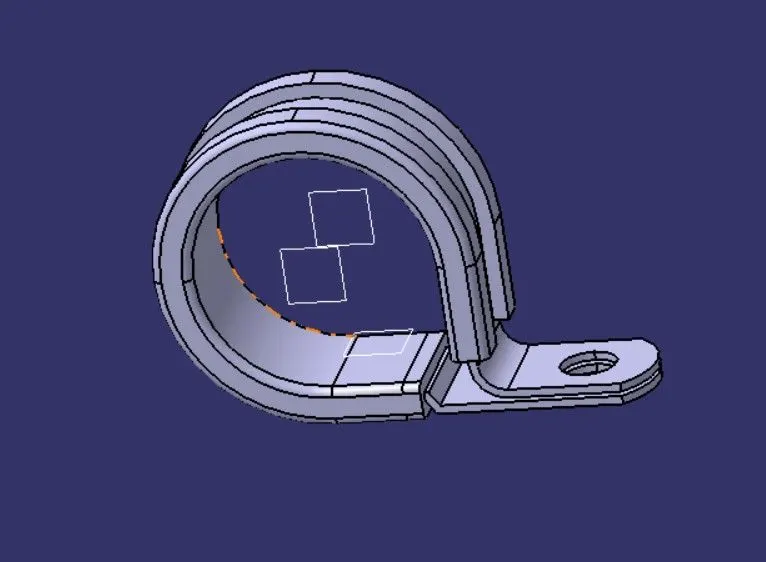
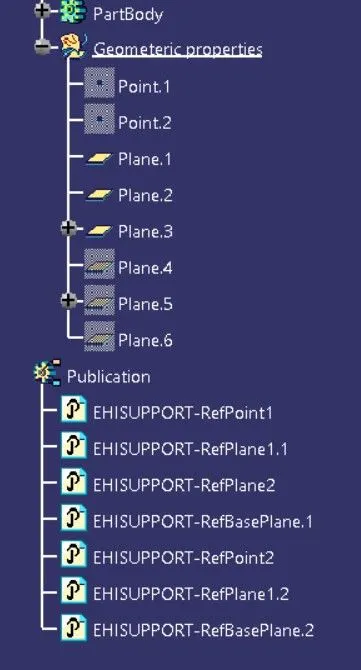
- Create the Points and Planes in Part Design Work Bench.
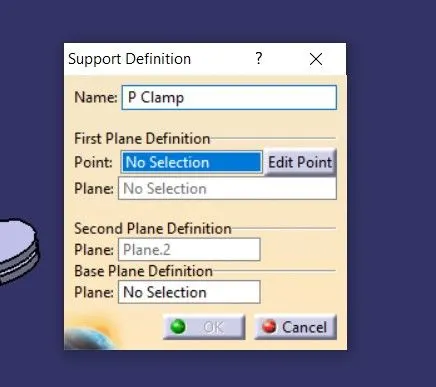
- Define the part as support in Eletrical Part Design Workbench.
- Select the point and Plane for First entry point and Select the exit plane and base plane.
- Similarly Select the point and Plane for Second entry point and the exit plane will be automatically selected and base select plane.
Q2. Download following Back shell cad data & define it as Electrical back shell using Electrical Part design Workbench. Define all the necessary properties.
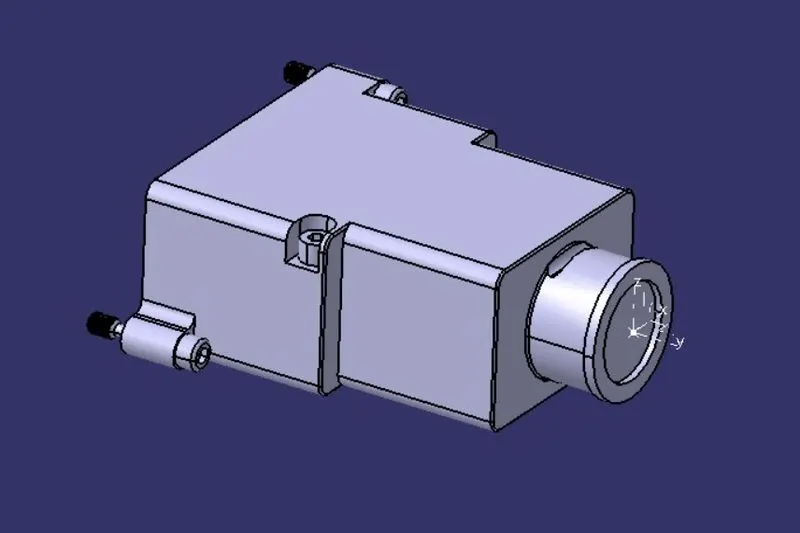
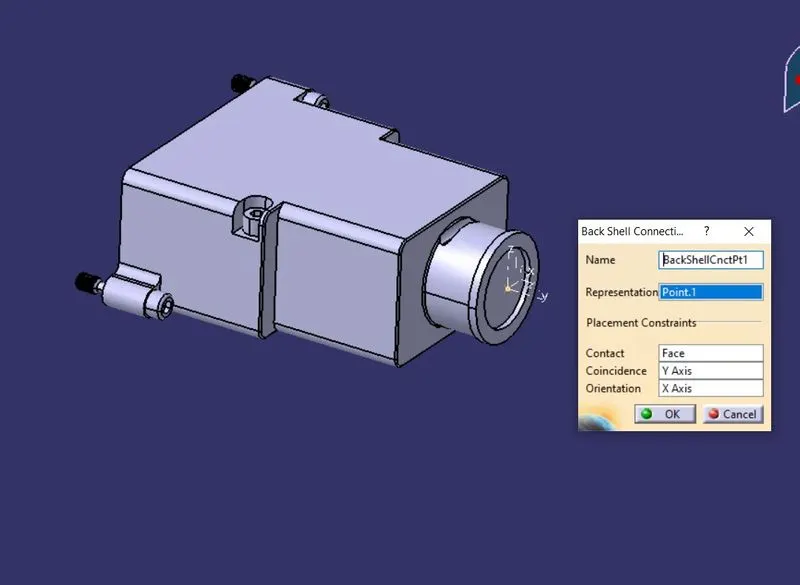
- In Part Design Workbench.
- Create Backshell Entry Point.
- Create Axis system for Backshell Entry.
- Create a Bundle Connection point.
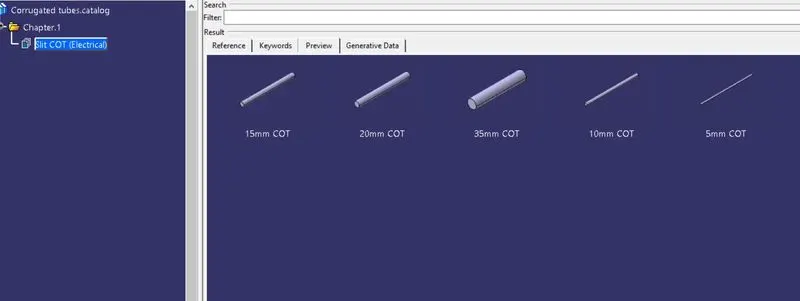
Q3. Create Following Corrugated tubes & Add them in Catalogue under “Slit COT” family.
- Create a new Part - switch to Electrical Part Design work bench.
- Define Protection Part
- Provide the parameter as per given in chart and bend radius to be kept as 1.5times the diameter.
- Clatalogue creation:
- File - New Part - catalogue document
- Add Family - Provide Name
- Select Type - as Conduit and Save
- Then Goto Part (COTs Created) - Store Device Command - Select Catalogue family - and select the part