Wiring harness routing & packaging Rules Week 3 Challenge
ANS(1) we have to define all the necessary properties . so firstly we have to define points on both sides of the
p clamp. After that we have to define plane on both sides of Pclamp. both the commands are in part design workbench.
and a refrence plane is also needed.
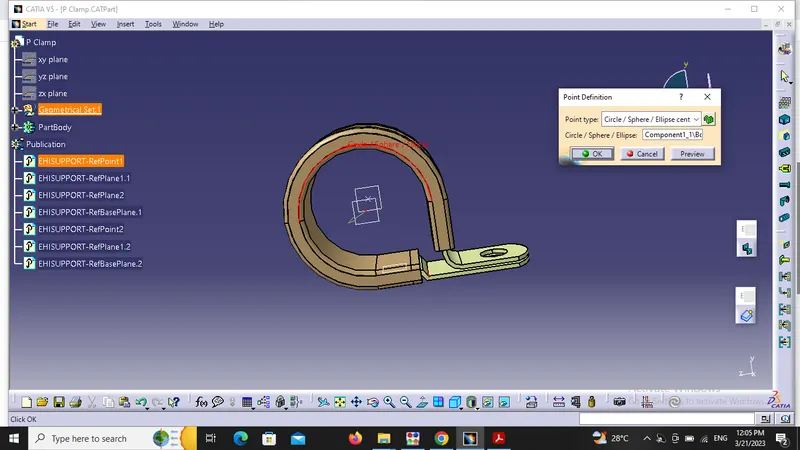
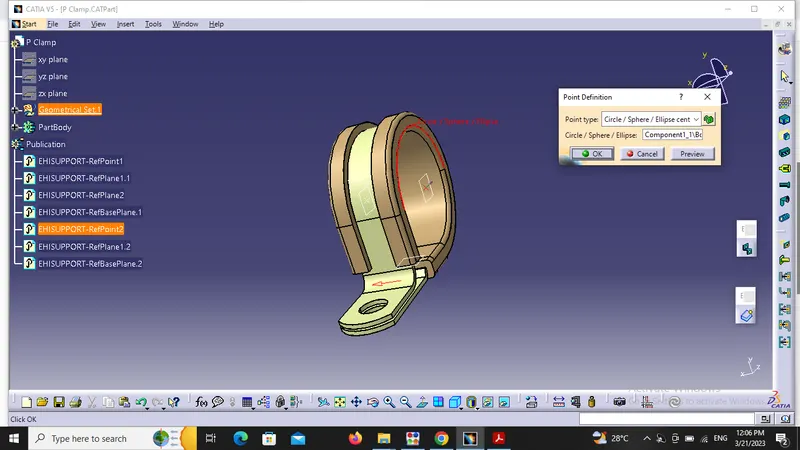
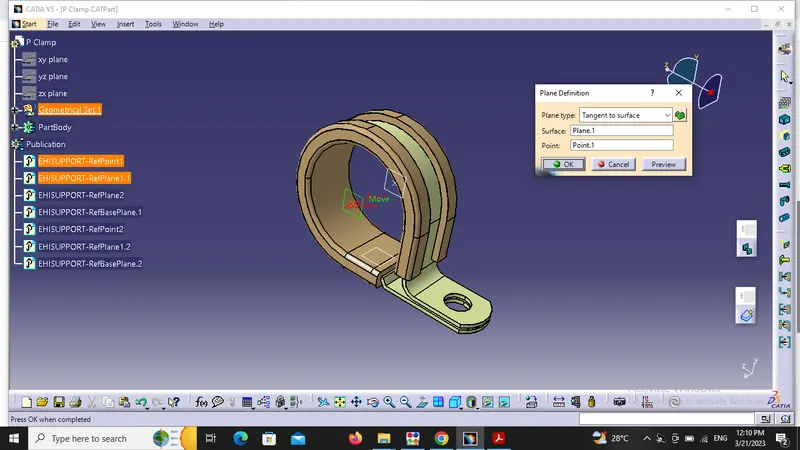
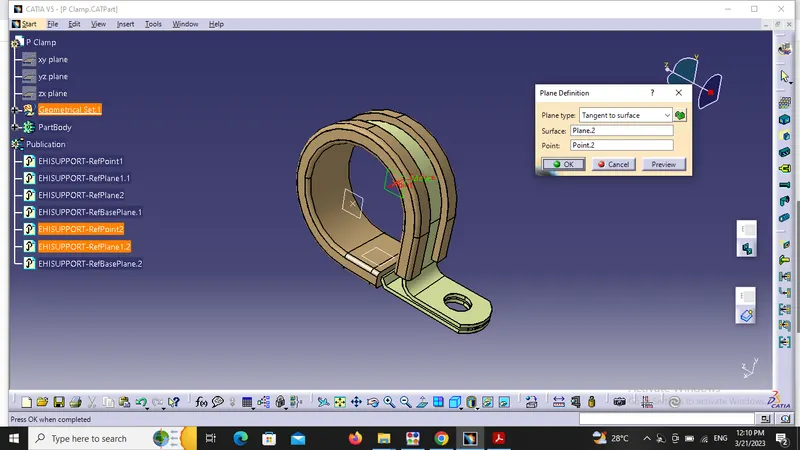
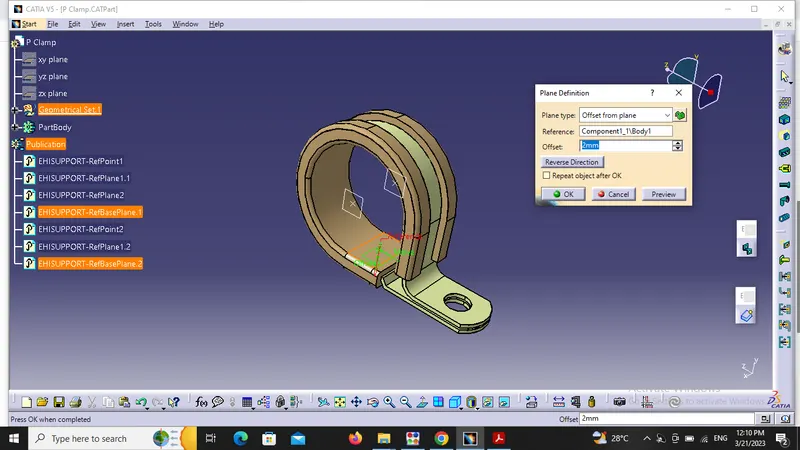
After defining points and planes we have to switch to electrical part design and useof support part command comes into use. then we have to select the first point md first plant to support the bundle . after which we have to again use the support part command to select second point and plane .
ANS(2). we have to download the backshell first. then we have to define this elelctrically by defining the points on both sides of the backshell(one is backshell connection side and other is bundle connection side). After that we have to define the axis on backshell connection side.
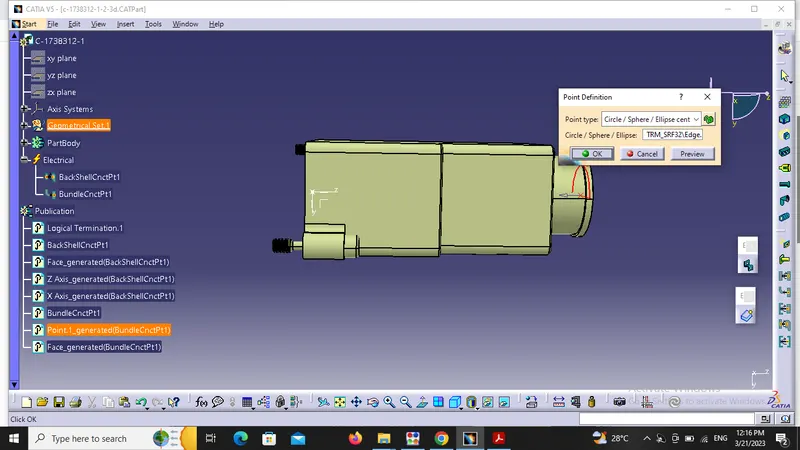
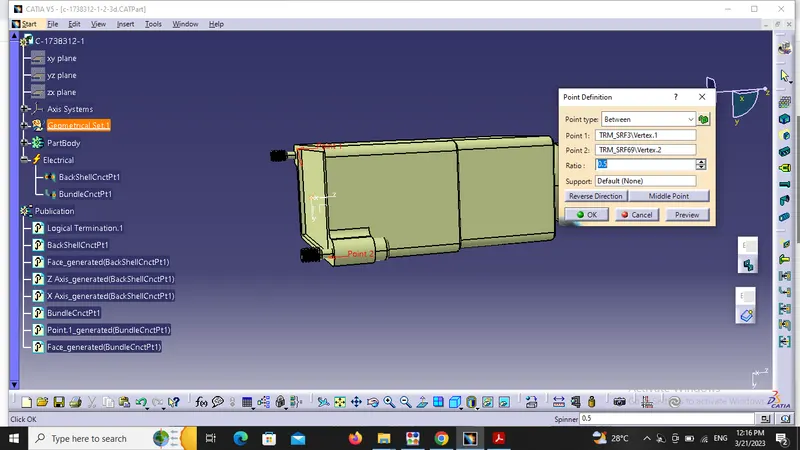
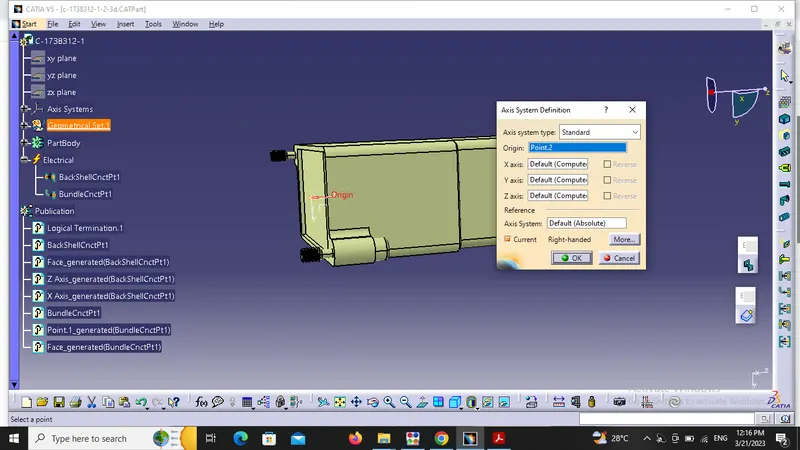
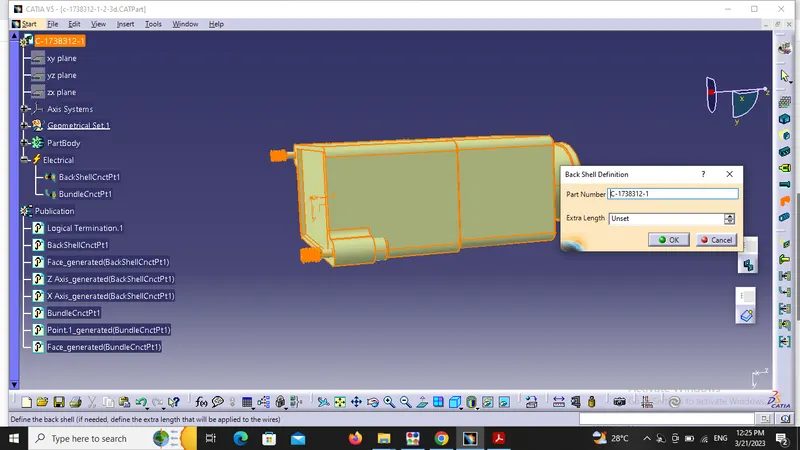
Then we have to switch to electrical part design workbench and use 'define backshell' command to define it as a backshell . After that we have to use backshell connection point command and bundle connection point command.
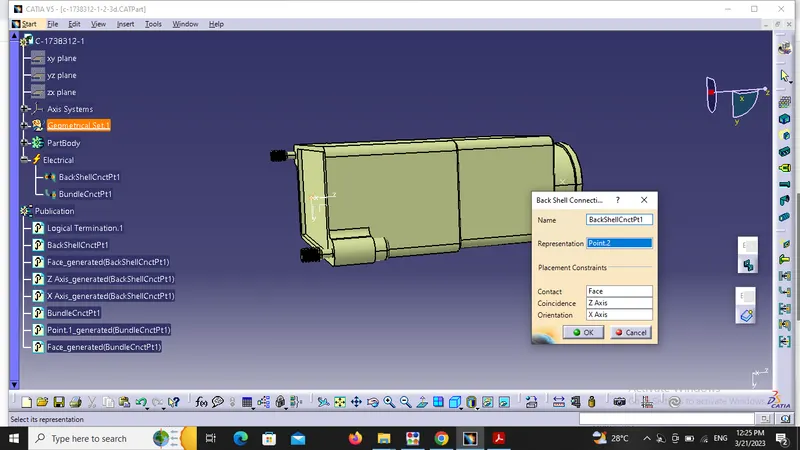
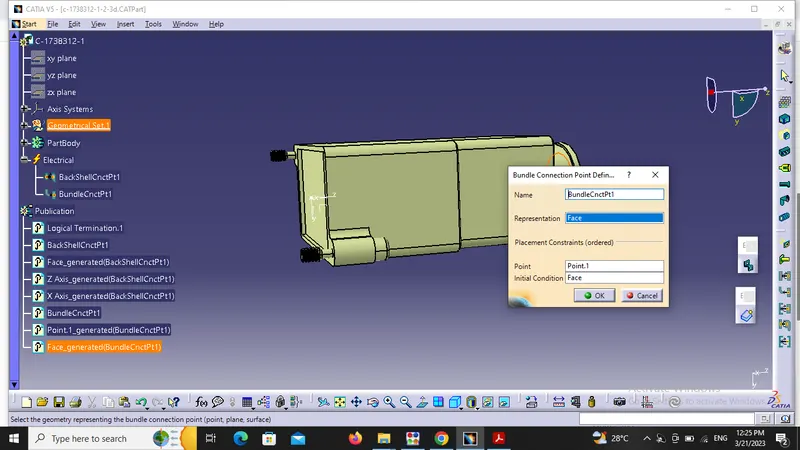
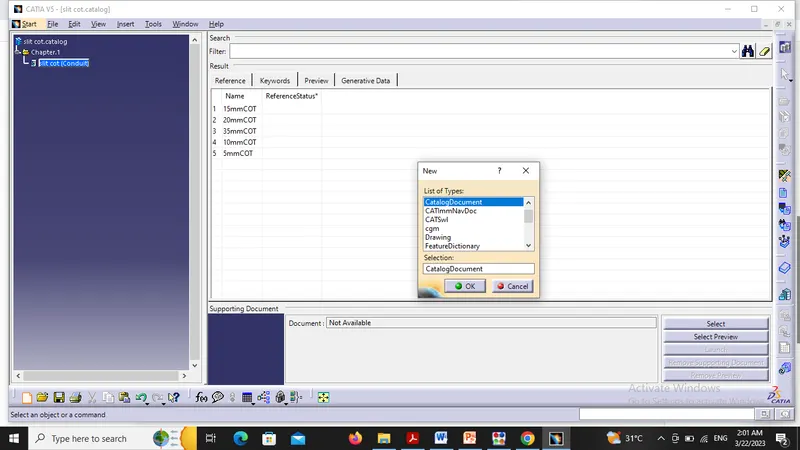
ANS(3).we have to make cot tubes of various parameters. so firstly we have to go to file option->new->part.
this work is done in electrical part design workbench.
click on 'define protection part' command , then click on part file , so a chart will open which will take the dimensions related to cot tubes as well as the naming of COT tubes.
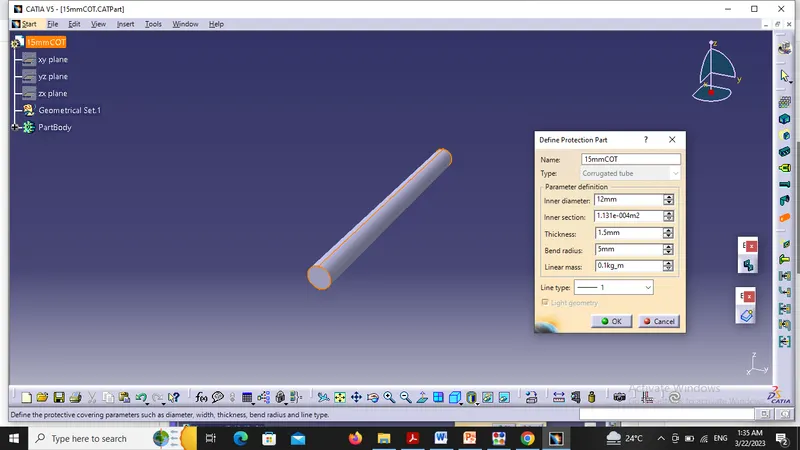
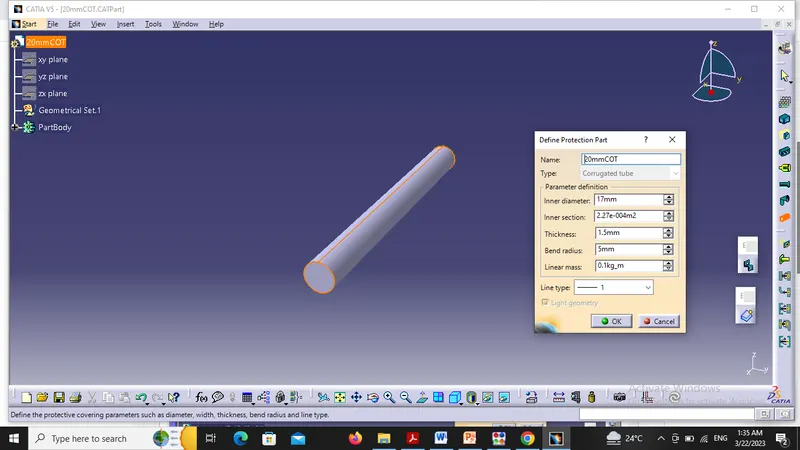
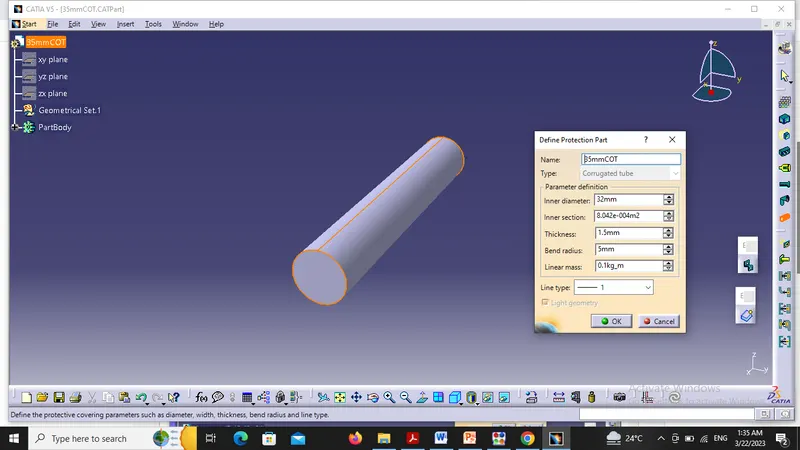
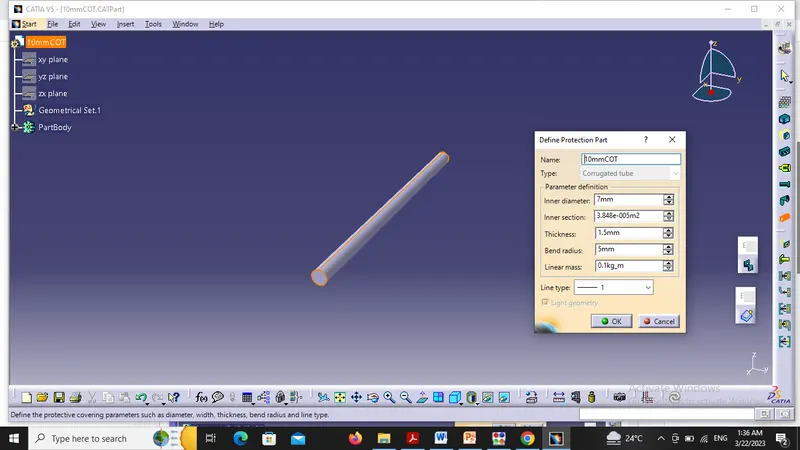
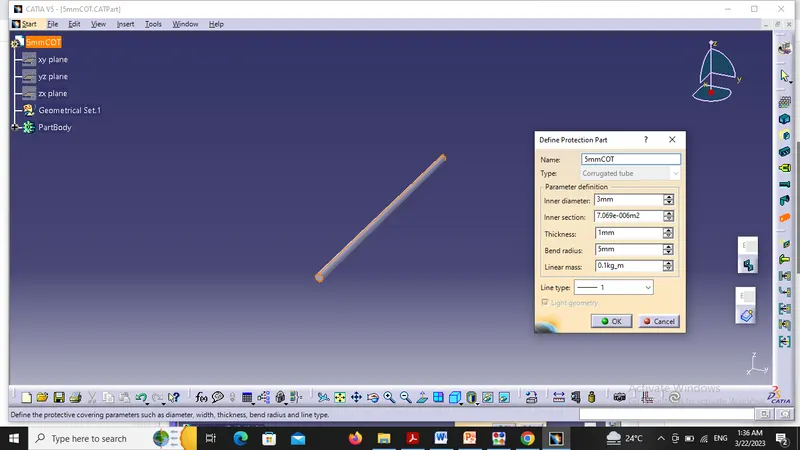
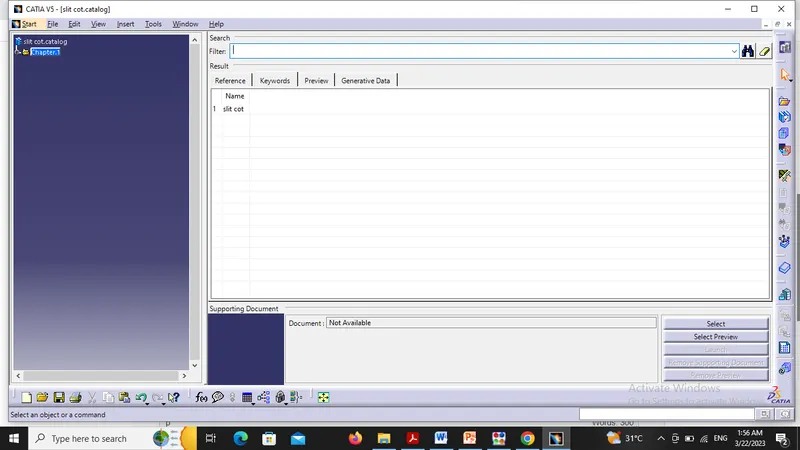
after this we have to make a catalouge . for this i have to go to file -> new-> catalouge document. after this click on add family and give the family name as 'slit COT' as recommended in question, and choose the type as conduit.
now the catalouge family as been created named 'slit COT'. then we have to add the cot tubes in that family,
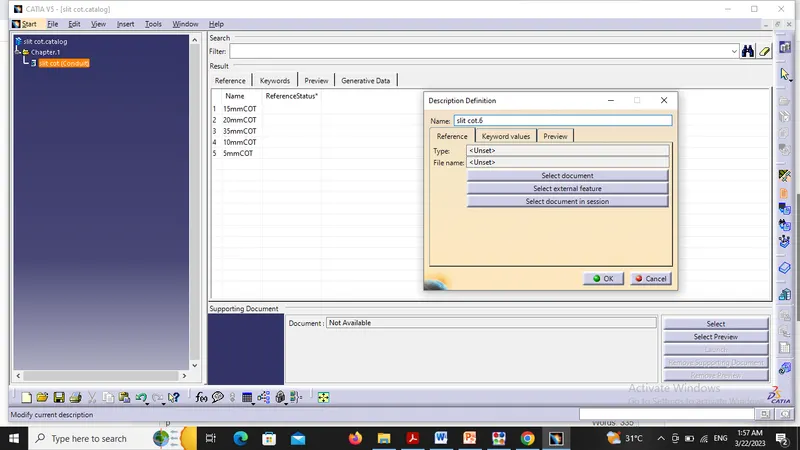
firstly expand the catalouge chapter and then click on the 'slit COT(conduit) to enable the ' add component' command.
after that we have to go for the 'add component' command given in catalouge. after add component command we have to select ' select document' option and then select the cot tubes one by on efrom your saved files.