Wiring harness routing & packaging Rules Week 3 Challenge
Assignment 2
Back Shell
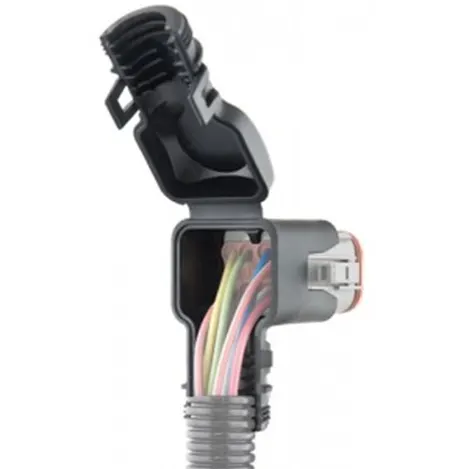
What are Back Shell in Electric Harness?
It refers to a protective cover or housing that is used to enclose and protect the electrical connectors and wires that make up an electric harness.
The Back Shell is typically attached to the connector end of the wire or cable and provides a mechanical strain relief to the wire, preventing it from being damaged due to excessive bending or twisting. It also helps to shield the connector and wire from environmental factors like moisture, dirt, and other contaminants.
By incorporating Back Shells into the design of an electrical harness, designers can ensure that the harness is both reliable and durable, even in harsh operating environments.
Defining Backs Sell in CATIA
Back shell can be downloaded from the different websites or can be designed in CATIA itself both works perfectly fine.
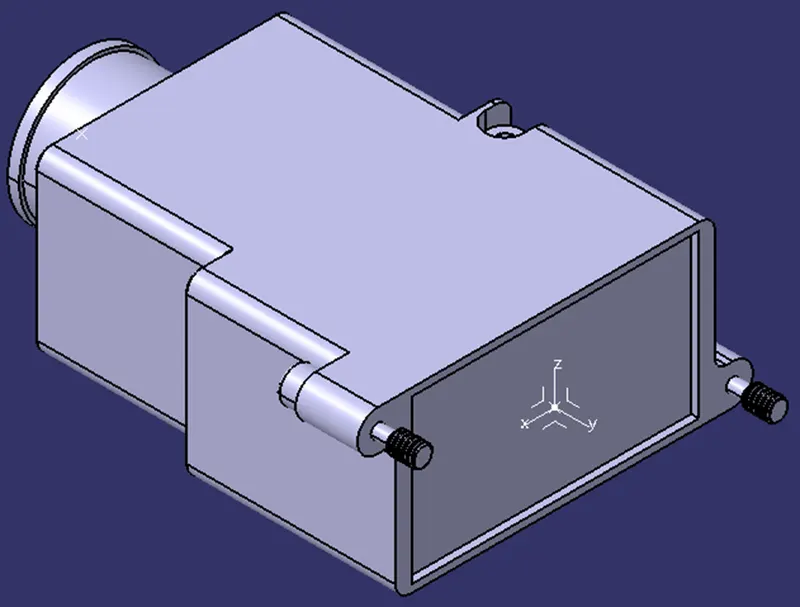
First, we downloaded the back shell from the te.com website. Part number is C-1738312-1. Now, we define some points and axis system to define this as an Electric component.
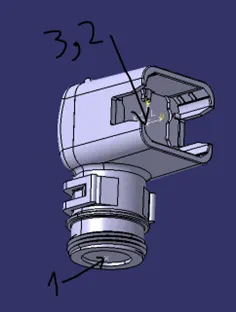
- Make a point at bundle entry point
- Make a point and axis system at connector point
- Axis system should match with connector Back Shell Axis system
Now, we define this as Electric component. So, go to the Electric Part Design in CATIA,
- Select Define Back Shell
 .
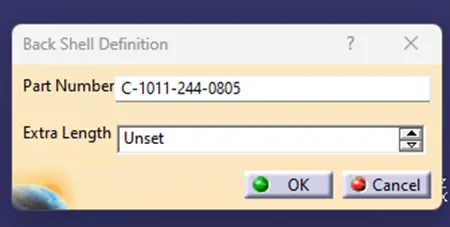
. - Select the Part Model and it will open a dialog box. Select ok.
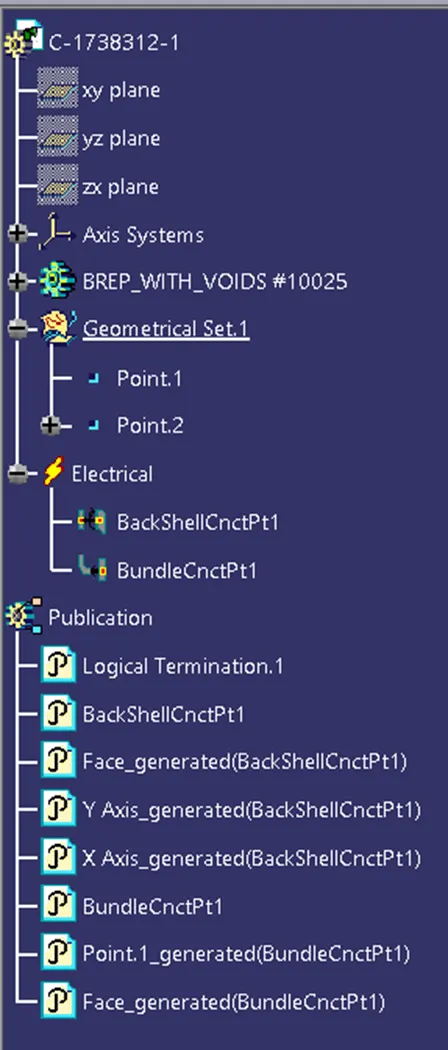
- This will create publication in structure tree which means the part is defined as electric component.
- Define Bundle Connection Point just like we did for the connectors.
- Define Back Shell Connection Point
 .
. - Select the the connector and it will open a dialog box same as defining Connectro Connection Point.
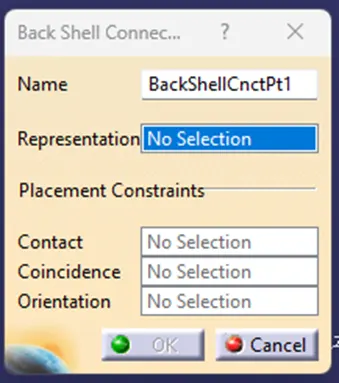
- Enter the data just like we did for the Connector and the Back Shell is defined as the Electric Component with all the parameter needed.
This how the Back Shell for connector is defined as electric component and defined its electric properties.
P-Clamps
What are clamps?
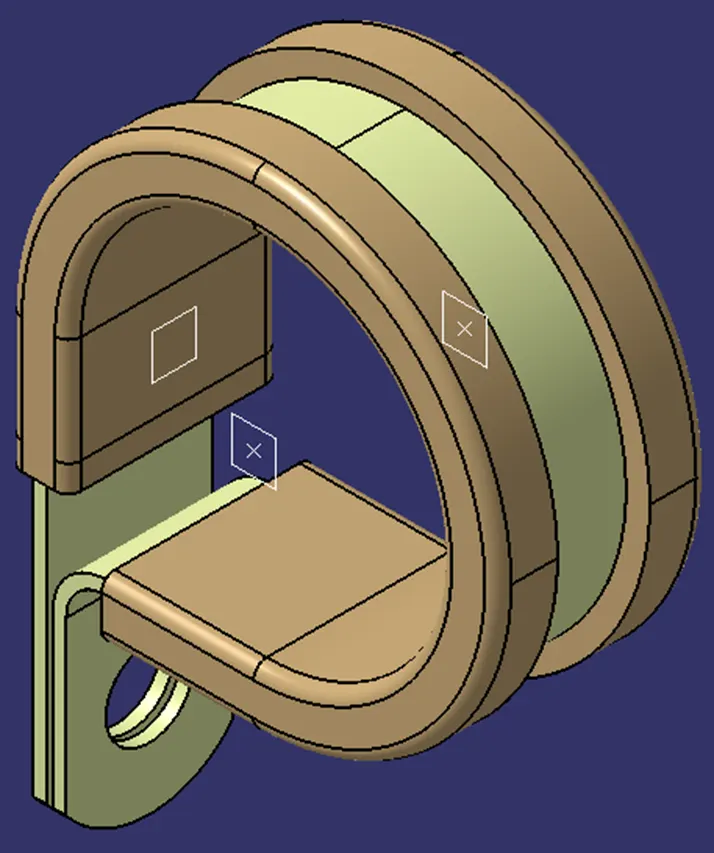
Clamps are components used in the design of electrical harnesses to secure and route wires and cables. Clamps are typically attached to a structure, such as a frame or panel, and then used to hold the wires and cables in place.
The main function of clamps in electrical harness design is to prevent the wires and cables from moving around excessively, which could cause damage due to vibration, chafing or other mechanical stresses. Clamps also help to organize the wires and cables and keep them in the desired position, making it easier to maintain and repair the harness if necessary.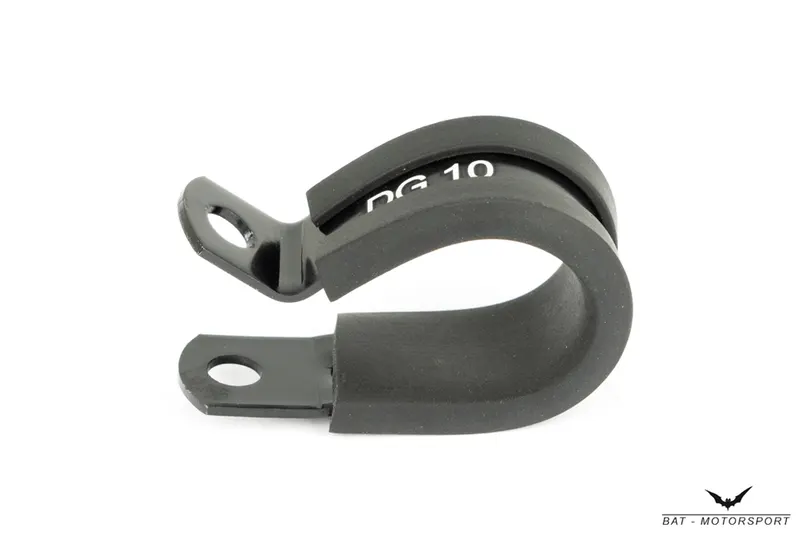
Defining P-Clamps:
Just like other component, this can also be downloaded and defined in the CATIA Software. To Define we need to create some geometry and then we can define.
- Create the Points and Planes on entry and exit of P-Clamps
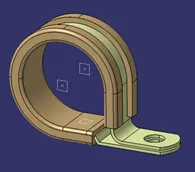
- Select Define Support Part
 .
. - Select the P-Clamp and it will open Dialog Box.
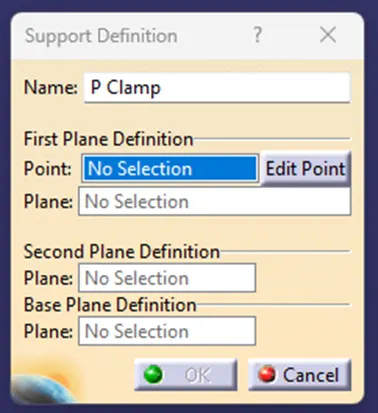
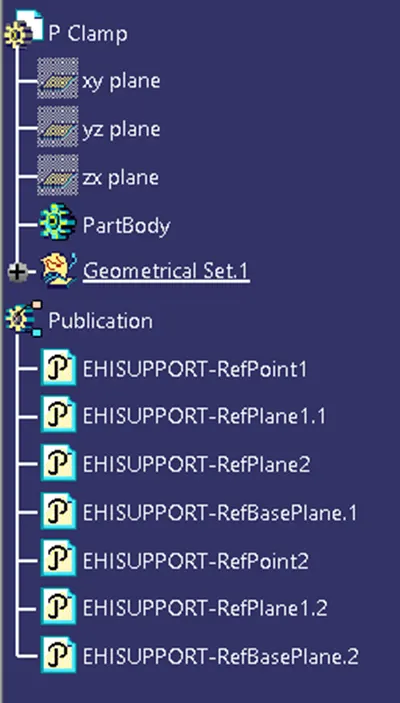
- Select the created point, select the plane on same point for the FIRST PLANE DEFINITION
- Select another Plane on exit point for the SECOND PLANE DEFINITION
- Select plane on Base to define BASE PLANE DEFINITION
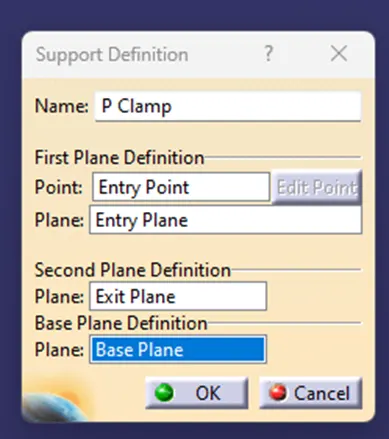
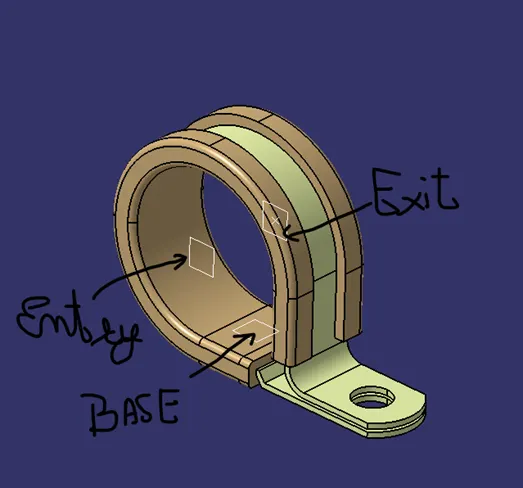
- Repeat the procedure for the other side, which means this time Entry and Exit will interchange, Entry will become Exit and Exit will become Entry.
This how the clamps are defined in CATIA for the Electric Harness.
Corrugated Tubes
What are Corrugated Tubes?
Corrugated tubes, also known as convoluted tubes, are components used in the design of electrical harnesses to protect and organize wires and cables. These tubes are flexible, cylindrical conduits with a ridged or wavy exterior surface, resembling a corrugated cardboard box.
In the context of electrical harness design, corrugated tubes are typically used to protect wires and cables from mechanical stresses, such as vibrations, abrasion, or impact. The ridged surface of the tube helps to prevent the wires and cables from twisting or bending excessively, while also providing some flexibility to accommodate changes in position or movement.
Corrugated tubes can also help to organize wires and cables within an electrical harness, by grouping them together and keeping them in a neat, orderly arrangement. This can make it easier to troubleshoot and repair the harness if necessary.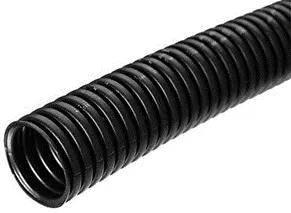
Creating, Defining and adding to Catalogue.
The Corrugated tubes are first created in the CATIA and are Defined at same time also.
- Select the Covering in Electric Part Design

- Select the Part Body or the Main Title of the Product.
- Dialog box will open
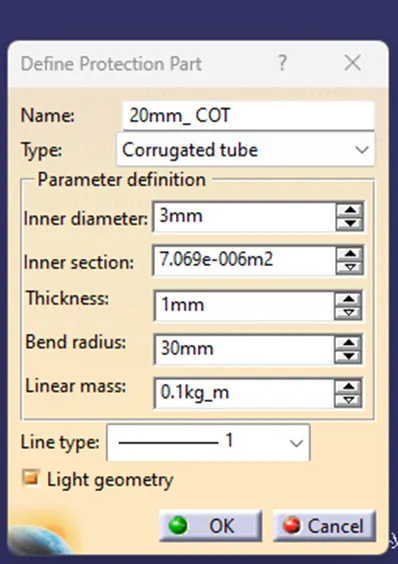
- Add Inner diameter, Thickness and Bend Radius as requires to create the tube and press OK.
- This will create a Corrugated tube.
- Select add to Catalogue.

- This will open a Dialog box in which we can put it in the desired Catalogue.
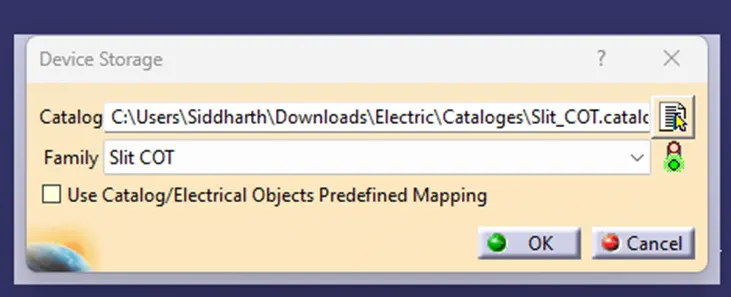
This is how the corrugated tubes are created and add them to the Catalogue.
Back Shell
Front View
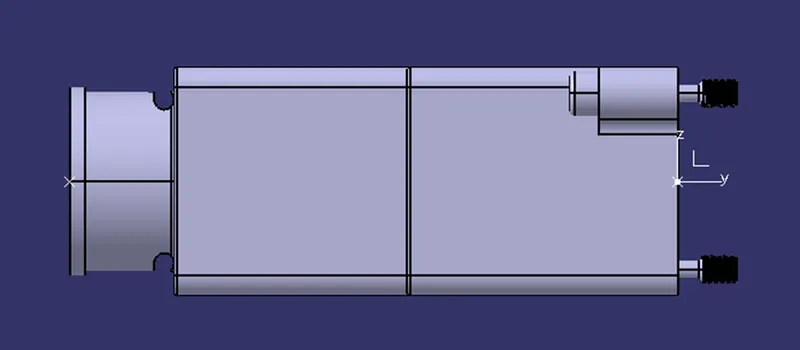
Side View
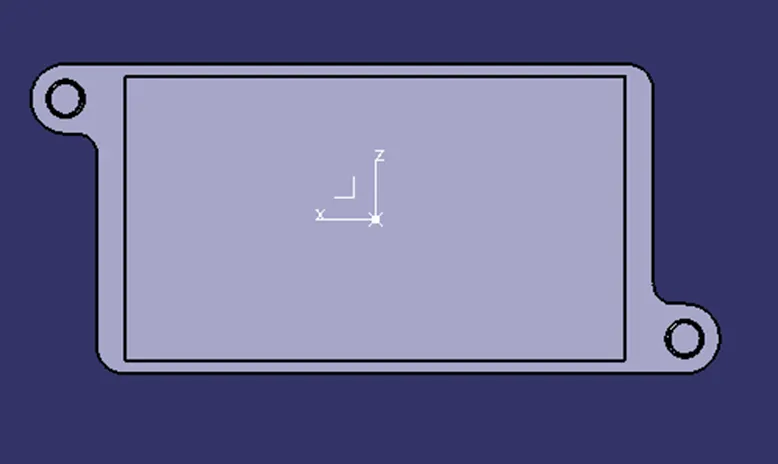
Top View
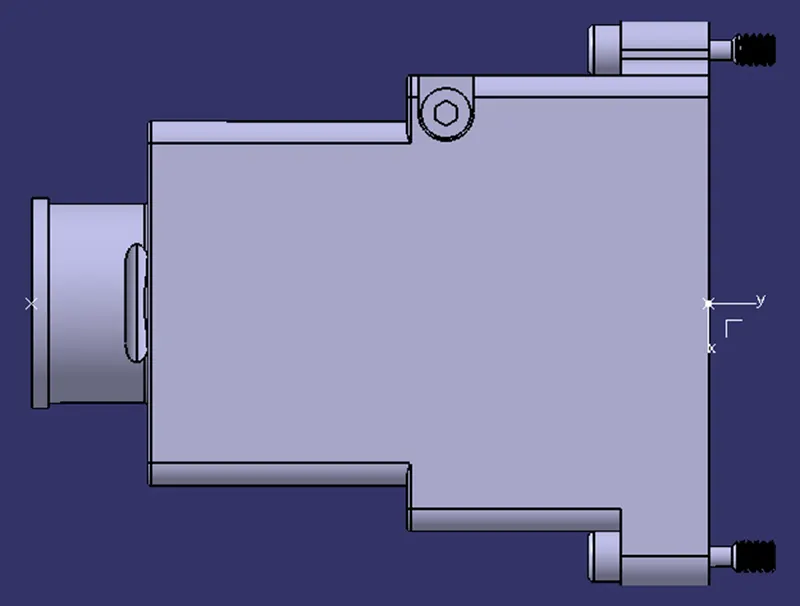
Isometric View
Structure Tree
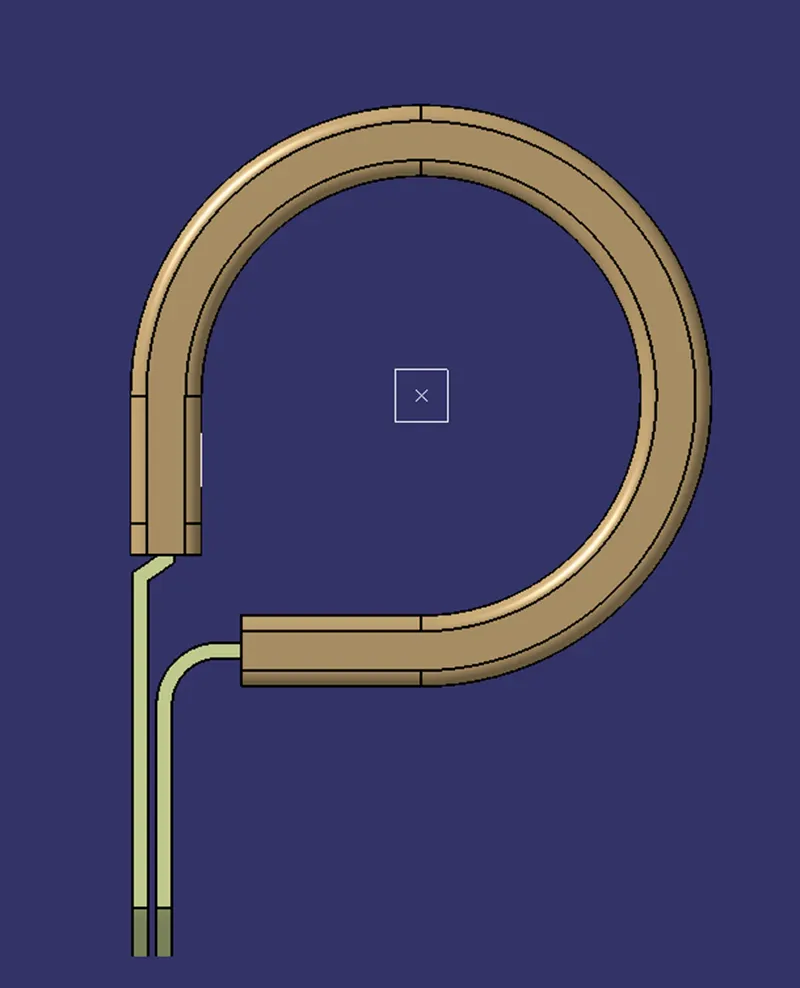
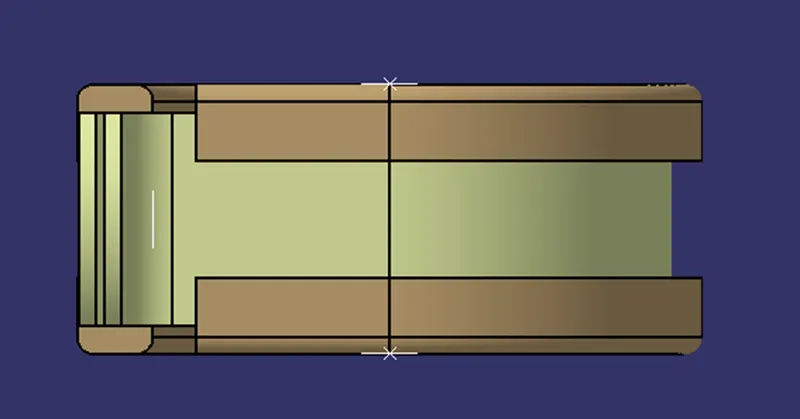
P-Clamps
Front View
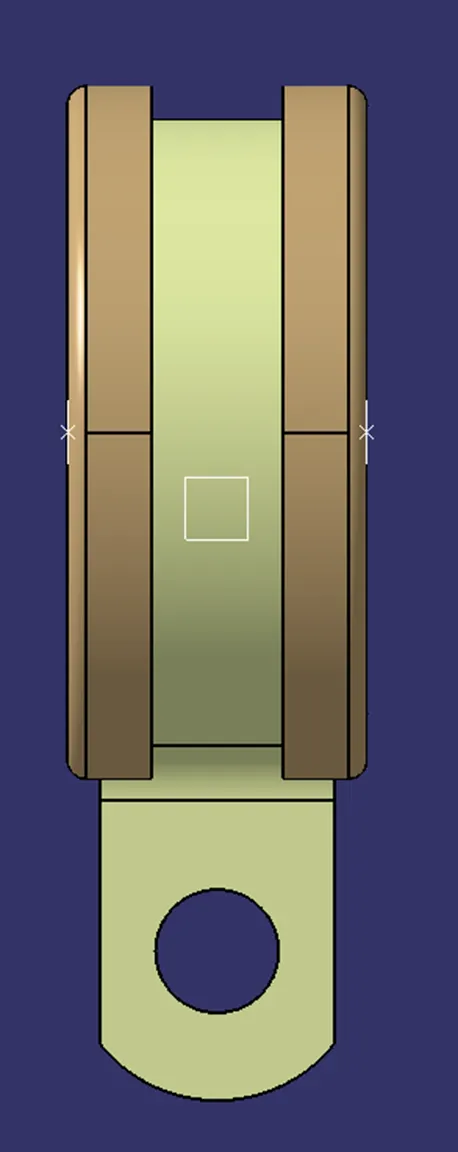
Side View
Top View
Isometric View
Structure Tree