Wiring harness routing & packaging Rules Week 3 Challenge
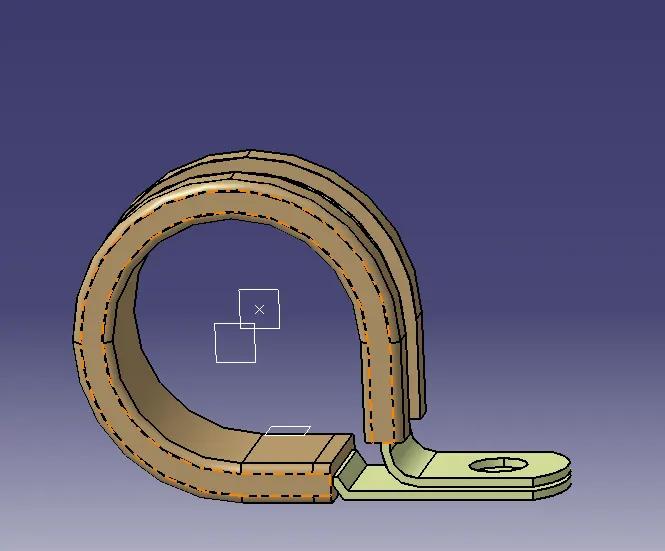
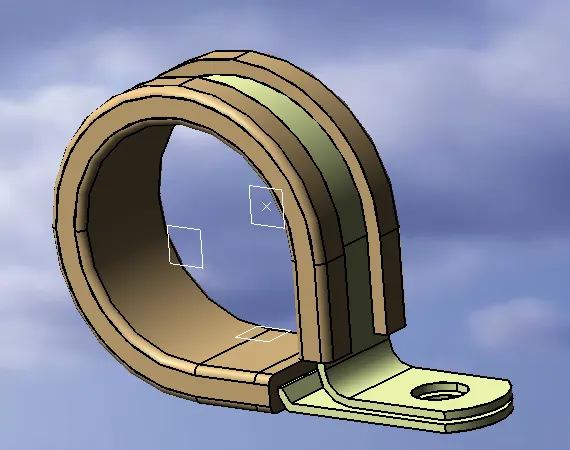
Download following cad data & define it as Electrical support using Electrical Part design Workbench. Define all the necessary properties.
- Once the File is Downloaded, Open the File Using CATIA V5
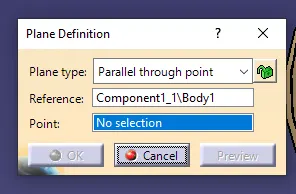
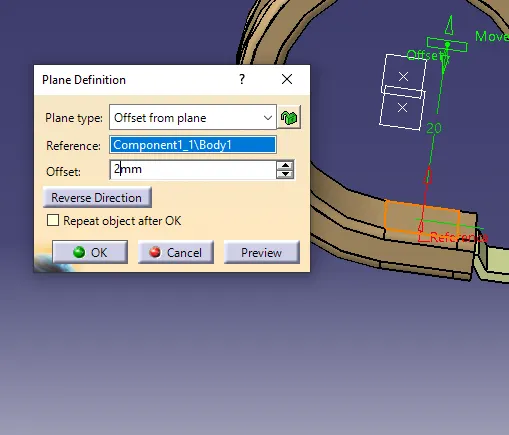
- Using the Part design model, we define entry, Exit, Base points, and Planes
- After determining the points and planes open the file in Electrical Part design
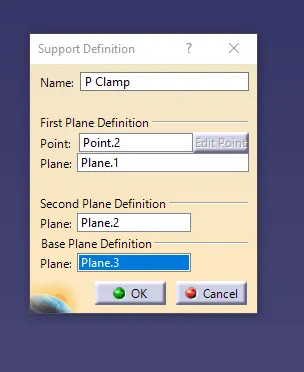
- Now we need to define the part as a Support using the Define support Part
- Here we use the Required points and planes as an Entry and exit of the clamp for one side
- And use the support definition again to give an entry point on the opposite side by selecting the point opposite of the first support definition while keeping the base plane the same.
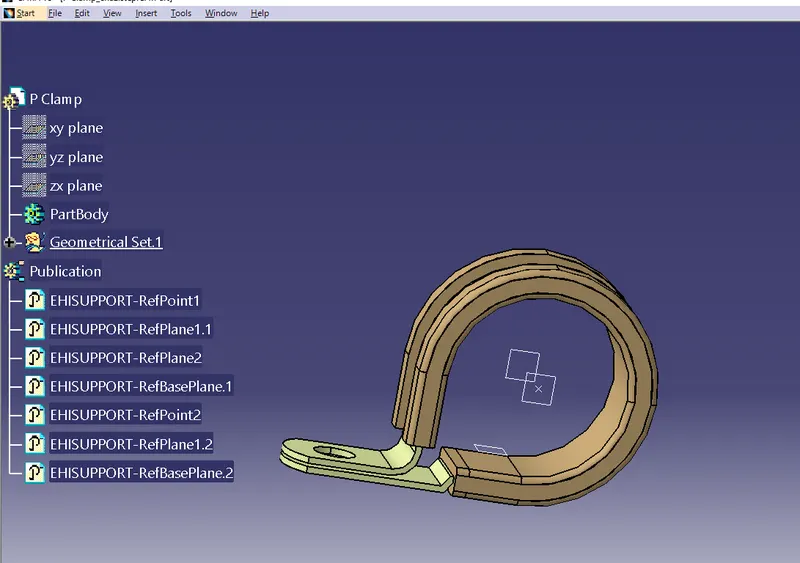
i am taking the snapes (dialog boxes ) after saving the project thats why the dialogboxes are not in order.
Steps-
- Download the backshell TYCO-1738312-1 from TE.com
- Define geometry parameters for backshell.
- Define part as backshell.
- Define the Backshell Connection point.
- Define the Bundle Connection point.
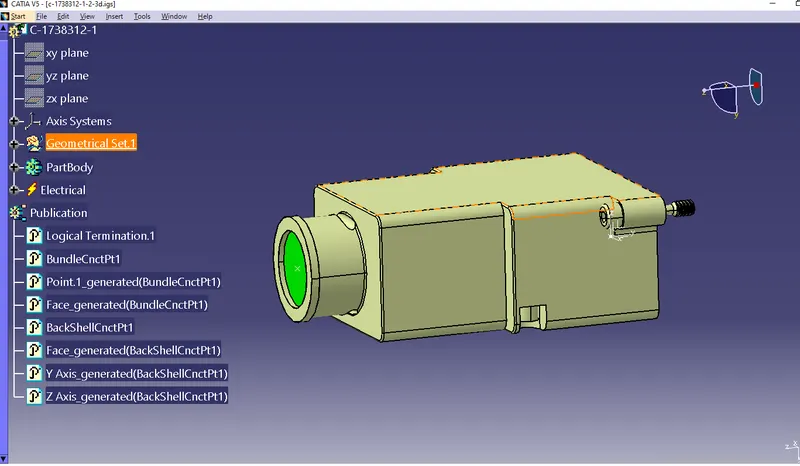
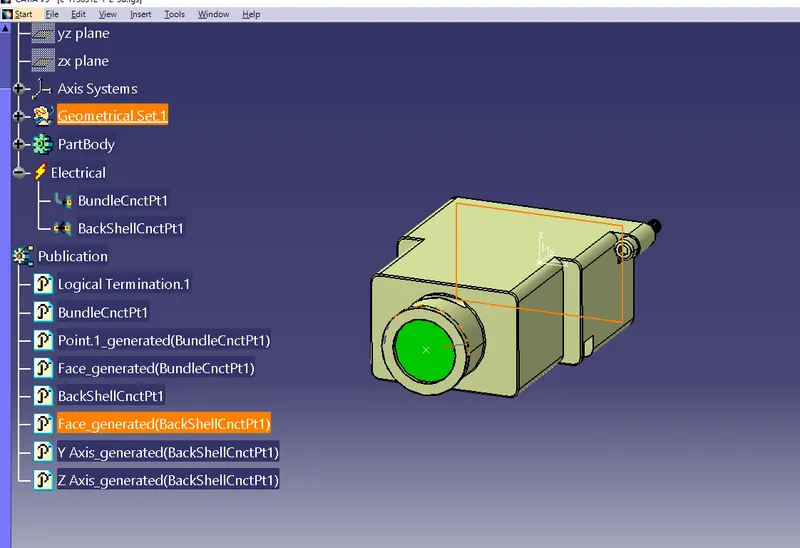
The green side is the Bundle Connection Point
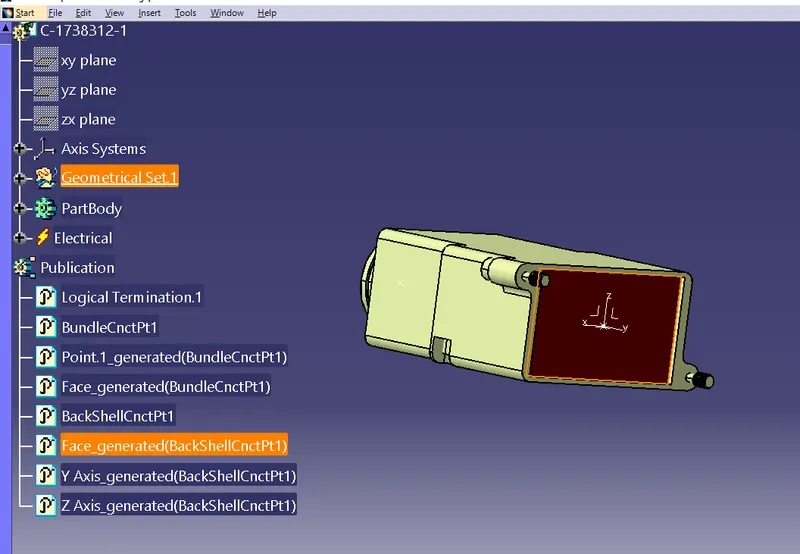
The Maroon Side is the Backshell Connector Connection point
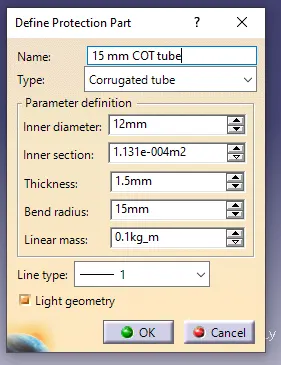
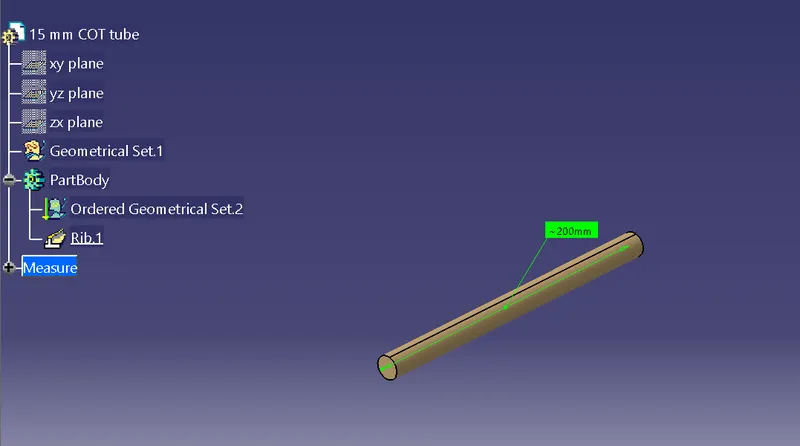
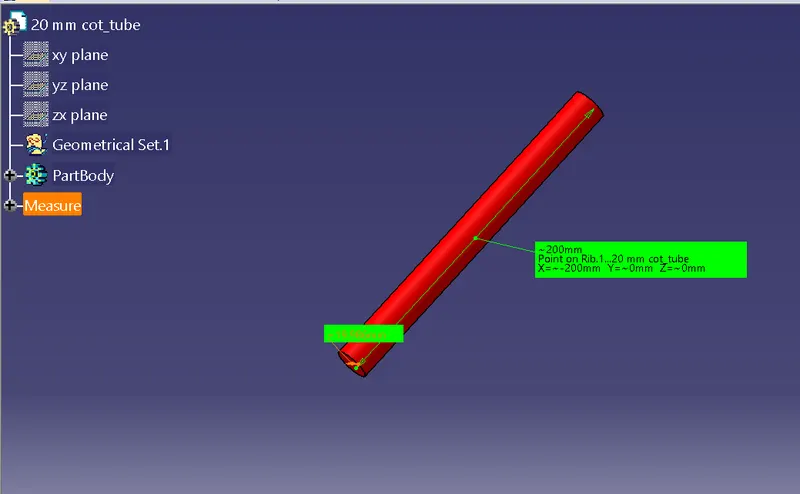
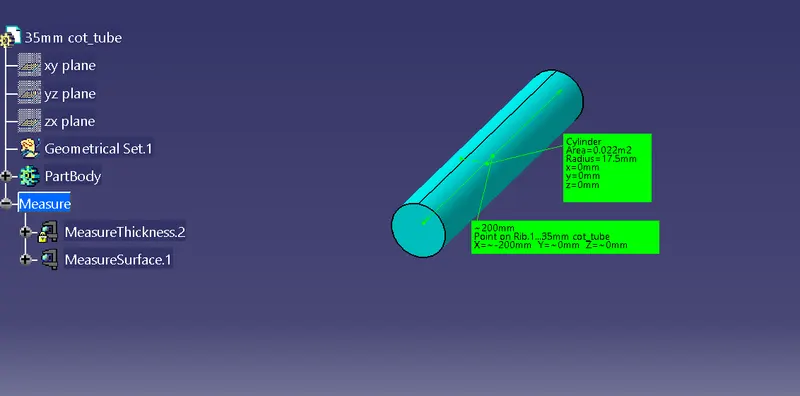
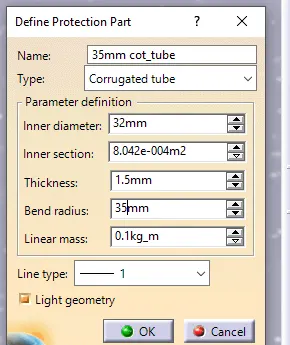
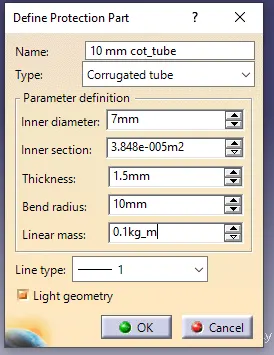
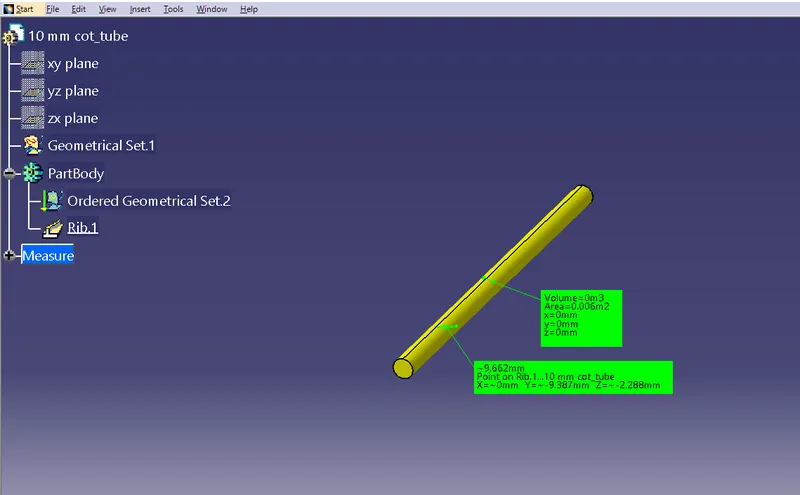
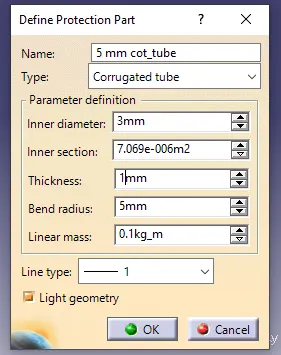
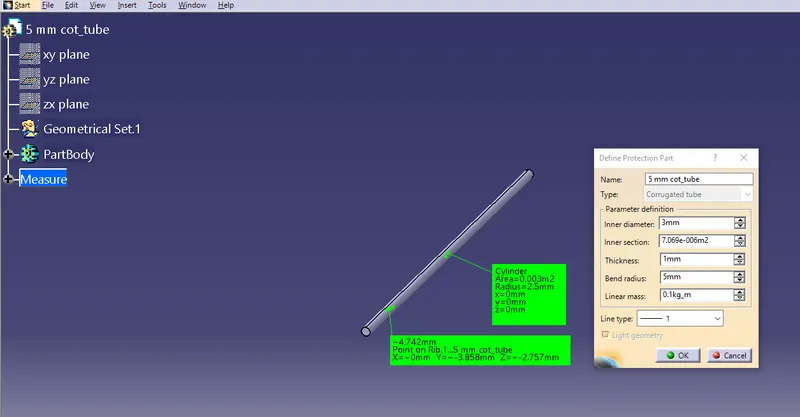
- As there is no file to download for corrugated tubes we have to make each type of corrugated tubes and them into a catalog so they can be used at a later stage.
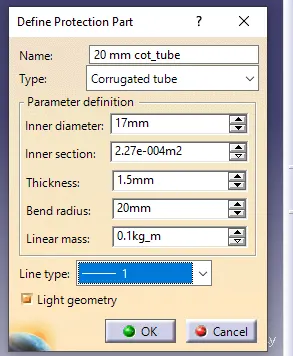
- In the electric part design workbench, define the protection part, and give the necessary dimensions for the COT tube. Give values for inner diameter and thickness.
- Create a COT tube catalog.
- Give a name to the catalog and define its type as “conduit”. For insulation tape type is “electrical”.
- Define part family name.
- Save the “Slit COT” catalog.
- Add all the created Corrugated tubes to the catalog individually.