Wiring harness routing & packaging Rules Week 3 Challenge
1. CLIP DEFINITION:
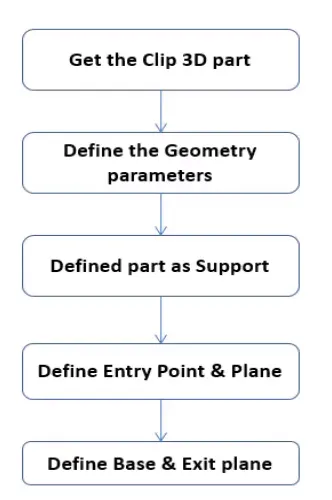 P clamps or p clips as they are also known are designed to bundle and clamp the wires.
STEPS:
1.download the 3D data and open in catia v5 software.
2. In part design points and planes are placed.
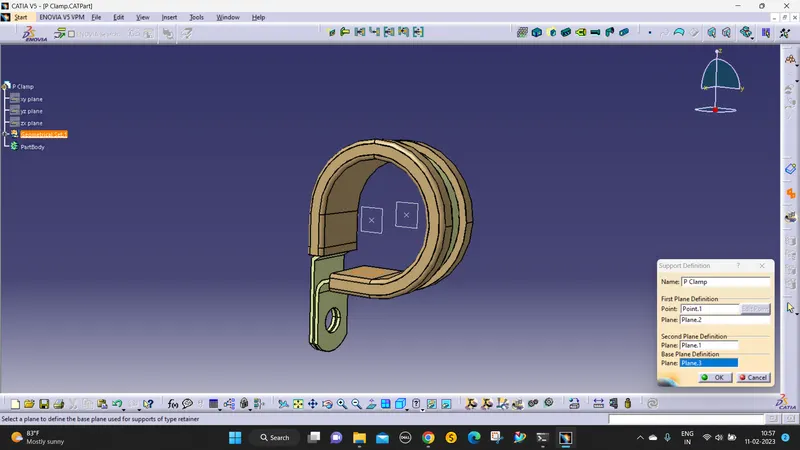
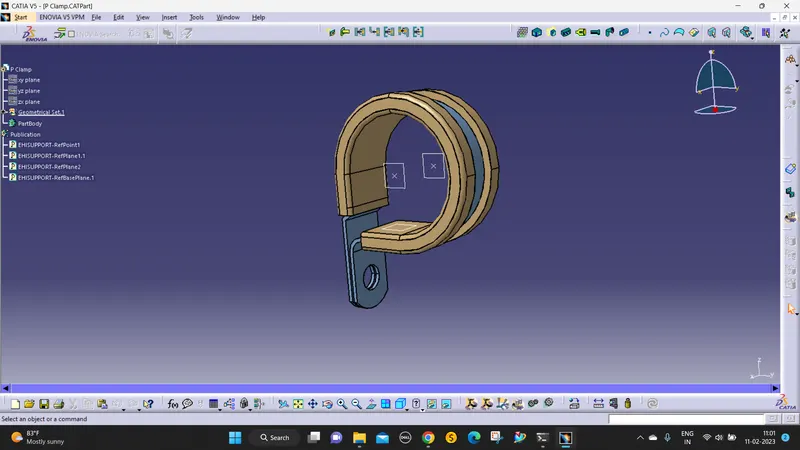
3. Then open EPD(Electrical part design) and define as support.
4. give the entry and exit points, and planes.
2. DEFINE BACKSHELL:
BACKSHELL IS A PROTECTIVE COVERING FOR THE BUNDLE CONNECTION AREA TO PROTECT THE WIRES.
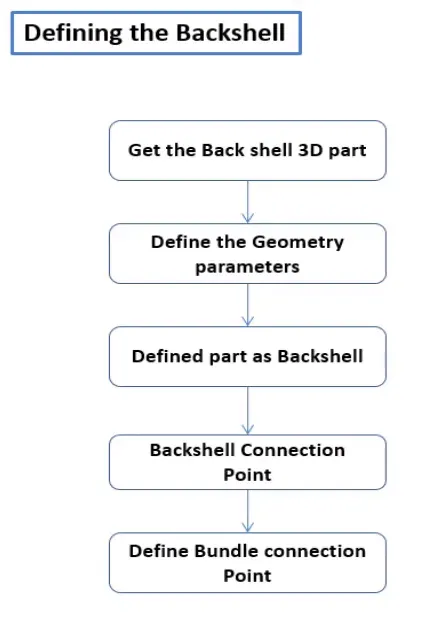
STEPS:
1. The backshell data was downloaded from the website.
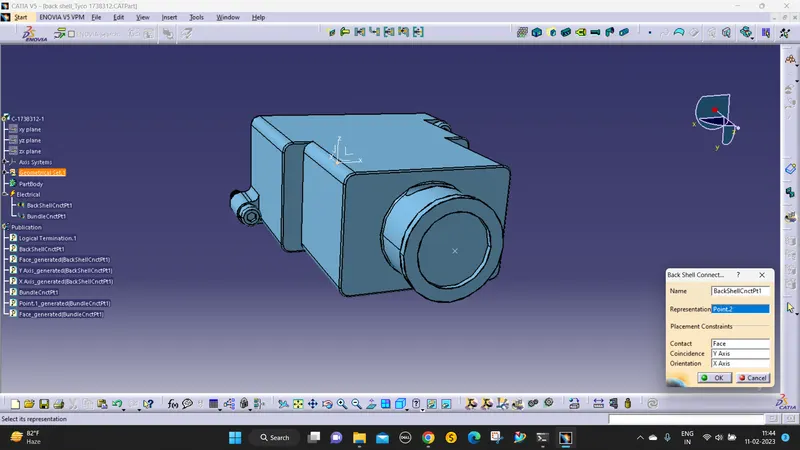
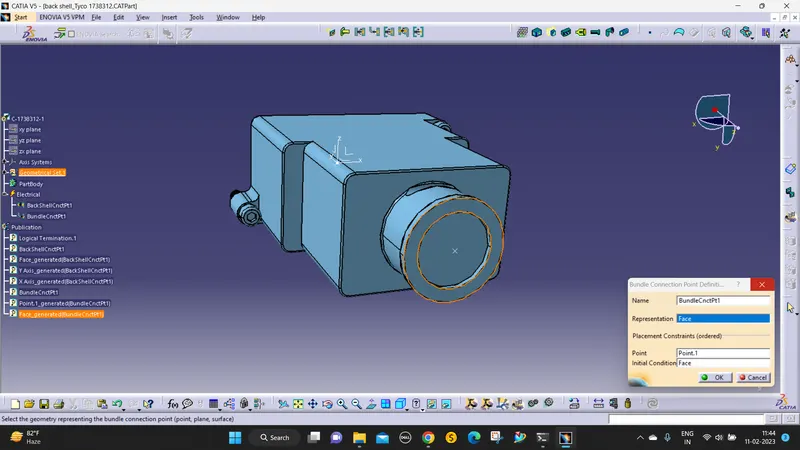
2. We define the points and axis in the part workbench.
3. Then define it as a backshell
4. Then define the bundle connection and Backshell connection points and axis.
3. CREATE CORRUGATED TUBES:
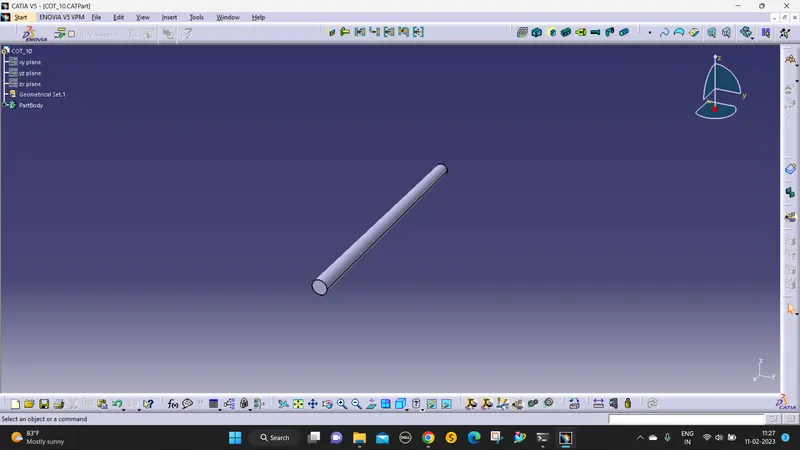
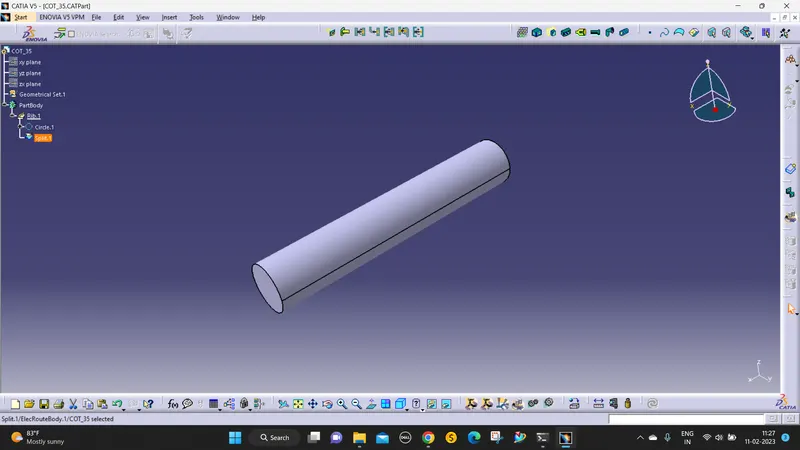
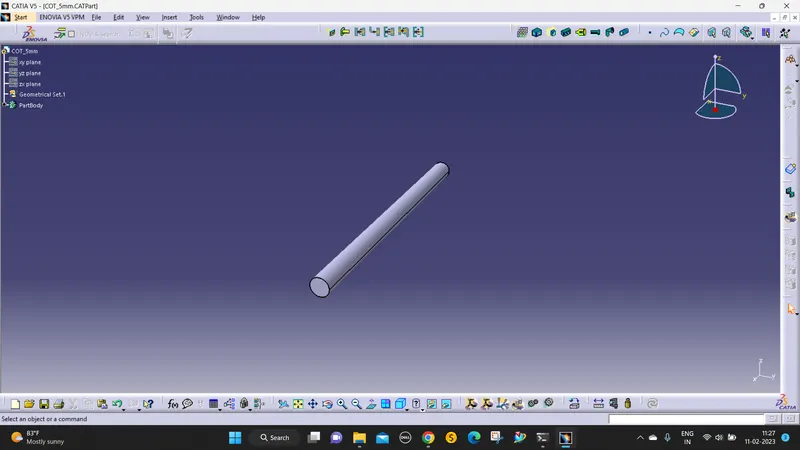
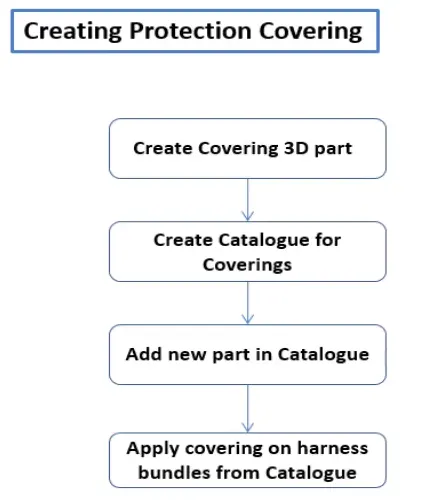 CORRUGATED TUBES are the cot tubes. It is used to protect the wires and it is an insulated tube.
Name | ID (mm) | OD (mm) | Thickness (mm) |
15mm COT | 12 | 15 | 1.5 |
20mm COT | 17 | 20 | 1.5 |
35mm COT | 32 | 35 | 1.5 |
10mm COT | 7 | 10 | 1.5 |
5mm COT | 3 | 5 | 1 |
Steps:
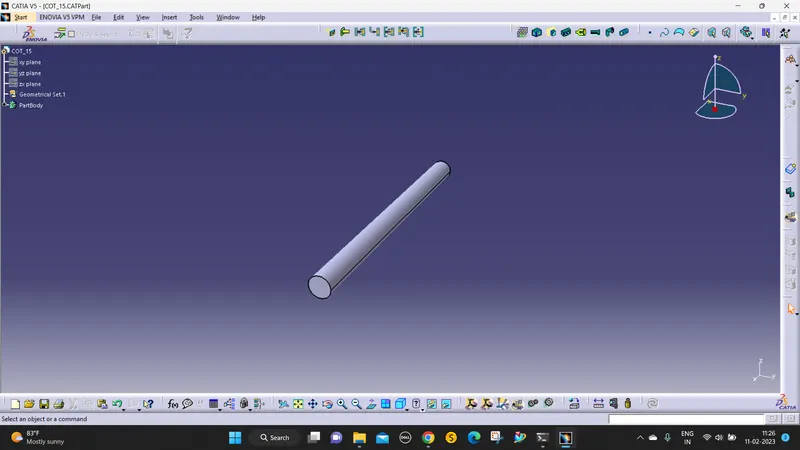
1. open a new part file
2. Go to EPD and select the Define protection part and select the part body.
3. Then give the ID and BEND RADIUS 1.5*ID.
4. Then give ok cot tubes are ready.
catalogue creation :
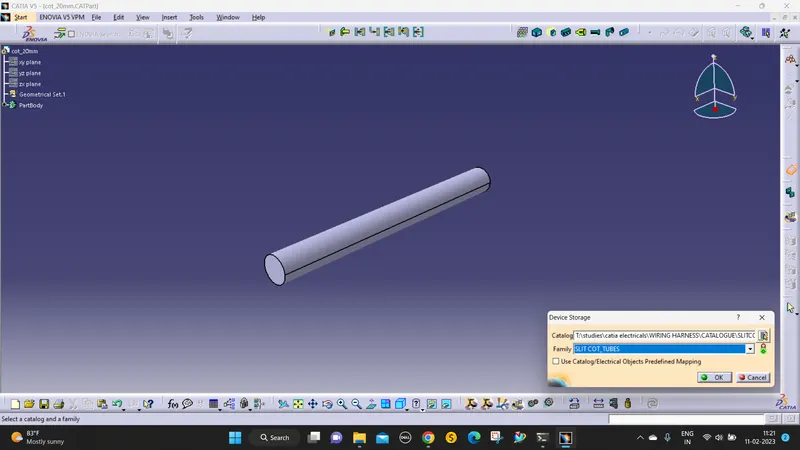
- the new part - catalogue document - add family - give name - type - select Conduit - save.
- Open part to add catalogue - store device command - select catalogue - family - SLITCOT_TUBES - ok.