Wiring harness routing & packaging Rules Week 3 Challenge
Q1)
AIM :
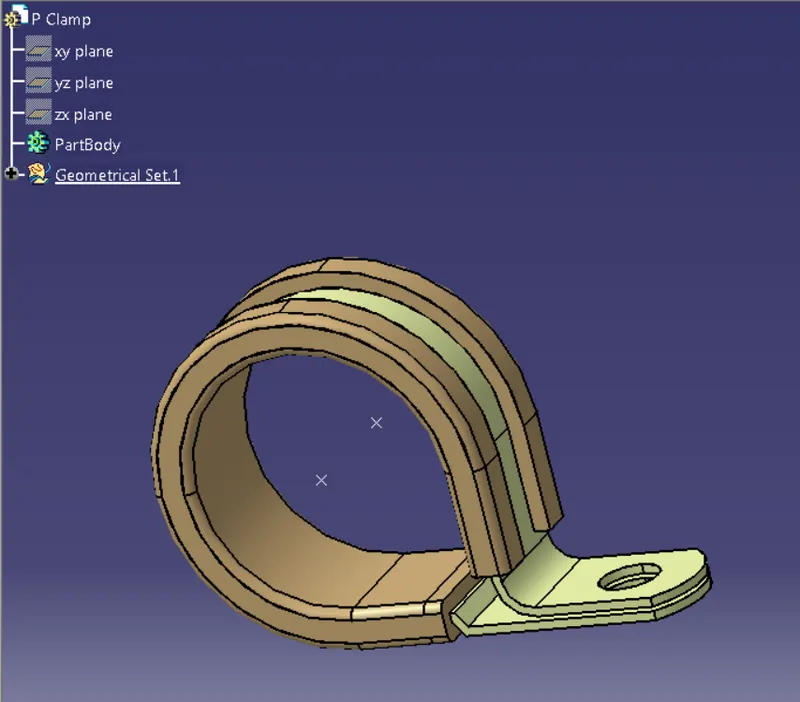
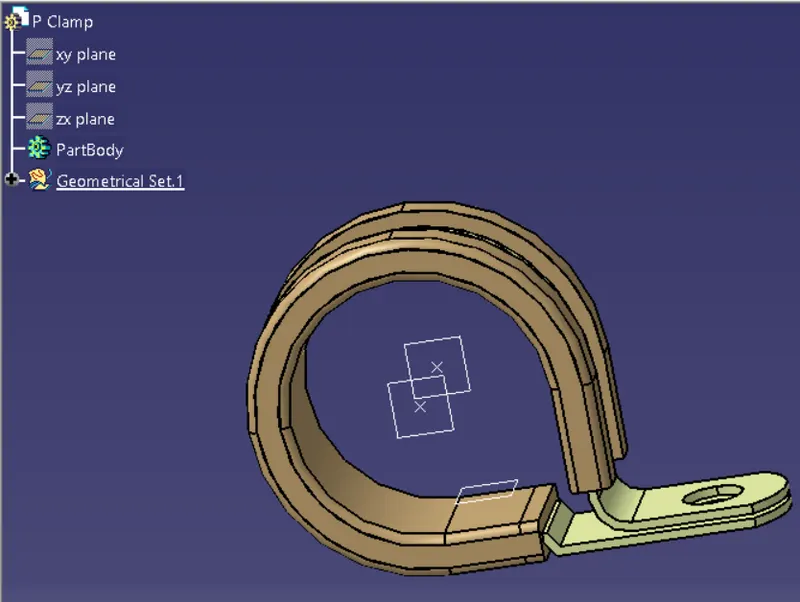
Download following cad data & define it as Electrical support using Electrical Part design Workbench. Define all the necessary properties.
STEPS :
1)Get the clamp 3d part.
2)Open the part workbench.
3)Give the required parameters like the entry and the exit points and also the axis with the y direction oriented to the connecting side.
4)Then open the electrical part workbench and define the part as support.
5)Then create and entry,exit plane and a base plane.
6)Then save the data.
Q2)
AIM :
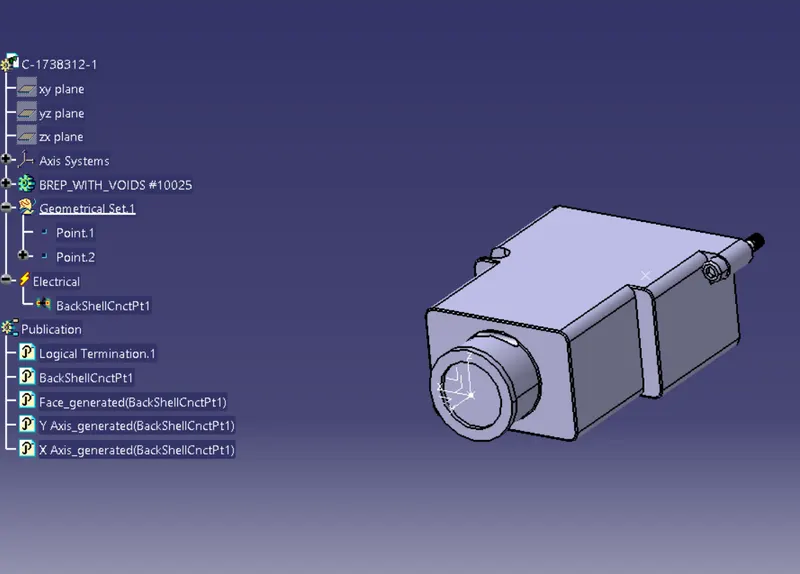
Download following Back shell cad data & define it as Electrical back shell using Electrical Part design Workbench. Define all the necessary properties.
STEPS :
1)Get the backshell 3D part.
2)Define the geometric parameters.Create tghe axis with the y axis oriented to the connecting side.
3)Open the electrical part workbench and define the part as backshell.
4)Now select the backshell connection point.
5)Then define the bundle connection point.
Q3)
AIM :
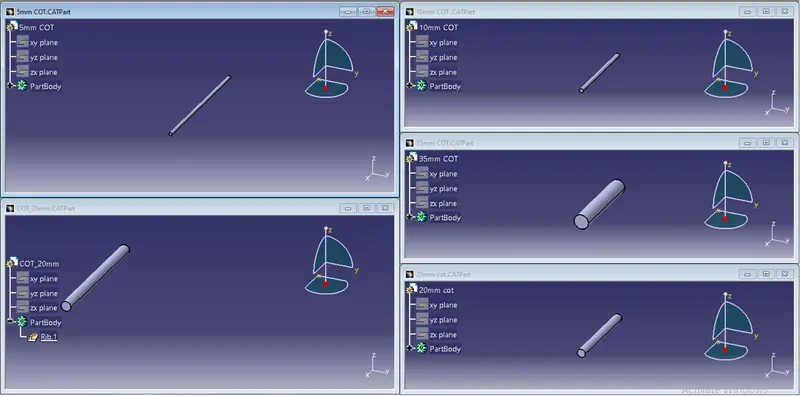
Create Following Corrugated tubes & Add them in Catalogue under “Slit COT” family.
STEPS :
1)Create CatalogDocument go to File > New > CatalogDocument
2) Select "Add Family" Command name it as Slit COT and select the type conduit. Then, save it locally.
3) Now go to File > New > Part and create a single parts as per the names given in the table by using "define protection part" command.
4) Apply the given Id, OD and thickness. consider the bendlenth as 1.5 times OD. click ok and the tube will appear.
5) Select the store device command and choose the previously saved catalogue and Slit COT family. click ok.