Wiring harness routing & packaging Rules Week 3 Challenge
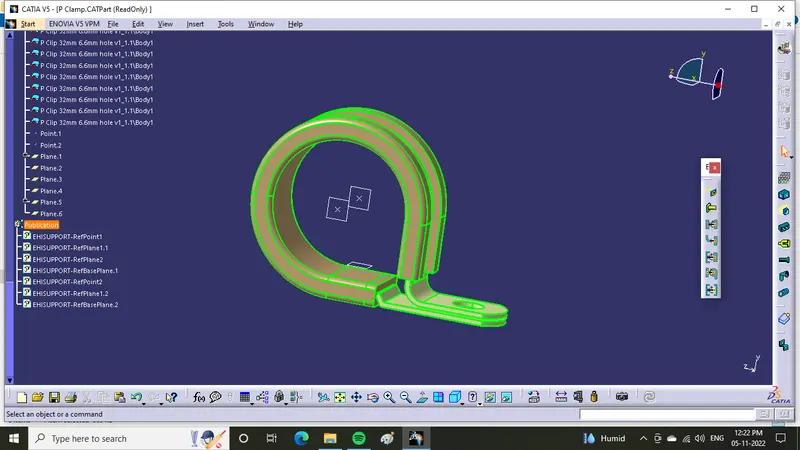
- P clamp opened in catia v5
- create plane and point at one end of clamp
- same for other end and base
- Then click on electrical workbench
- click support member define
- Then click plane and point
- Then select second plane and base plane
- Again select support member define, select second end
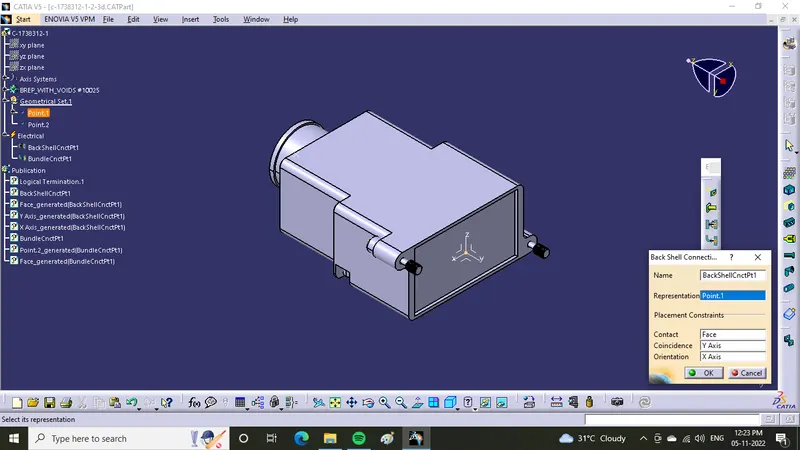
- Now for back shell first define back shell in electrical work bench
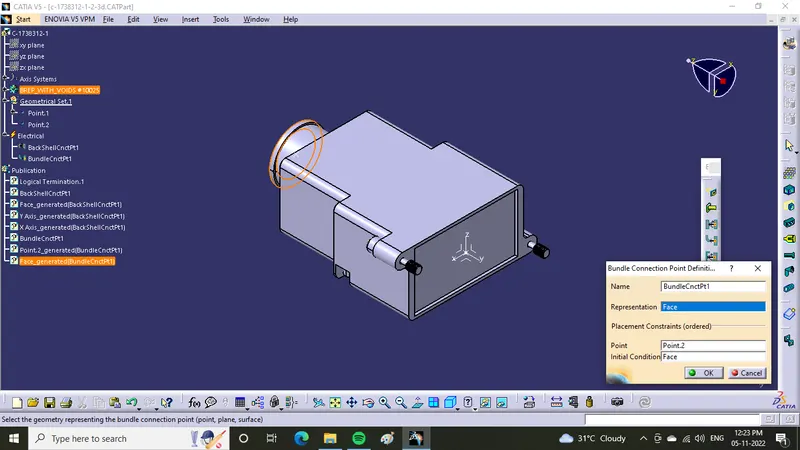
- Then create point at bundle entry point
- create point and axis at back shell connection point in part work bench
- Then define both bundle entry point and back shell connection point as shown below
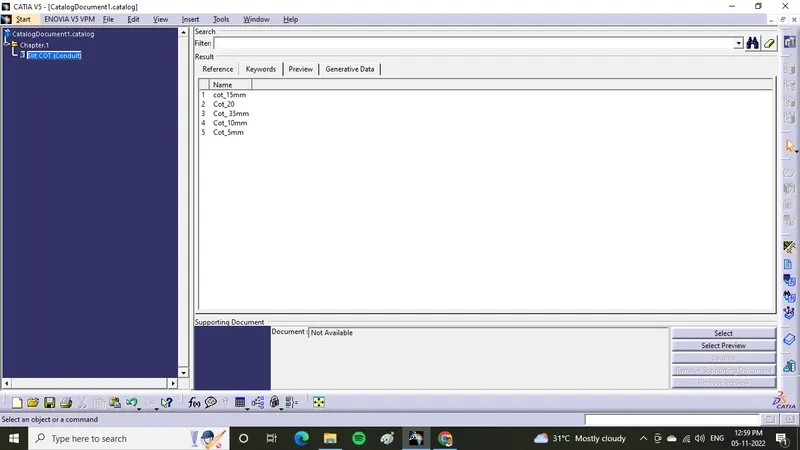
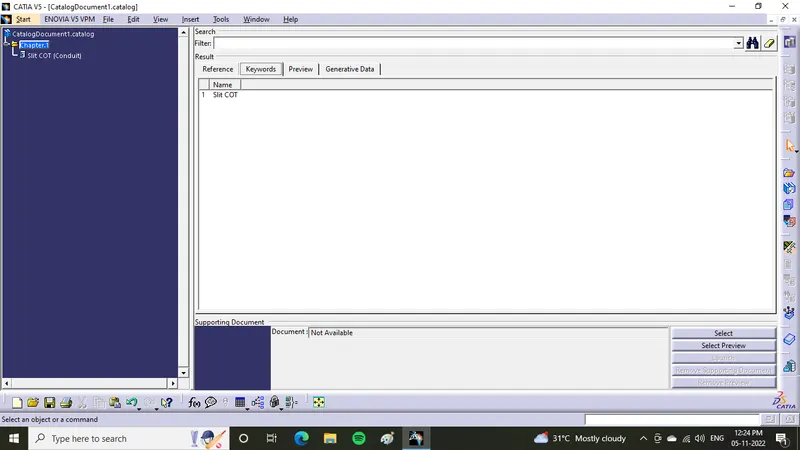
- First create new catalog in file new option
- Then click add family in right side menu option
- Then enter name of catalog as SlitCOT
- Then save the catalog in a specific location
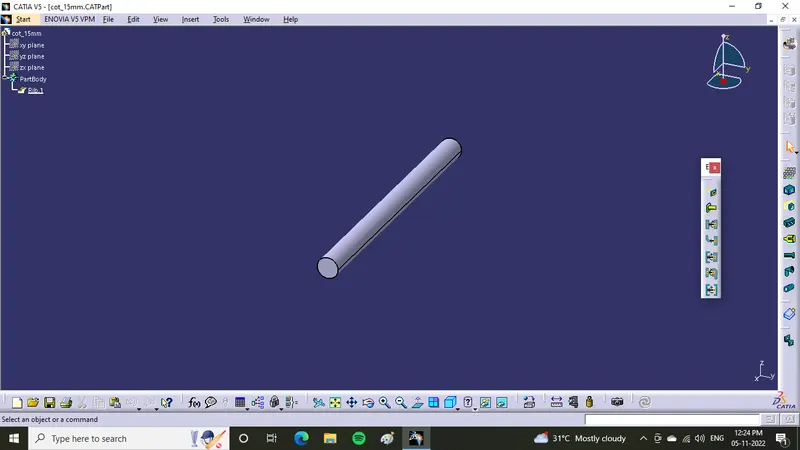
- For creating corrugated tubes select define protective part option in electrical work bench
- Then select the part and enter tube ID and Thickness
- Then store the corrugated tube in catalog by using store device option