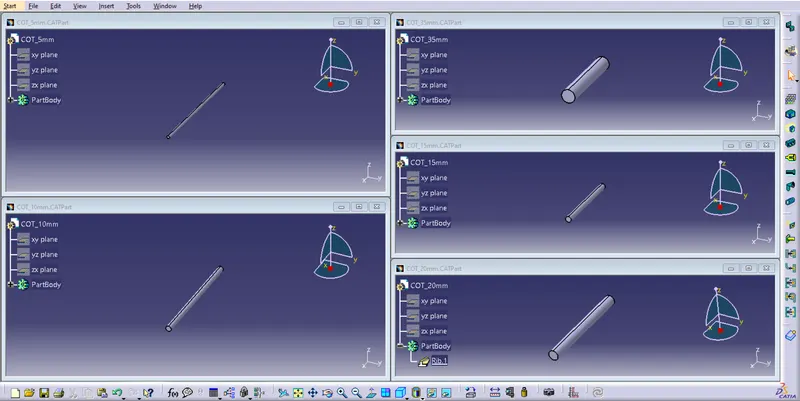
Wiring harness routing & packaging Rules Week 3 Challenge
P_CLAMP:
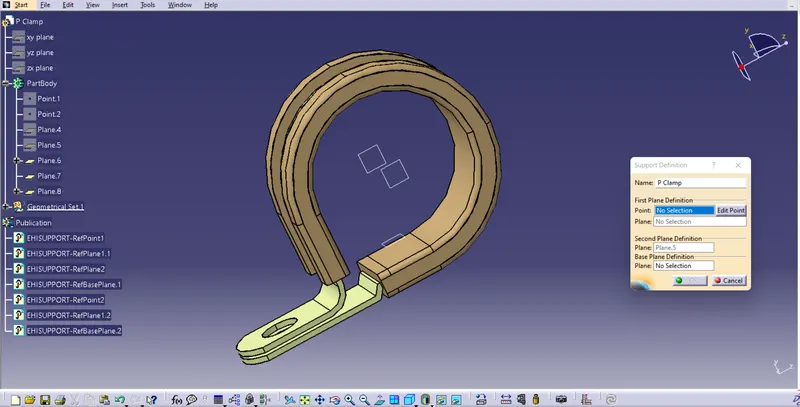
The clip is a support part in the electrical part family.They may or may not be available in standard.To define a clip following steps has to be follwed:
process:
- Step 1 -Create two points one as entry and another as exit point.
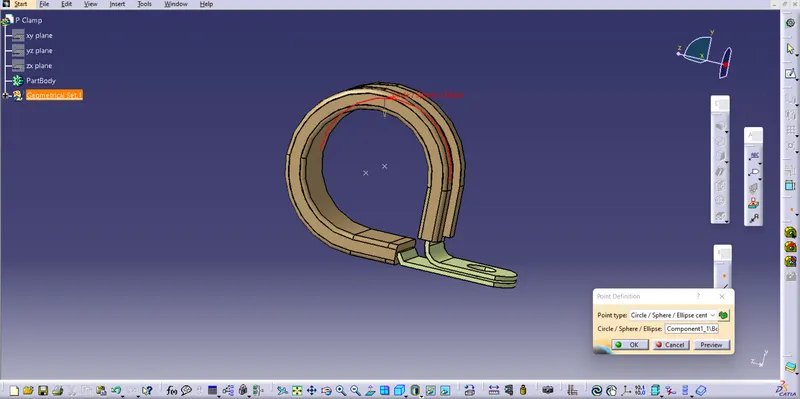
- Step 2- create axis system for entry point and exit point.
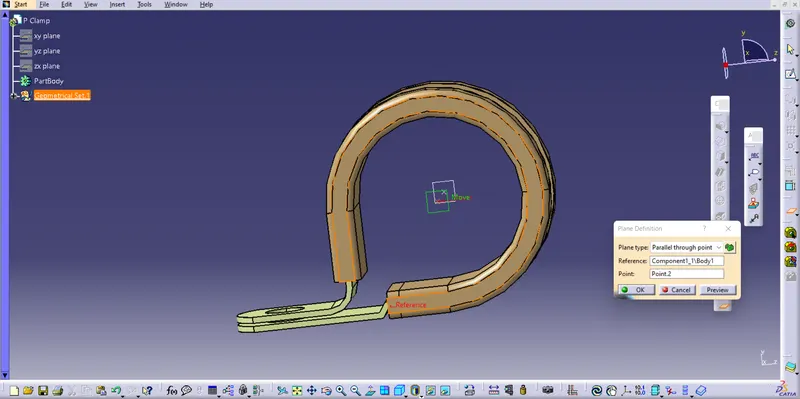
- Step 3-Define the entry point .
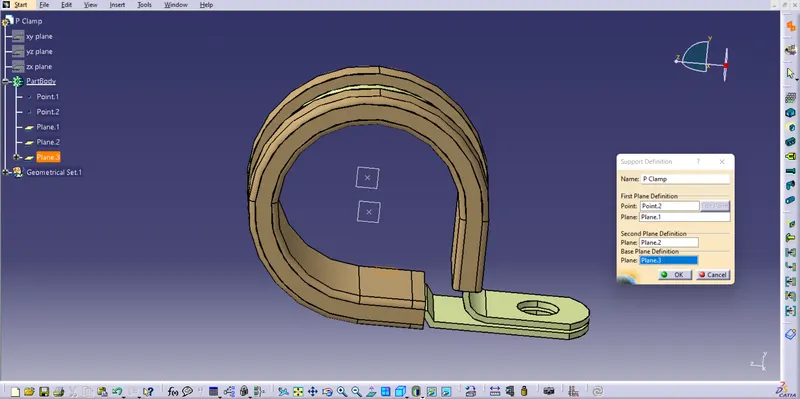
- Step 4-Define the exit point .
BACKSHELL:
To define the Backshell the follow the below steps:
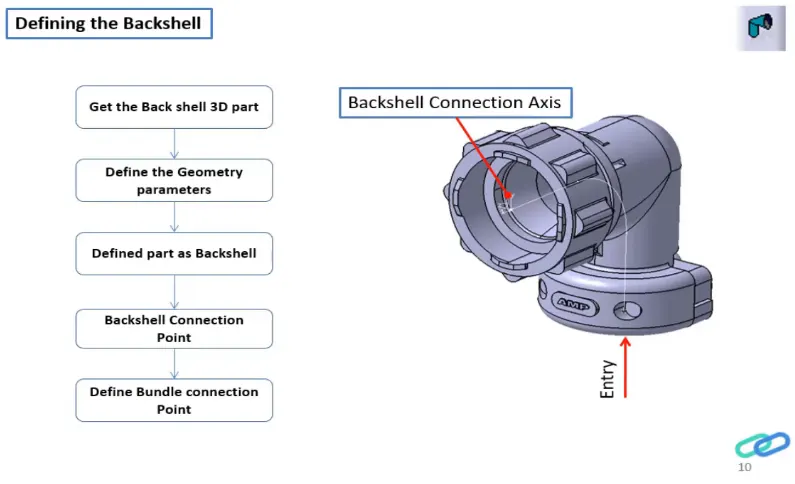
process:-
- Step 1- create Back shell entry point.
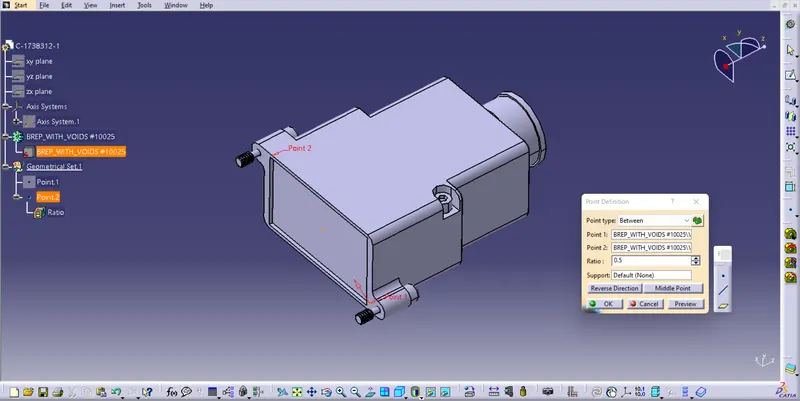
- Step 2- create bundle connection point.
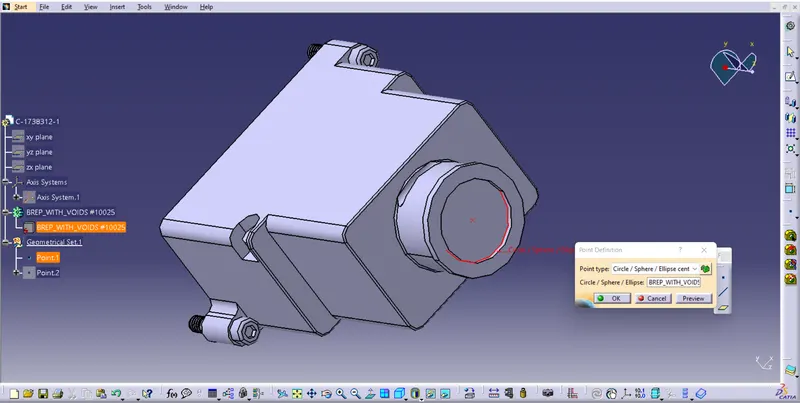
- Step 3- create axis system for back shell entry.
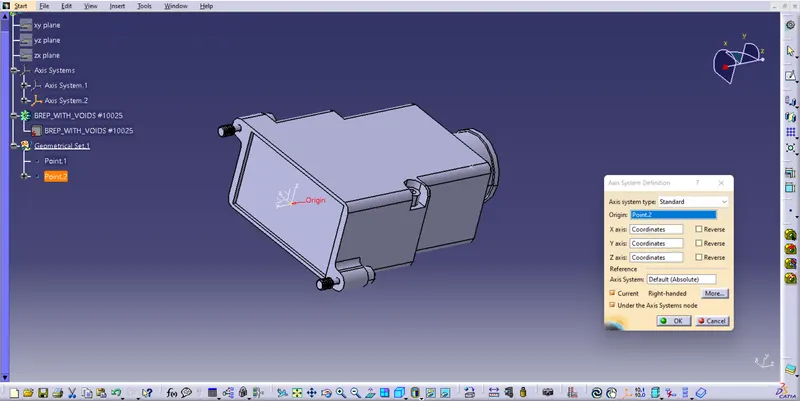
- Step 4 - switch to Electrical part design.Define part electricaly as back shell.
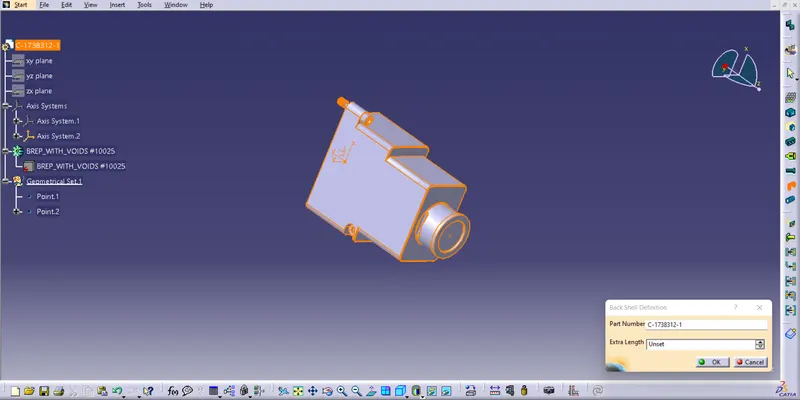
- Step 5 - Then define Back shell connection point.
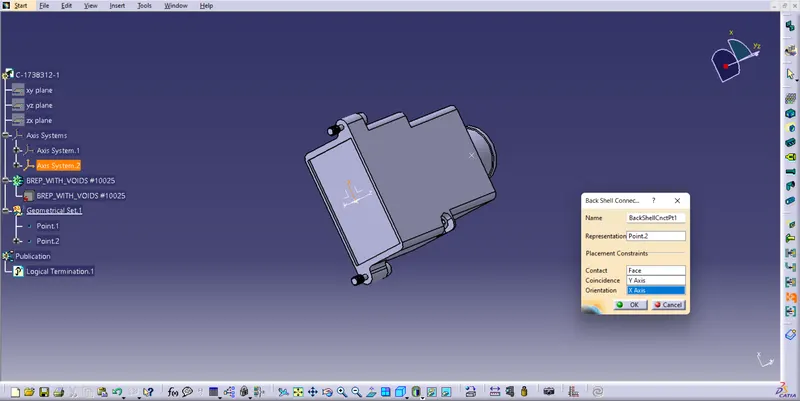
- Step 6 - Define bundle connection point.
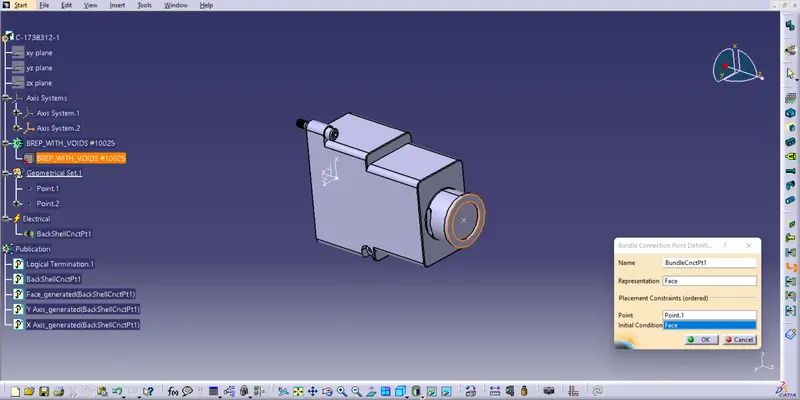
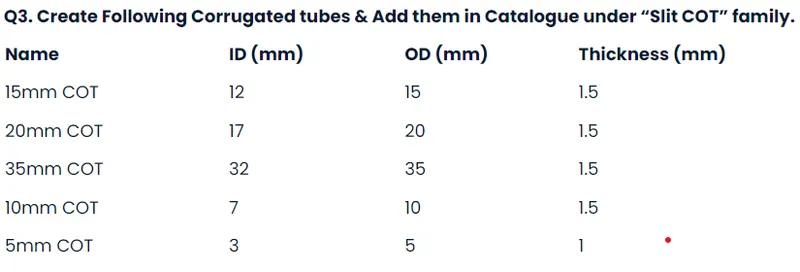
Process:
• Switch to Electrical part design
• Select Define protection Part
• Click on part (on file name in specification tree)
• Provide given parameters and bend radius as '1.5 x Outer Dia'.
Clatalogue creation:
File - New Part - catalogue document -Add on Family - Provide file Name -Select Type - as Conduit and Save
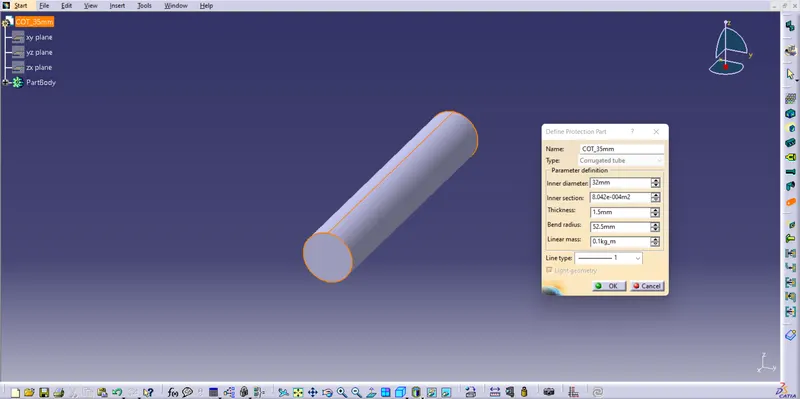
Then Goto Part (COTs Created) - Store Device Command - Select Catalogue family - and select the part.
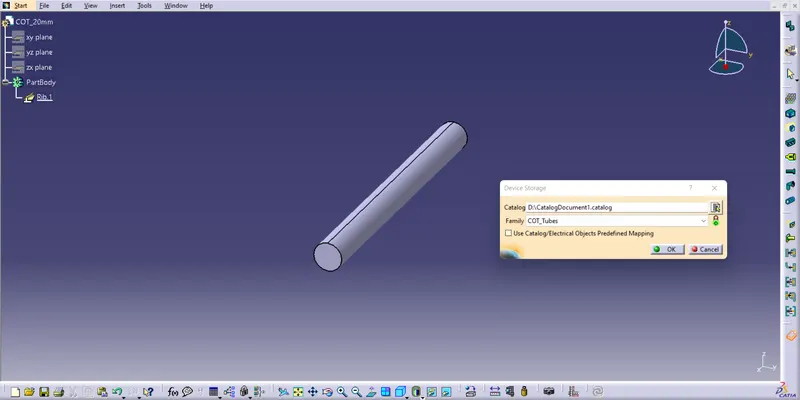
Repeat the same process for all the COTs to add it to catalogue.