Wiring harness routing & packaging Rules Week 3 Challenge
CHALLENGE FOR CATALOG CREATION, COT TUBES , DEFINING P-CLAMP AND BACKSHELL ELECTRICALLY.
OBJECTIVE: Create the cot tubes for various diameters listed in input and add them to cataog, define the P-Clamp electrically and list its electical properties and define the Backshell electrically and list its electrical properties.
P-Clamp
P-clamps lock cables and hoses in place and help ensure that machinery, vehicles and equipment keep running. They bracket wires, cables or hoses together mechanically and are fastened securely to an anchor point – usually with a screw or a bolt.
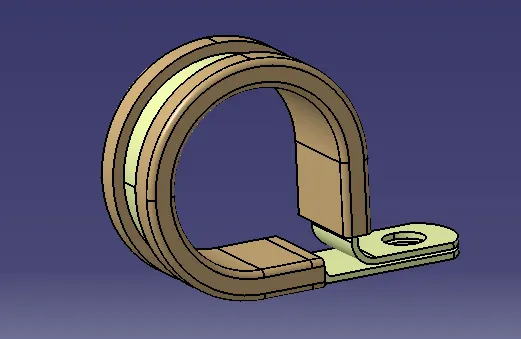
PROCEDURE TO DEFINE P-CLAMP ELECTICALLY .
- Open the P-clamp in part design and define the points for entry and exit for the routing, along with the planes and also define the base plane.
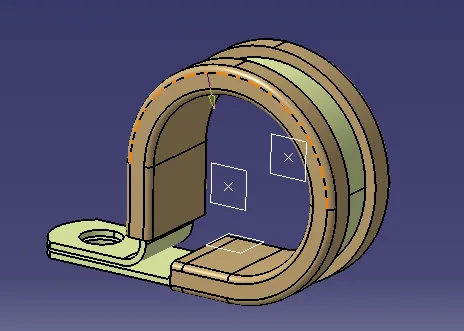
- Open the electric part design window and define the clamp electrically by selecting the "define support part" tool from the command window.
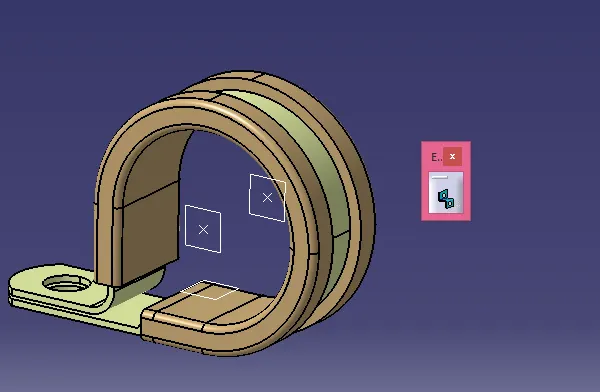
- Select the respective points twice as there are dual possibilities for entry and exit of the bundle.
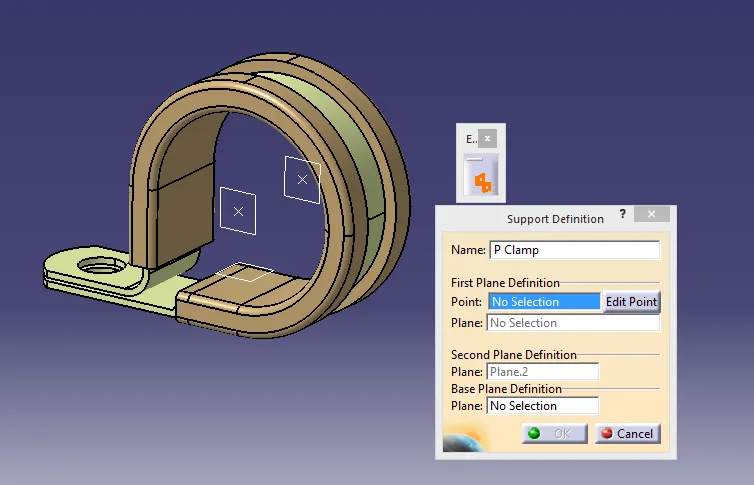
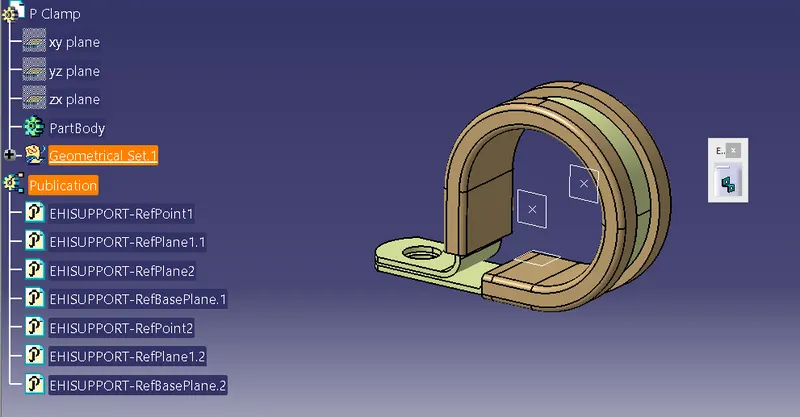
- Tree structure is provided below.
BACKSHELL
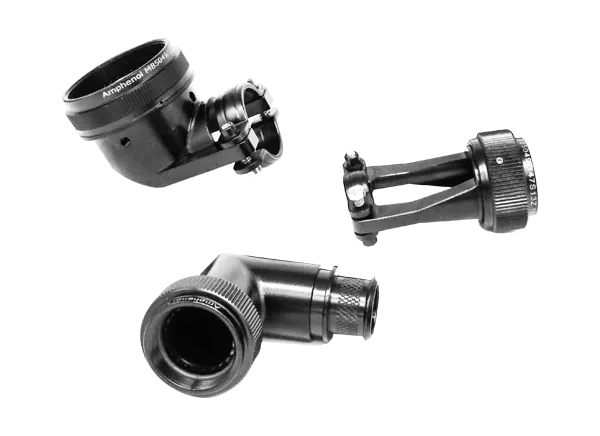
A backshell is a mechanical device threaded into the rear of an electrical connector. The more popular backshells are strain relief, cable clamps and adaptors. The SUNBANK brand offers a wide range of standard and customized backshells for the aviation and defense markets. Backshells protect the electrical connector and the cable link from physical stress (strain, shock, vibration) as well as electromagnetic interference that can occur when lightning strikes an aircraft.
PROCEDURE FOR DEFINING THE BACKSHELL.
- Open the given input file of backshell in the part design window and enlist all the geometrical characteristics such as points and axis system which is required for backshell definition in electrical aspects. Make sure the y-axis is pointing towards the routing direction.
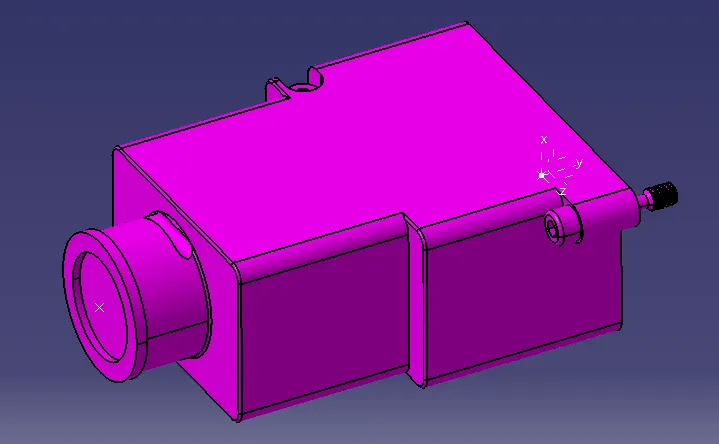
2.Define the backshell electrically in the electrical part design window by using the define as backshell tool from the toolbar.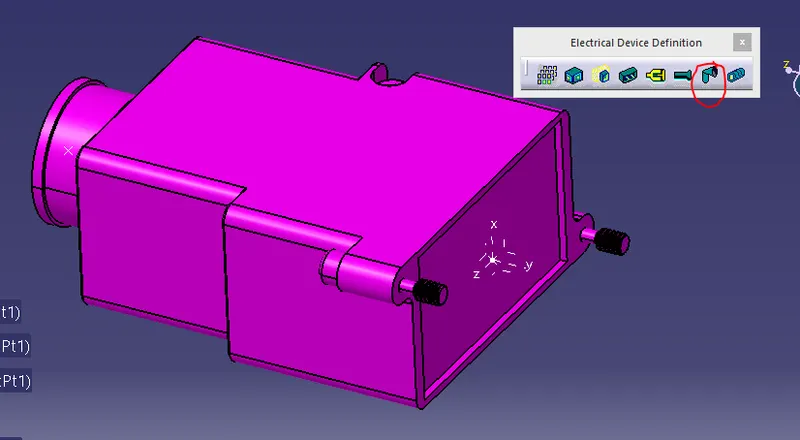
3.Define the backshell connectivitity with the bundle entry by using the bundle entry command.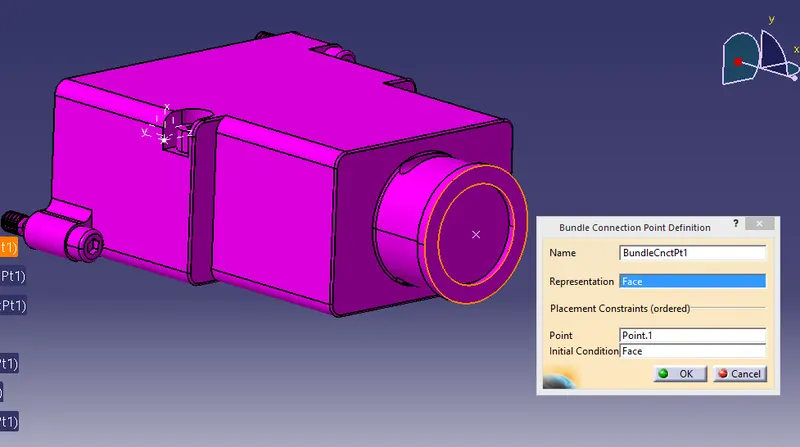
4.Define the backshell connection control point by using the backshell connection point.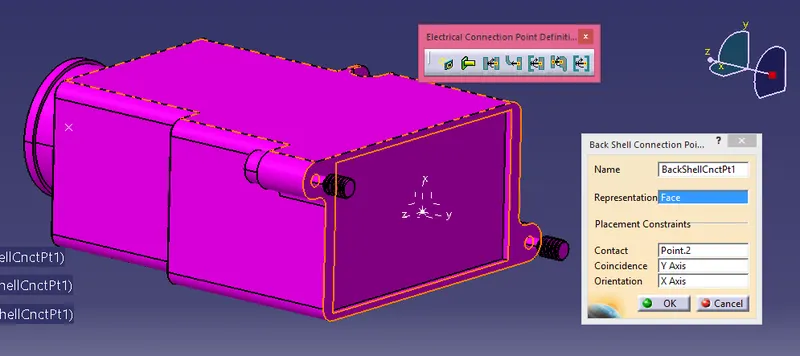
5.Tree explansion
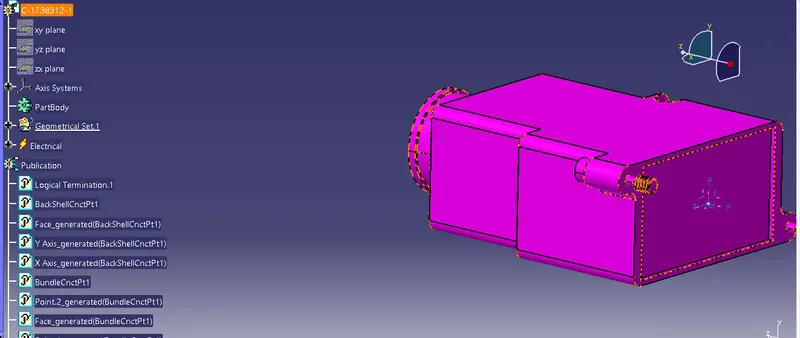
COT TUBES:
The cot tubes are used as outer covering of the bundle, it serves the purpose of safety and also enrich the bundle asthetically.
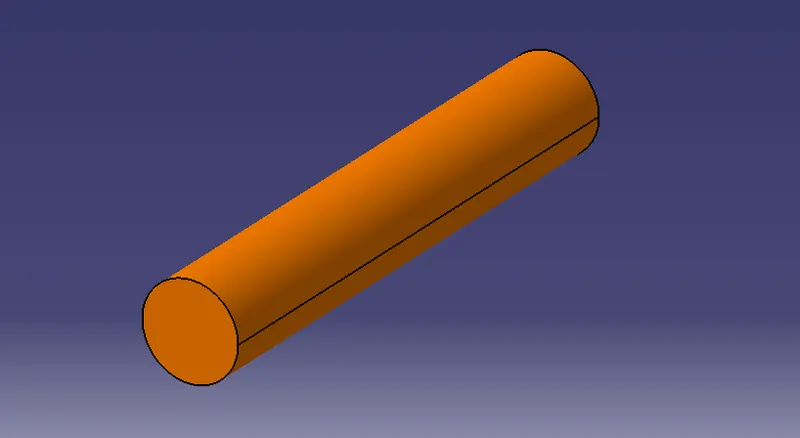
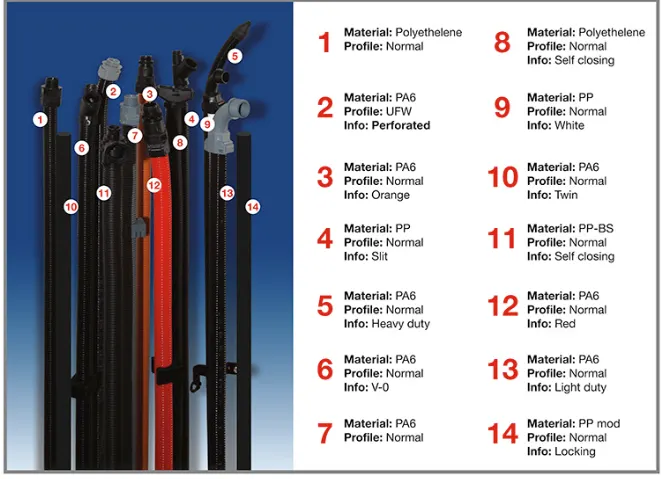
The creation of the cot tube in catia is quiet simple, you need to just click on "Define protection part" tool in electrical part design and then just select the part from the tree- Followed by the window where you need to provide the radius of cot tube to be used along with the bend radius which is certainly 1.5 times the inner diameter of the cot tube.
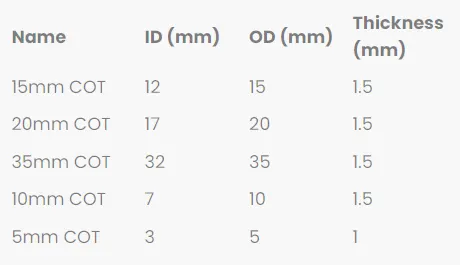
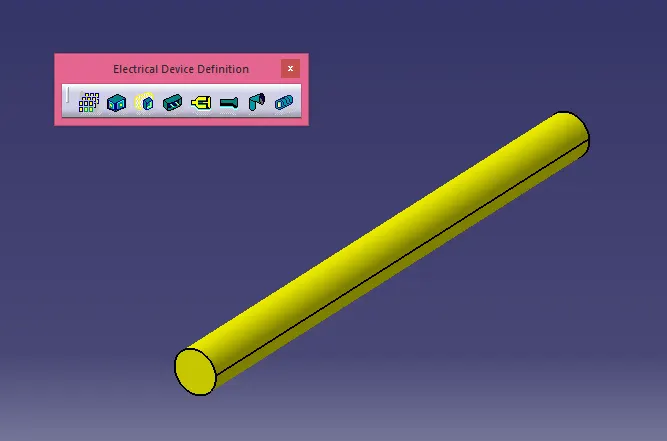
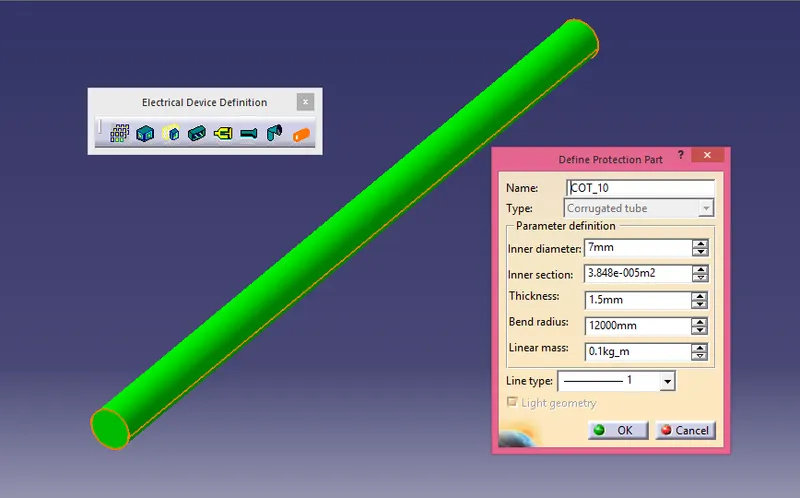
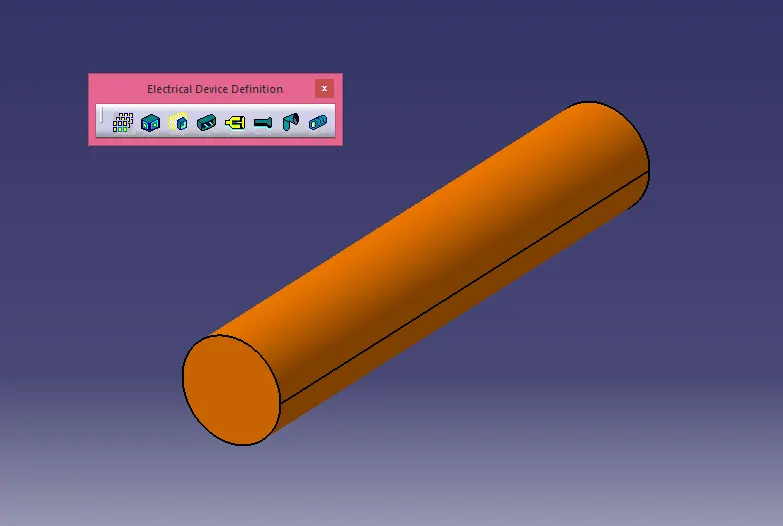
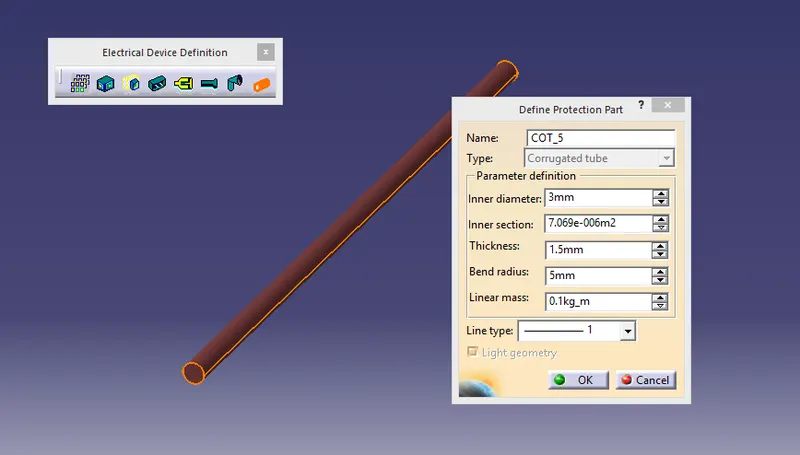
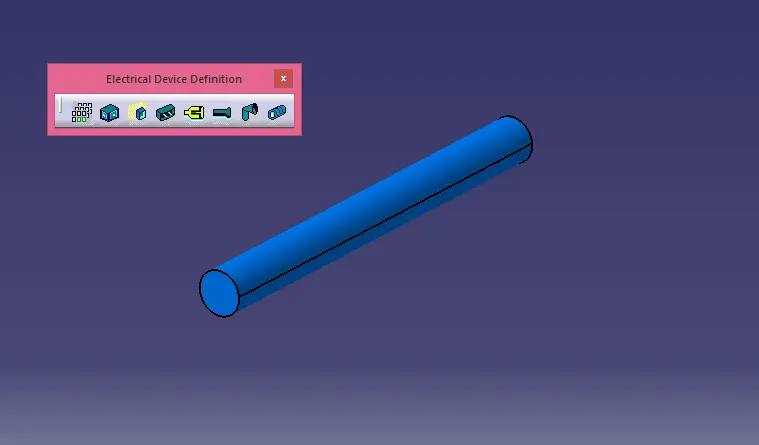
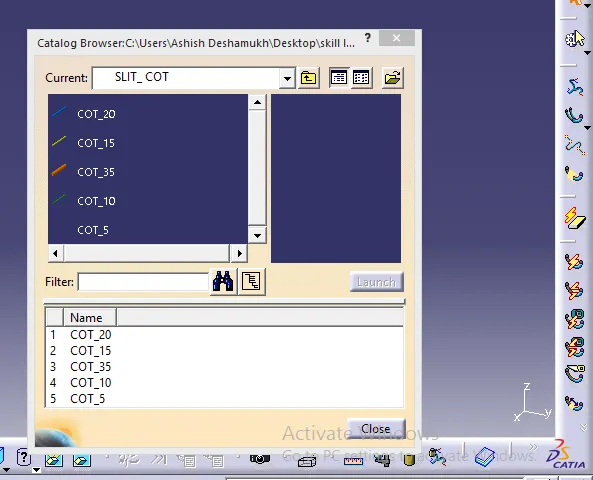
Then you need to add this cot tube in the catalog to use it on bundle while routing, the catalog by the name of family "slitcot " is created and with the "conduit" type.
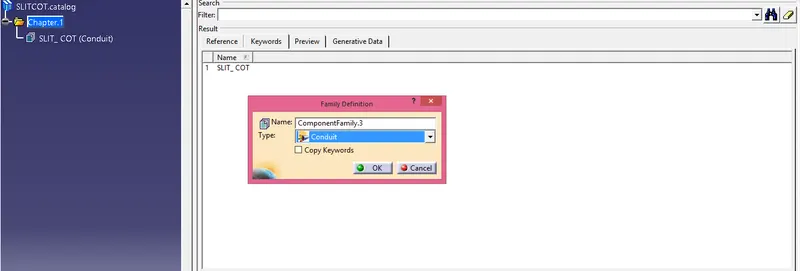
You need to add all the cot tubes created inside the slitcot catalogue, which is done by clicking on the store device option and selecting the directory of the slitcot family catalog.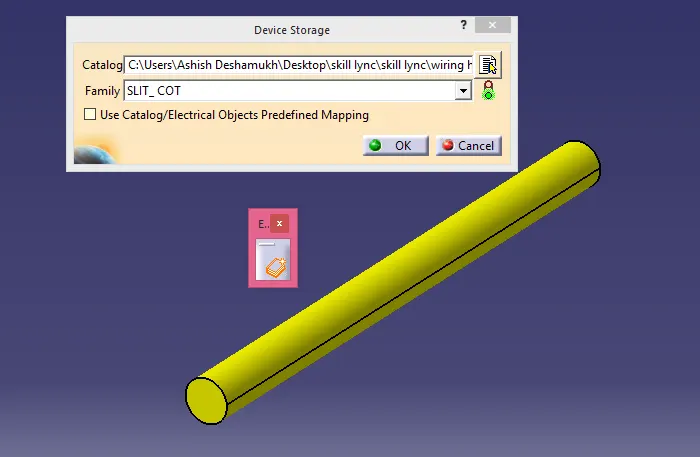
You can access these cots in the electricall harness assembly by simply clicking the catalog browser.