Wiring harness routing & packaging Rules Week 3 Challenge
Electrical support using Electrical Part design Workbench For P Clamp
STEP 1 Copy P clamp for TE website in igs then select point and axis along with it.
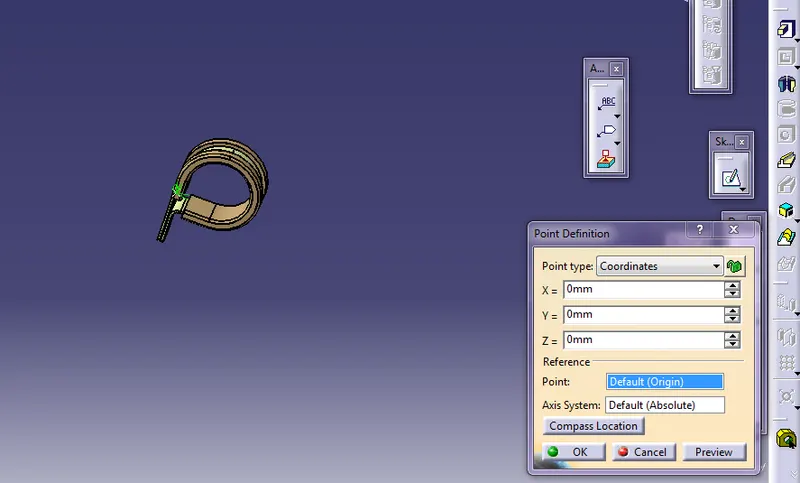
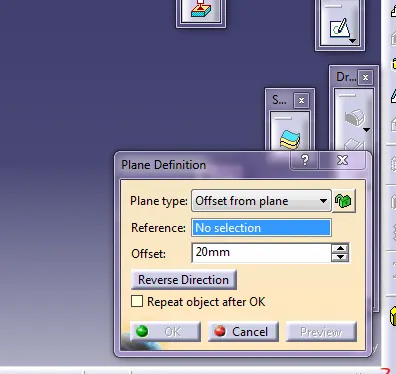
Step 2 Select plane definition with points and a base plane.
Step 3 Go to electric part design select command support part and then the required specification
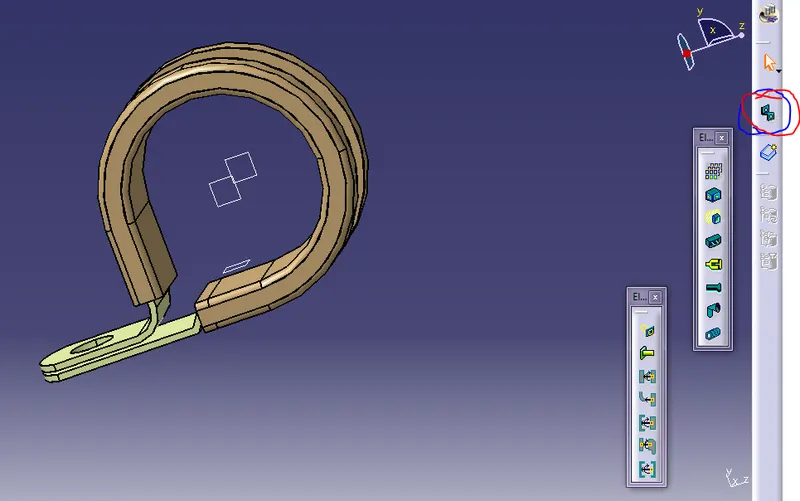
save it i folder.
2. Defined Tyco 1738312-1 Electrical back shell using Electrical Part design Workbench
Step 1 Download Tyco 1738312-1 from website and save it in desktop file. Using part design give proper points and axis.
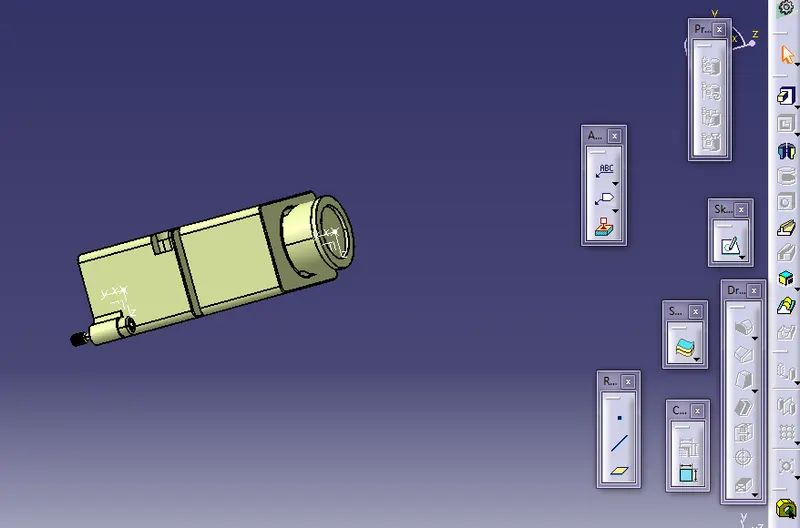
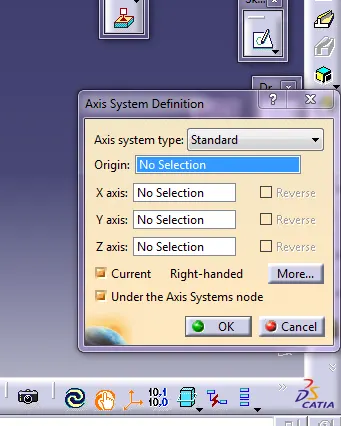
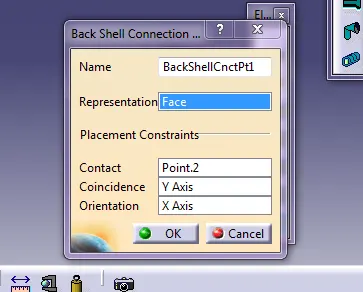
Step 2 Using electic part design define backshell and then backshell connector point. After that select budle connection point on give backshell

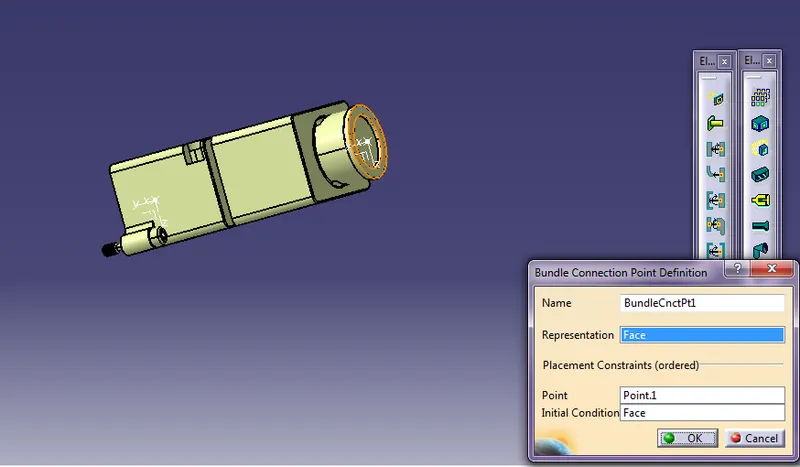
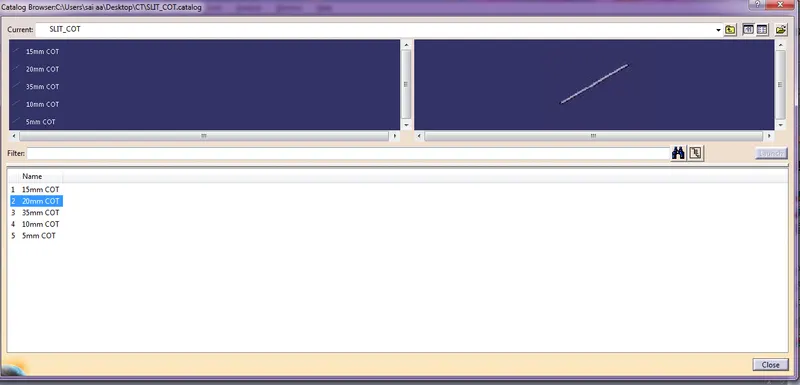
3 Corrugated tubes & Add them in Catalogue under “Slit COT” family,
Step1-Go to new part and select catalog doc and rename it Slit cot.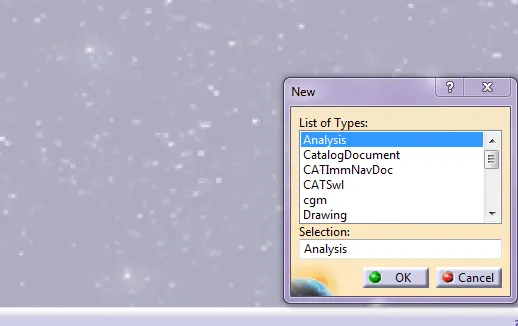
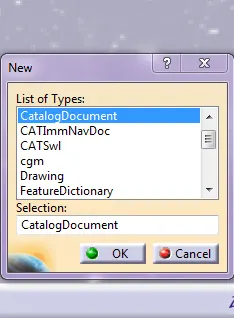
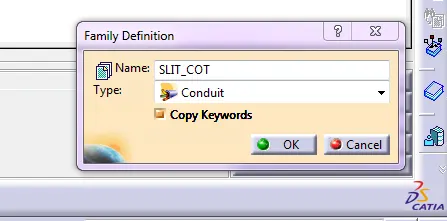
Step 2 Select electric part design select command protective covering with respect to proper dimentions then seve it.
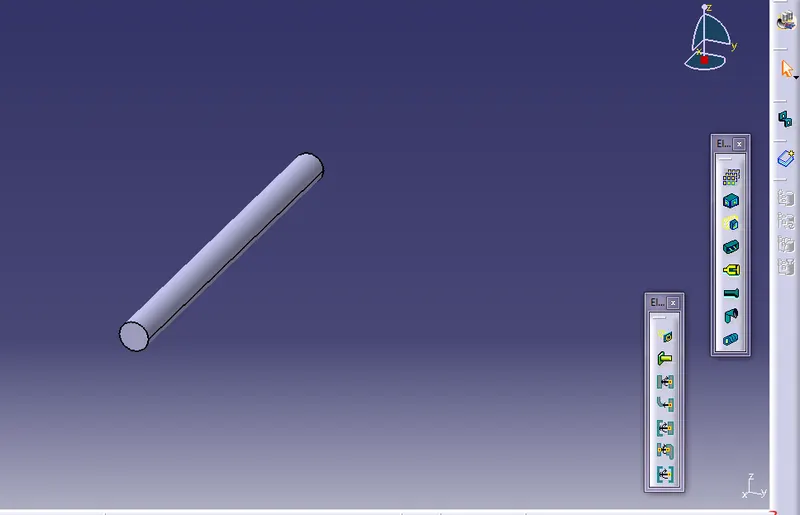

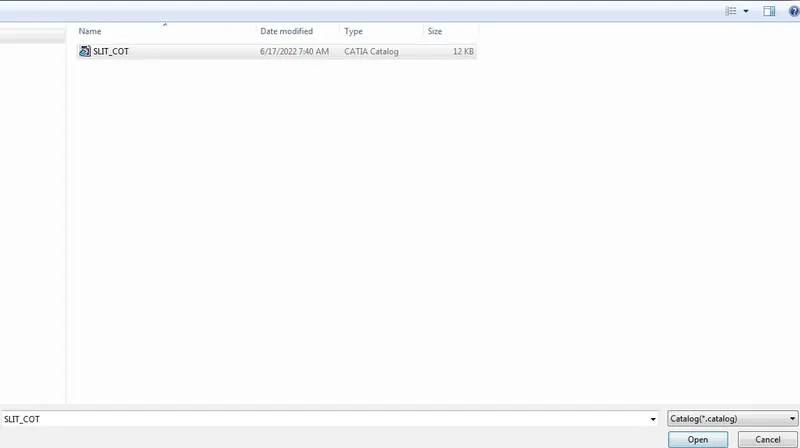
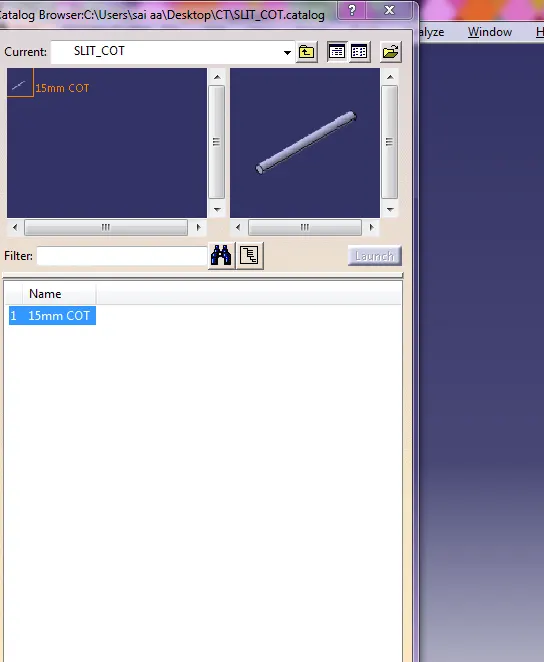
Step 3 Do the same process for all Slit cot