Wiring harness design in CATIA V5 - 3D modeling Week 7 Challenge
1. Download all requied conductor and extract file in catai workbench.
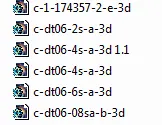
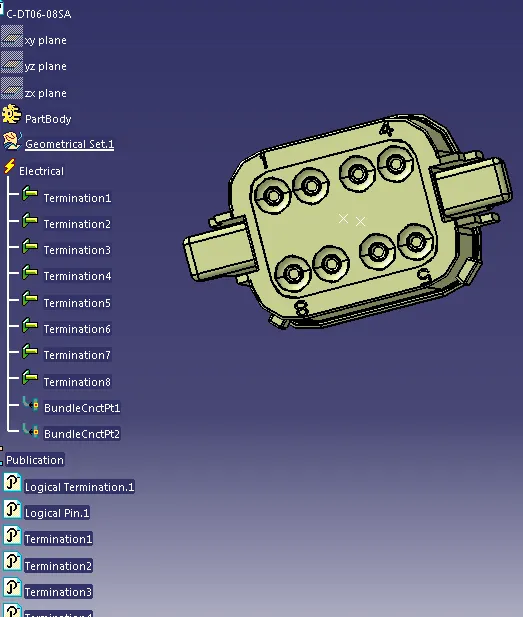
2. Define points and bundle connection points for the following conductors. Like wise do for all condctors.
3. Use sketch command to draw the sketch as per required geometry.
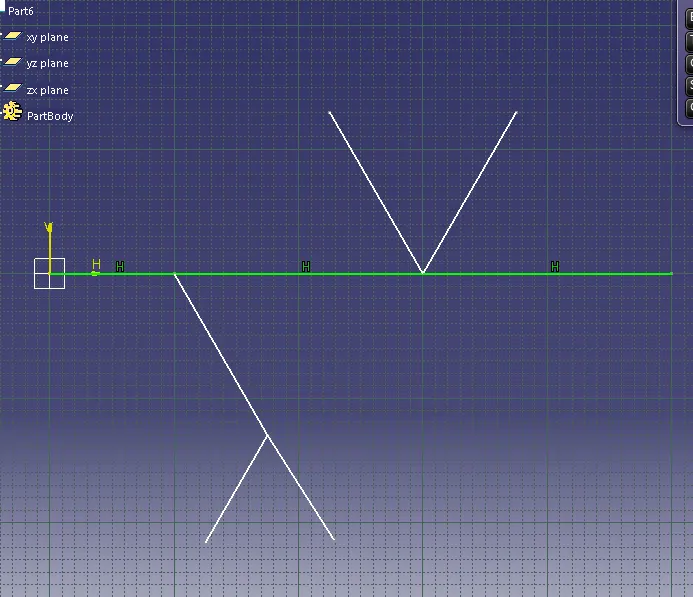
4. Put conductor on the sketch axis with proper definition . then save it using save management.
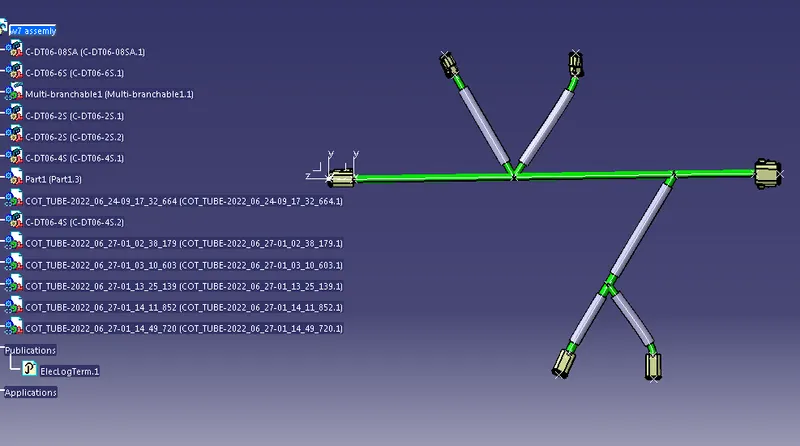

5. Open new file and select electric harness flattening workbench. Save the file and define flattening parameter as per requirement.
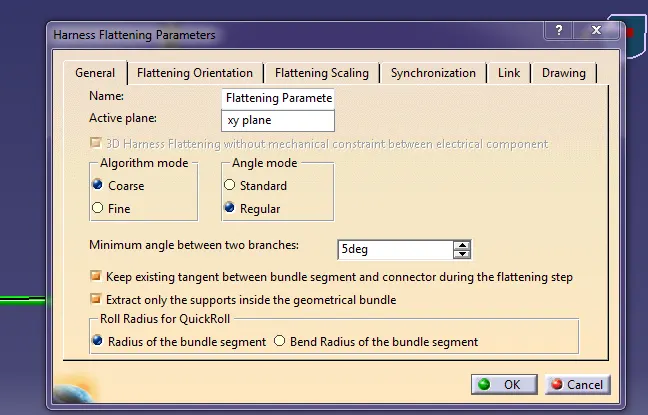
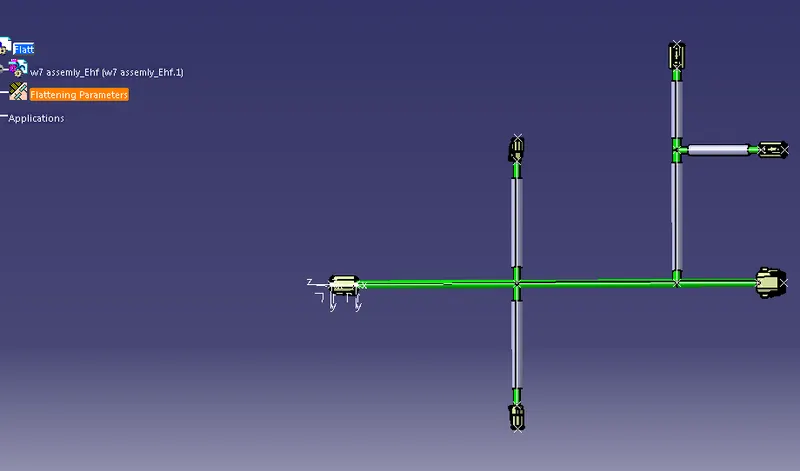
6. Use extract command to extract the file from product file and then perform the flatten command to flatten the product.

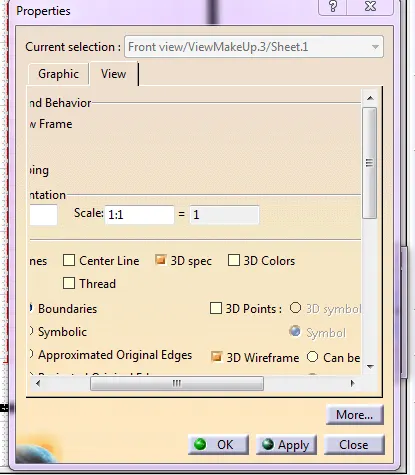
7. Open new drawing page with required page size. then choose front view and extract the flatten product on drawing page and move it as desired position. And last change properties with 3D wireframe
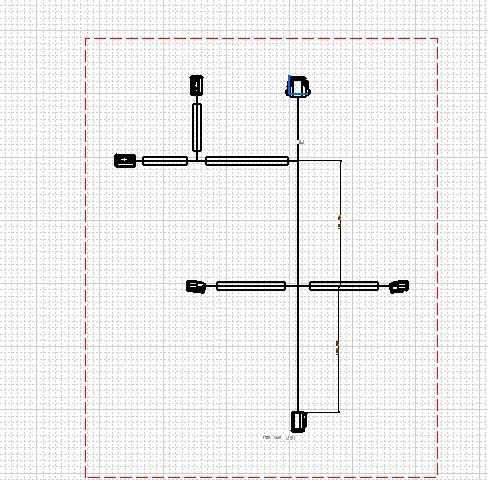
Completed