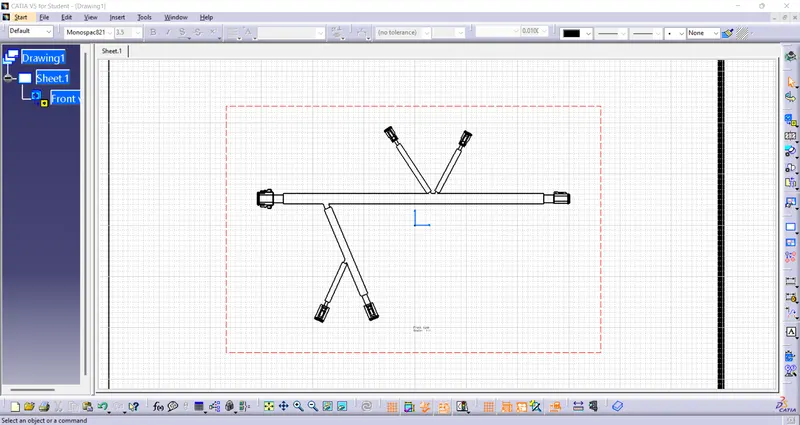
Wiring harness design in CATIA V5 - 3D modeling Week 7 Challenge
Open the Geometric Bundle created before.
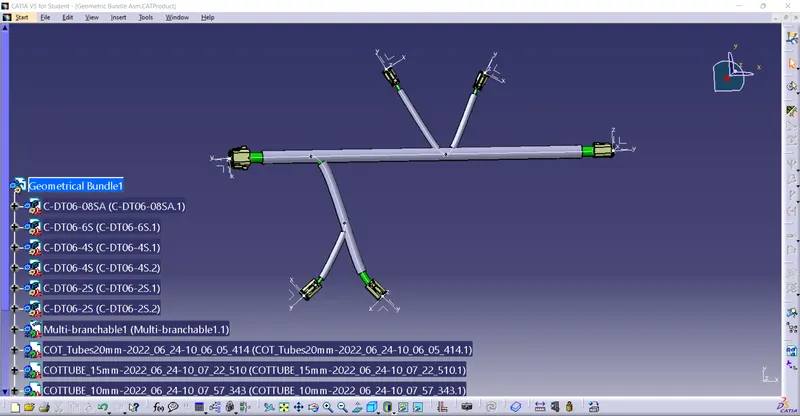
Then, create a new product file and get into the electrical harness flattening workbench.
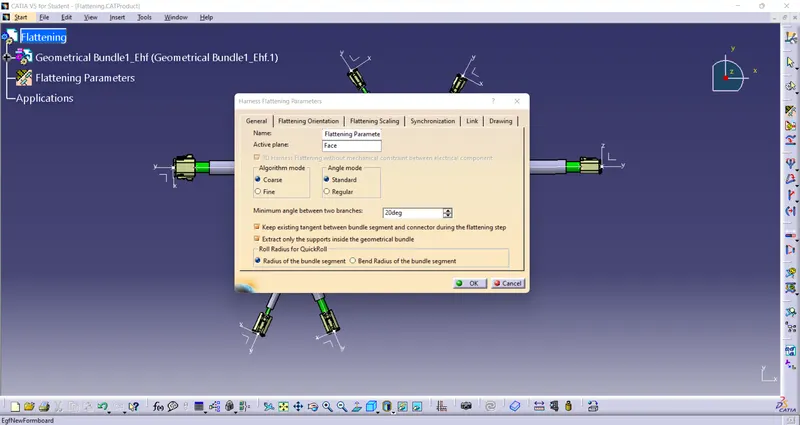
Define the flattening parameters and use the extract option to bring the geometric bundle into the flattening workbench.
Then, use the flattening option and select a face by which we need to flatten.
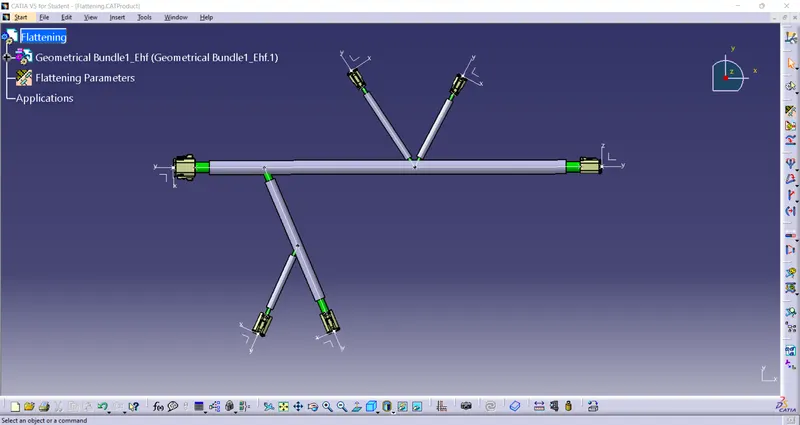
And open a drawing file and import the flattened bundle into the drawing file.