Wiring harness design in CATIA V5 - 3D modeling Week 7 Challenge
Wiring harness design in CATIA V5 - 3D modeling Week 7 Challenge:
AIM:
To create flatten harness assembly Drawing of above given layout.A nd we need to given bundles with protective coverings with different visuals on drawing view.
Introduction:
In this challenge we are going to see how to create an harness flatten assembly from the harness design assembly,and create the 2D drawing of that harness.
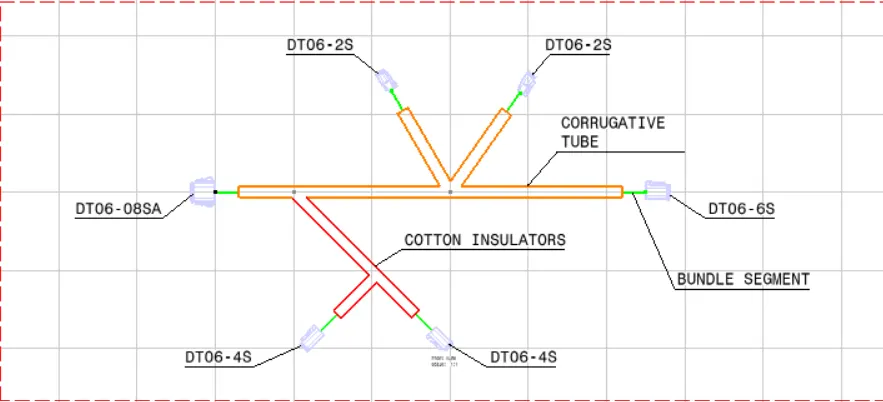
Creation of harness design assembly:
- we need to create harness assembly with fully electrically defined components with all assembly requirements.
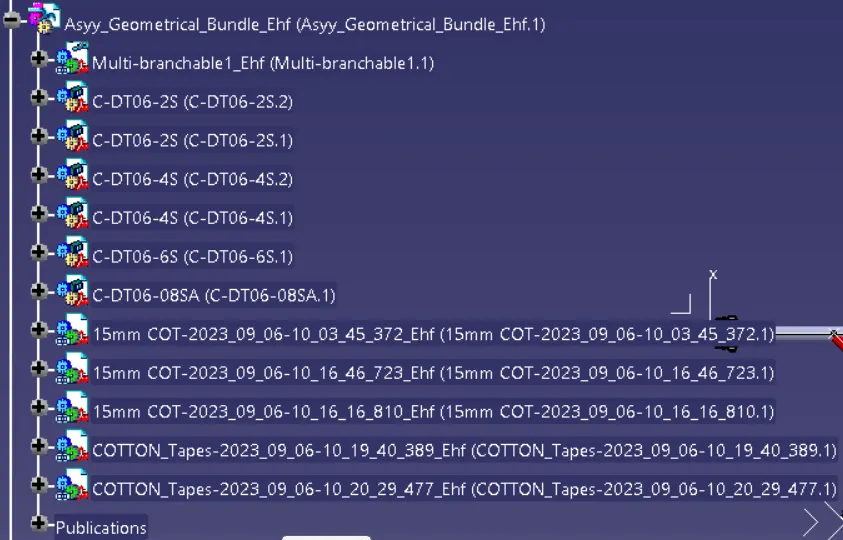
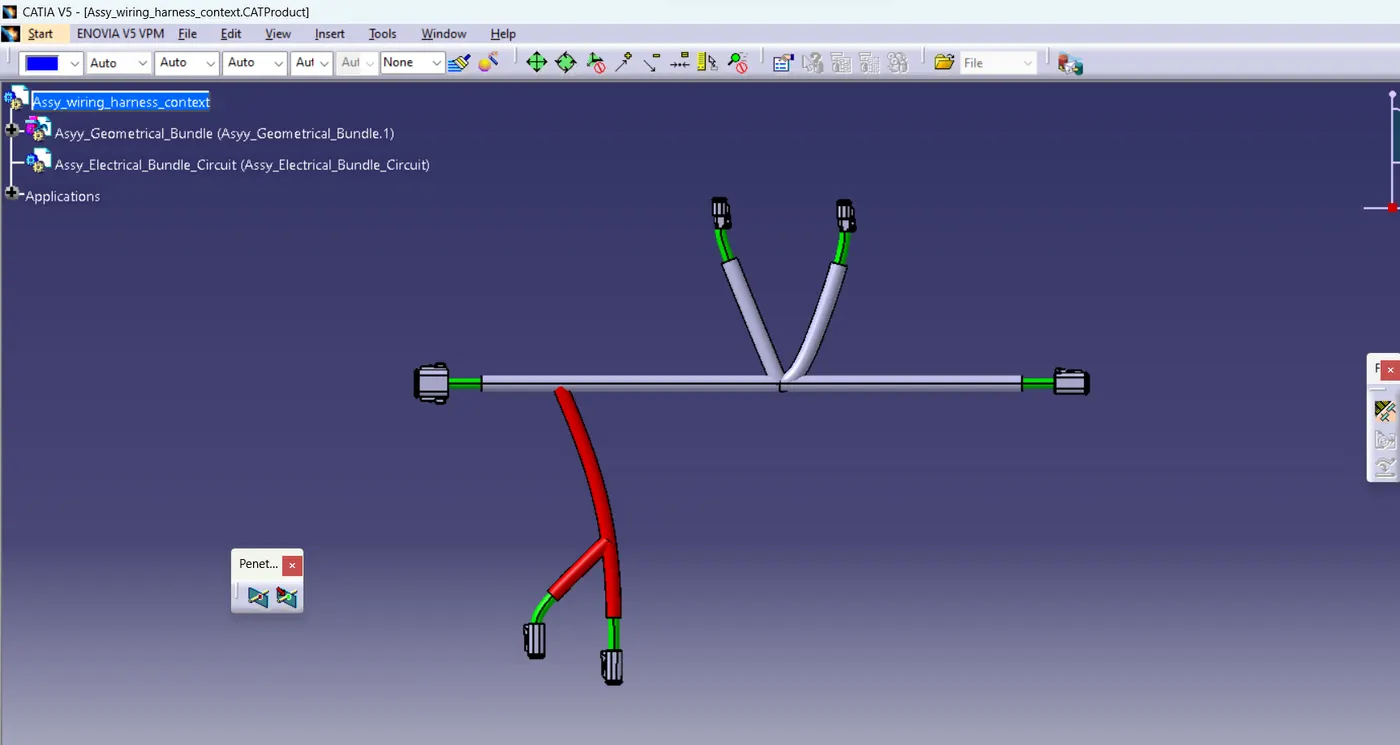
Creation of Harness flattening Assembly:
- After creation of harness design assembly we need to create new product file.
- Then switch to harness flatten assembly.
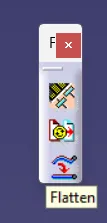
- After that we need to define the flatten paramters as below mentioned floating wizard.
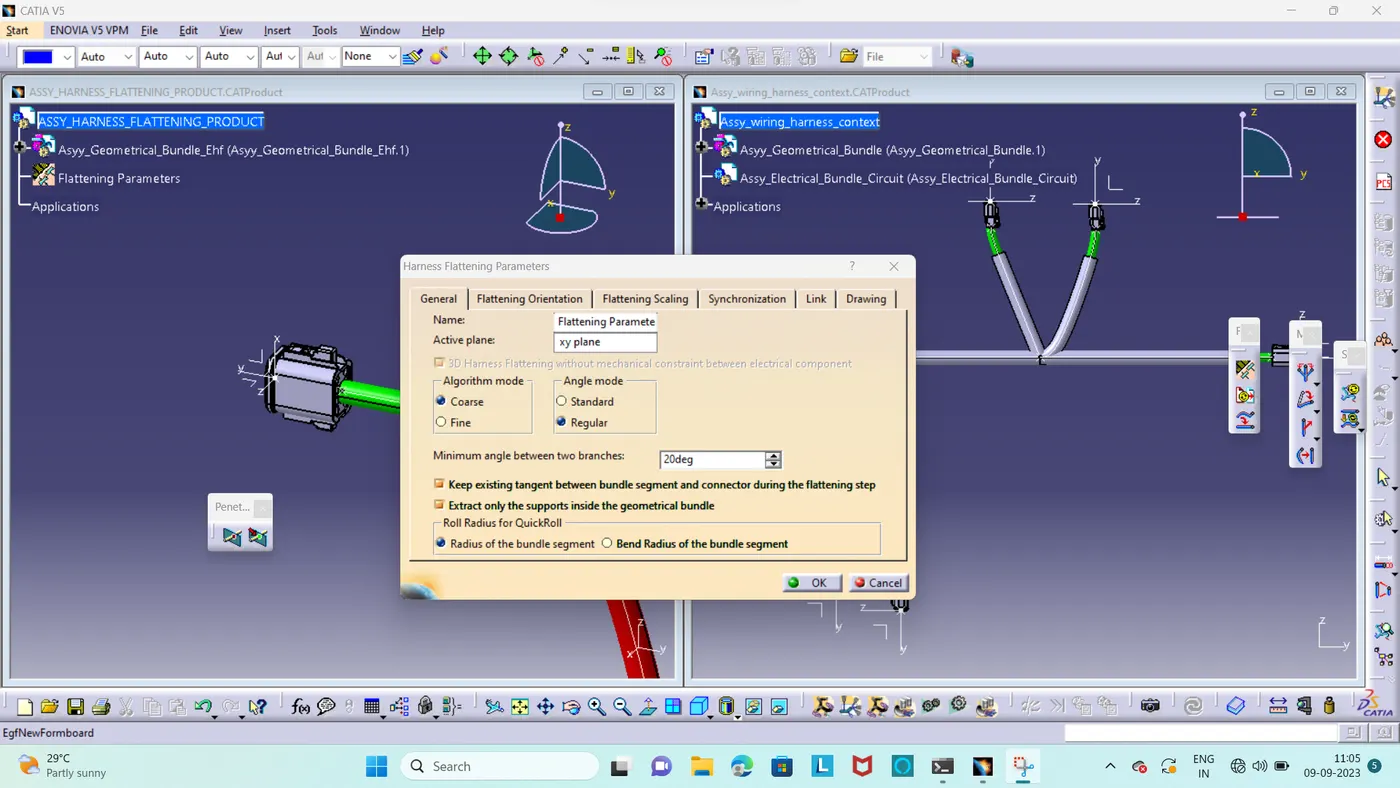
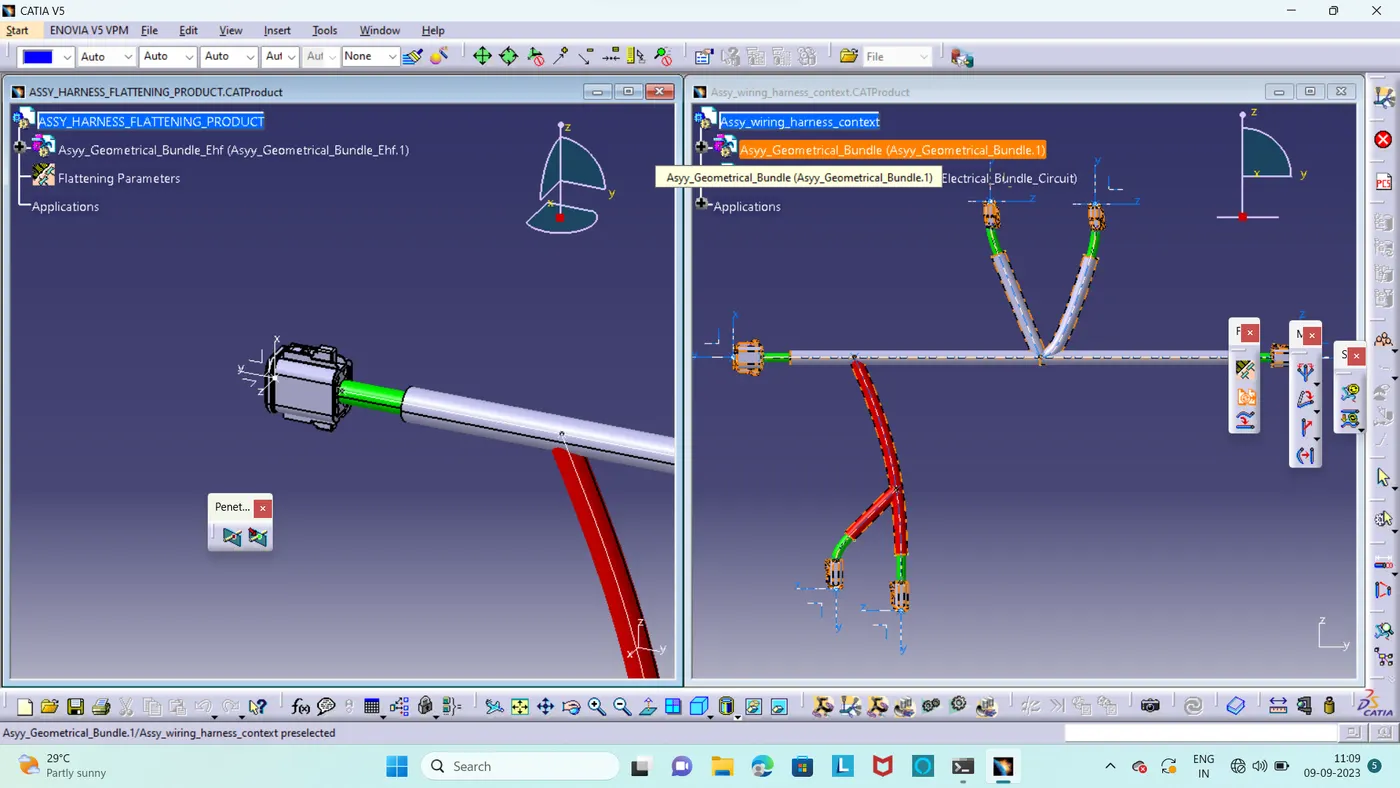
- After that we need to use extract command and import the harness design assembly as .ehf file.During this time we need to use two windows in vertical manner.
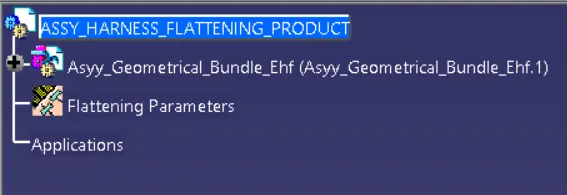
- After that we need to give the Flatten command.
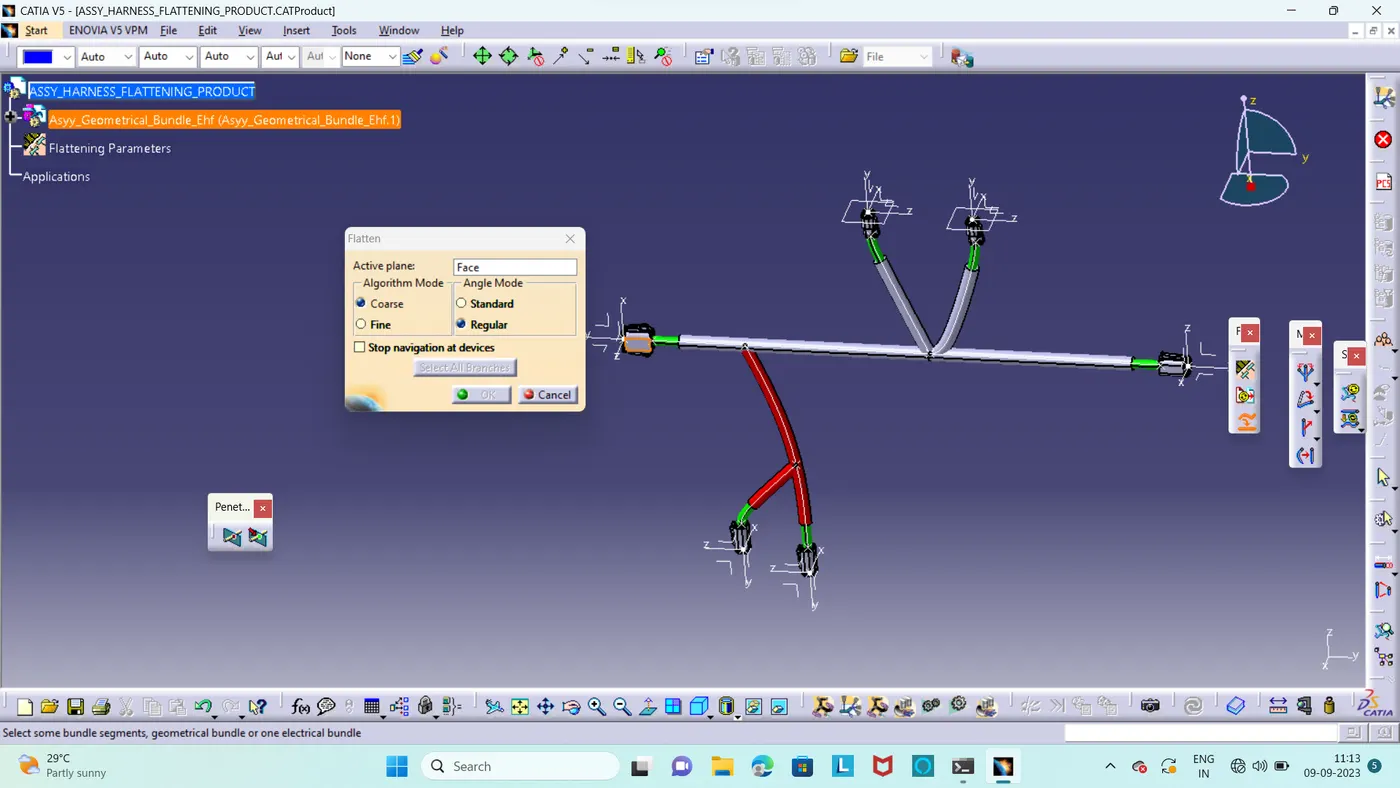
- Here we got as above mentioned wizard and we need to select the reference plane and main branch here.
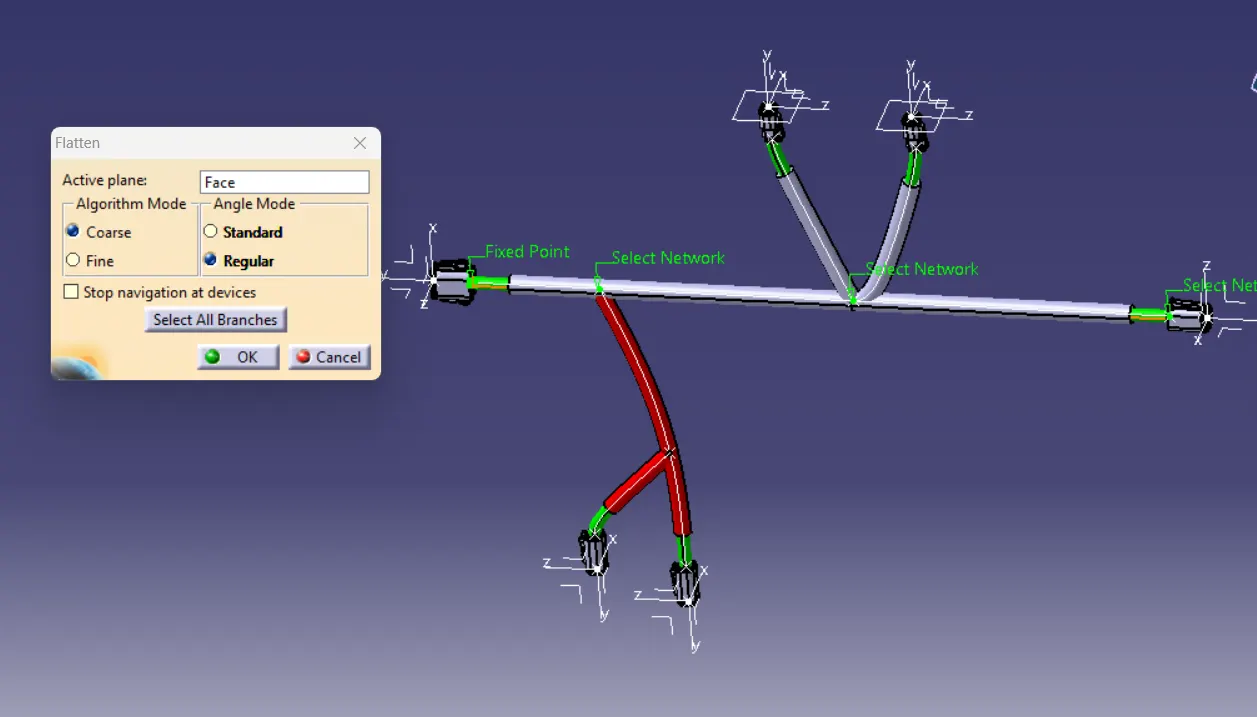
- After that we got our flatten harness assembly with reference plane and main branch.
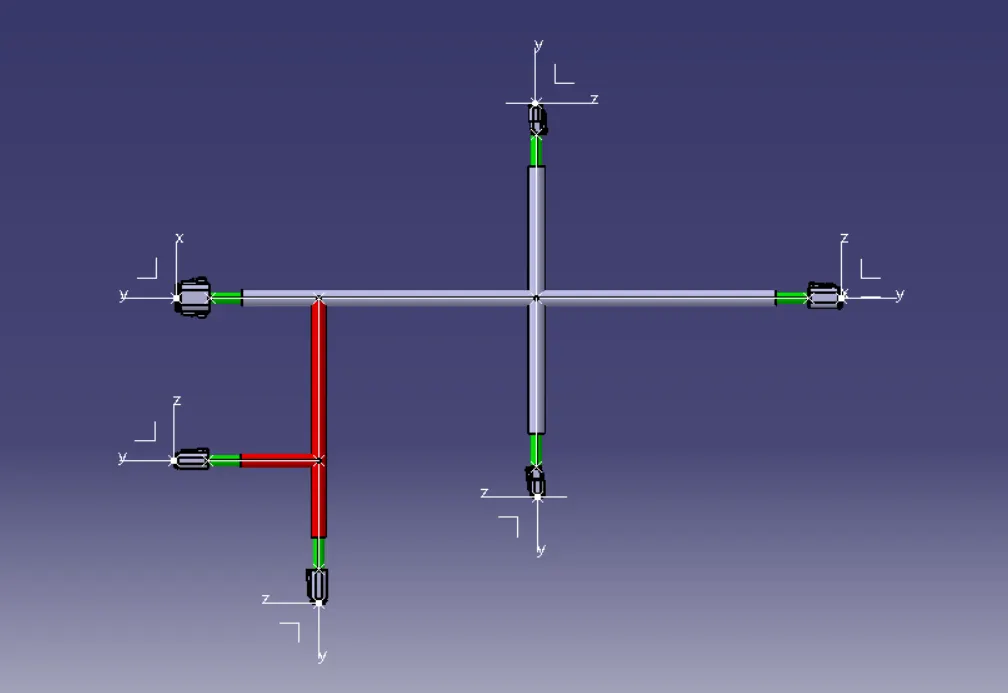
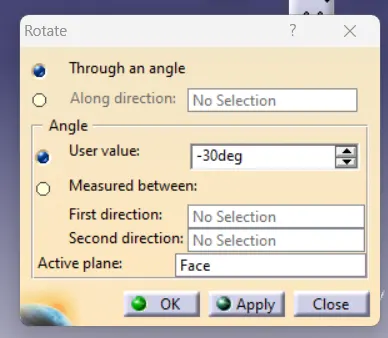
- Here we got our flatten assembly with some default geometrical alignment,we need to use rotate command and rotate the bundle as per layout.
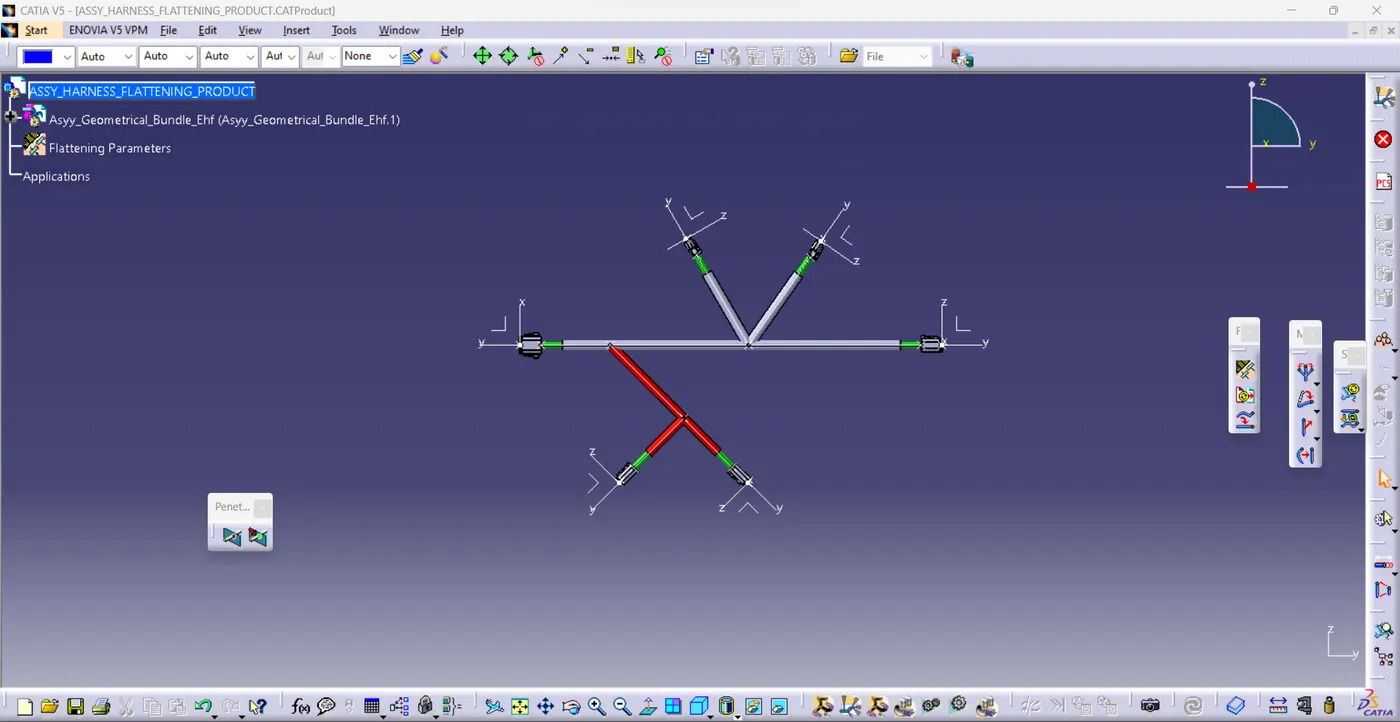
- After that we got our final output of harness flatten assy.
Drawing creation:
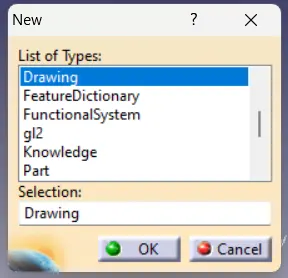
- First we need to create new drawing file interface.
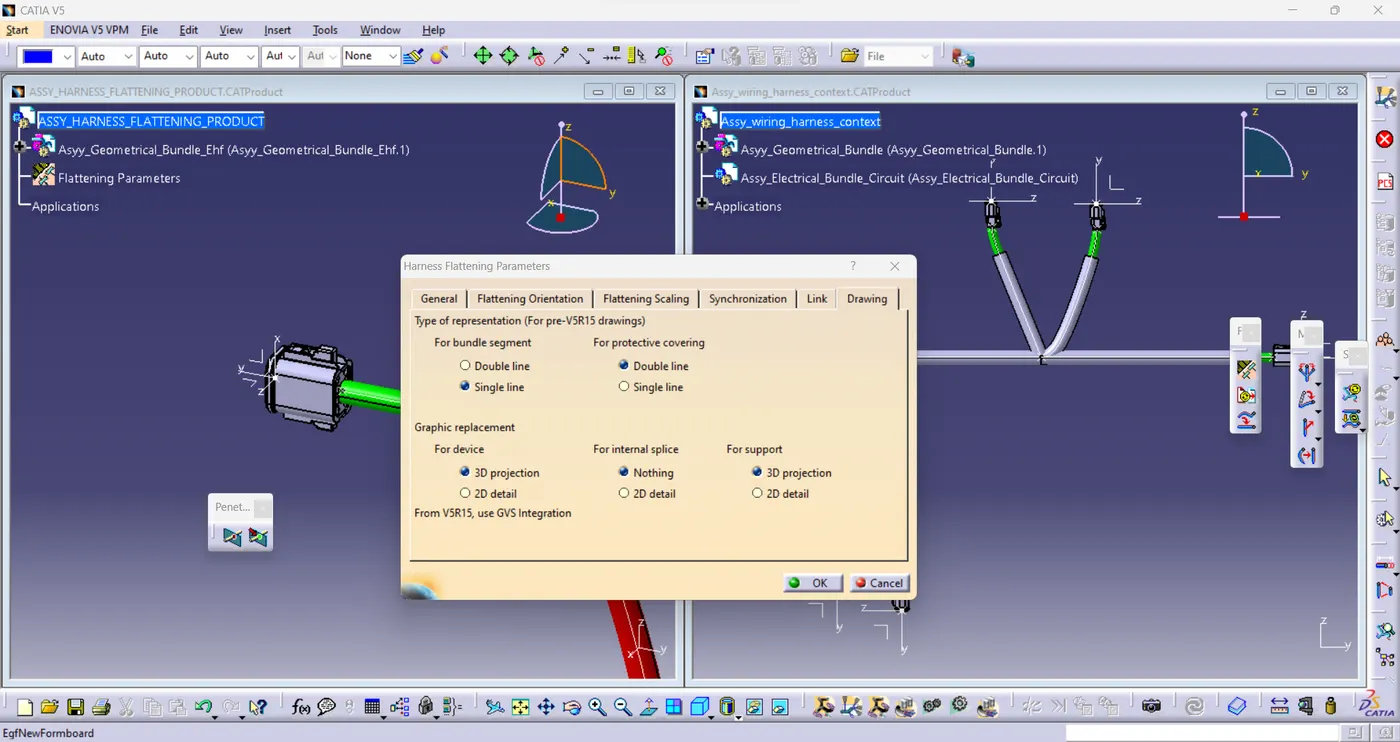
- Before that we need to ensure with flatten parameters,Inside that we go to drawing and check with bundle segment in single line,protective cover in double line.
- Then grapical representation of the connector should in 3D projection.
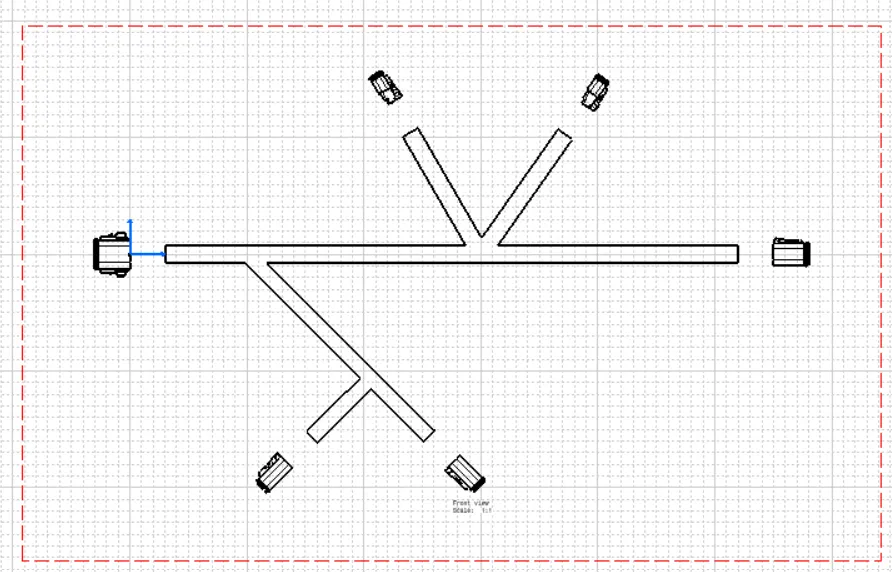
- Then we need to import front view always on the drawing sheet,for drawing shhet here we are choose A0 size.
- After importing we got as below mentioned diagram.in this we need to change some view properties.
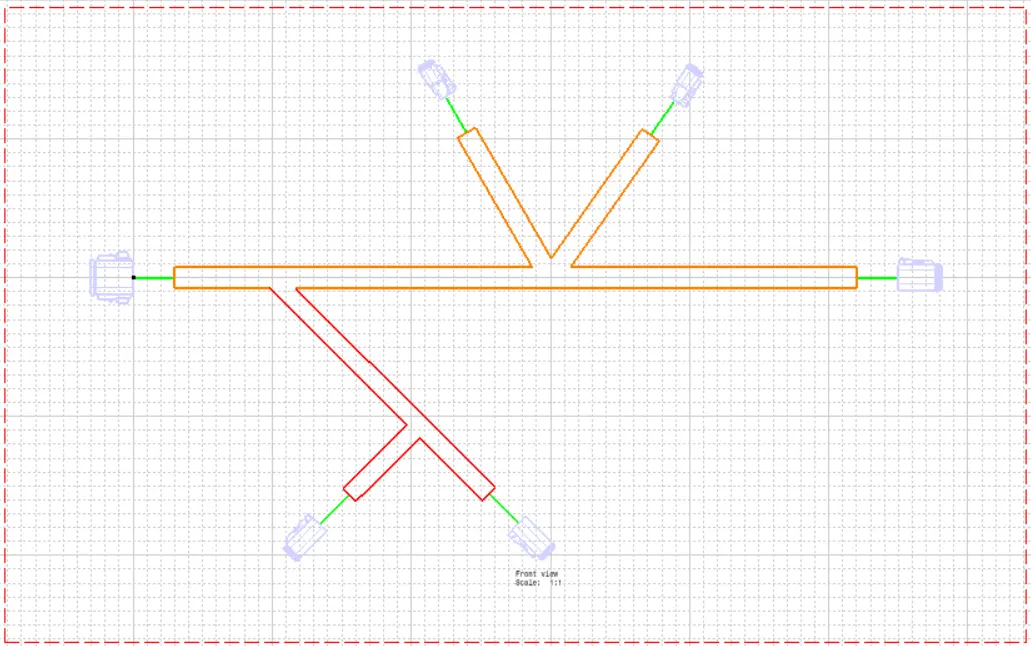
- In that properties we go to dress up properties then select 3D Colors,3D wire frame. after that we got as below mentioned diagram.
- For aesthetic properties we need to add some text on this drawing.
Conclusion:
- From this challenge we are learned the harness flatten assembly and drawing representation successfully.