Wiring harness design in CATIA V5 - 3D modeling Week 7 Challenge
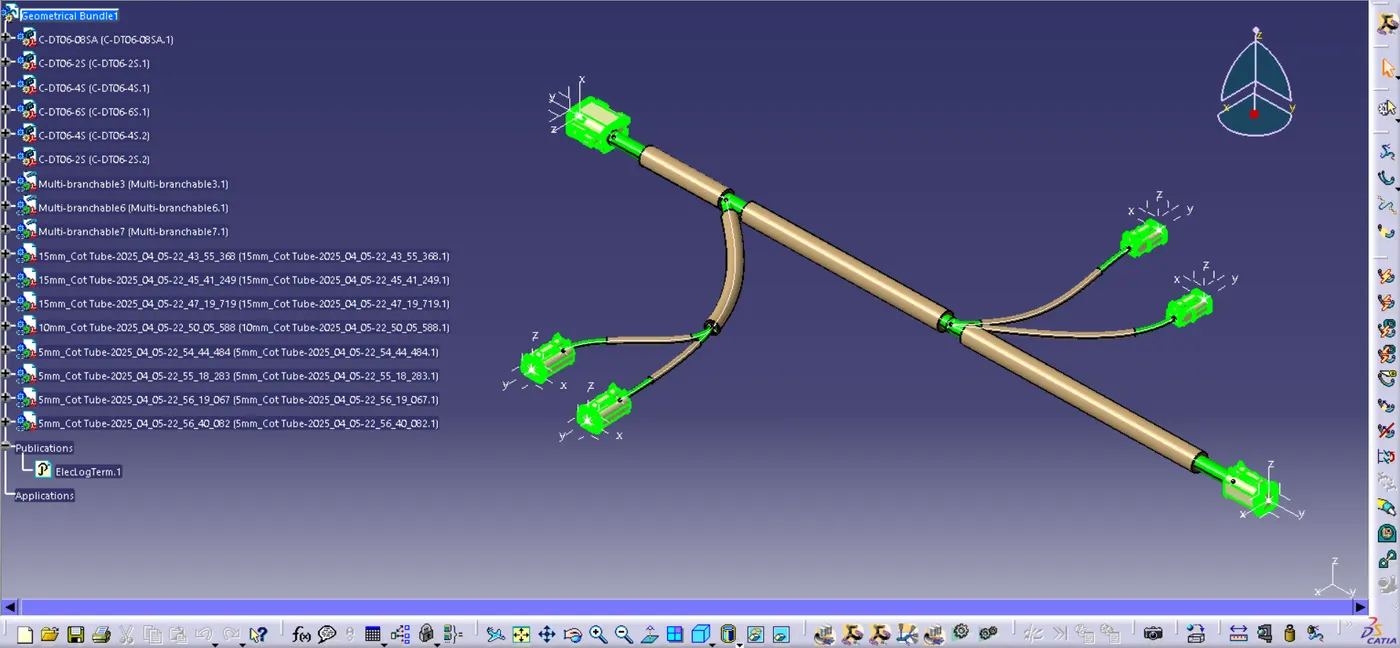
For this challenge, I have previously developed Geometrical Bundle Assembly input file, which I will now convert in to flattening assembly and prepare the corresponding drawing file.
In the first step I am going to create an product file and rename it as Harness Flattening
then Go to >> Electrical Harness Flattening workbench to add geometrical assembly to it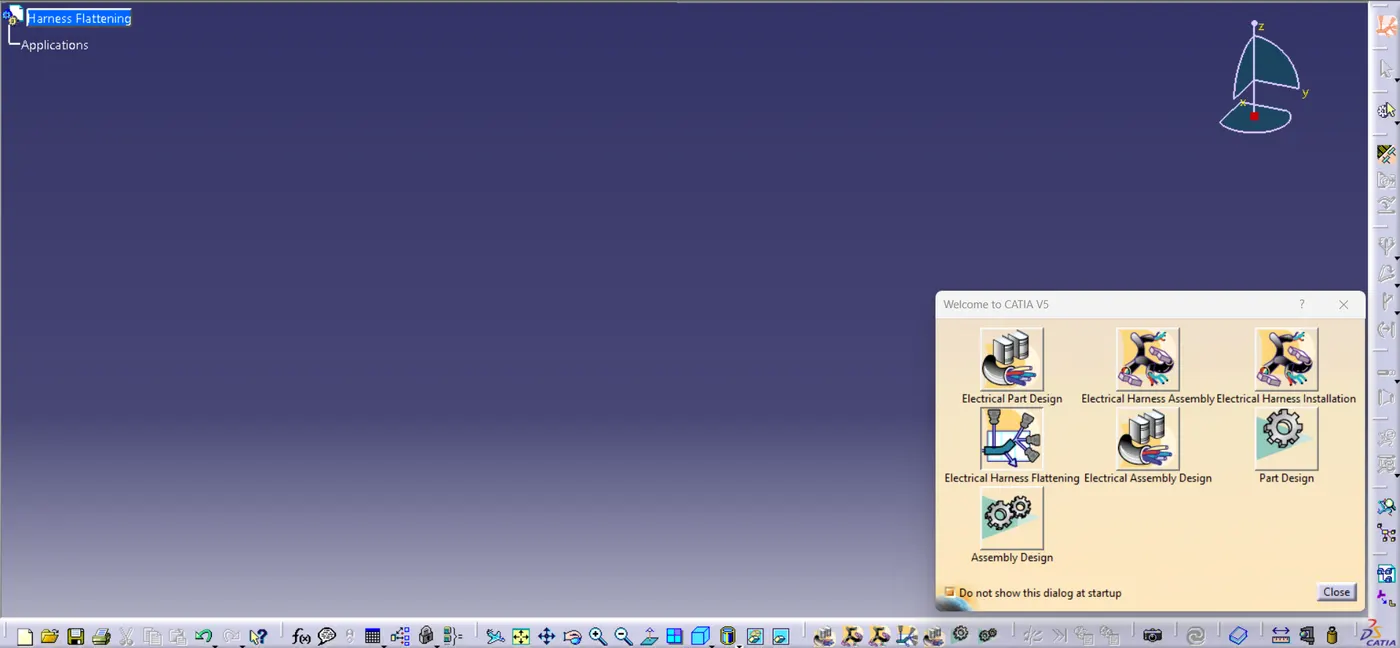
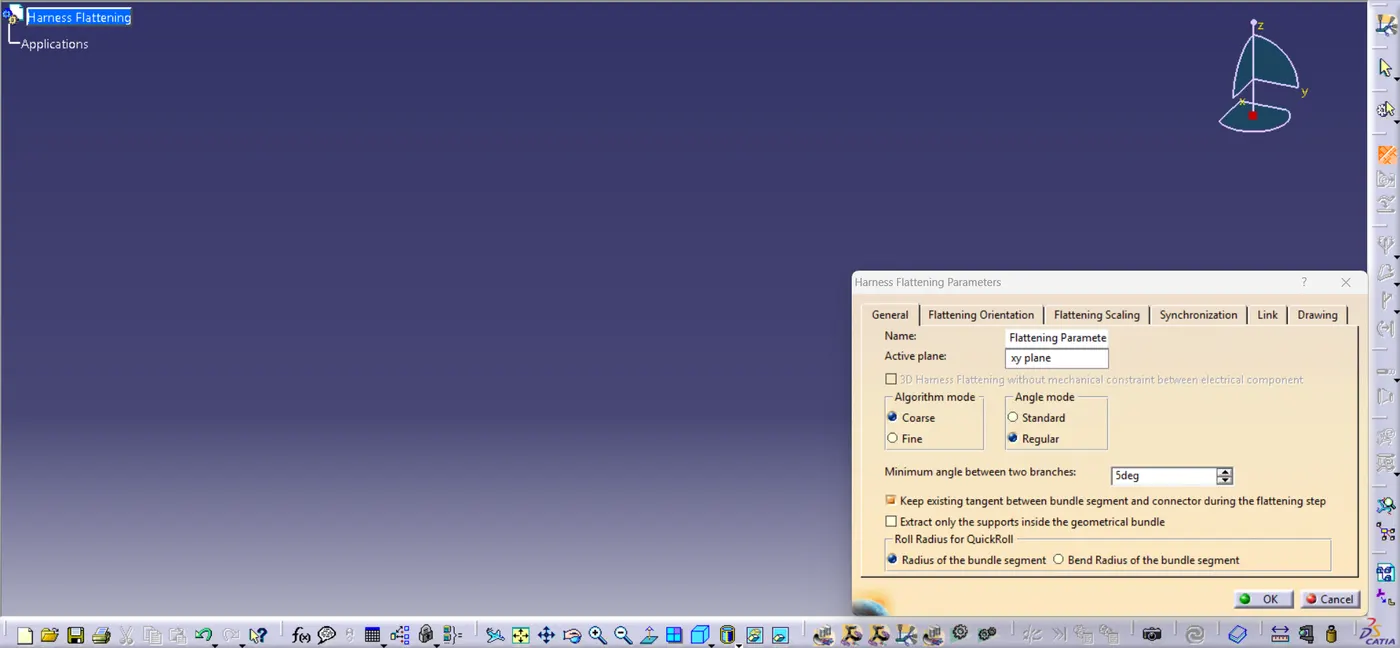
Let's define some parameters using Flattening parameter command
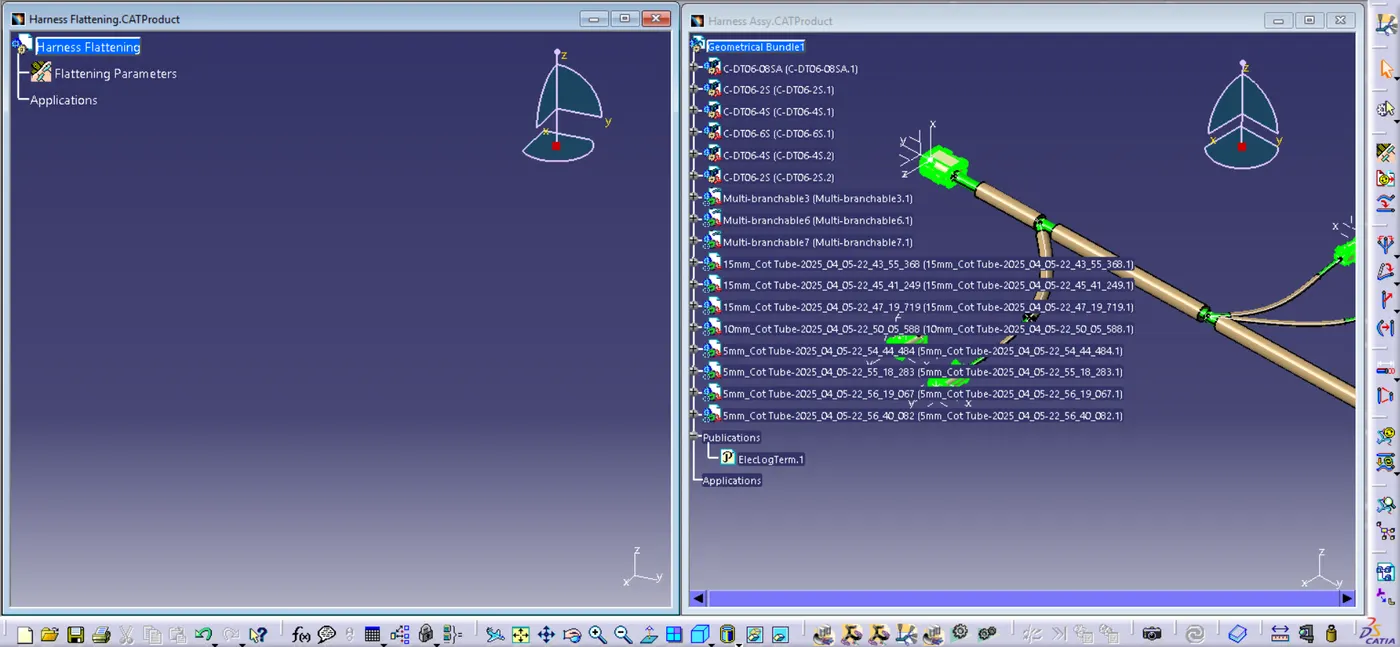
to add harness assembly into flattening file parallelly open the two windows of flattening product file and Geometrical bundle assembly, by using Extract command I am going to add this file into another
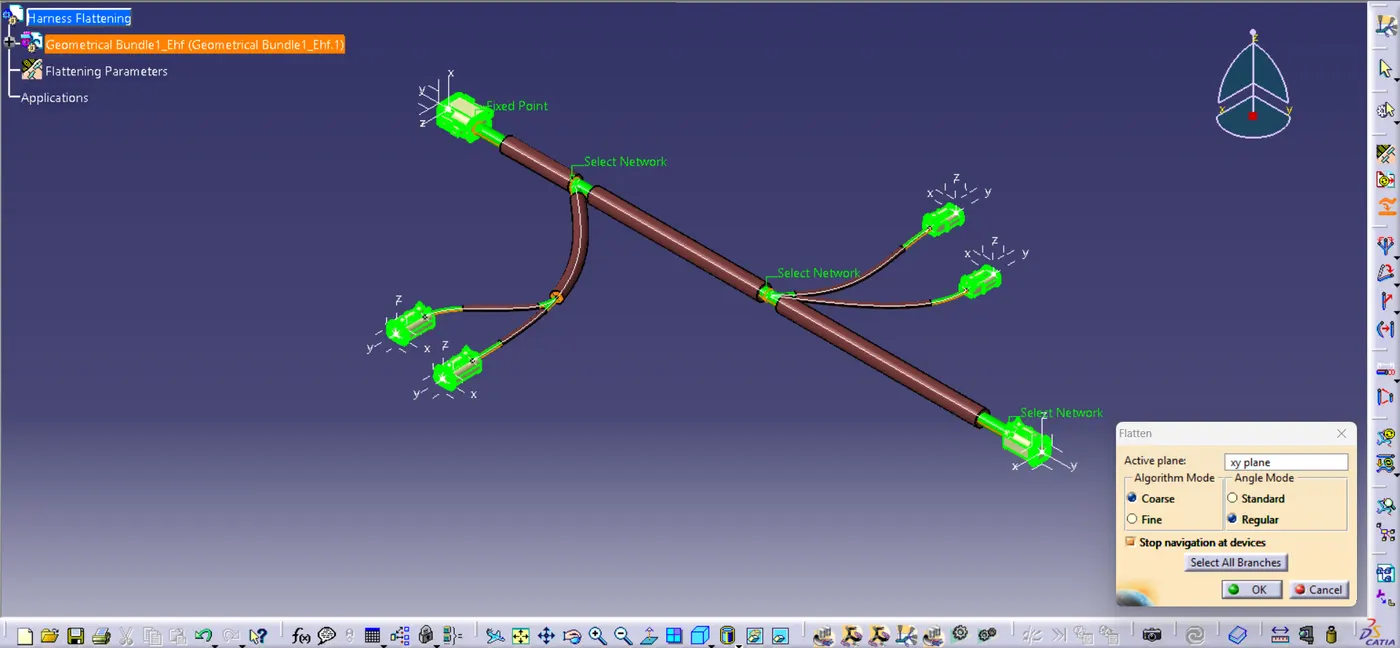
In the next step we need to use Flatten command to flatten the assembly. Let's select a plan & all the bundles then select ok.
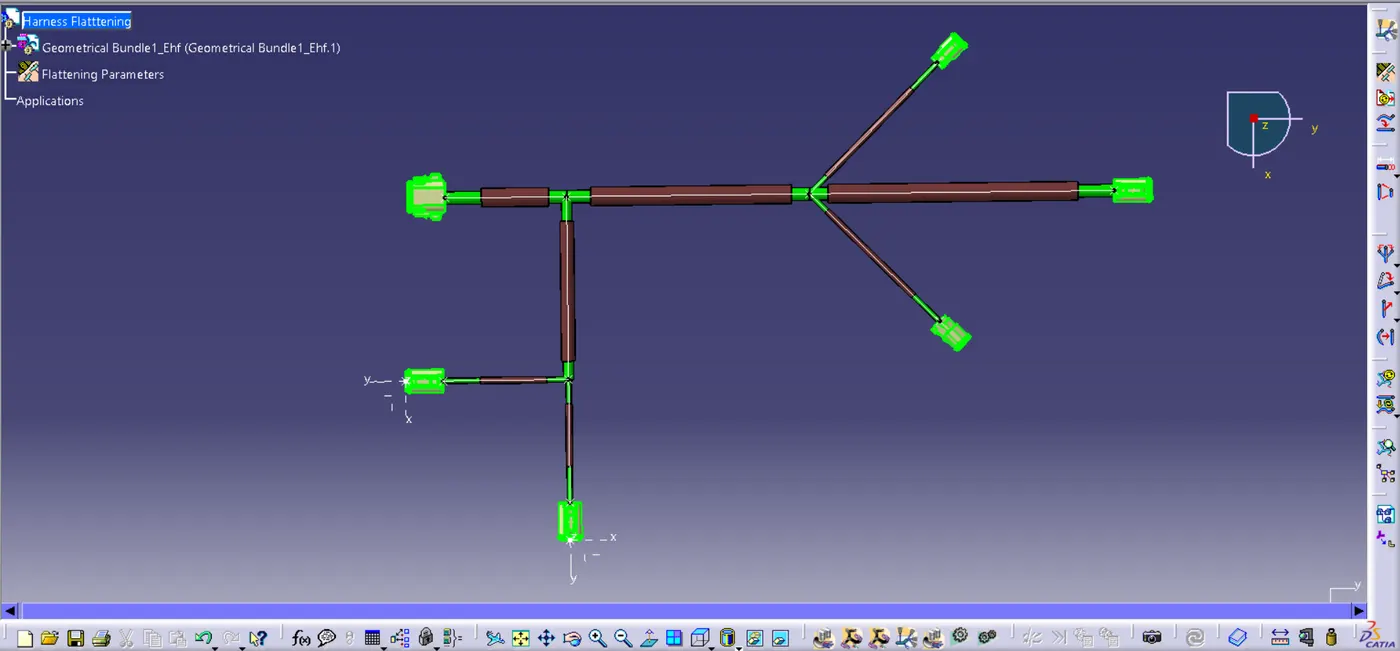
Now you can see our wiring harness is converted into flatten assembly by using some manipulation tools lets arrange it properly as follows
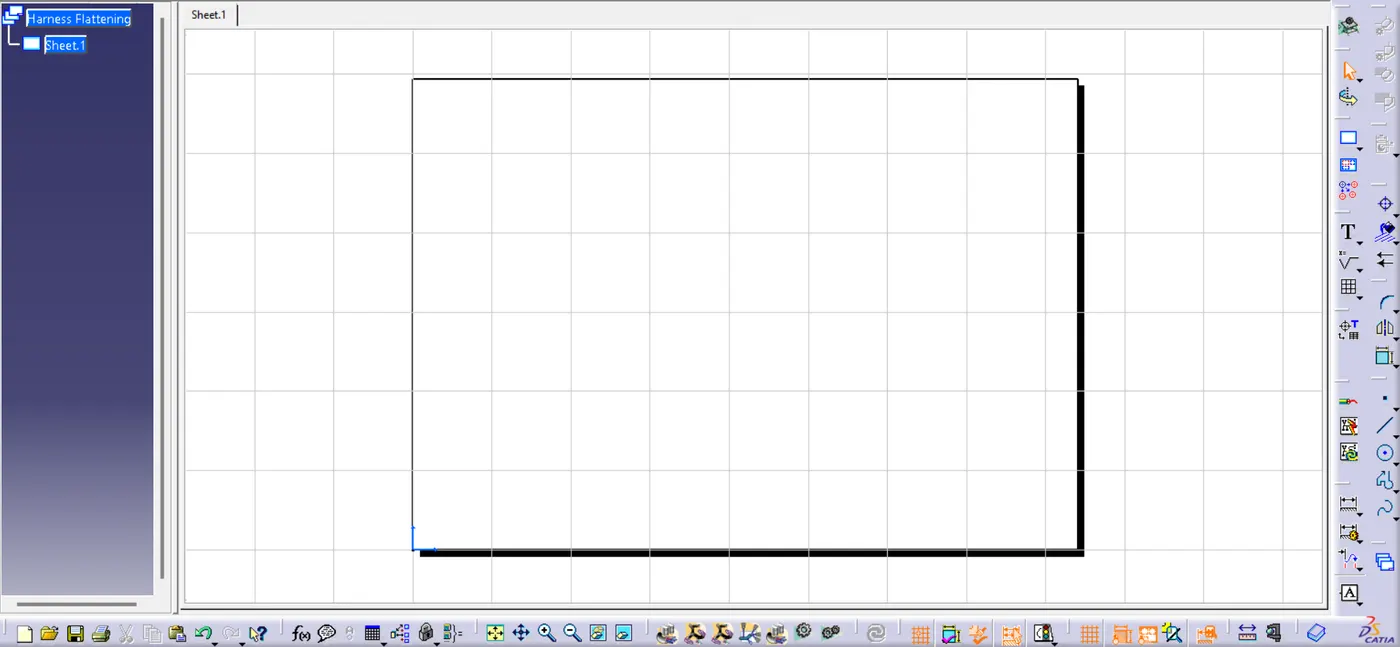
Create a new Drawing file to prepare the drawing if Harness flattening and save it to desired location.
Now converts flattening file into drawing open then in one window for easy operation.
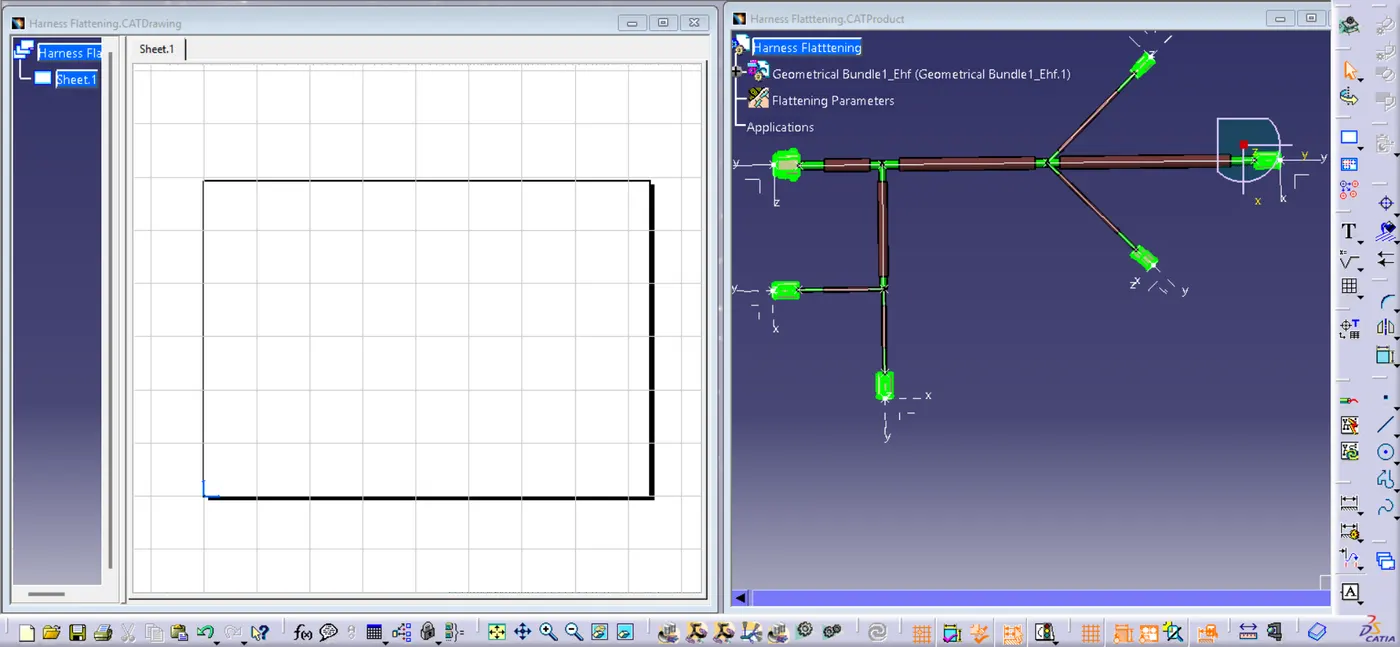
then select top face of any connector as a reference plan and adjust the orientation of view using the compass and place it to the drawing and do some minor adjustments to prepare the dwg
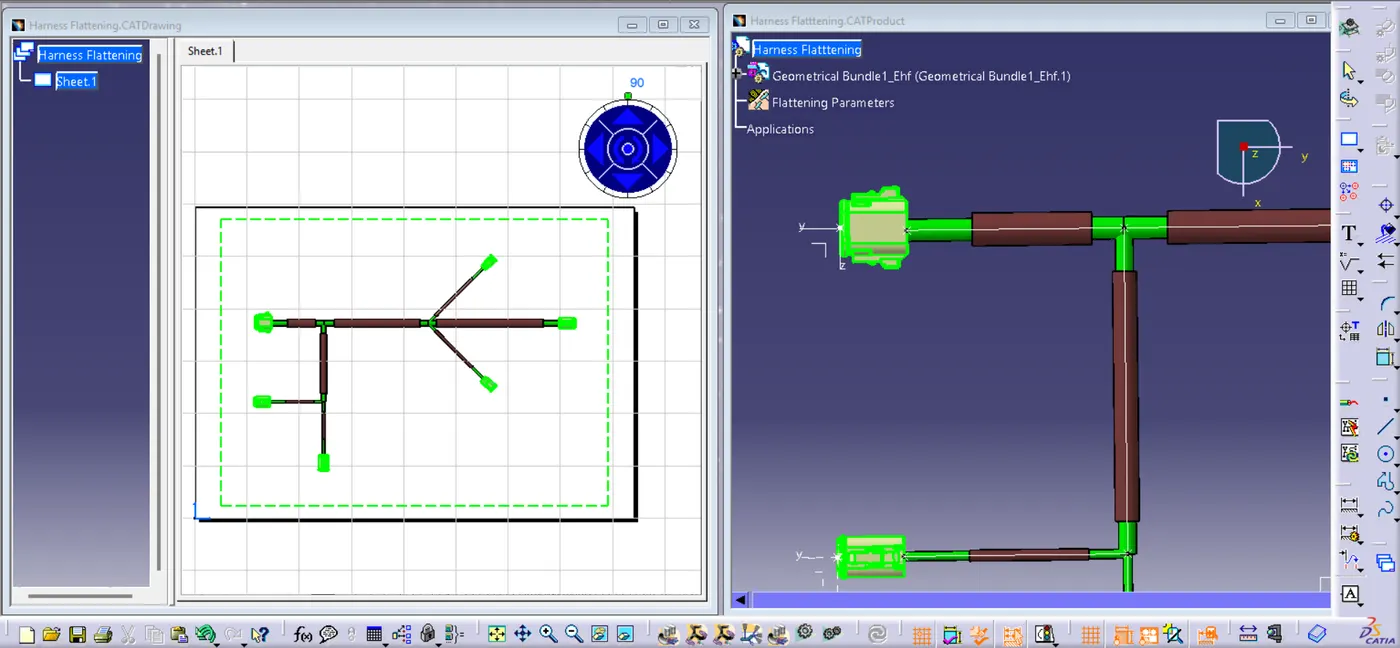
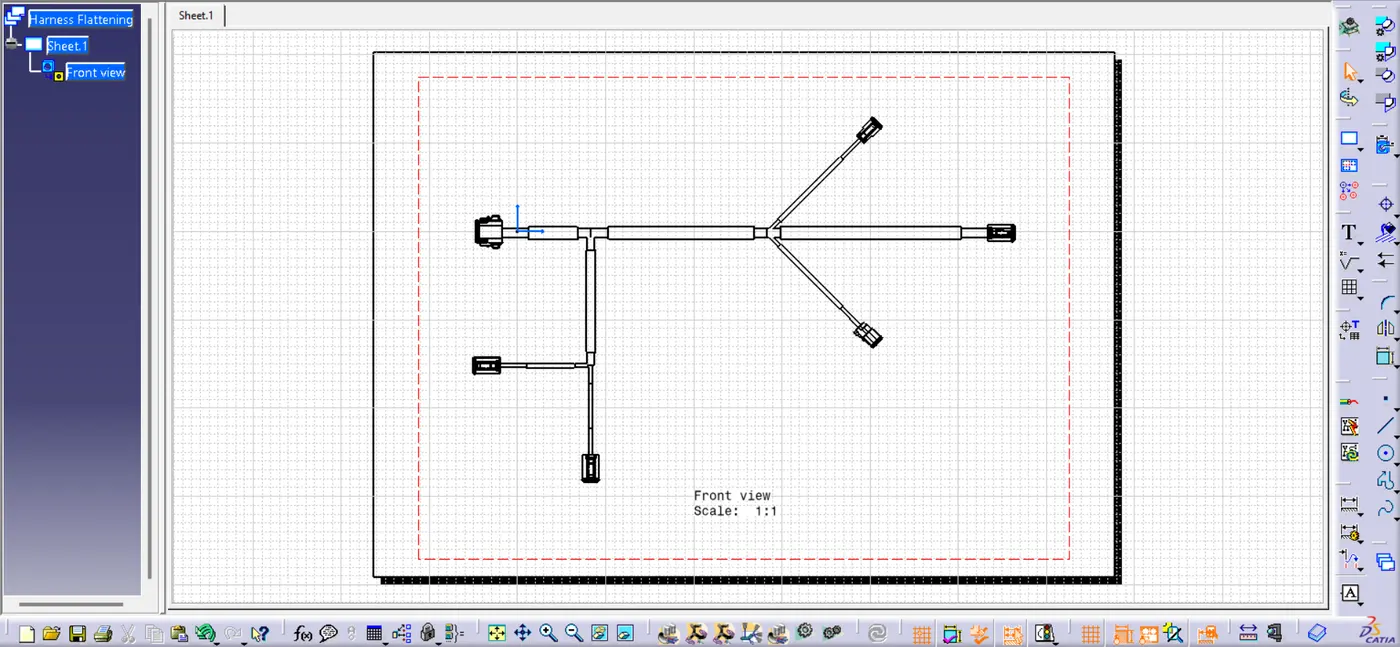
Thia is how finally our drawing file looks like.