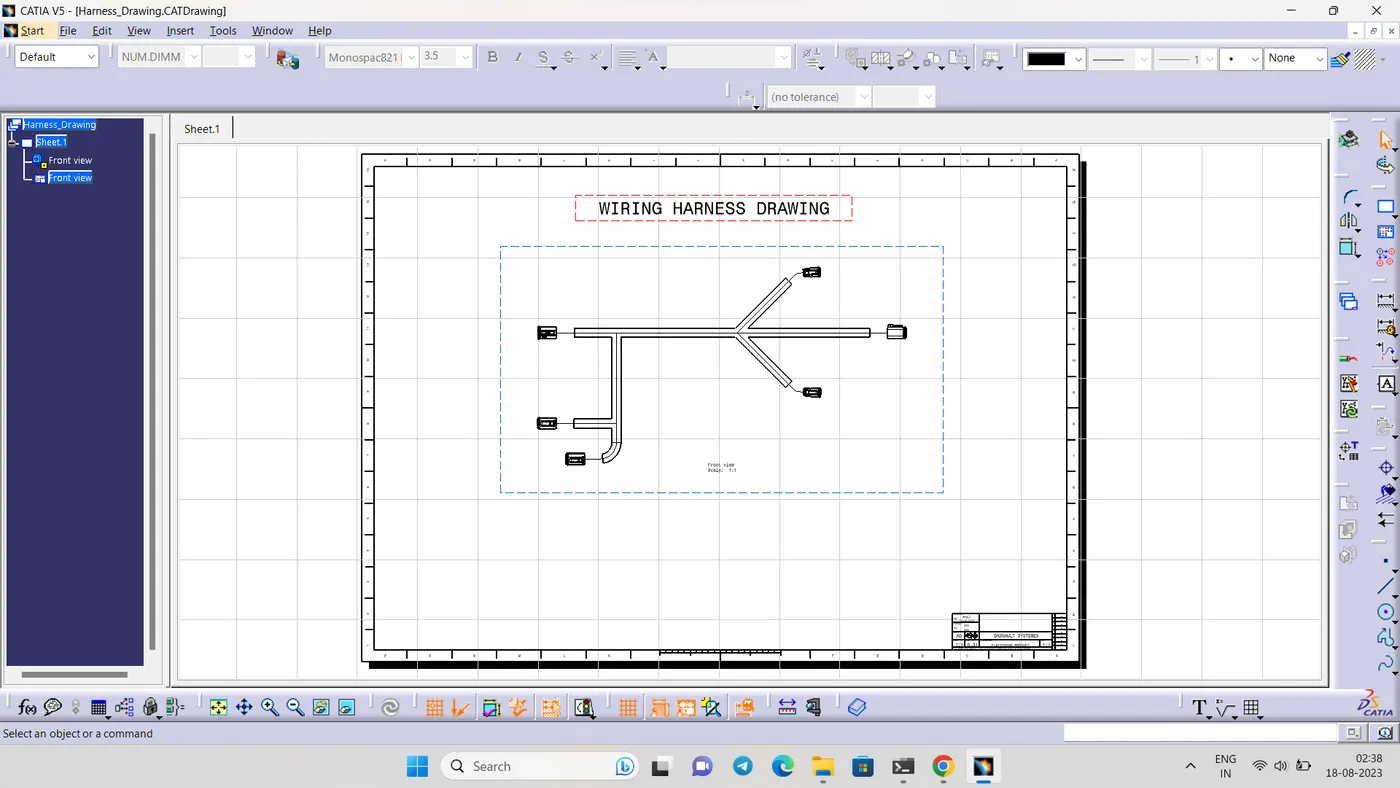
Wiring harness design in CATIA V5 - 3D modeling Week 7 Challenge
QUESTION:
Flatten the harness assembly completed in “ week 4 challenge”. Place the flattened view on drawing sheet. Ensure bundles with protective coverings has different visuals on drawing view.
SOLUTION:
- As per the question here we are using the week 4 assembly which is alredy created.
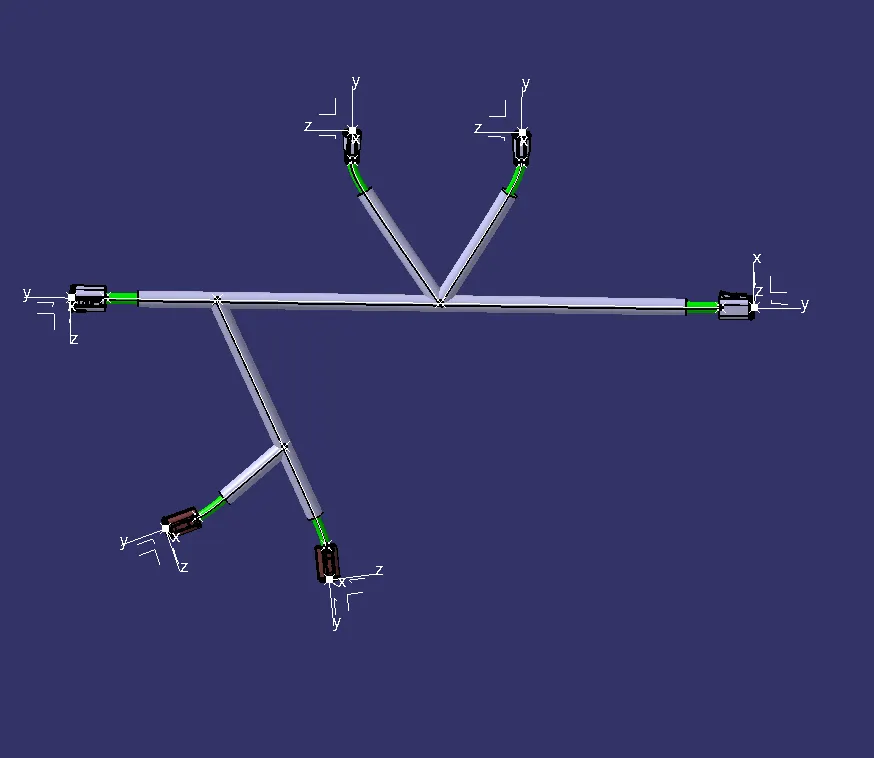
- first create an product file for harness flatening also use harness flatening parametre and enable the following settings.
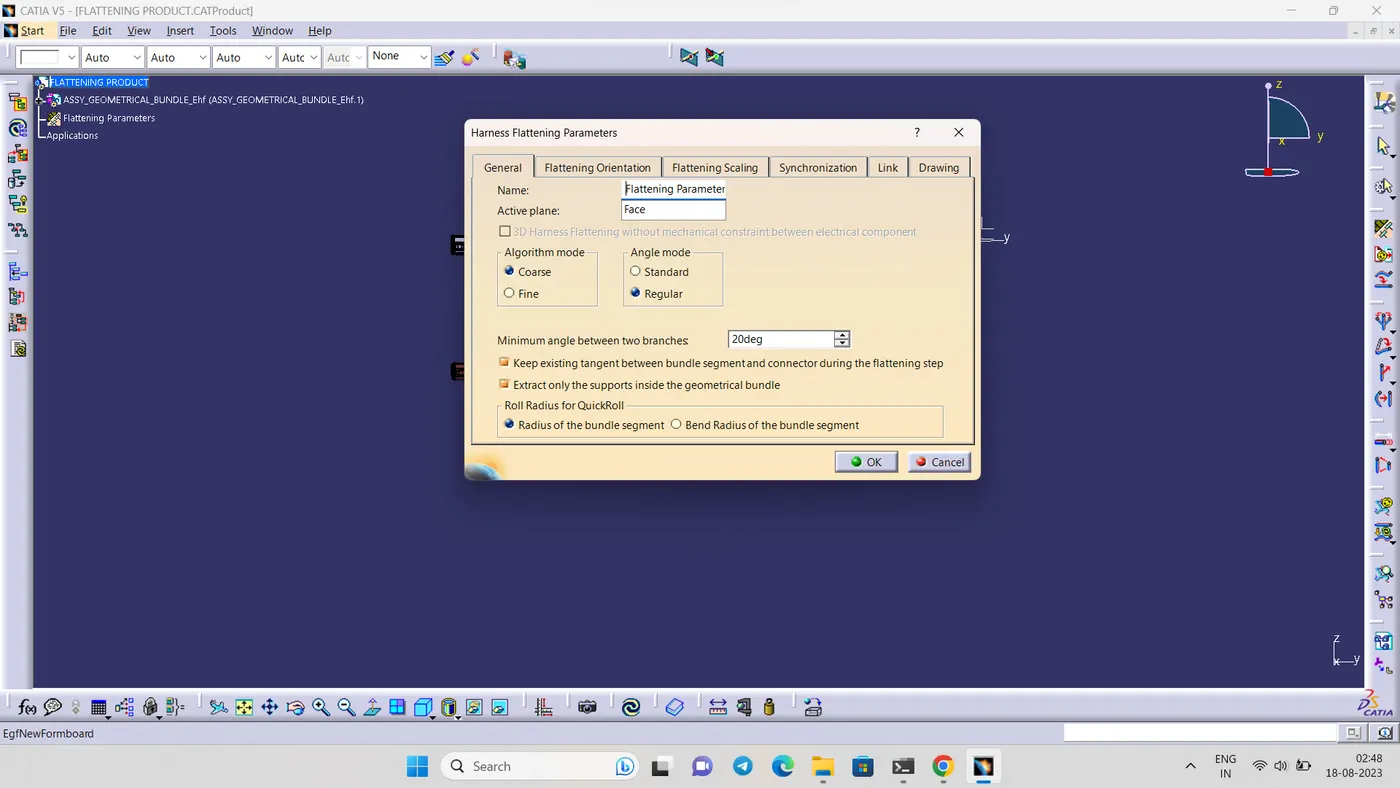
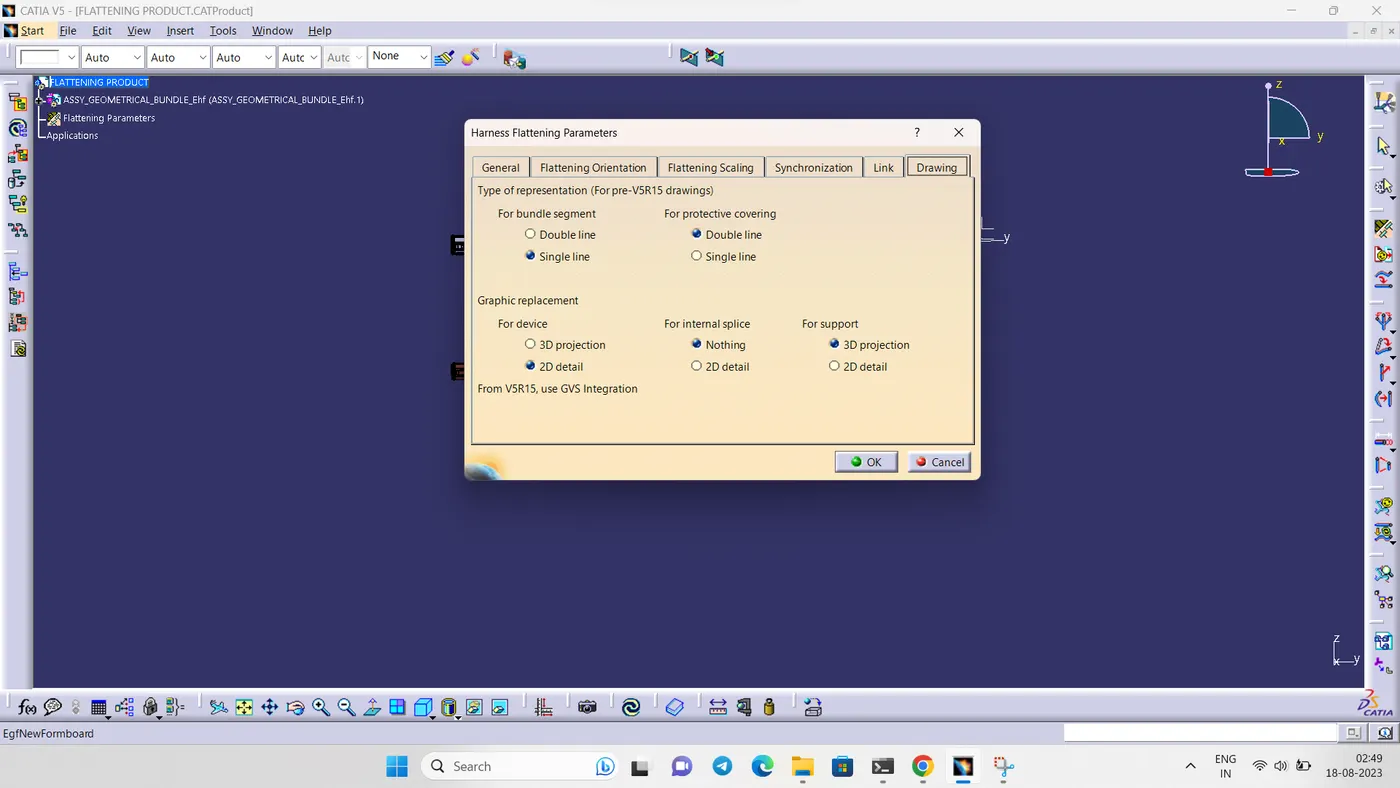
-
use extract command and press on required assembly file,once extrated it will appear in new product file.use flatten command and arrange the bundle in a elegant manner
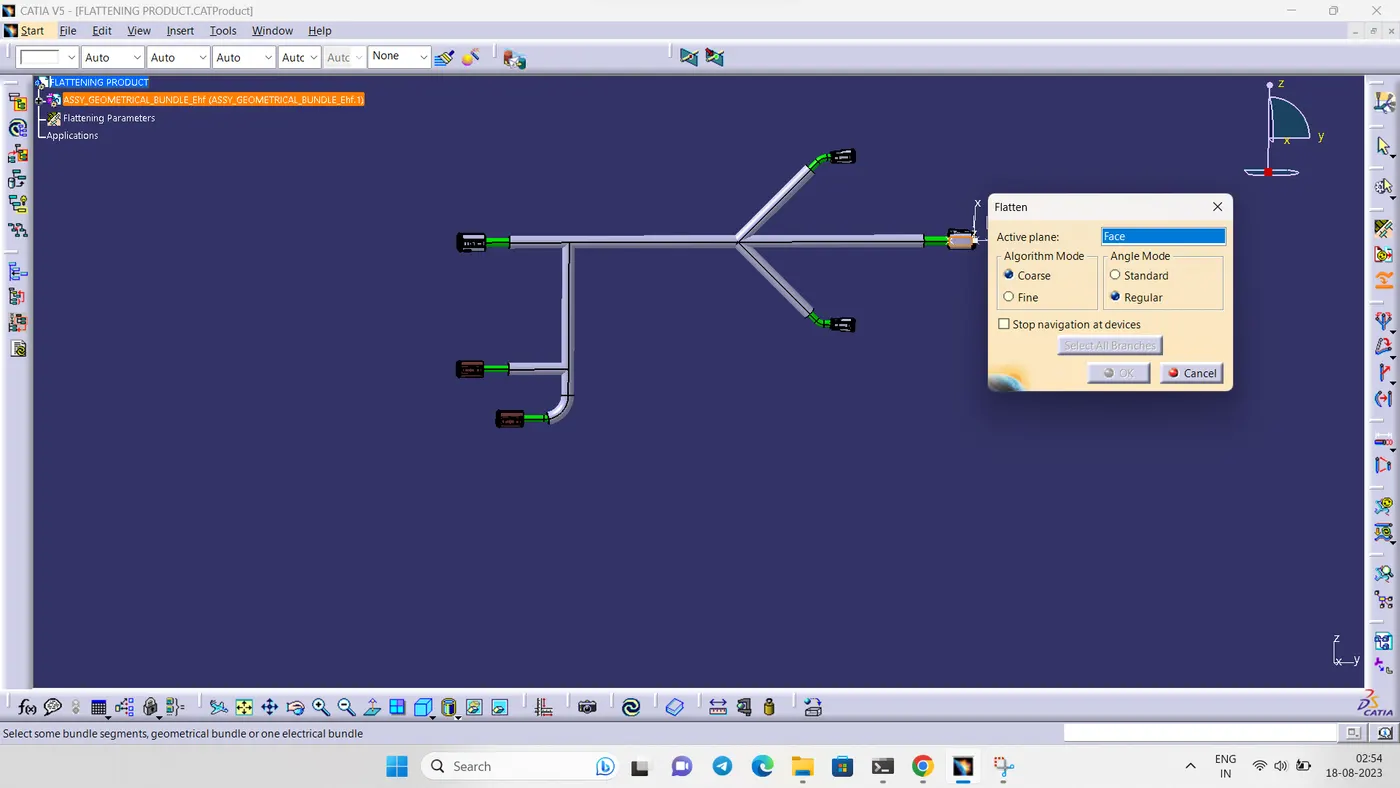
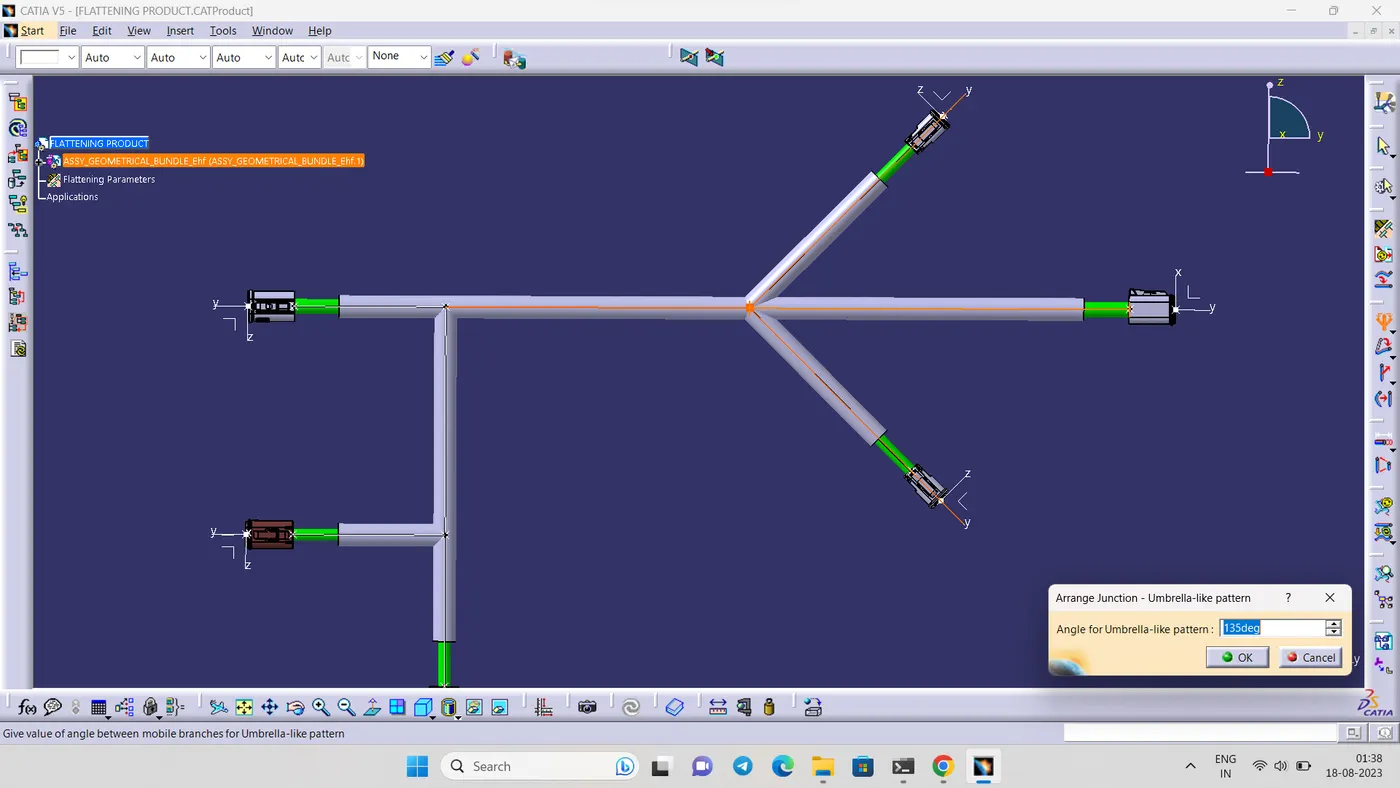
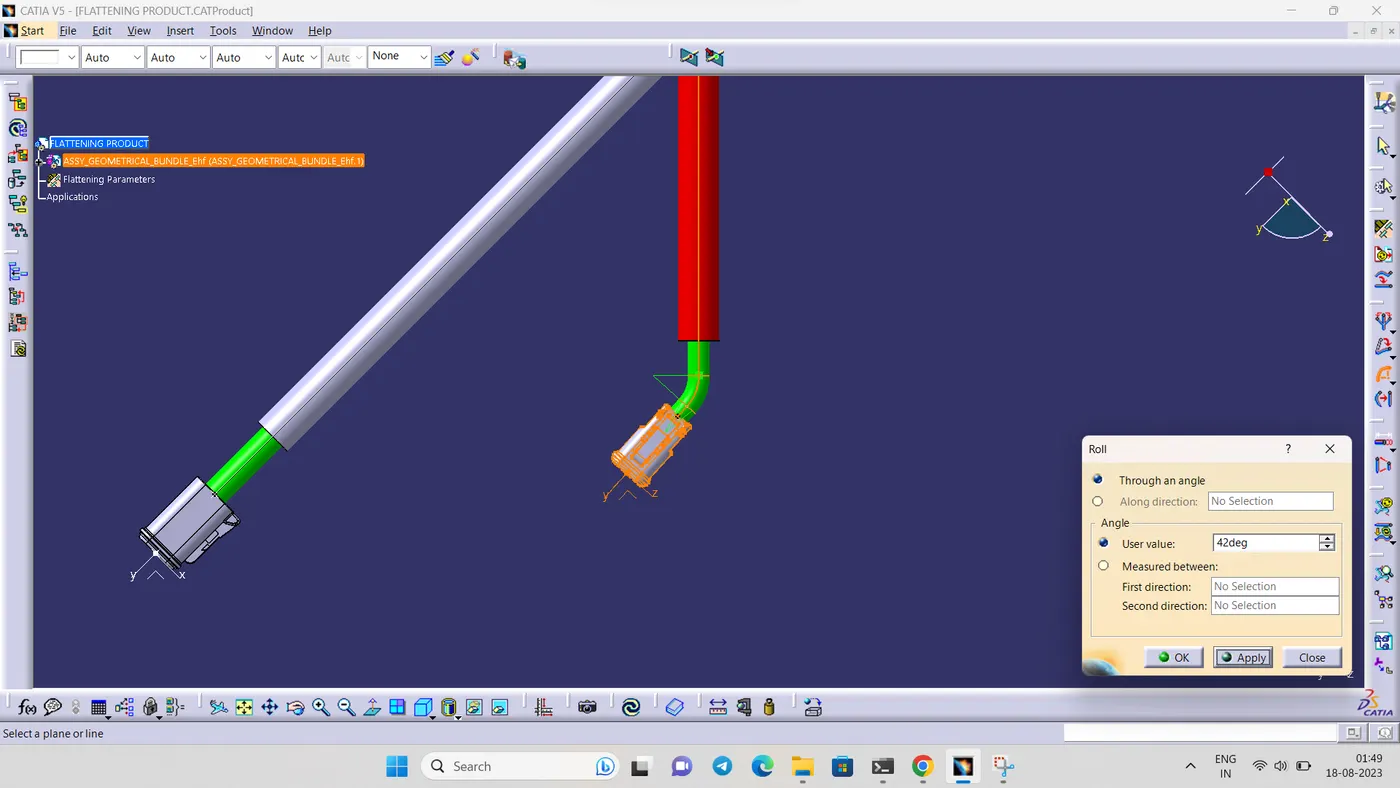
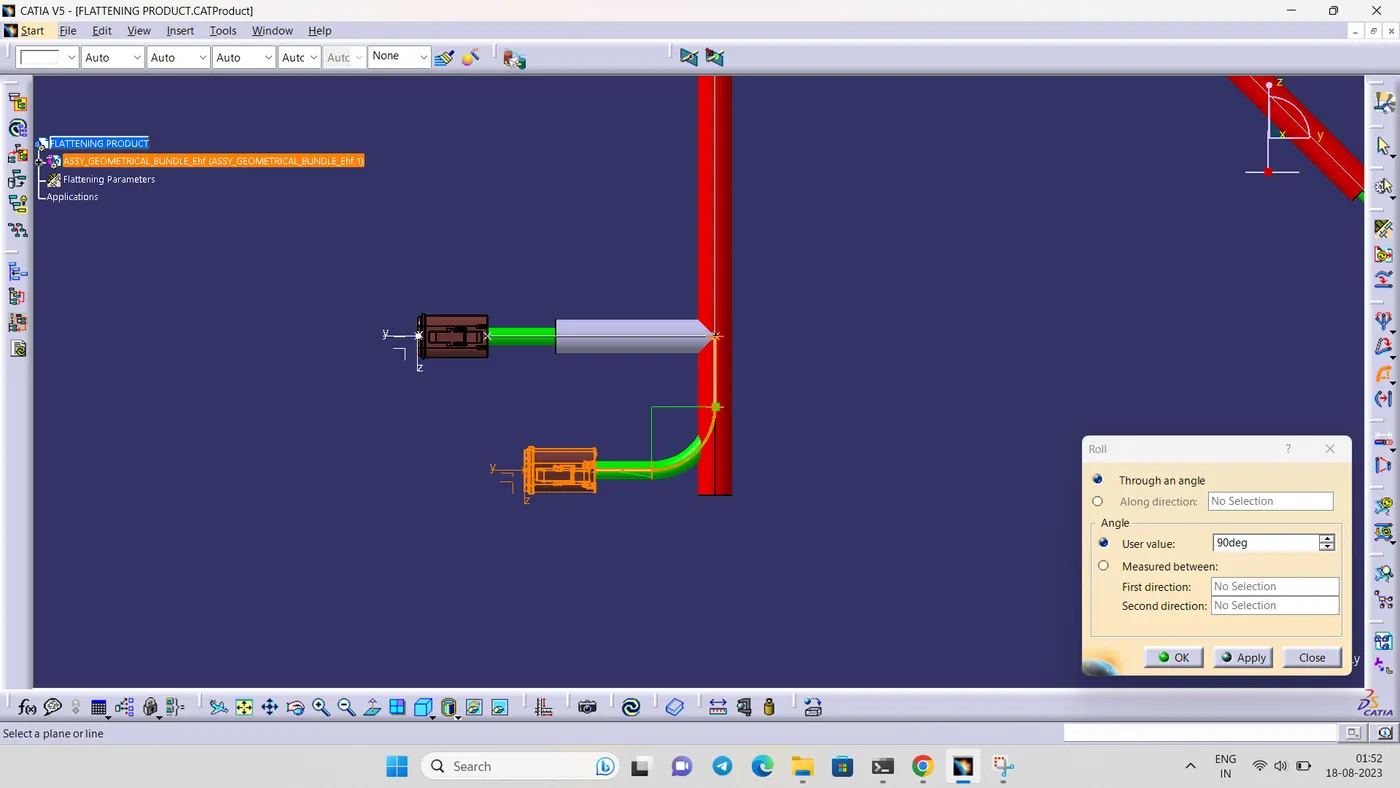
- for create 2D drawing create an drawing sheet
- use front view option and click on the connector.use following settings to get a proper drawing
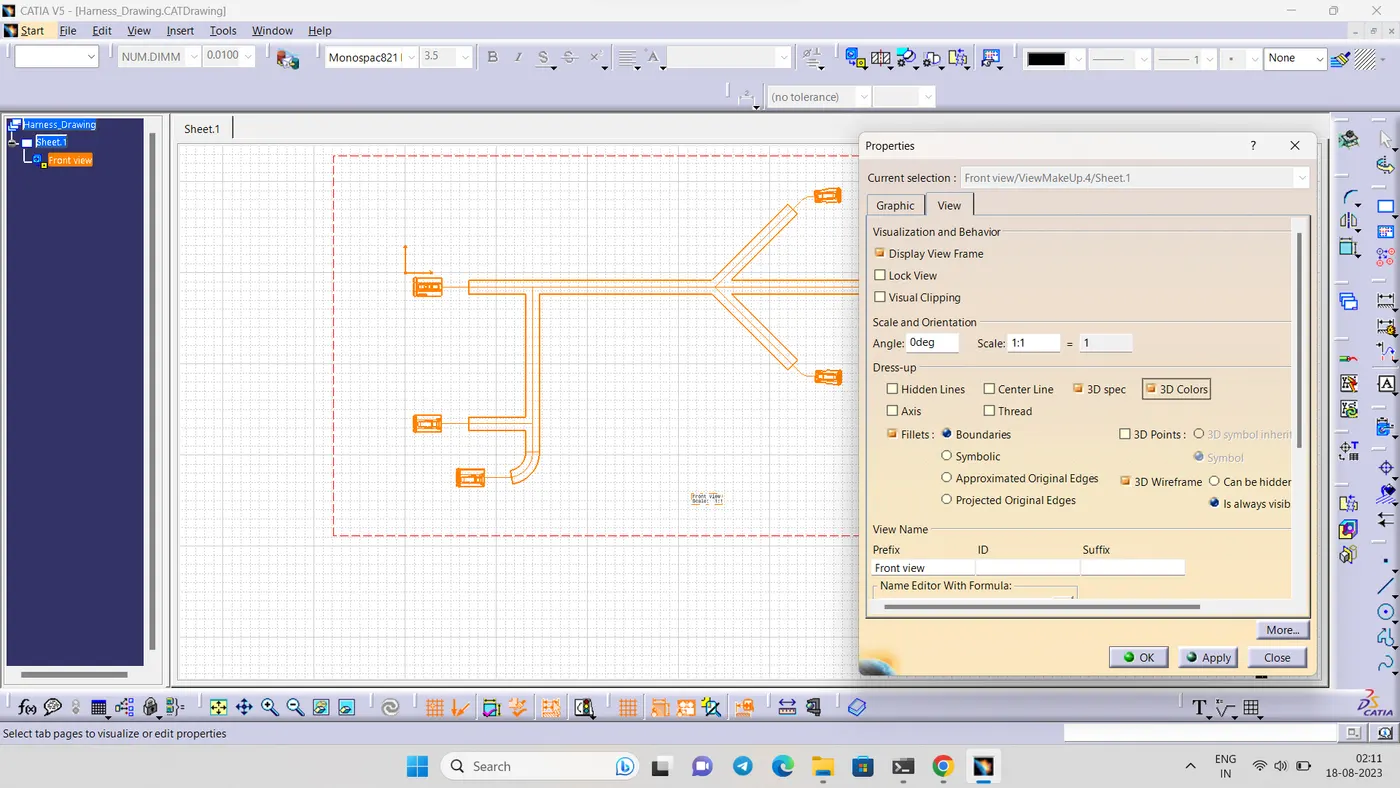
- final 2D drawing of the product