Wiring harness design in CATIA V5 - 3D modeling Week 7 Challenge
AIM:
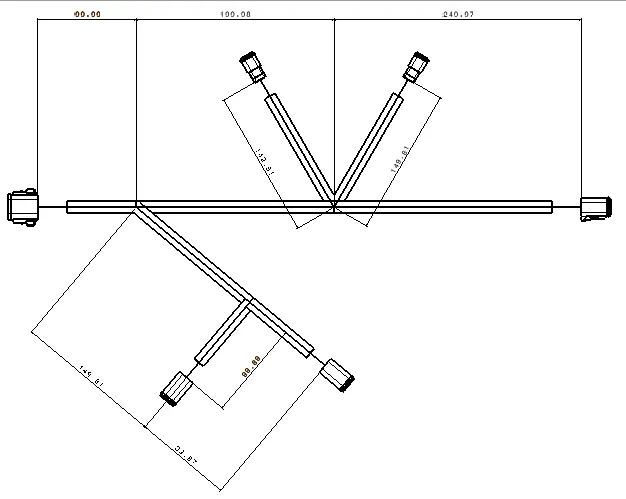
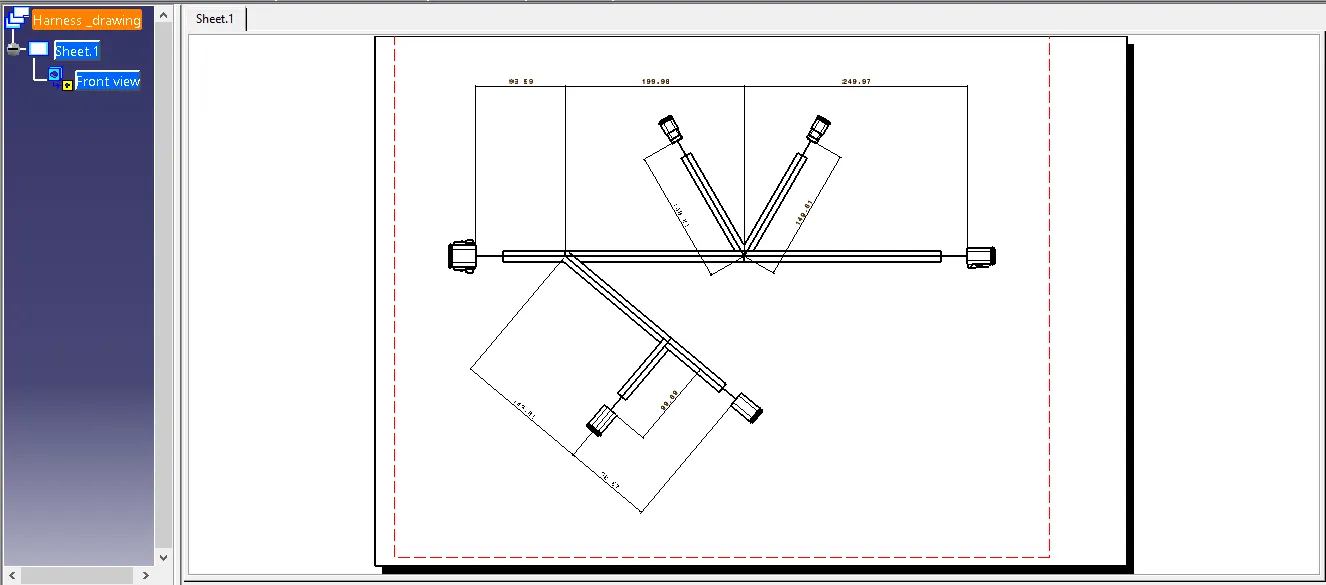
To flatten the wiring harness and Draft the wiring harness assembly.
STEP 1:
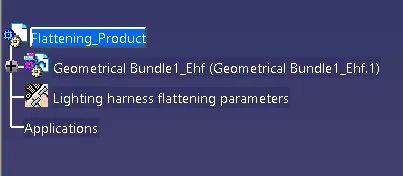
Defining Harness Flattening Parameters as shows in below fig
STEP:2
- Now import the harness assembly to the Harness flattening workbench by using extract command.
- Now the Assembly name is end with EHF
Step:3
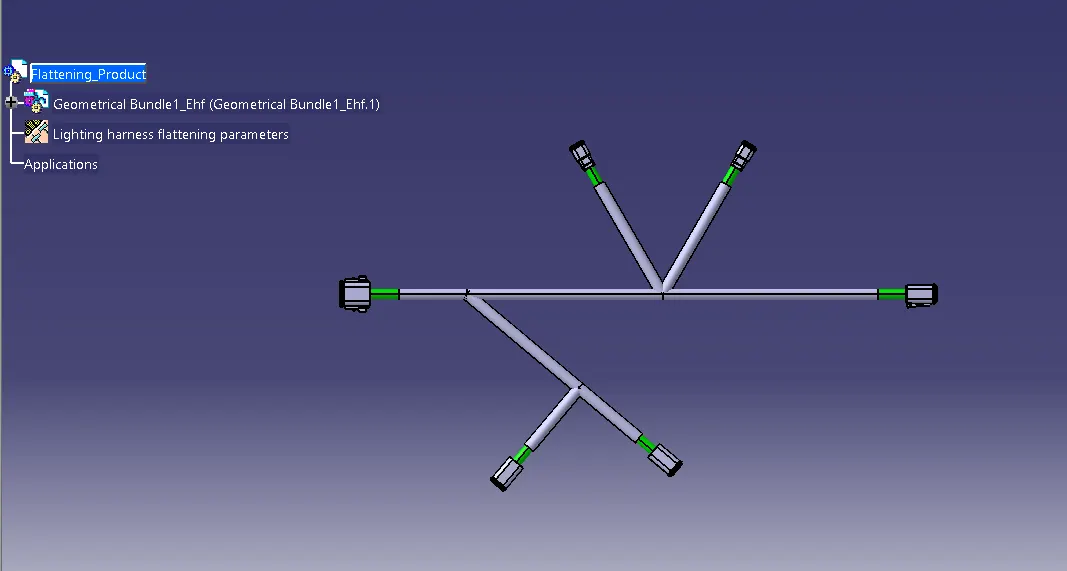
- In electrical Flattening harness, Click the flattening command
- A tab is open here select the Active Plane select the face of the connector or the requried axis
- Then select the branches which needs to be flattening
- Bundle segments are adjusted at required direction and angles and then save it
- Then open drafting workbench and Covert it into 2d drafting.
Drafting Representation: