Wiring harness design in CATIA V5 - 3D modeling Week 7 Challenge
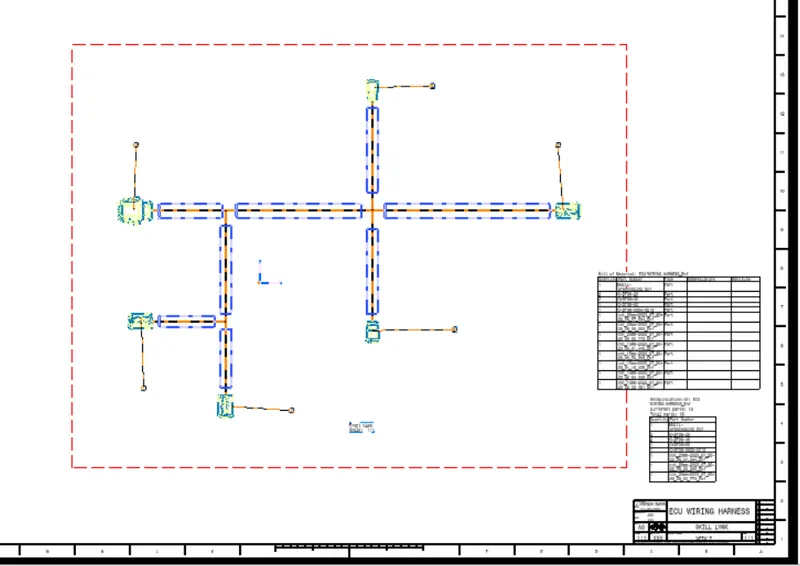
AIM:- Flatten the harness assembly completed in “ week 4 challenge”. Place the flattened view on drawing sheet. Ensure bundles with protective coverings has different visuals on drawing view.
OBJECTIVES
- To design Harness Flatten using Exisisting Wiring harness
- To draft the Harness Assembly as per production requirements and easy to assembly
- submit the CADD part and PDF file.
WEEK 4 challenge Harness Layout
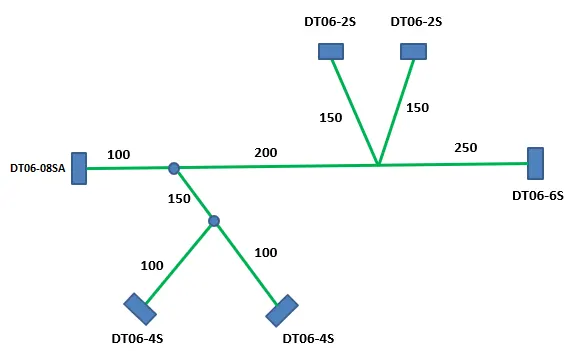
HARNESS ASSEMBLY
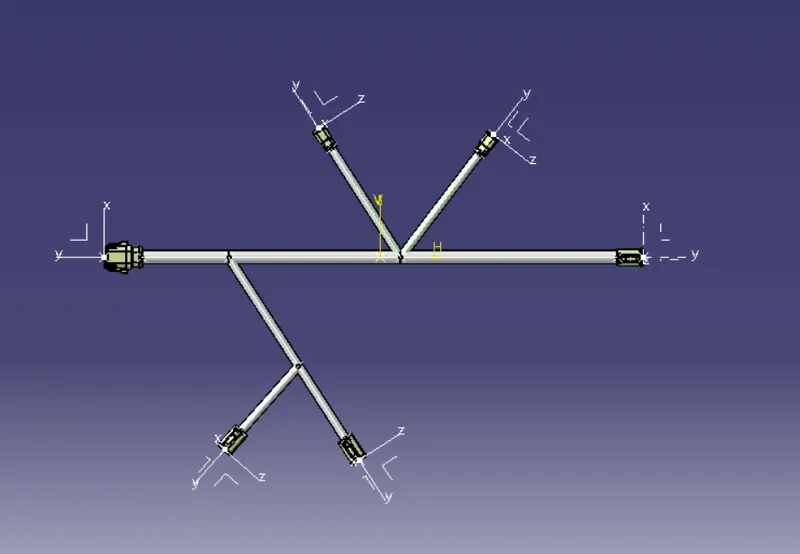
To define the above Harness as Flattening first we have follow the below procedure
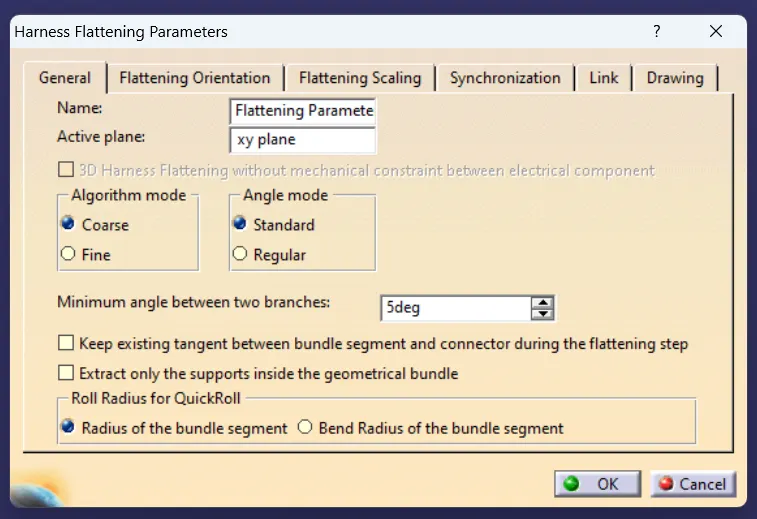
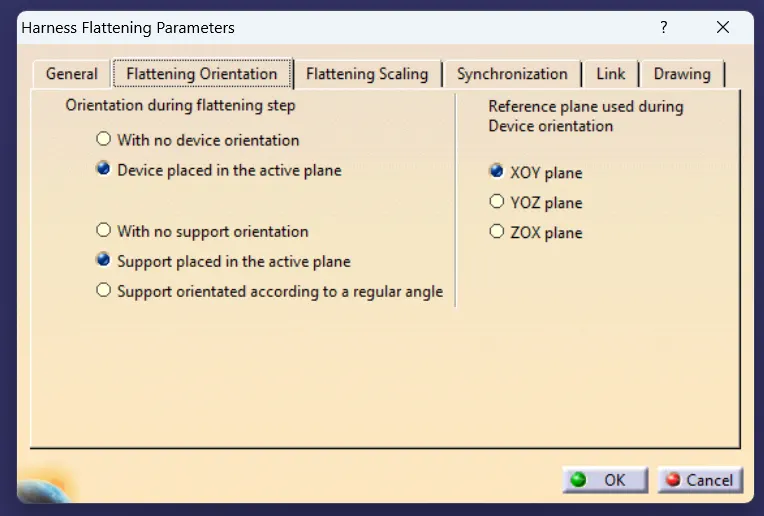
DEFINE HARNESS FLATTENING PARAMETERS
1. GENERAL
2. FLATTENING ORIENTATION
3. FLATTENING SCALING
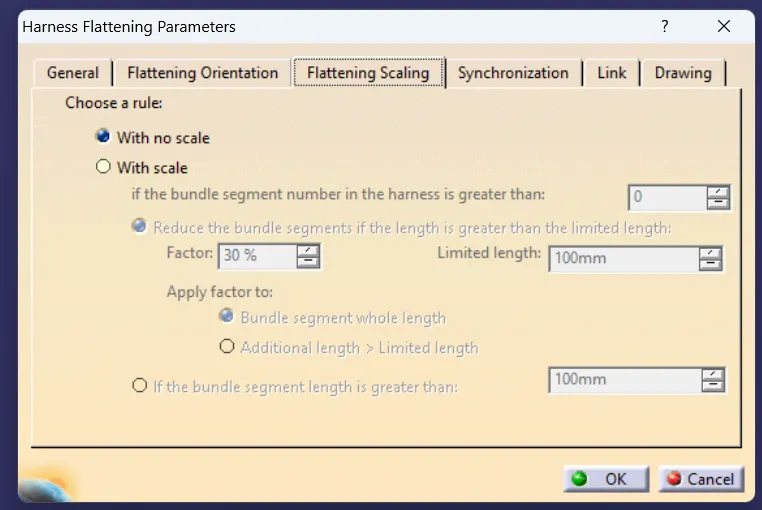
4. DRAWING
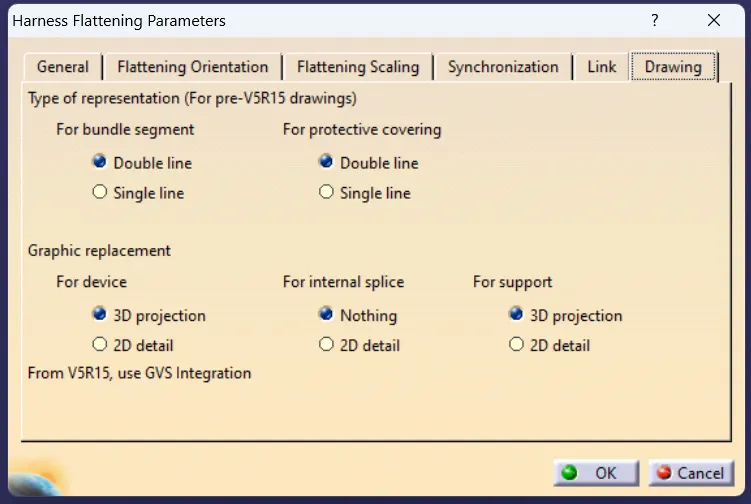
Extract the Harness Asslembly which need to be Flatten.

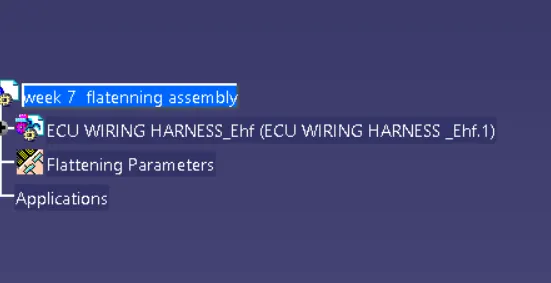
EXTRACT -----> Select the Harness Prooduct file
after importing the file name will changed to Ehf as shown in figure
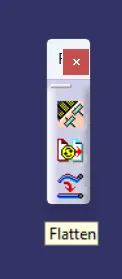
flatten the harness using Flatten command
click on Bundles and use Select all Branches ---> OK
Harness will be Flattenned
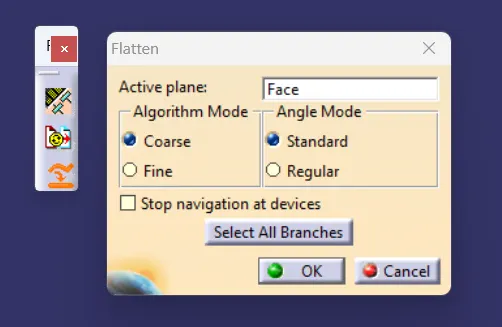
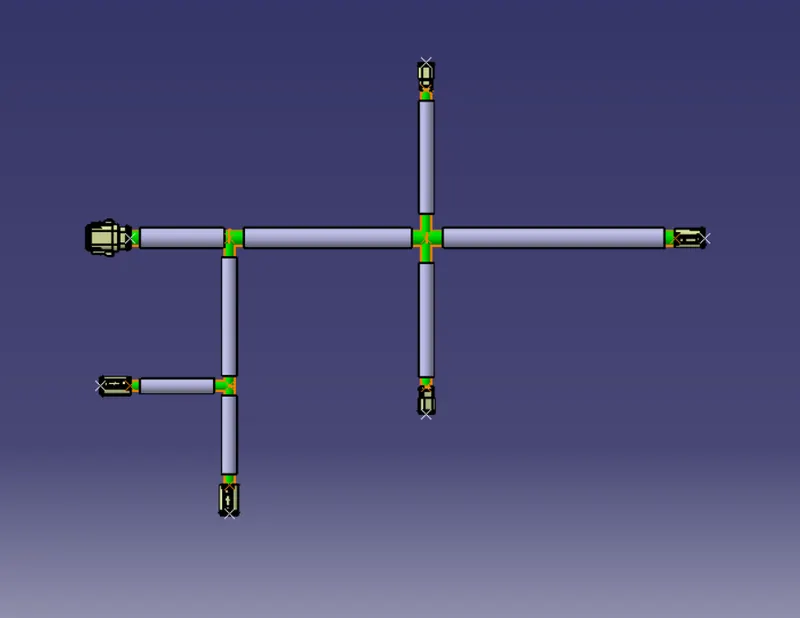
by using Command we have to create the harness and drafed for manufacturing
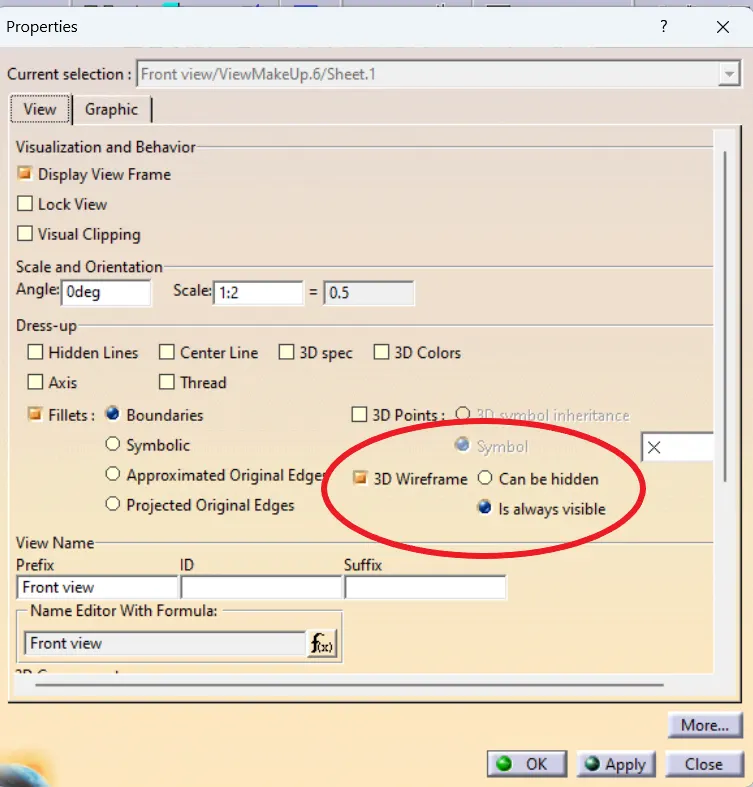
Drafting
properties
Conclusion
Harness is flattened and Drafted