Wiring harness design in CATIA V5 - 3D modeling Week 7 Challenge
Wiring Harness Design
Aim:
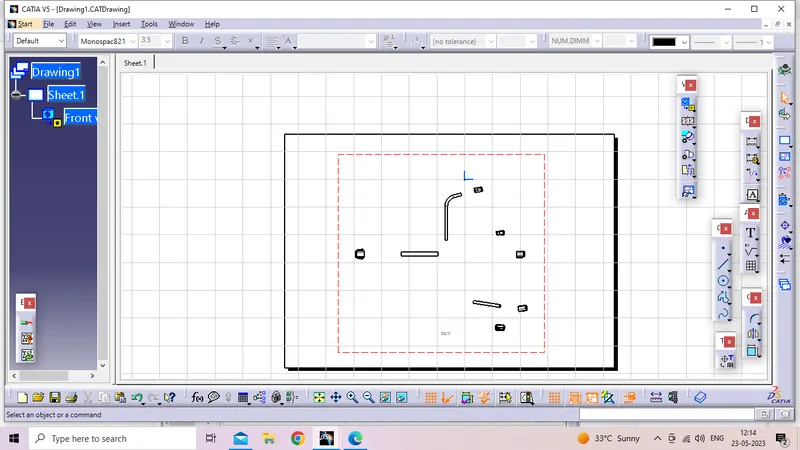
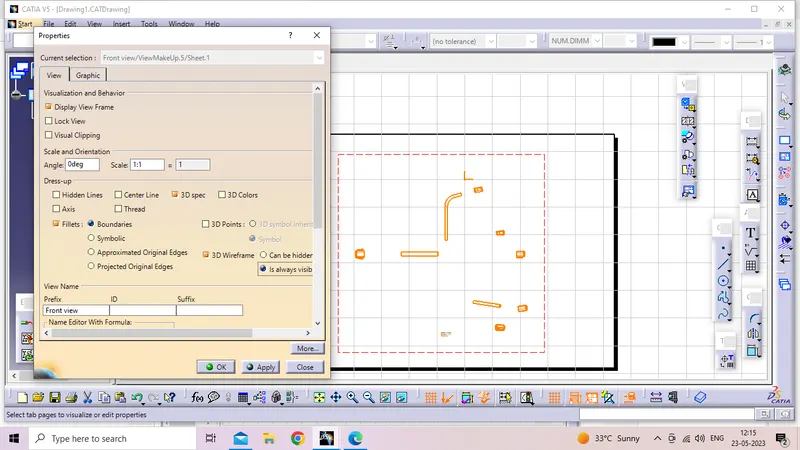
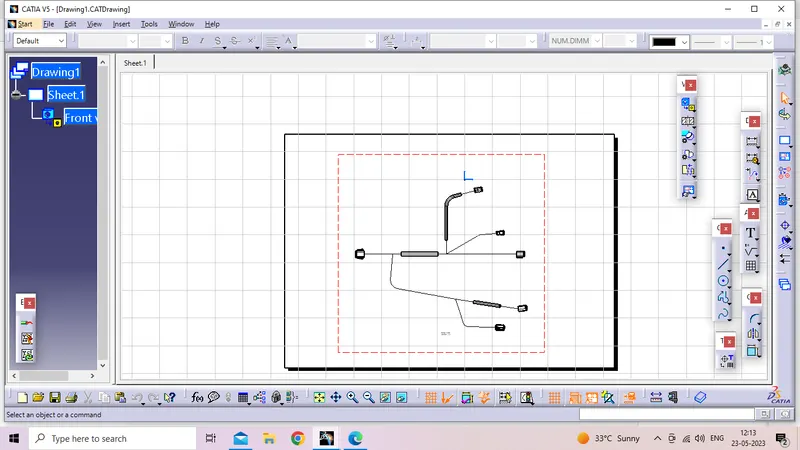
Flatten the harness assembly completed Place the flattened view on drawing sheet. Ensure bundles with protective coverings has different visuals on drawing view.
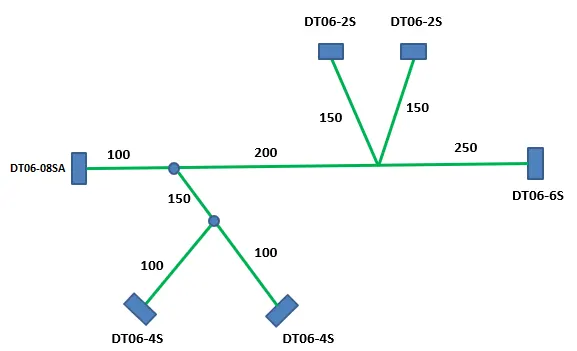
ELectrical Harness Assembly :
Step 1:
Elecrical Harness Assembly will create as per daigarm after that bunndle connectivity ckeck both mothed.Electrical harness assembly save into new Loaction.
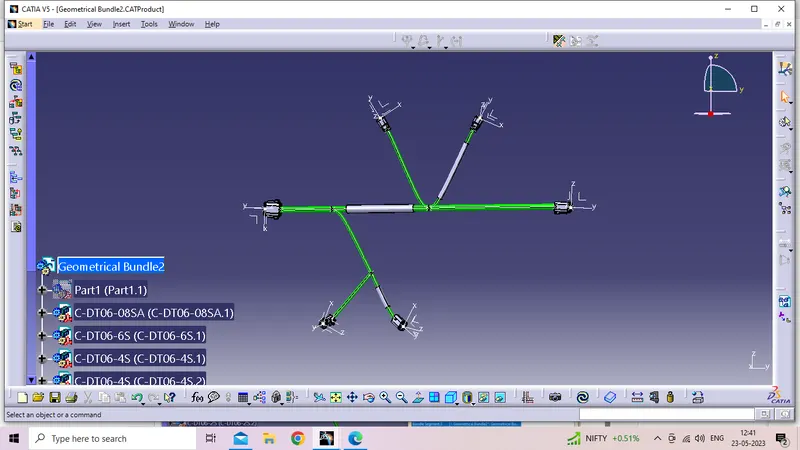
Bunndle connectivity check =true
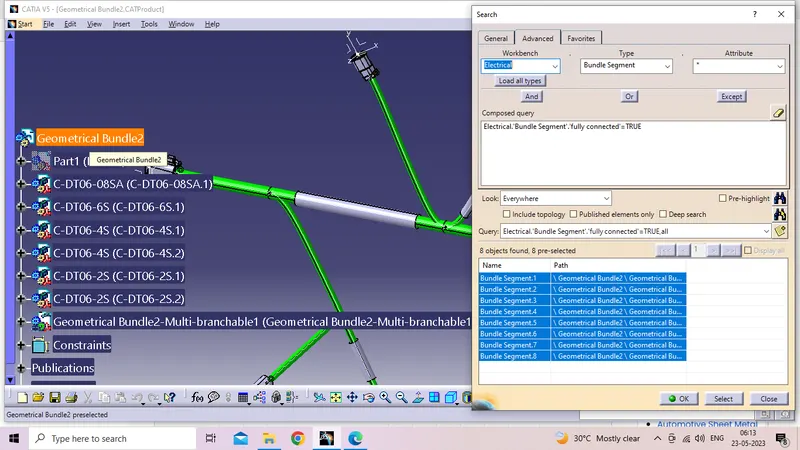
Bunndle connectivity check=False
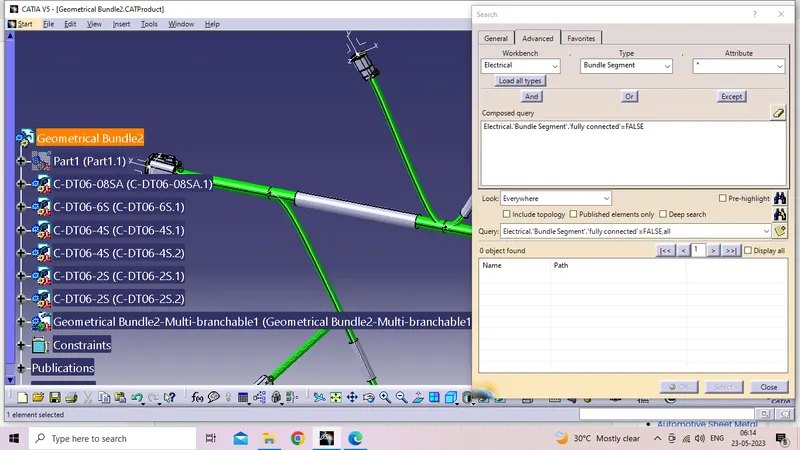
Electrical Harness Flattened File Created
Step 2:
New product will open file name change Electrical harness Tuto This file also save into same location.Electrical Harness Parameters to given.
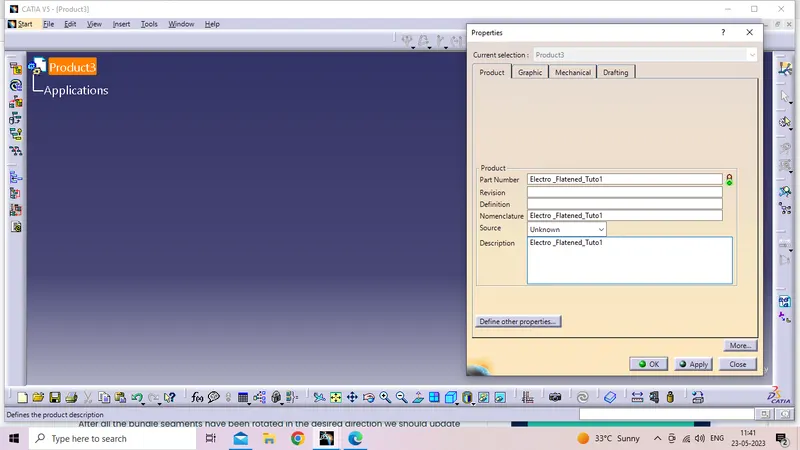
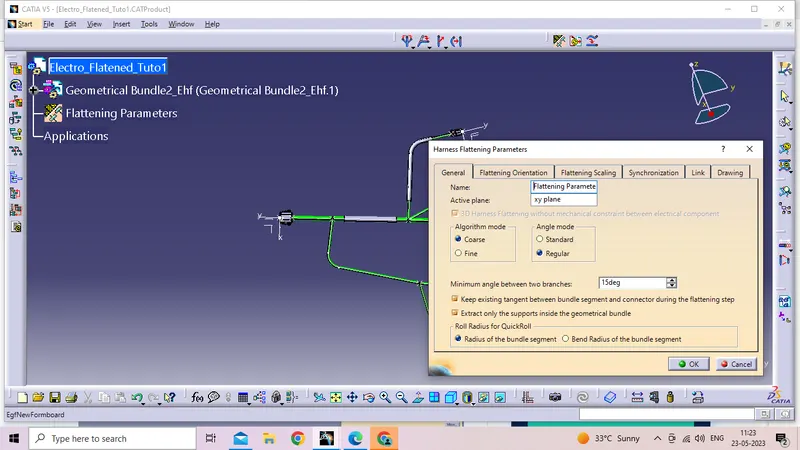
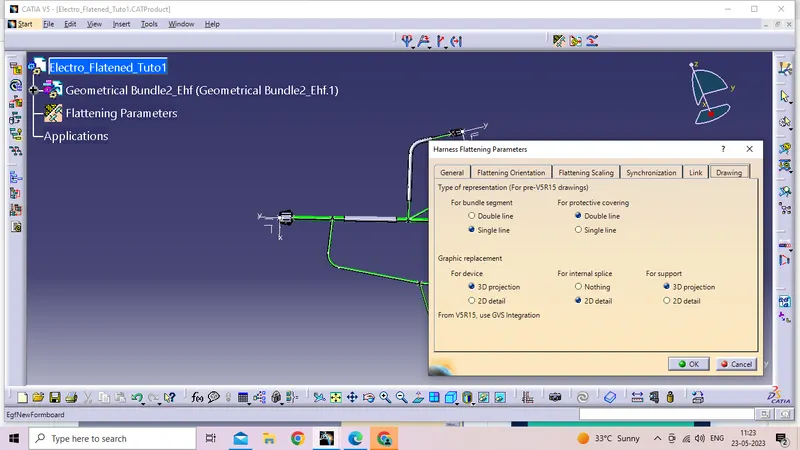
Electrical Harness Flatened file Import:
Step 3:
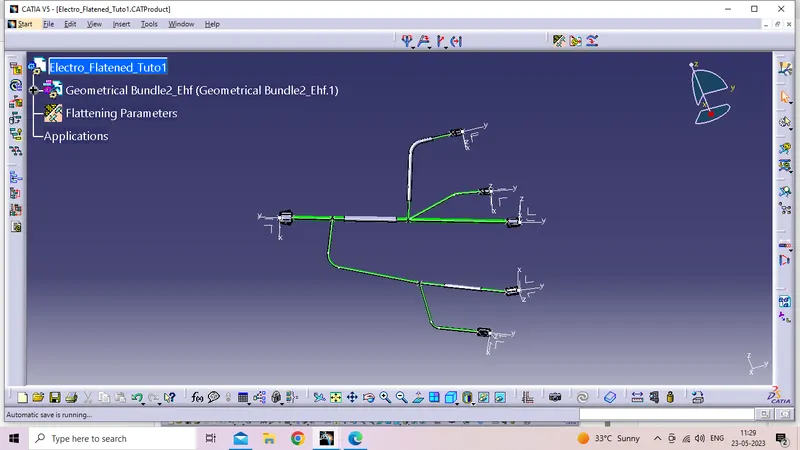
Electrical Haness assembly Will import into Electro Flatened Tuto 1 , That file name was sucessfully change Geometrical bunndle_Ehf after that Flatened process will start.
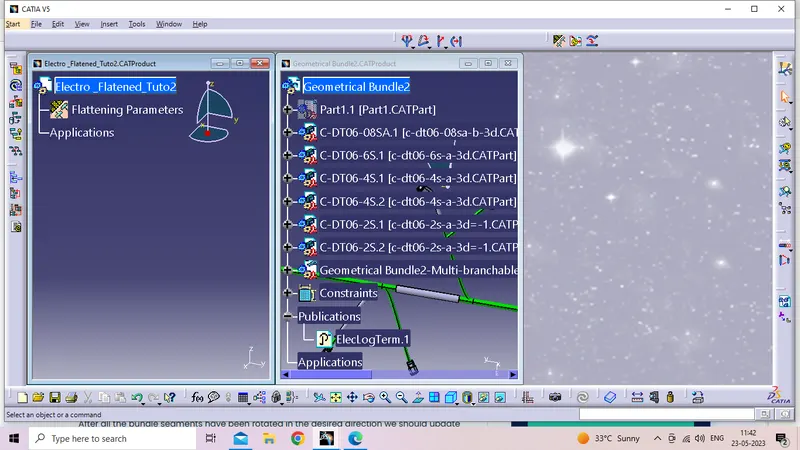
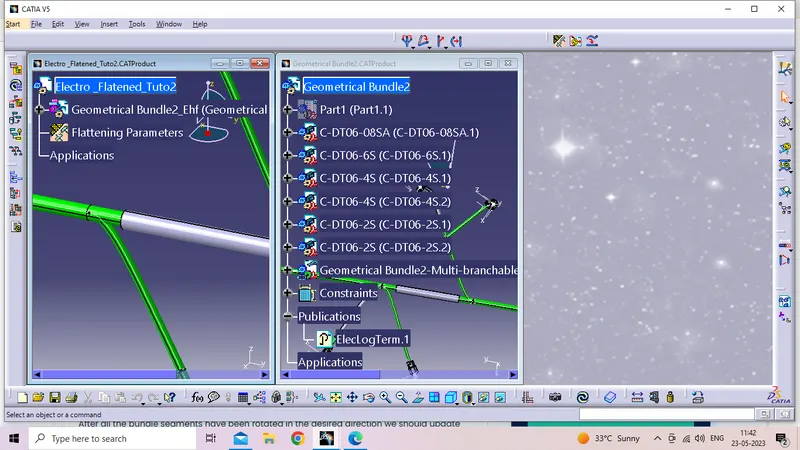
Flatened Process:
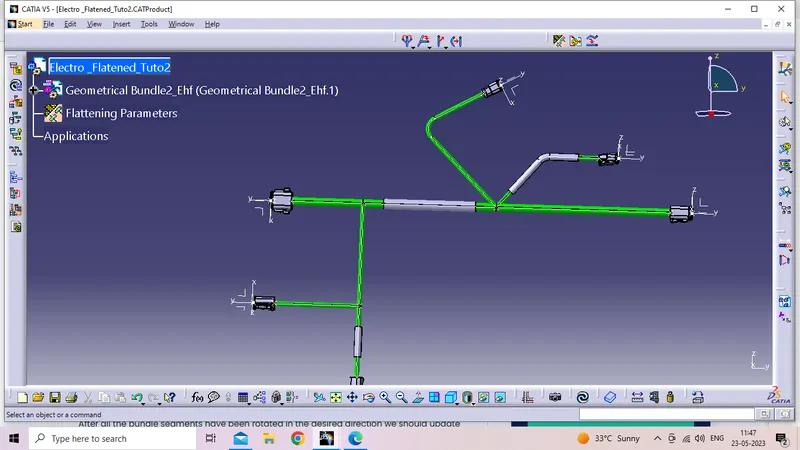
Active plane will created after select all the brenches This time any onr bunndle not select one more time Bunndle conectivity check .All the branches must connected before the process of Flatened assembly.
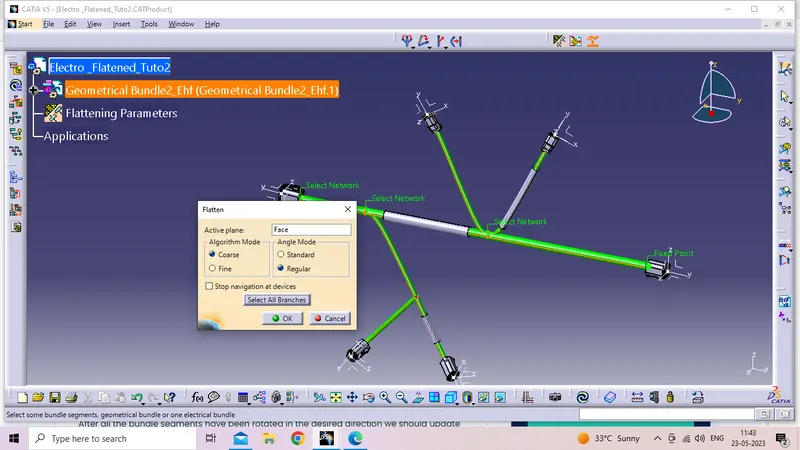
Electrical Harness Flatened Tolls:
Step 4:
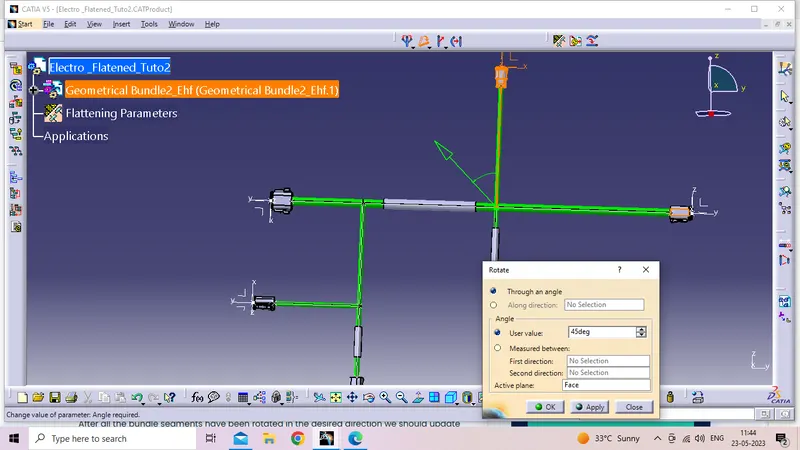
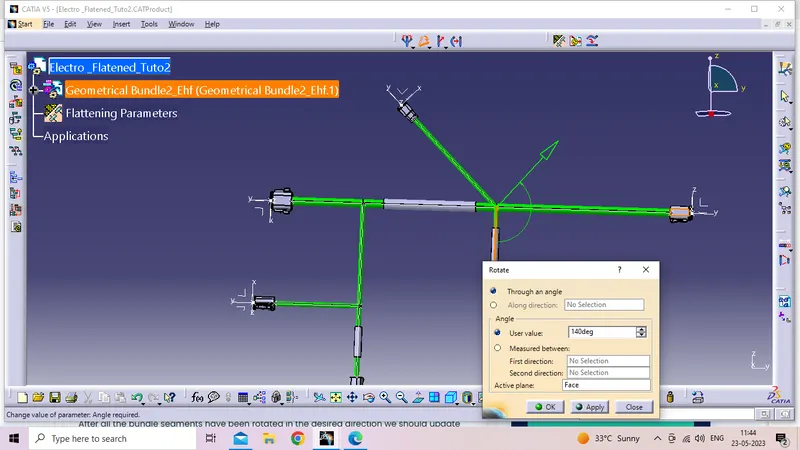
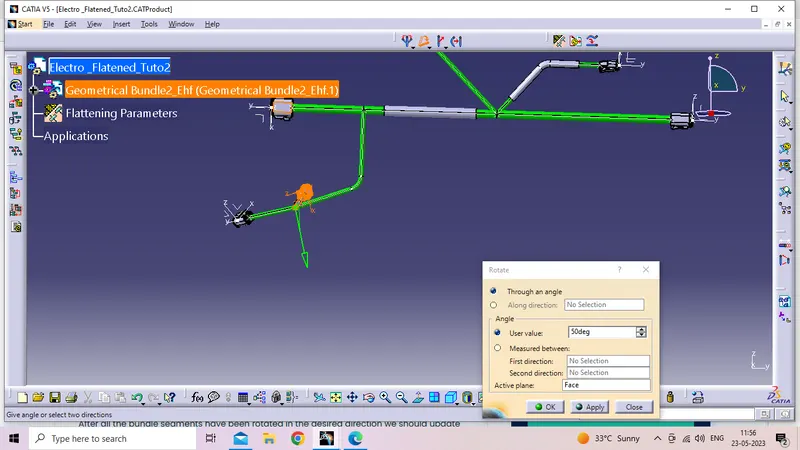
Bunndles rotate some of angle with respest Position points.
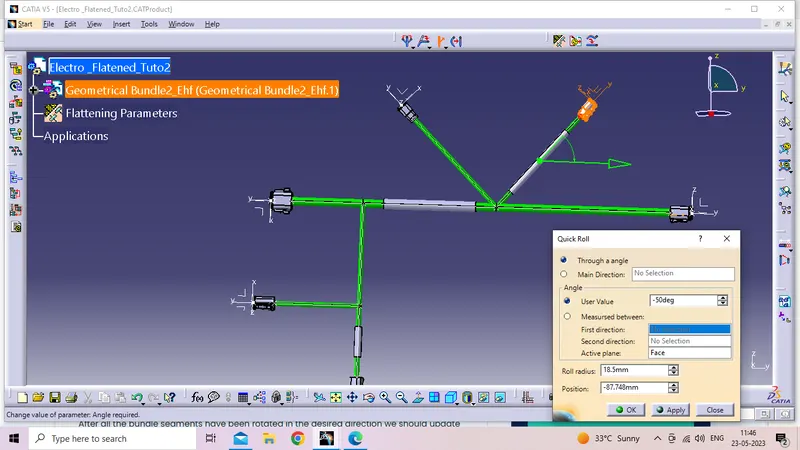
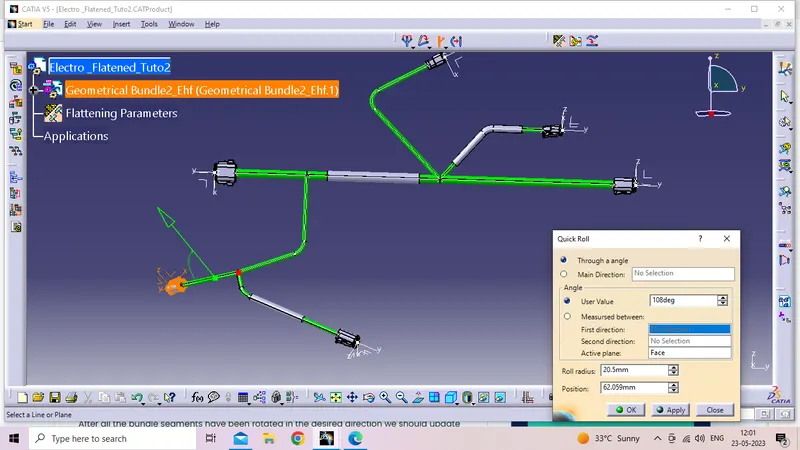
Quick roll:
Some of bunndle segments Length will increse after will use Quick roll this is some bunndles will roll some degerees.
Final Flatened Drawings:
Flatened file Into Drafting method to Draft Drawing use for Details given to all the factors of Detail manufactablity.