Wiring harness design in CATIA V5 - 3D modeling Week 7 Challenge
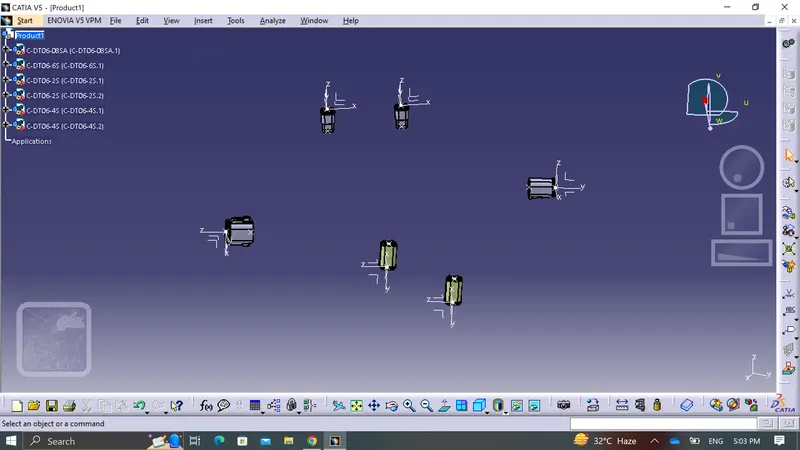
Q.1 first of all i have defined each and every connector there may be it is 2 pole,4 pole,6 pole or 8 pole .
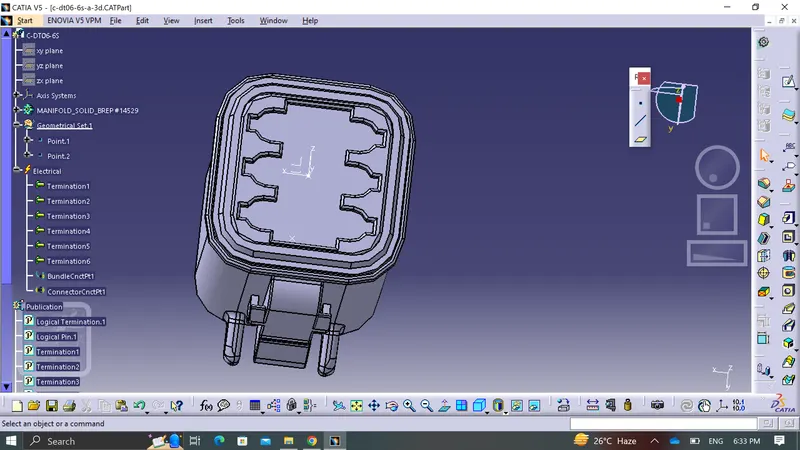
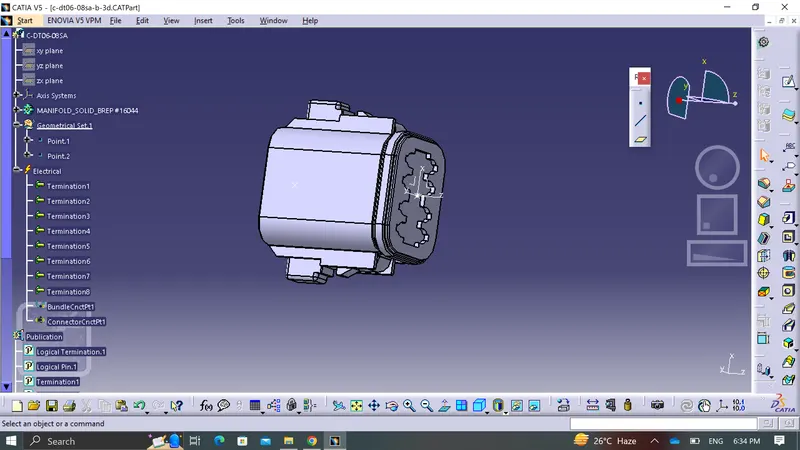
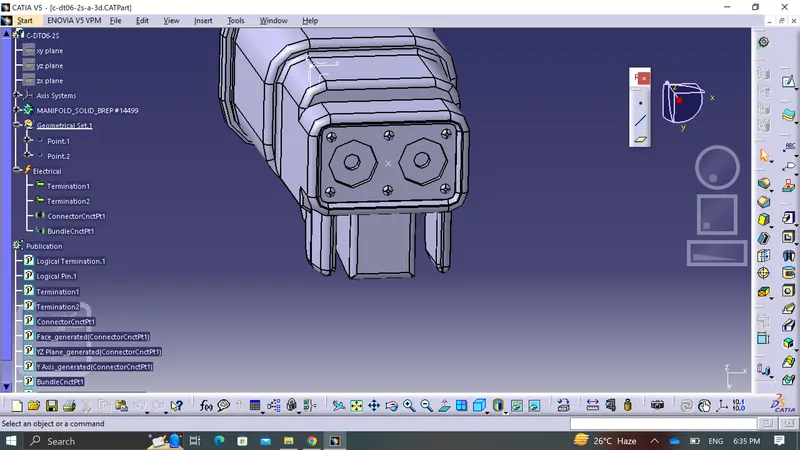
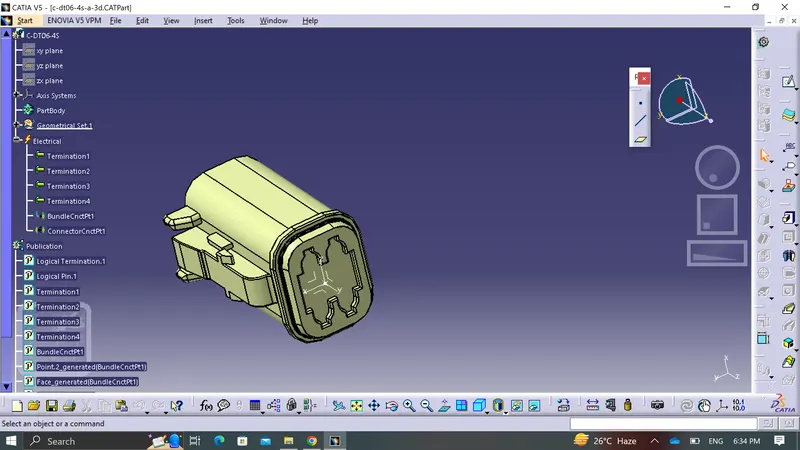
after defining them correctlt i have created a new product named as week_7_challenge
then pasted everything then aligned each connector by using snap tool.
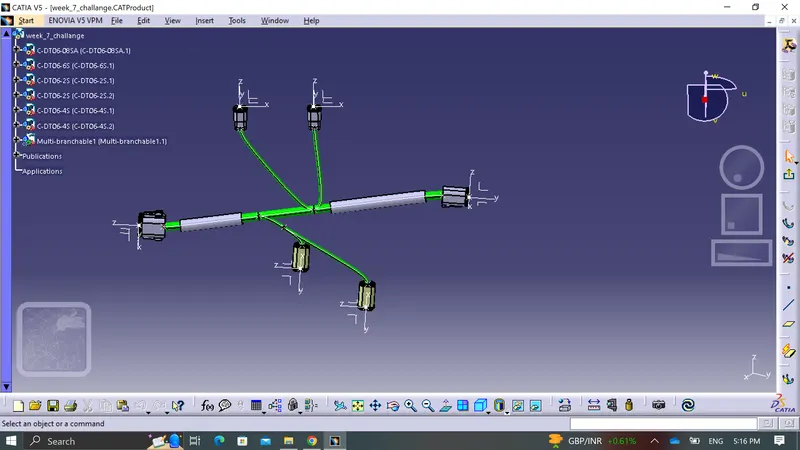
then here is the image after applying protectinve covering to the branches .
then created a new product naming as flatteining assembly
then process follows as it is
1. created flattening assembly by going in harness flatteing workbench .
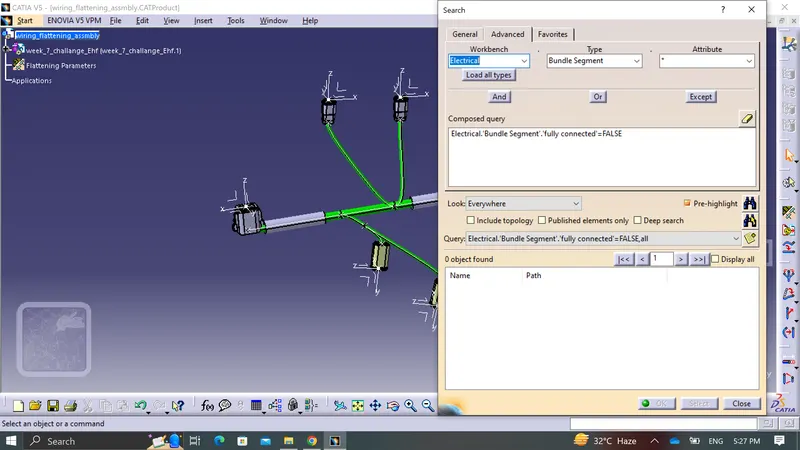
2. adjusted the parameter.
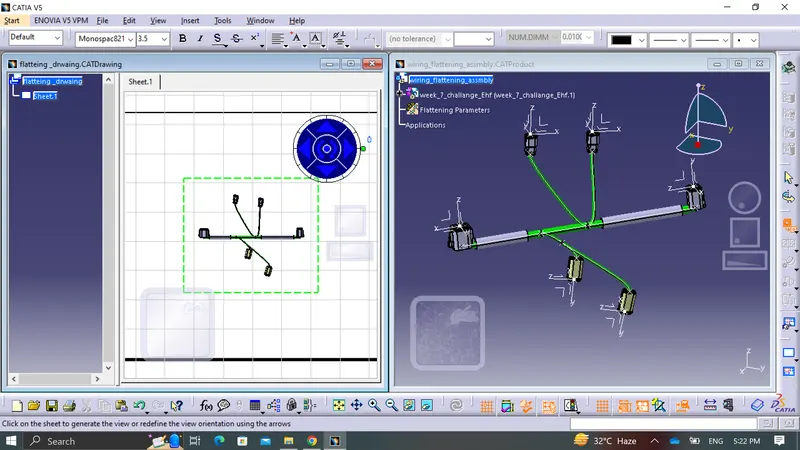
3. then i have opened tile vertical mode to extract the assembly .
4.use flatten command to make it flatten.
5. Opened a new product as drawing .
6.then in drwaing save it in same folder .
7. then selected front view in drawing and then selected one connector surface.
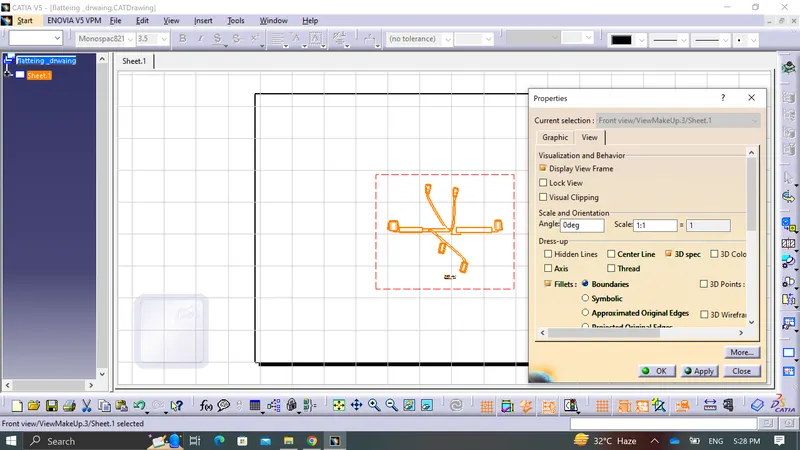
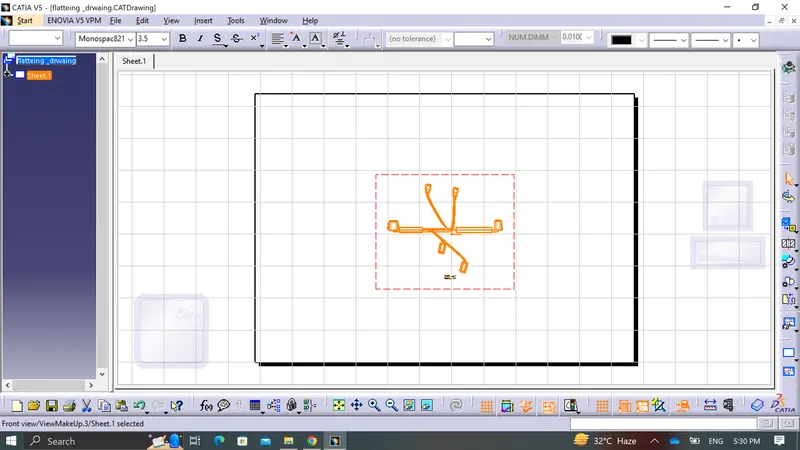
8.Drawing appered in the sheet .
9.Adjusted the parameter by going in the properties .