Wiring harness design in CATIA V5 - 3D modeling Week 7 Challenge
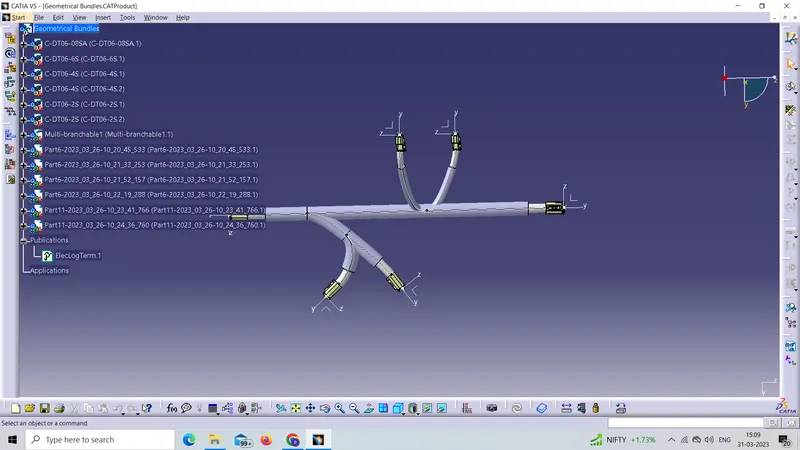
As mentioned in the problem statement we have to flatten the harness assembly which is completed in Week 4 Challenge shown in below picture
For flattening any harness assembly we have switch to electrical flattening harness workbench After that we have to Define the flattening parameters by clicking on Harness flatening parameters. 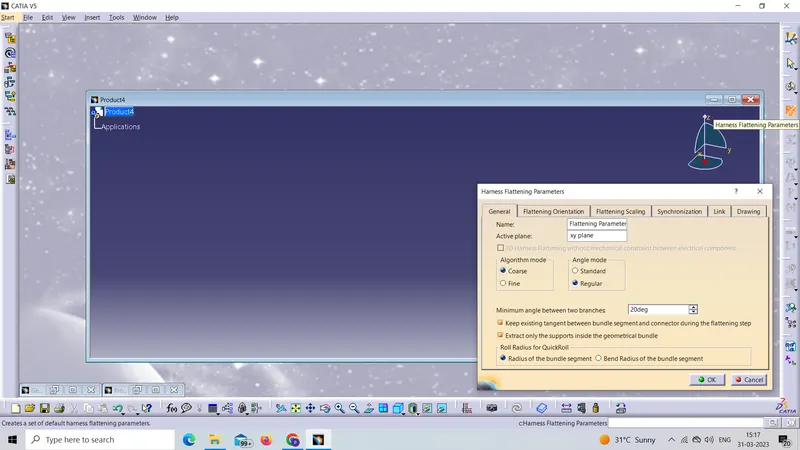
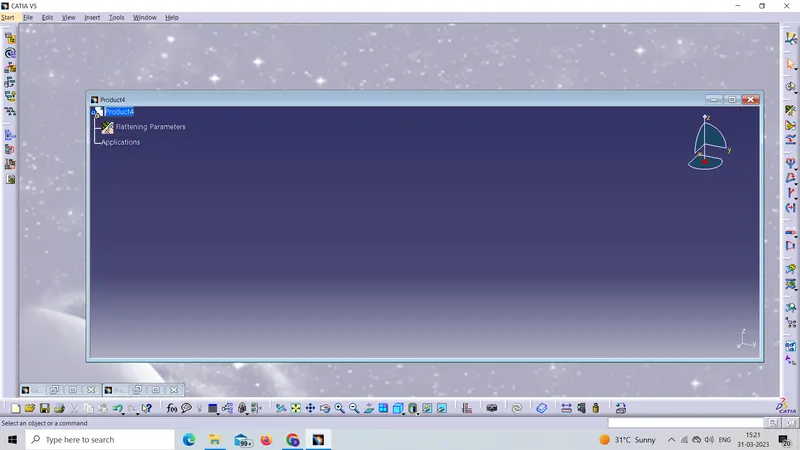
After defining the harness flattening parameters click ok then Flatttening parameters are added to the product file as shown in the picture
Now for flatening the harness assembly click on Extract command which is available in a harness assembly workbench
after that click on the Geometrical bundle which is our desired input which we have to flatten after click we automatically redirected to the Flattening product file Now by clicking on flatten command Flattening is done
After Flatenning we have to Place the flattened view on drawing sheet.
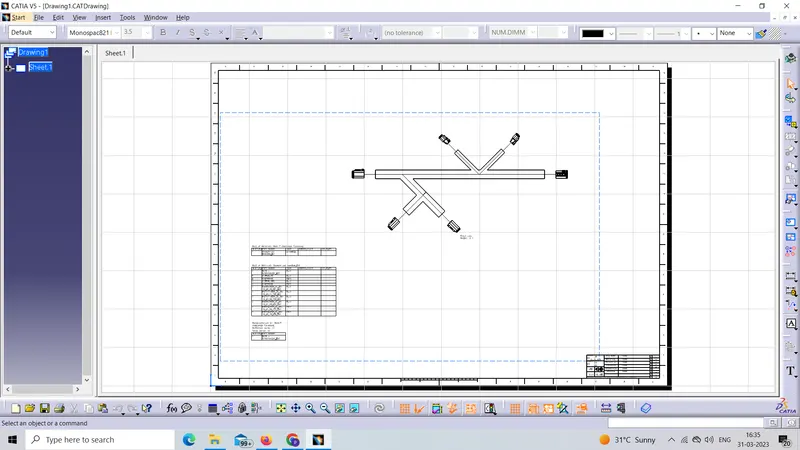
For that we have to creat the Drwaing file which is shown inn below picture
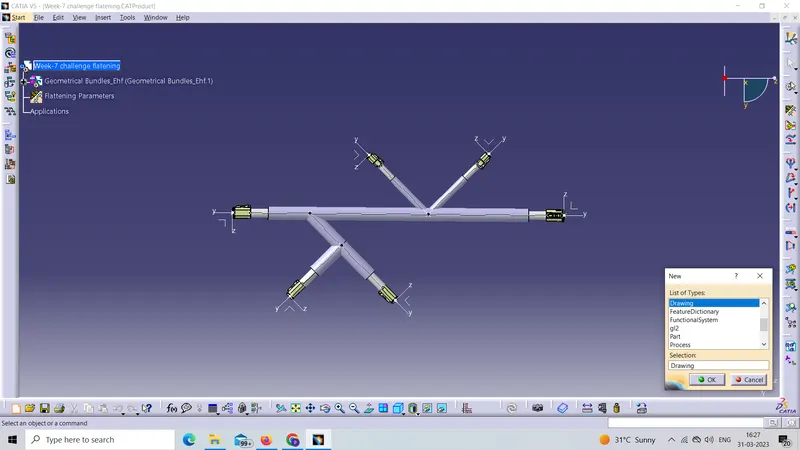
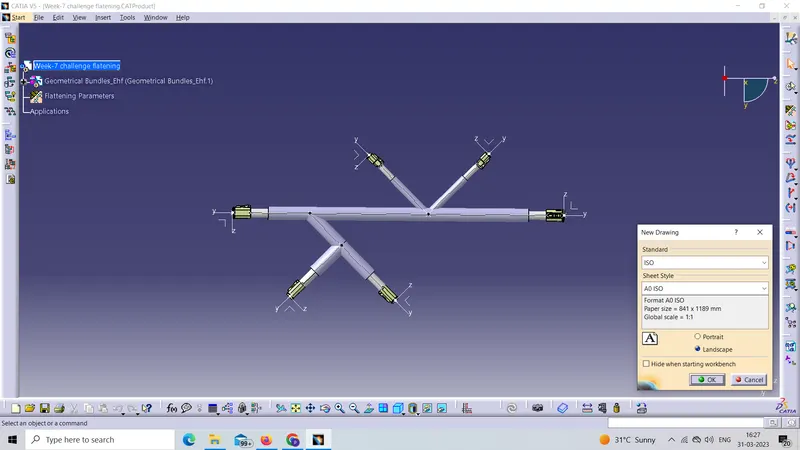
After creating the Drawing file click on front view command
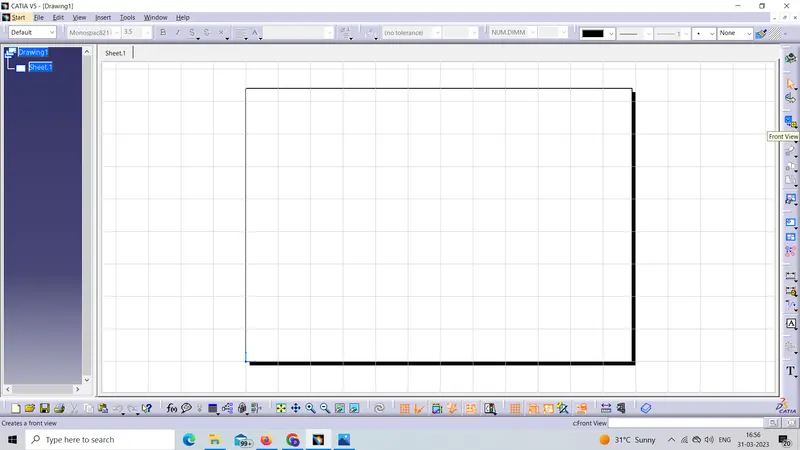
Afetr clicking the front view command come in our flatenning file And select the plane or face of connector for representing on the drawing sheet
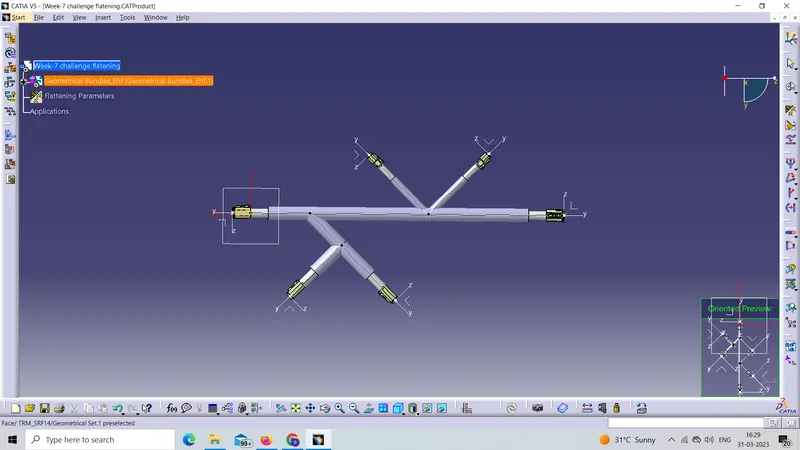
Our flatten harness assembly is represnted on the drawing
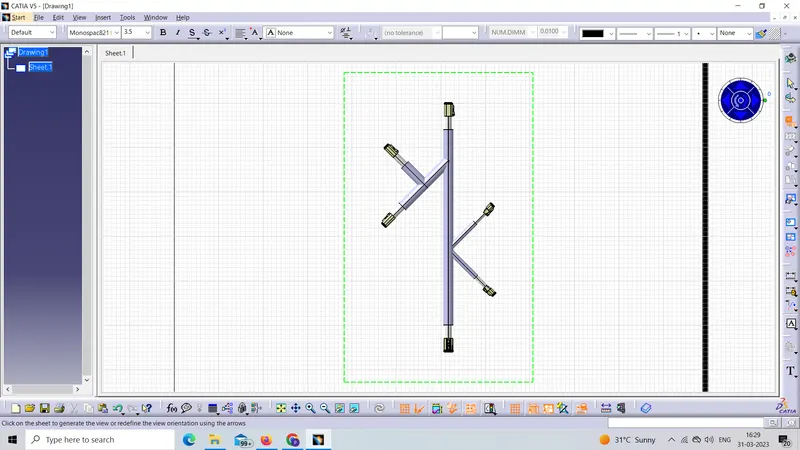
After clicking any whwere on the sheet following result we got
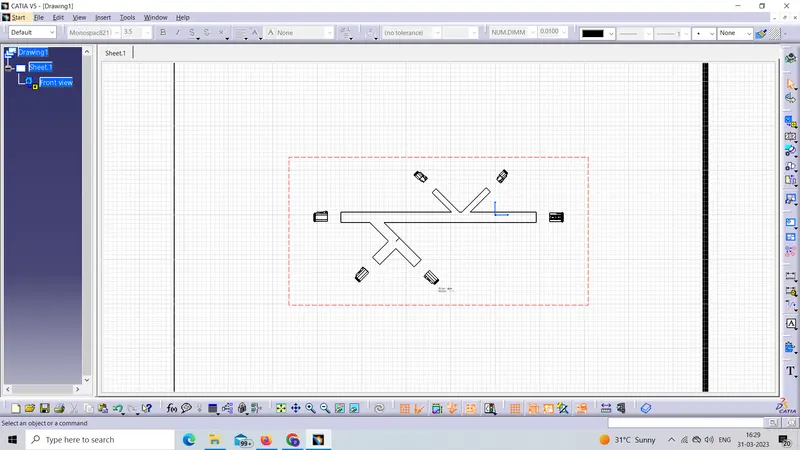
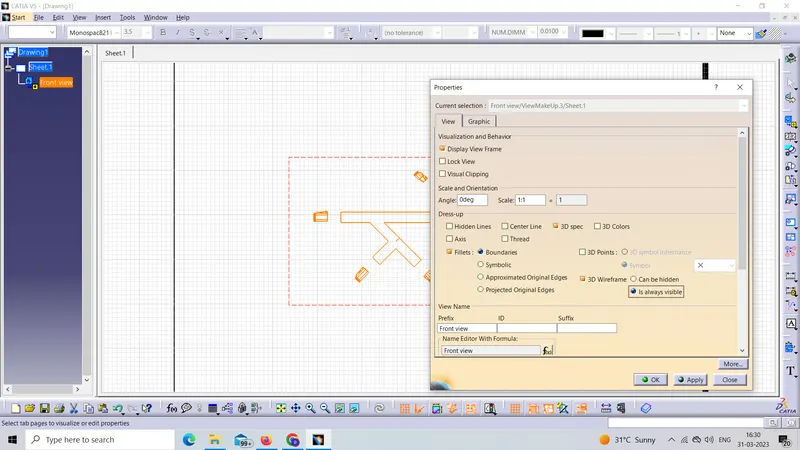
here we have to make some changes in the properties slect the view and right click then 3D wirefrane after that click on is always visibleclick ok
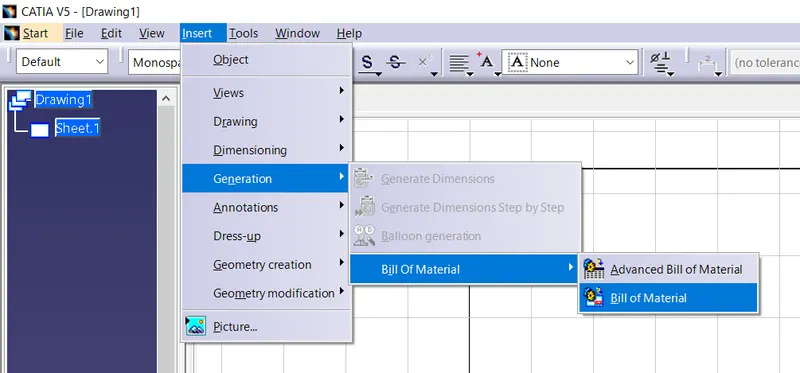
For bill of material we followed the steps shown in below picture
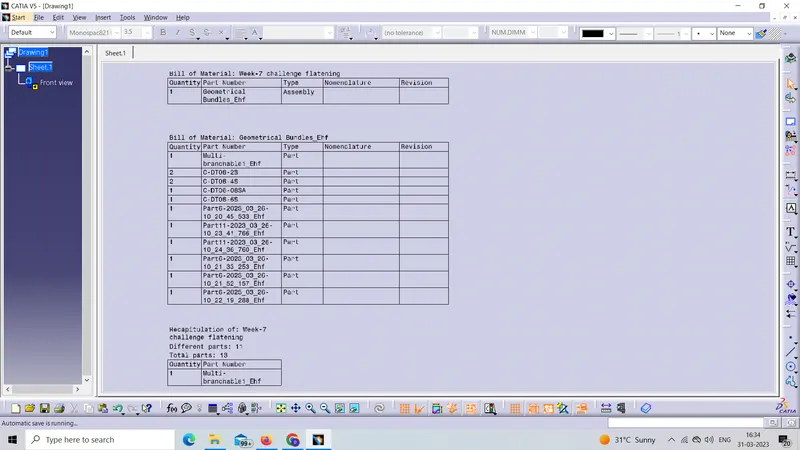
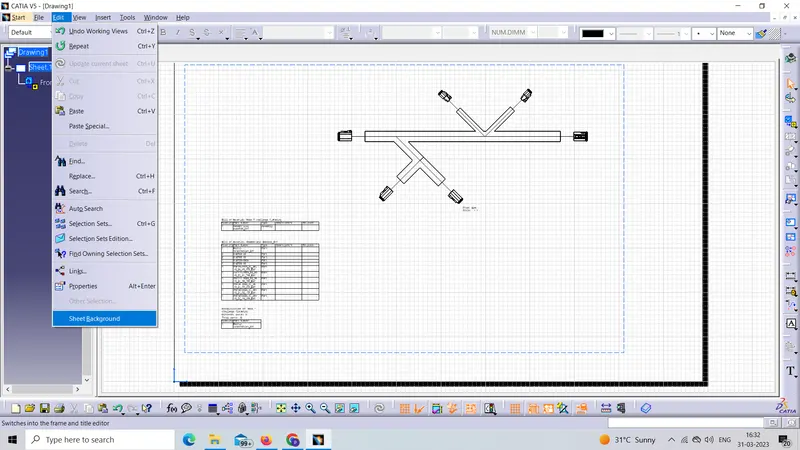
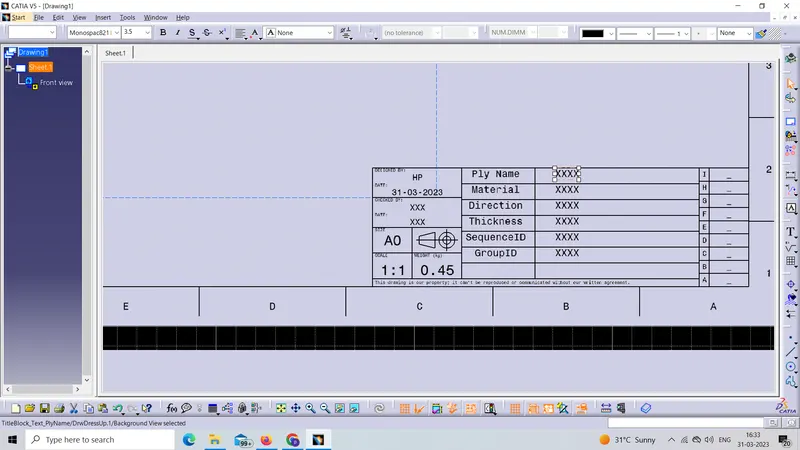
For Title block we followed the steps shown in below picture
click on sheet Background
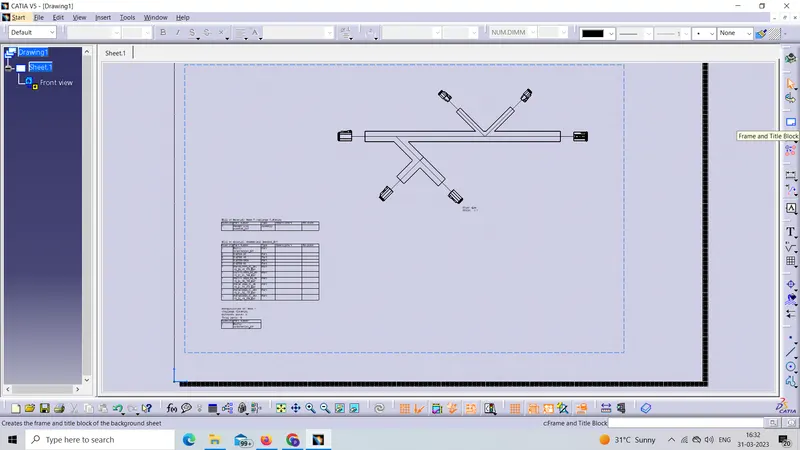
click on Frame and Title Block
click on creat and then ok
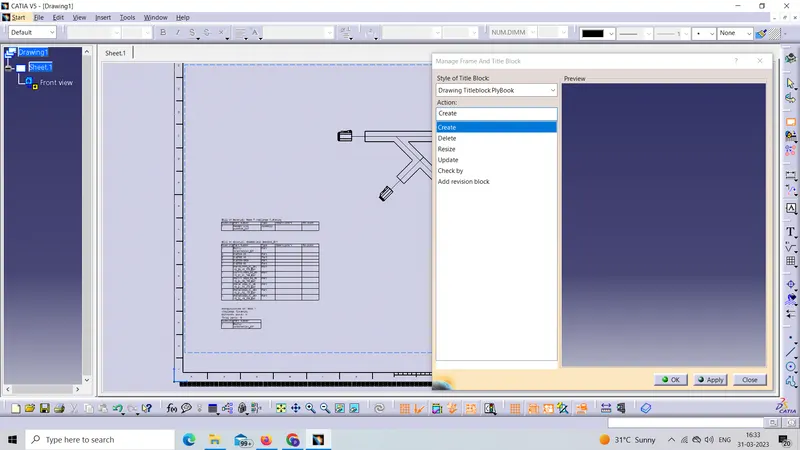
our titel block created
“ week 4 challenge” flattened view on drawing sheet.shown below