Wiring harness design in CATIA V5 - 3D modeling Week 7 Challenge
WEEK 7 CHALLENGE
Objective: To create a Harness Flattened Model & Drawing for the given wiring harness model.
Description:
Essentials:
- We have to save the harness flattened model in the assembly file
Steps involved for creating Harness Flattened Model:
- Create the flattening parameters in the given product file
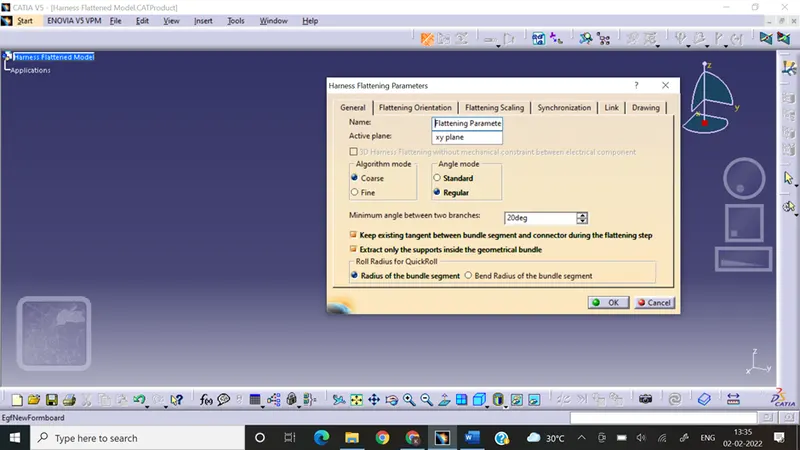
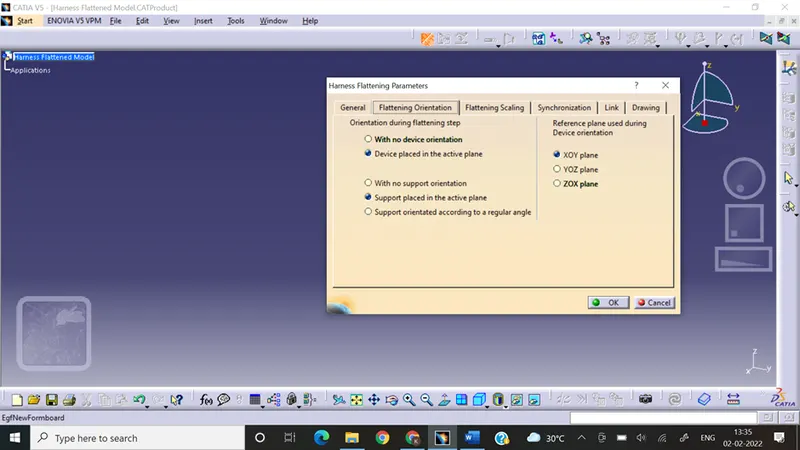
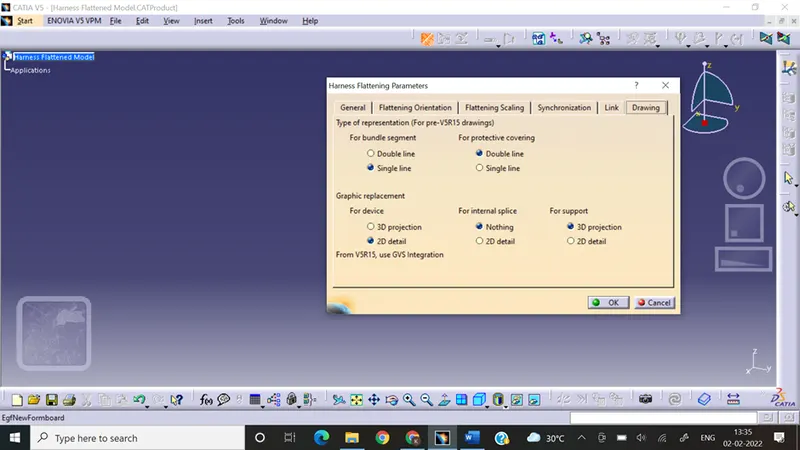
- Open the geometrical bundle assembly
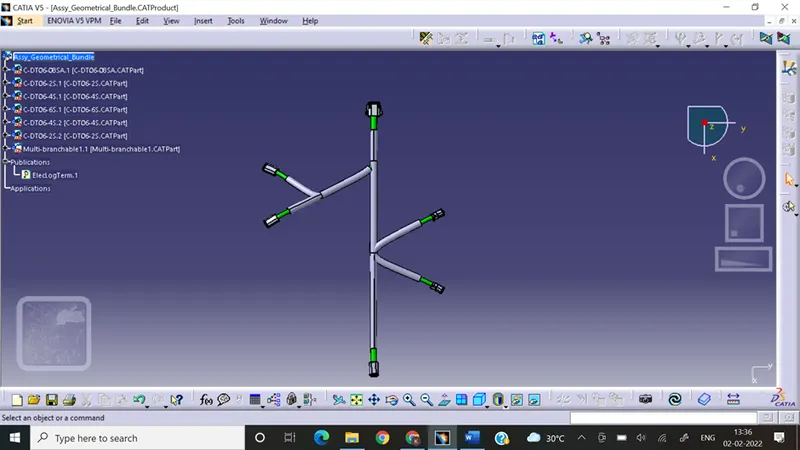
- Tile the windows vertically & extract the geometrical bundle assembly in the flattened model
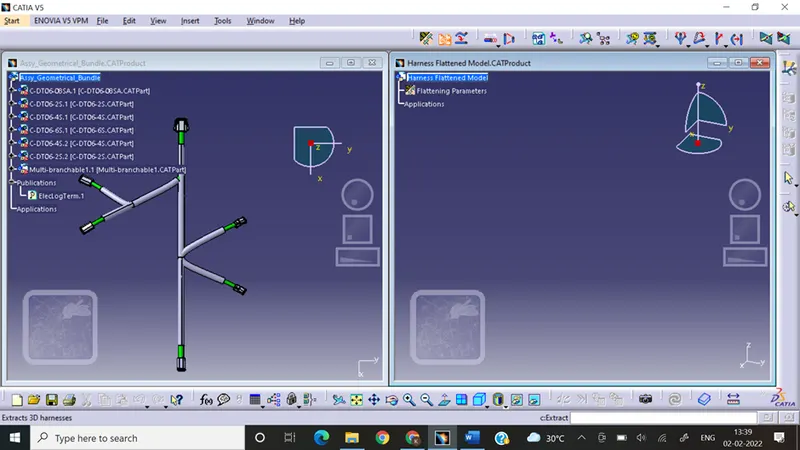
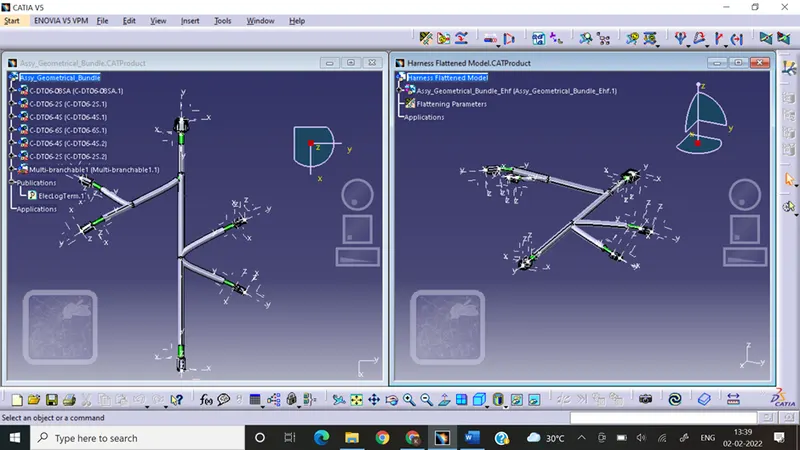
- Select the flatten command
- Select one of the connector face for plane selection then select one branch & select all branches option
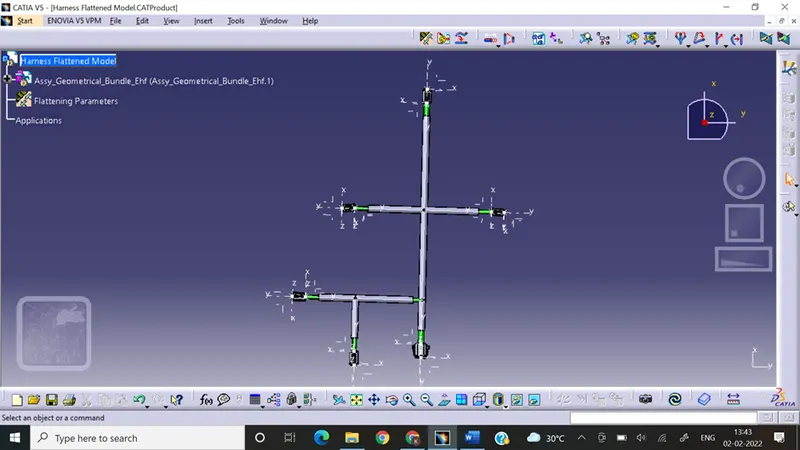
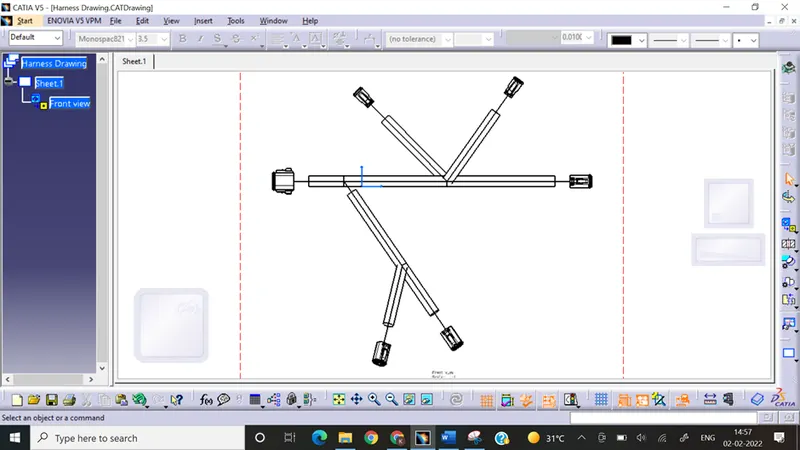
- Select the new drawing file with the required standard & size.
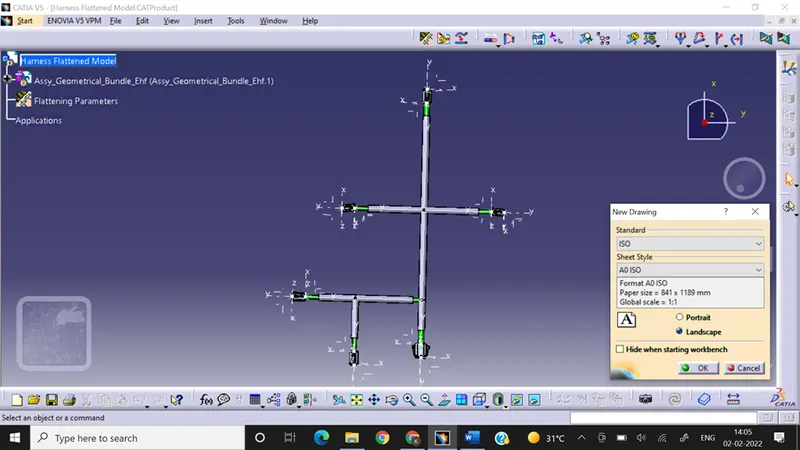
- Select the front view option & click on the face of the connector which is selected initially
- Then click on the properties tab of the sheet to enable the hidden features of the drawing.
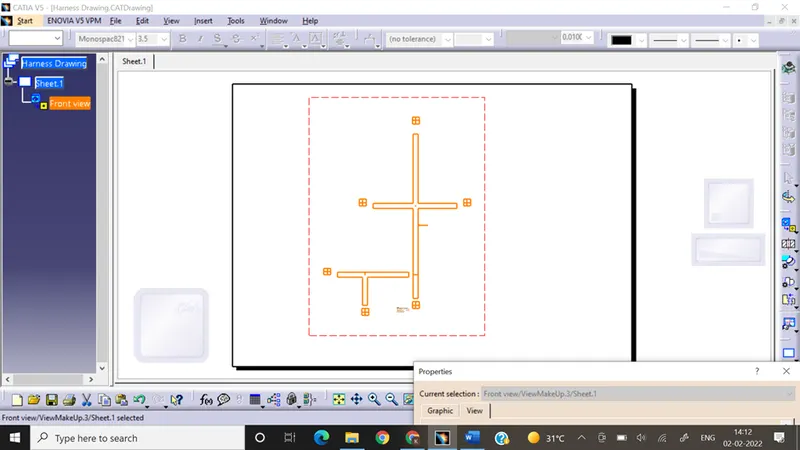
- Click on the 3D wireframe always visible & apply.
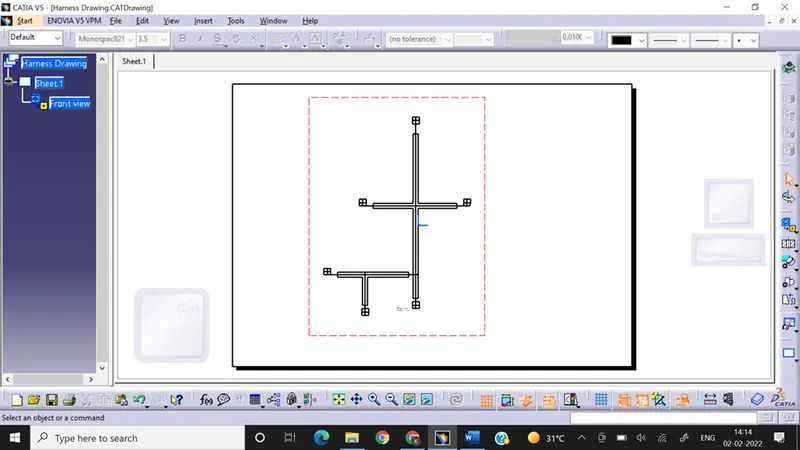
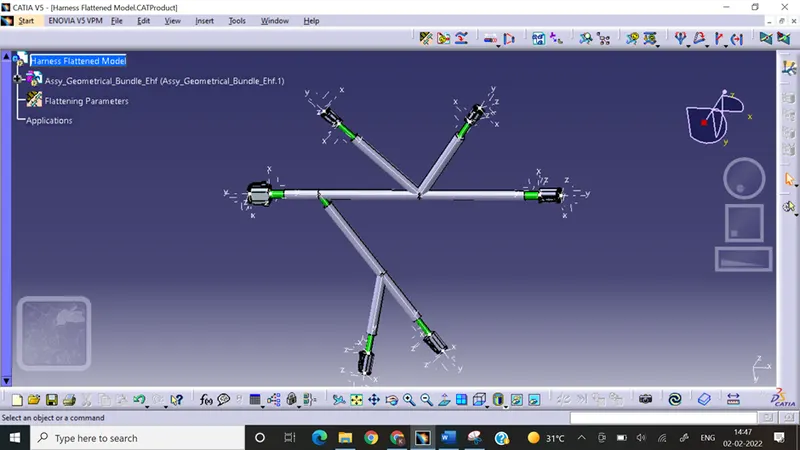
- Changes in Flattening parameters double line representation for COT tubes, single line for bundles & 3D view for the connectors by changing the flattening parameters in the flattened assembly.
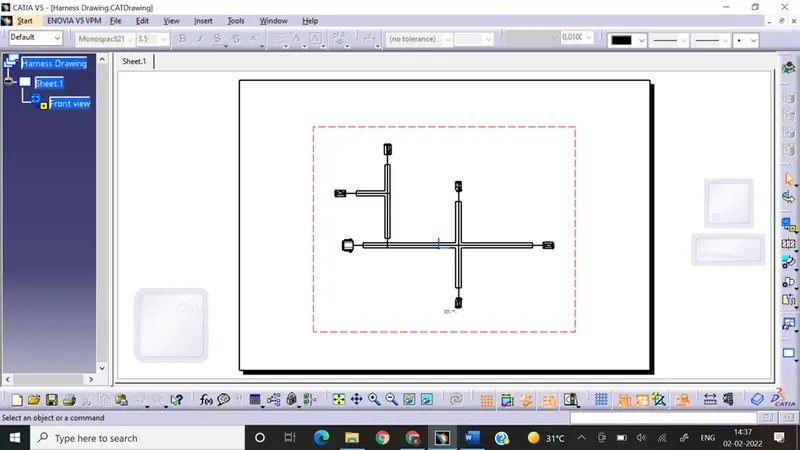
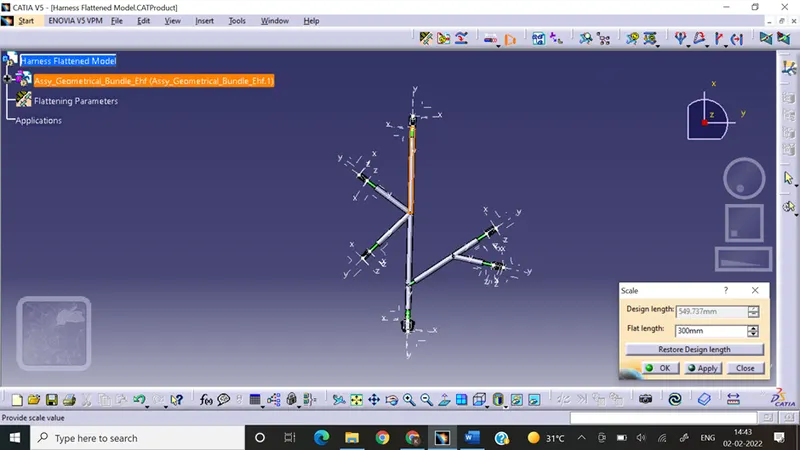
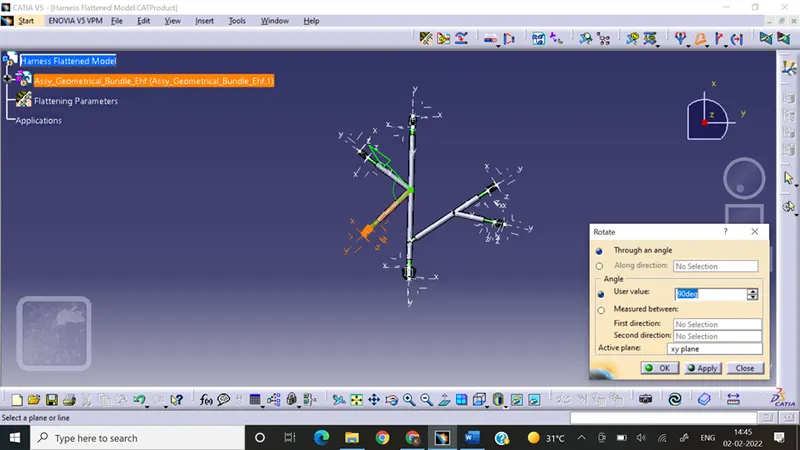
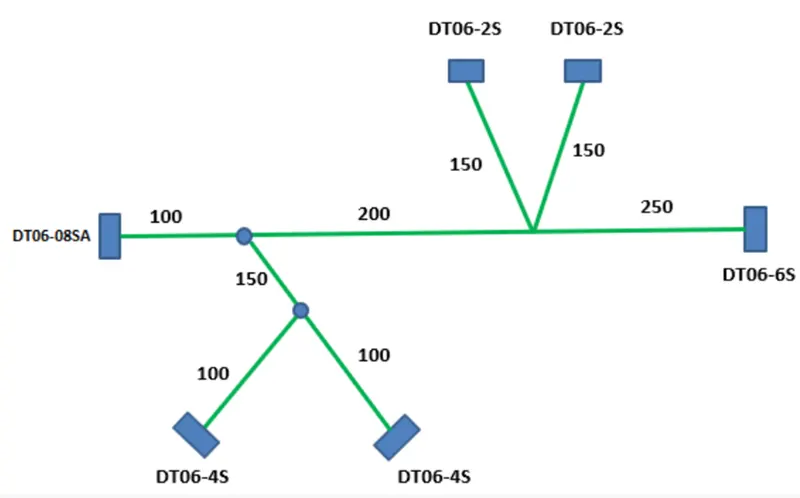
- To orient the Flattened sketch according to given sketch using rotate & scale commands
- Given orientation
- Flattened model after orientation
- Drawing for given Orientation
Conclusion:
- In this way I have created the flattened harness model.
- Reoriented using rotate, bend, scale & few other commands.
- Created the drawing for given model & changed few properties to get better drawing view.