Wiring harness design in CATIA V5 - 3D modeling Week 7 Challenge
Q1. Flatten the harness assembly completed in “ week 4 challenge”. Place the flattened view on drawing sheet. Ensure bundles with protective coverings has different visuals on drawing view.
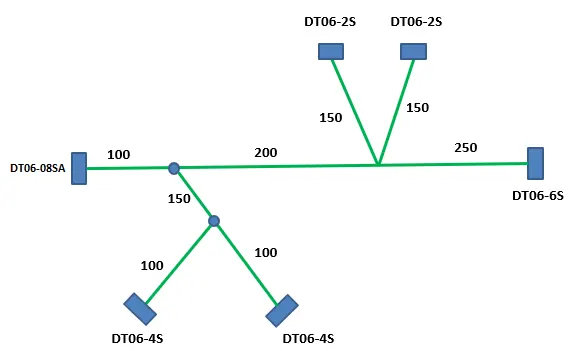
First of all, we import the week 4 challenge harness bundle to the catia V5
Create a new product file and select the harness flattening workbench and set flattening parameters and extract the harness bundle which already opened into the flattening workbench.
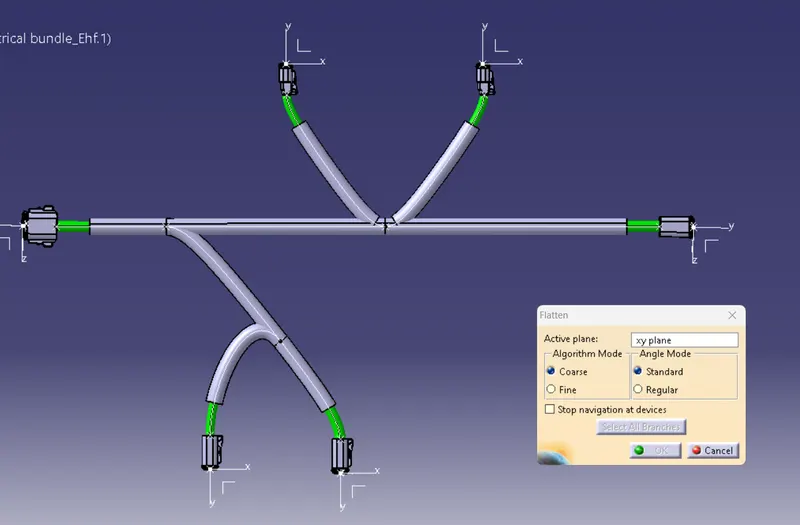
We select the required active plane and select all branches and flatten the wires.
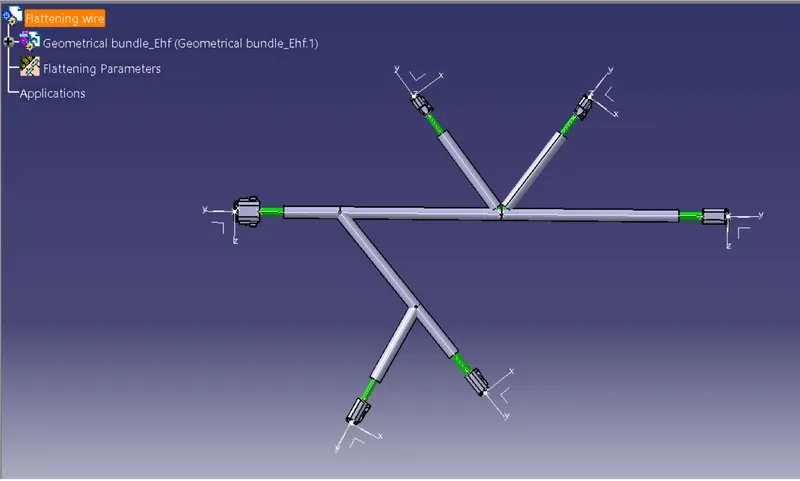
Now we perform the rotation and straightening functions to bring the wire to a standard view using the rotate and straighten tools.
Now create a drawing sheet from the file - new , drawing
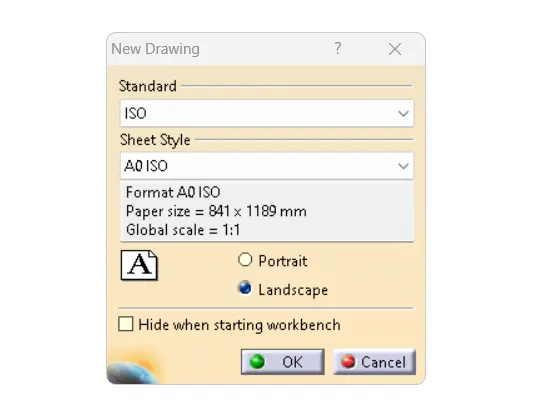
select the inputs standard and sheet style then create.
Now select the required view ie front view and select the required view /face from the flattened wire. now the drawing is imported.
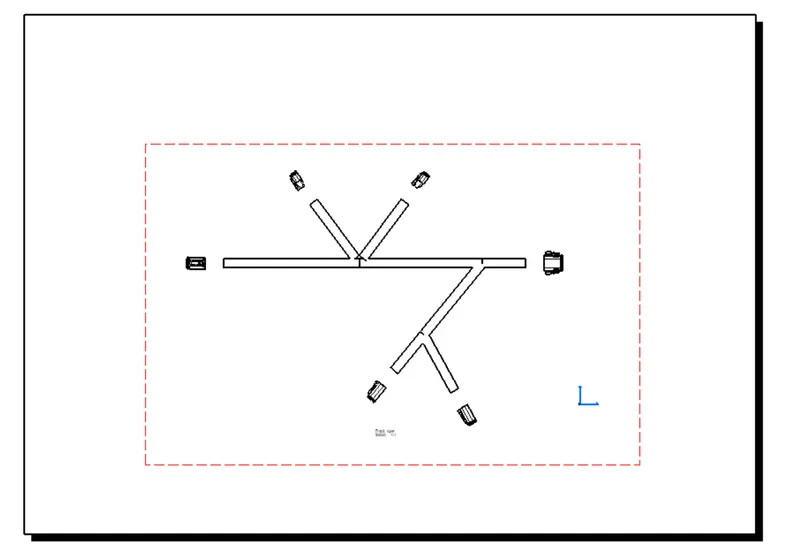
Now in order to get the bundle lives visible we adjust the properties by right-clicking on the drawing frame.
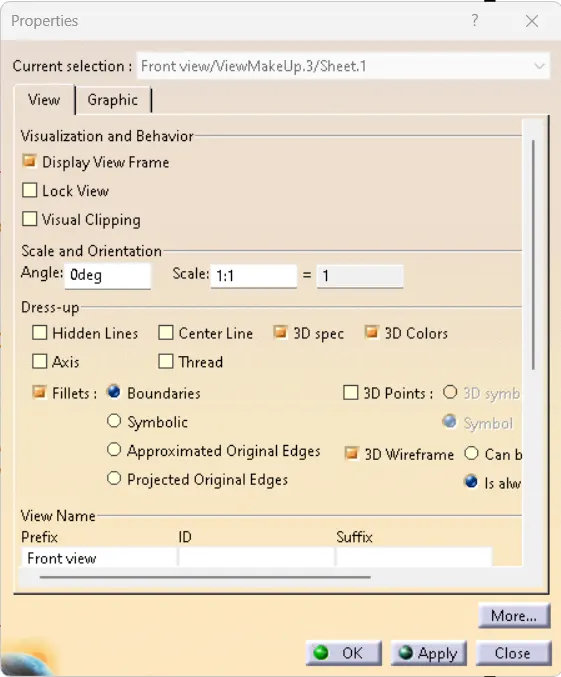
Change the dress-up settings and tick 3D colors and 3D Wireframes and the drawing will become visible.