Wiring harness design in CATIA V5 - 3D modeling Week 7 Challenge
Wiring_Harness_Design - 3D Modeling_Week 7 Challange
layout:
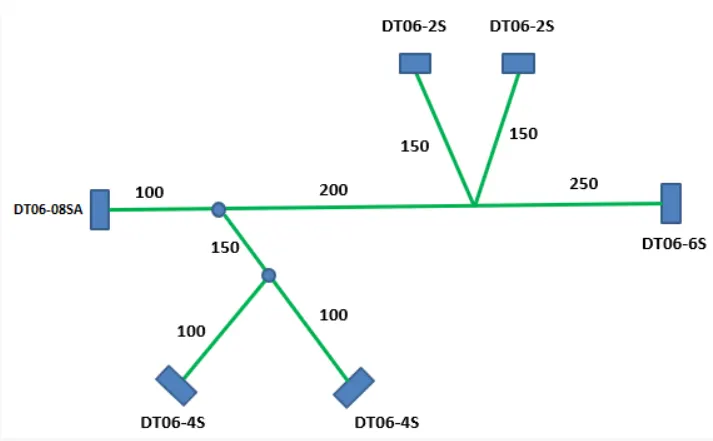
- Connectors CAD files are downloaded and Saved the CATpart.
- Electrical definitions are given to the connectors.
- created a catalogue for the connectors and stored all the connectors to the connectors catalogue.
- Also created a catalogue file for corrugated tubes and Insulation tape.
- Then created corrugated tubes of different radius using 'define protection part' command. And stored all the tubes and tapes to the respective catalogue files.
- Open a new Product file to create the wiring Harness Assembly.
- Added all the required connectors and parts to the product file.
- placed all the connectors as per the layout using manipulation tool and compass.
- Jump to the Electrical harness assembly workbench, electricaly define the assembly using 'geometrical bundle' command
- Created multi-branchable document and routing is done.
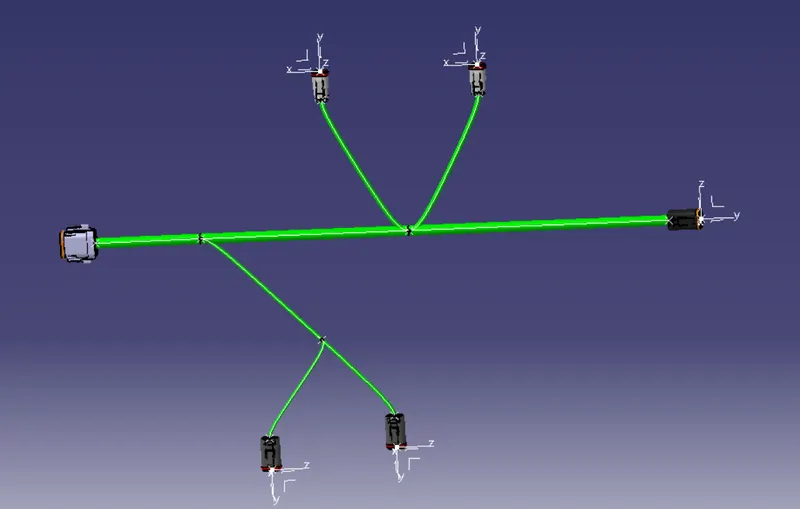
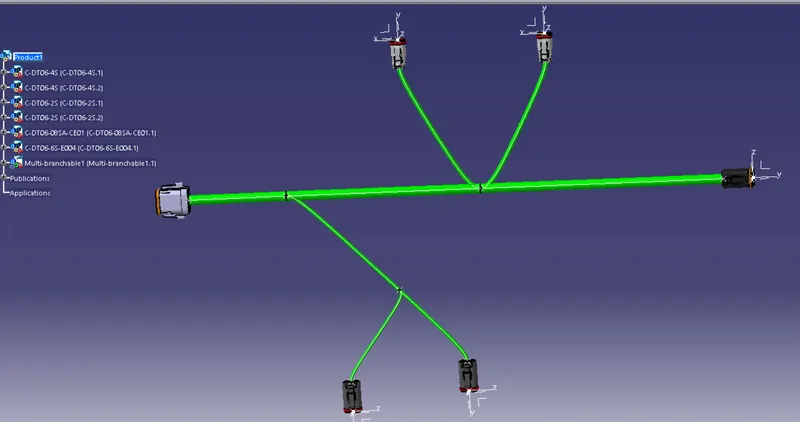
Electrical Harness Flattening
- Open new product file
- Jump to electrical harness flattening workbench
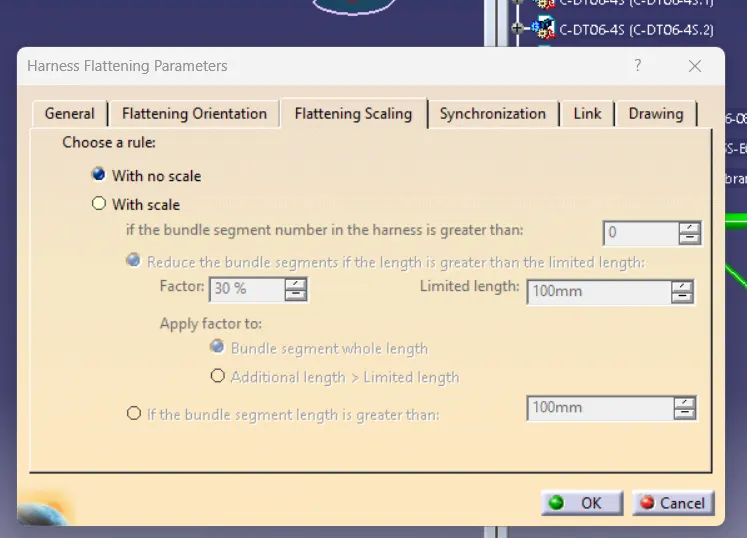
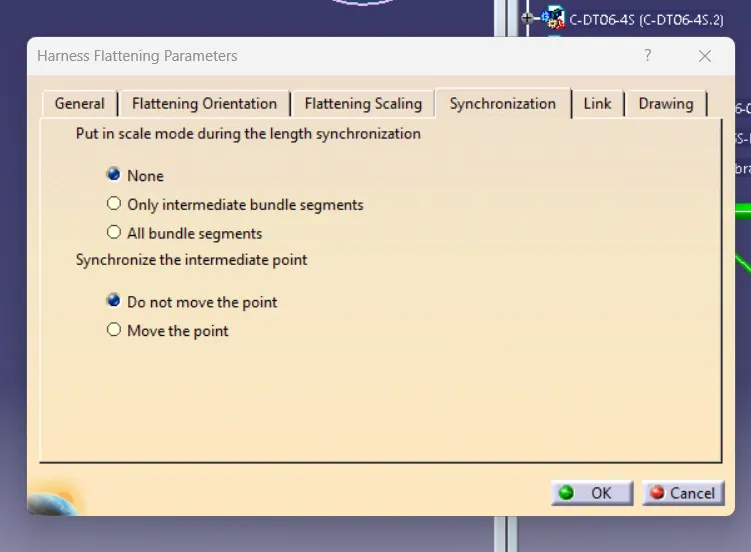
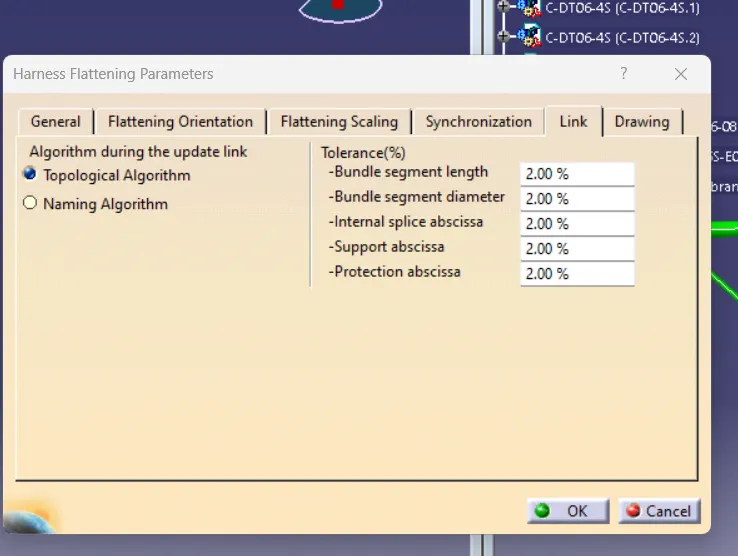
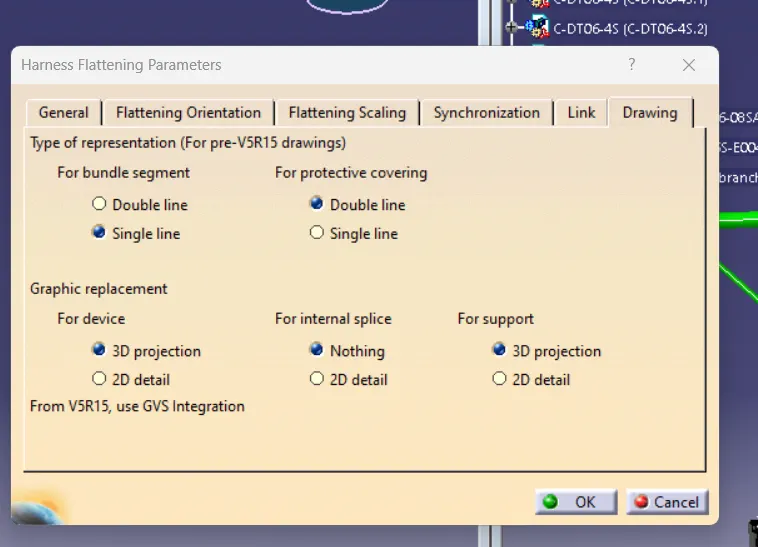
- Add harness flattening parameters.
- Using extract command put the harness assembly file to the flattening product file
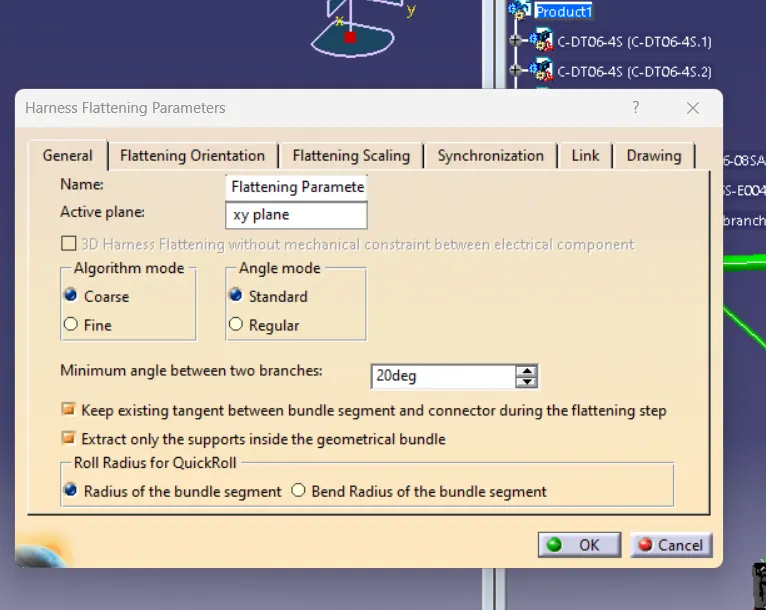
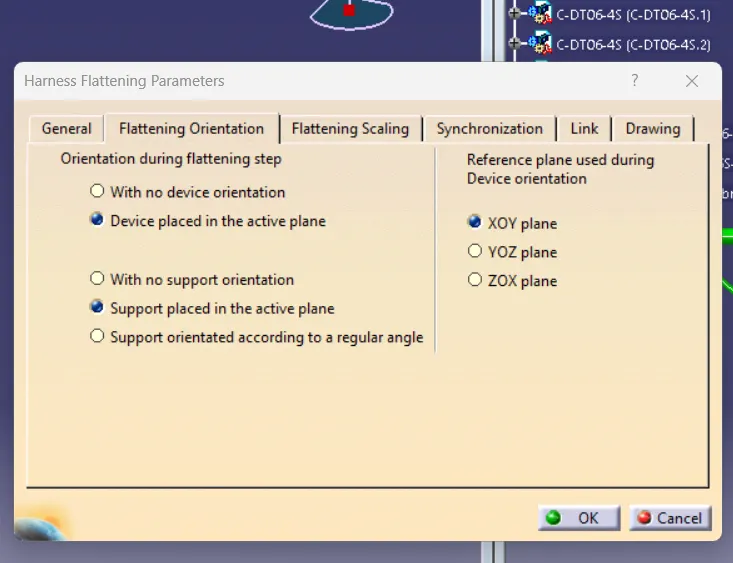
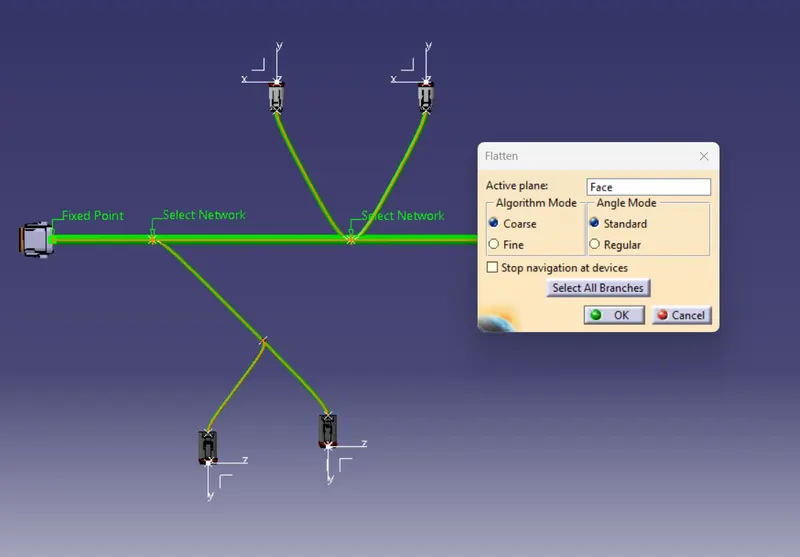
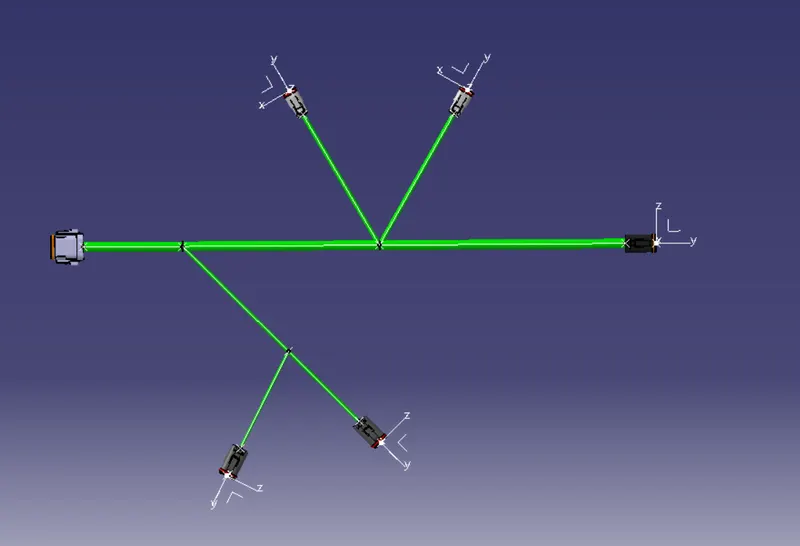
Flattening
before flattening:
after flattening:
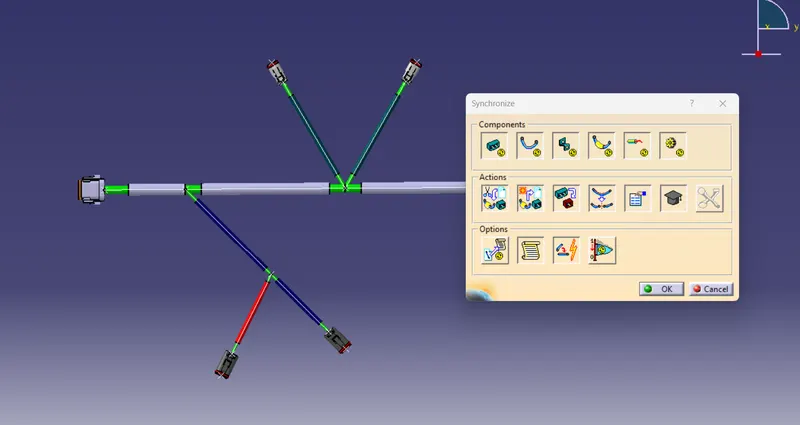
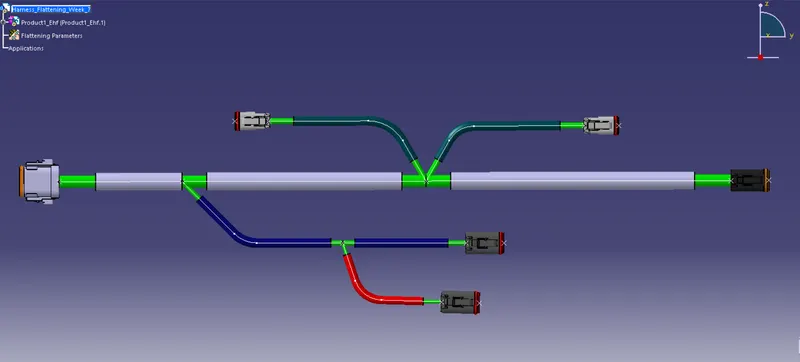
Synchronize_Command
Drawing
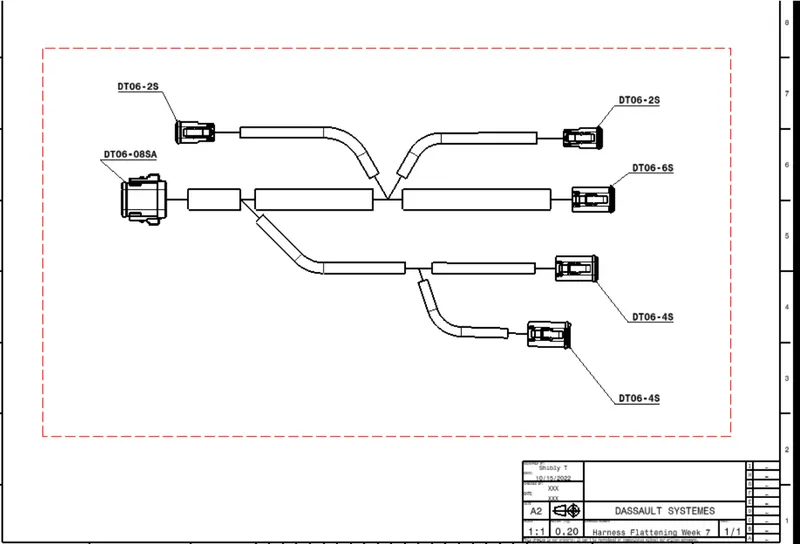
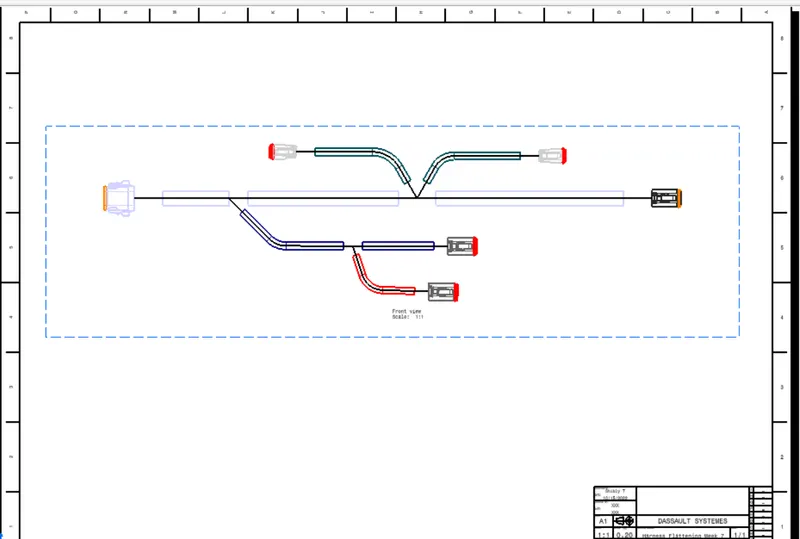
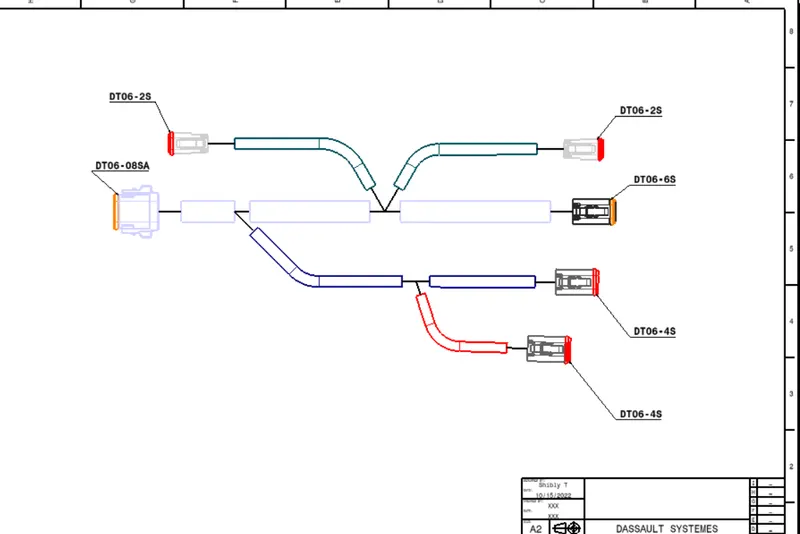
- Opened a new drawing file and put the front view of the Electrical_Harness_Flattening.
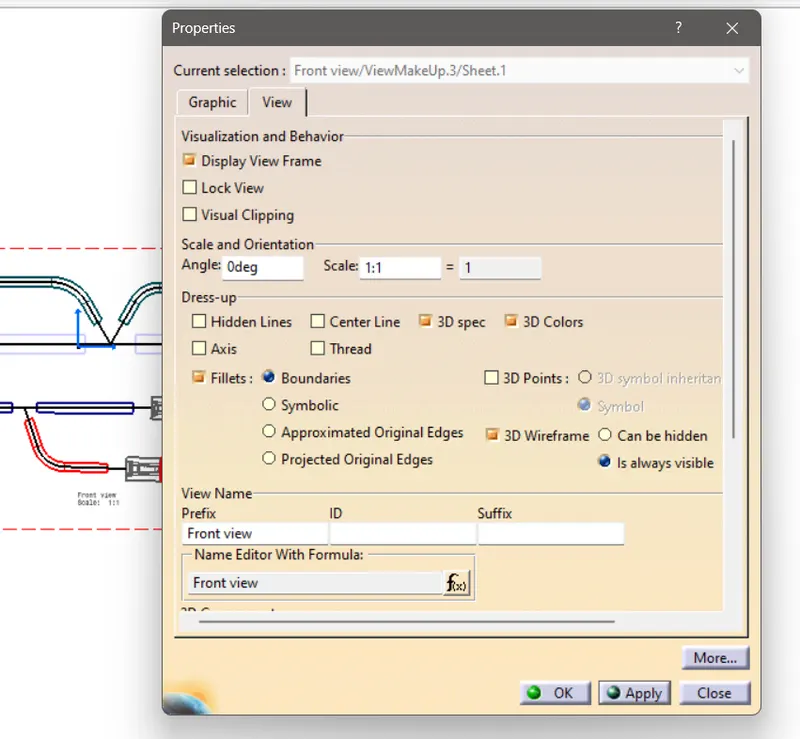
- Enable the 3D wireframe to view the wires.(Properties > View) figure of properties tab is given below.
- Also enable the 3D spec and 3D color to have colored view of the 3D components.(if needed)