Wiring harness design in CATIA V5 - 3D modeling Week 5 & 6 Challenge
OBJECTIVE:-Route the following harness layout in Electrical workbench. Make assumption for harness bundle diameters. Use the connectors provided. After completion of routing,
- Check the bundle Continuity. Add snap of result in submission
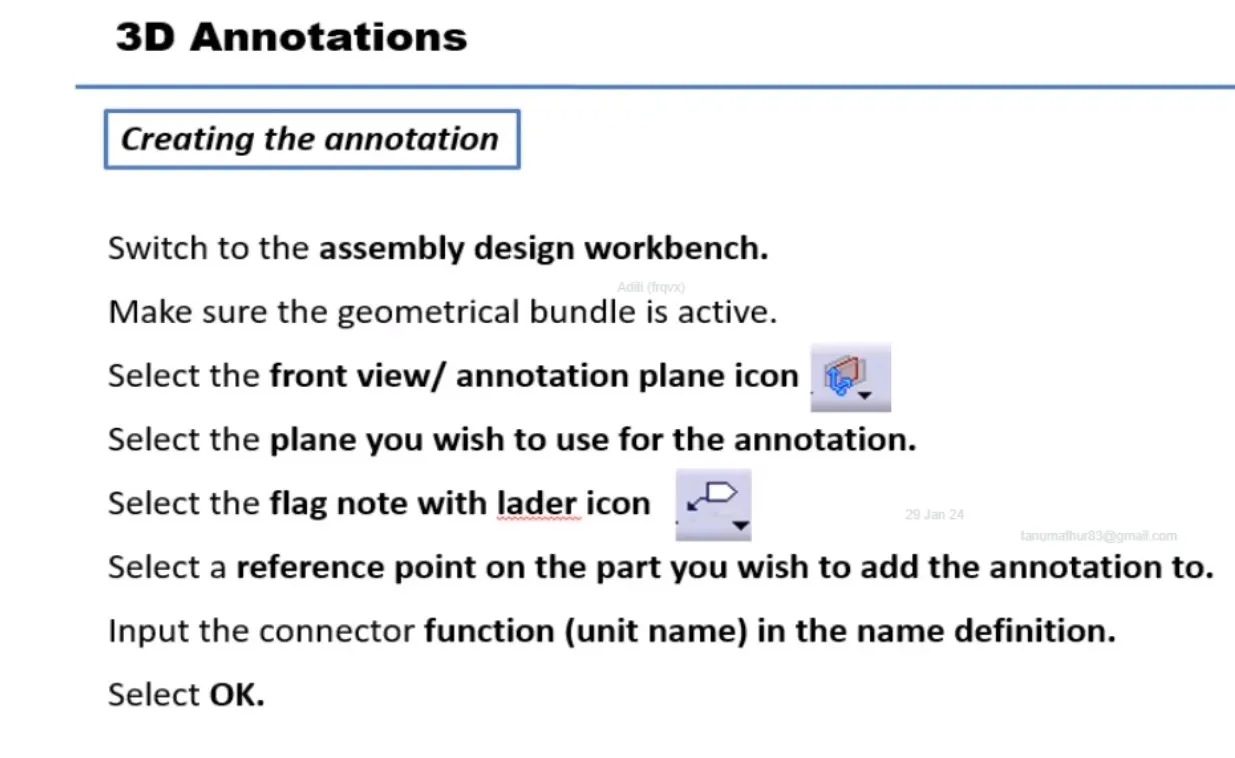
- Add annotation to all connectors. Make an assumptions for annotations like connect 1, 2 etc.
- Check for the bundle warning. Add snap.
- Generate CAT.Part of harness assembly and convert is in. igs format.
Define all the given connector as electrical part
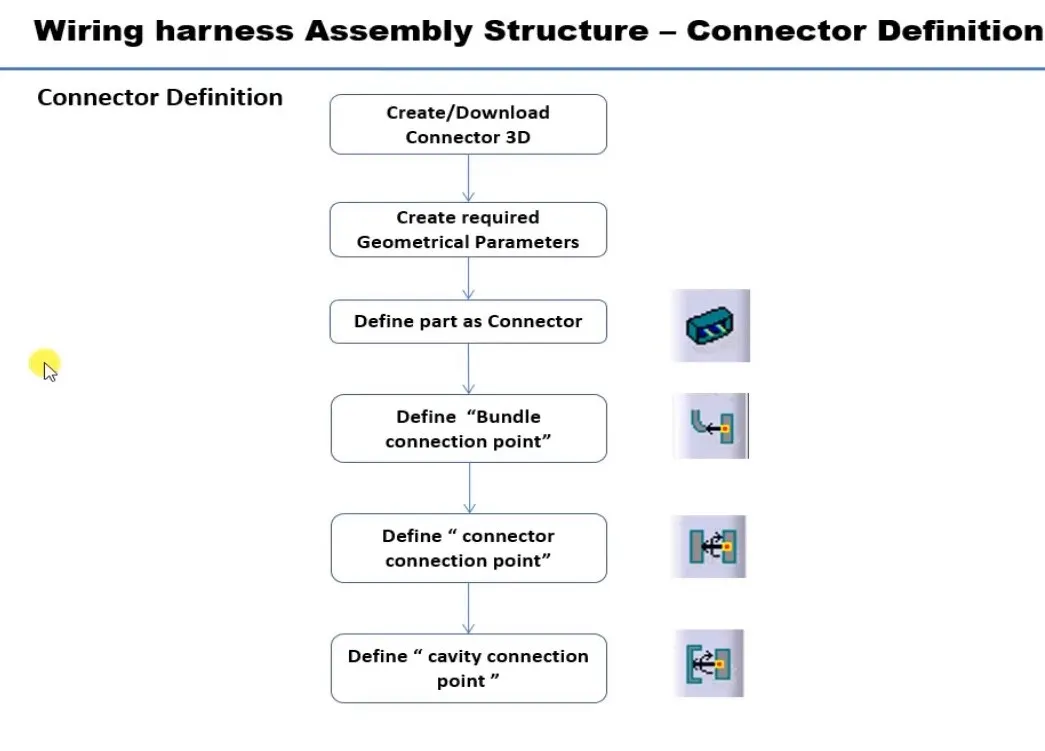
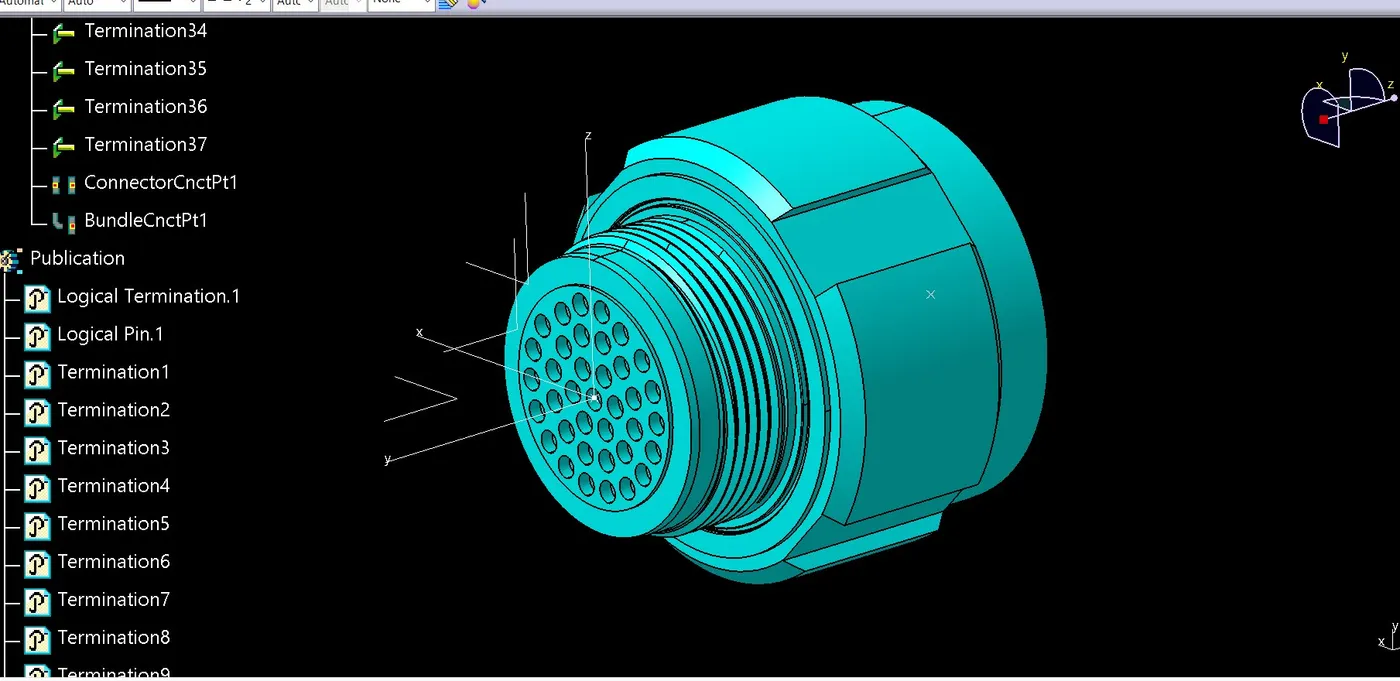
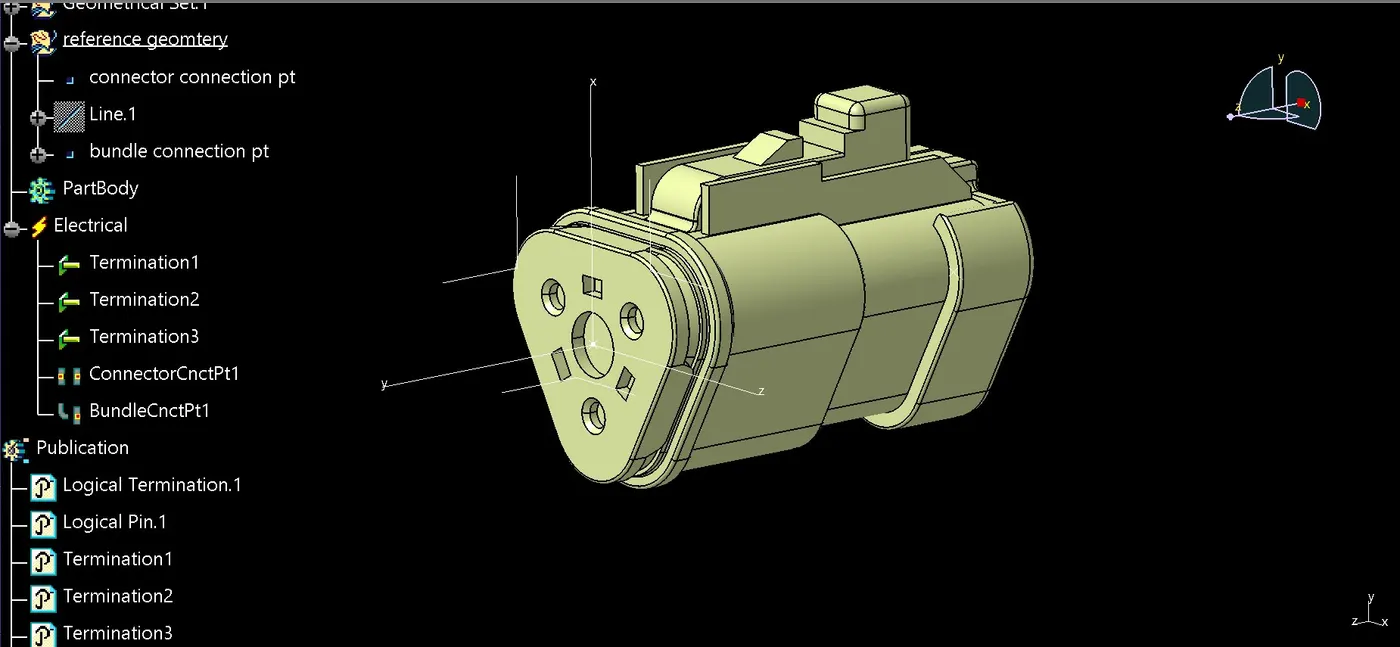
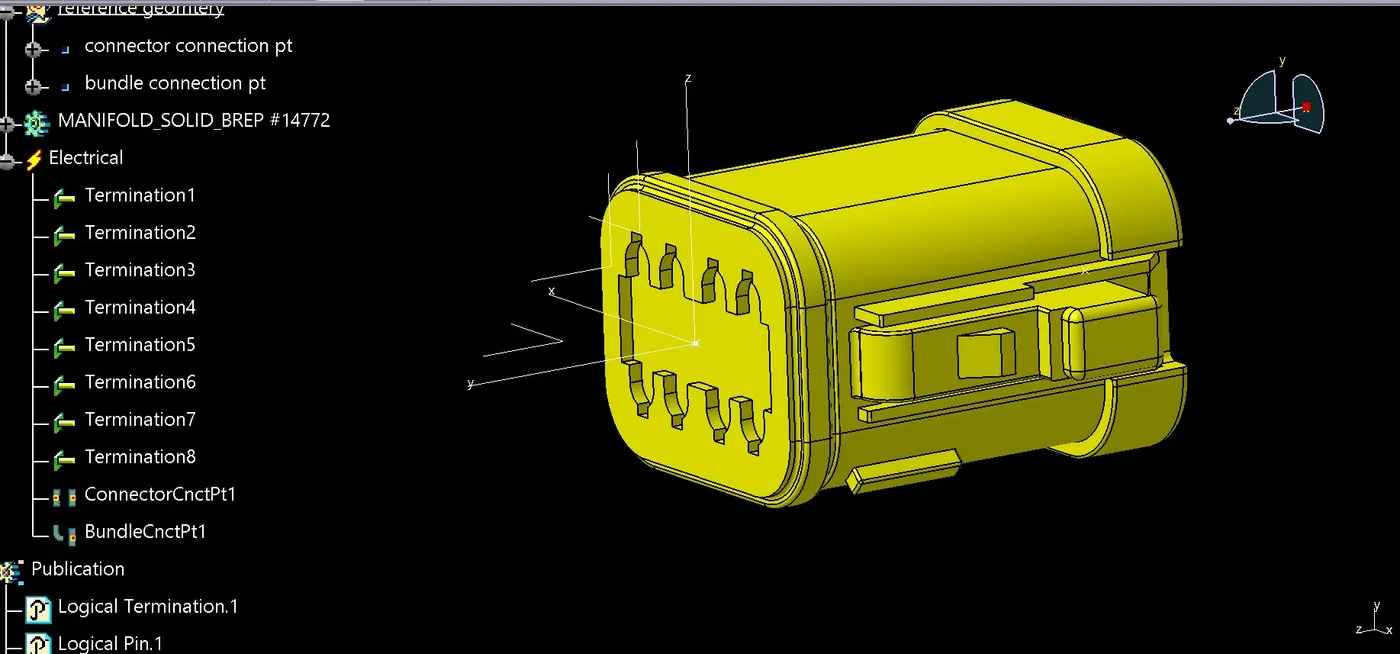
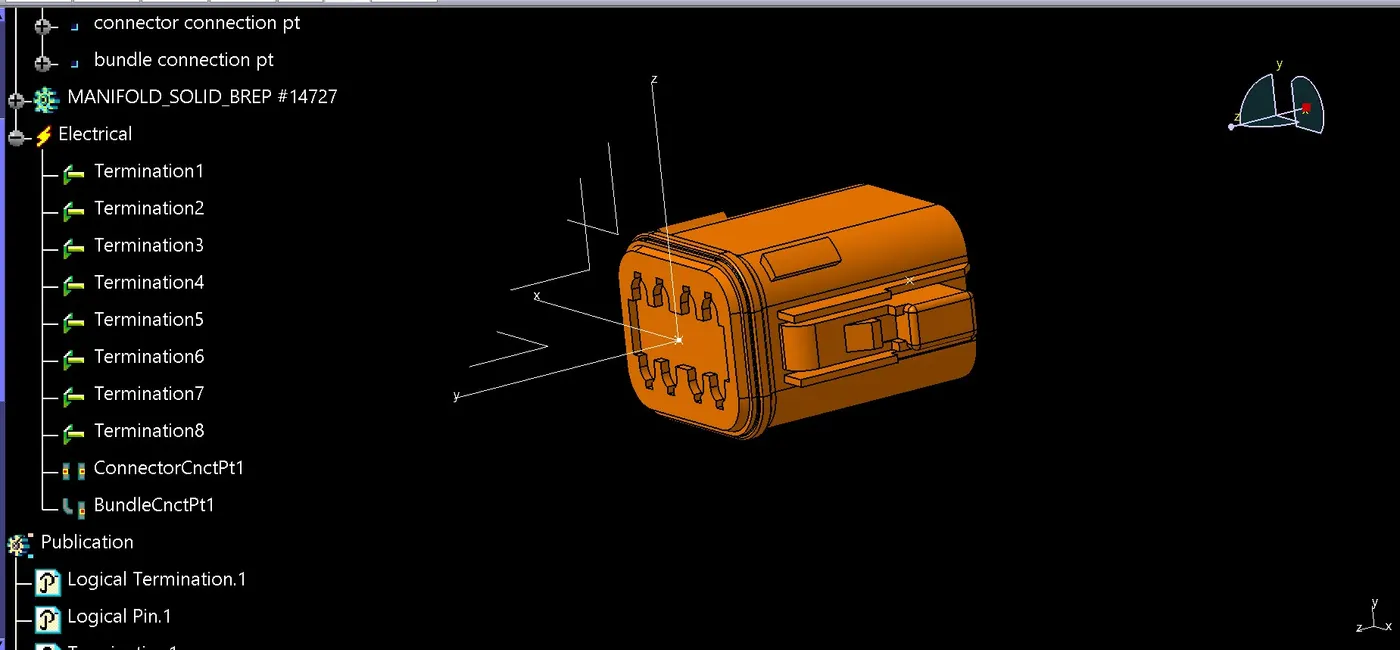
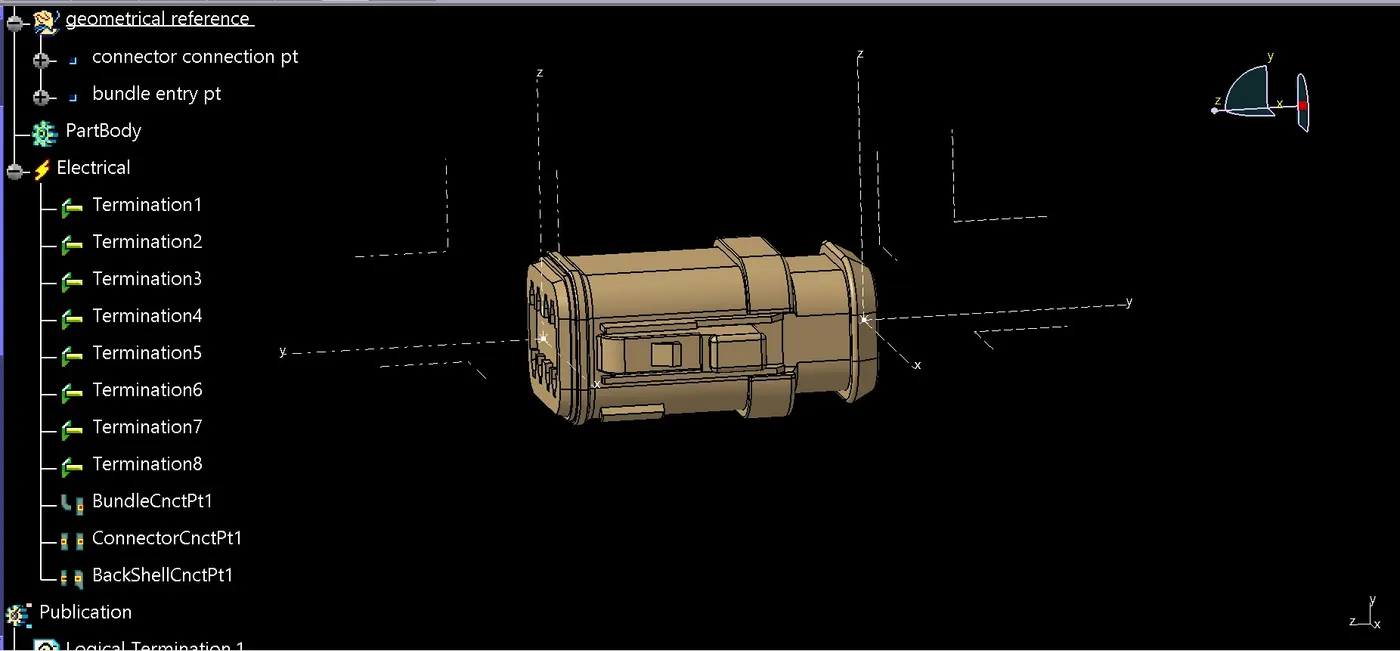
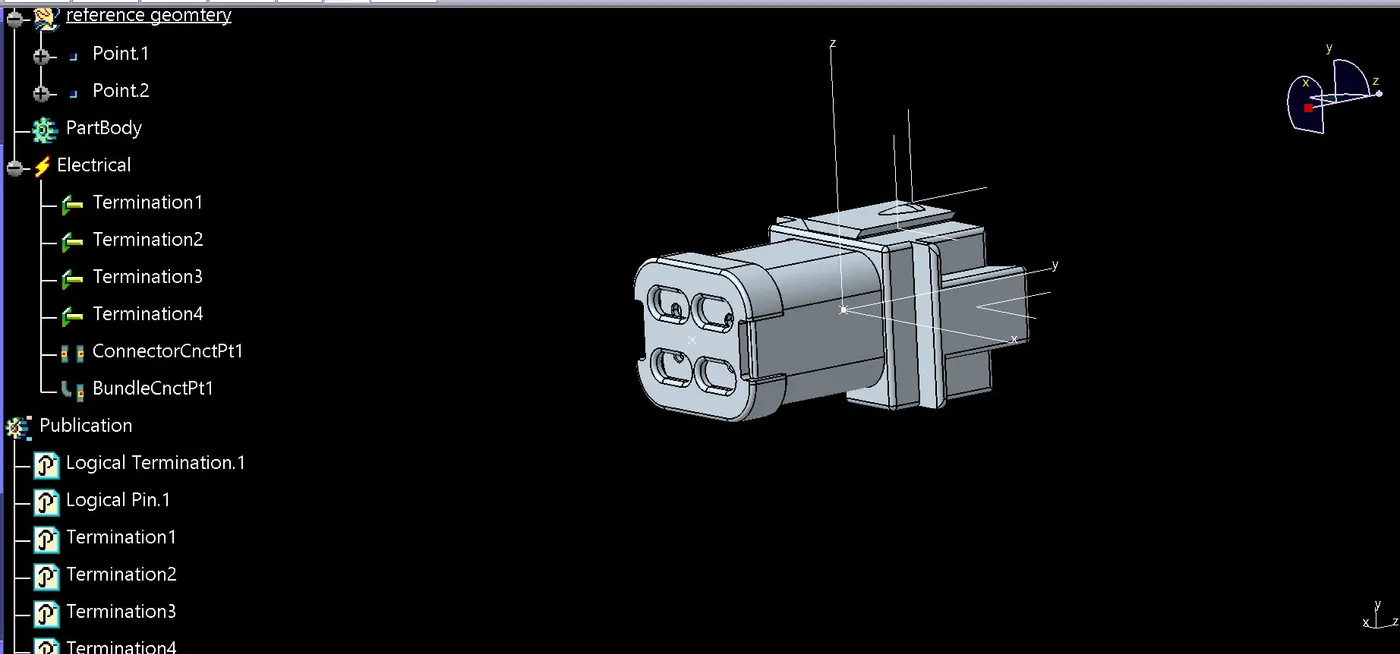
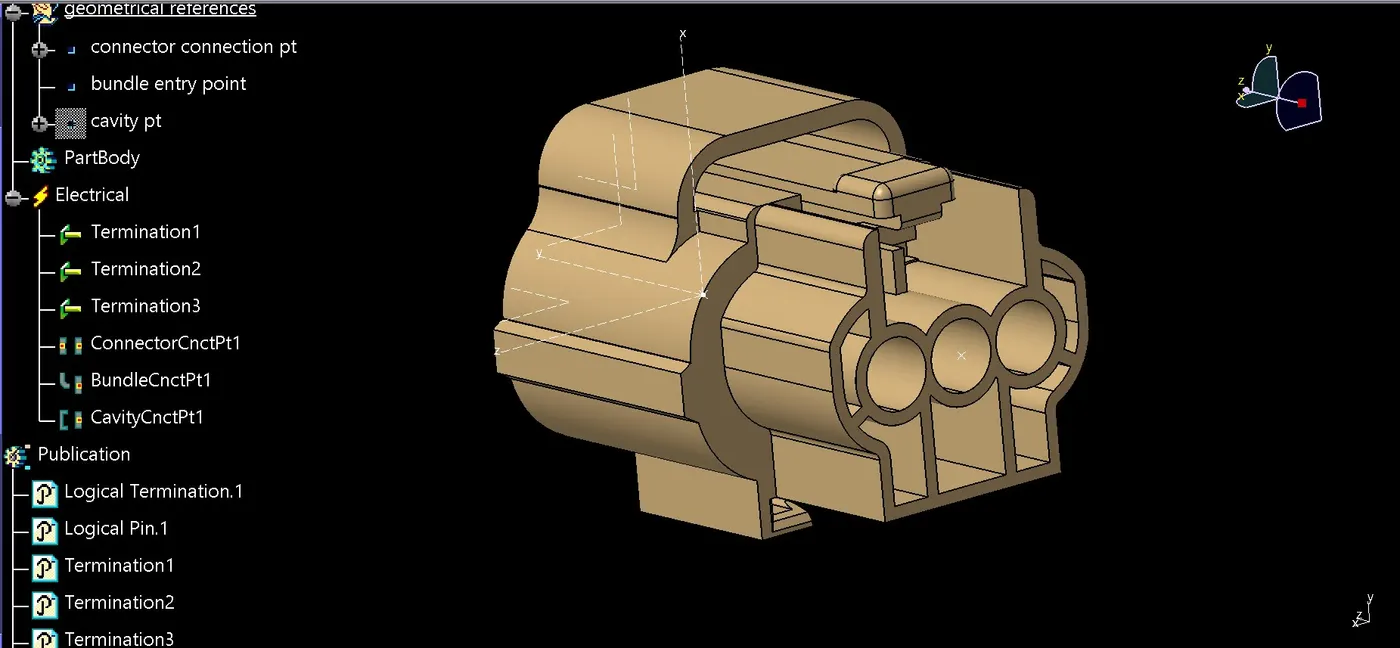
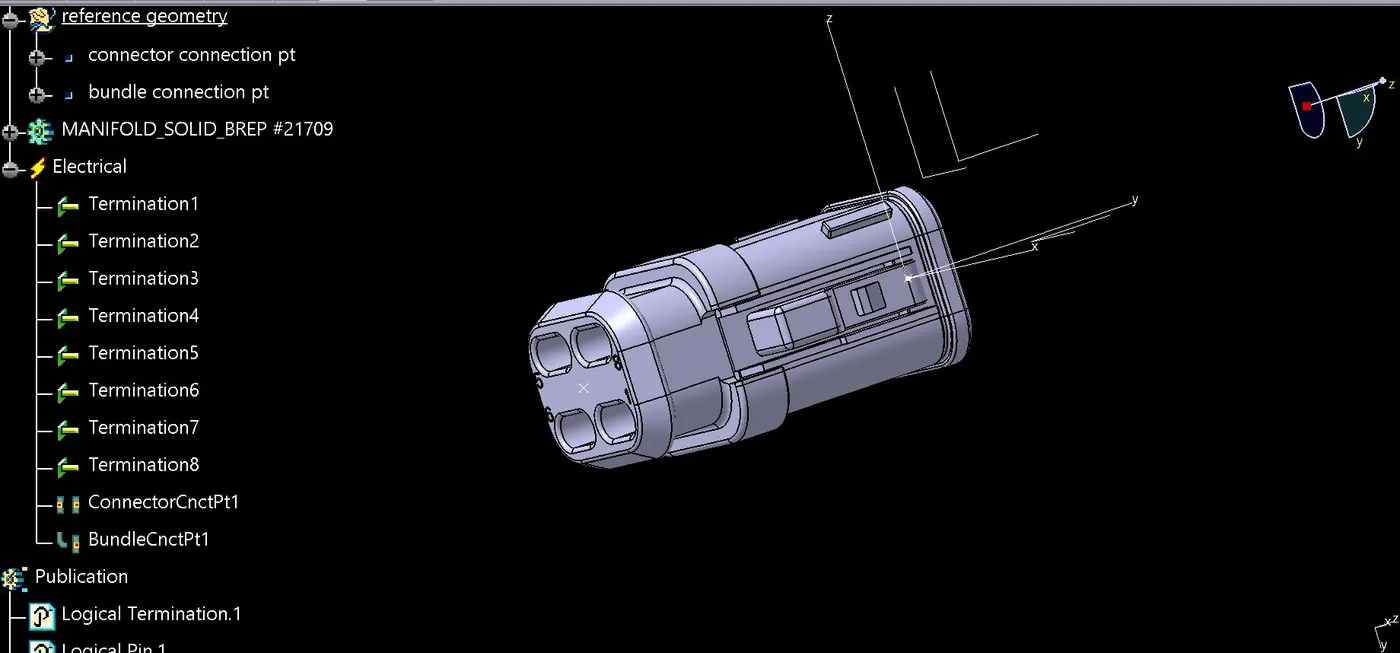
Now switch to electrical assembly design
Change product name as context_assy and insert two new product inside context assy and name them as harness A and B
now insert all the connectors respectively inside harness A and B assembly as mention in the given harness layout
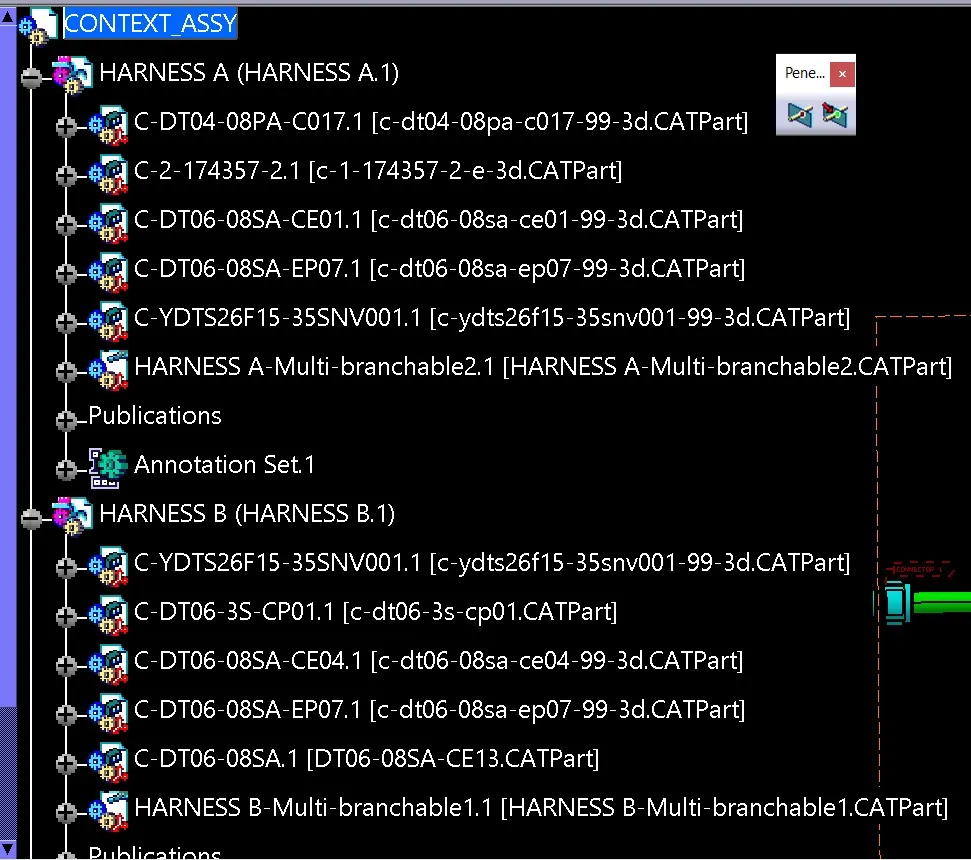
HARNESS A
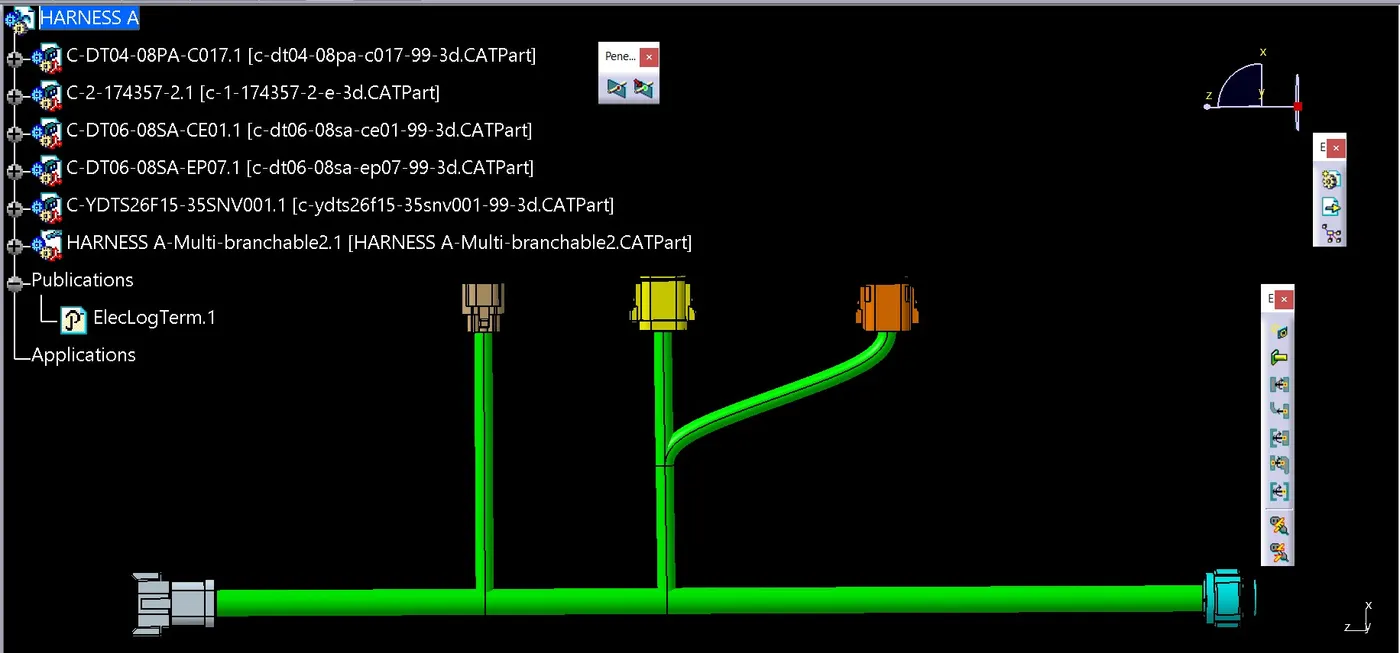
open harness A into new window position all the connectors on their desire location and switch to electrical harness assembly
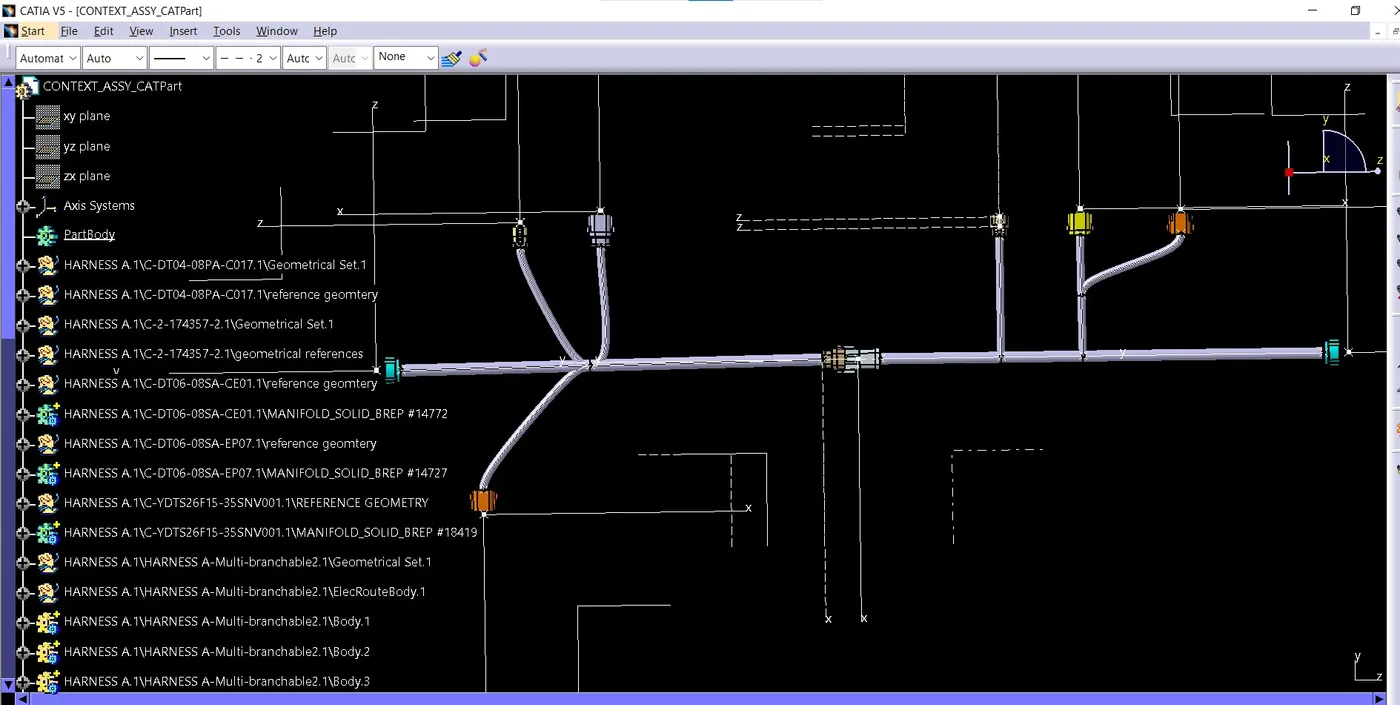
select command geometrical bundle and the select harness A on specification tree to make this assembly as electrical
select command multi-branchable document to create bundle segments as shown below
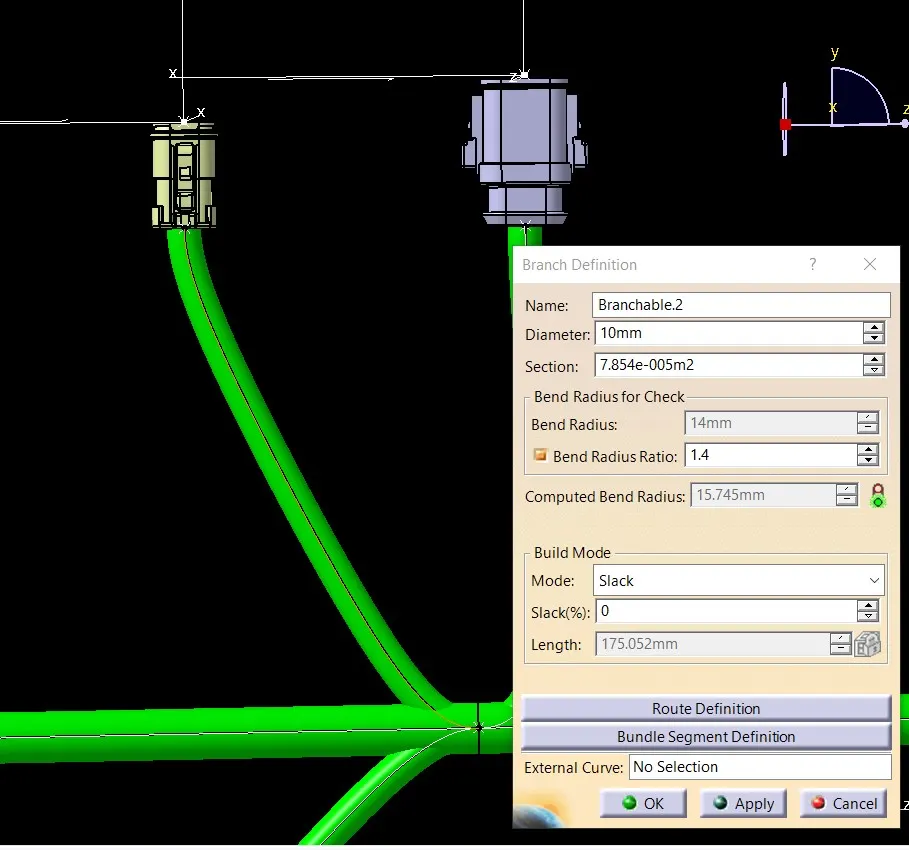
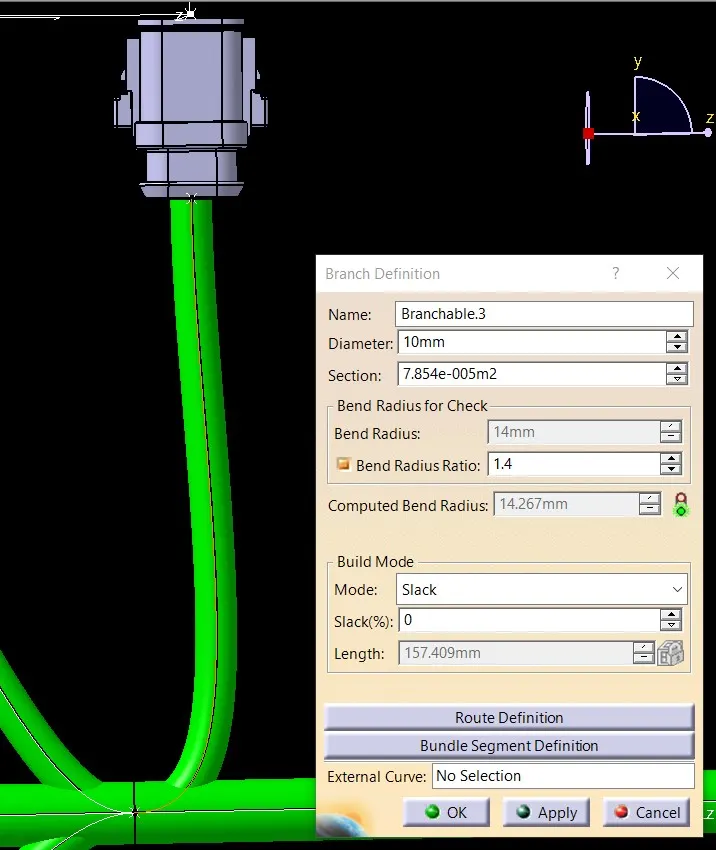
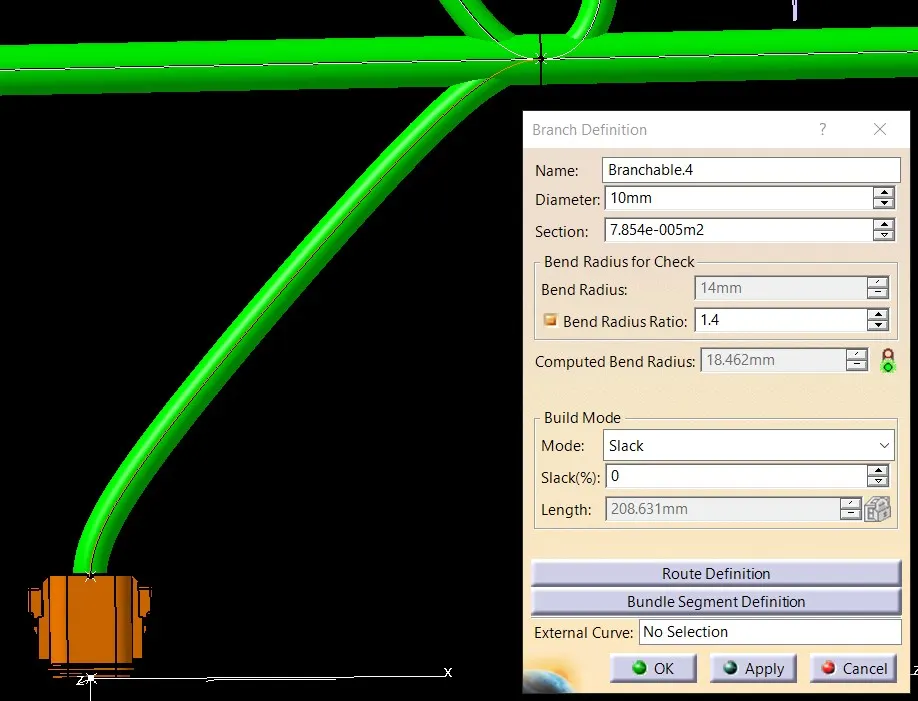
add branch point and by using branch definition command inside electrical harness installation workbench create branches as shown in the layout
HARNESS B
repeat the same process to create harness B assembly
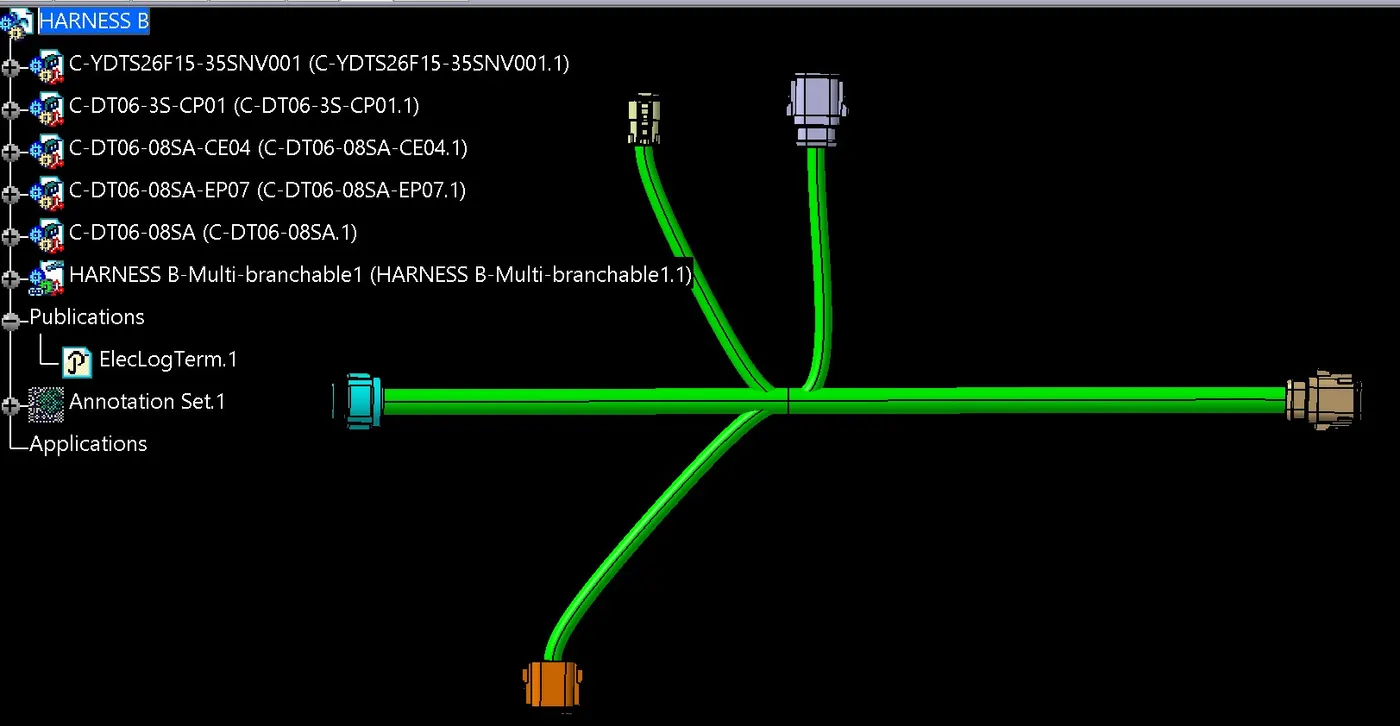
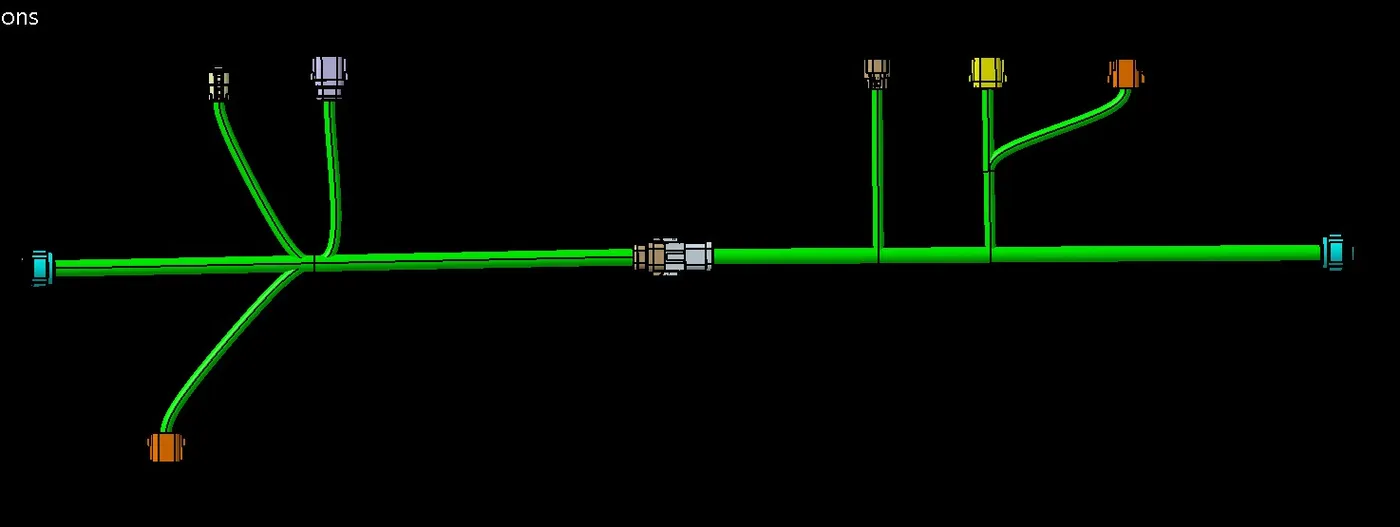
harness assembly
connect connector 5 and 6 electrically by using command connect electrical devices inside electrical assembly workbench
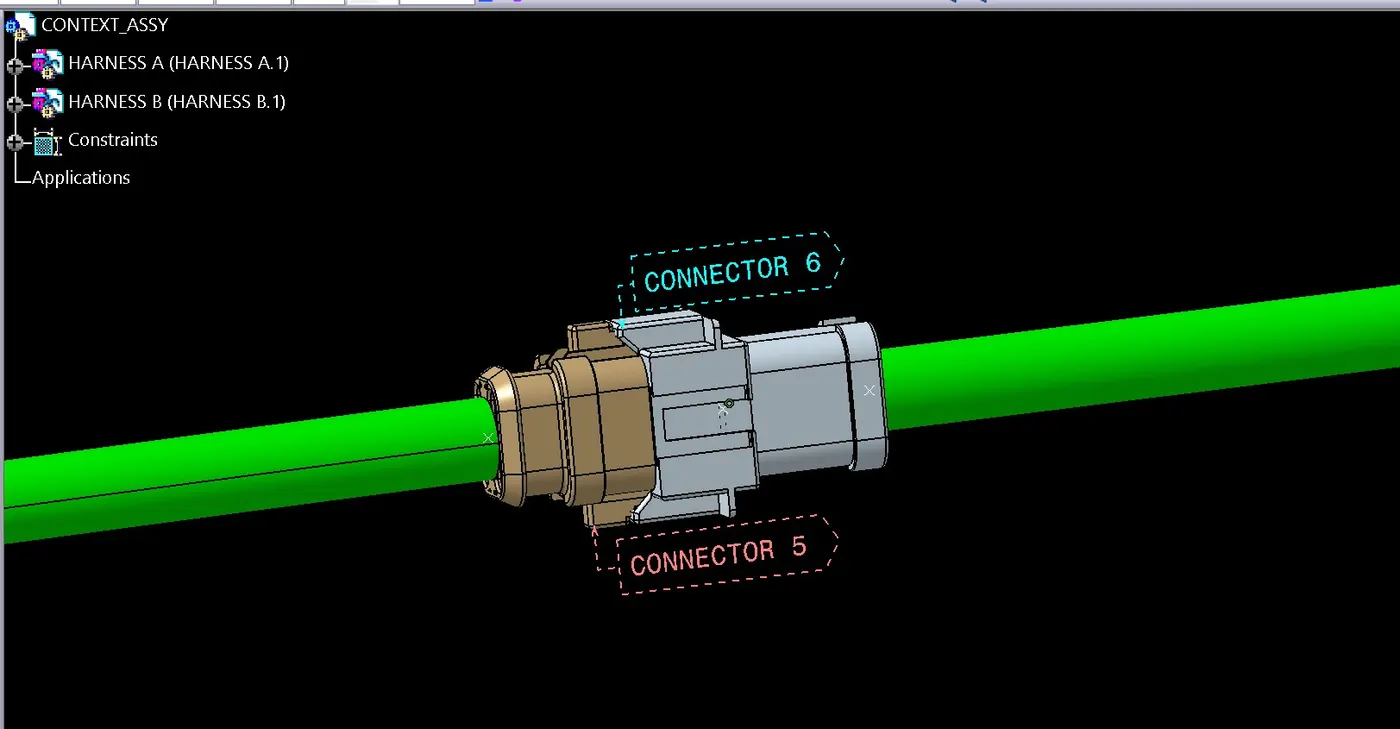
ANNOTATIONS
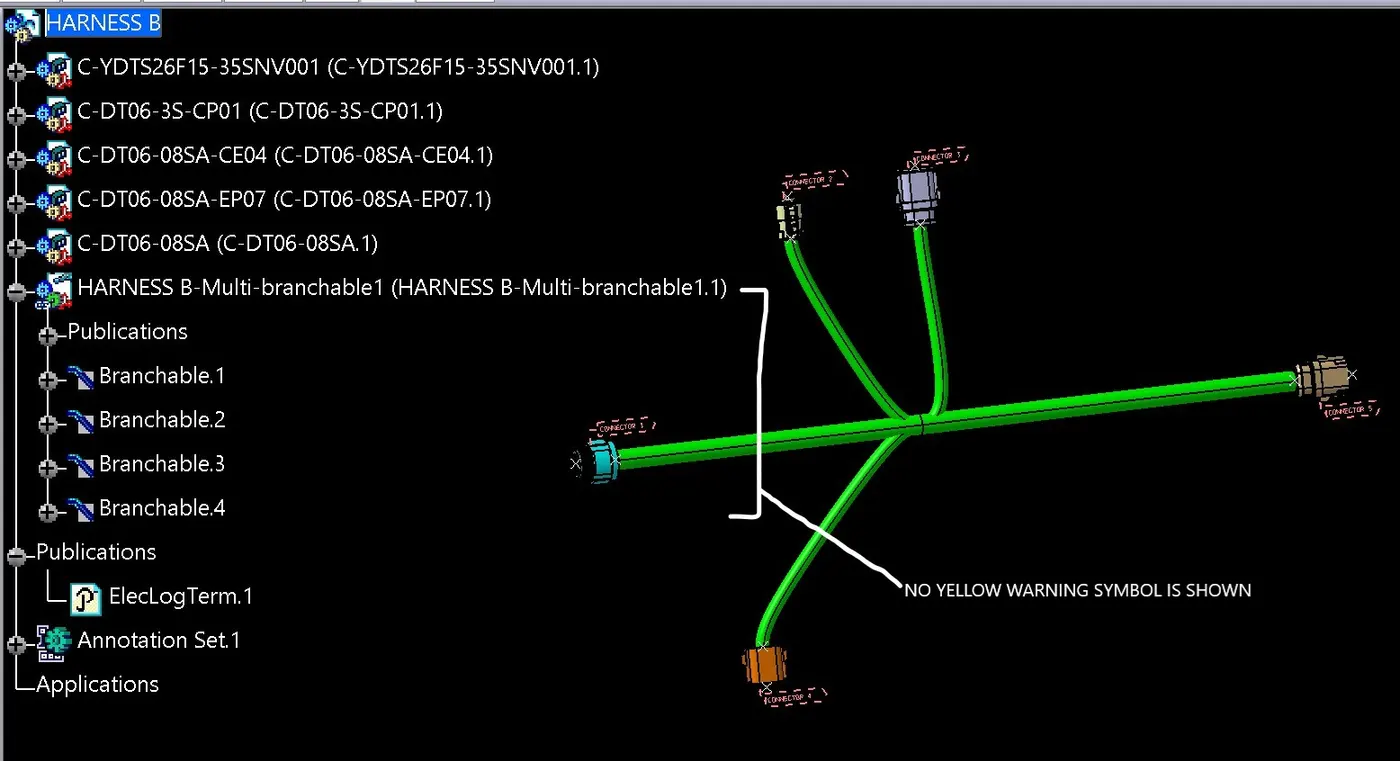
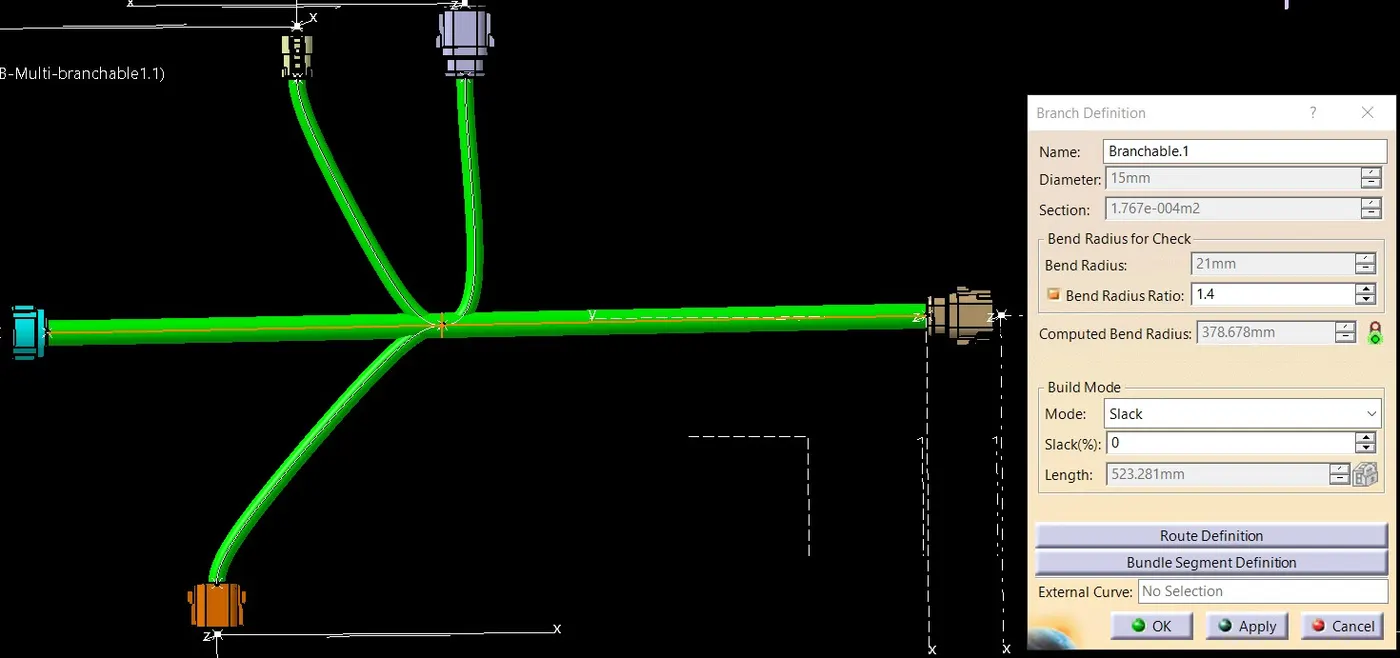
HARNESS B
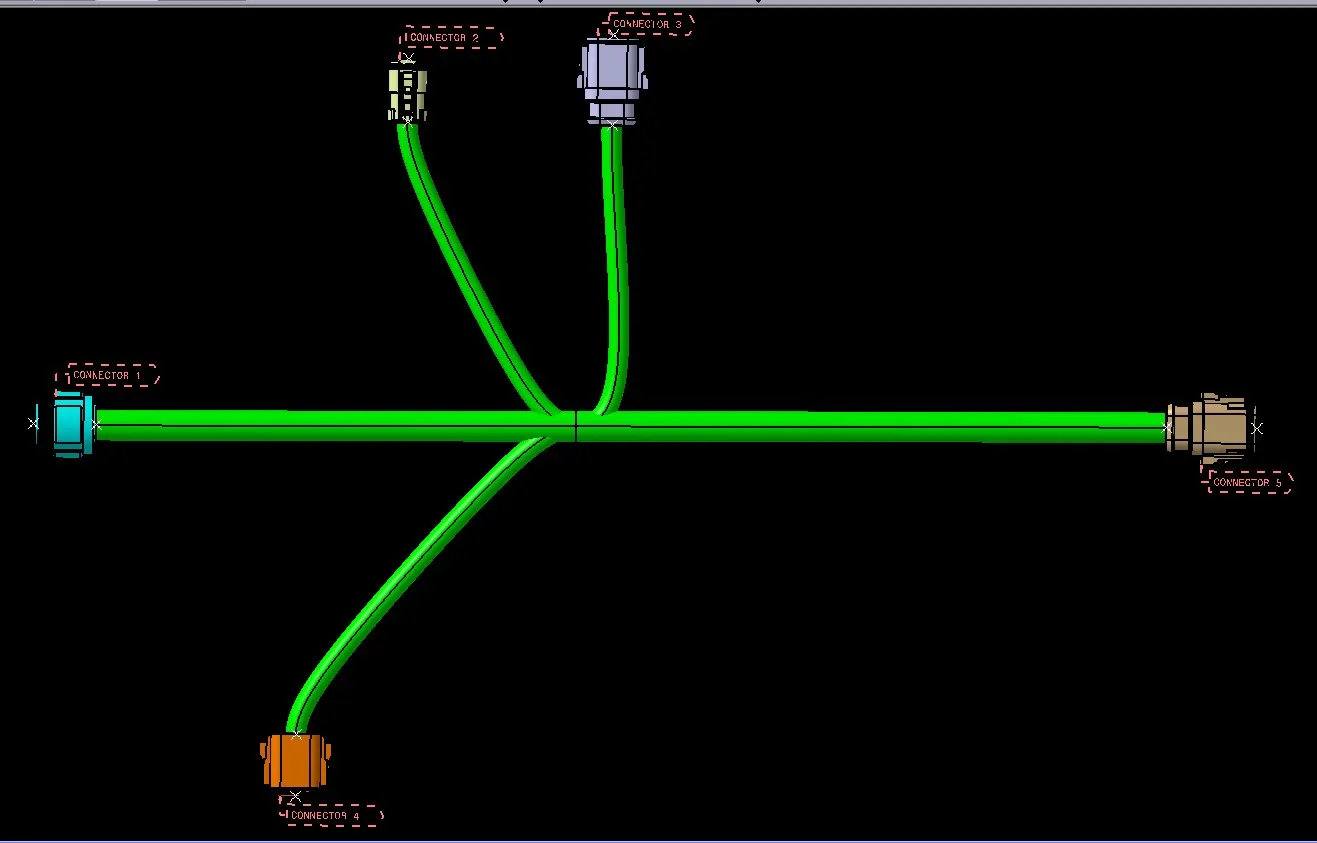
HARNESS A
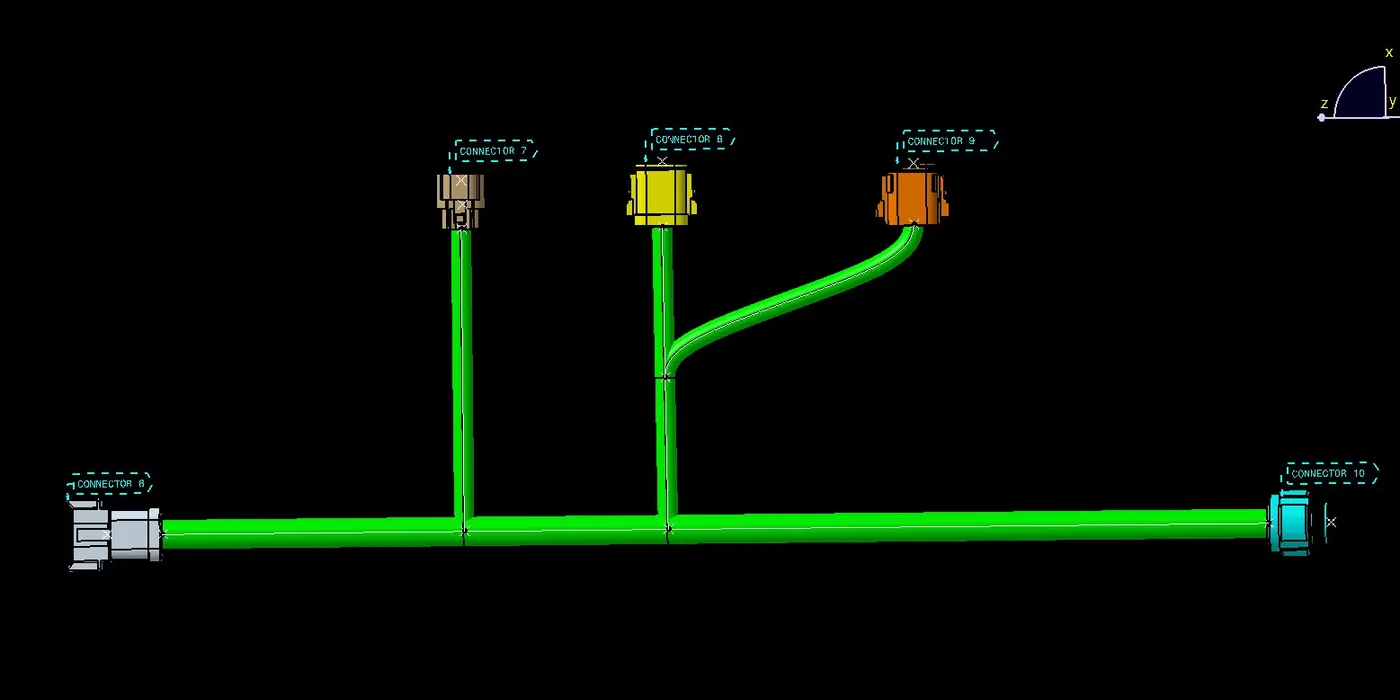
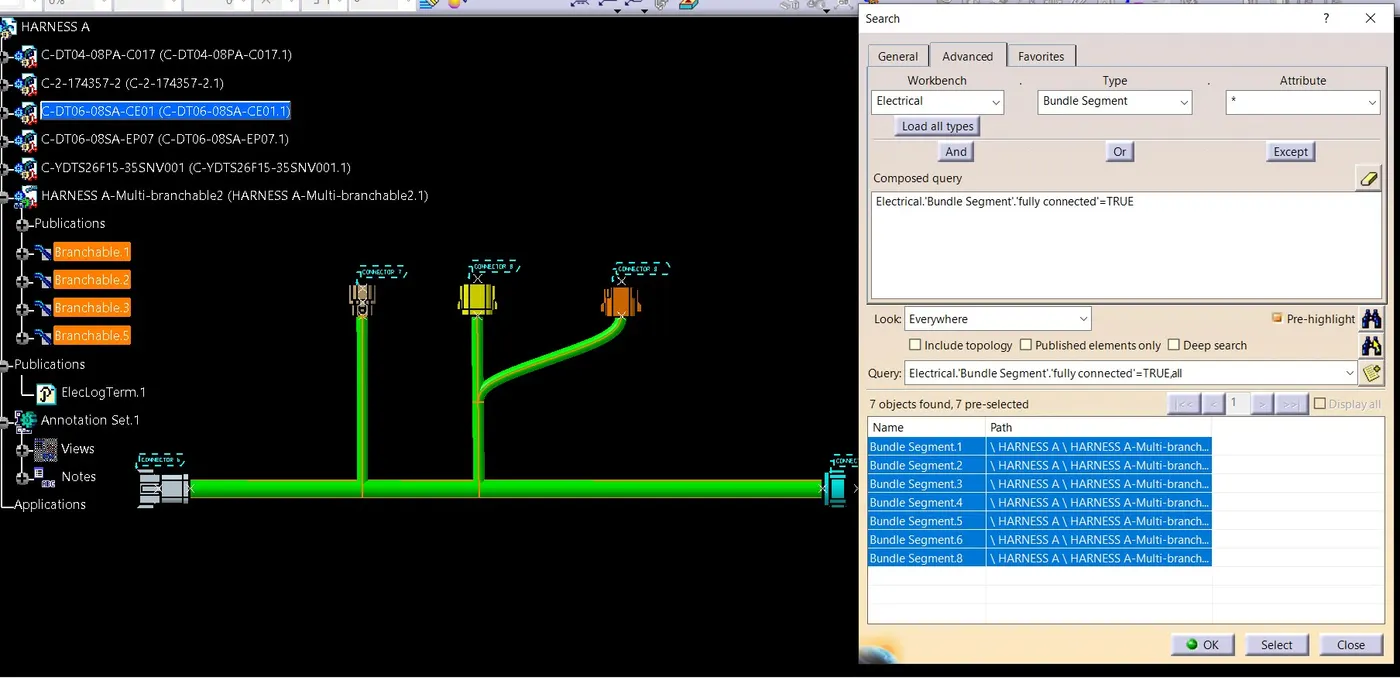
BUNDLE CONTINUITY
this will check whether the bundles are fully connected or not
FOR HARNESS A
below images shown the true value which means all the bundles mention in that list are fully connected
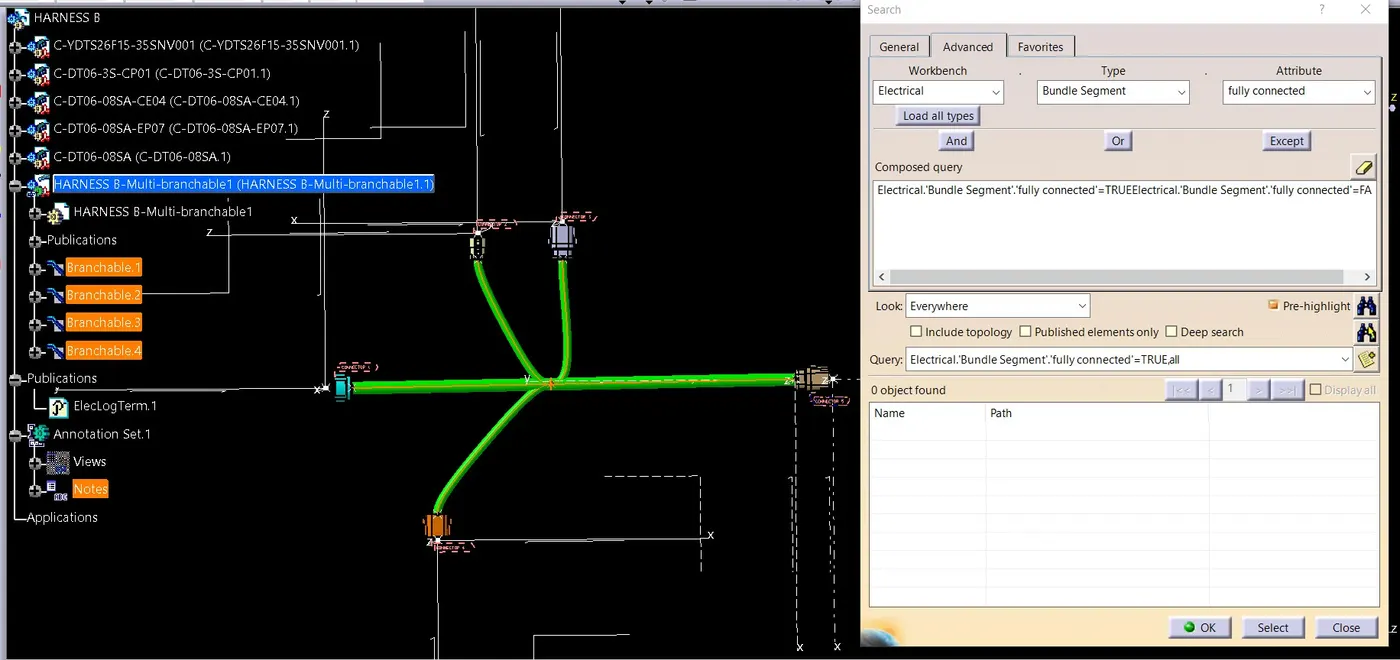
false value shows the list of bundles which are not connected
below image shows no list of bundle which are not fully connected
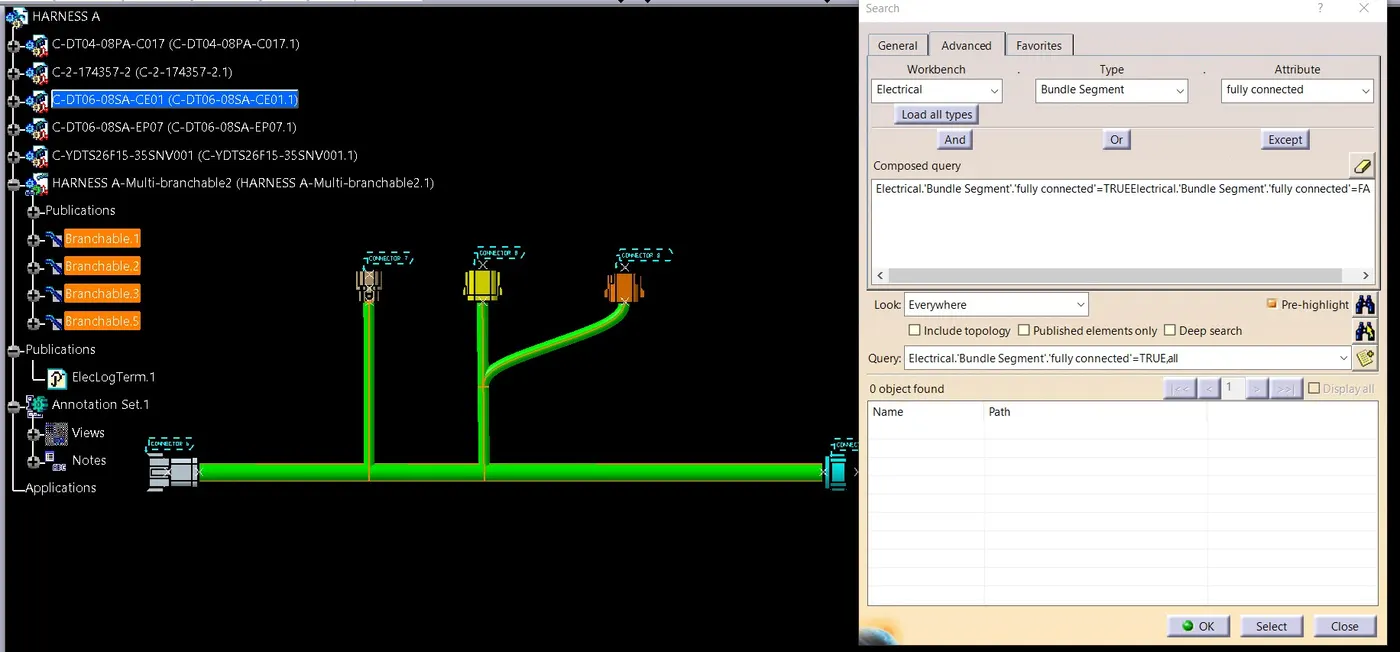
FOR HARNESS B
FOR TRUE VALUE
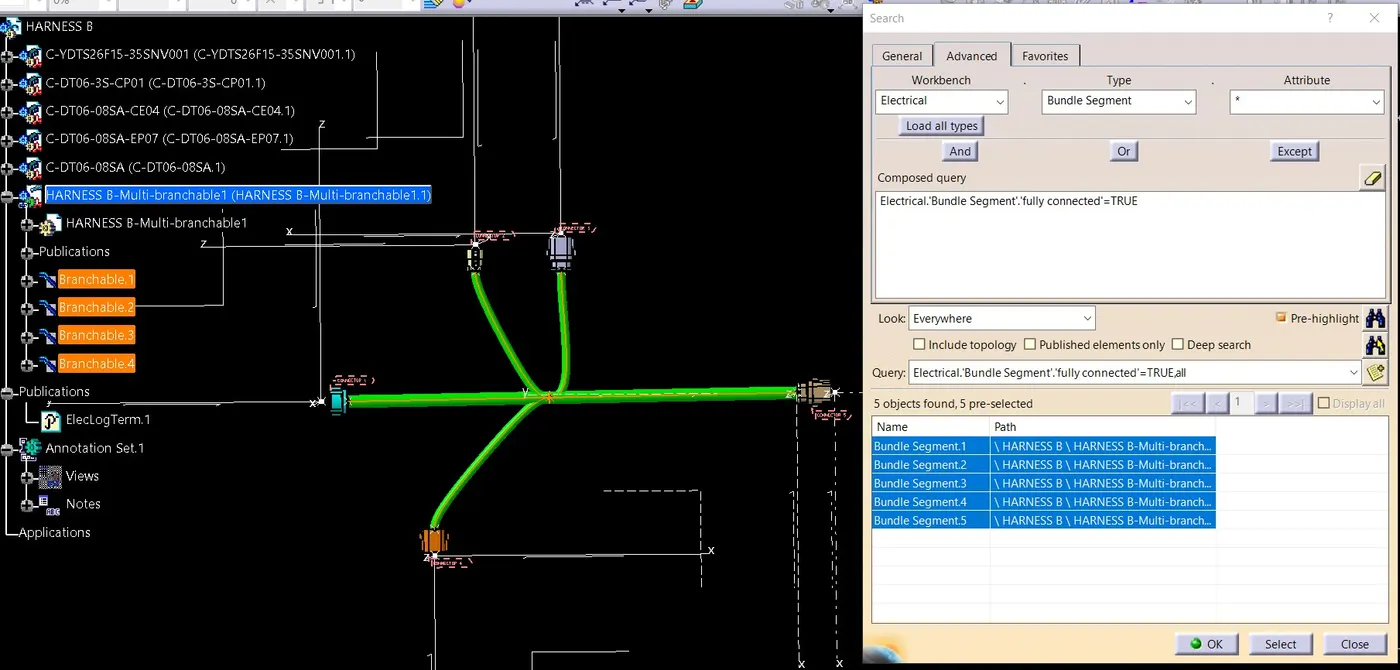
FOR FALSE VALUE
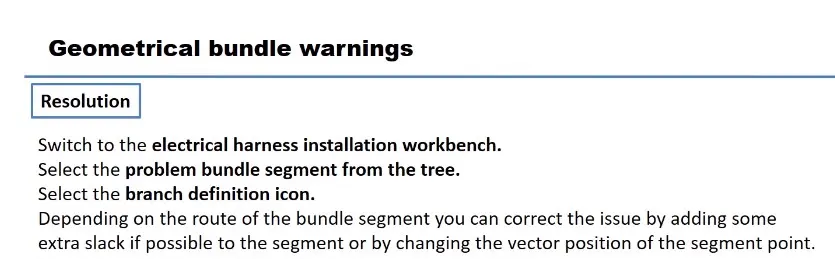
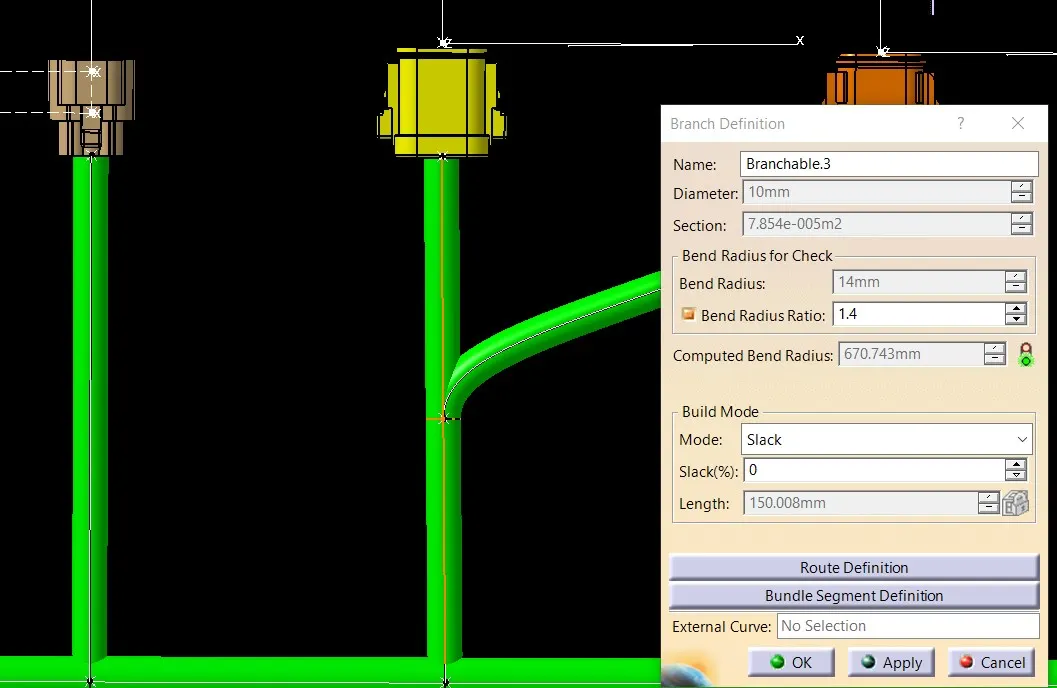
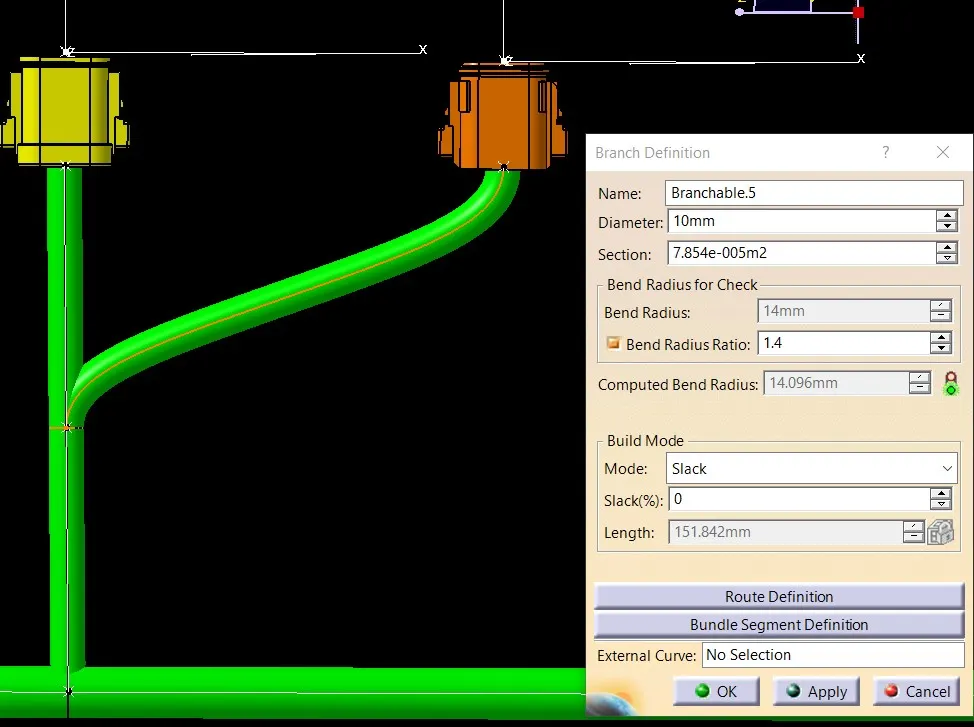
BUNDLE WARNINGS
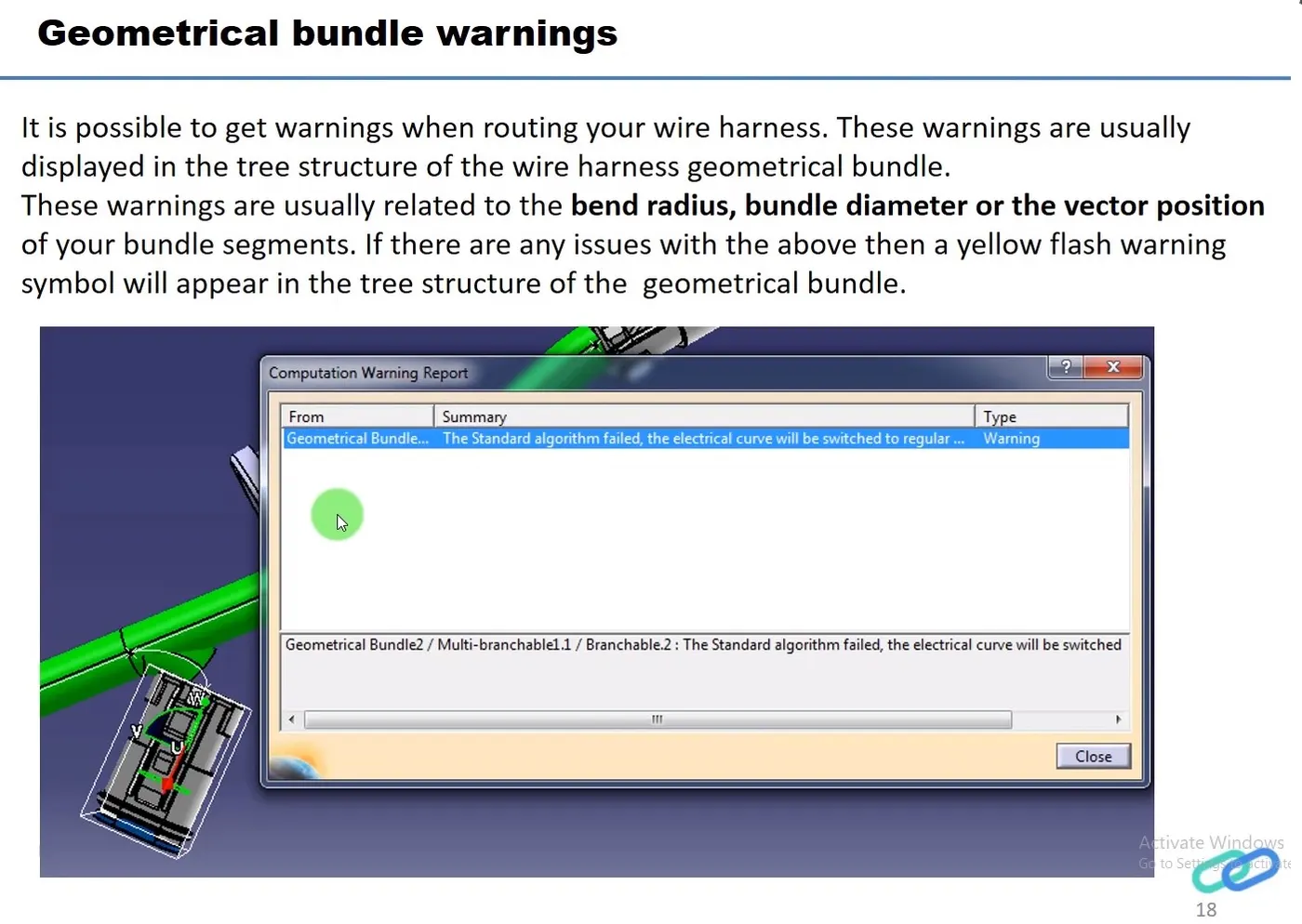
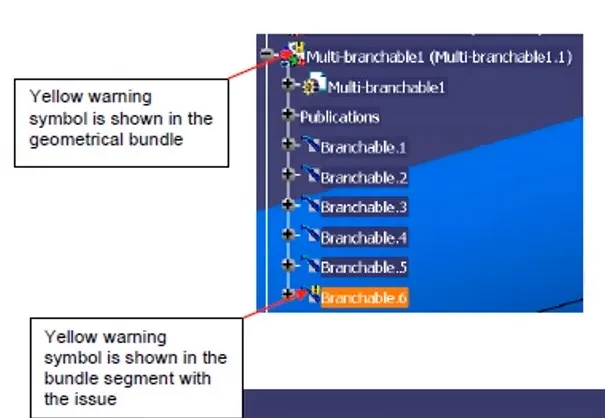
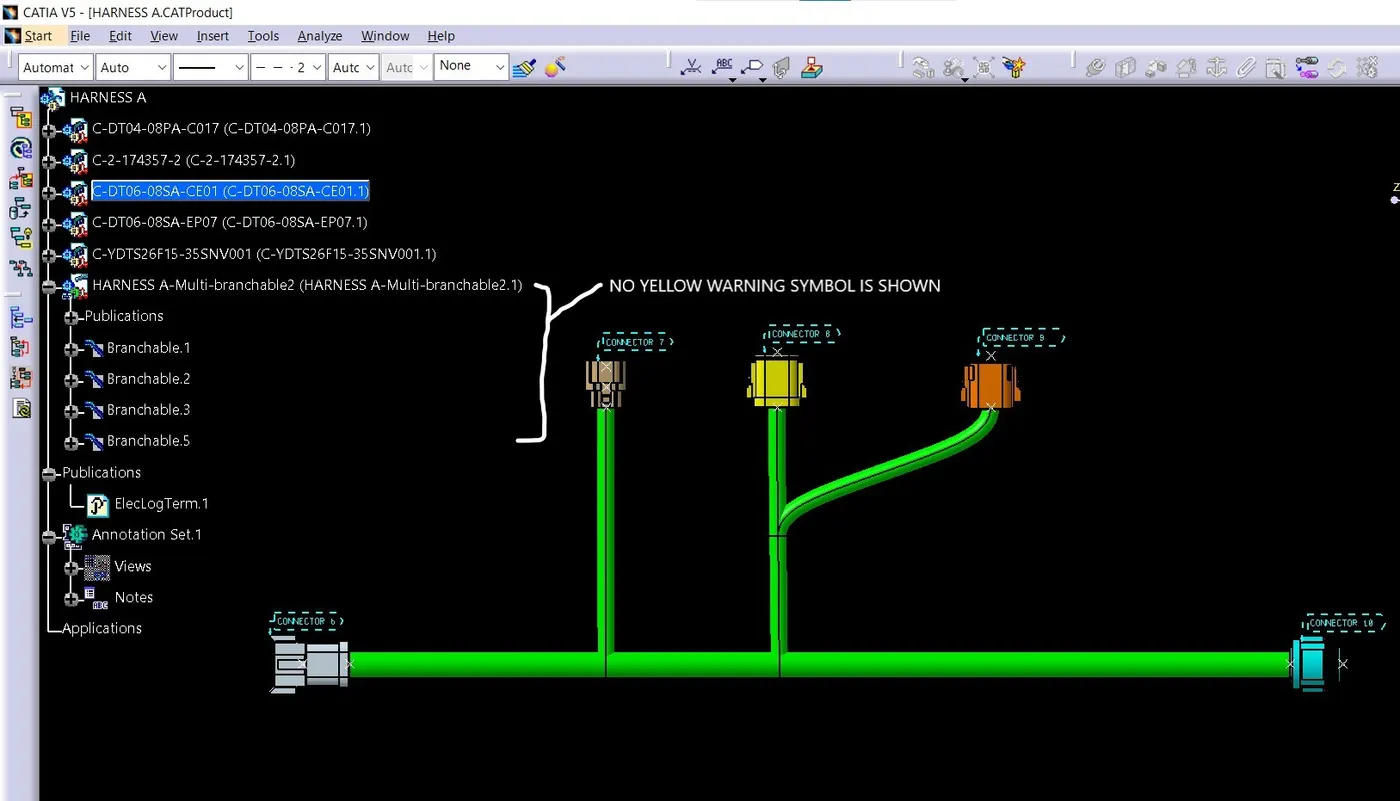
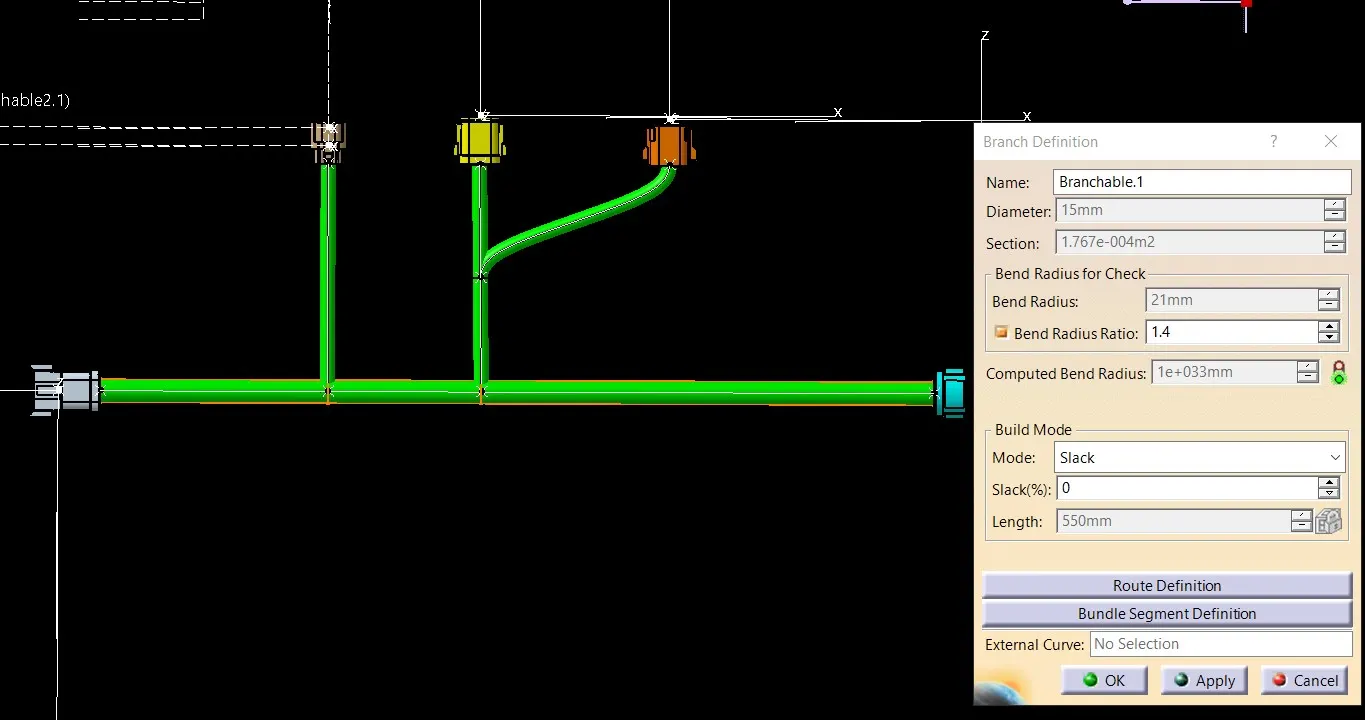
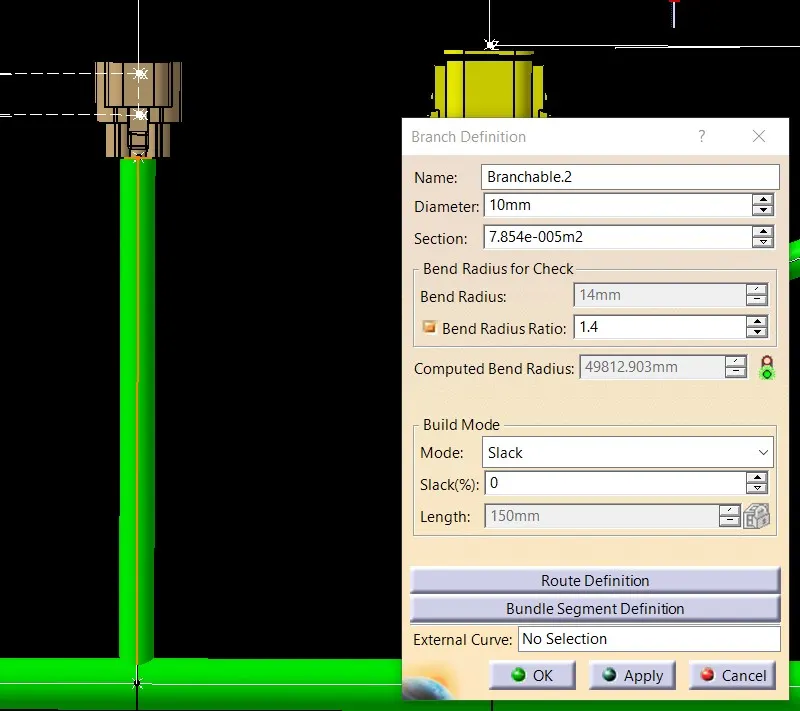
no yellow exclamation mark as well as no red mark in front of computed bend radius
HARNESS A
HARNESS B
Generate CAT.part of harness assembly and convert is in. igs format