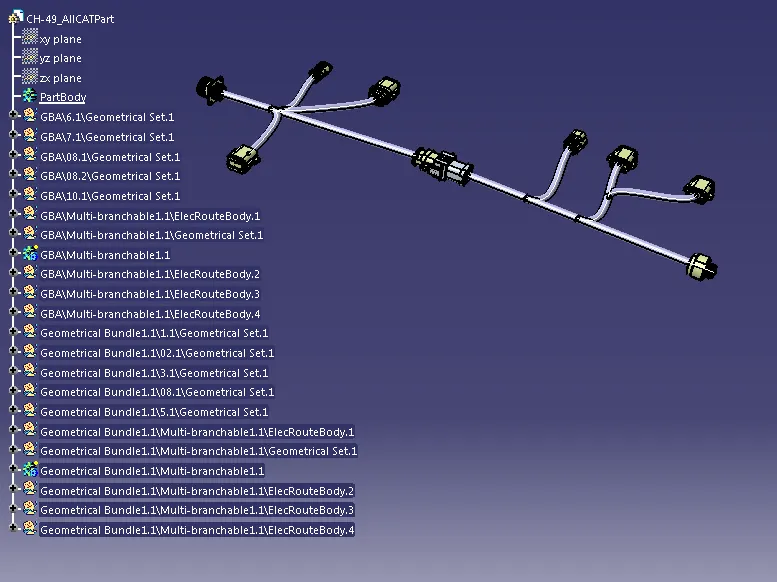
Wiring harness design in CATIA V5 - 3D modeling Week 5 & 6 Challenge
After all parts are defined as eletrical connectors and their properties in the eletrical part work bench. added these parts to catalogue document under "H-A" family and added these part to assembly work bench by using th command "cataloogue browser"
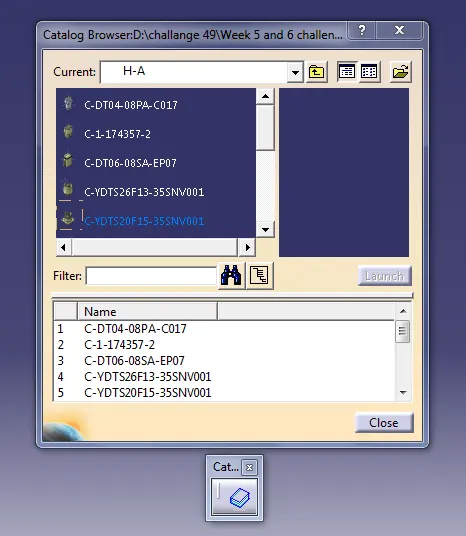
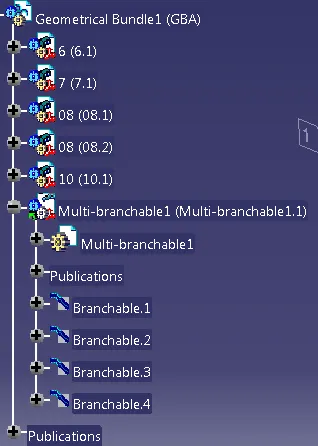
After adding them to an assembly locating them in desired position by using the commands "snap","smart move" etc. conversion of this assembly to eletrical assembly in eletrical assembly work bench by using the command "geometrical bundle". after this icon of assembly changed to eletrical assembly.
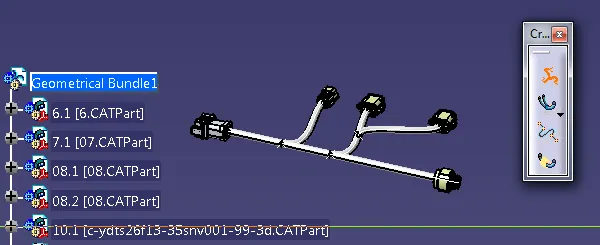
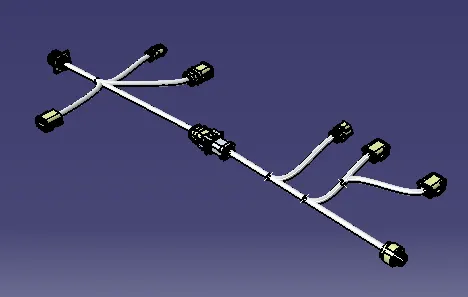
multi branchable creation leads to branch defination and rute defination with the help of them routing was done for main trunk by clicking the two main connectors. after that by using the add branch point and branch defination sub routing was done.
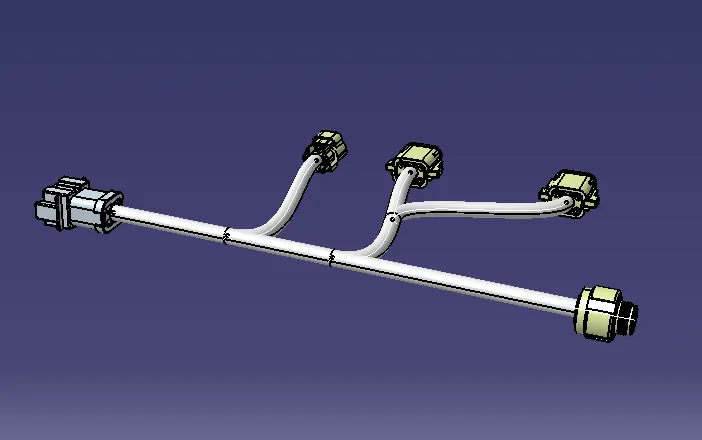
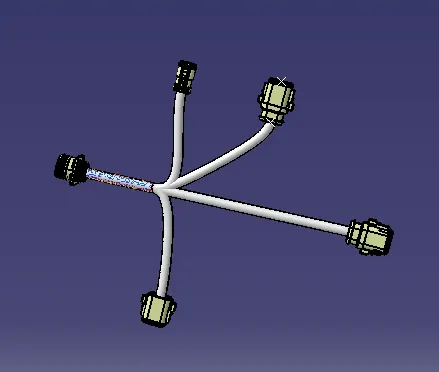
checking the connectivity in harness assembly
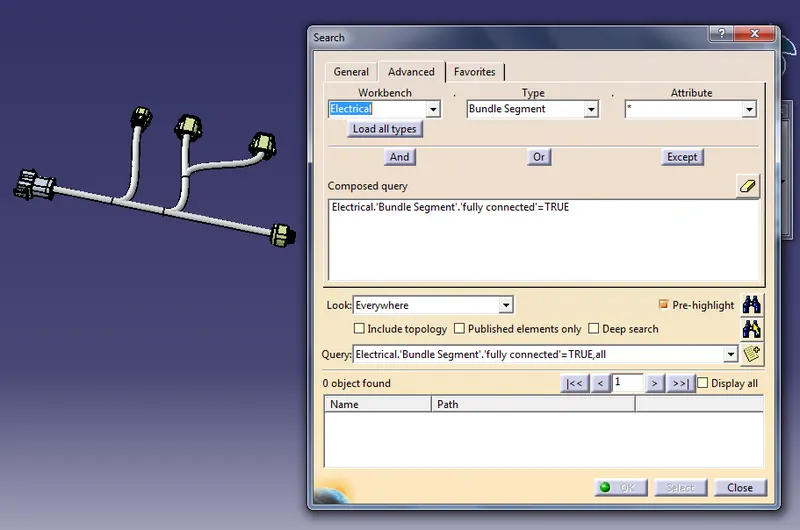
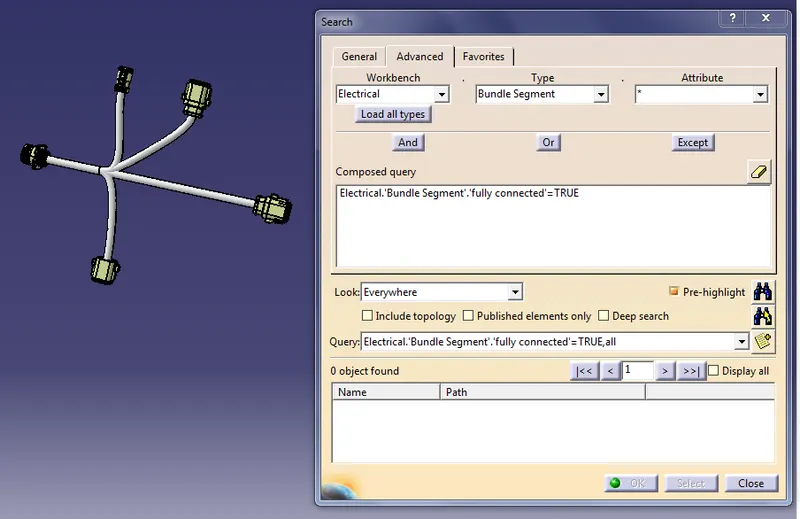
Checking the bundle warnings
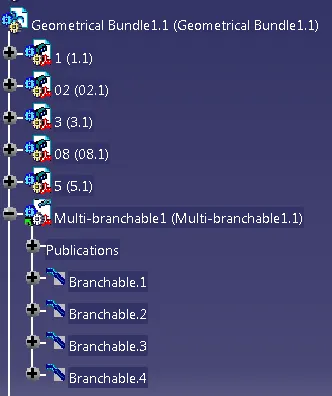
Creating the inter connection between two harness assembly by using commands using for manipulation
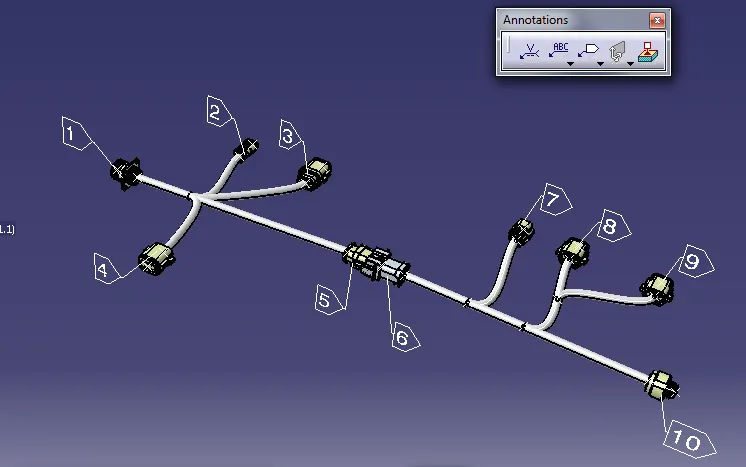
Creating the text for parts in the assembly by using an annotations tool bar
properties of overal assembly
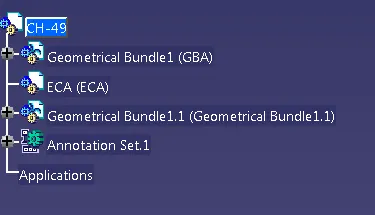
Creating product part by using the genarate part from the product