Project 1
Steps in defimimg part as connector
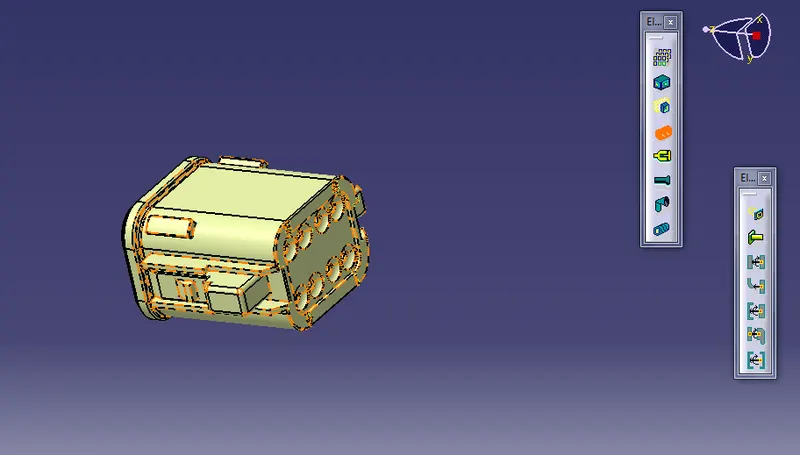
1. creating required geometry for defining properties
2.defining the part as electrical connector by using commaand "connector" in electrical part design work bench.
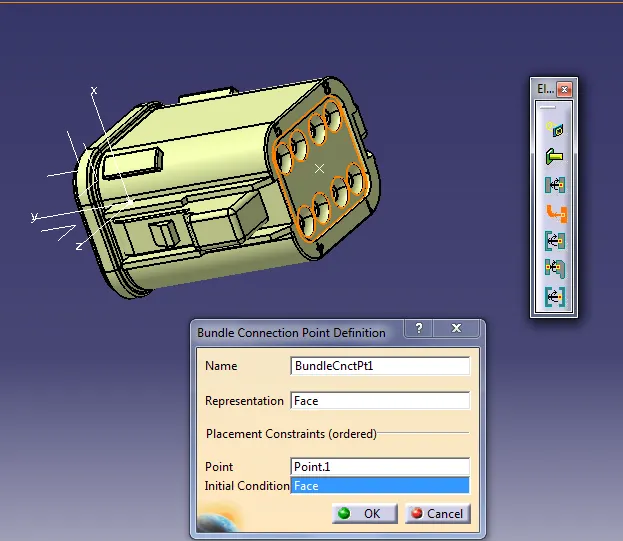
3.defining bundle connection point,
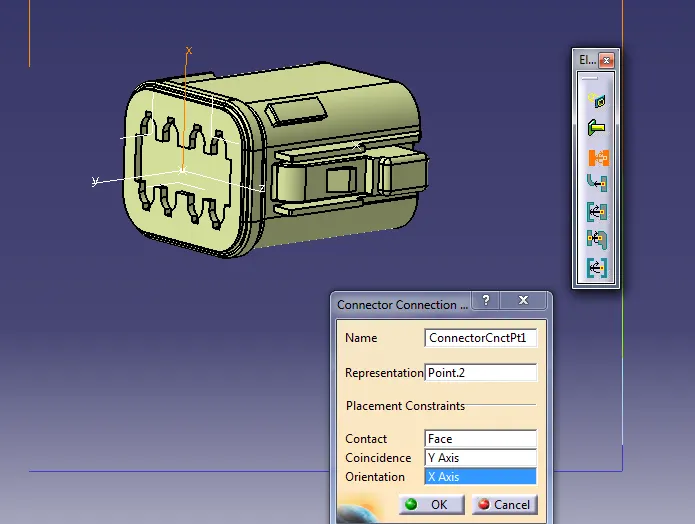
4.defining connector coonnection point.
5.defining cavity connection point if required.
Creation of catalogue document under CH-96 family.saviing all eletrical defined part under this family by using the command "store device".assemble the all required parts into assembly by using the command "catalogoue browser".
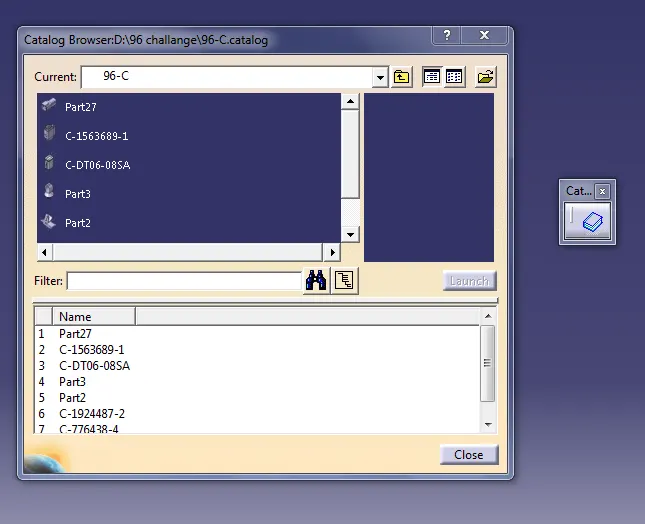
After adding all required part in assembly place them in required position by using translation, manipulation,
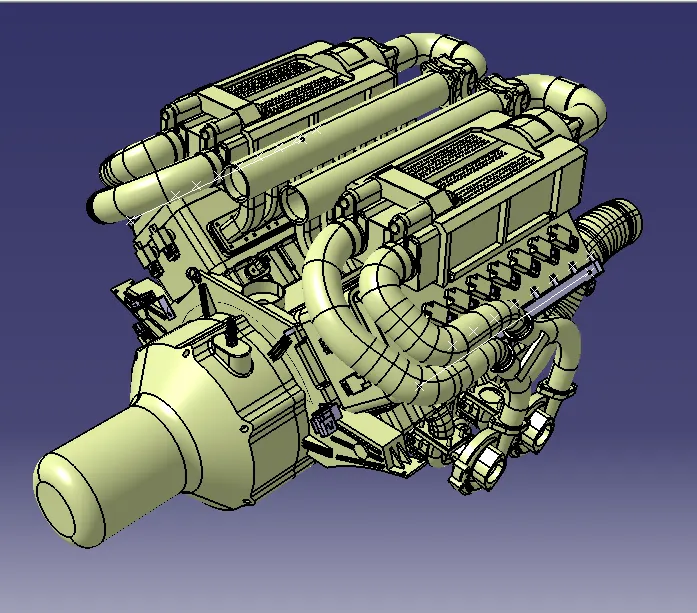
After done with the assembly routing of assembly takes place in eletrical assembly and eletrical installation work bench.
Steps for proper routing
1. identify the main trunk and routing of trunk.
2. adding branch point to trunk by using the command "add branch point".
3.routing of sub branches to the branch points of main trunk.
4. addition of slack if required to avoid the clash of rouiting with main assembly.
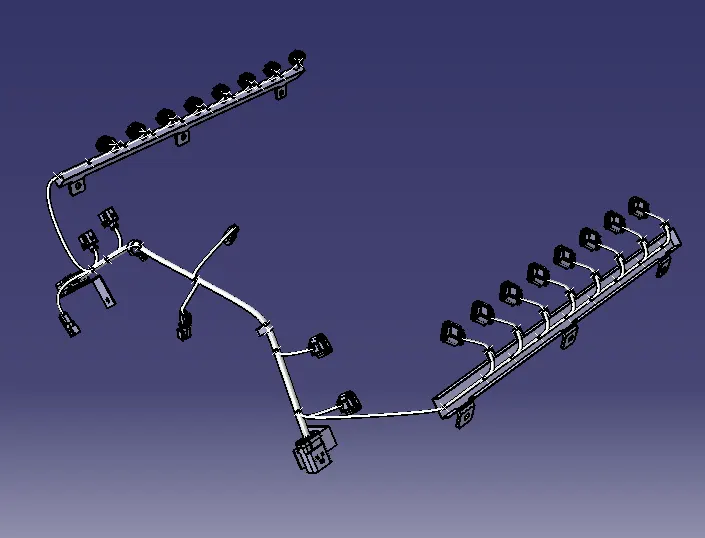
After routing overal assembly
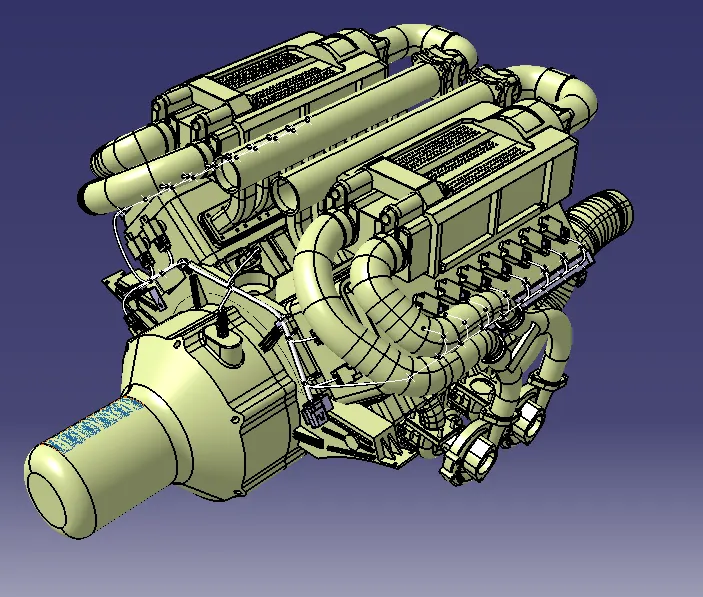
properties of assembly