Wiring harness design in CATIA V5 - 3D modeling Week 5 & 6 Challenge
- Check the bundle Continuity. Add snap of result in submission
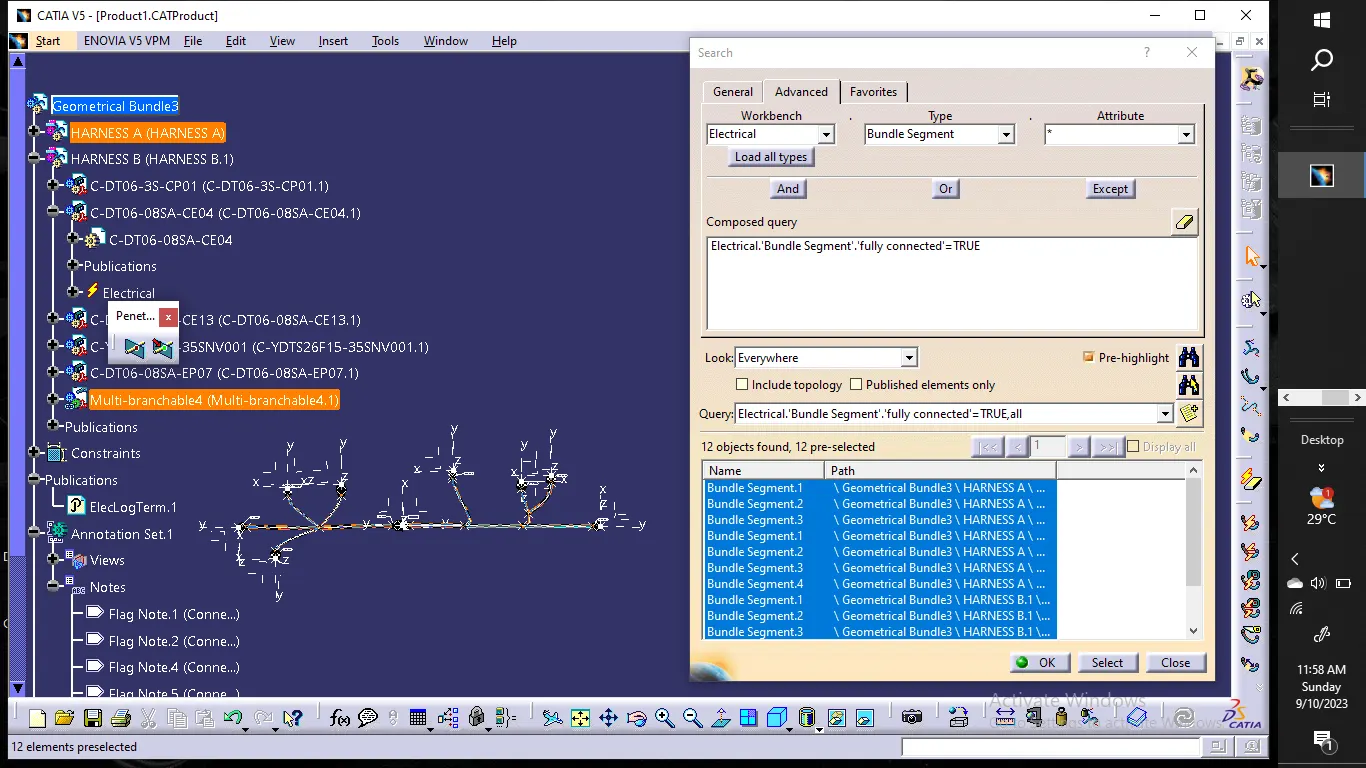
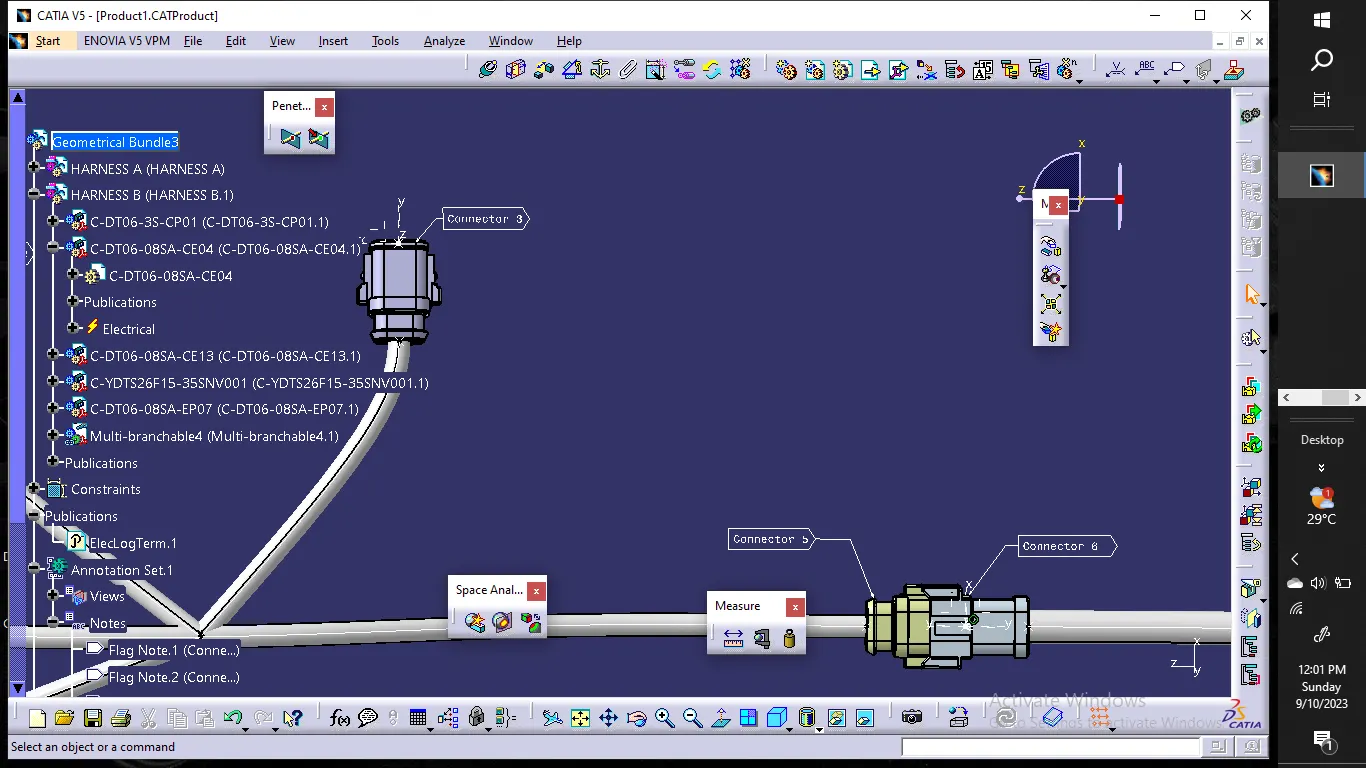
- Add annotation to all connectors. Make an assumptions for annotations like connect 1 , 2 etc
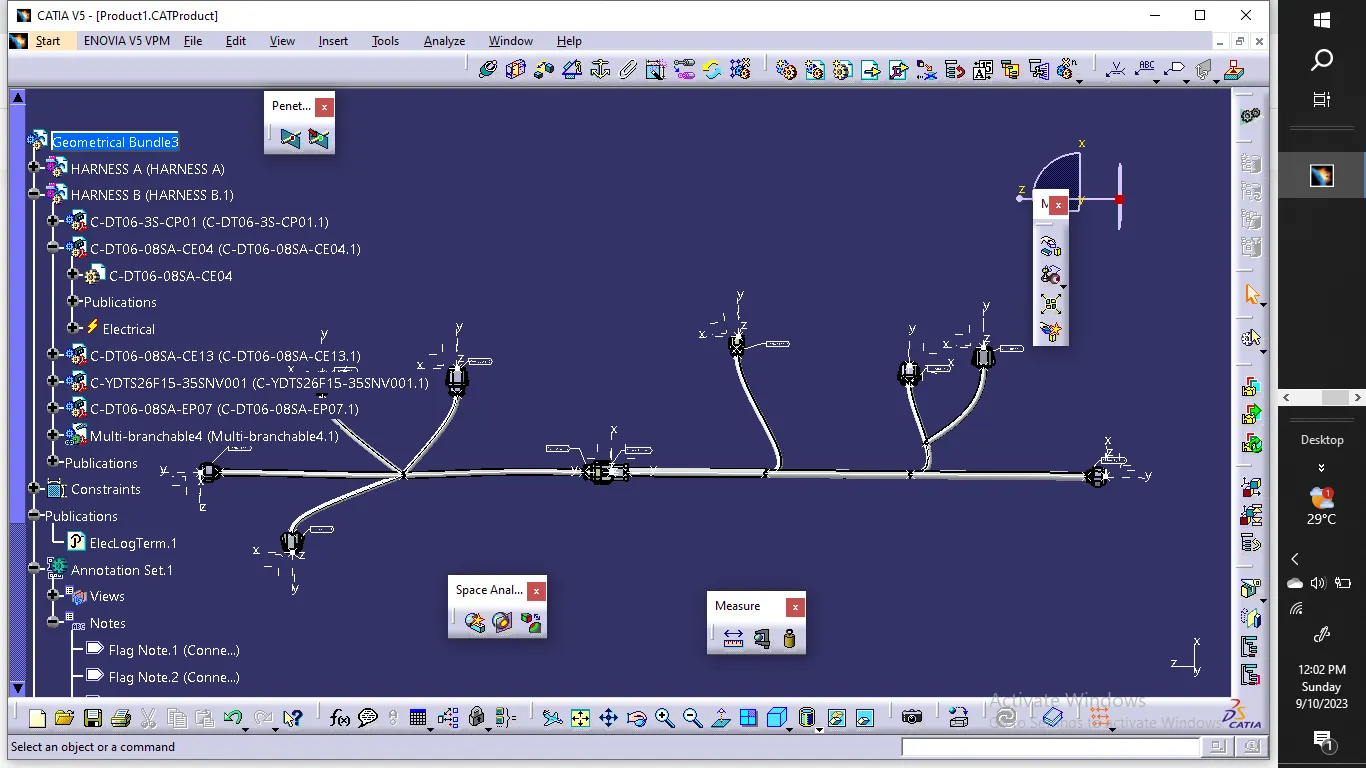
Check for the bundle warning. Add snap.: no bundle warning
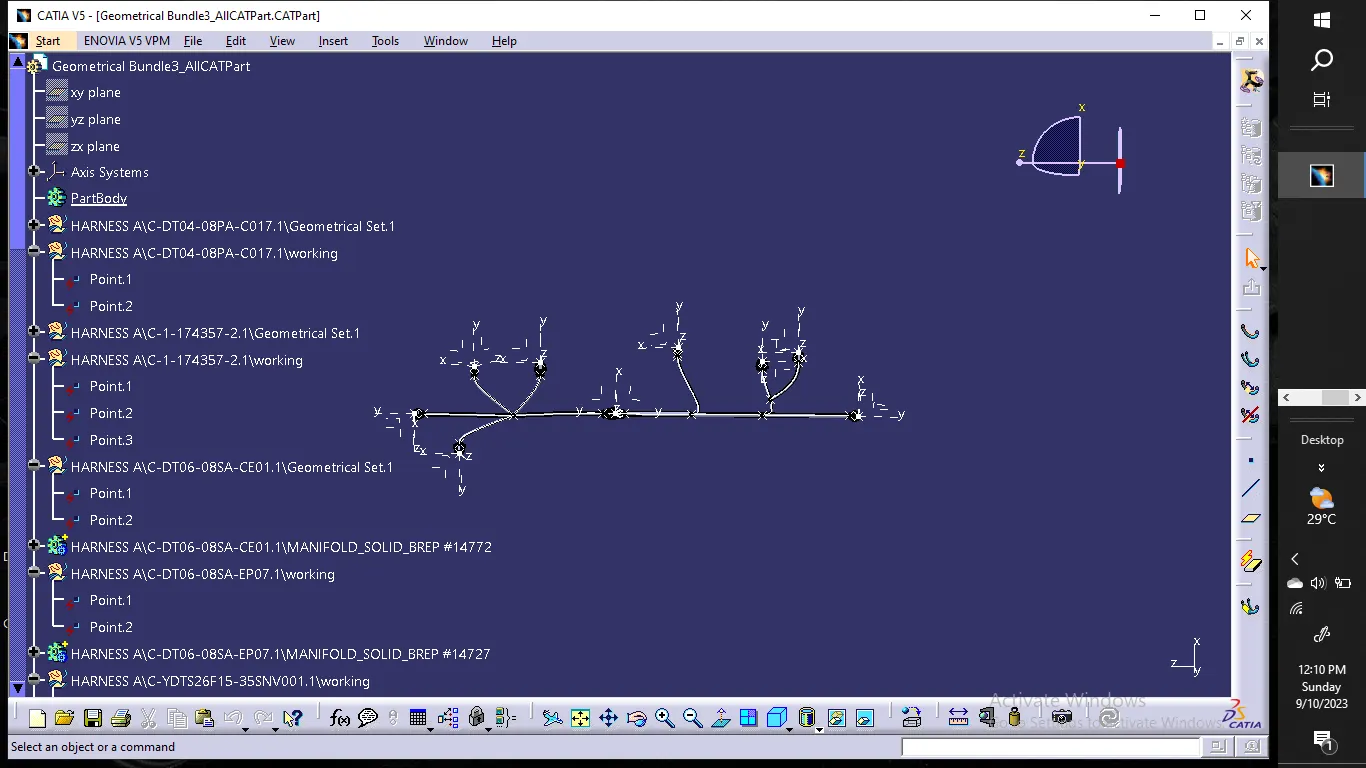
- Generate CAT.part of harness assembly and convert is in. igs format.
Report :
1. Saving all the connectors in connector tube catalogue.
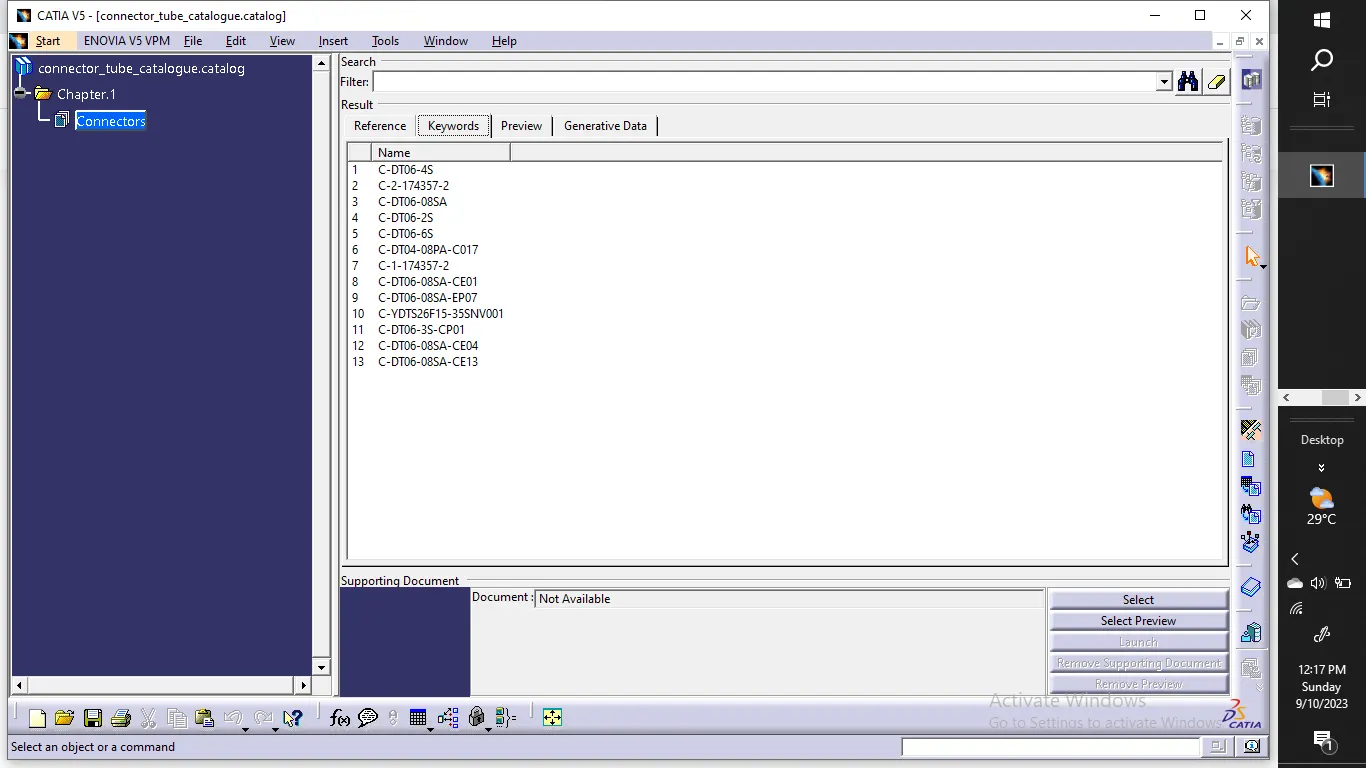
2. Creating the product file & adding product of Harness A & B
3.Defining geometrical bundle for assembly set
4. Connection of both the harnesses using electrical connectivity
5. Annotation:
Select the mechanical assembly work bench.
activate the geometrical bundle
Select the Fv using the annotation plane.
Select the plane you wish for annotation
Select flag note with ladder
Select ref. point on part
input the name you wish to display
click ok.
To create CAT part:
-Switch to mechanical assembly
-Tools-> generate CAT part from product-> click on bundle assembly-> click ok