Wiring harness design in CATIA V5 - 3D modeling Week 5 & 6 Challenge
WIRING HARNESS DESIGN OF TWO HARNESS ASSYMBLIES (WEEK 5 & 6 CHALLENGE)
AIM:
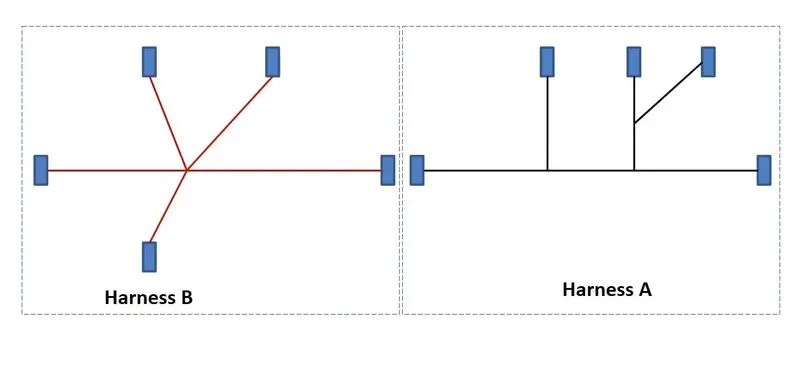
To design two seperate wiring harness assymblies and to connect them together to give another product.
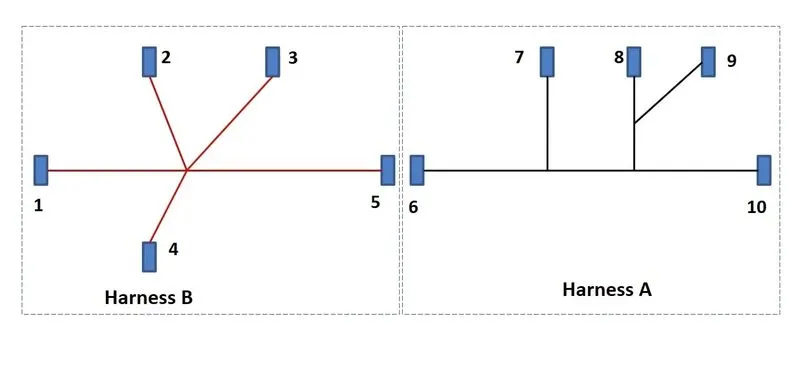
PROCEDURE:
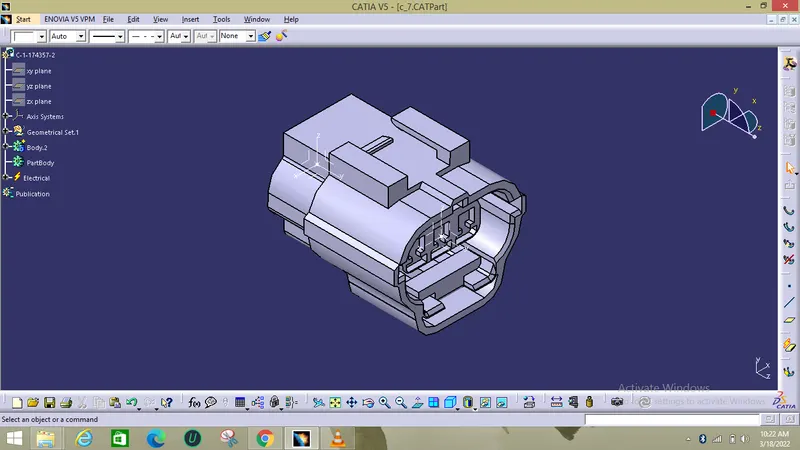
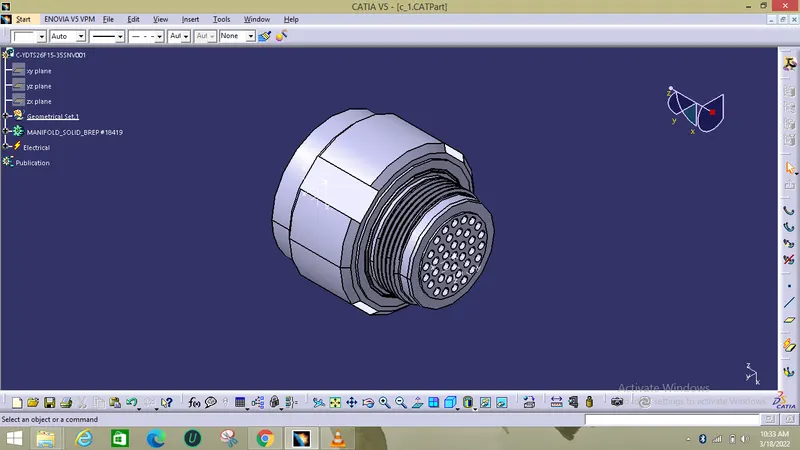
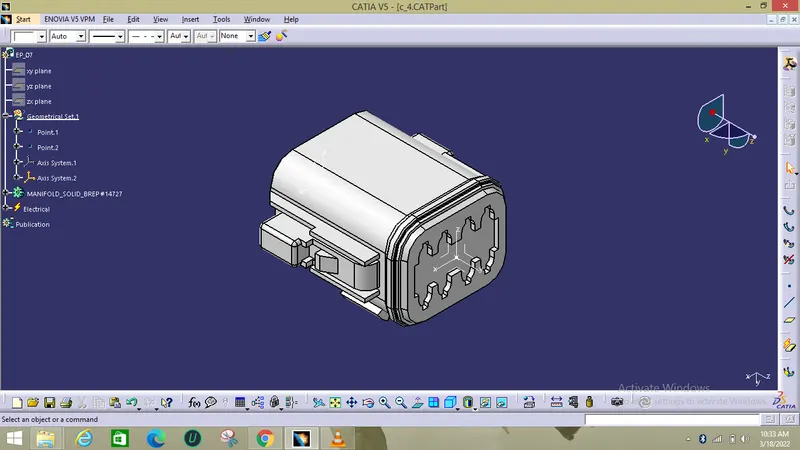
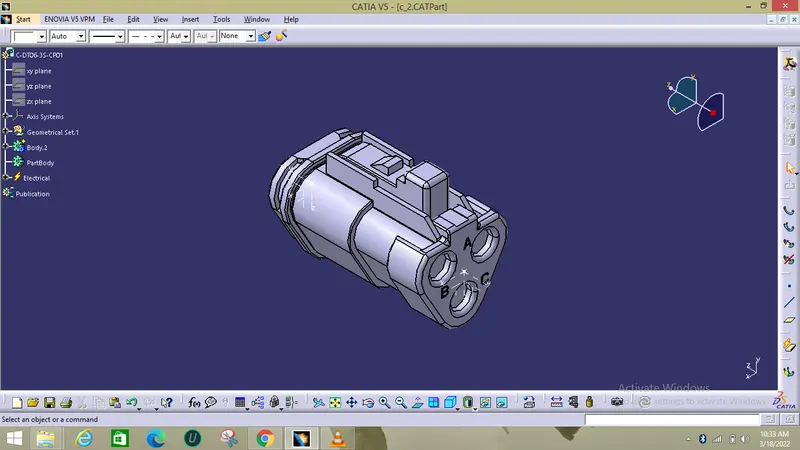
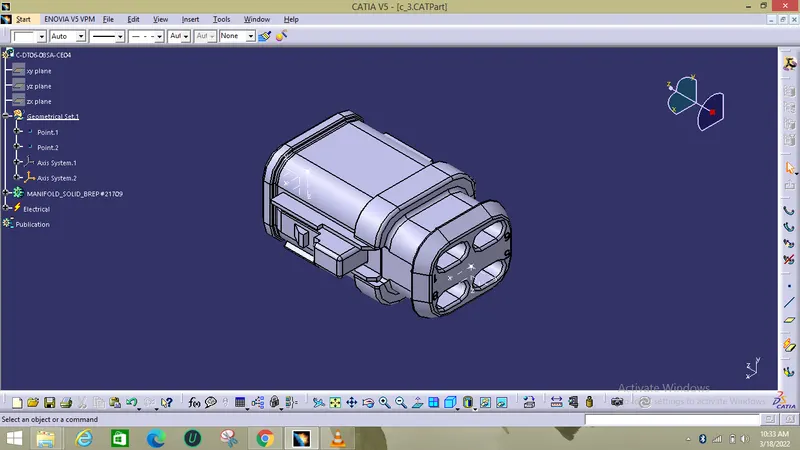
The below are some of the connectors which are given and those were used to build the harness A assymblies.
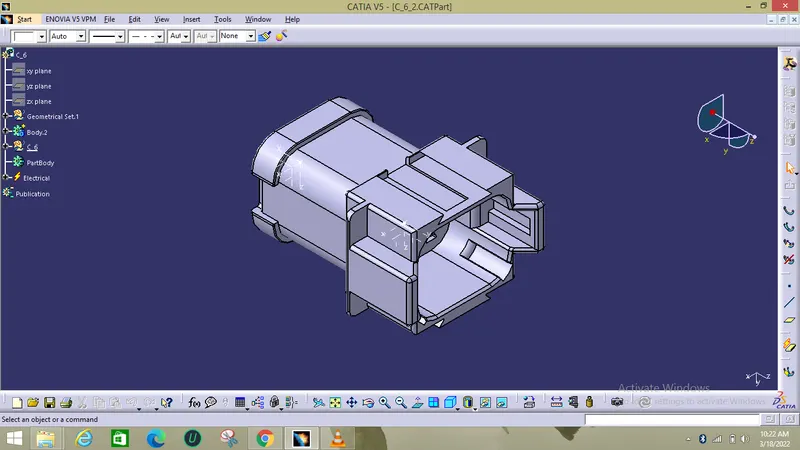
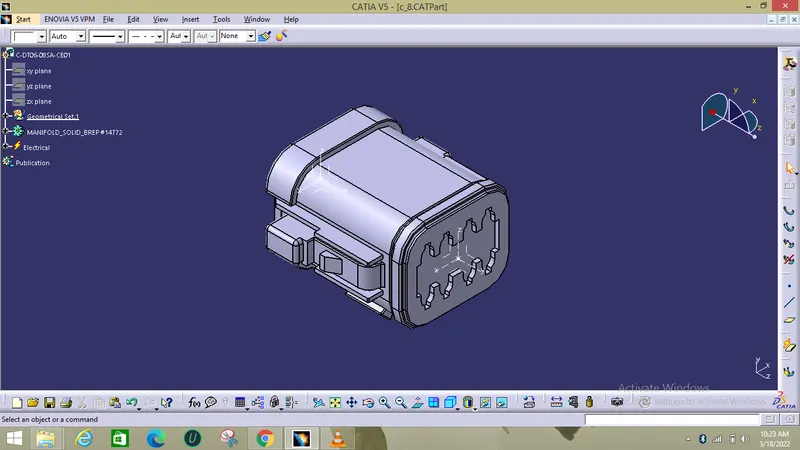
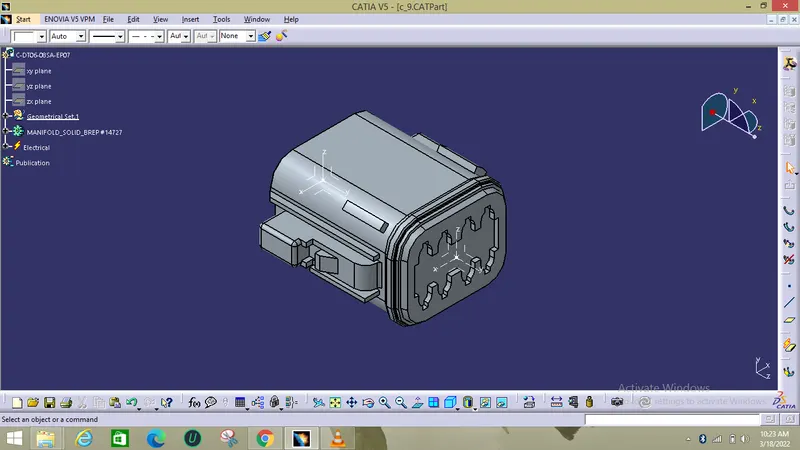
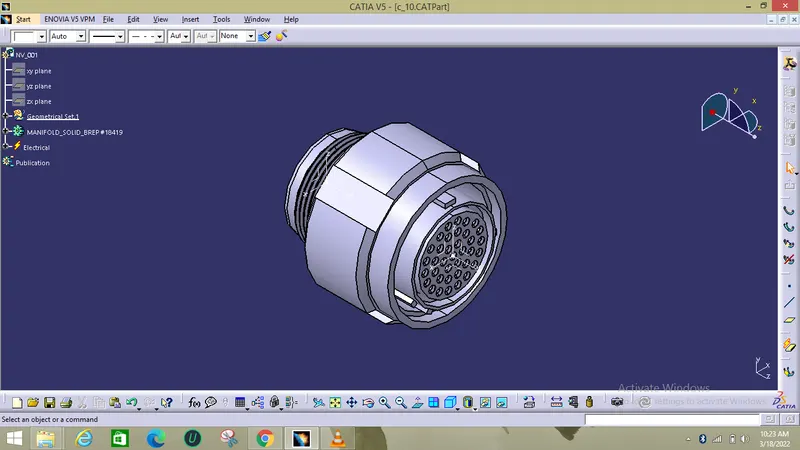
Now the connectors which are used to build the Harness B were shown below:
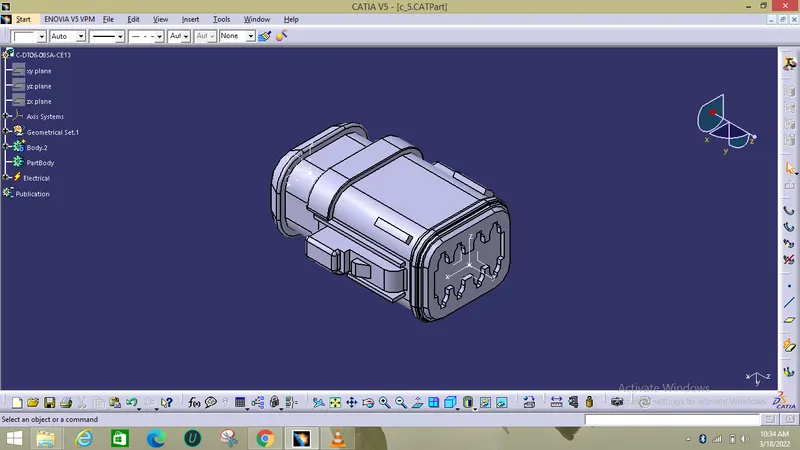
Electrical Definition :
- First the geometrical parameters were given as input like the points and the axis for definition's reference.
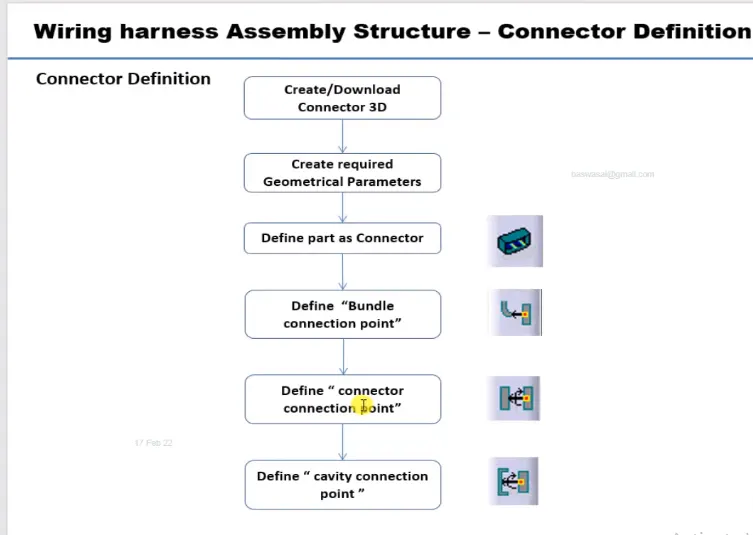
- Then the connectors were defined as a electrical device using connector definition in the electrical part workbench.
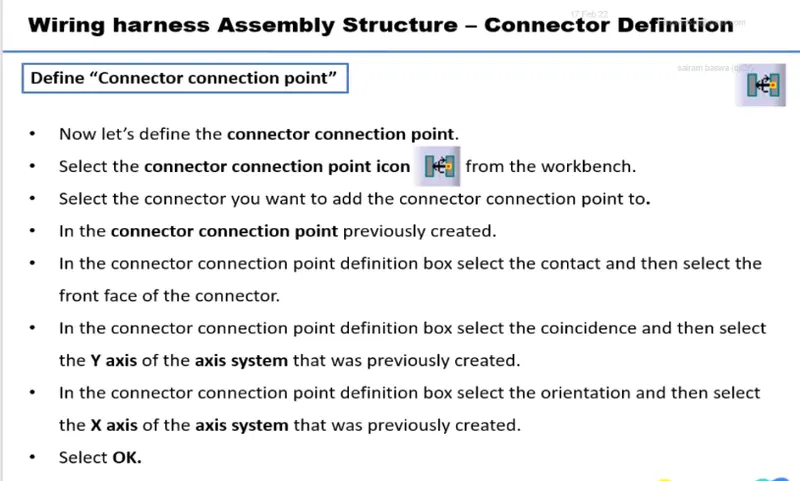
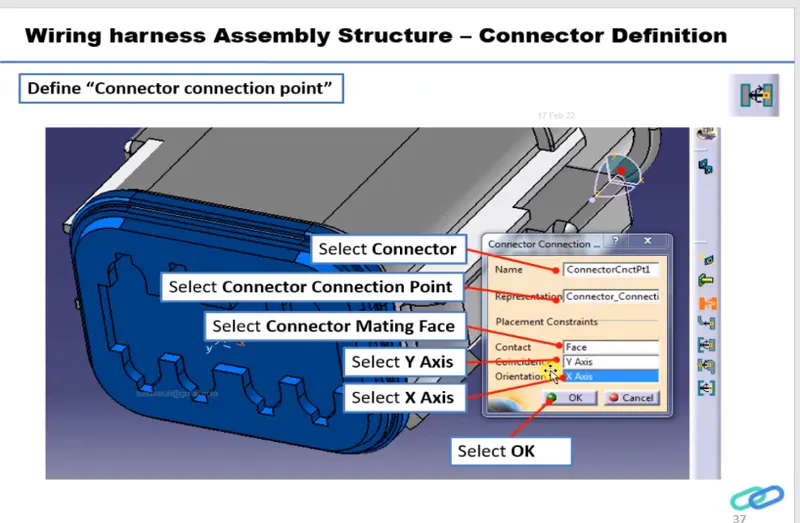
So each and every connector should be defined with the bundle and connector connection points from the connection point commands as shown above.
So for both Harness A and B connectors were defined like this.
ASSEMBLY:
The Harness A connectors were assembled and check for any errors were done like geometric and connectivity errors.
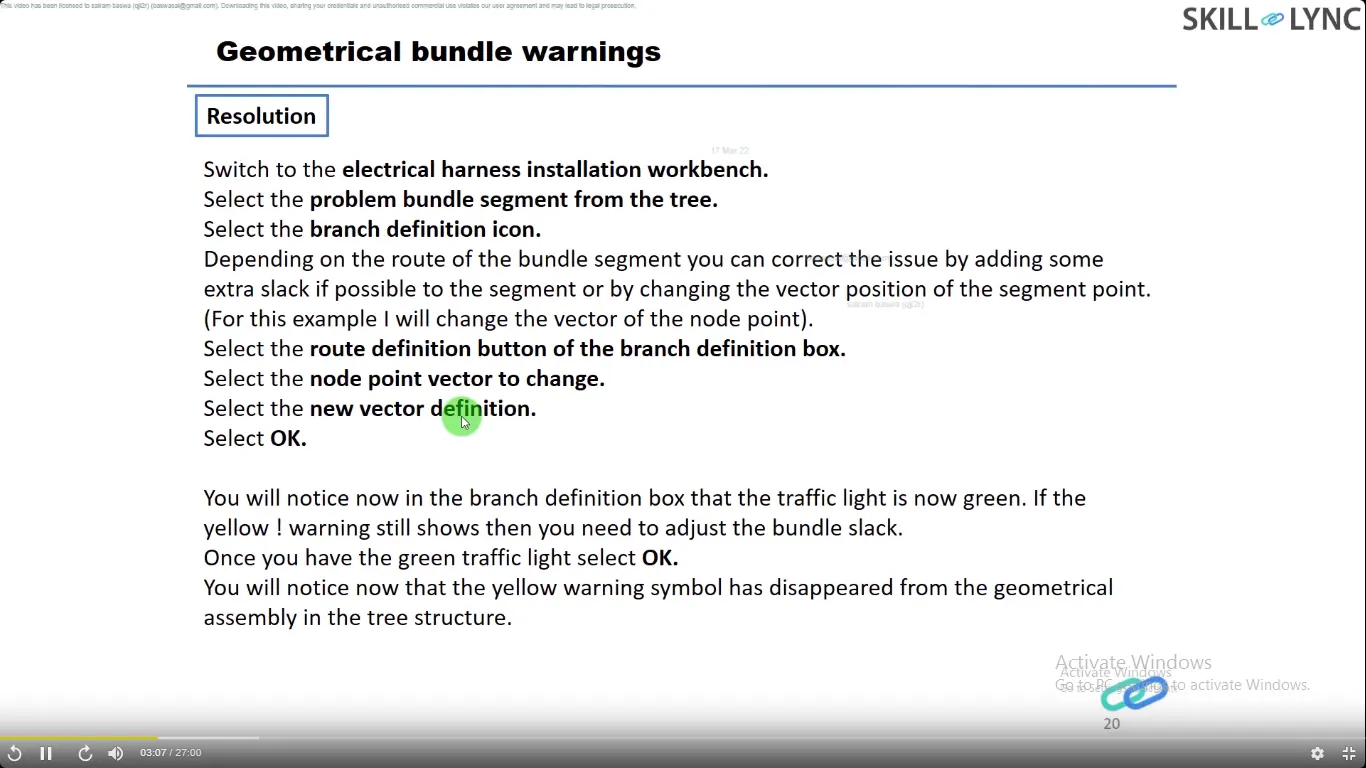
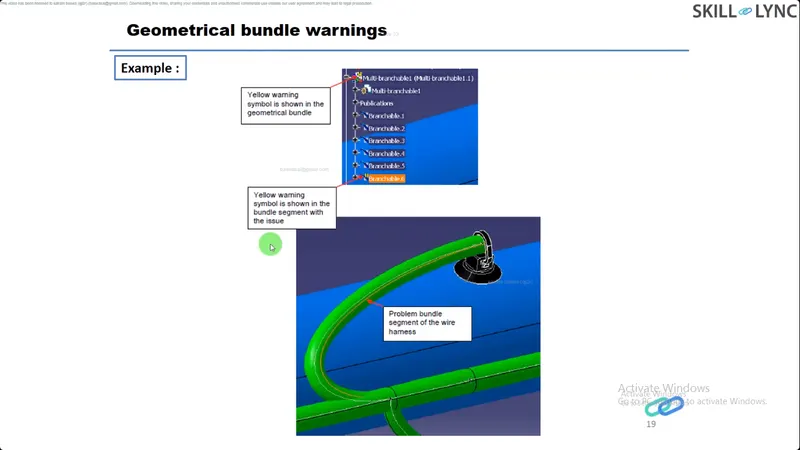
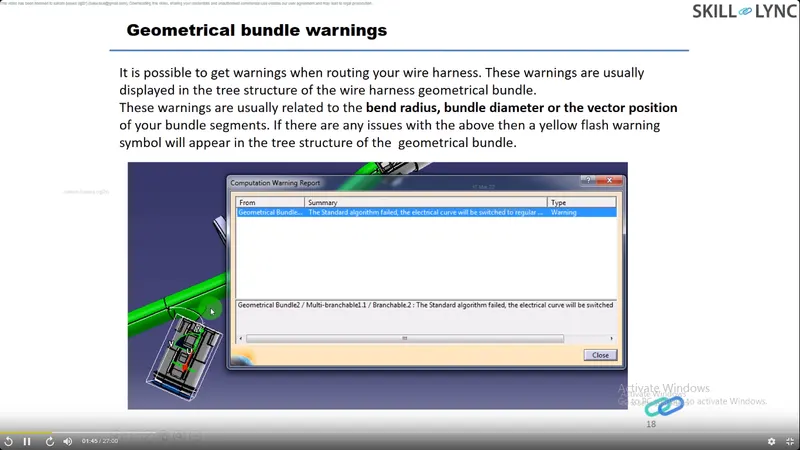
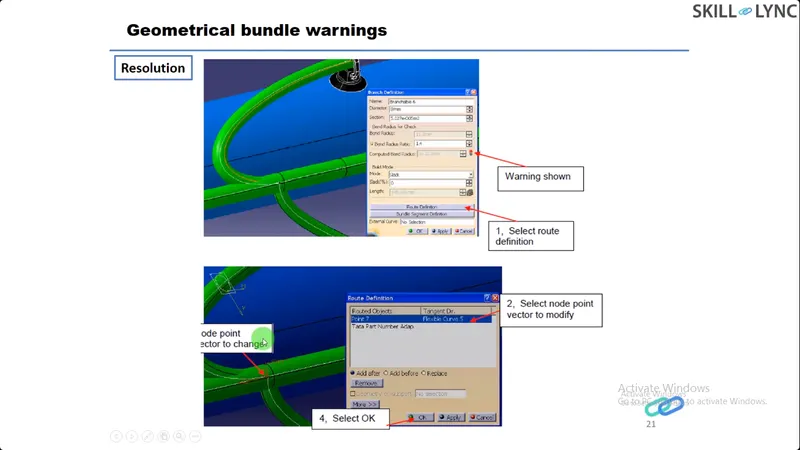
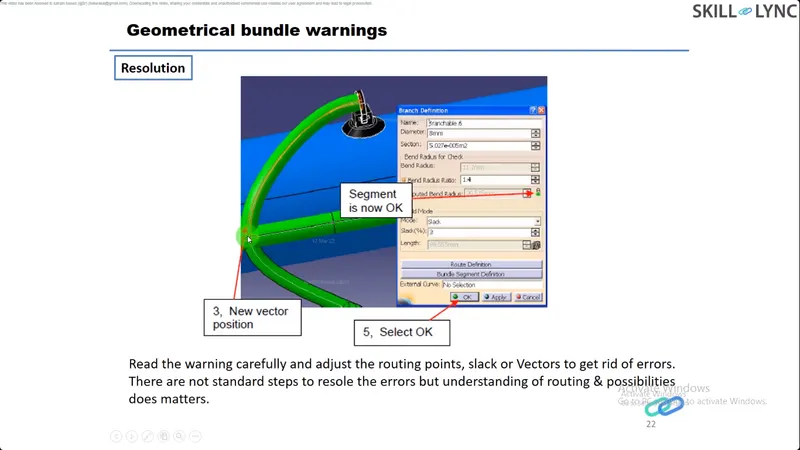
These geometric warnings are due to the issue in bend radius ratio, bundle diameter.
The assembly of Harness A is shown below :
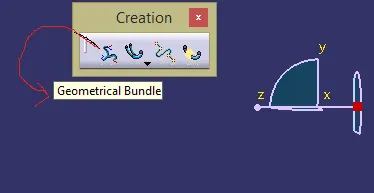
First the mechanical parts is converted into the geometrical bundle.
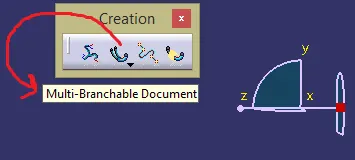
Then the multibranchable is activated for the creation of bundle segments.
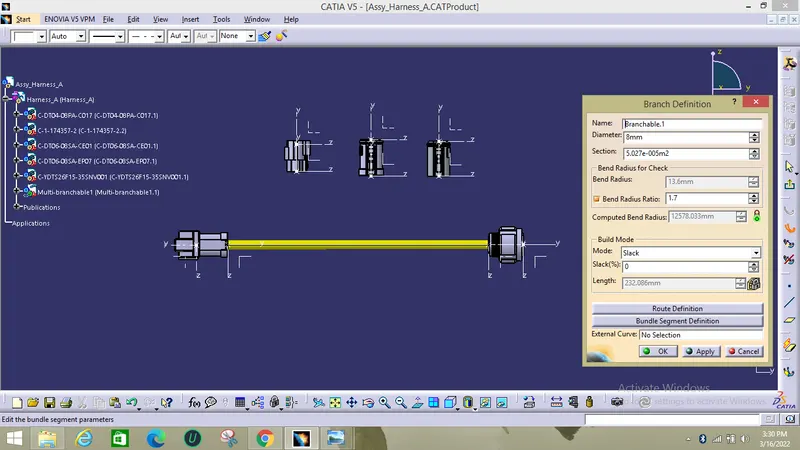
Then the diameter and bend radius parameters should be given as input.
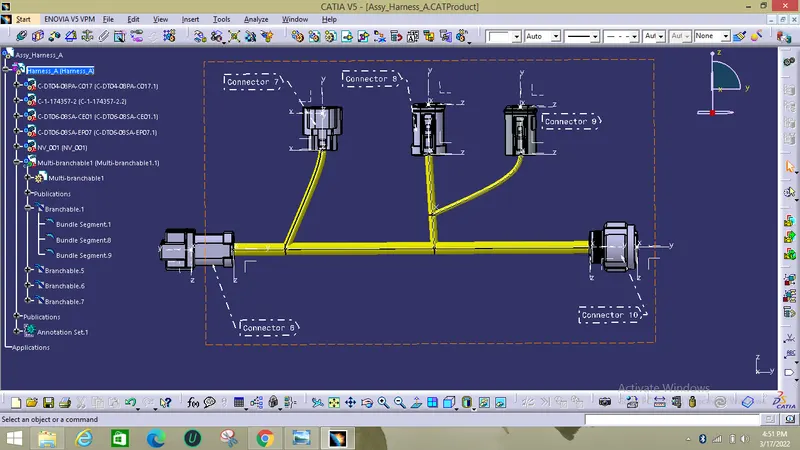
The fully connected Harness A with annotations is shown below.
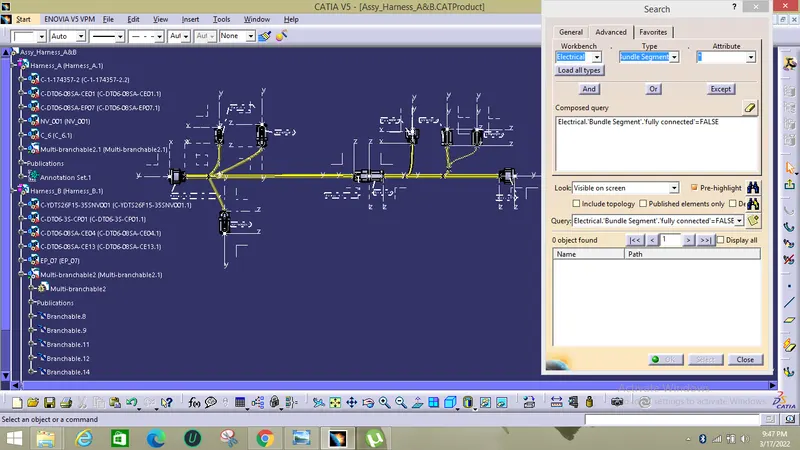
The connection checks is performed so that all bundles are electrically connected.
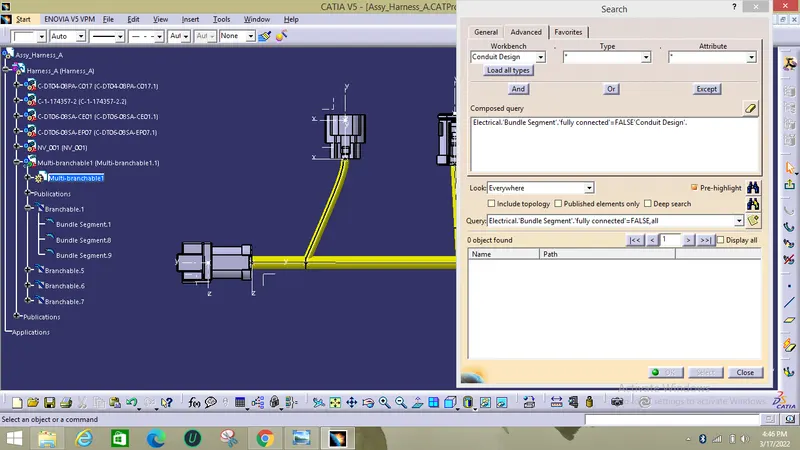
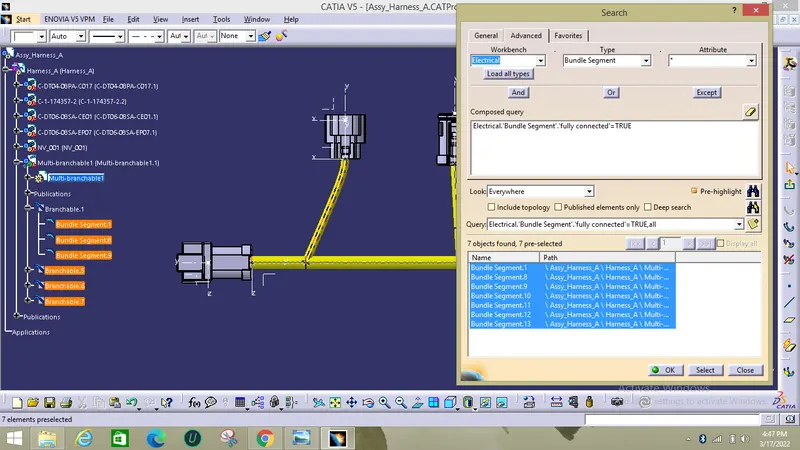
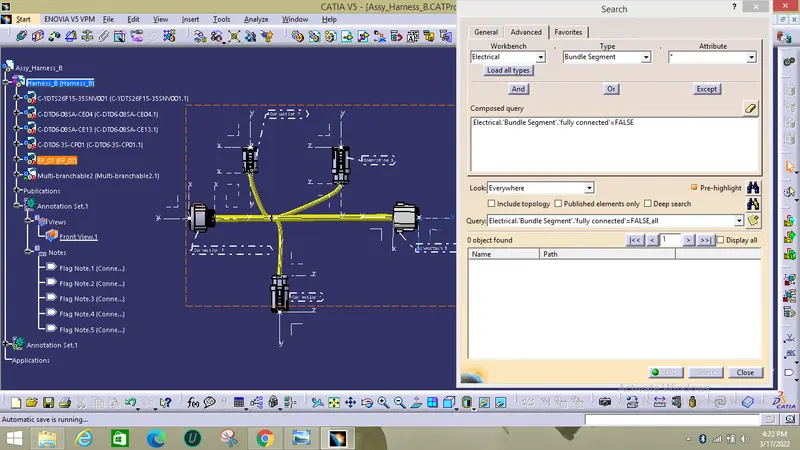
The same procedure is repeated for the harness B and the connections for harness B with annotations and checks is given below:
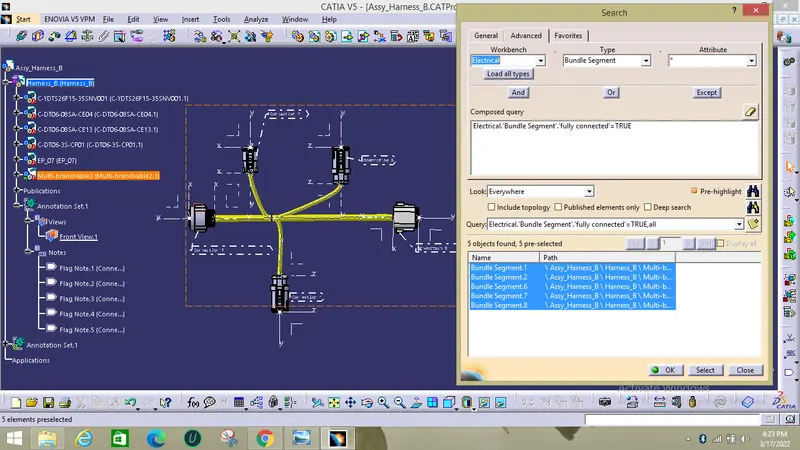
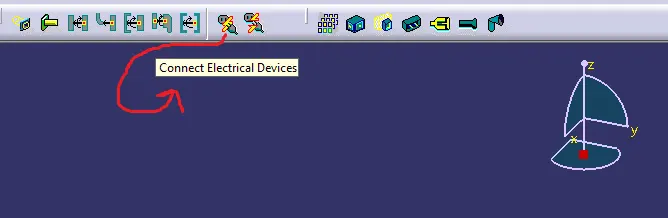
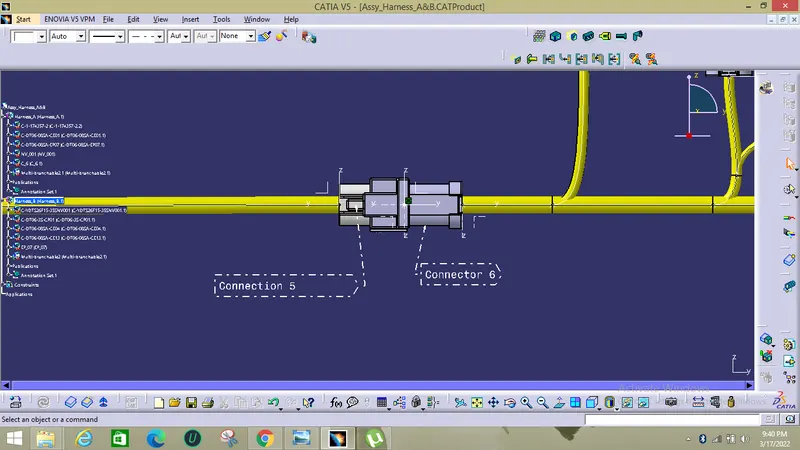
Now the both Harness A and Harness B assemblies were connected together using connect devices in electrical assembly design workbenceh.
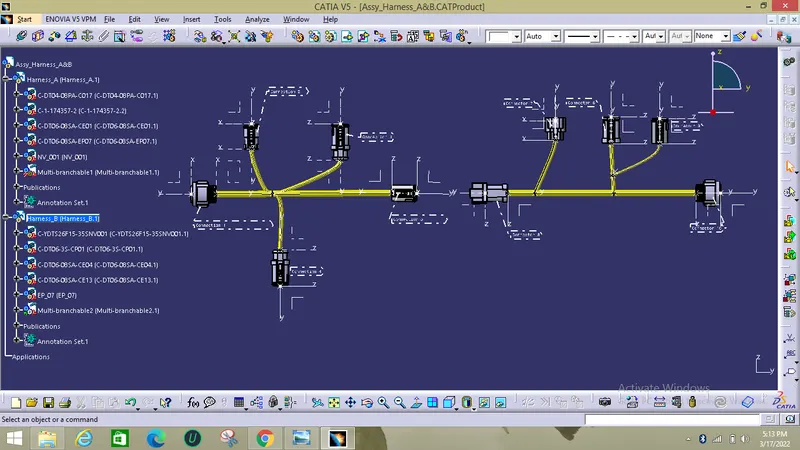
All the Harness A and B assemblies were added to another product file which is named as Assembly of Harness A and B
Now these two were connected using connect electrical devices:
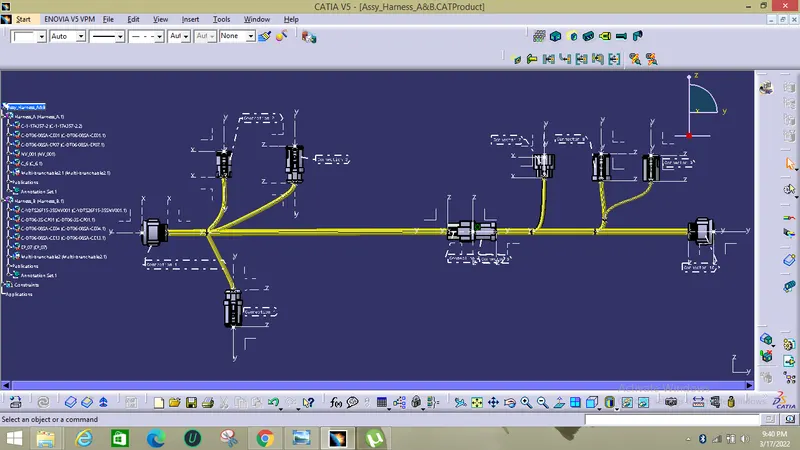
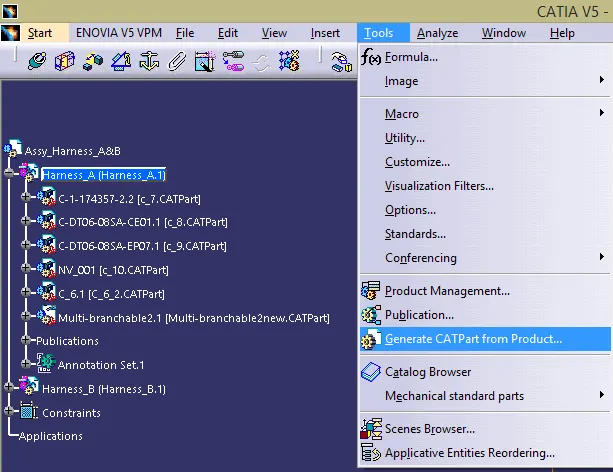
Now the above product file can be converted into CAT Part file.
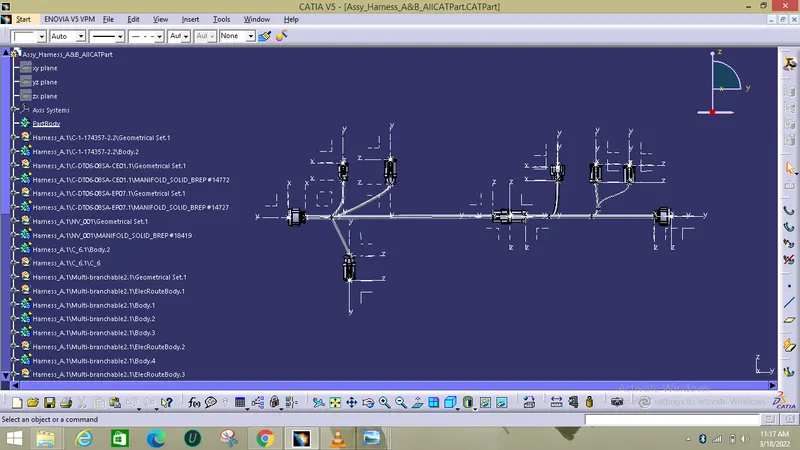
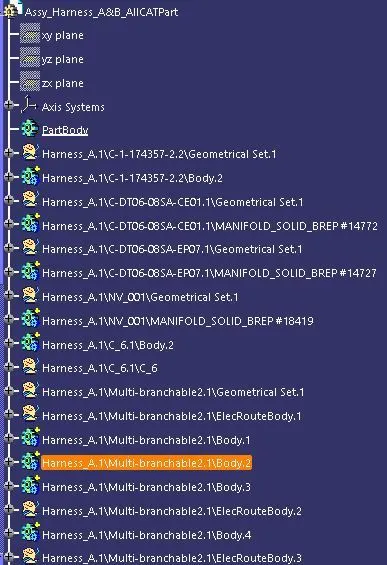
The CATPart tree of Total Assembly is shown below.