Wiring harness design in CATIA V5 - 3D modeling Week 5 & 6 Challenge
AIM- Route two electrical harnesses as per the given layout and interconnect them as a single harness assembly and then check for bundle continuity, bundle warnings, and then give annotations to the final harness assembly.
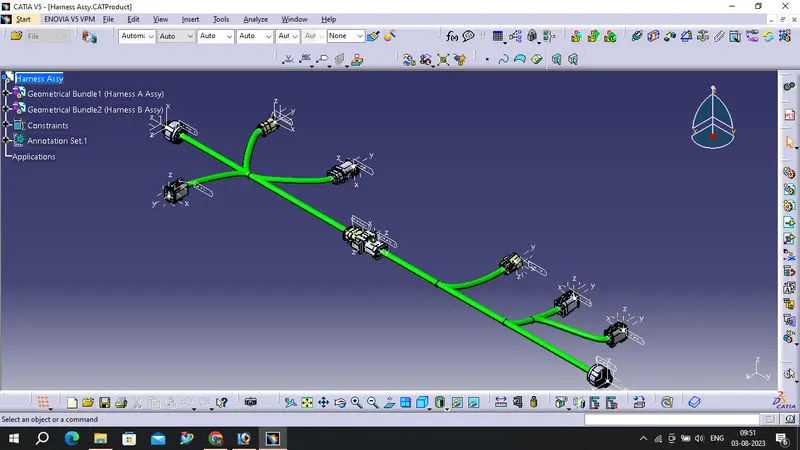
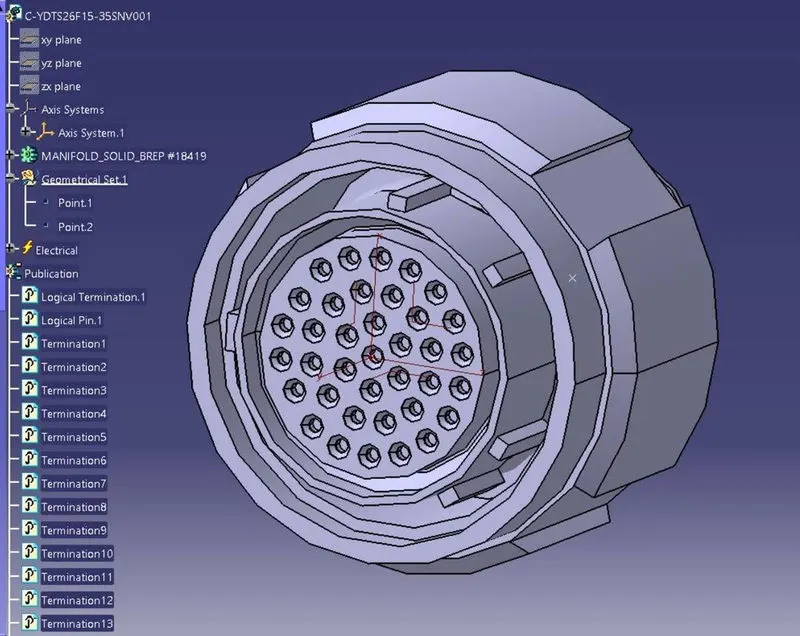
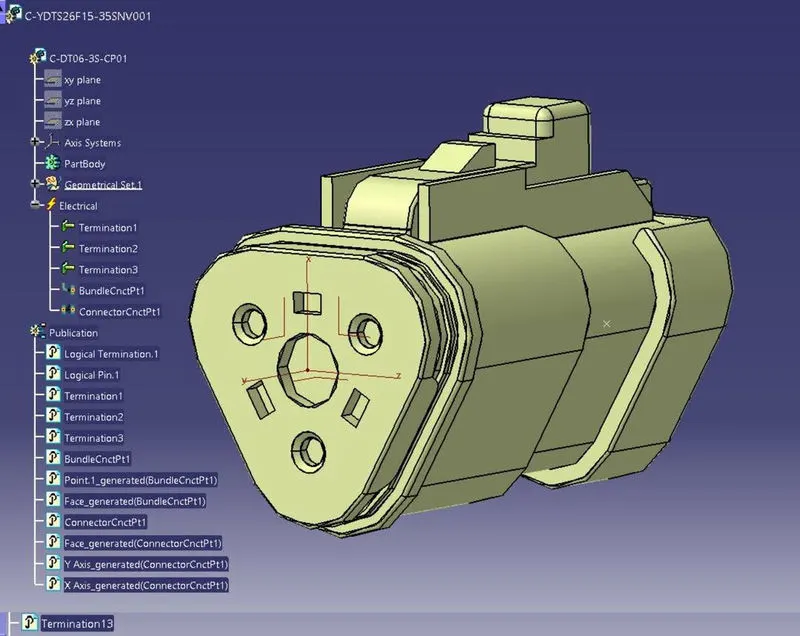
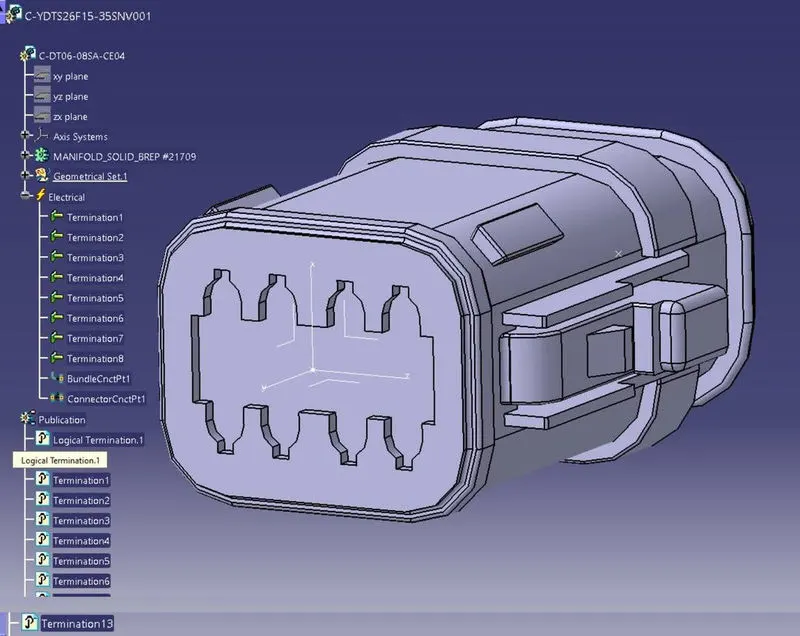
We have to first define all the connectors geometrically and electrically as shown in below images.
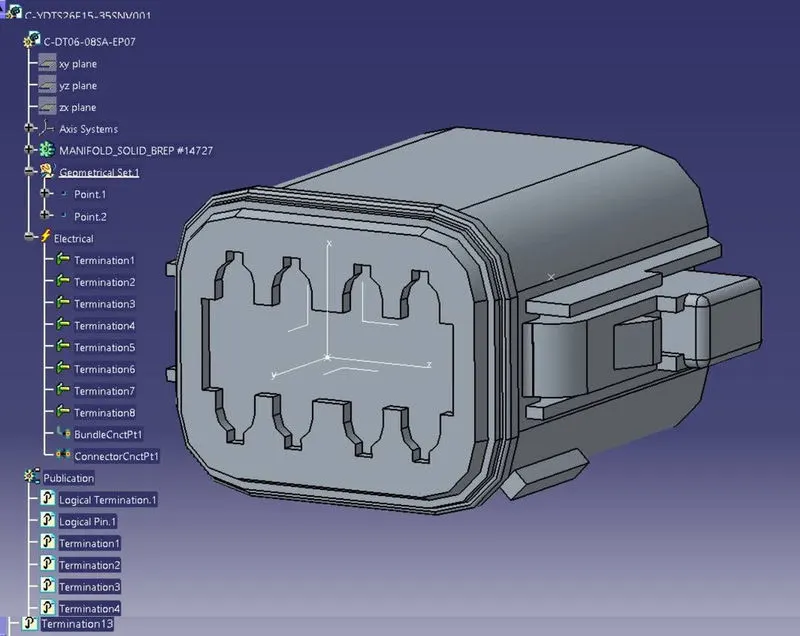
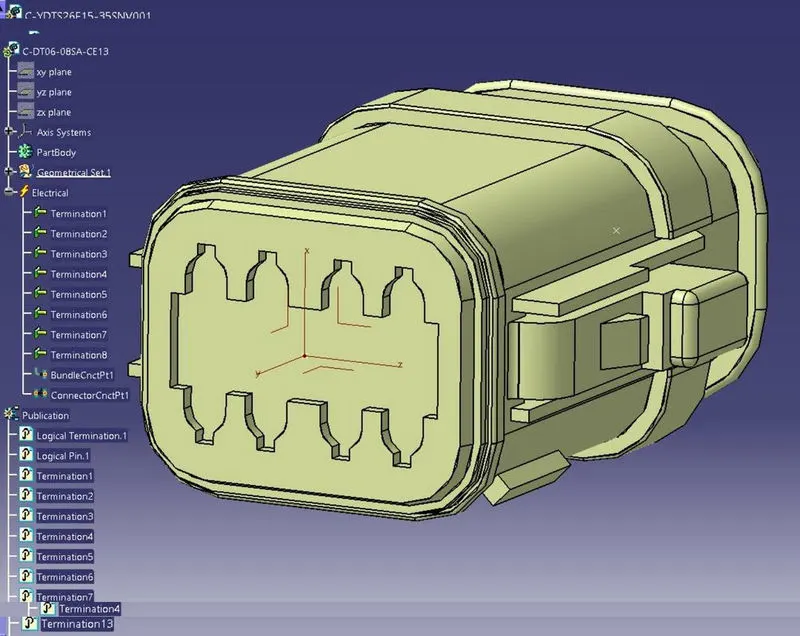
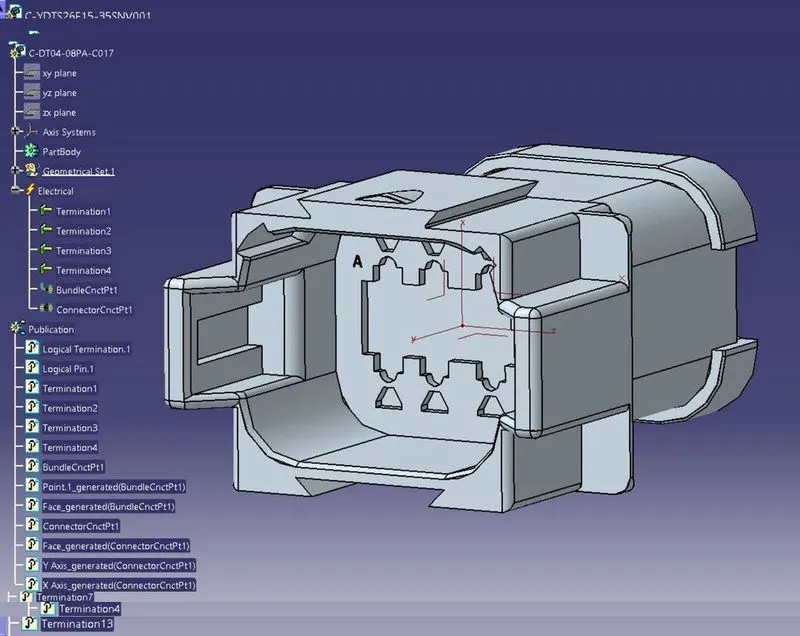
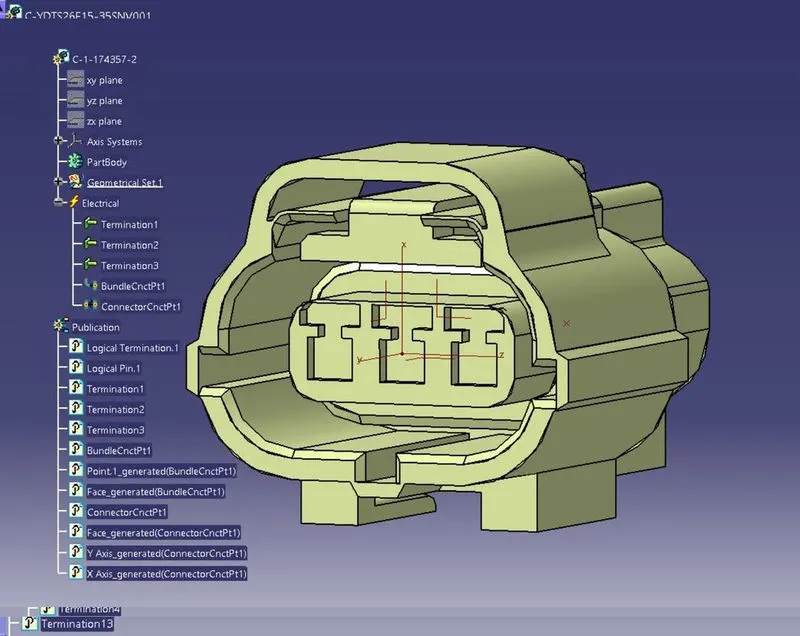
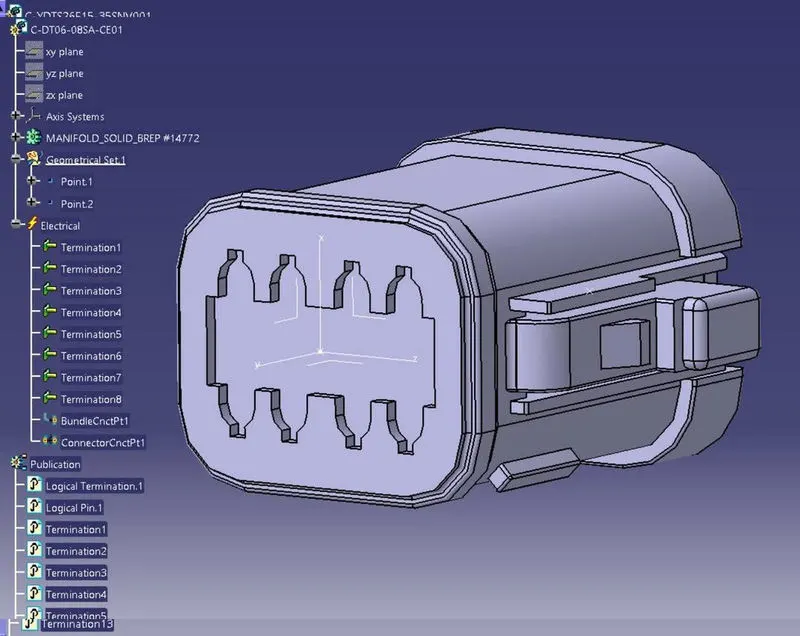
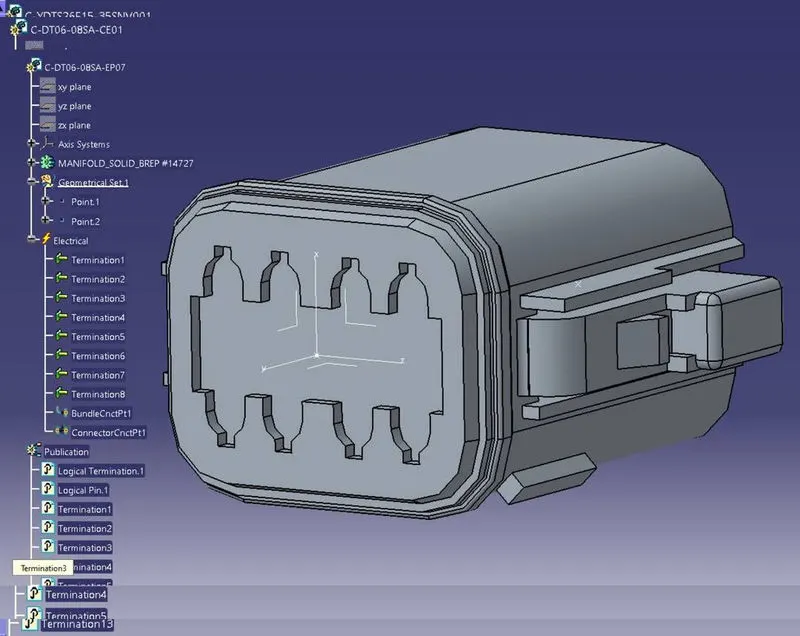
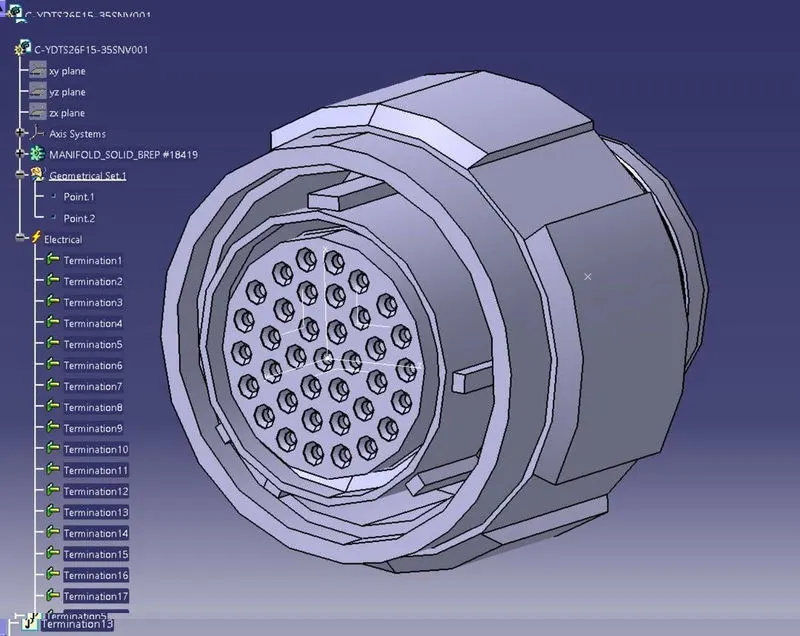
Now, we have to create Harness A and Harness B by using electrical harness assembly as shown in below image.
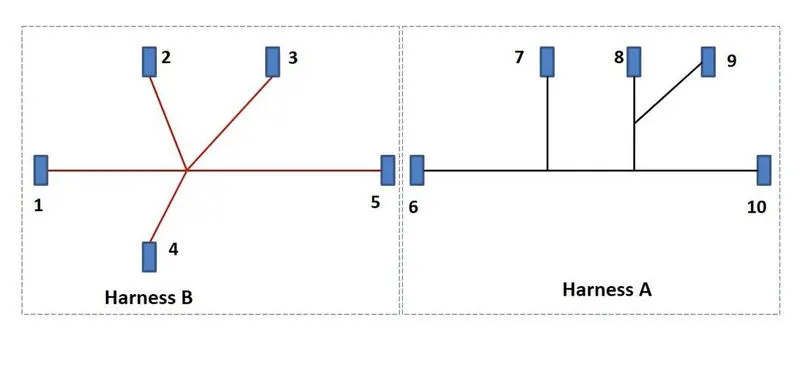
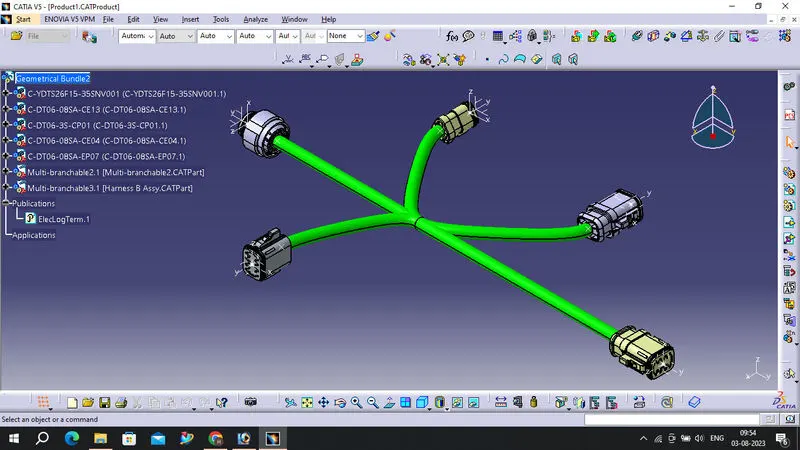
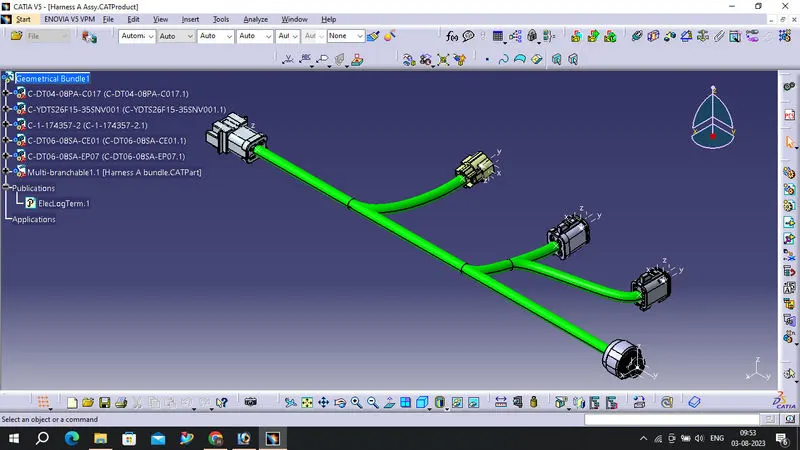
First, we will locate all the connectors at their desired position, add branch points required and create bundle segment according to the diameters assumed as 10mm
Harness B Routing
Harness A Routing
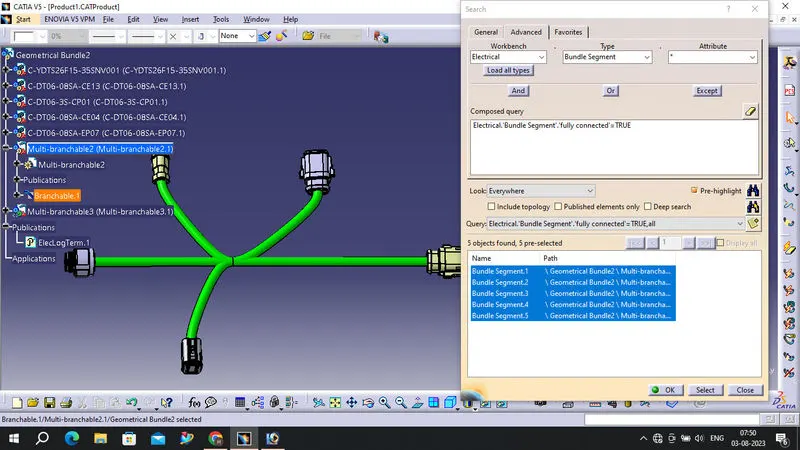
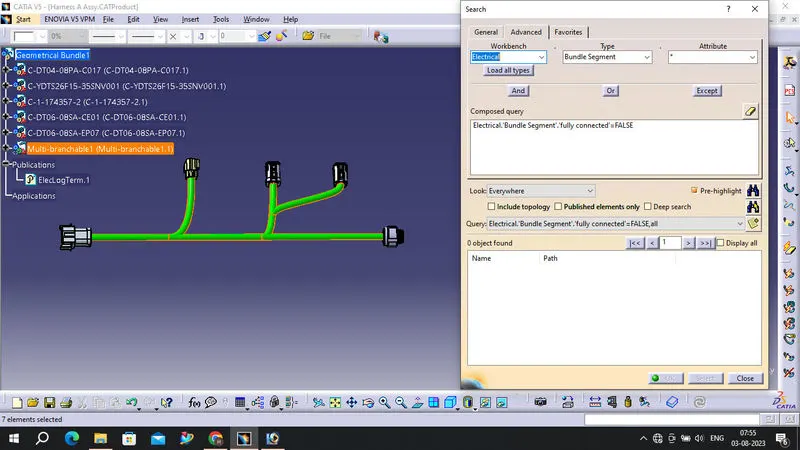
Now in this step, we have to check bundle continuity in both Harness A and Harness B.
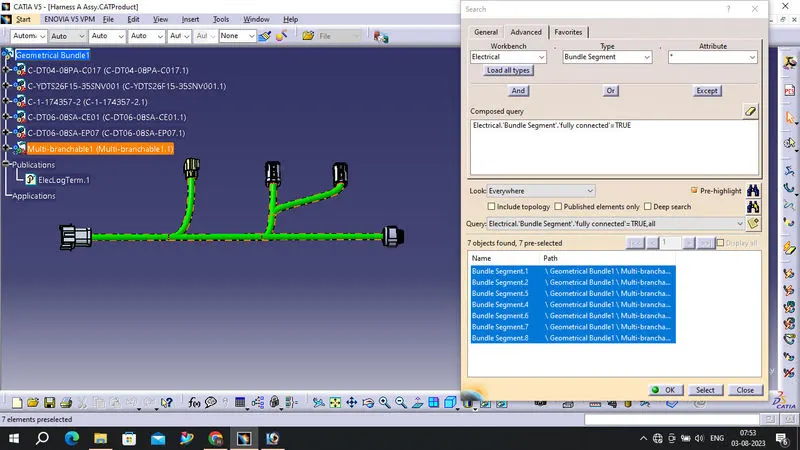
So for that, go in Edit>Search>Workbench-Electrical>Type-Bundle segment>Attribute-fully connected.
We will get one window, in that selecting True option will show all the connected bundle segments while selecting False option will show all the non-connected bundle segments.
Now, we will check for True condition and search for result.
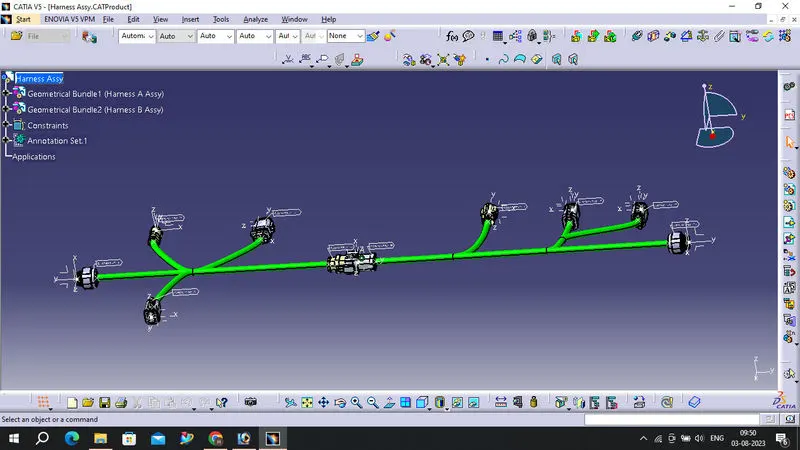
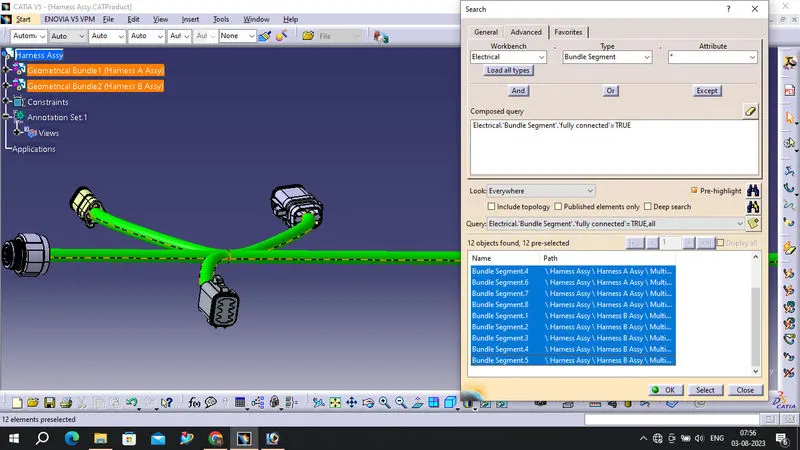
All the bundle segments are showing connected. So there is bundle continuity in both Harness A & Harness B as shown in below images.
In this step, we have to interconnect both Harness A & Harness B.
For that, we have to create new product file and can give name as Assembly.
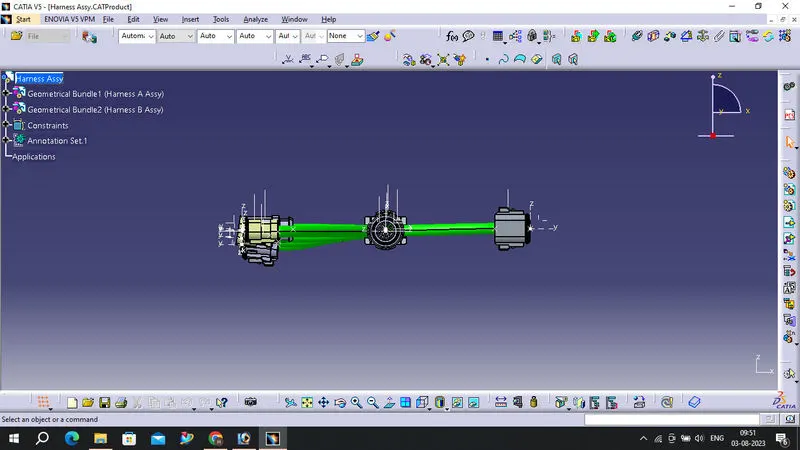
Then, copy both harnesses and paste it in newly created product file or call both harnesses in mechanical assembly design as below image.
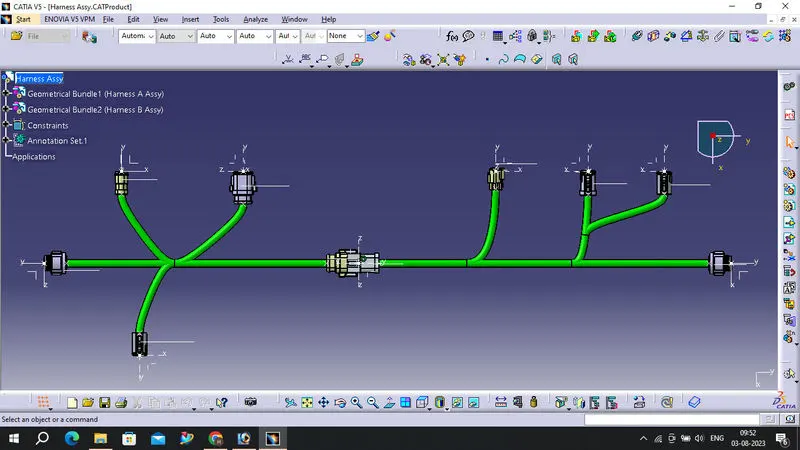
We have to go in Electrical Assembly Design to connect both the harnesses electrically. So for that, select the option 'connect electrical devices' and both the harnesses will get connected electrically as below.
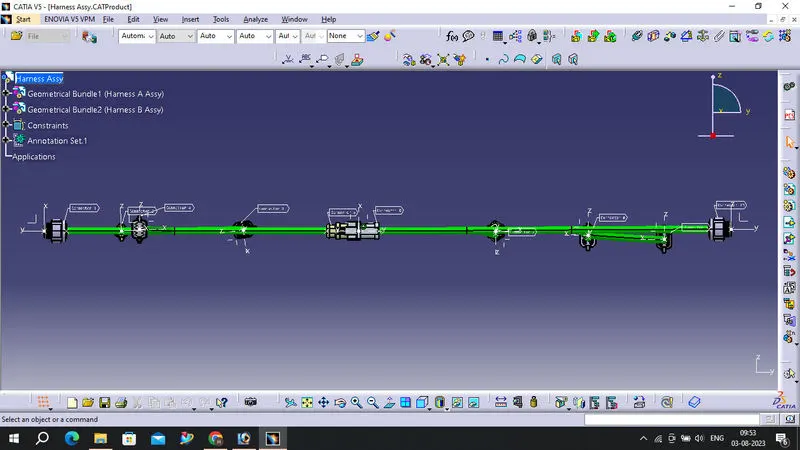
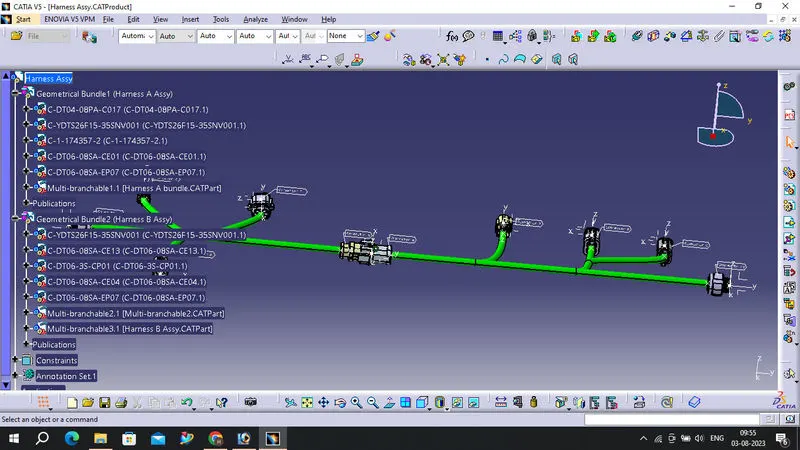
Bundle Continuity Snaps:
Harness A:
Harness B:
Final Assembly:
To save CAT part file as IGS file, we have to use 'Save as' option
So in this way, we have done with the harness routing and interconnection of both the harness A&B according to given layout. Both the harnesses are checked and corrected for bundle continuity, bundle warnings, annotations are added for all the connectors and at the end whole CAT part file is converted into the IGS format.