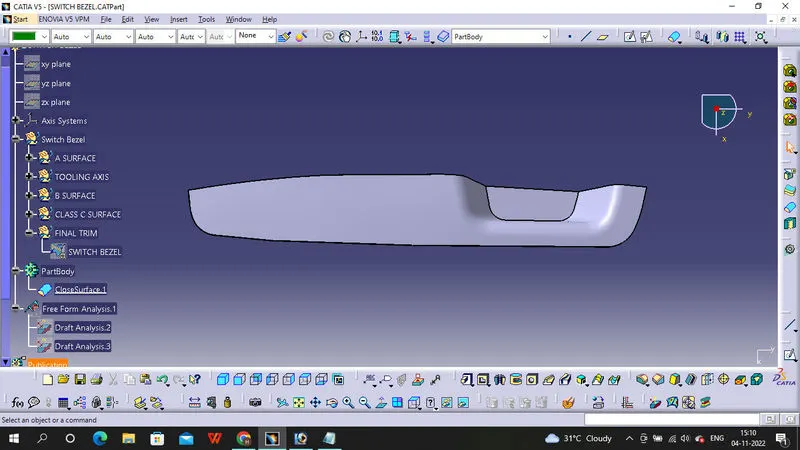
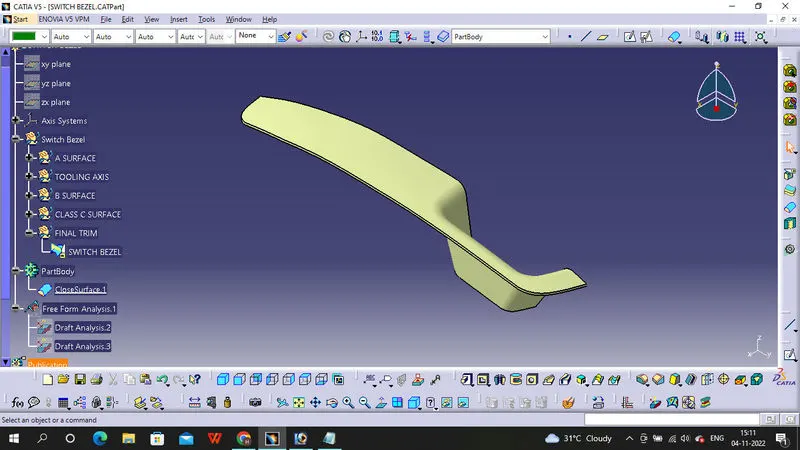
Week 8 - Challenge 2 - Switch Bezel Design
Draft analysis Report
To get draft analysis we need tooling axis, to creat tooling axis for Switch Bezel we have to ribs with angle, with 2 ribs angle then we take position sketch and we take similar lines in angle of ribs. with the help of 2 line we creating Bisecting Line 1, with the help of other sketch we creat Bisecting Line 2, now with Bisecting Line 1 and 2 we creating Bisecting Line which is a Tooling Axis, By using draft analysis command the compoent get all faces have 2 degree angle. Please check below images of Draft analysis report. With Draft analysis we can check different surface angles for plastic compoents.
Screen Shots
Draft analysis of Class A Surface
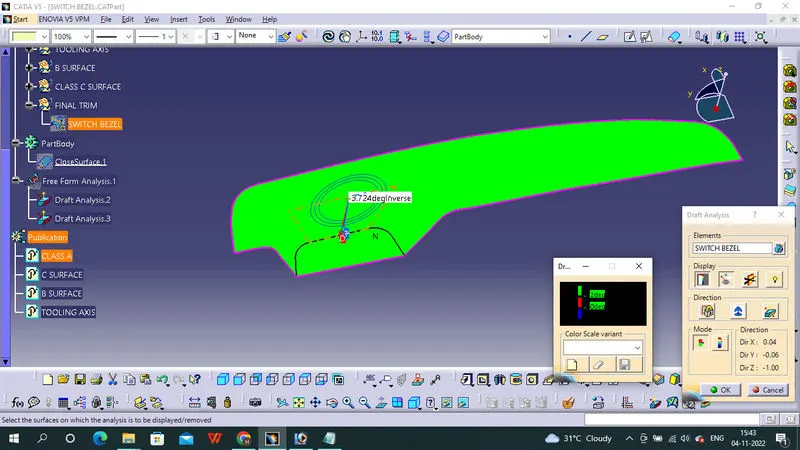
Final component Draft analysis
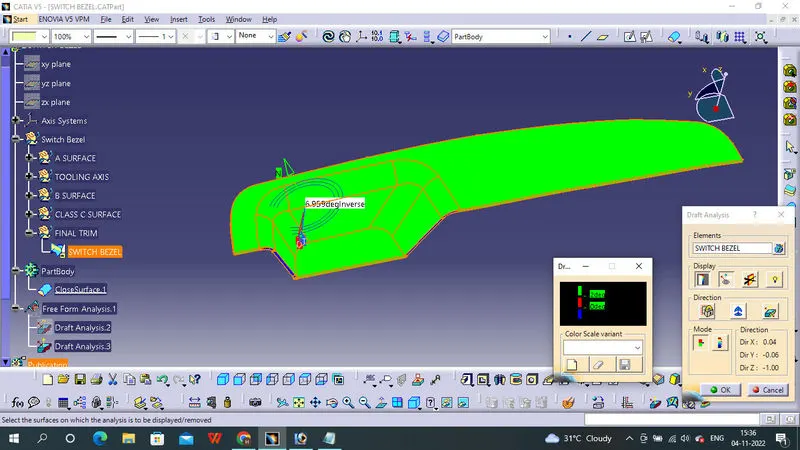
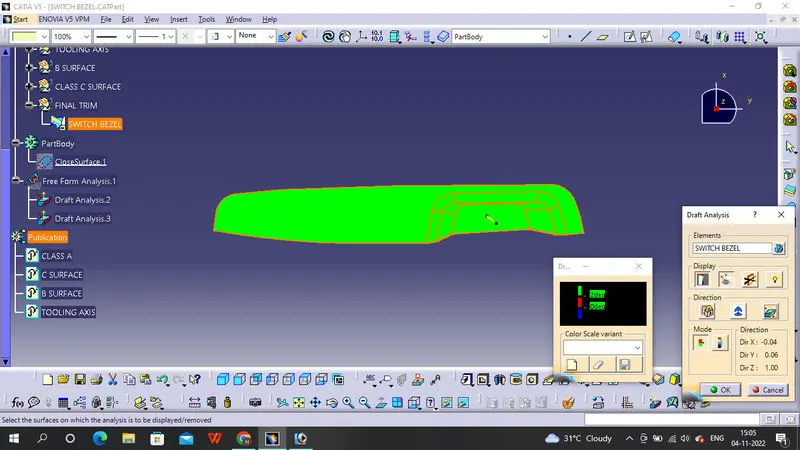
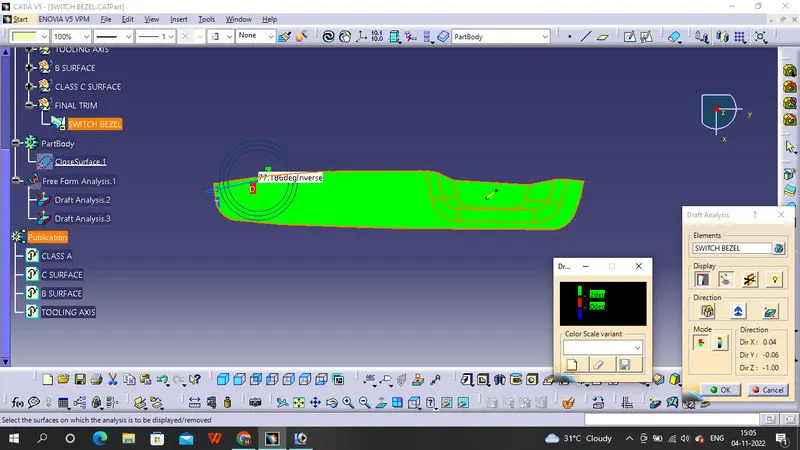
Isomatric View
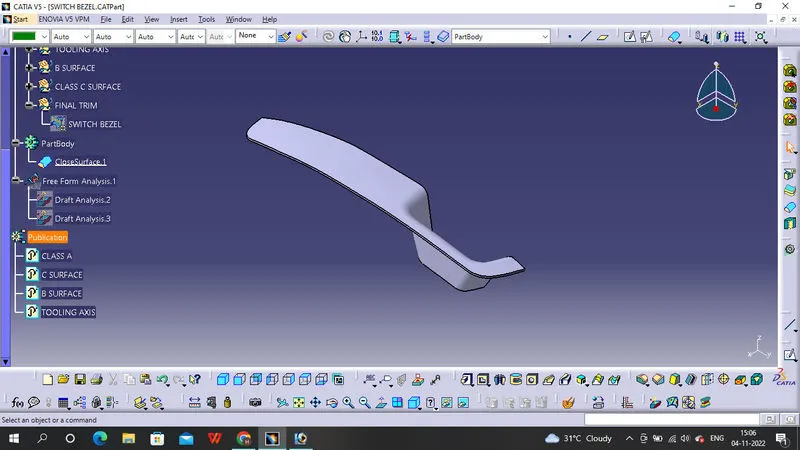
Front View
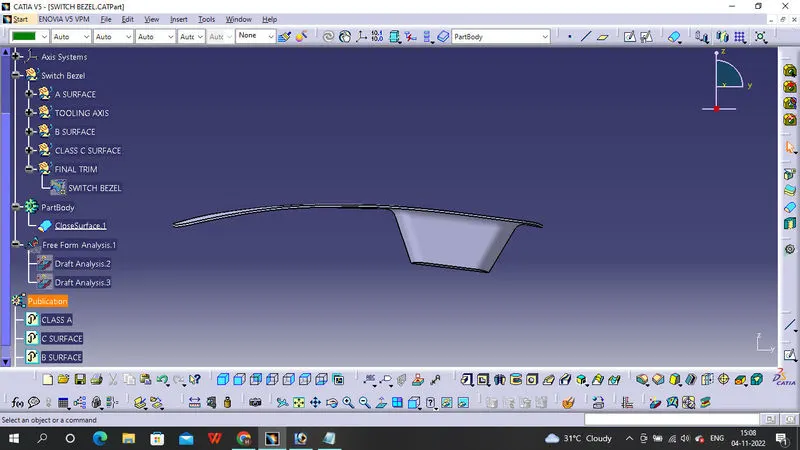
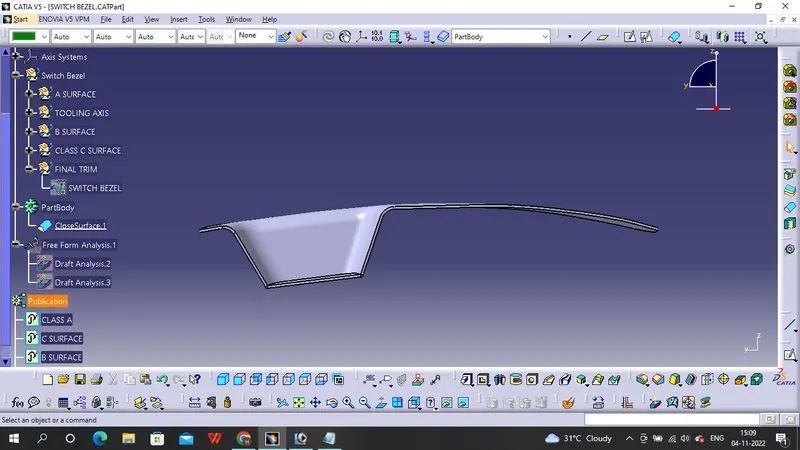
Side View
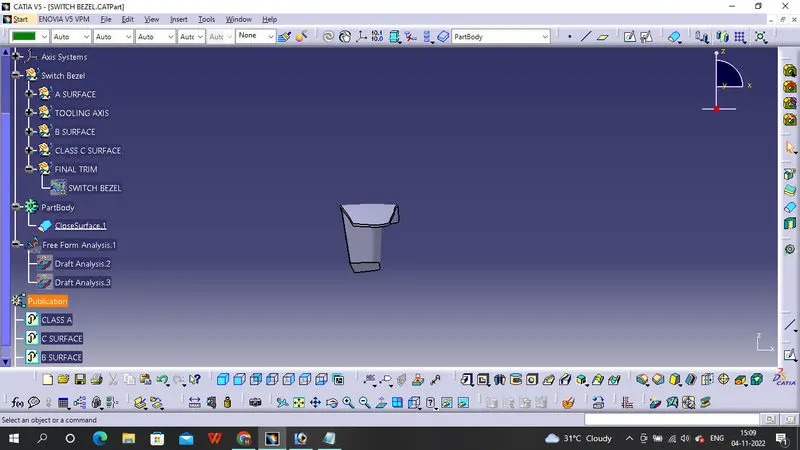
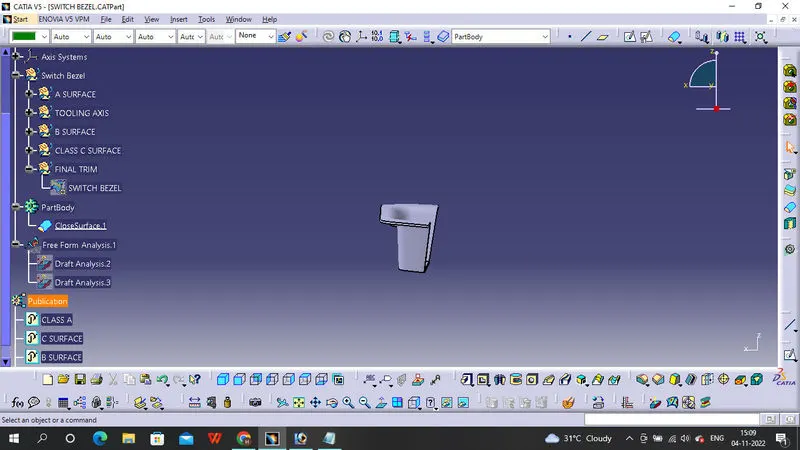
Top View