Wiring harness design in CATIA V5 - 3D modeling Week 5 & 6 Challenge
AIM
To Route the following harness layout in Electrical workbench. Make assumption for harness bundle diameters. Use the connectors provided. After completion of routing.
OBJECTIVE
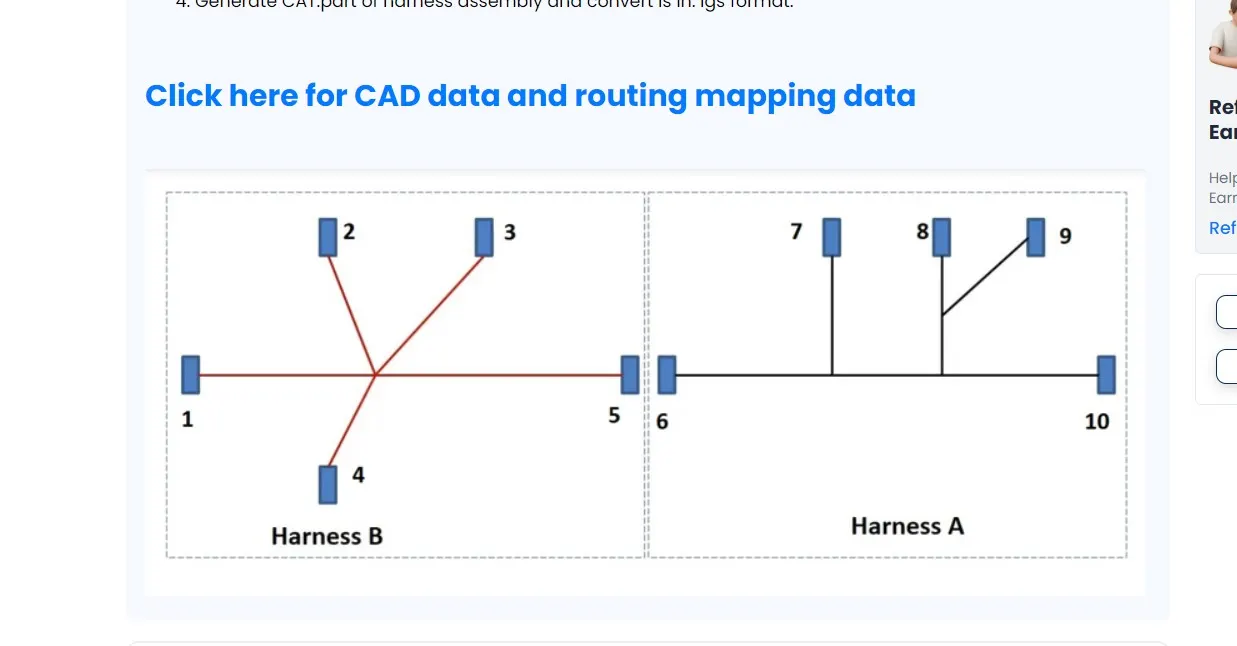
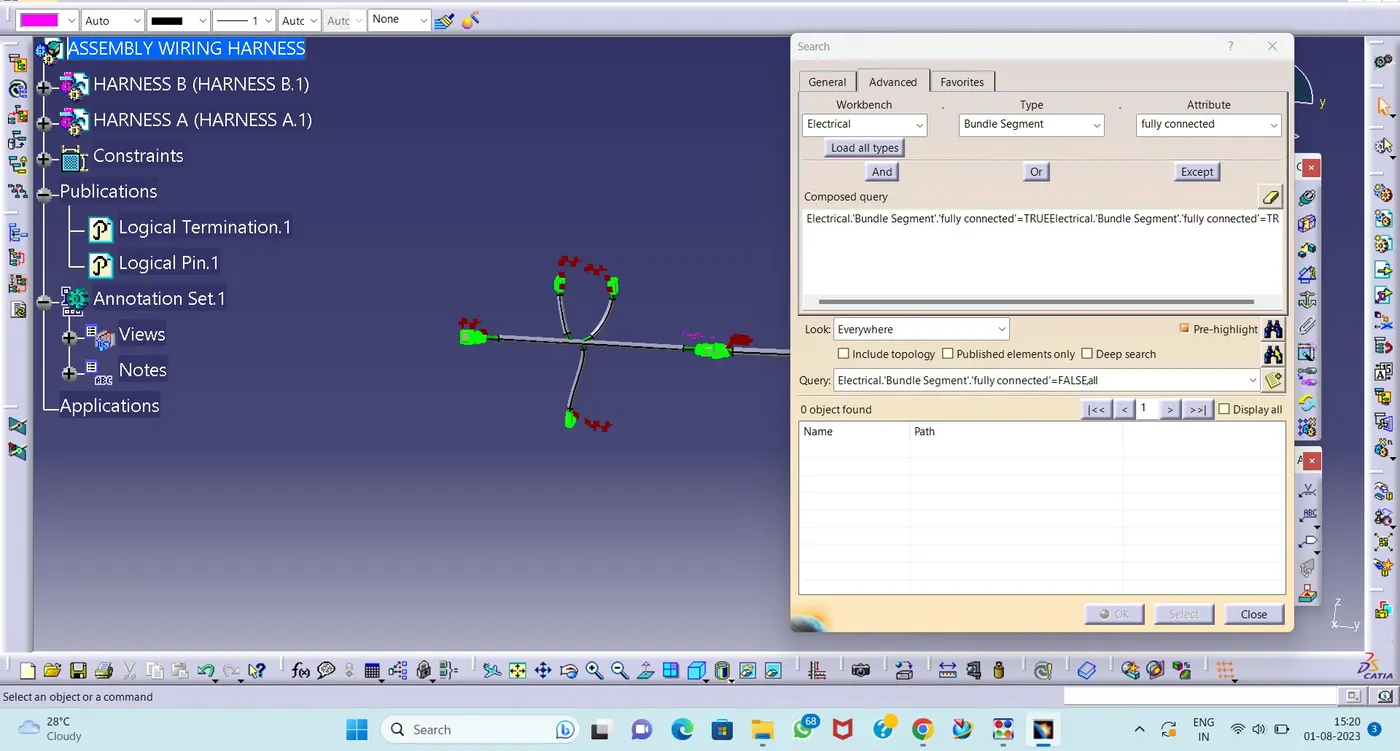
- Check the bundle Continuity. Add snap of result in submission
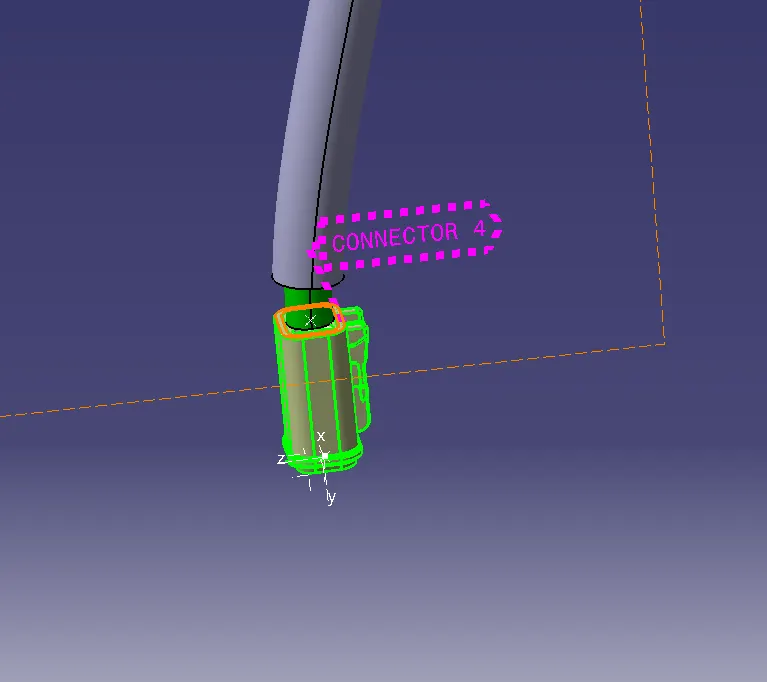
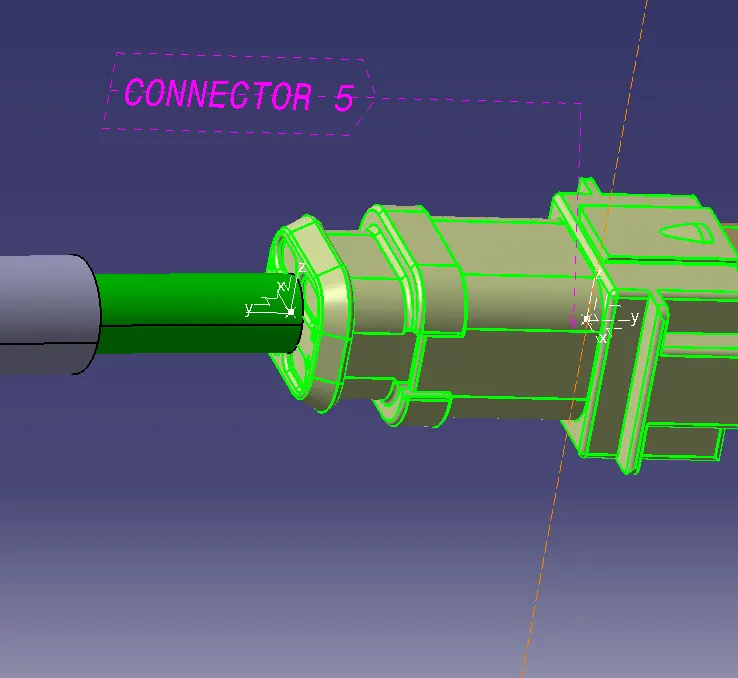
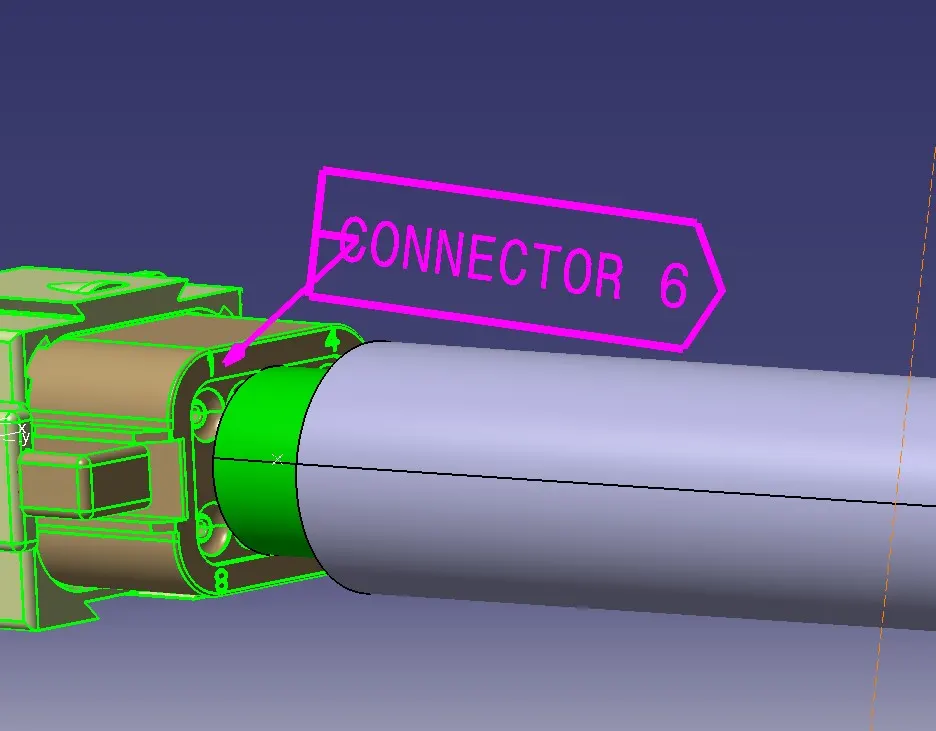
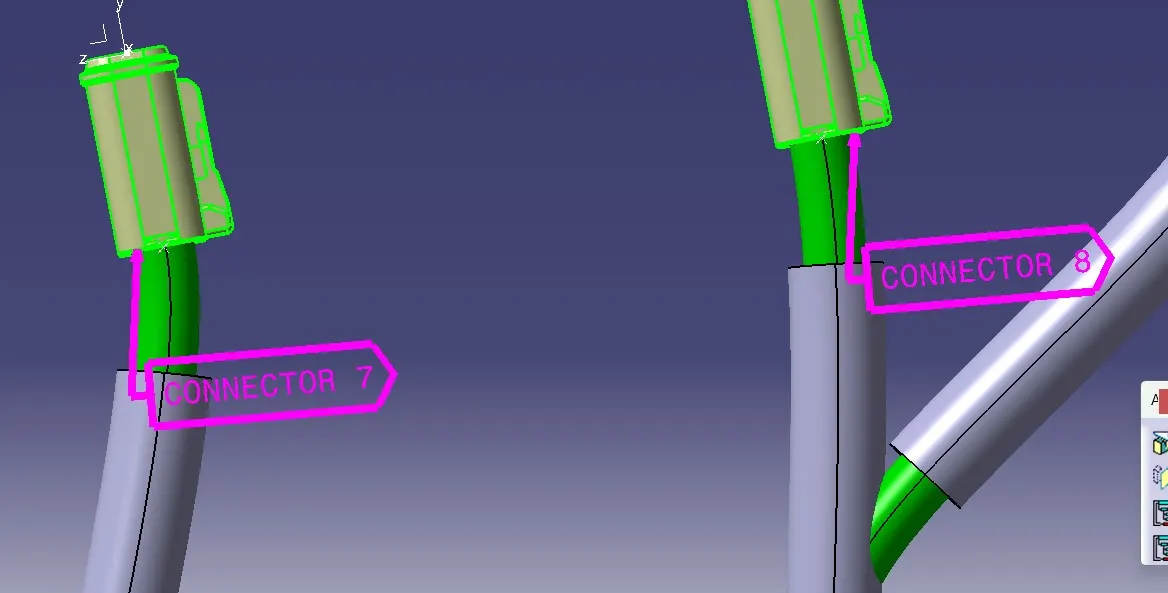
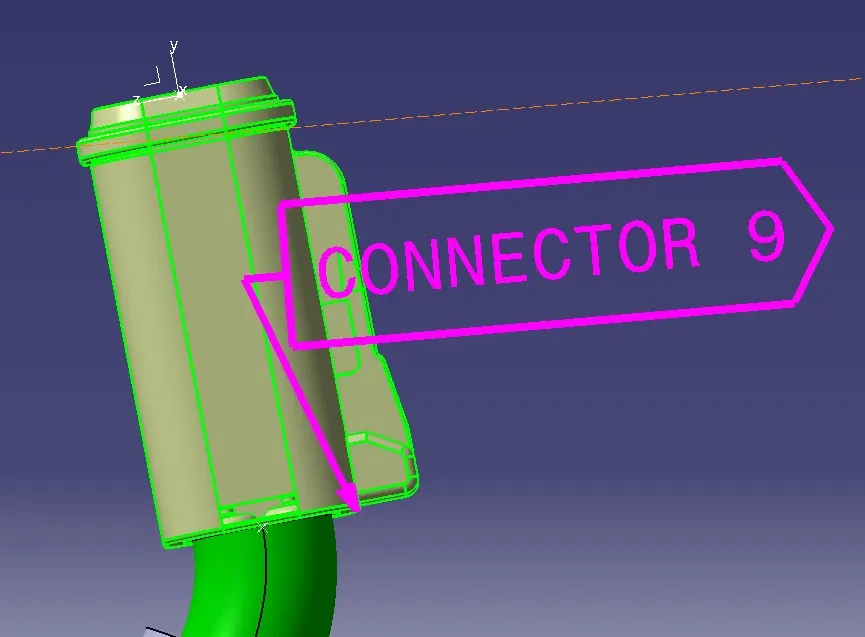
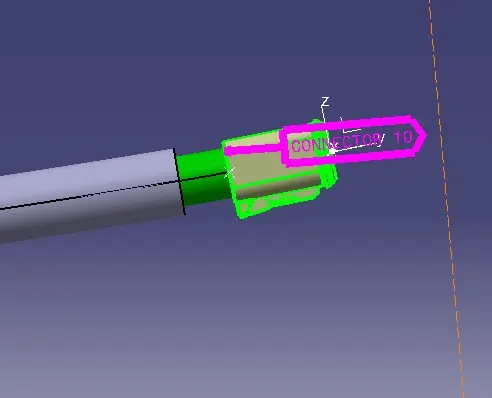
- Add annotation to all connectors. Make an assumptions for annotations like connect 1 , 2 etc
- Check for the bundle warning. Add snap.
- Generate CAT.part of harness assembly and convert is in. igs format.
PROCEDURE
- Dowload the Connectors and Open the Electrical design workbench
- Define connector and click the Part.
- Click the Bundle connection point and select the faces and point
- Select the Connector connection point.
- All Connectors follow same steps
- Create a Product File name it as Harness A and Another product Harness B
- In Harness A 5 connectors to be Copy and Paste
- After that open the Harness assembly design work bench and Define the part as Electrical devices.Click the geometrical Bundle and select the Harness A.
- Open the Mechanical Assembly Design and arranging the connector at respective places for the uses of TREE or Manipulation command.
- Create one product file name it as Assembly wiring harness
- Copy and paste the Harness A & Harness B
- After that Add Annotation
- And Check the Connectivity Status
- Finally,Save the Part as CAT Part. as iges file.
ANNOTATION
- Open the Mechanical Assembly workbench and clich the Annotation tools.
- Create name it as Connector 1 to 10 as shown in figure
BUNDLE CONNECTIVITY STATUS
- Open the Mechanical Assembly workbench
- Go to Edit option click Search
- Click Advanced and select the Electrical and Bundle segment
- Click fully connected
SAVE AS CAT.PART
- Open the Mechanical Assembly workbench
- Open Tool option and Click the Generate CAT PART From product
- Select the Assembly click ok
- Save as IGS file.
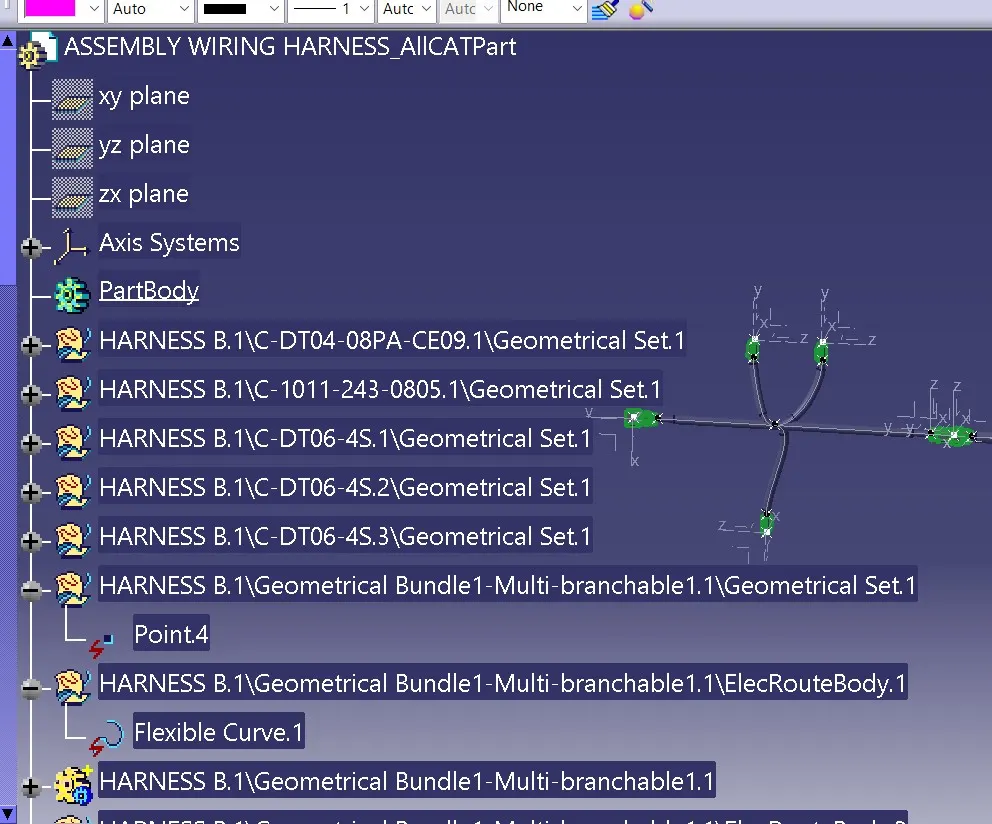
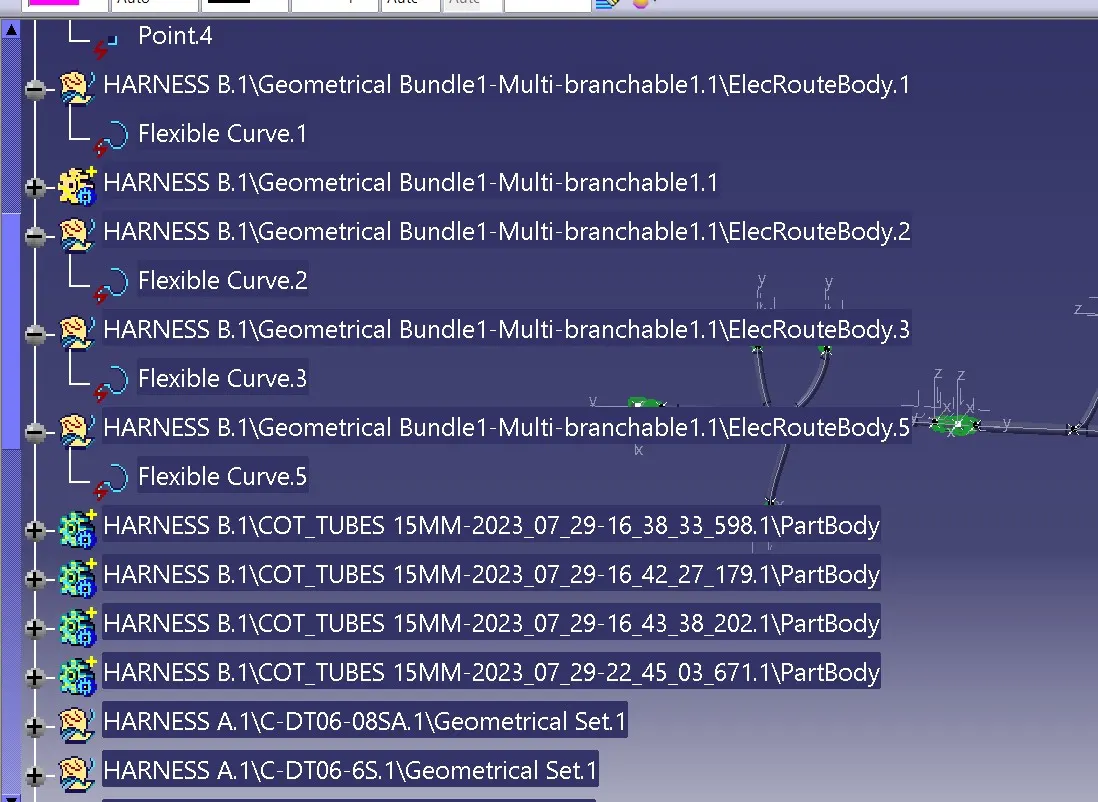
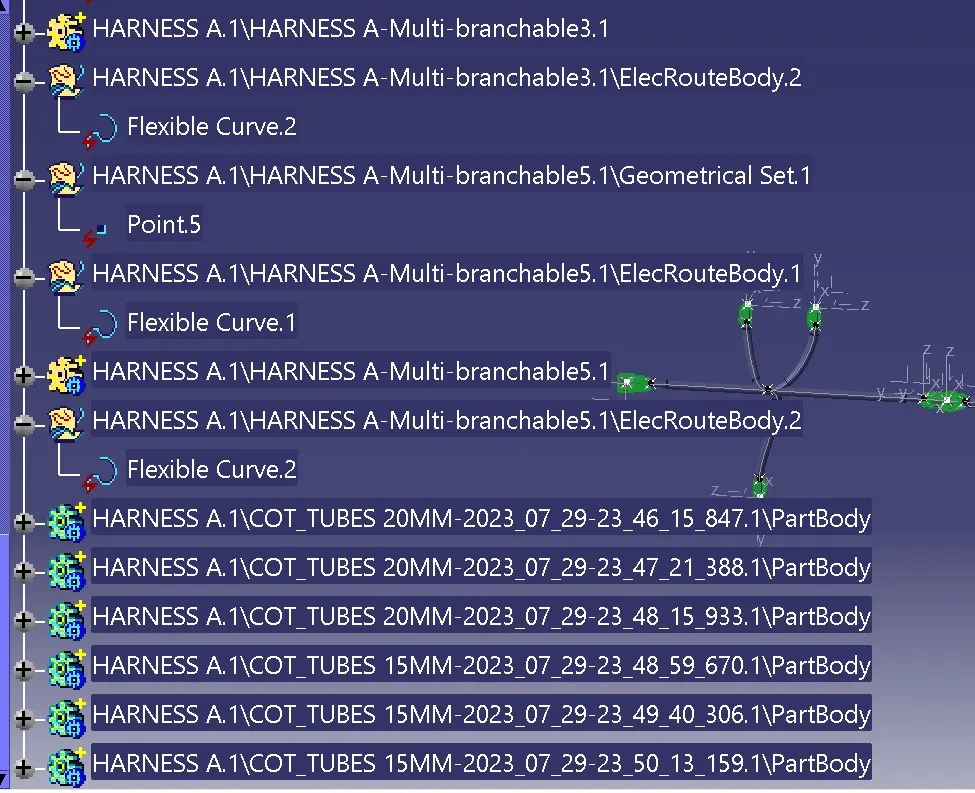
TREE STRUCTURE
RESULT
Thus,the following harness layout in Electrical workbench. Make assumption for harness bundle diameters. Use the connectors provided. After completion of routing to be completed.