Wiring harness design in CATIA V5 - 3D modeling Week 5 & 6 Challenge
1. Electrical creation and catalouge creation
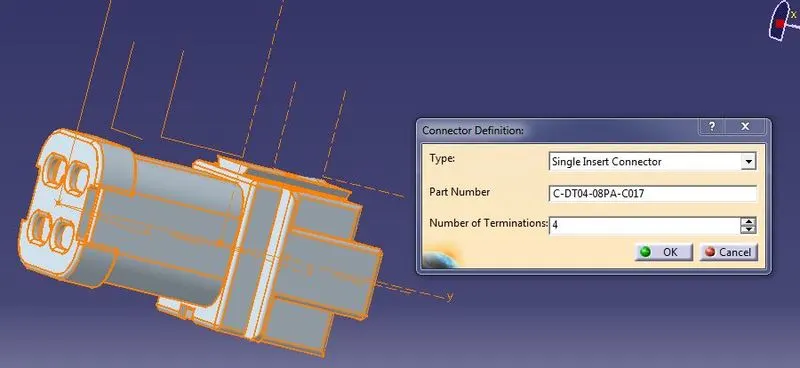
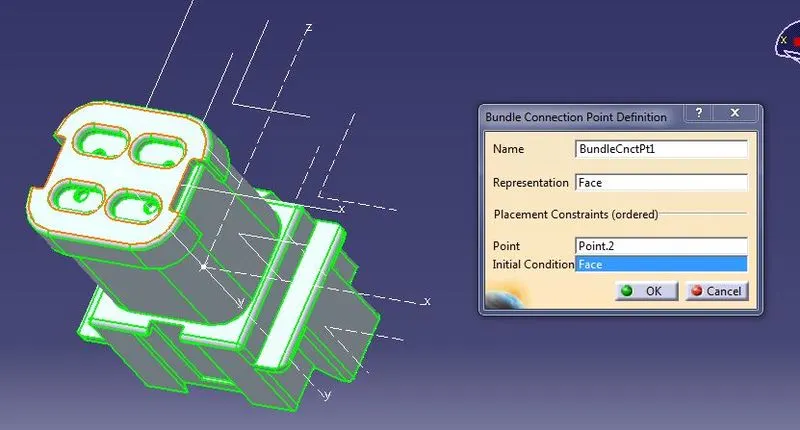
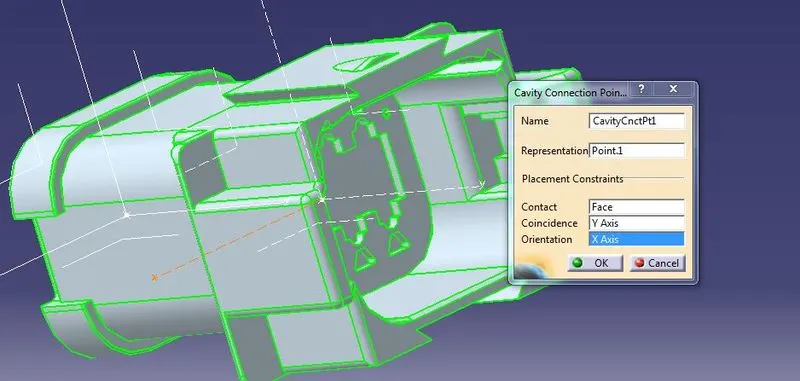
- Download the connectors and make the points for the bundlle connection point and connector or cavity connection and then make the axis for both the points
- In Electrical part design define as connector and make the electrical connection points.
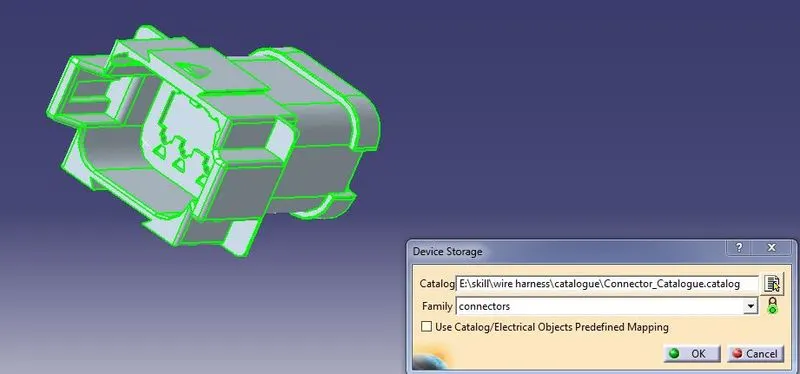
- Add to the copnnectors catalouge
2.Bundle continuity and Annotation Creation
- Create the layout of Harness A and Harness B
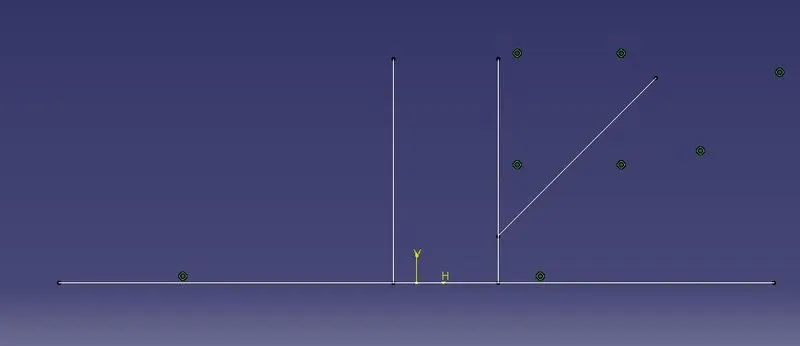
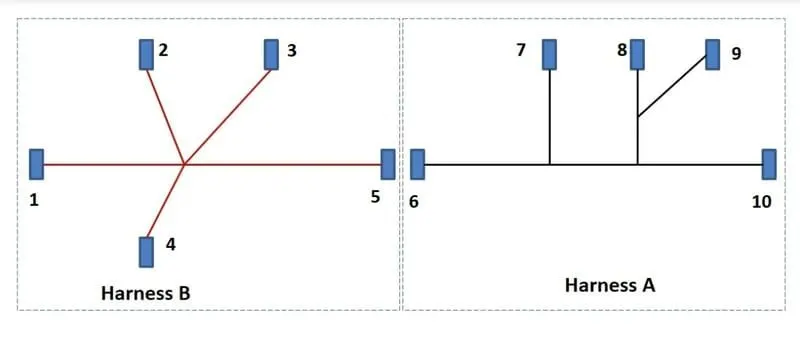
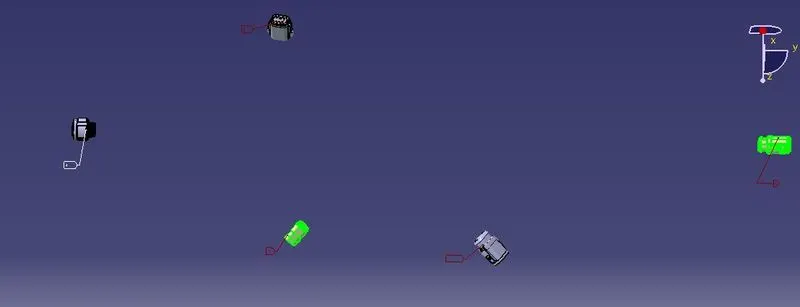
- Assemble the connector as per the harness layout
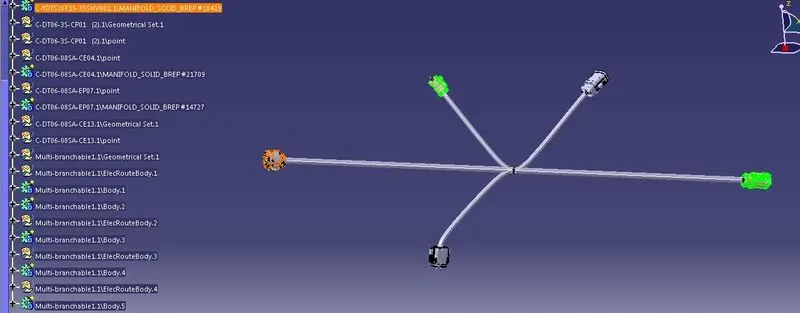
- create the bundle segments to connectors inElectrical haness assembly by using the multi branch bundle and branch points , the bundle segment is created
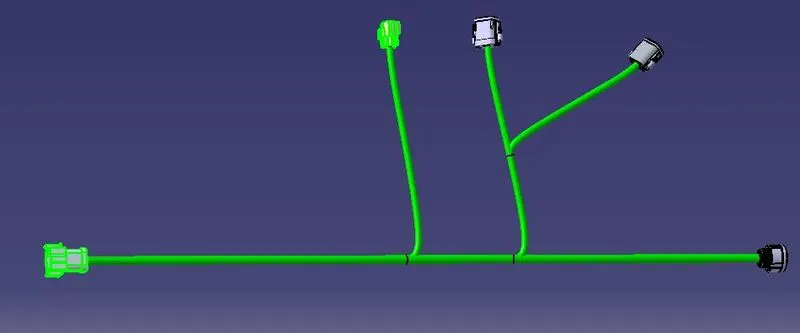
- check the bundle continuity in seach box.
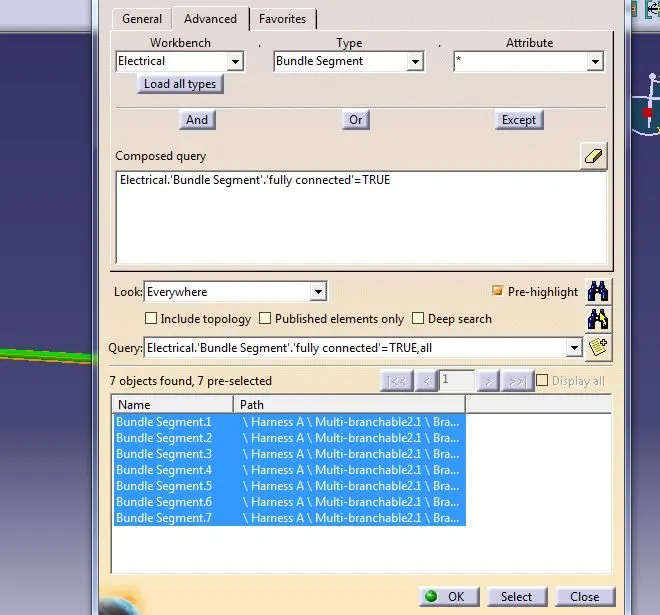
- Annotation is created in Assembly design using flag note.
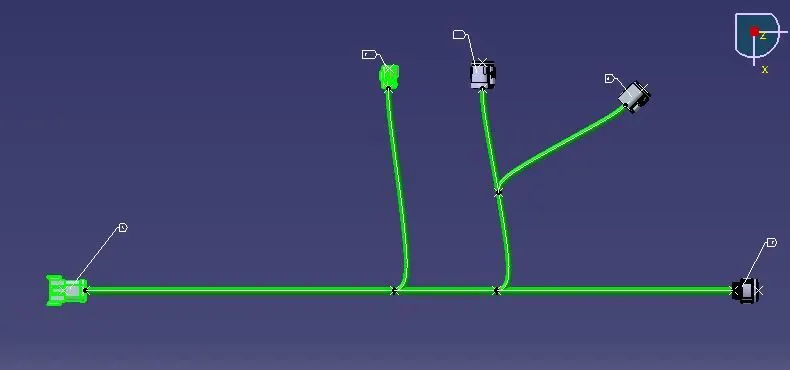
3.Creation of Interconnection
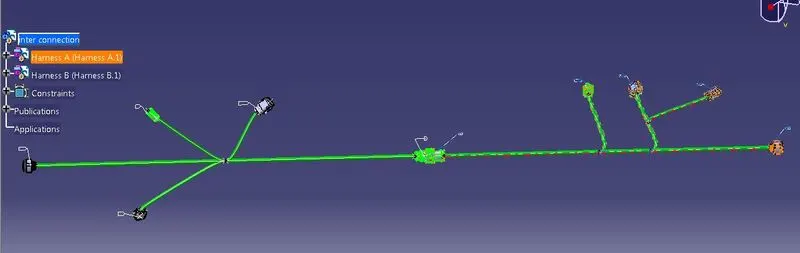
- create new Product file in that copy the both the harness A and B
- In Electrical assembly design connect the the connectors to make the interconnection between Harness A and Harness B
4. Bundle warning and generation of CATpart and conversion to iges
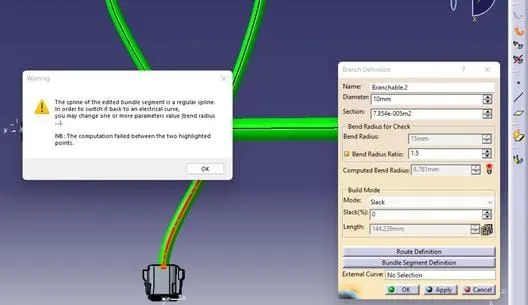
- Bundle warning
- CATpart conversion to iges
- convert the product file to CATpart by Generate CATpart file .then file can be save as iges formet
As per give task the Task is completed.