Wiring harness design in CATIA V5 - 3D modeling Week 5 & 6 Challenge
ANSWER:
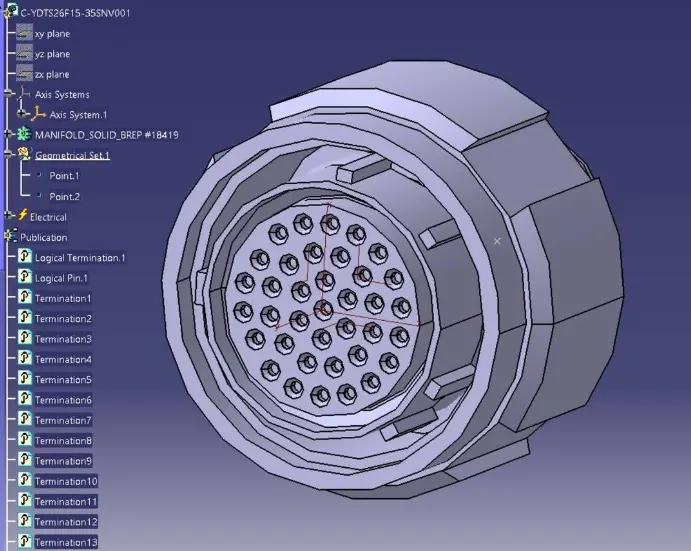
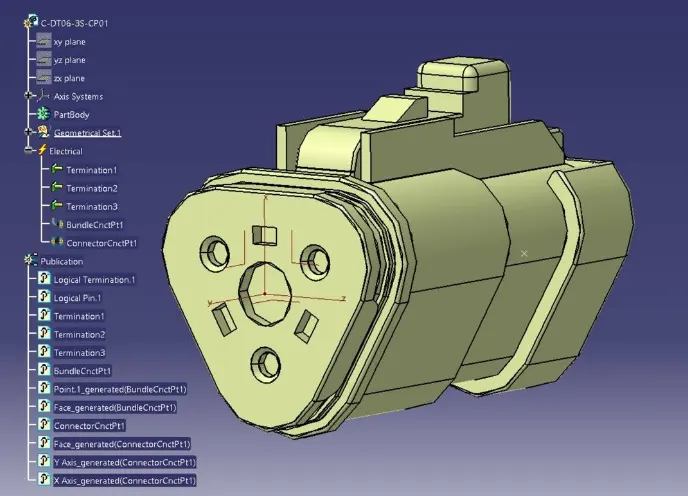
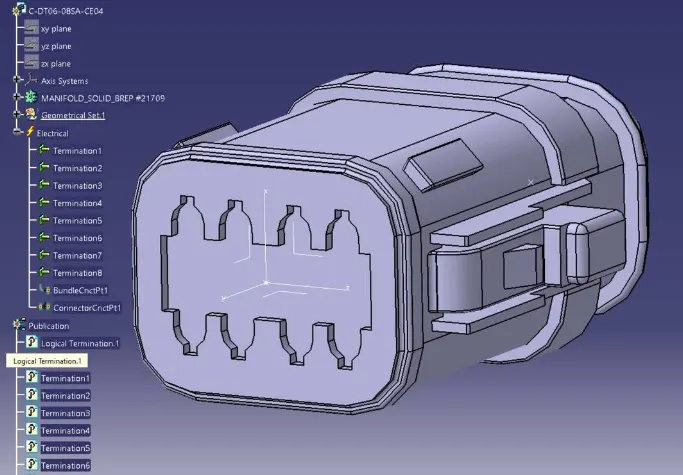
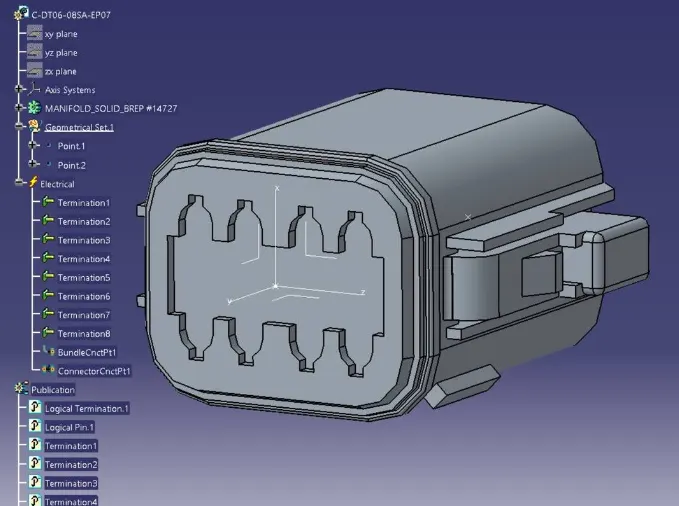
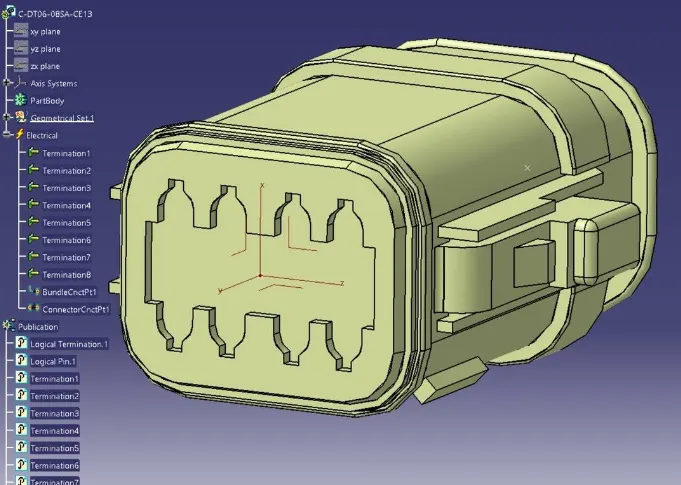
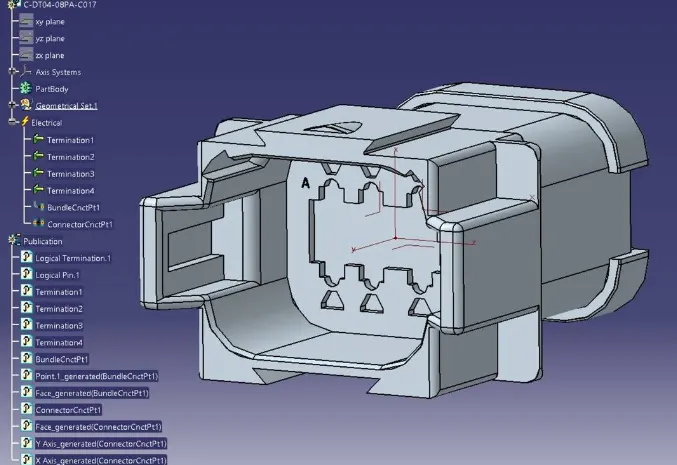
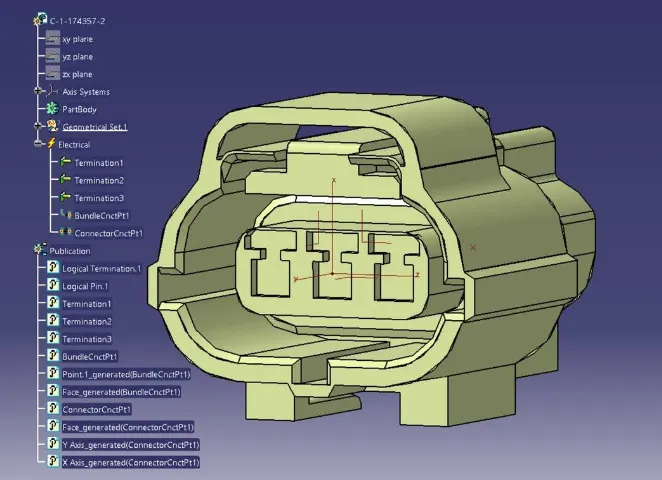
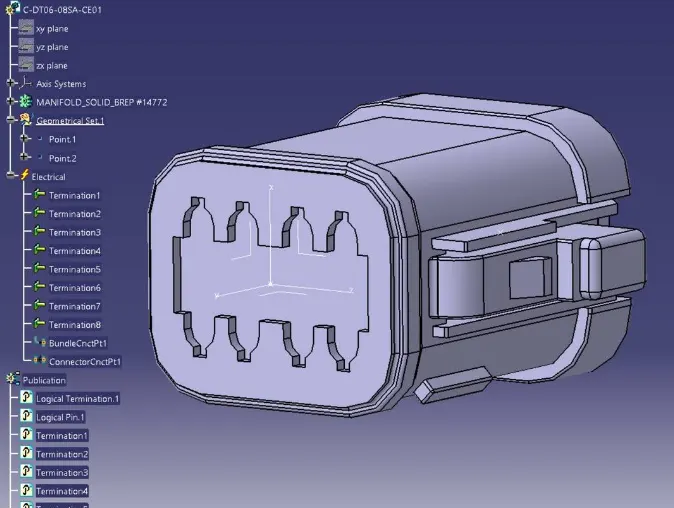
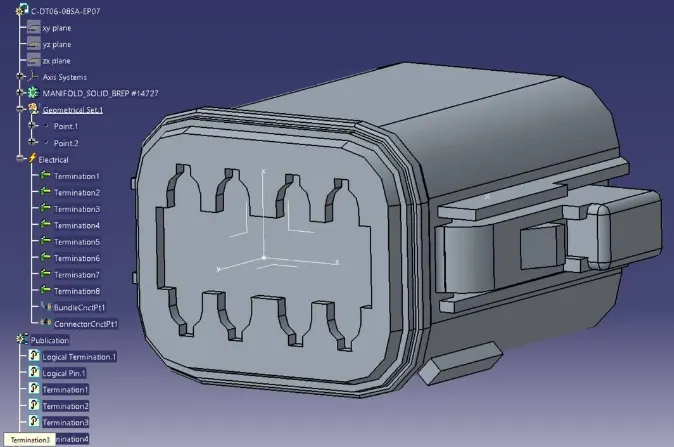
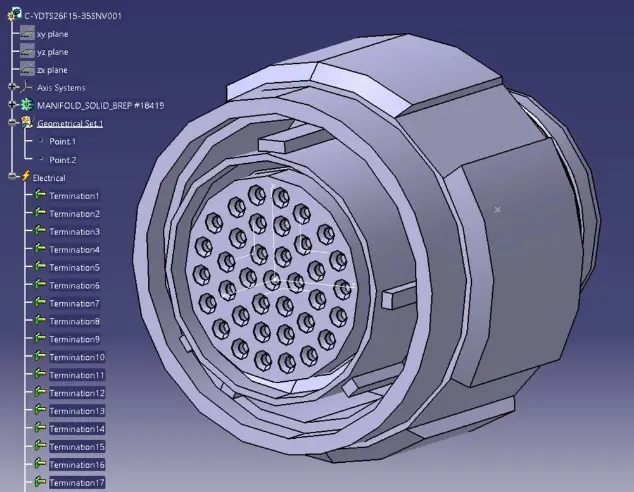
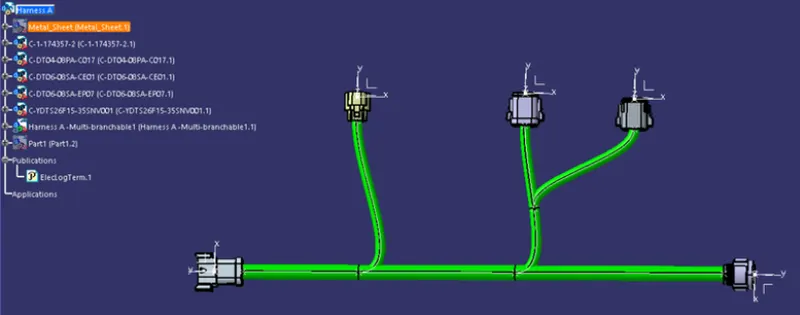
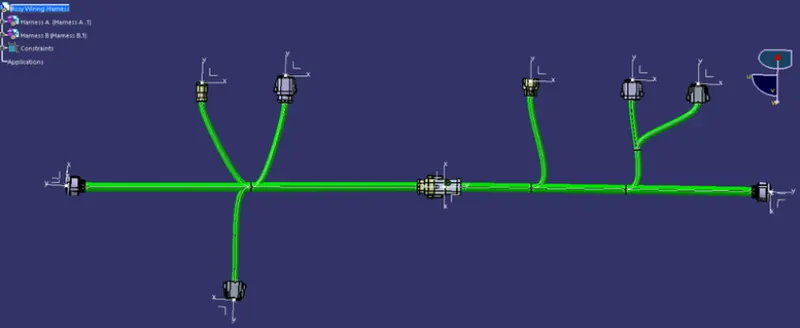
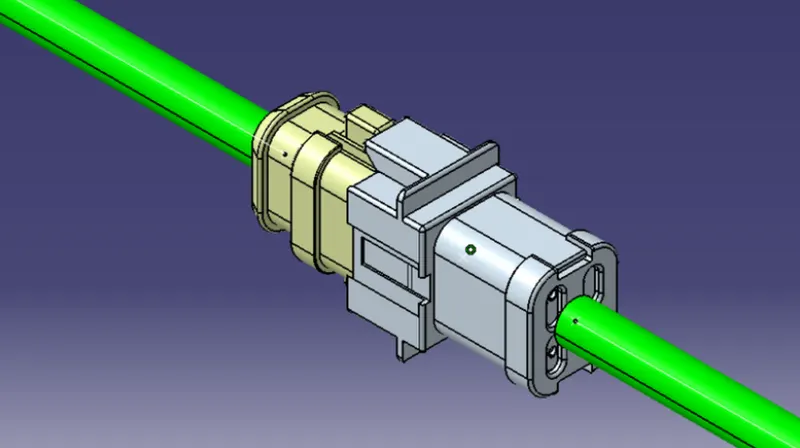
First, we will locate all the connectors at their desired position, add branch points required and create bundle segment according to the diameters assumed as 10mm and 15mm.
HARNESS A:
HARNESS B:
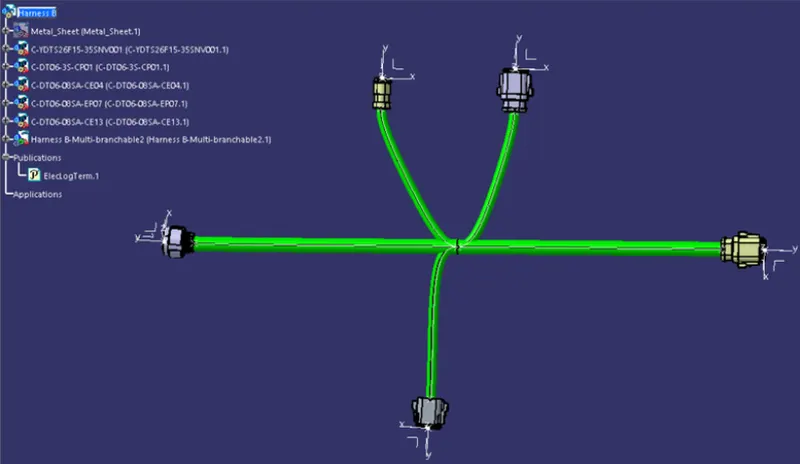
- Now in this step, we must check bundle continuity in both Harness A and Harness B.
- So, for that, go in Edit>Search>Workbench-Electrical>Type-Bundle segment>Attribute-fully connected.
- We will get one window, in that selecting True option will show all the connected bundle segments while selecting False option will show all the non-connected bundle segments.
- Now, we will check for True condition and search for result.
- All the bundle segments are shown connected. So, there is bundle continuity in both Harness A & Harness B
CONCLUSION:
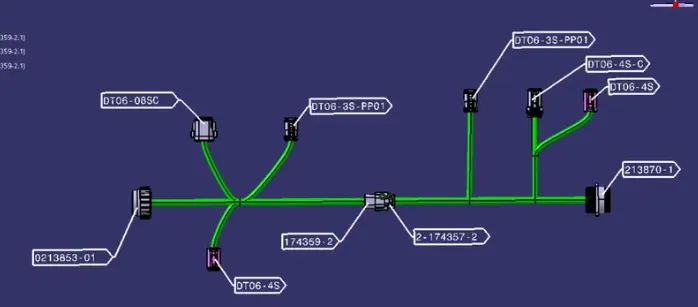
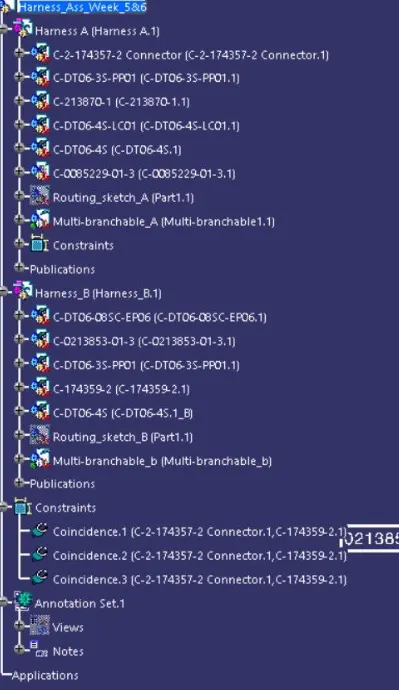
- Thus, The required Harness(A&B) routing has created for given layouts in Electrical workbench.
- Bundle continuity has cheked and Annotation created on all connectors.
- Bundle warning has successfully checked and resolved.