Wiring harness design in CATIA V5 - 3D modeling Week 5 & 6 Challenge
HARNESS ASSEMBLY
AIM:
To route the given harness layout with proper electrical definition and to interconnect the two harness.
OBJECTIVES:
- Check the bundle Continuity. Add snap of result in submission
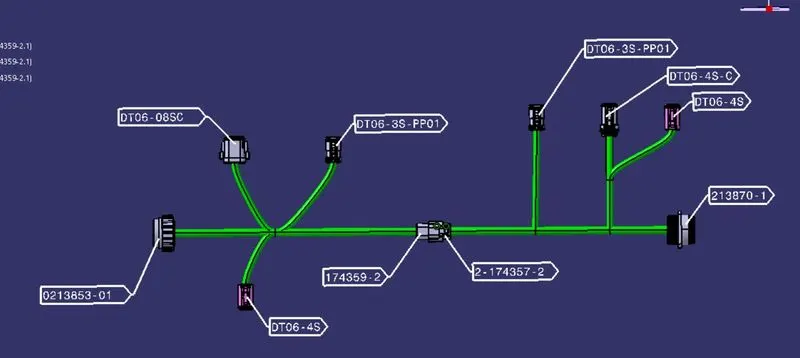
- Add annotation to all connectors. Make an assumptions for annotations like connect 1 , 2 etc
- Check for the bundle warning. Add snap.
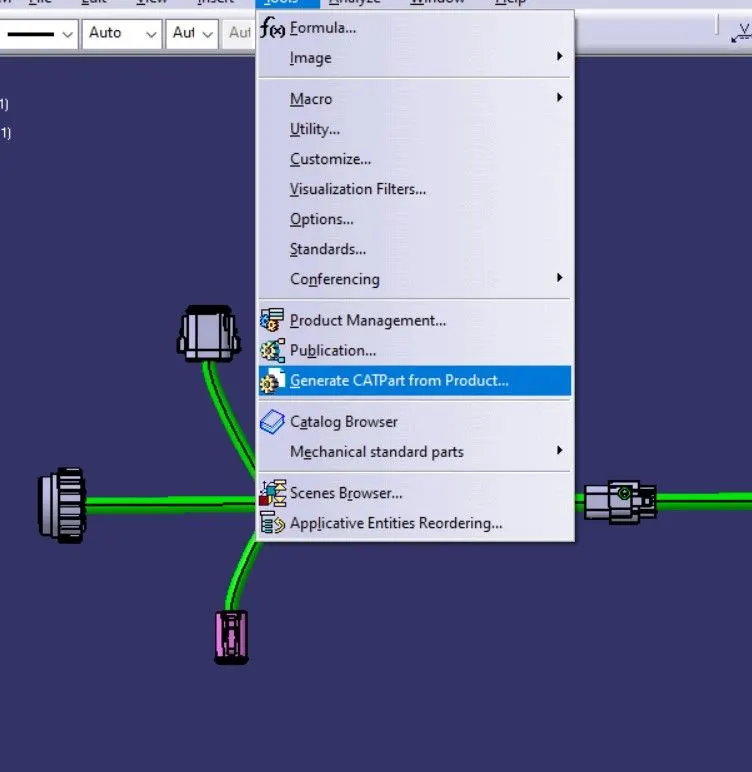
- Generate CAT.part of harness assembly and convert is in. igs format.
HARNESS LAYOUT:
PROCEDURE:
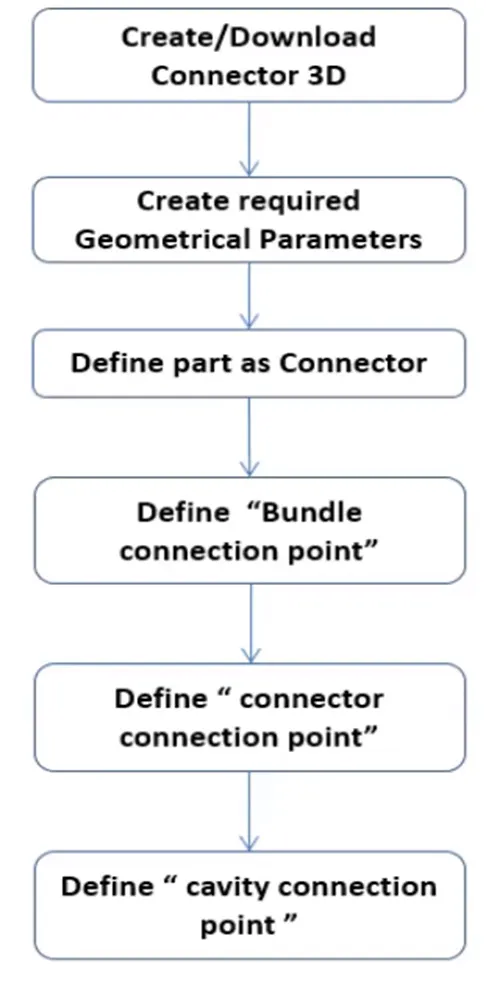
STEPS FOLLOWED:
- Downloaded connector 3D data from te.com and electrically defined to add in catalog.
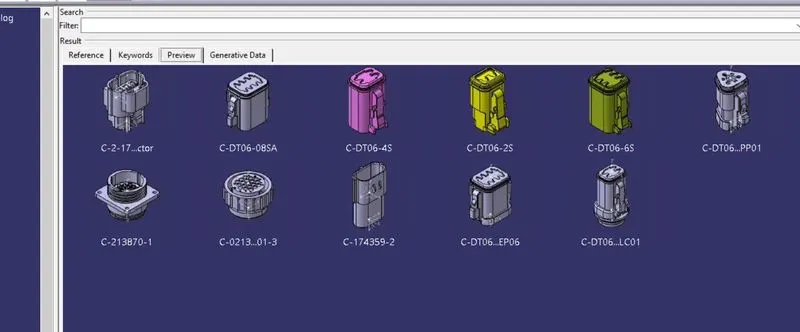
- Arranged of the Connectors as per the Layout
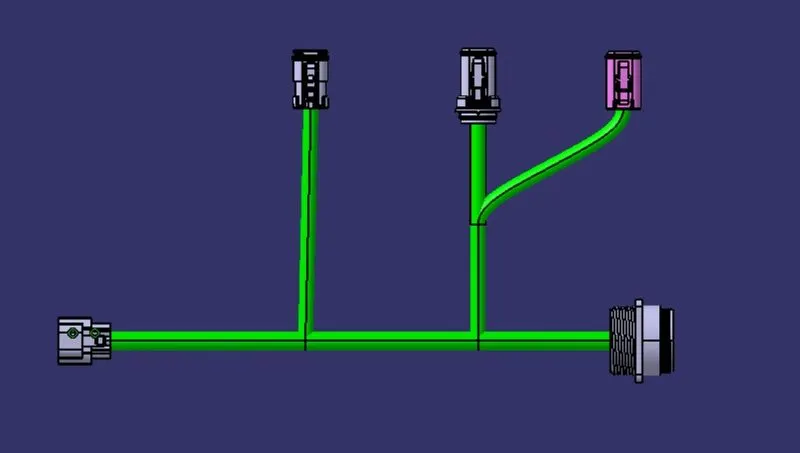
HARNESS A
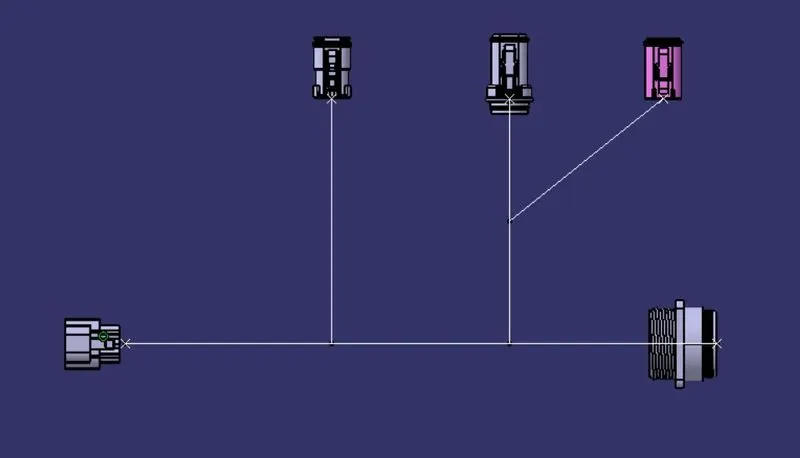
HARNESS B
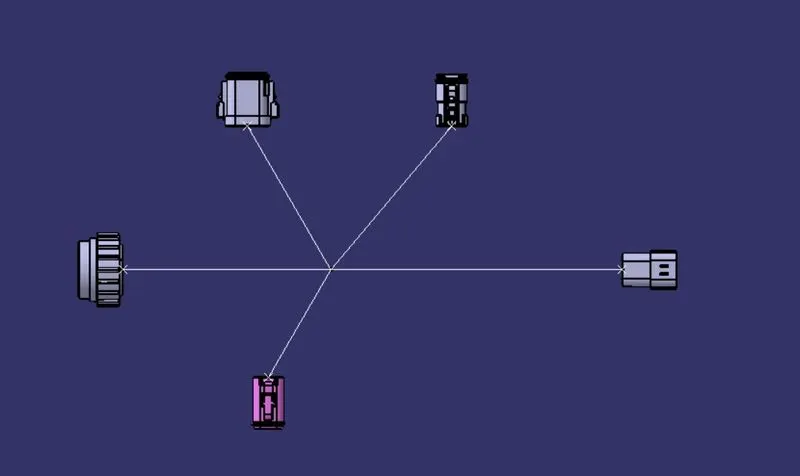
- Created Multi-Branching to the connectors
HARNESS A
HARNESS B
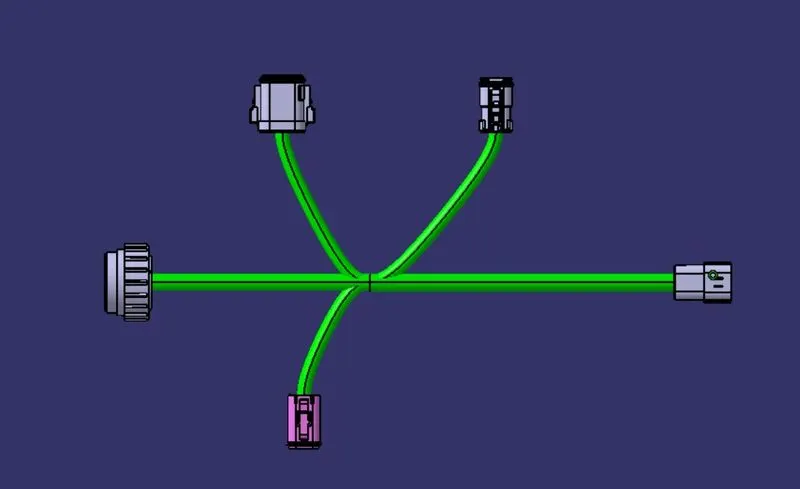
Harness A & B are successfully created and prepared for interconnecting the harness assembly.
Now the both Harness A and Harness B assemblies were connected together using connect devices in electrical assembly design workbenceh.
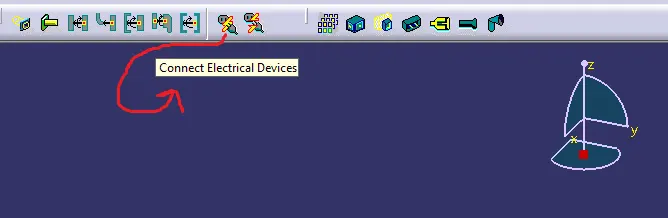
- INTERCONNECTED THE HARNESS A & B
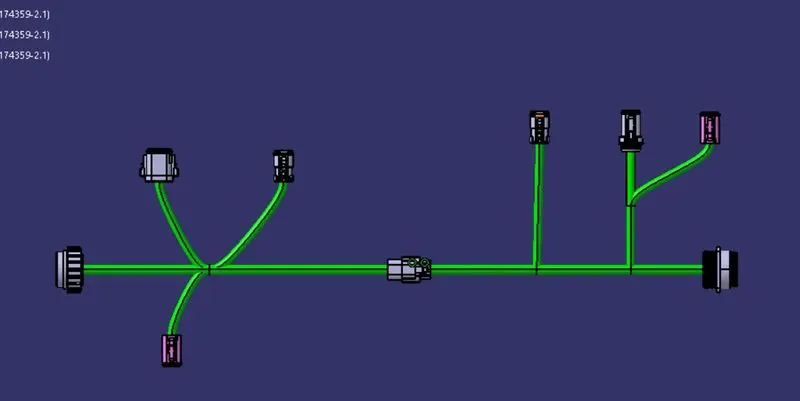
- CONNECTIVITY OF BUNDLE SEGMENT
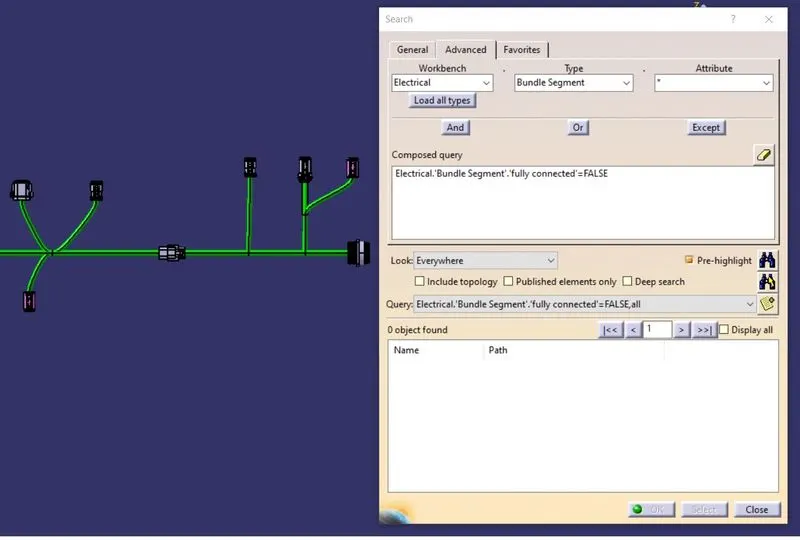
From the search clearly shows that there is no warning between connections of bundle.
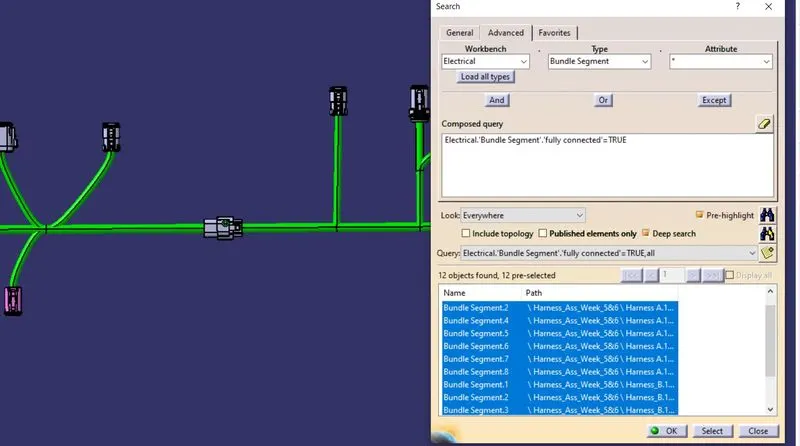
From above search shows that all bundles are connected together.
- ANNOTATIONS ARE ADDED
DESIGN TREE:
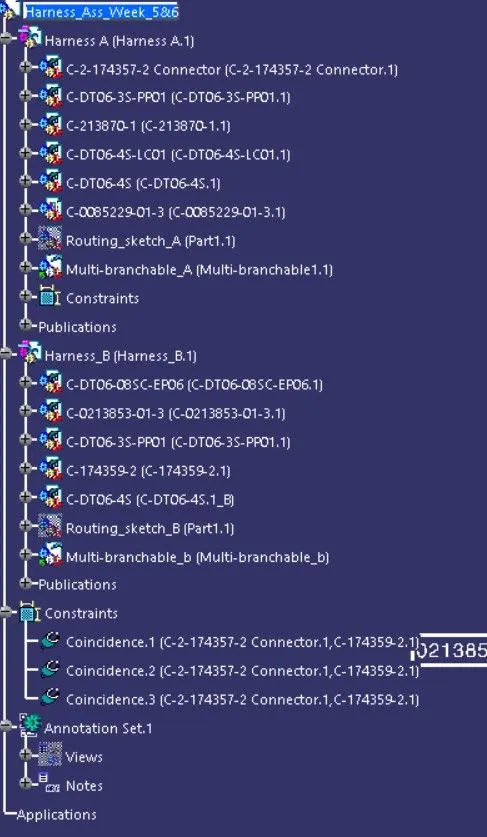
Now the above product file can be converted into CAT Part file and saved as igs file.
RESULT:
Hence,Sucessfully Routed the given harness layout in Electrical workbench as per given Condtions.