Wiring harness design in CATIA V5 - 3D modeling Week 5 & 6 Challenge
Aim:
Route the following harness layout in Electrical workbench. Make assumption for harness bundle diameters. Use the connectors provided. After completion of routing.
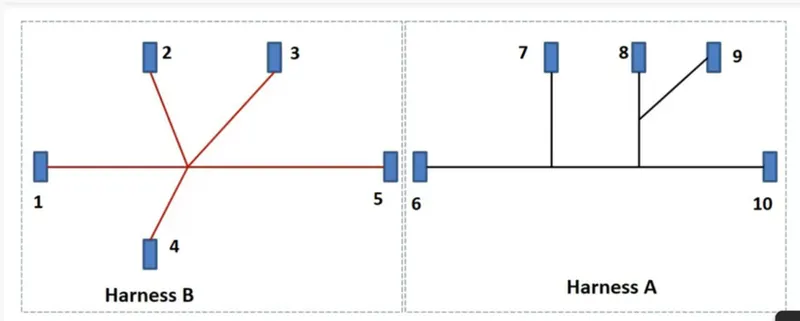
To create a above wiring harness first down load required connector data from given url then make them all are electrical connectors using electrical work bench. 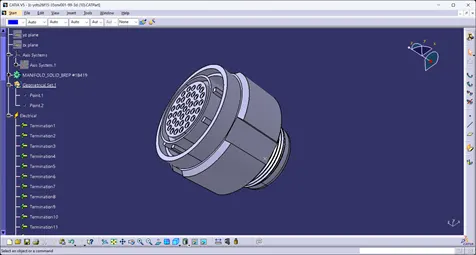
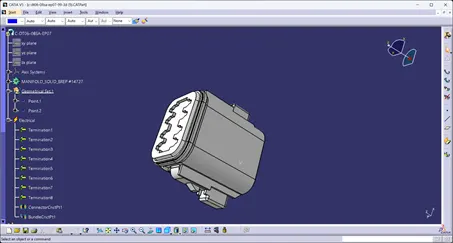
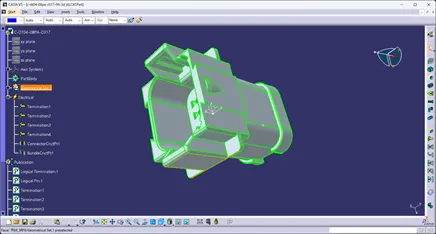
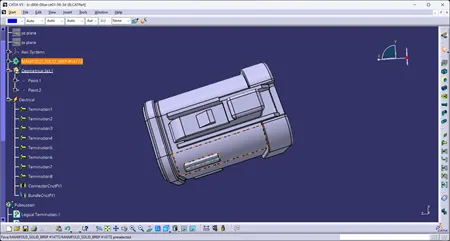
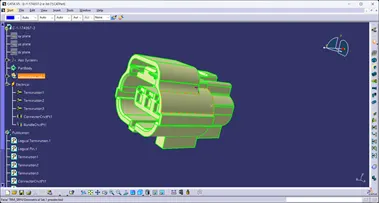
Harness b connectors:
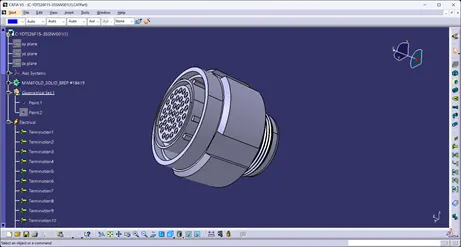
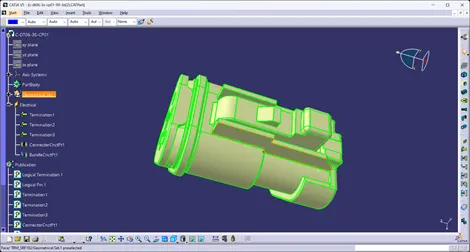
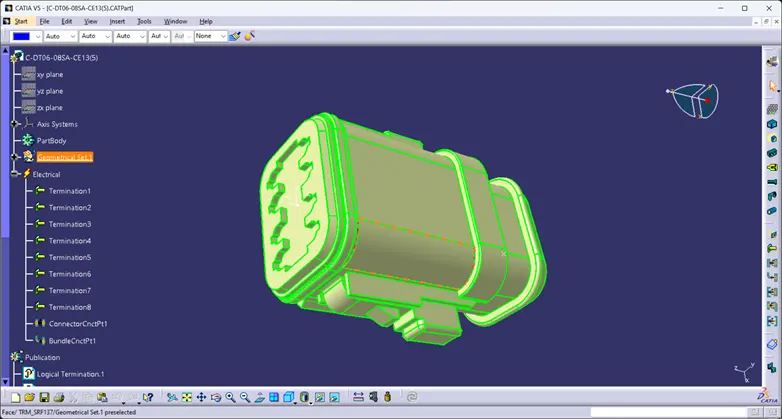
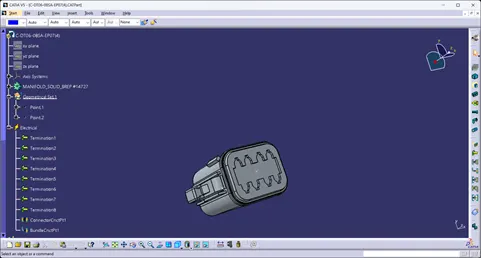
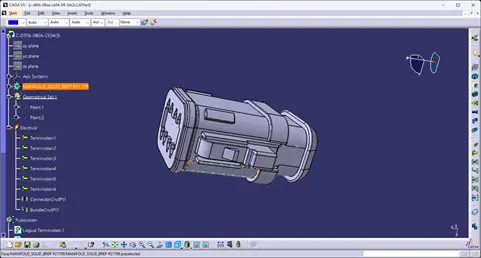
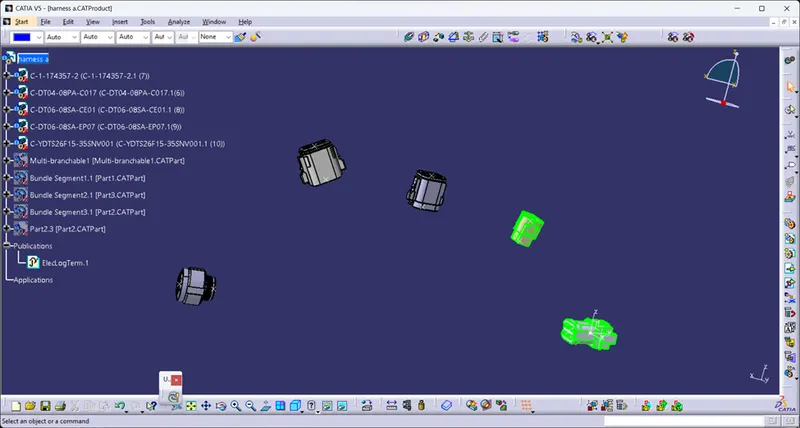
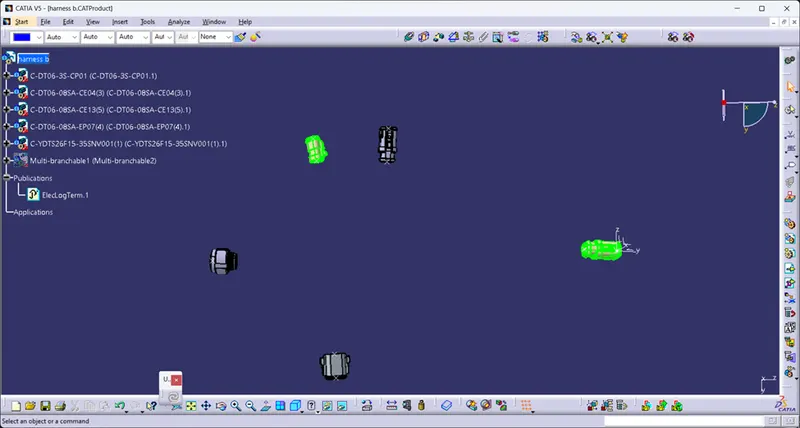
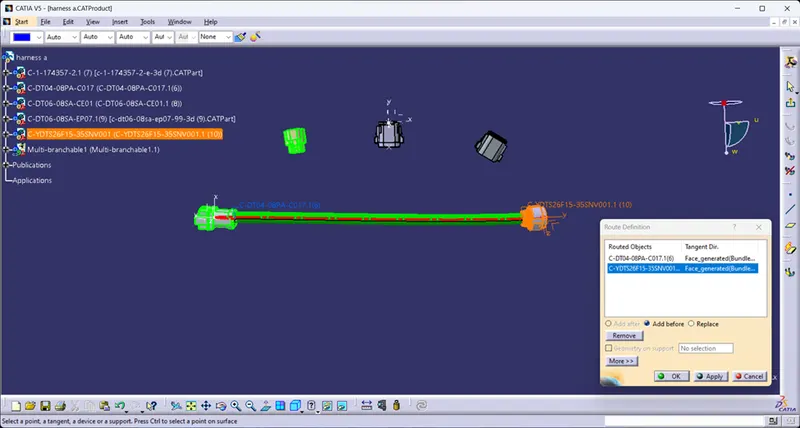
Next add the connectors in separate assembly and place its in its place by using compass and manipulation tool in assembly work bench.
Harness a:
Harness b:
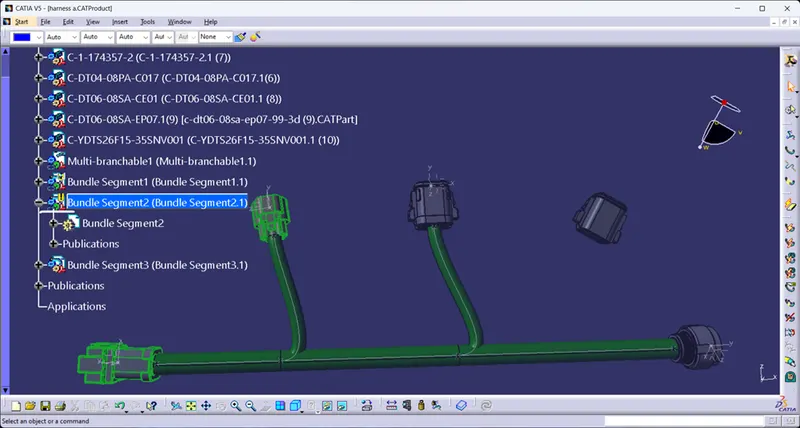
Connect them in electrical harness assembly work bench.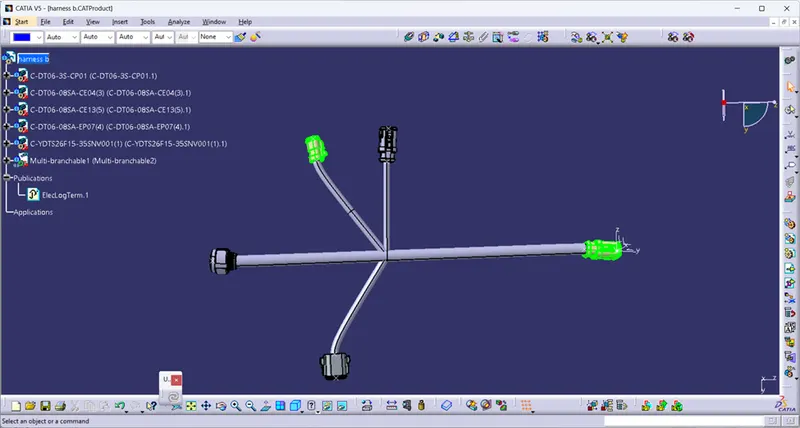
Then check the connectivity of the harness.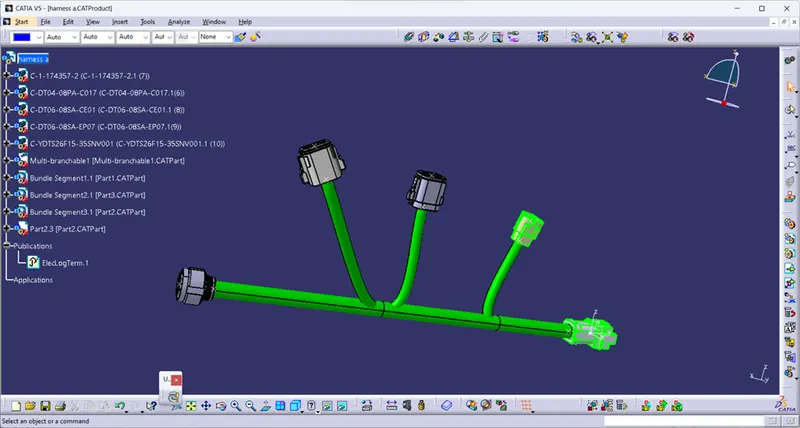
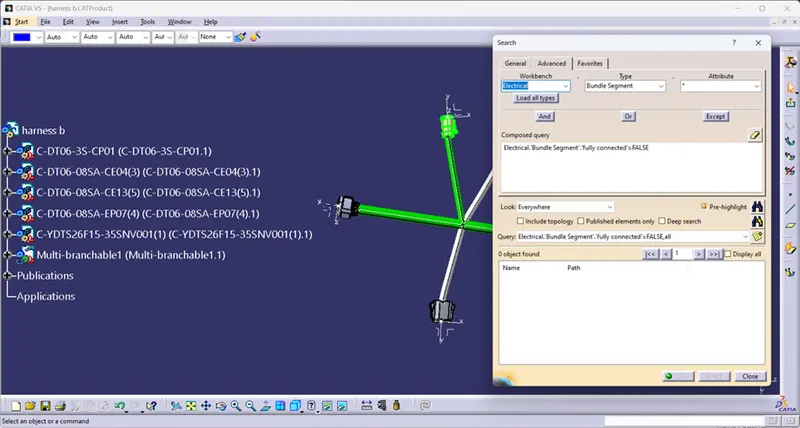
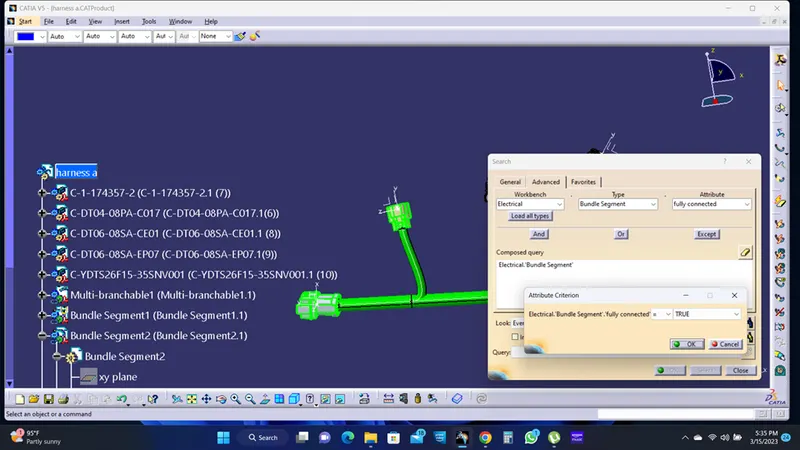
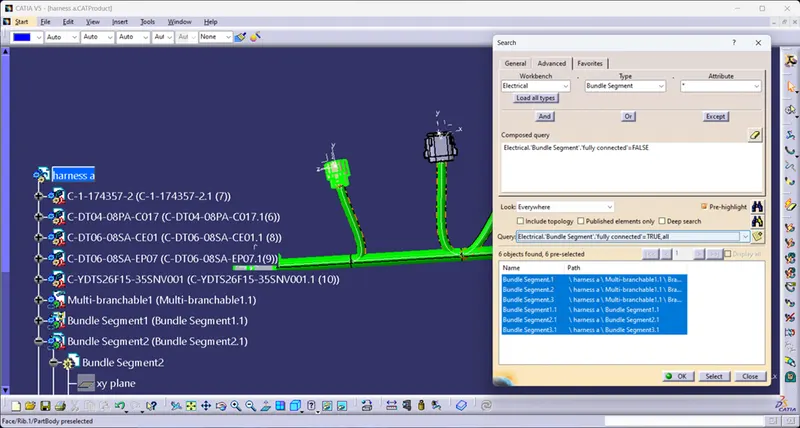
After check the bundle connectivity check for bundle warning and resolve it.
To add annotations for each connectors.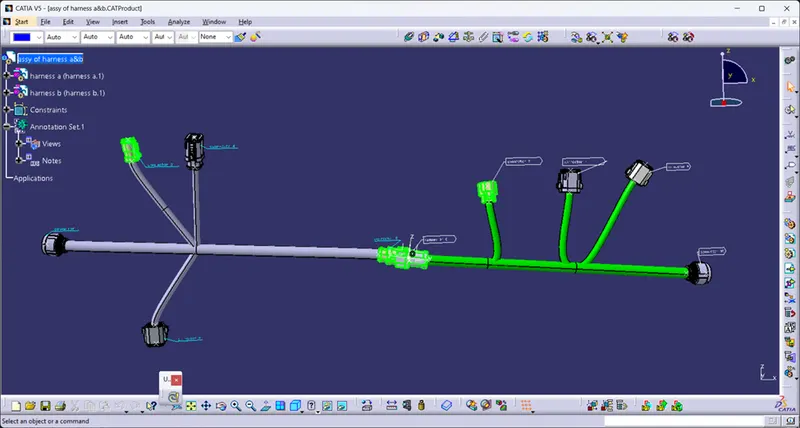
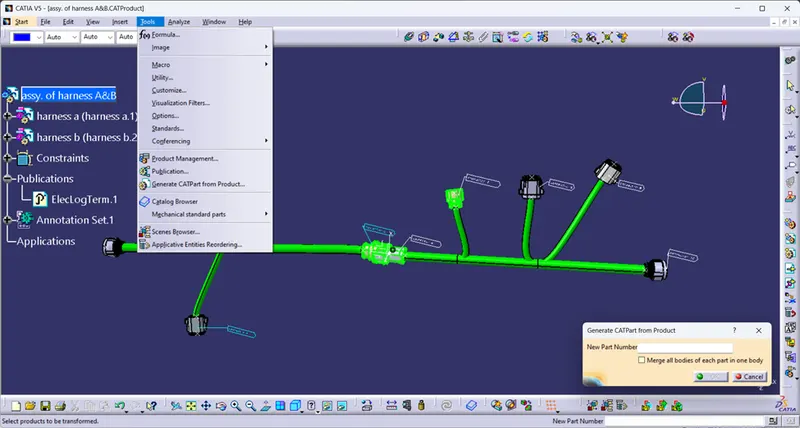
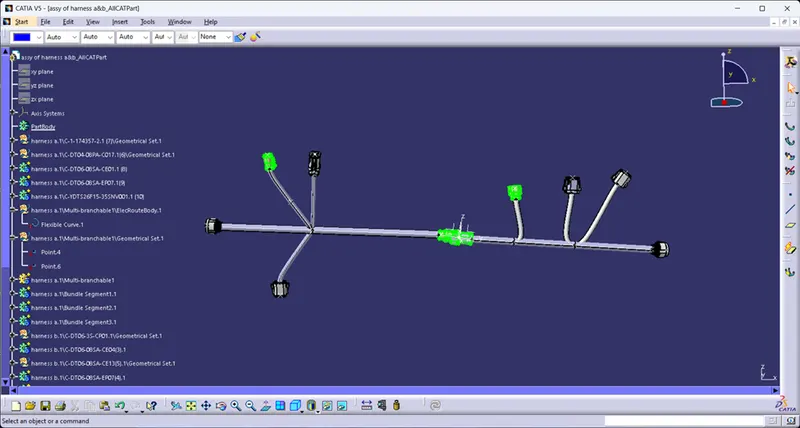
Finally convert the product file in to cat part file by using generate cat part from product file.