Wiring harness design in CATIA V5 - 3D modeling Week 4 Challenge
Q1. Route the following harness layout in Electrical workbench. Make assumption for harness bundle diameters. Use Following connectors as shown in layout diagram.
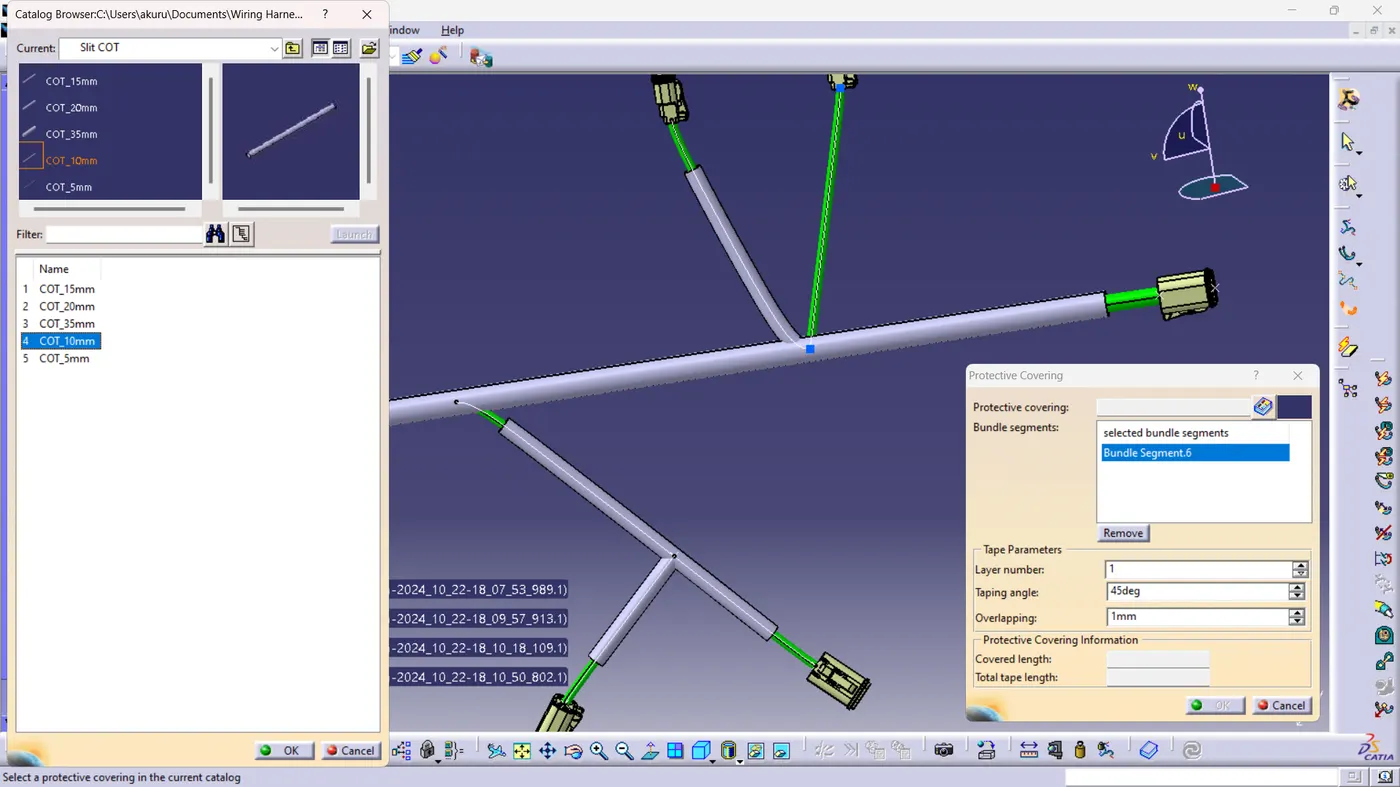
Add protective covering on all branches connected to DT06-2S & DT06-4S connectors. Keep end extremity at 30mm (from connectors end)
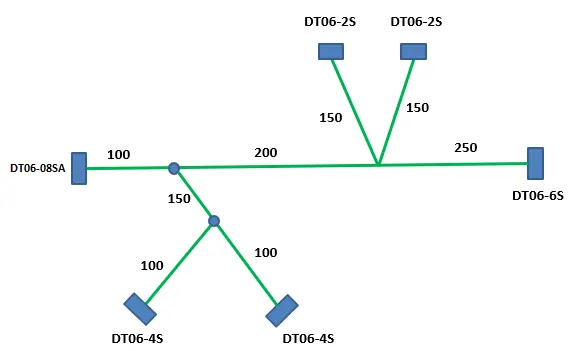
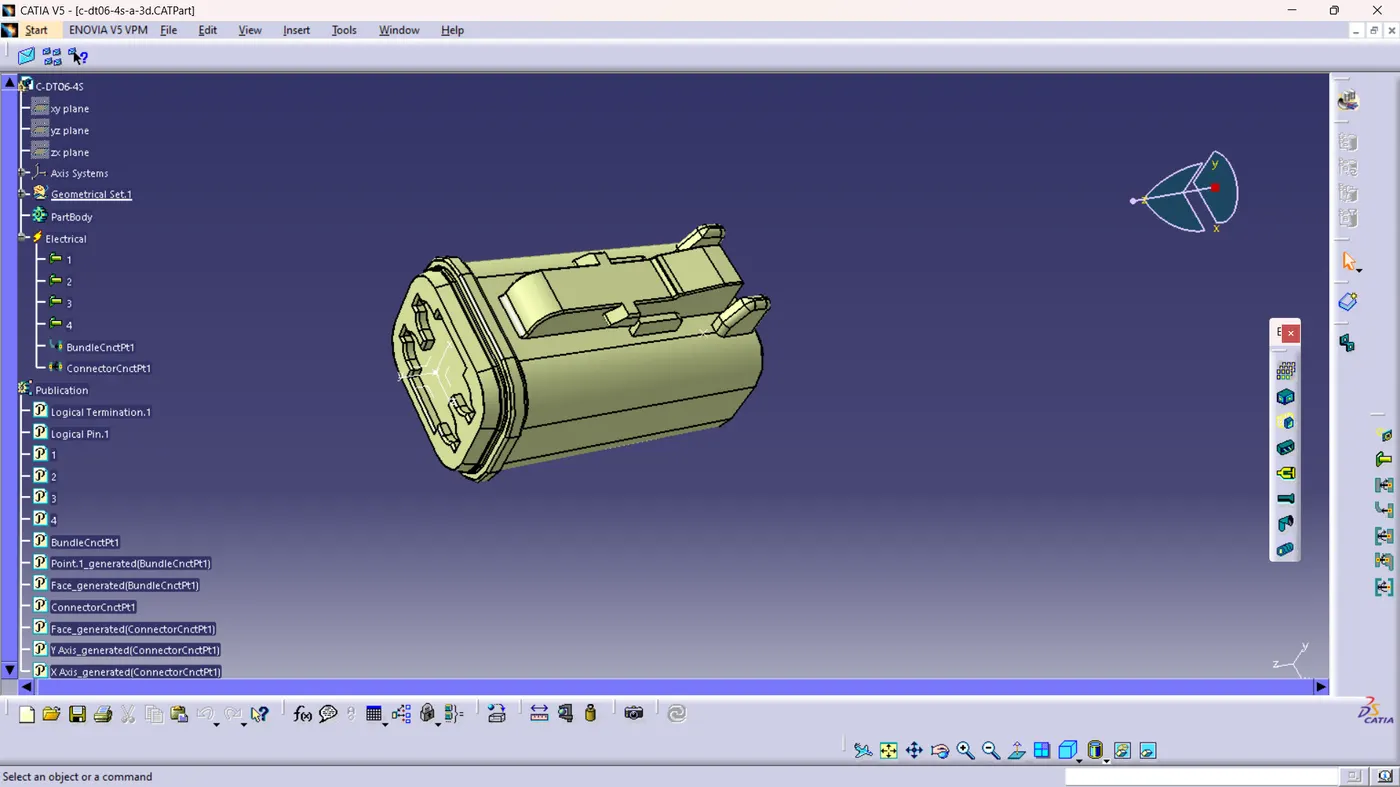
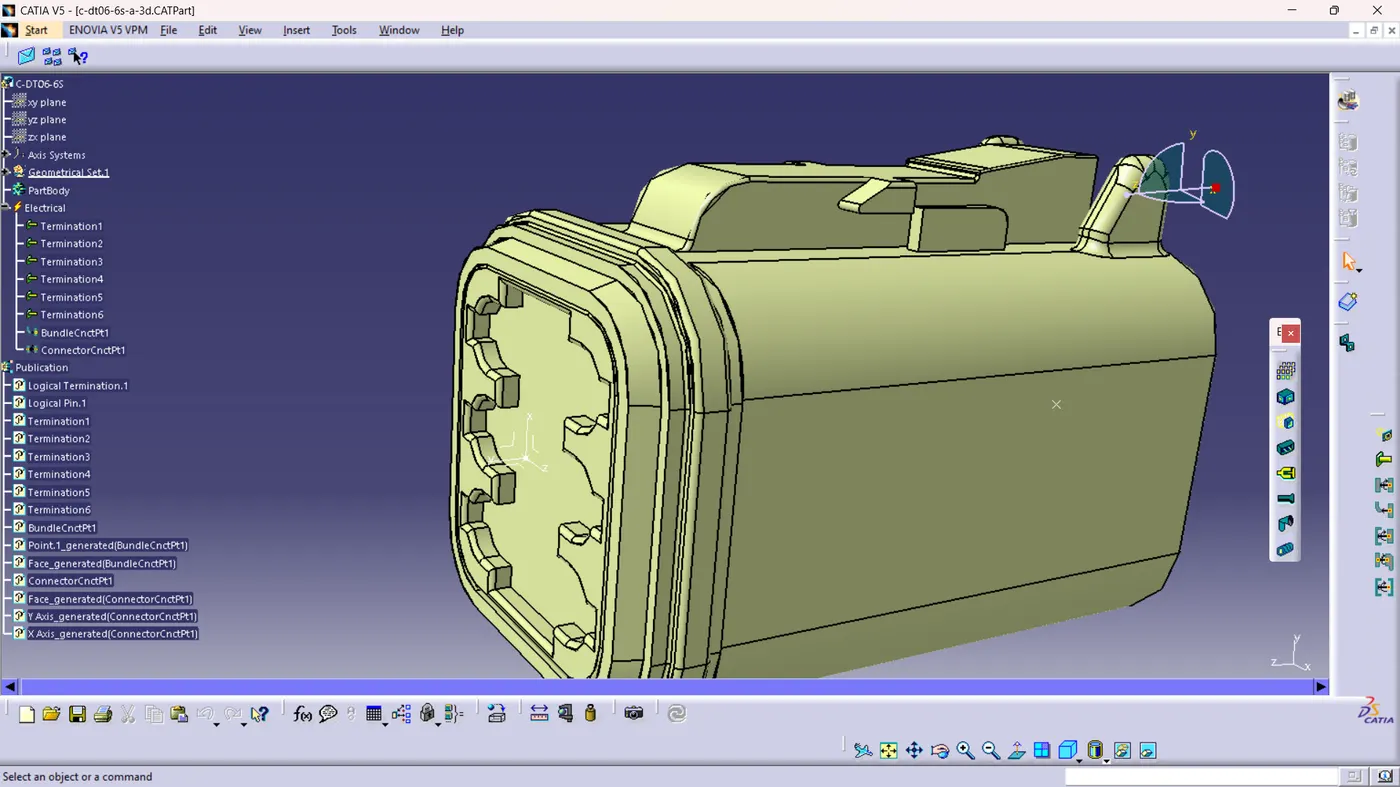
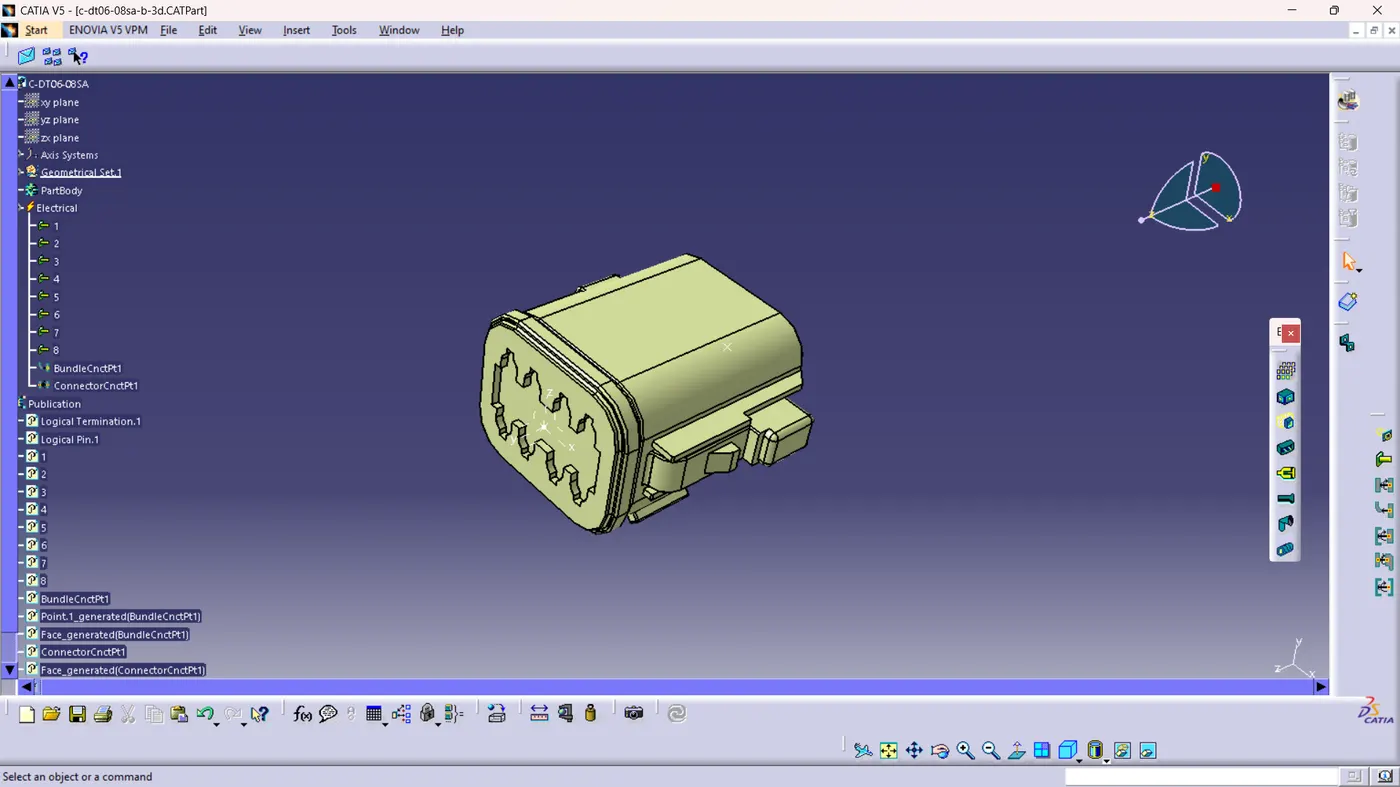
Ans: The mentioned connectors have been downloaded from the Tyco Electronics website and the same has been defined as connector and bundle connection point and connection connection point has been defined.
1) DT06-2S
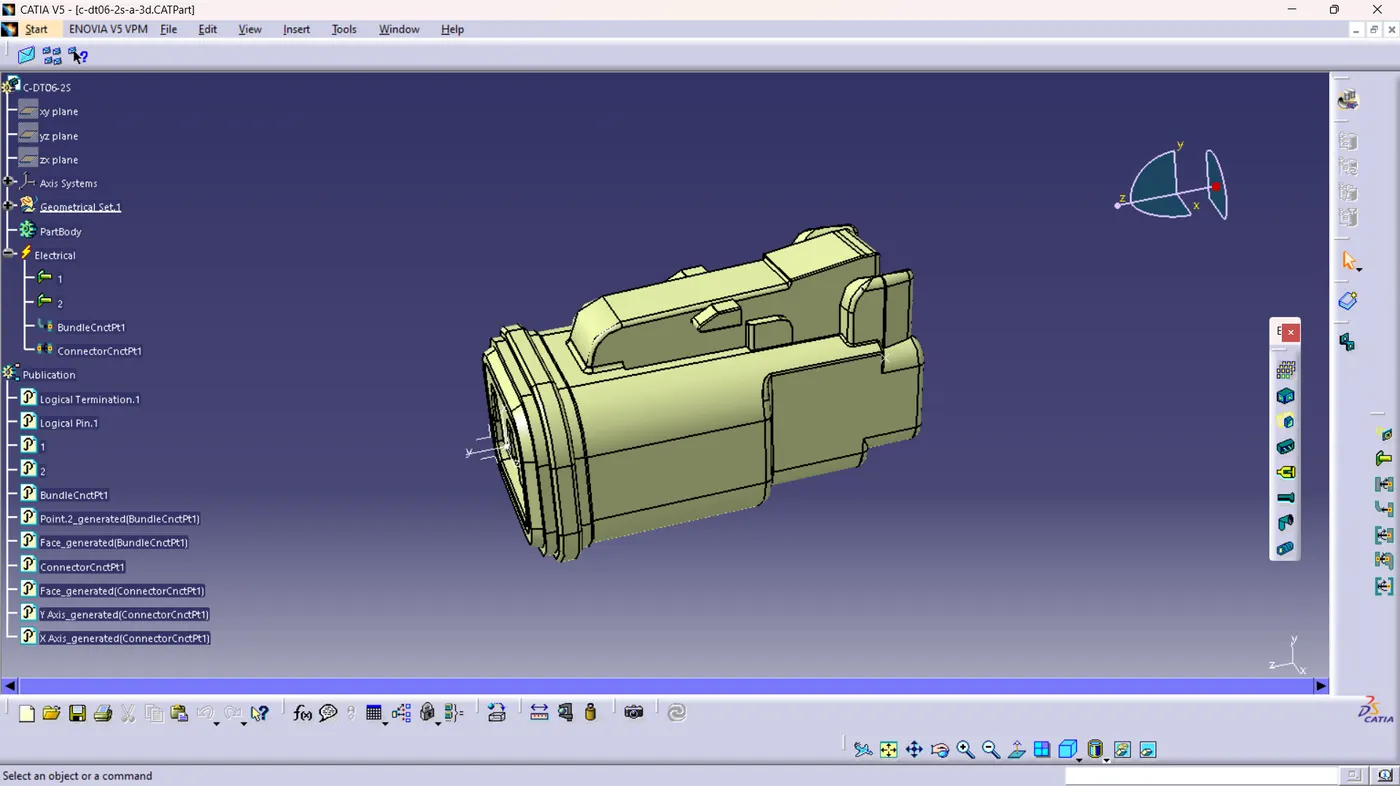
2) DT06-4S
3) DT06-6S
4) DT06-08SA
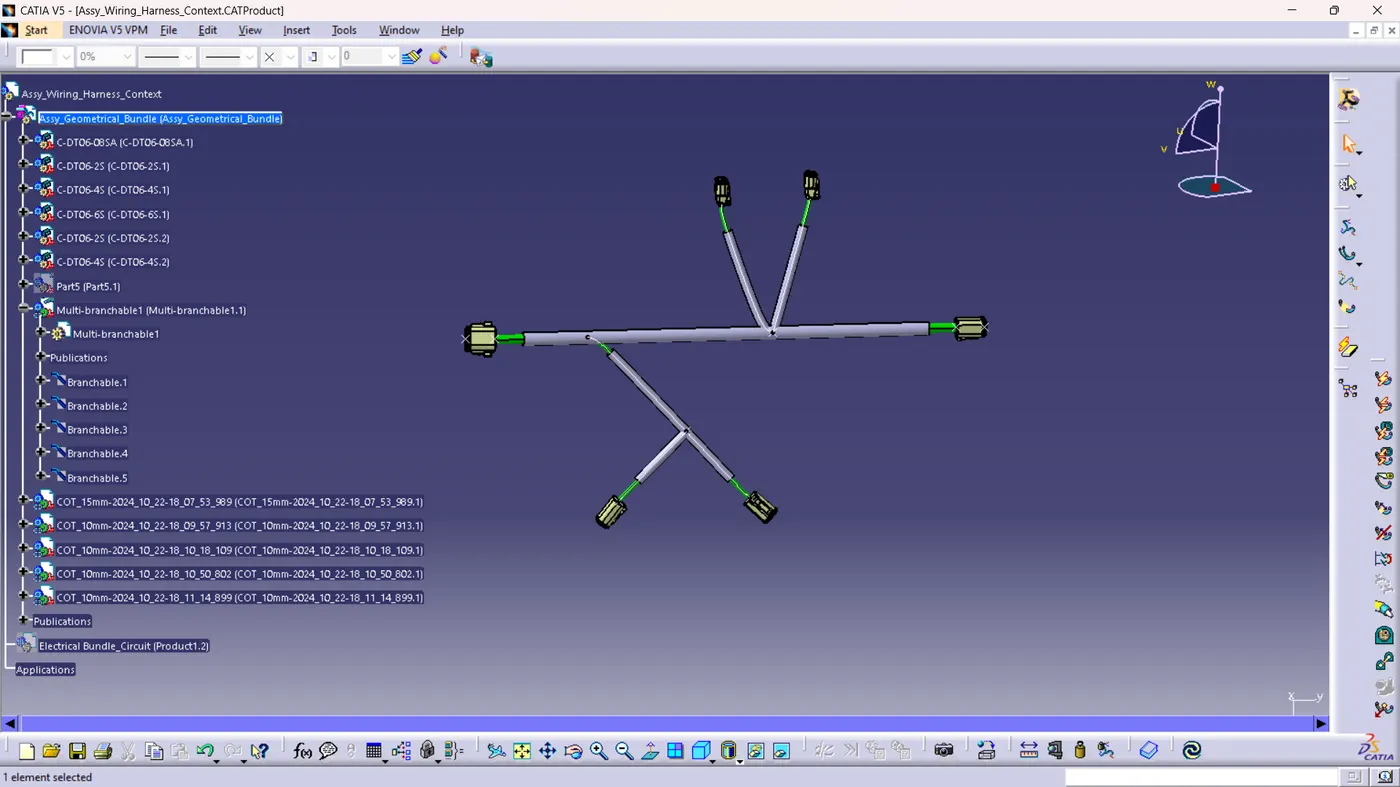
Now, import all the files in Catia V5 and switch to "Electrical Harness Assembly"
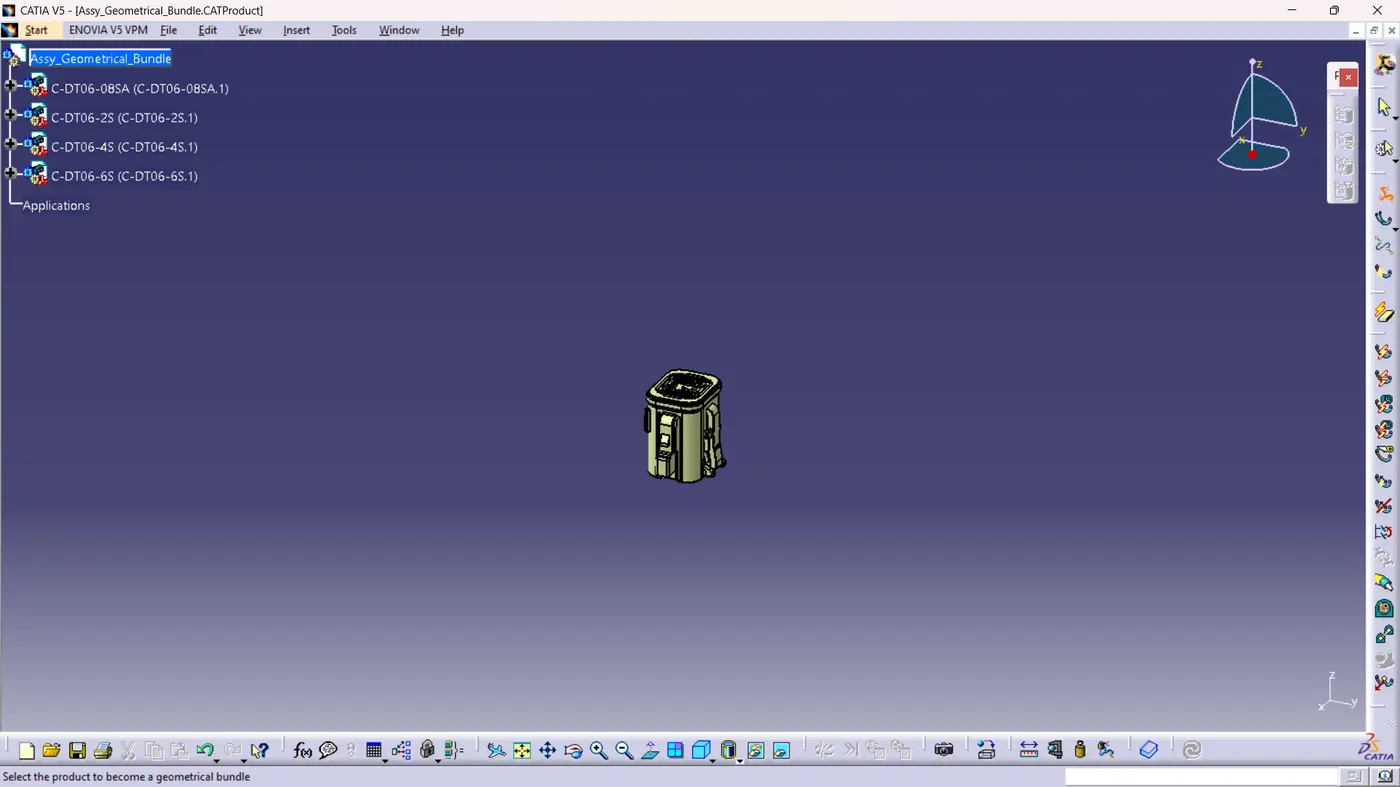
We need to convert the mechanical parts into Electrical parts to proceed further and for that select the "Geometrical Bundle" command in the toolbar and select the product.
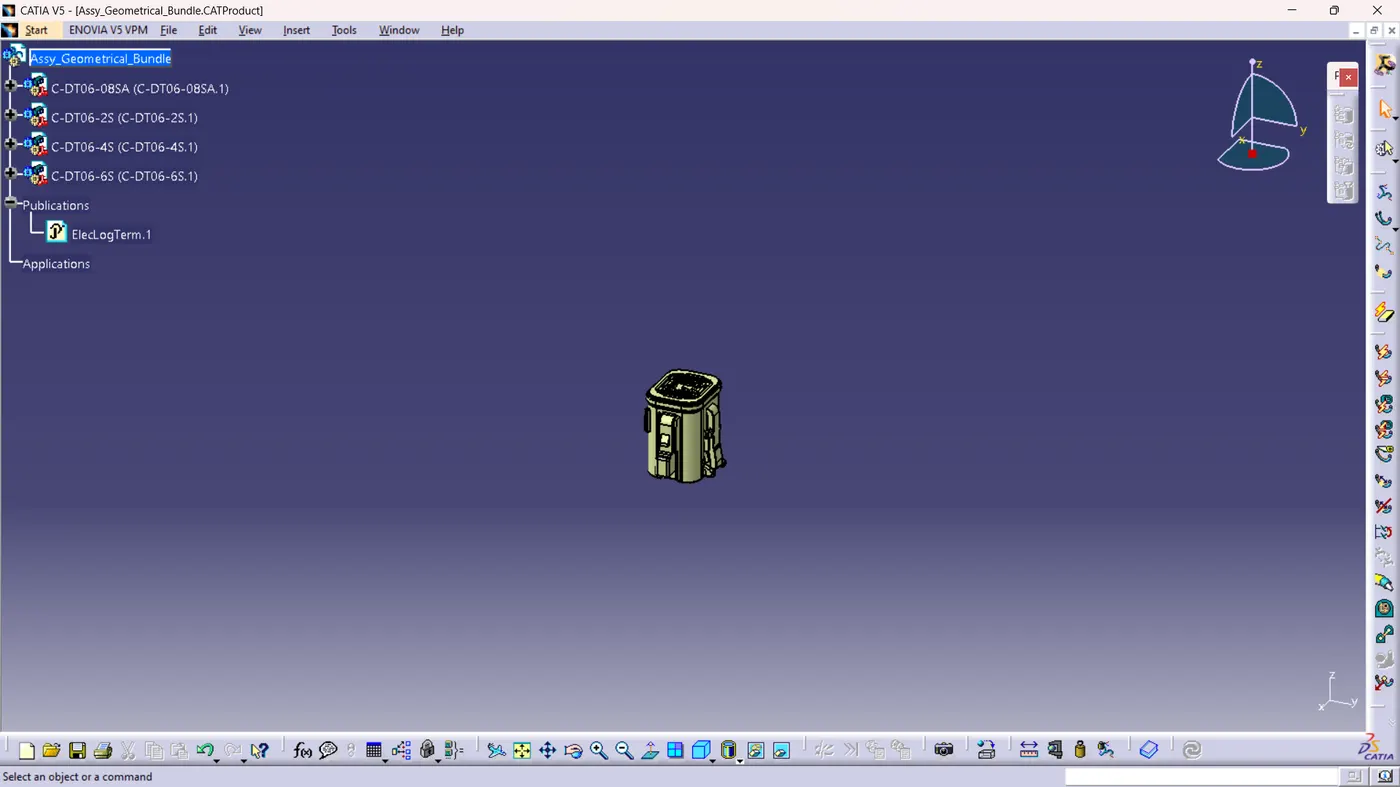
Basic skeleton structure has been created based on the given dimension
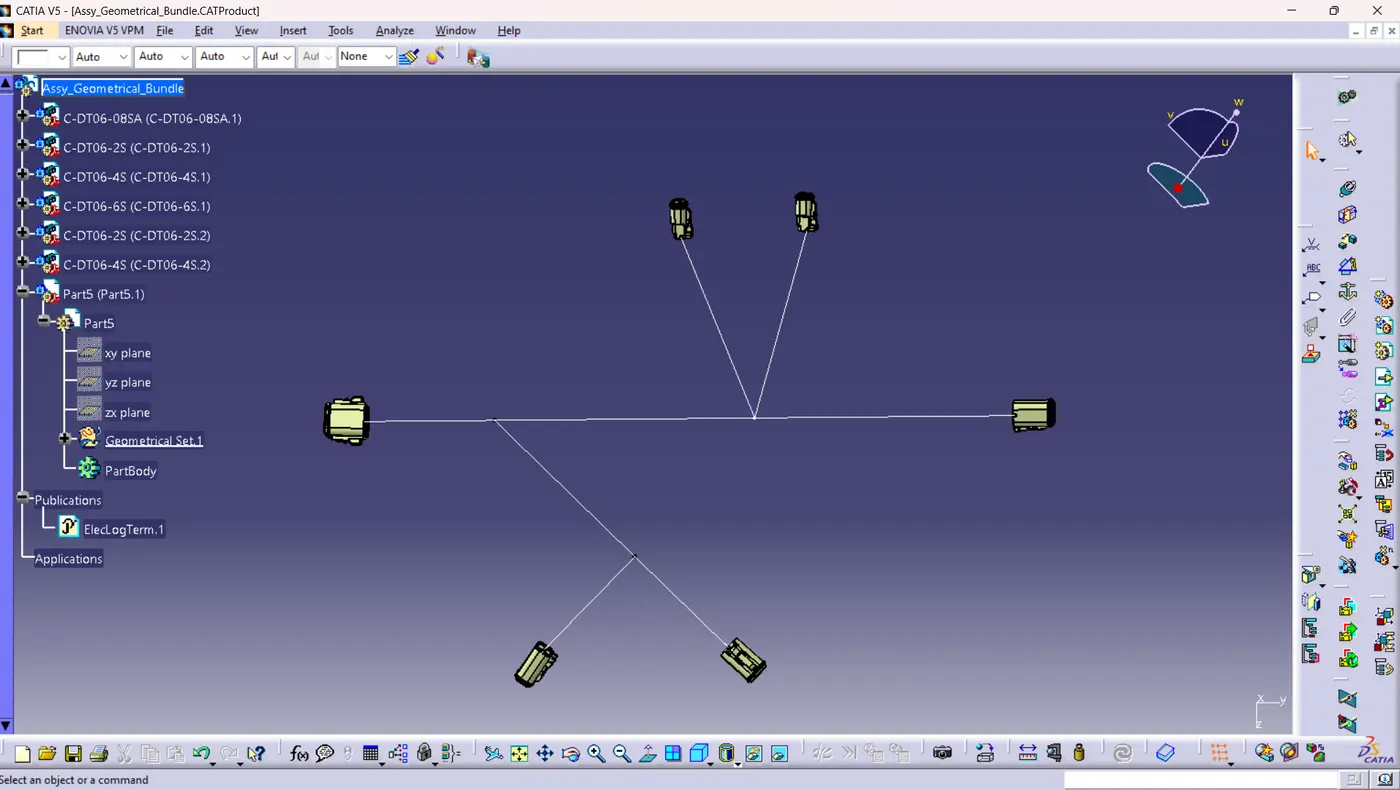
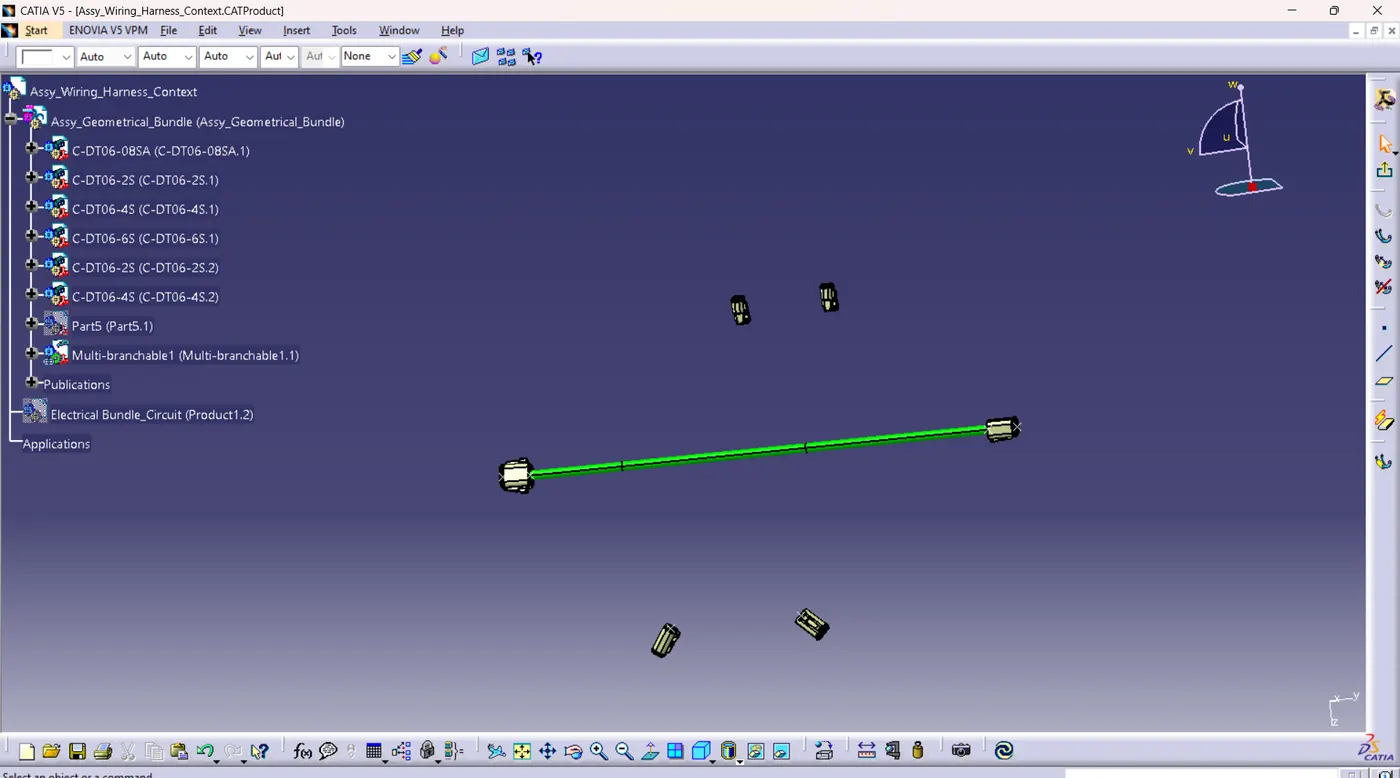
Select the Branch Definition command to add a harness wire between DT06-08SA and DT06-6S at a distance of 550mm and create branch points at a distance of 100mm and from reference of 100mm at a distance of 200mm
Select the Branch Definition command and add the branch by selecting the reference points at the created branch points
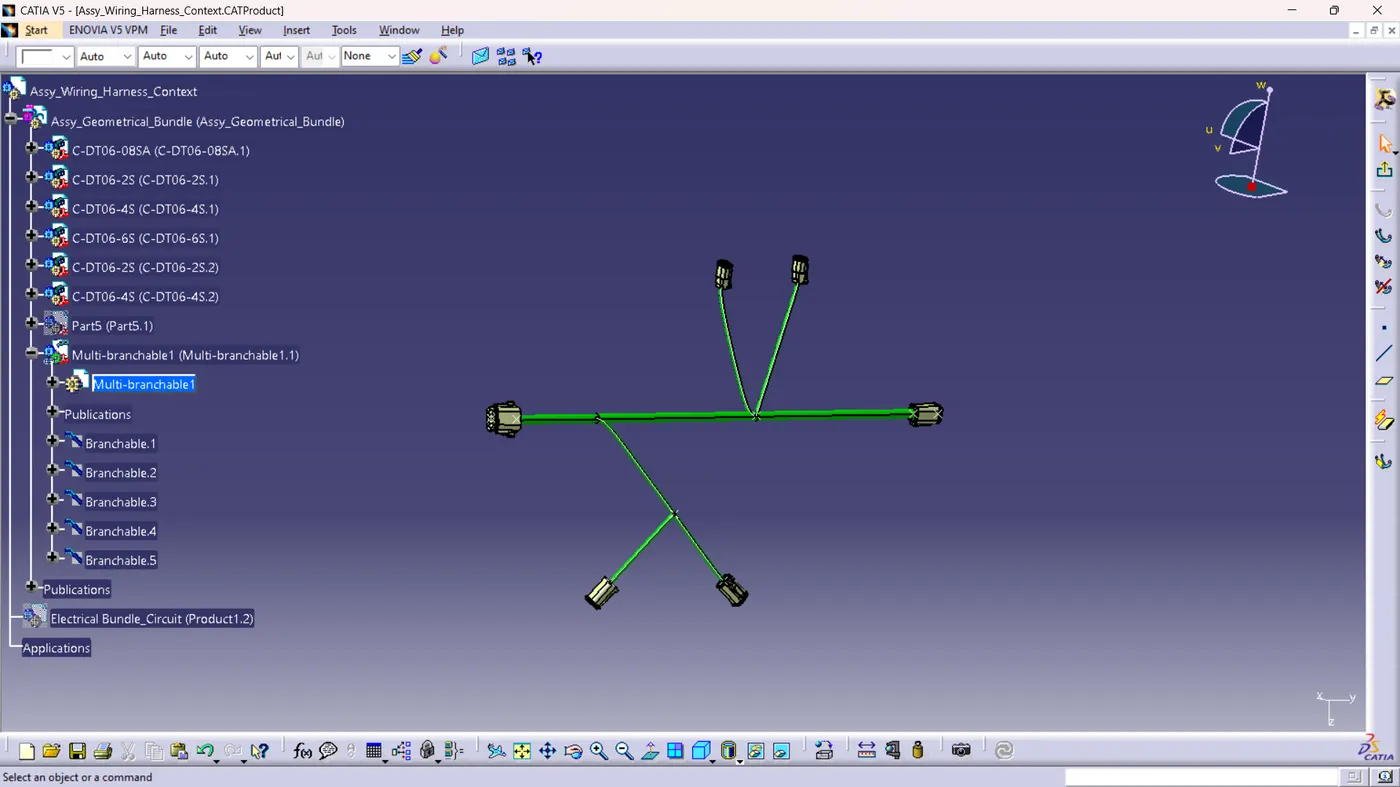
Add protective covering for all the connections using the "Protective covering" command at an end extremity value of 30mm