Wiring harness design in CATIA V5 - 3D modeling Week 4 Challenge
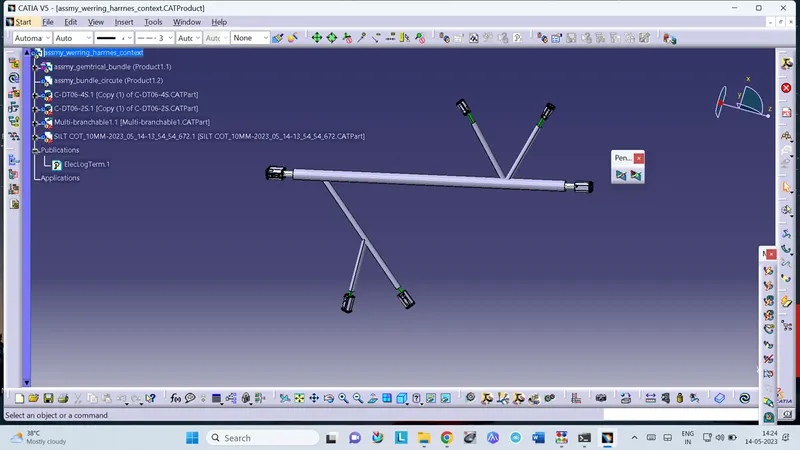
AIM :-To create wire routing between the connectors.
Objective :-Download connectors from website (te.com) DT06-2S DT06-4S DT06-6S DT06-08SA Define electrical properties of it. Create wire harness layout Add protective cover on it.
Steps :-Enable electrical part design and define parts as connectors. Define…
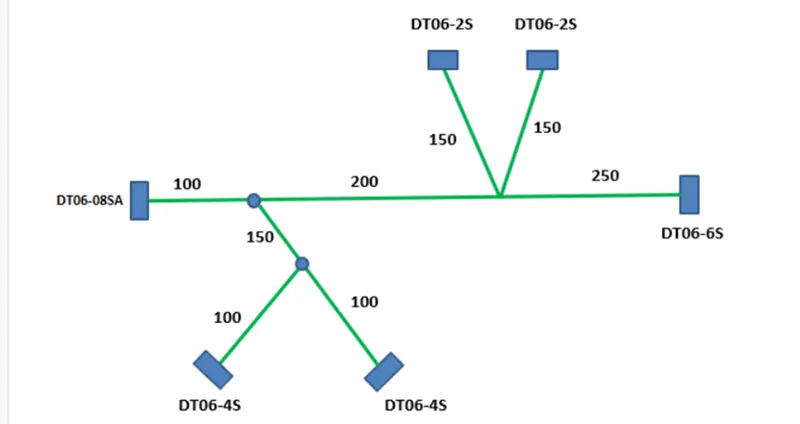
Objective :-
- Download connectors from website (te.com)
- DT06-2S
- DT06-4S
- DT06-6S
- DT06-08SA
- Define electrical properties of it.
- Create wire harness layout
- Add protective cover on it.
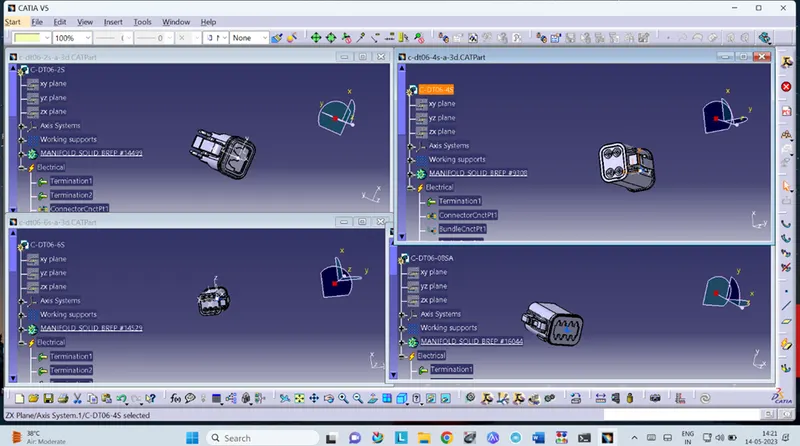
Steps :-
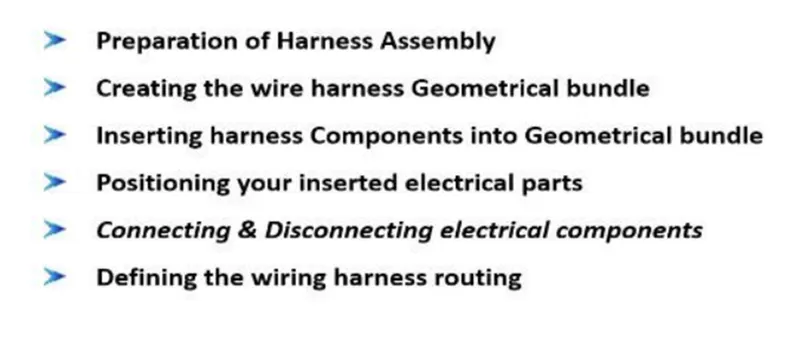
- Enable electrical part design and define parts as connectors.
- Define connector connection and bundle connection point.
- Create product name
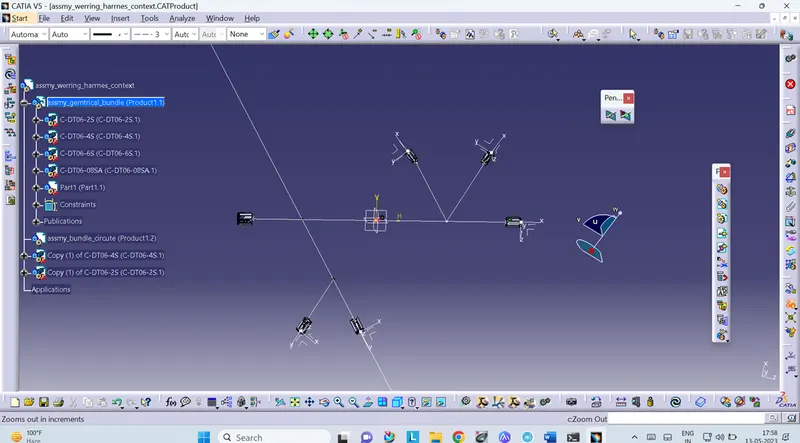
- Create another inside product by "Geometric Bundle"
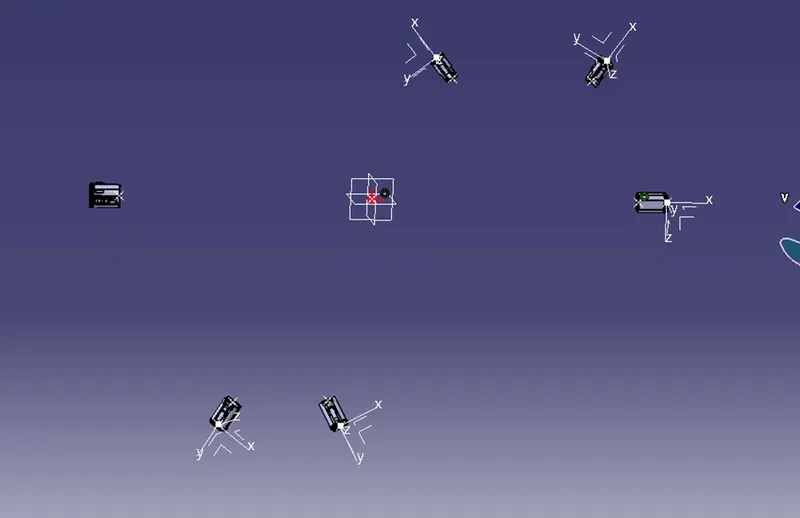
- Position all connectors as per the layout.
- Turn to electrical harness assembly.
- Inside it slect the geometry bundle command and click on geometry bundle assembly
Before arranging the connectors with the help of sketch plot the points.