Wiring harness design in CATIA V5 - 3D modeling Week 4 Challenge
WIRING HARNESS WEEK 4 CHALLENGE
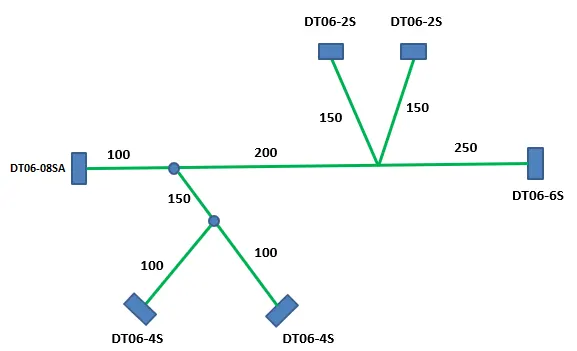
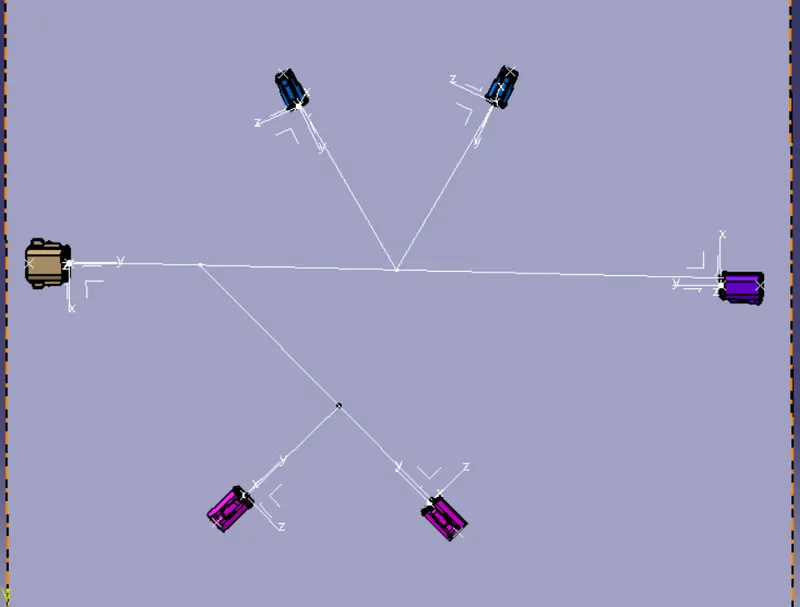
Route the following harness layout in Electrical workbench. Make assumption for harness bundle diameters. Use Following connectors as shown in
layout diagram.
Add protective covering on all branches connected to DT06-2S & DT06-4S connectors. Keep end extremity at 30mm (from connectors end)
Download connector 3D data from www.te.com
--DT06-4S
--DT06-6S
--DT06-2S
--DT06-08SA
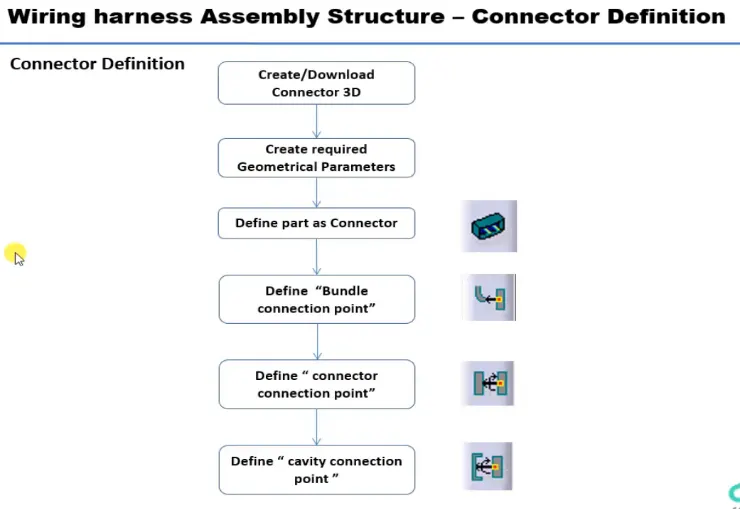
DEFINIG ELECTRIC PARAMETER FLOW CHART
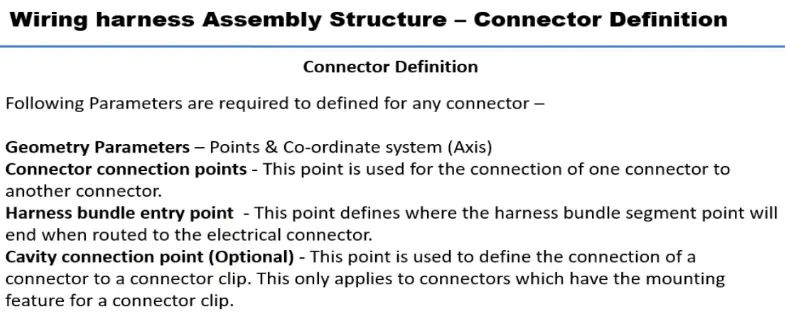
CONNECTOR DEFINATIONS IN CATIA V5
Deutsch DT06 – 08SA
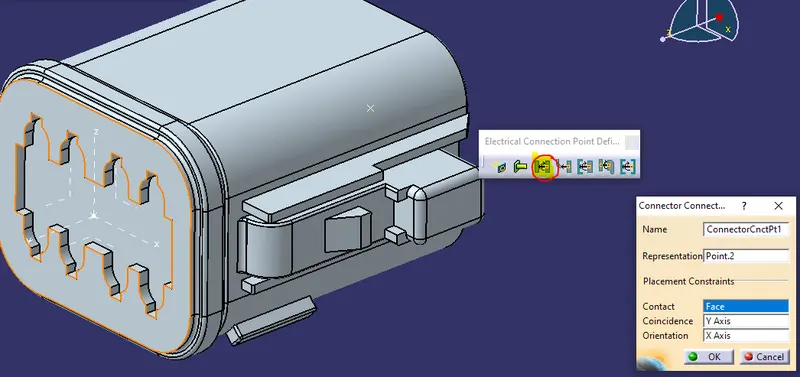
Connector connection point
Create midpoint on the contact face which will be normal to wire bunddle insertion.
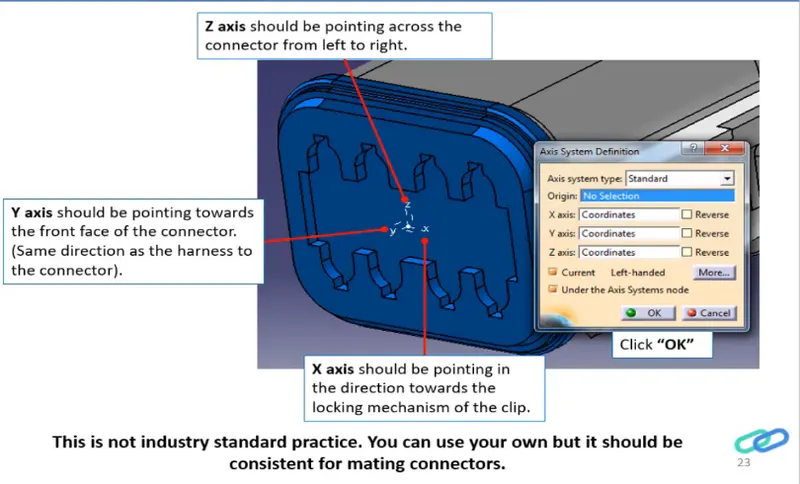
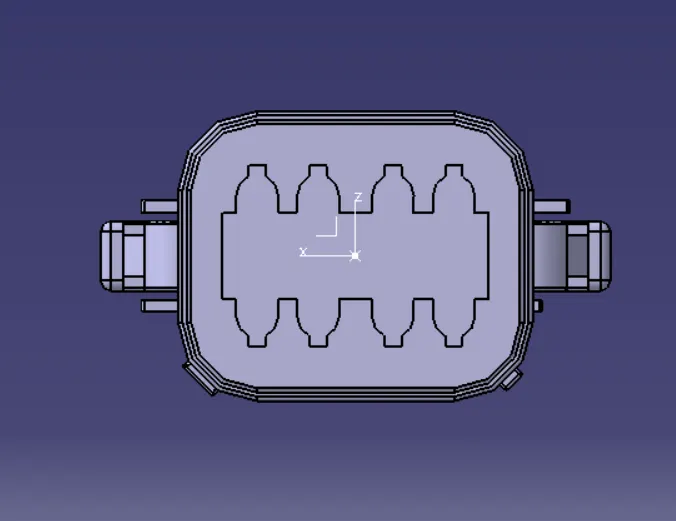
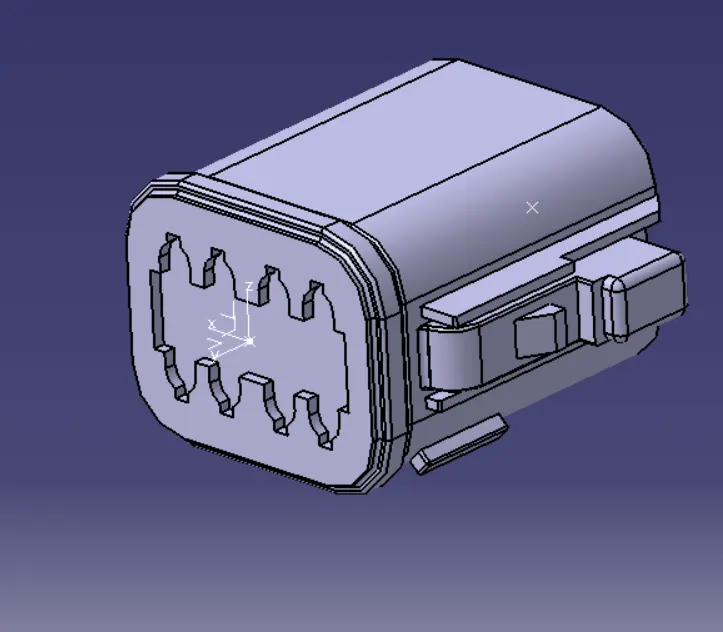
BUNDLE CONNECTION POINT
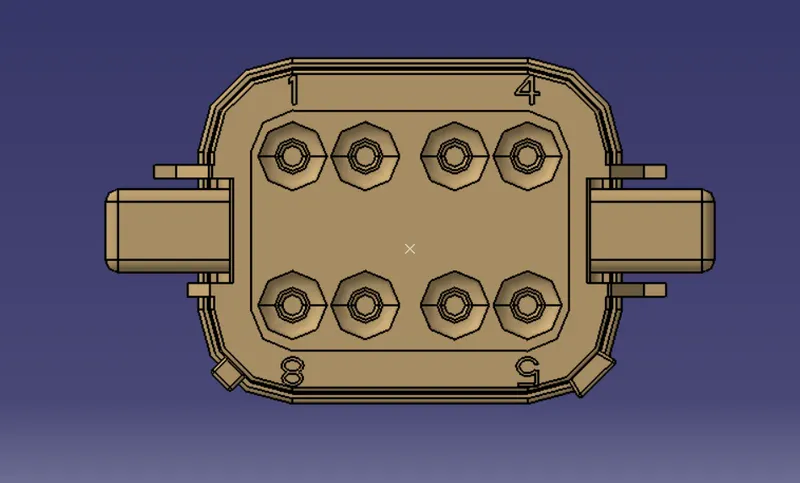
ELECTRIC PART DESIGN
Define the part as connector in catia, give no. of termination as 8 because we have 8 entry points for wire.
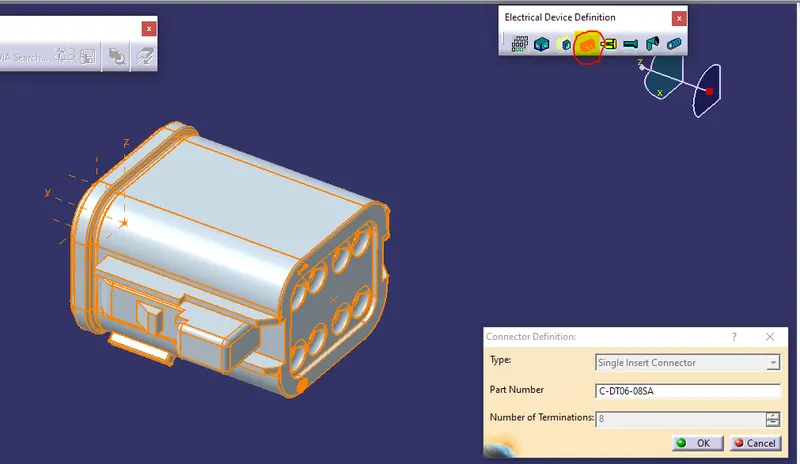
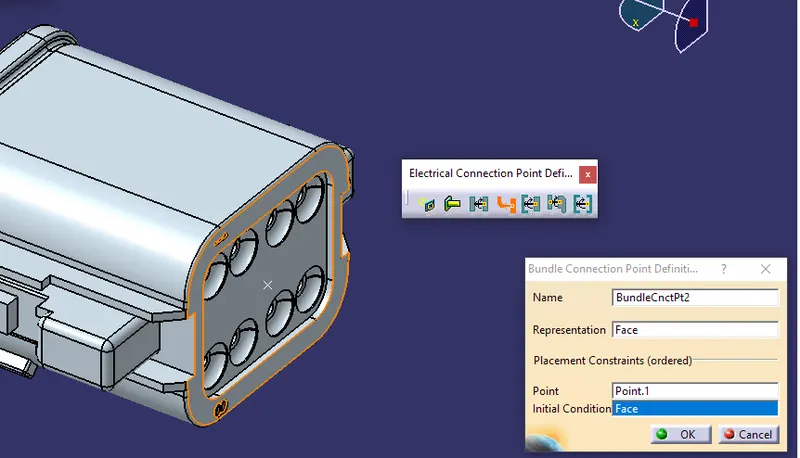
Define Bundle connection point
Define connector connection point
So like wise we need to define all the connector as electricaly.
Now Create the Electric wire harness context assembly and Geometric bundle as a subassembly containing all the electric parameters as shown below,
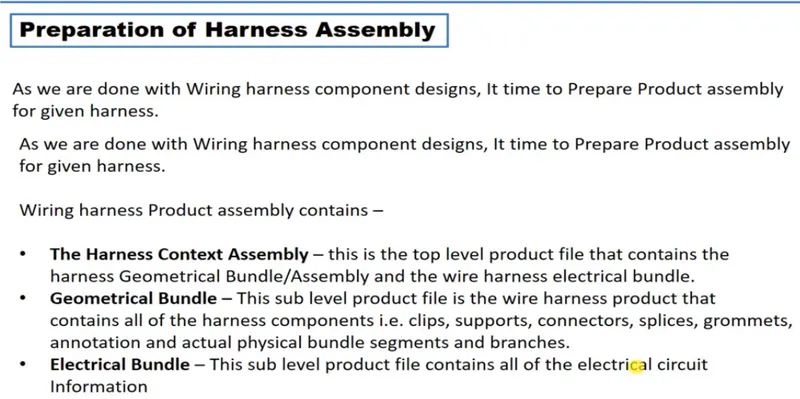
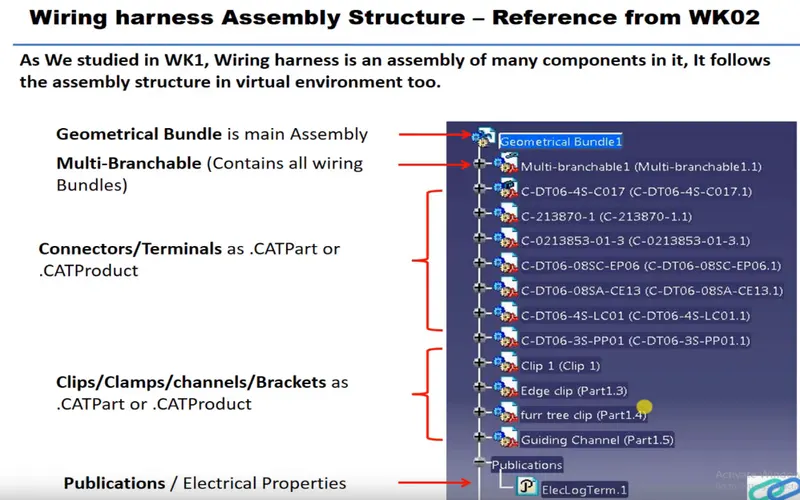
Add the all connectors which are electricaly defined to the Geomteric bundle assembly.
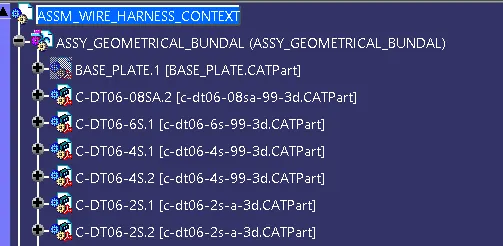
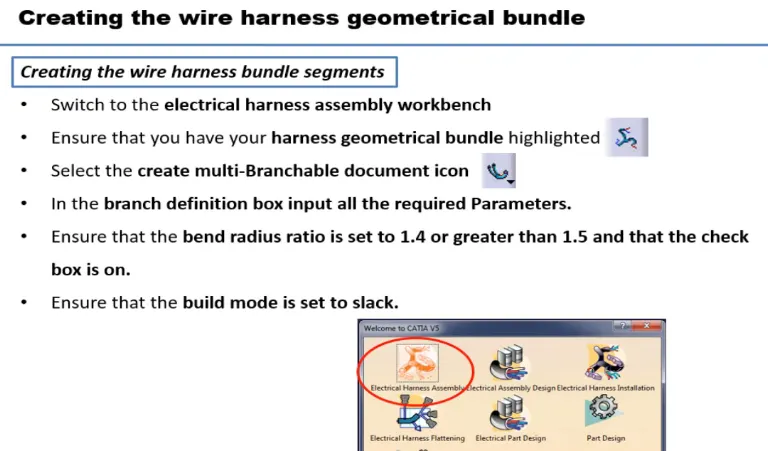
Then define this Geomteric bundle assembly as electricaly, for that we need to switch to Electric harness assembly workbench.

select Geometric Bundle then click on Geomteric bundle assembly (In specification Tree)
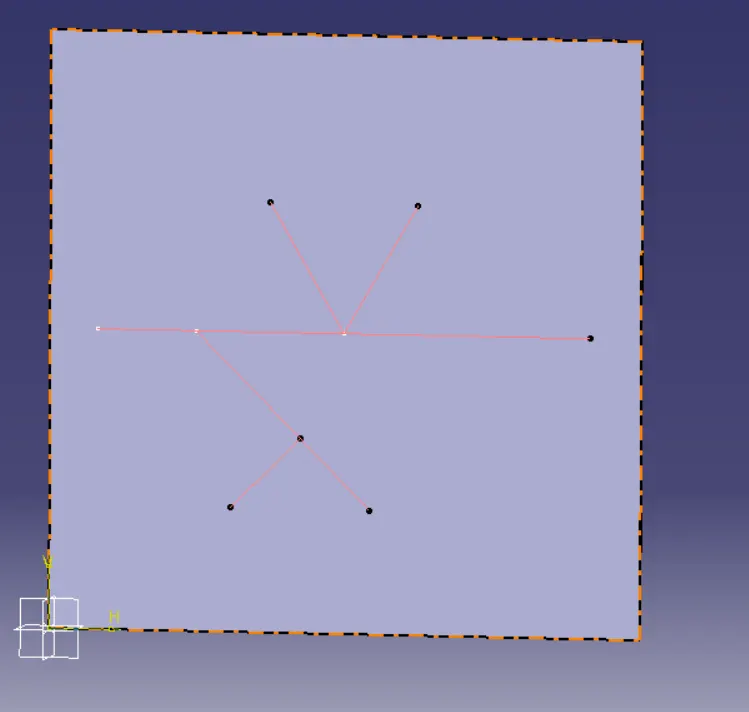
Now, to position all the connector as given in input file,
Create enviroment on which the bundle assembly will be placed.
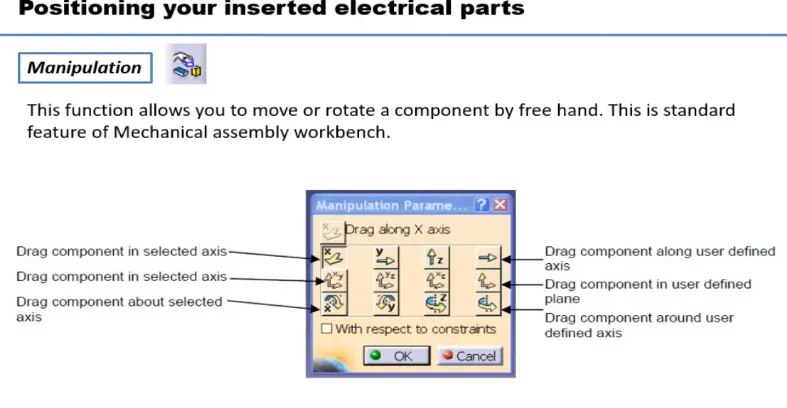
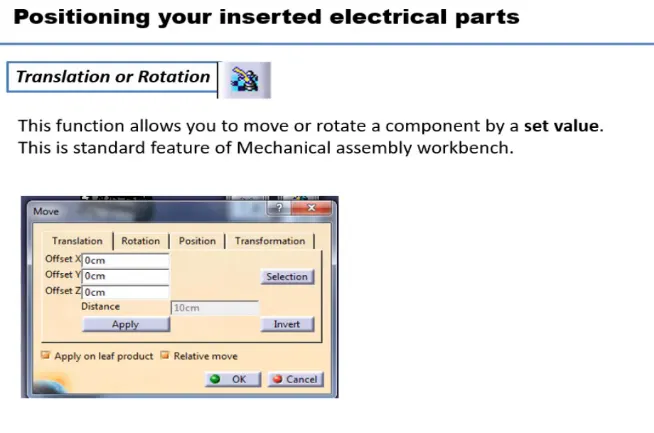
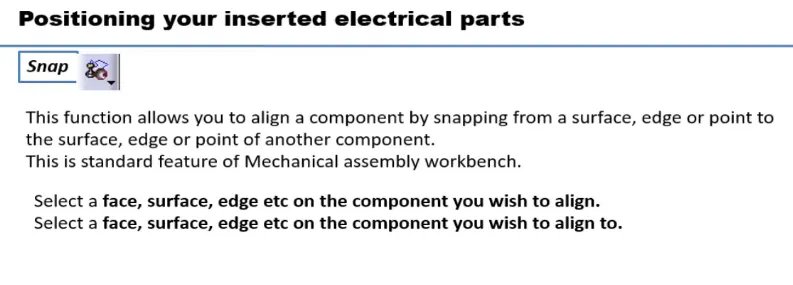
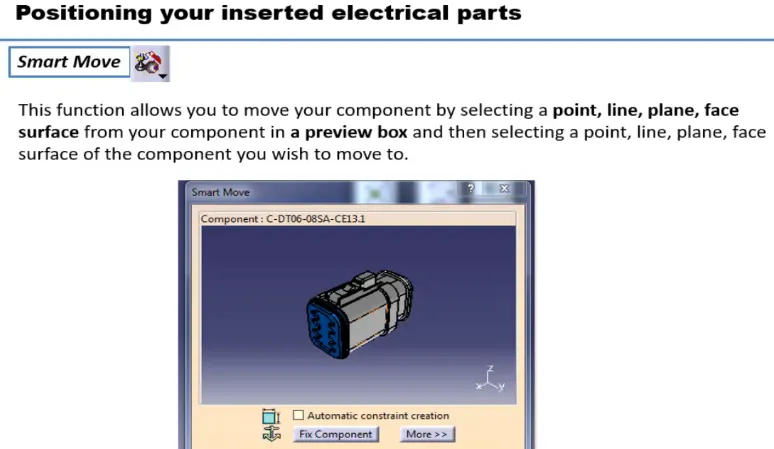
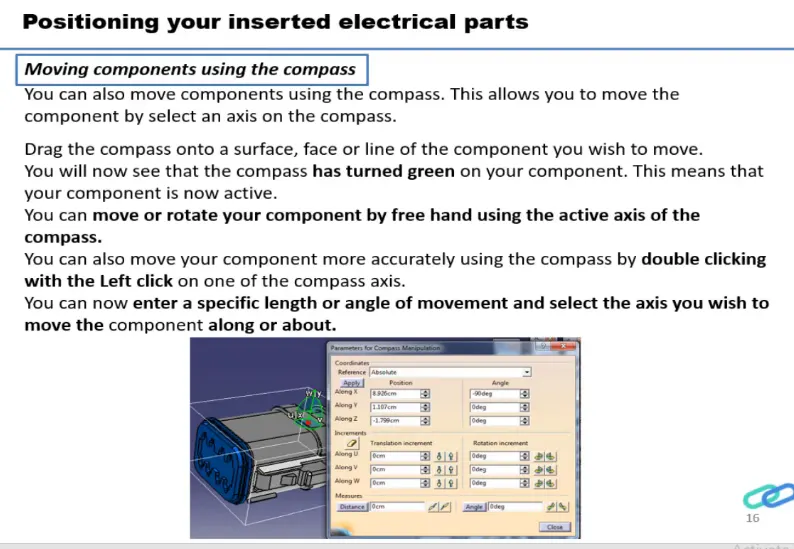
ELECTRICAL HARNESS ASSEMBLY WORKBENCH
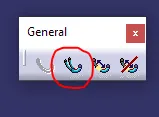
select multi branchable documents
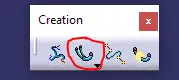
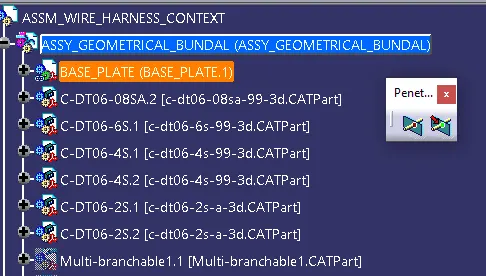
Now to route the harness, after selecting multi branchable documents workbech changed to wire harness installation.
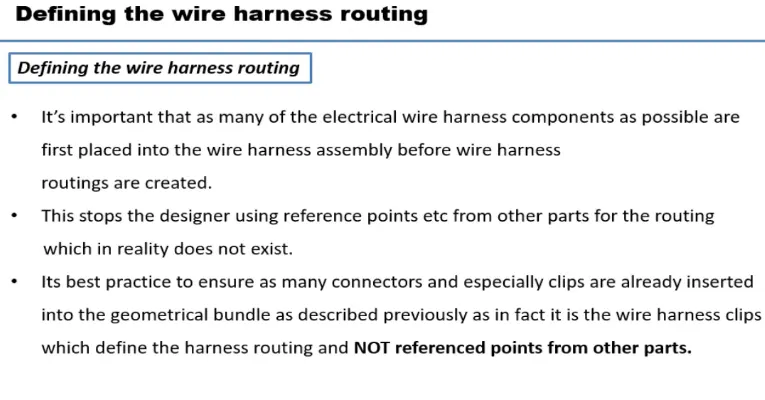
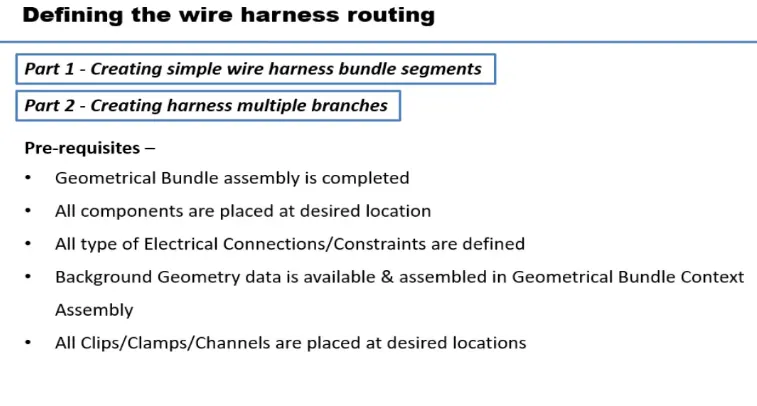
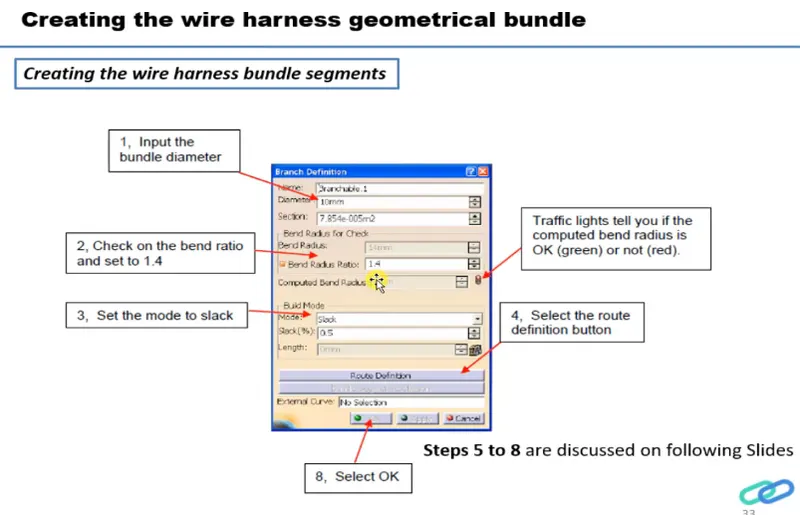
Click on Branch defination
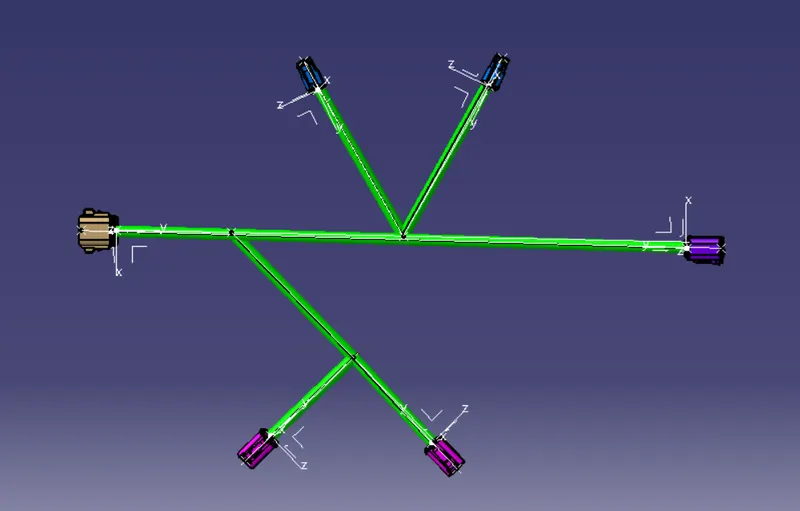
To create protective covering on all branches
switch to electrical harness assembly
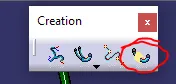
select protective covering then select branch - select catalog - select approprite slit cot tubes - give extrimity at start and end - ok
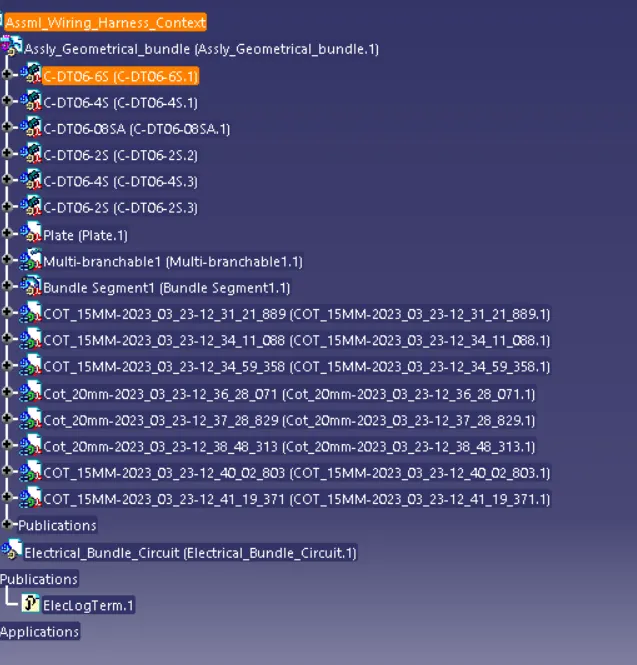
TREE STRUCTURE
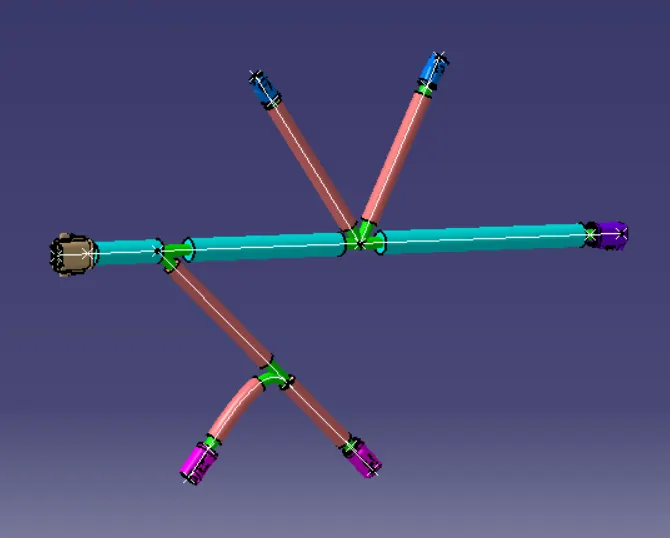
VIEWS OF ASSEMBLY
ISOMETRIC VIEW
TOP VIEW
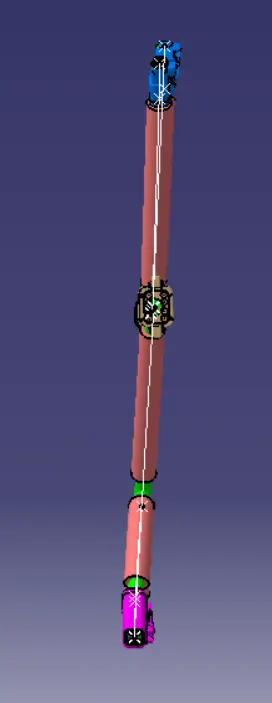
SIDE VIEW
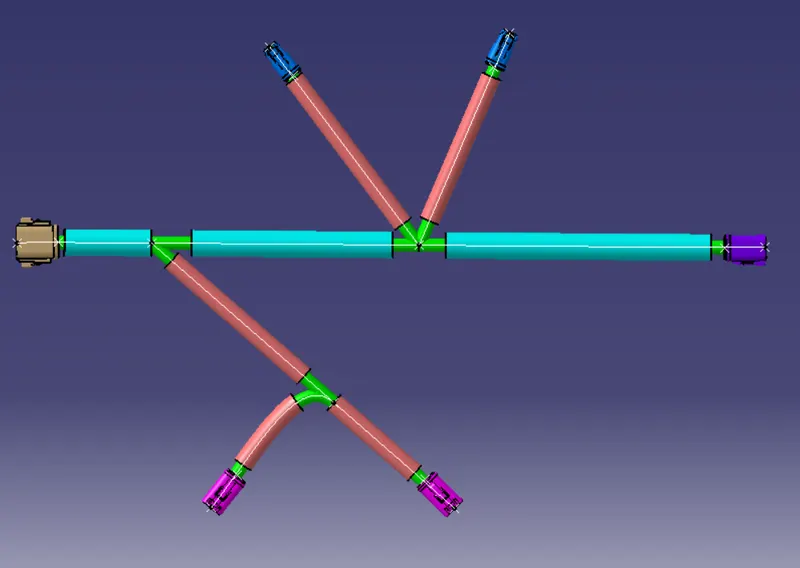
FRONT VIEW
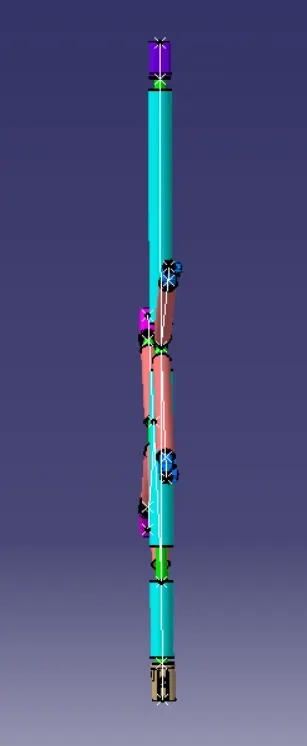
CONCLUSION
As per the given rules the assembly of wiring harness is done with the help of catia v5