Wiring harness design in CATIA V5 - 3D modeling Week 4 Challenge
1)
CONVERTING MECHANICAL PART INTO ELECTRICAL PART :
- Download connector 3D.
- Create required geometrical parameters.
- Define part as connector.
- Define bundle connection point.
- Define connector connection point.
- Define connector connection point.
- Define cavity connection point.
- DT06-2S
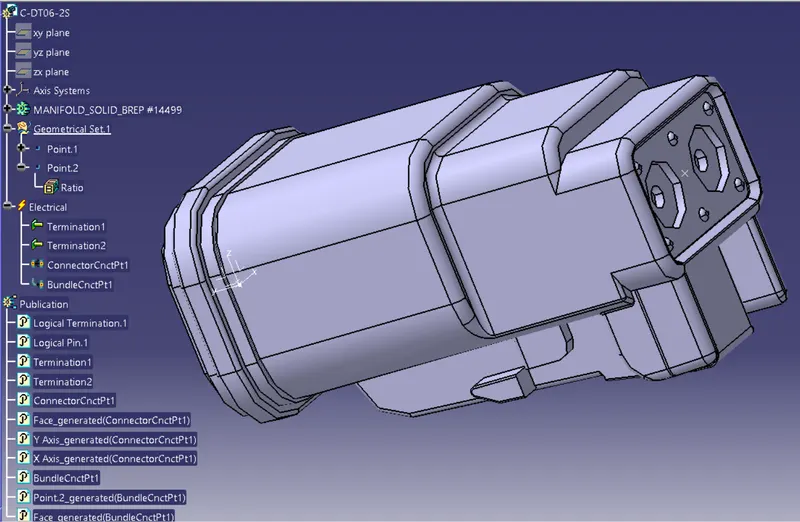
- DT06-4S
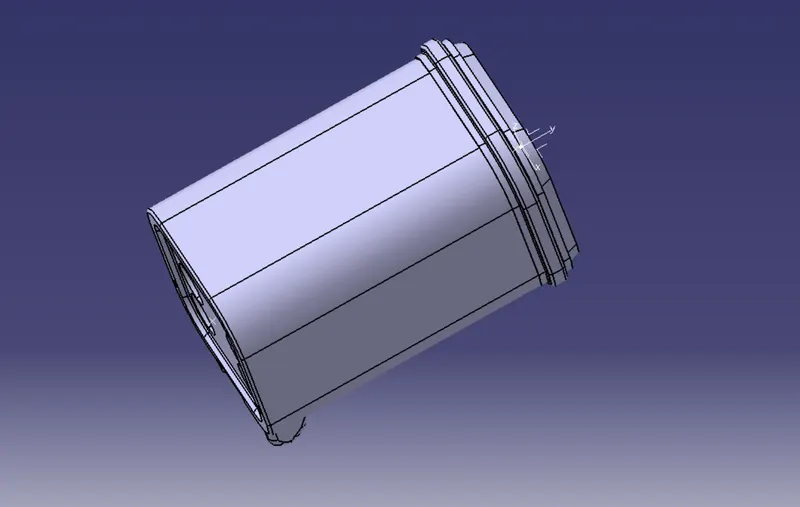
- DT06-6S
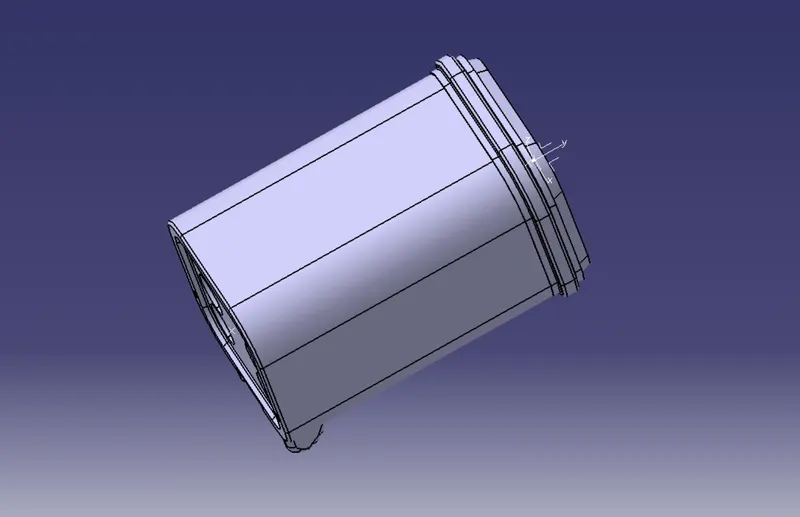
- DT06-08SA
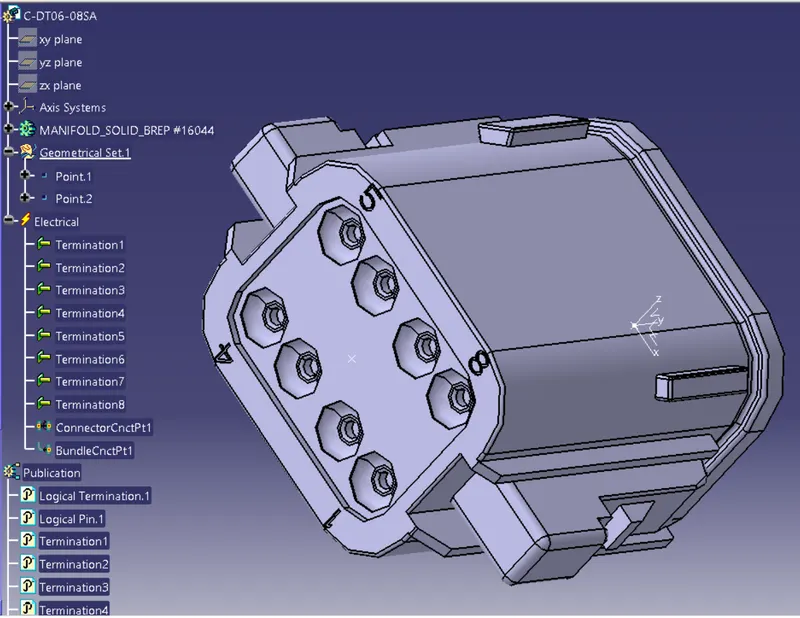
Arrange the components in the specified order :
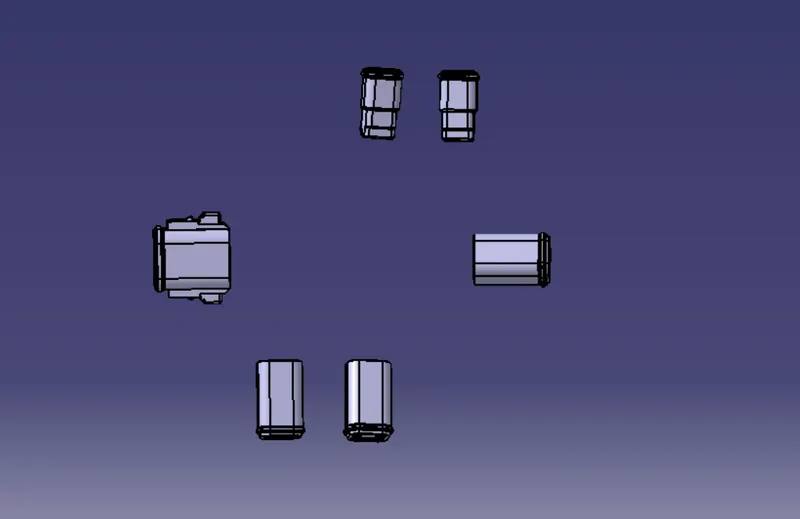
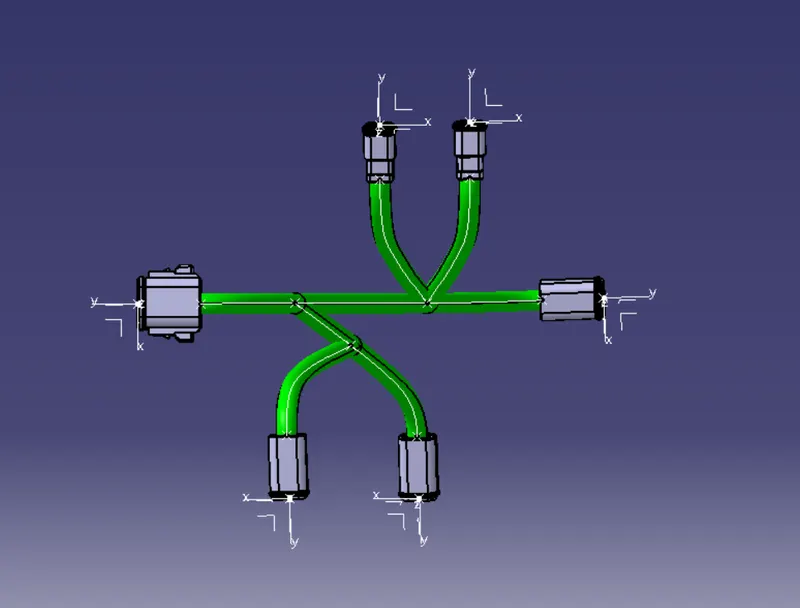
Open the electrical harness assembly workbench and start the harness process:
1)Initially the whole component should be defined as a geometrical bundle.
2)Then the branches are made using the multi branchable document command.
Protective covering added to the branches :
1)This is achieved using the protective covering command in the electrical harness assembly workbench and the cot tubes catalogue library which we have made before.
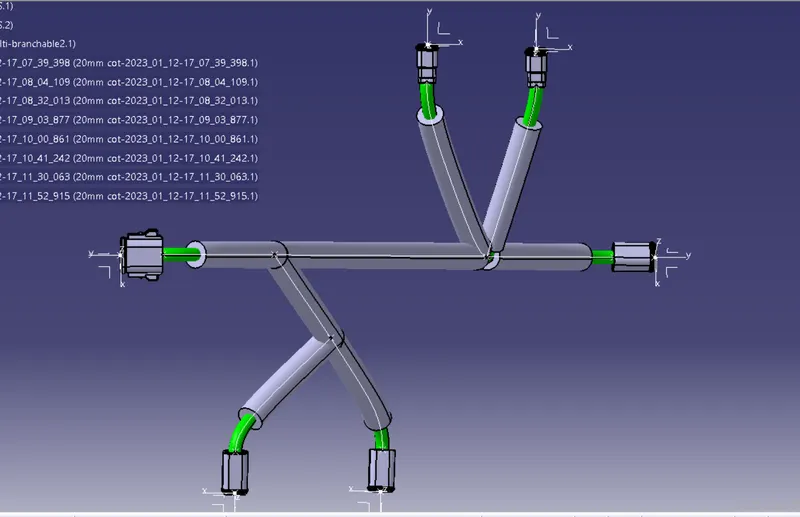
Thus the given harness layout was routed using the electrical workbench.