Wiring harness design in CATIA V5 - 3D modeling Week 4 Challenge
Downloading all the components required for the challenge. Namely,
- DT06-4S
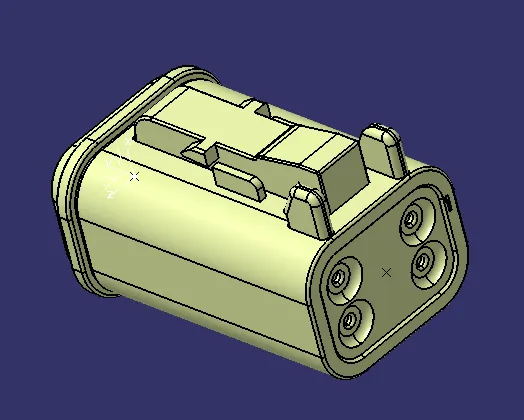
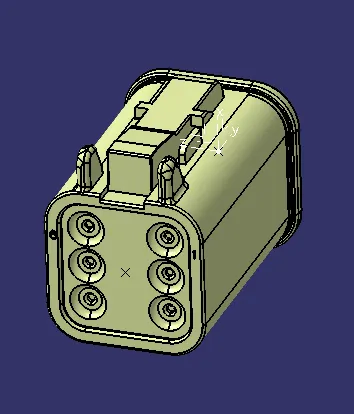
- DT06-6S
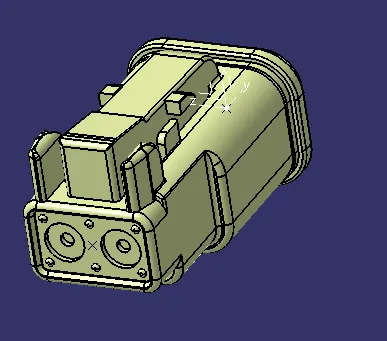
- DT06-2S
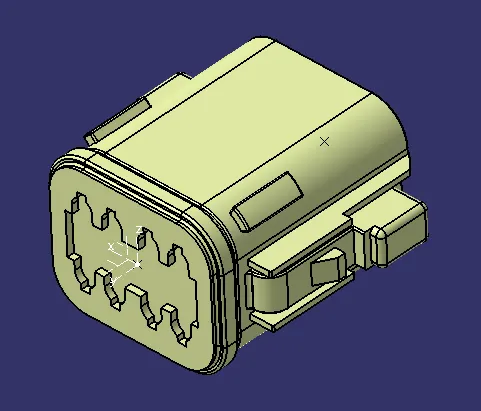
- DT06-08SA
STEPS FOR HARNESS ROUTING.
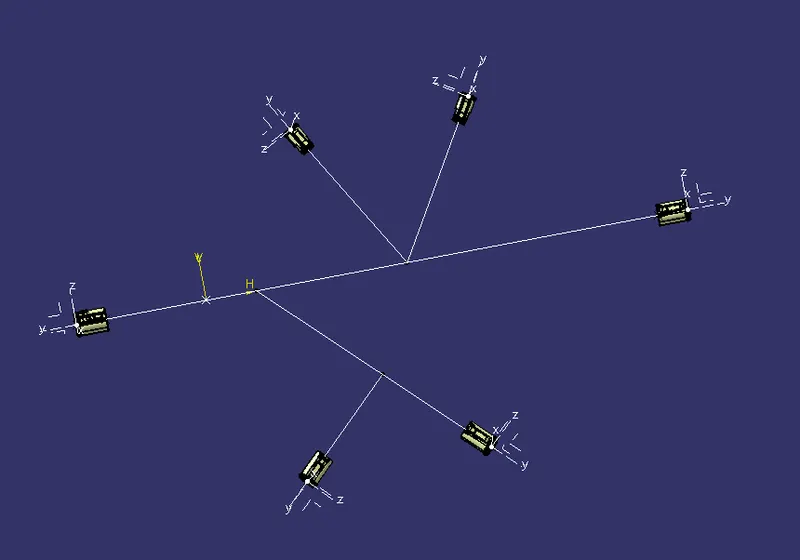
- Next step is defining all the connectors and Bundles in Electrical Part Design [EPD] using points and Axis for connector.
- Generate branches according to the dimensions given in the question and save it as CATPart.
- Import Branch file into the product file in Electrical Assembly Design [EAD].
- Use Snap option from Move Toolbar available in the Assembly Design Workbench [general] to align the components according to the question.
- Use compass to define the orientation of the components according to the diagram given in the question.
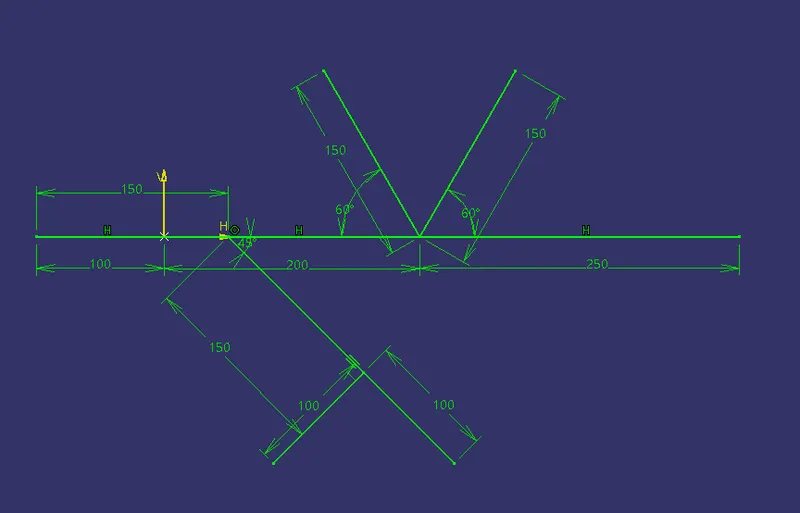
Alignment in Assembly Design Workbench.
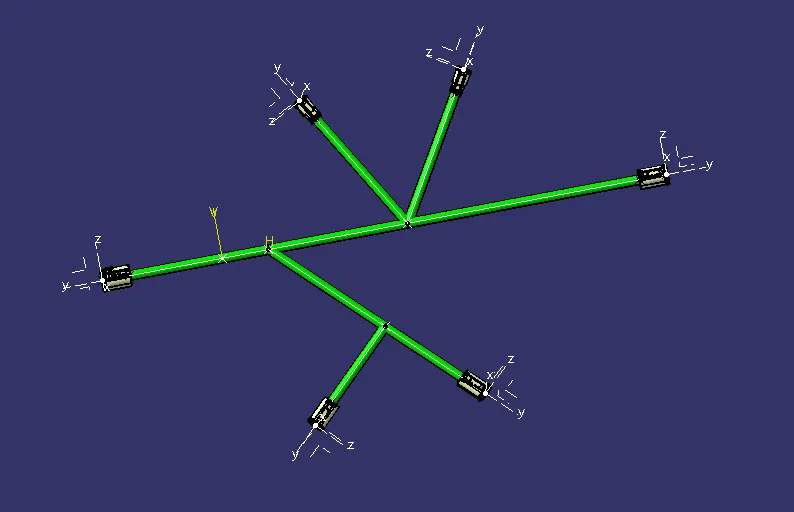
6.Create Multibranch Routing in Electrical Harness Installation with protective coverings. Here I made use of 15mm COT TUBE [available in the catalog] since the wire diameter for routing is 10mm.
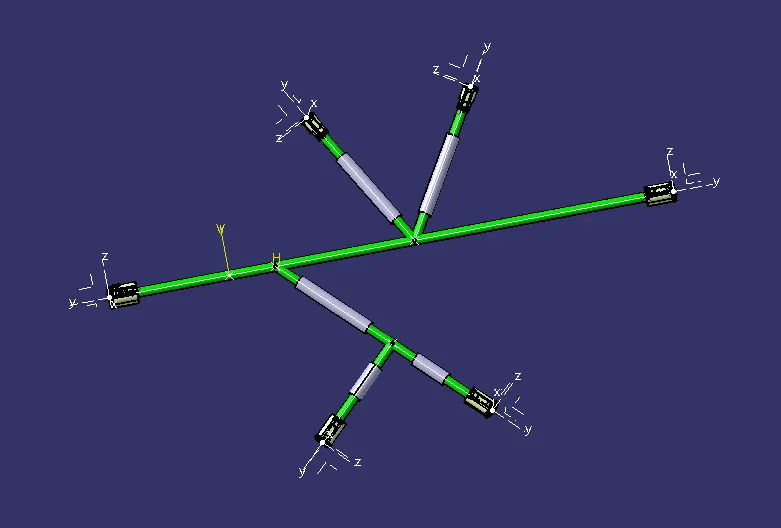
30mm gap is given for every COT Tube covering in both start and end points.