Wiring harness design in CATIA V5 - 3D modeling Week 4 Challenge
1.Fo the step first we have create one product file and added all 4 connectors reruired. we alredy assign the geometrical parameters to the connectors.
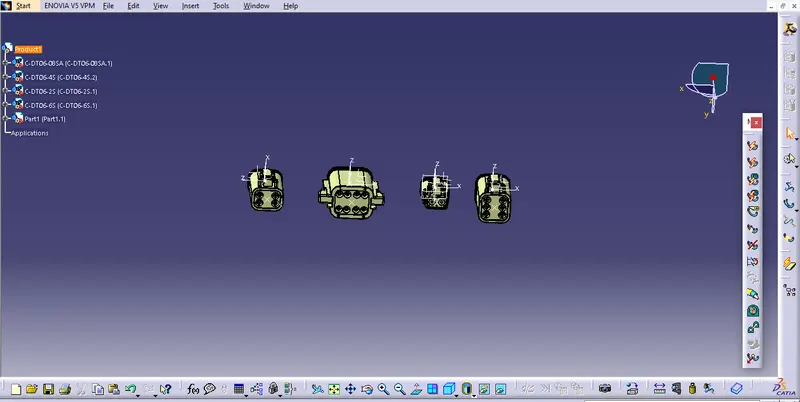
2.for next step we have to conver product file from mechanical to electrical . and need to check all components is electrically assign or not.we use command geometrical bundle for same .
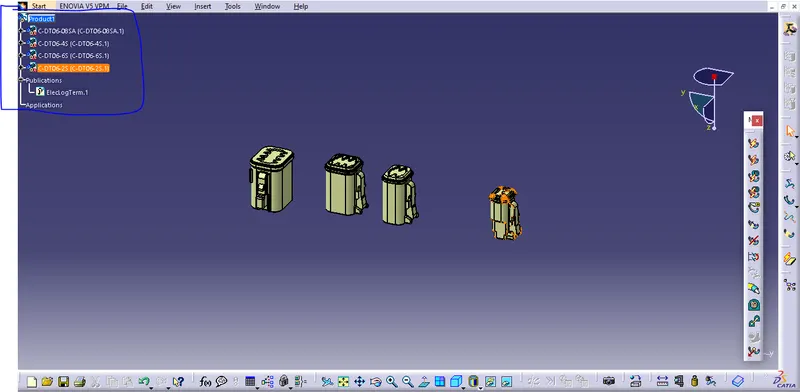
3.As per rewuirment we need 2 connectors of DT06-2S & DT06- 4S. So we will copy those connectors first .
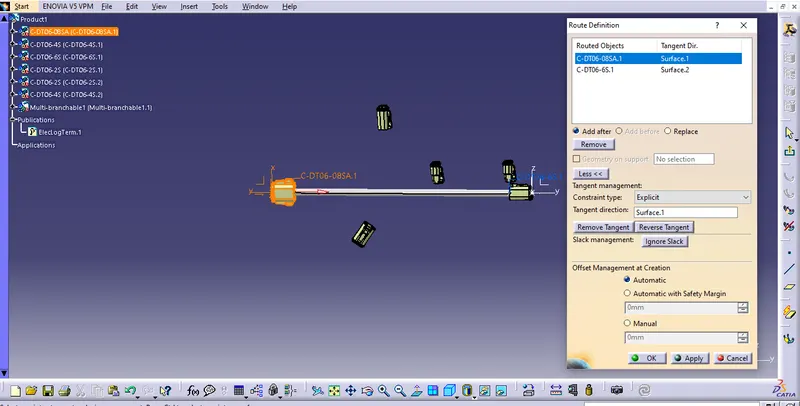
4.after the product having all required connectors . open product file into electrical assembly workbench . using command Route defination we need to create the bundle betweenselected conectors.using same command we will create bundle for all connectors as per given diagram
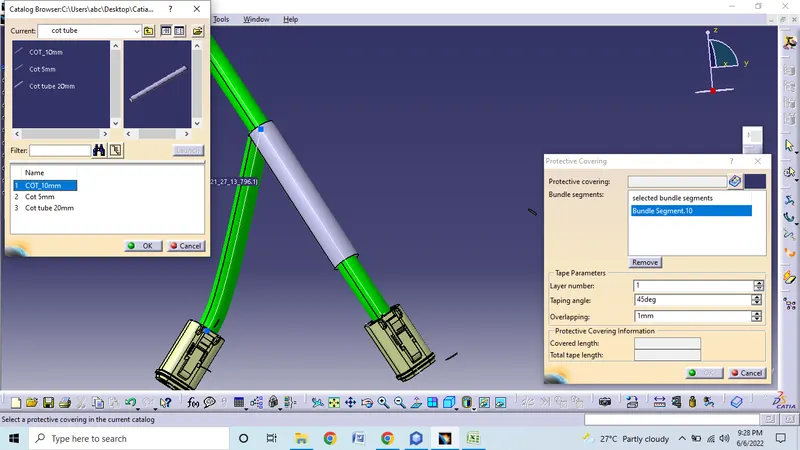
5. after the connectors of bundle to every connector we will create the protection covering for all branches of connector DT06-2S & 4S. so command protection covering will use
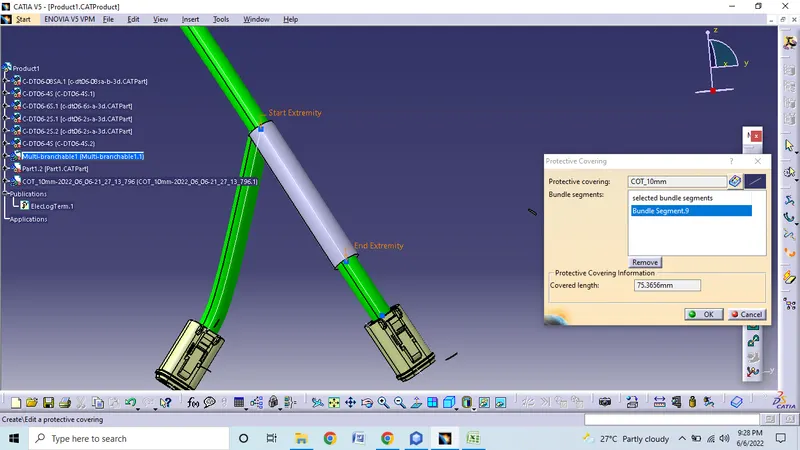
6. same proess need to repeat for the all required branche. then we need to give 30mm end extremity from connector end.