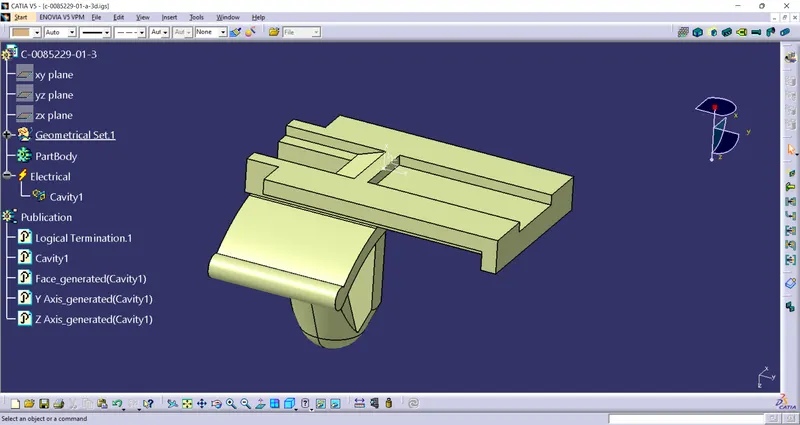
Wiring harness design in CATIA V5 - 3D modeling Week 2 Challlenge
Procedure For defining connectors:
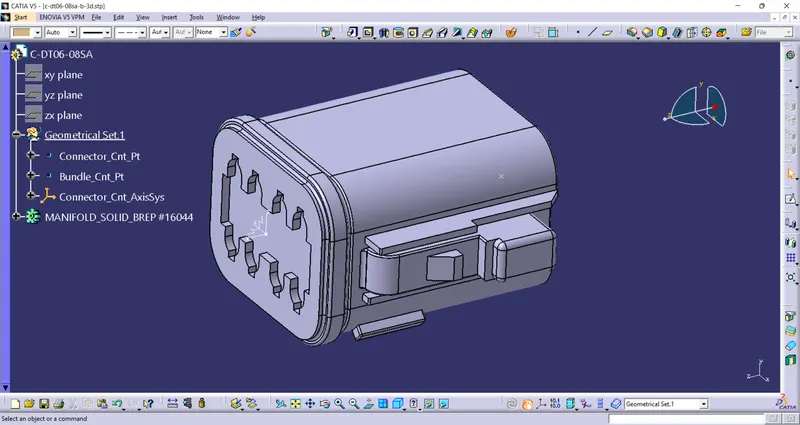
1. Import the CAD Model into the part design workbench in Catia V5.
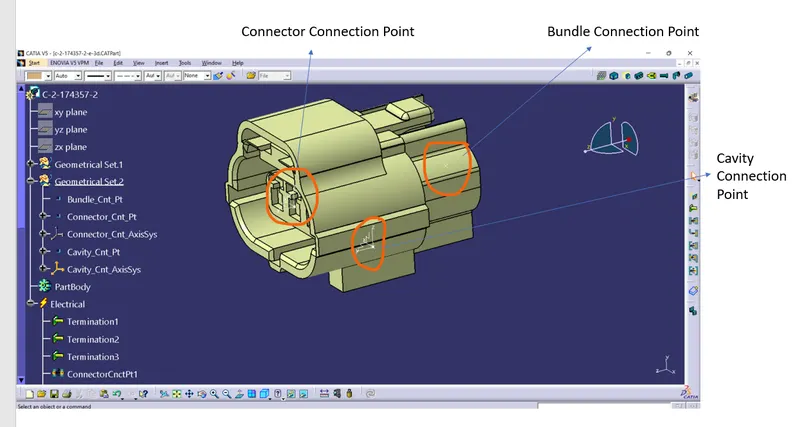
2. Create a point in the middle of the bundle and connector sides.
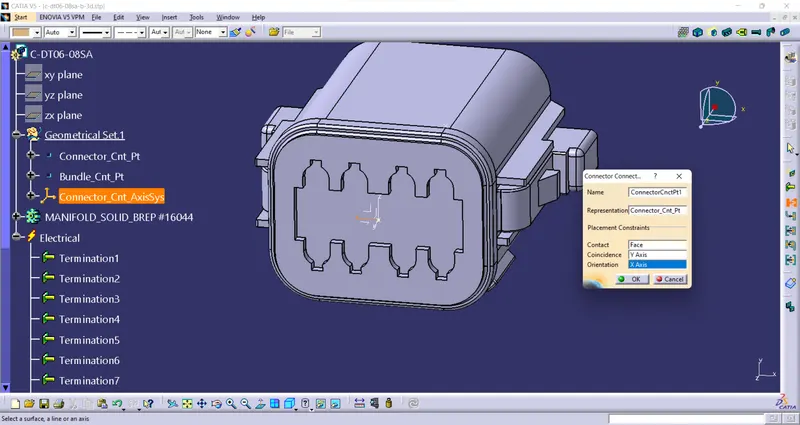
3. Create an Axis system in the Connector side with y Axis projecting normal towards the connection face.
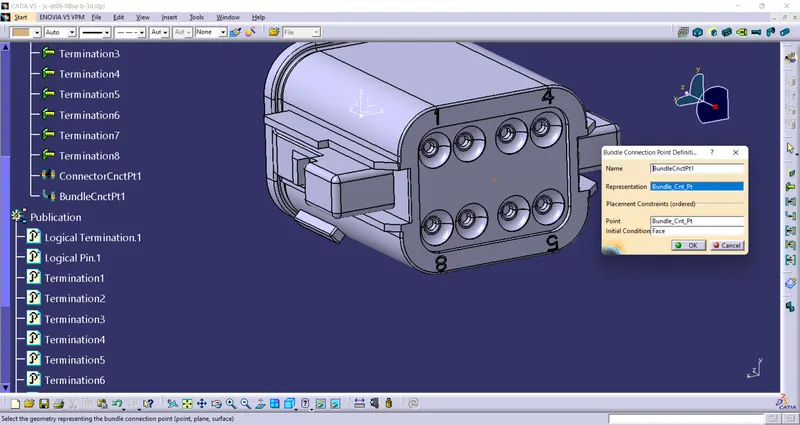
4. Now Switch to the Electrical part design workbench, Define the CAD model as a Connector with a number of terminations.
5. Then, Define Connector Connection, Bundle Connection, and Cavity Connection Point.
Procedure For defining Mounting Clips:
1. Import the CAD Model into the part design workbench in Catia V5.
2. Create a point and axis system in the Mounting clip assembly area.
3. Define the part as the Mounting area and define it as the Cavity.