Wiring harness design in CATIA V5 - 3D modeling Week 2 Challenge
1. Download the relevant connector files from respective links provided based on the file format.
2. Open individual part document to access the surface data.
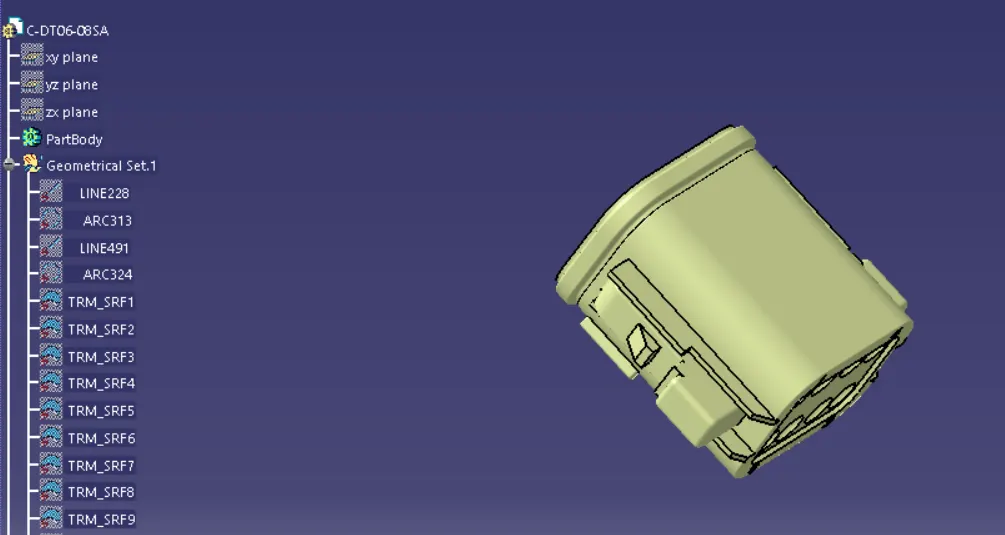
3. Use heal option from genrative shape design and create a join for individual connector's.
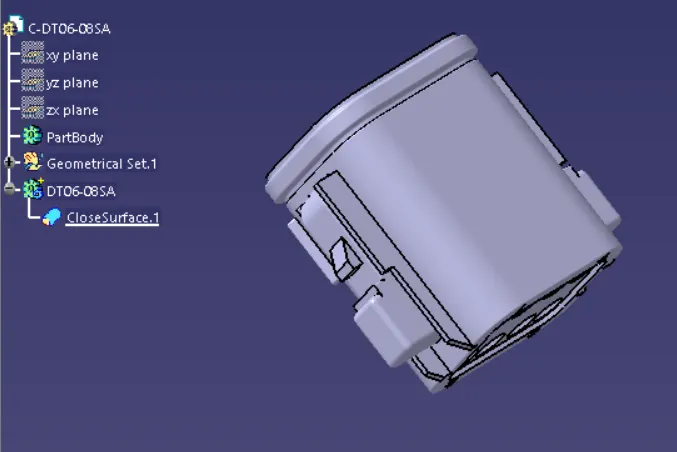
4. Create a body and save the file in desired location.
5. Create a Catalog for the respective connectors.
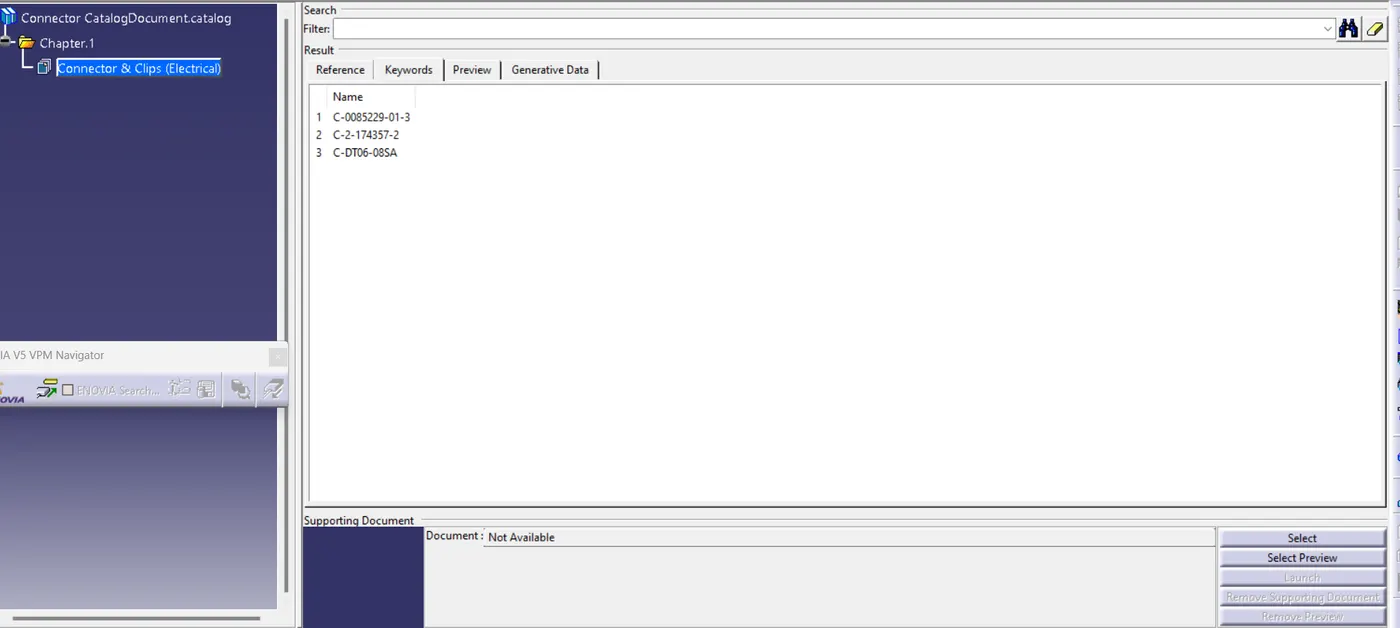
6. Access the connectors from the genrated catalog for futur use.
Defining the properties of a connector
Consider the explanation for DT06-08SA connector
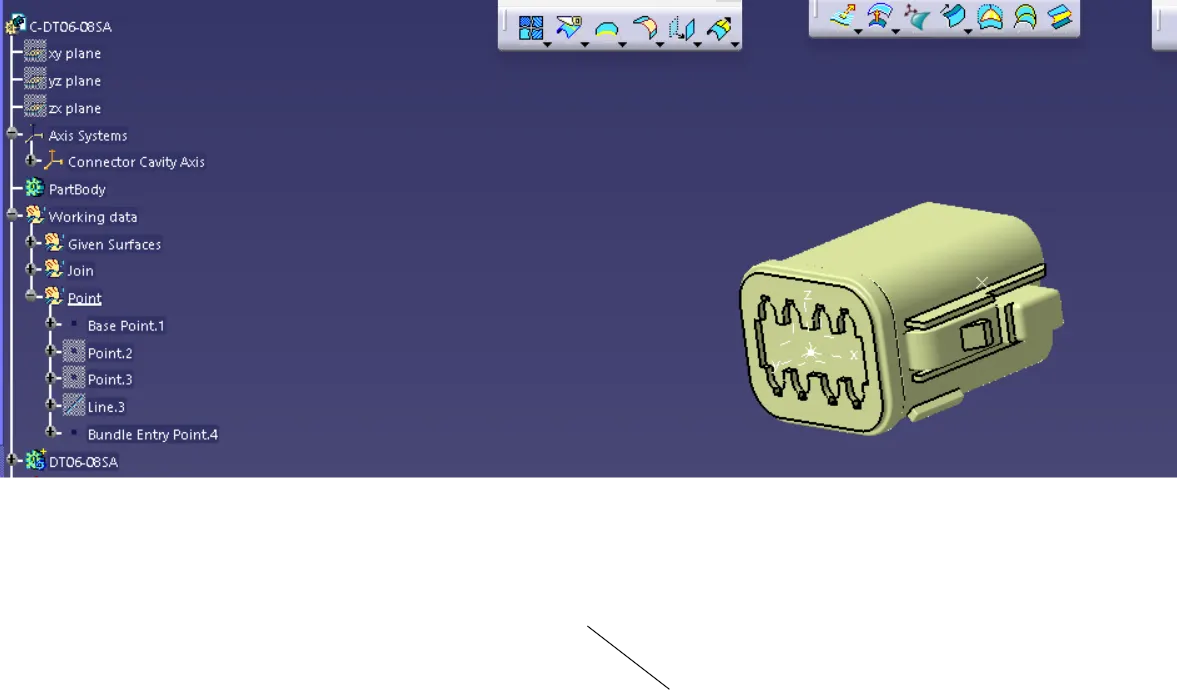
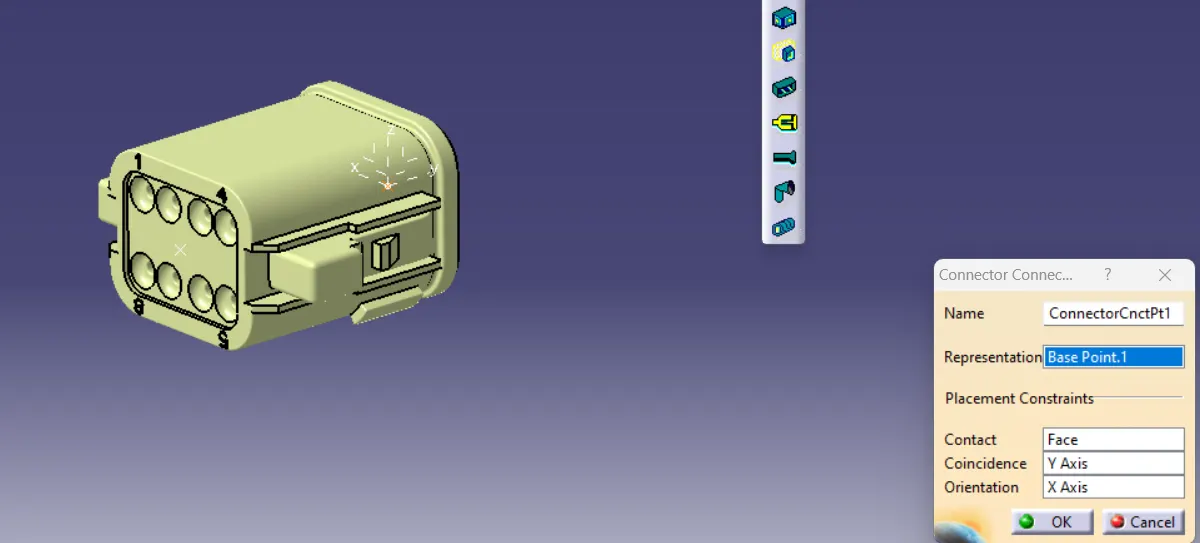
First place the base point on the front face of the connector to create the Connector Cavity Axis.
Ensure the X axis is pointing to the locking mechanism side of the connector.
Ensure Y axis is pointing towards the male side of the harness.
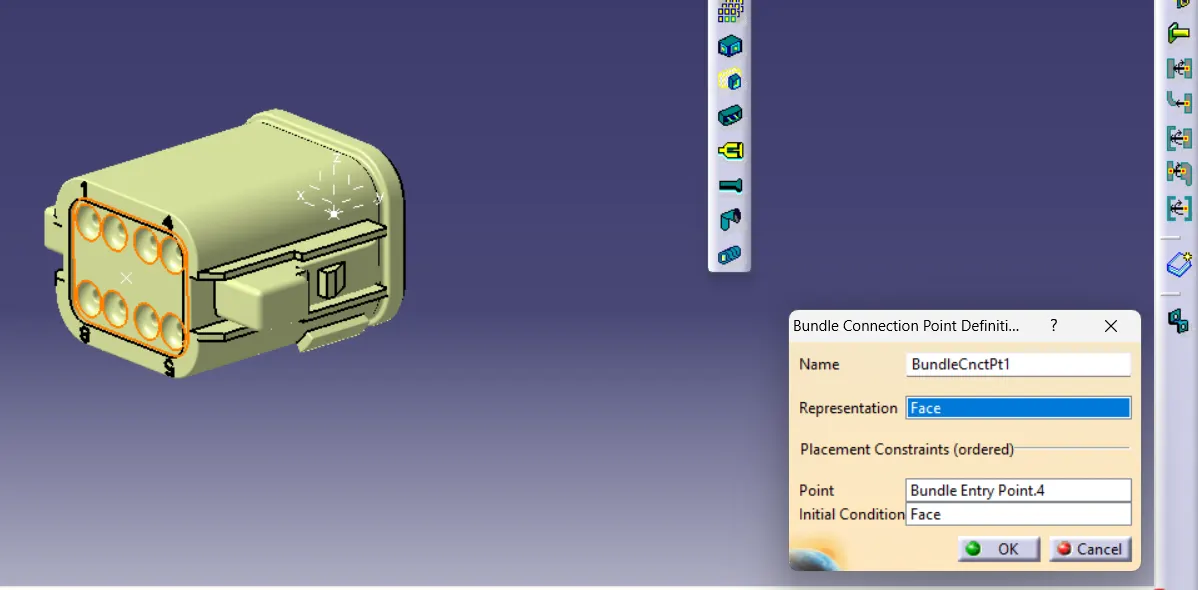
Create the Bundle entry point on the back face of the connector.
Switch to Electrical part design for defining the properties of the connector.
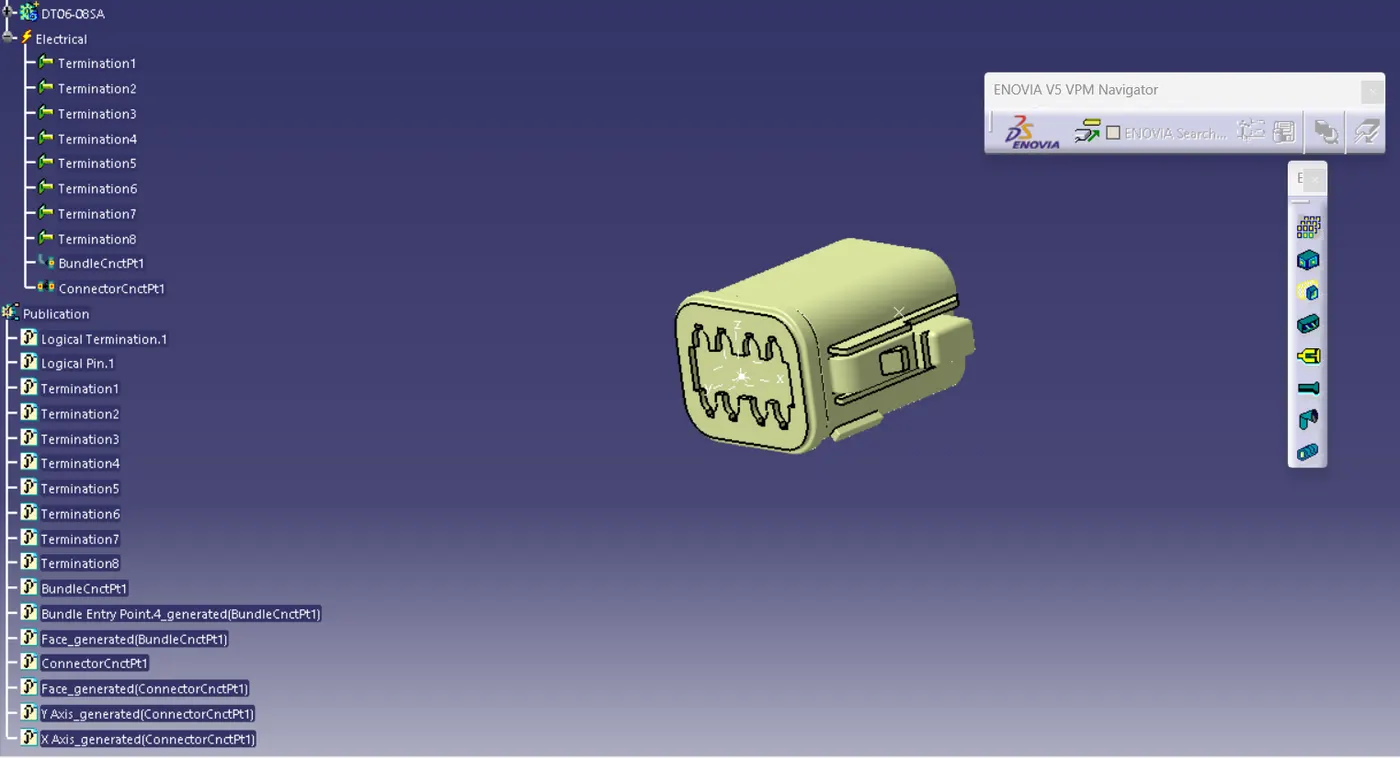
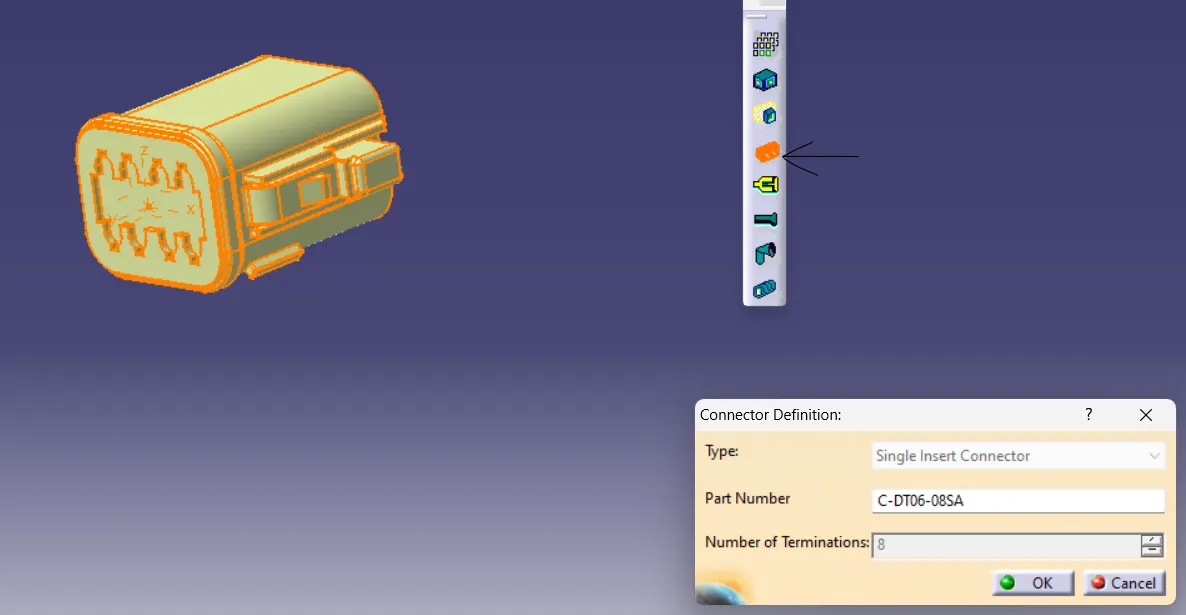
First define the part as a connector by selecting the define connector option.
Define the bundle connection point
Define connector connection point
Lastly define connector cavity connection point.