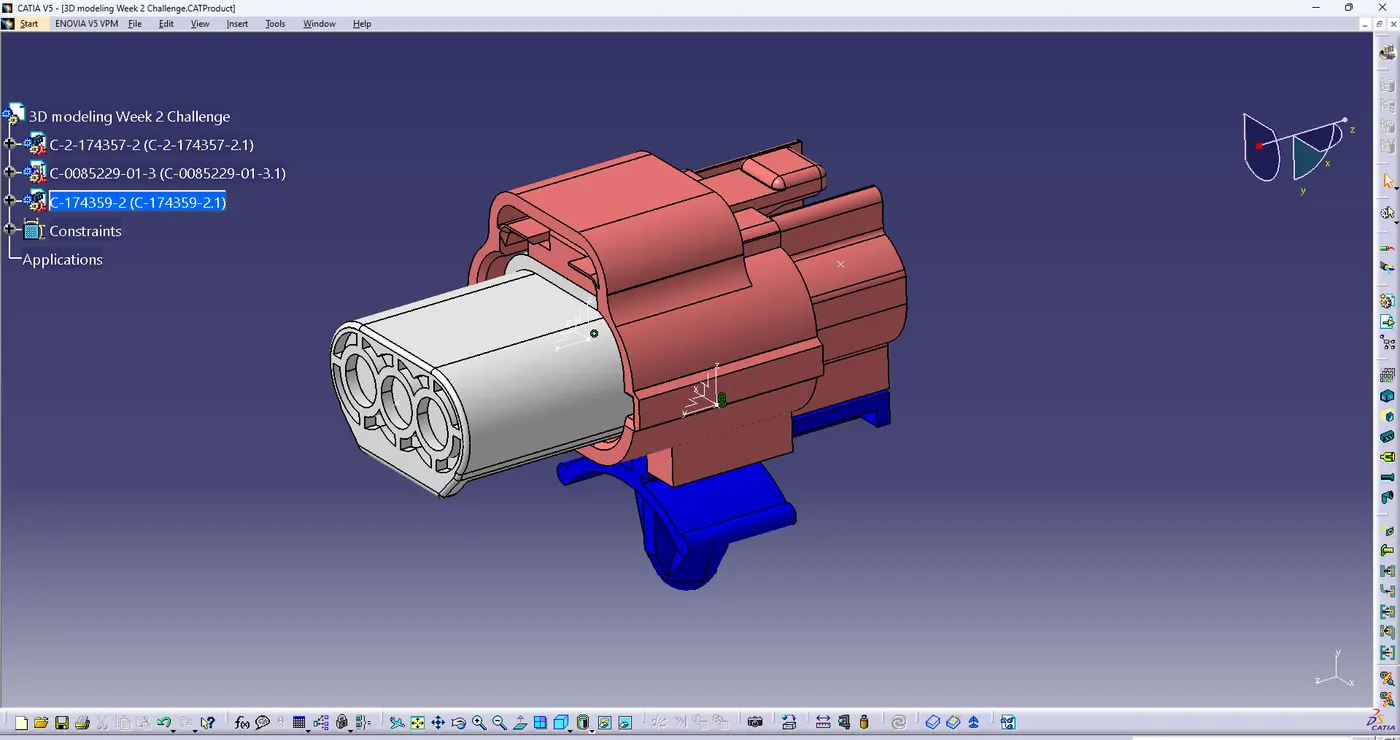
Wiring harness design in CATIA V5 - 3D modeling Week 2 Challenge
3D modeling Week 2 Challenge
- 1st download steps files from given link in this challenge
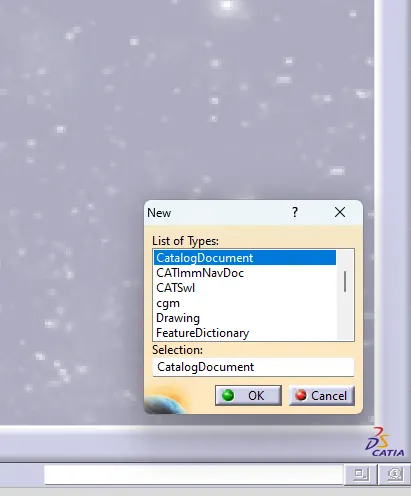
after create catalog so insert new> select catalog document >then ok
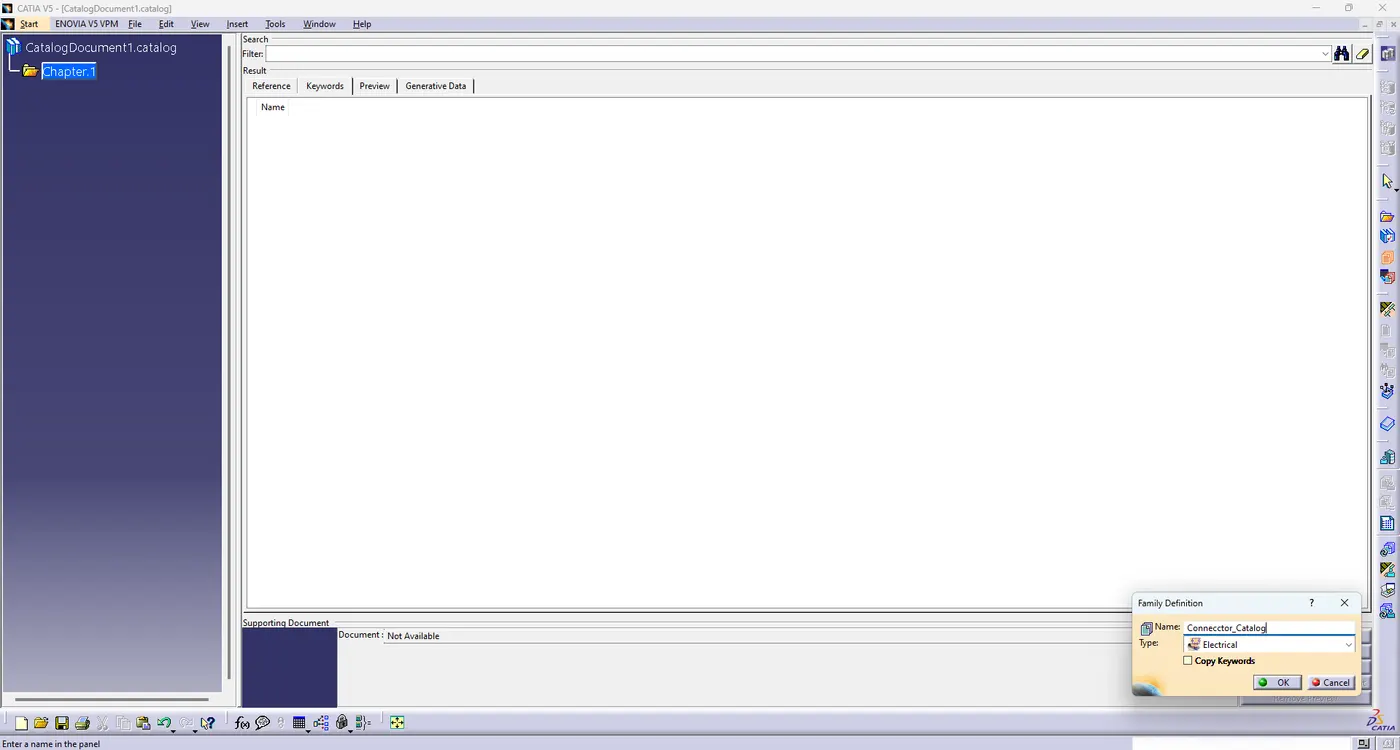
- after open catalog window >select Add Family icon option > give file name > select electrical type >ok
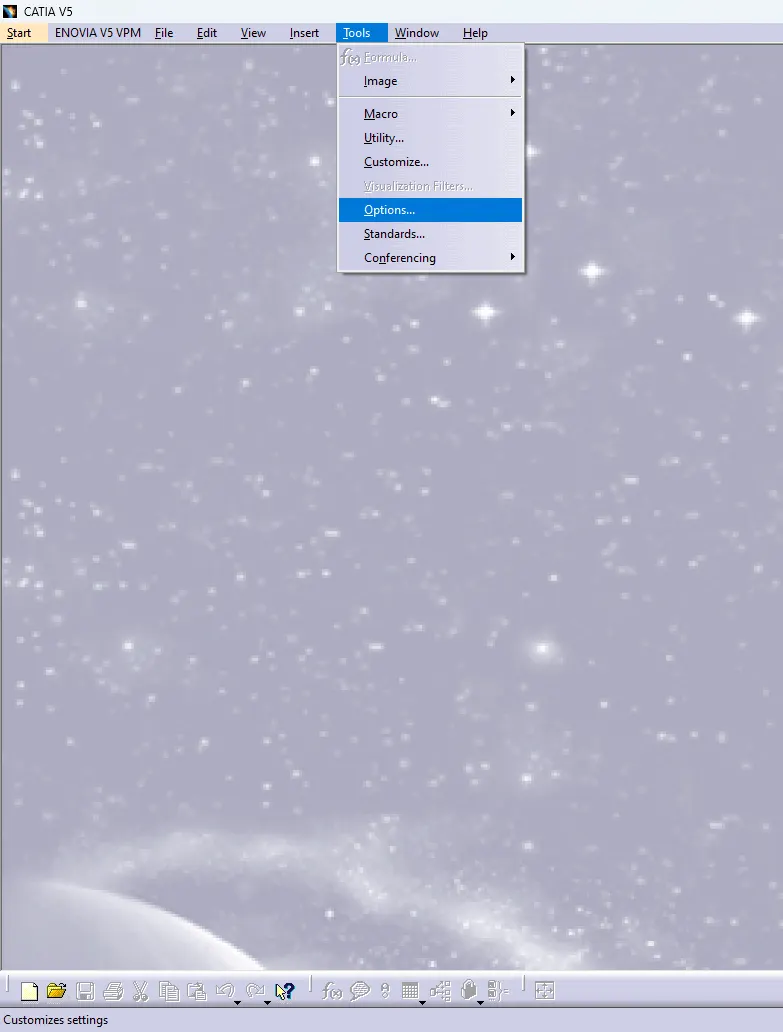
- go to tools > options> select Equipment & system> select electrical mapping > Add catalog file >then ok
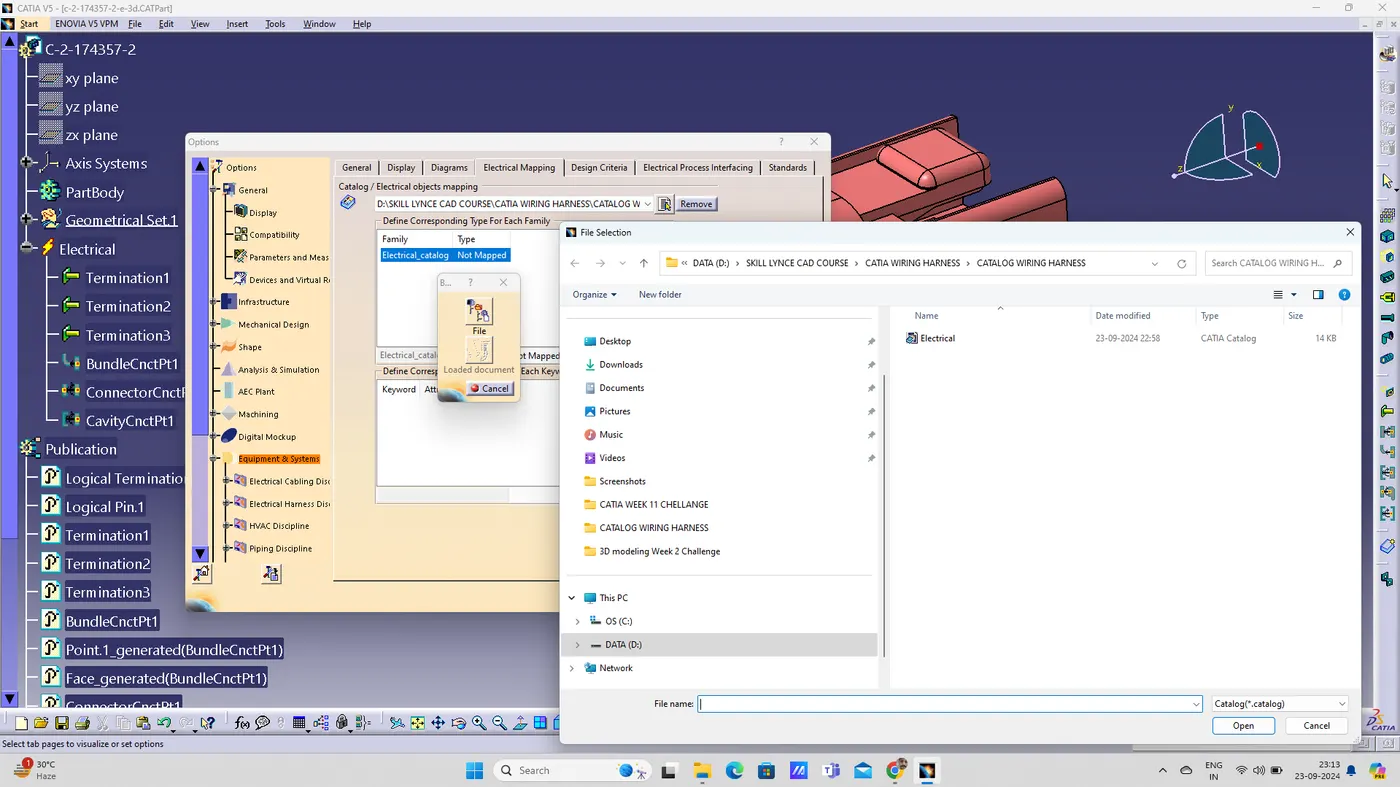
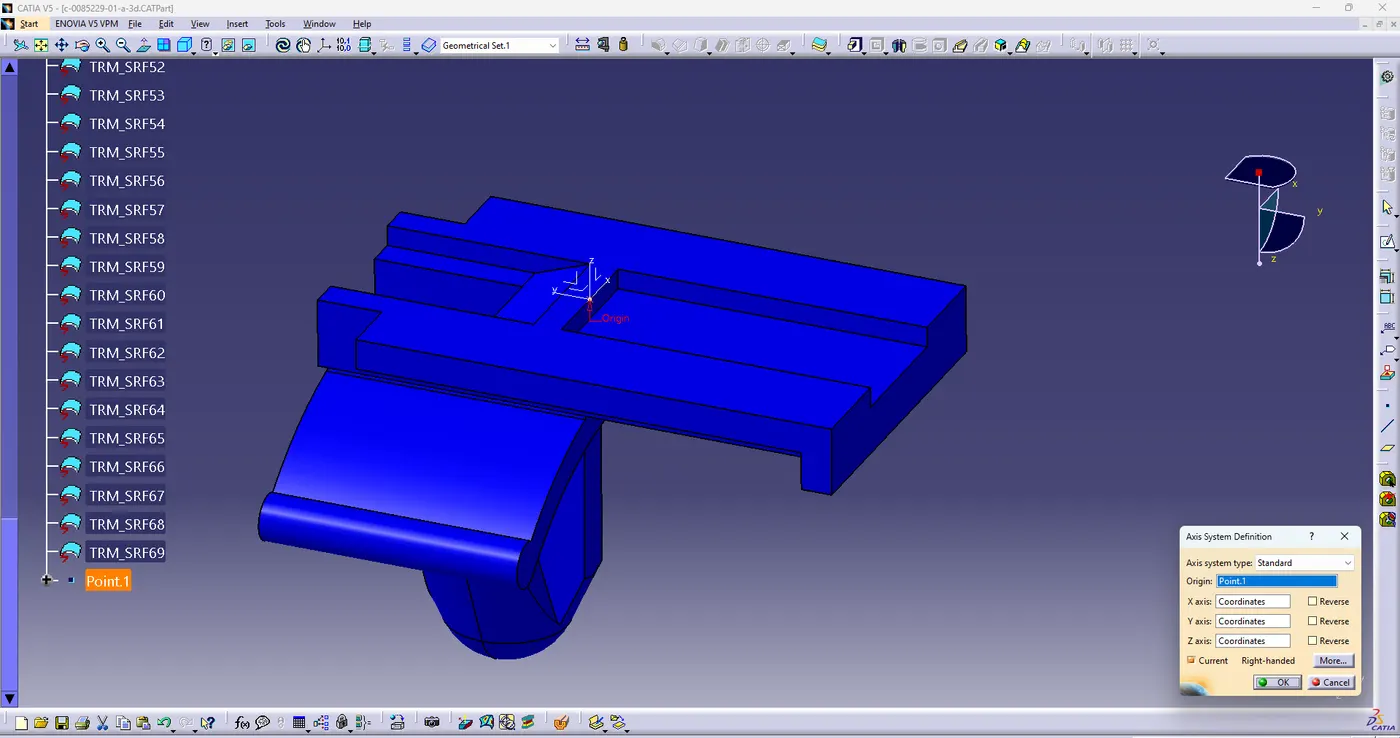
- create points and axis of all parts , after select store device to store all parts in catalog.
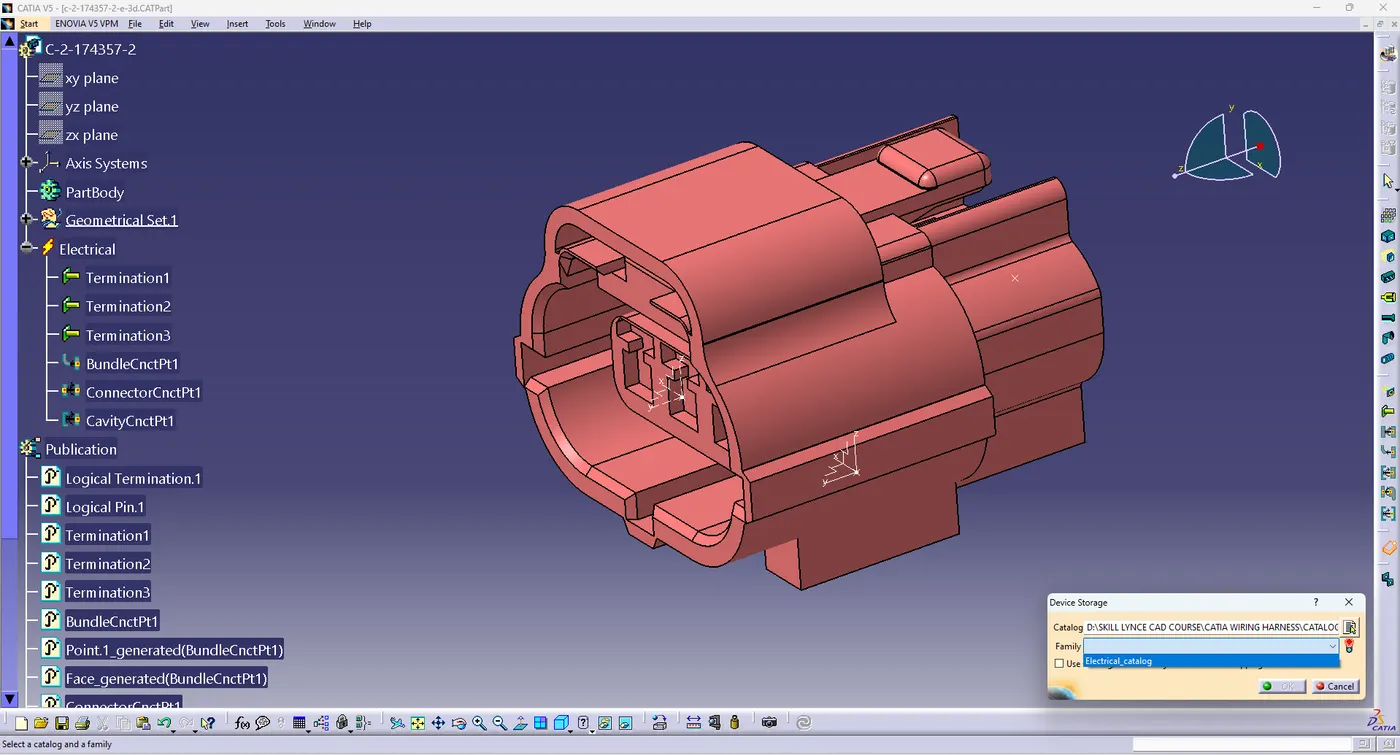
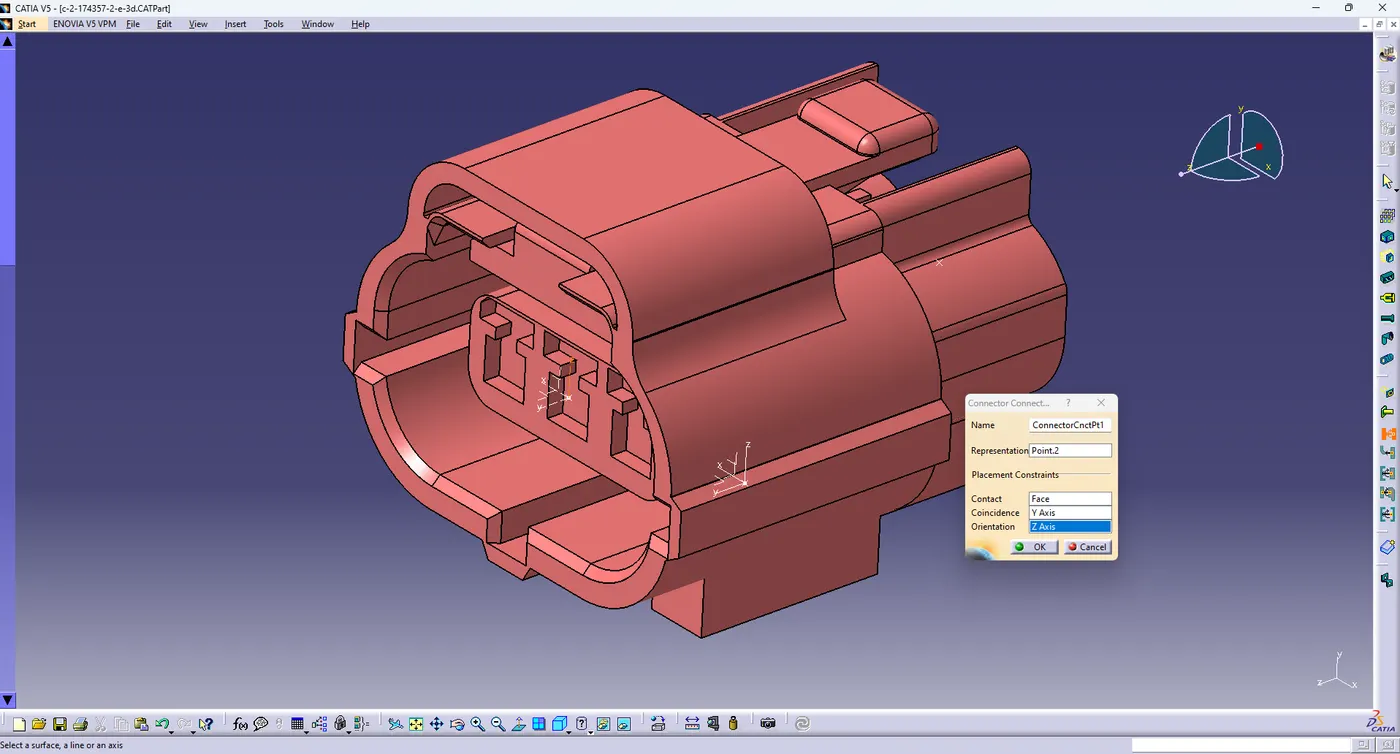
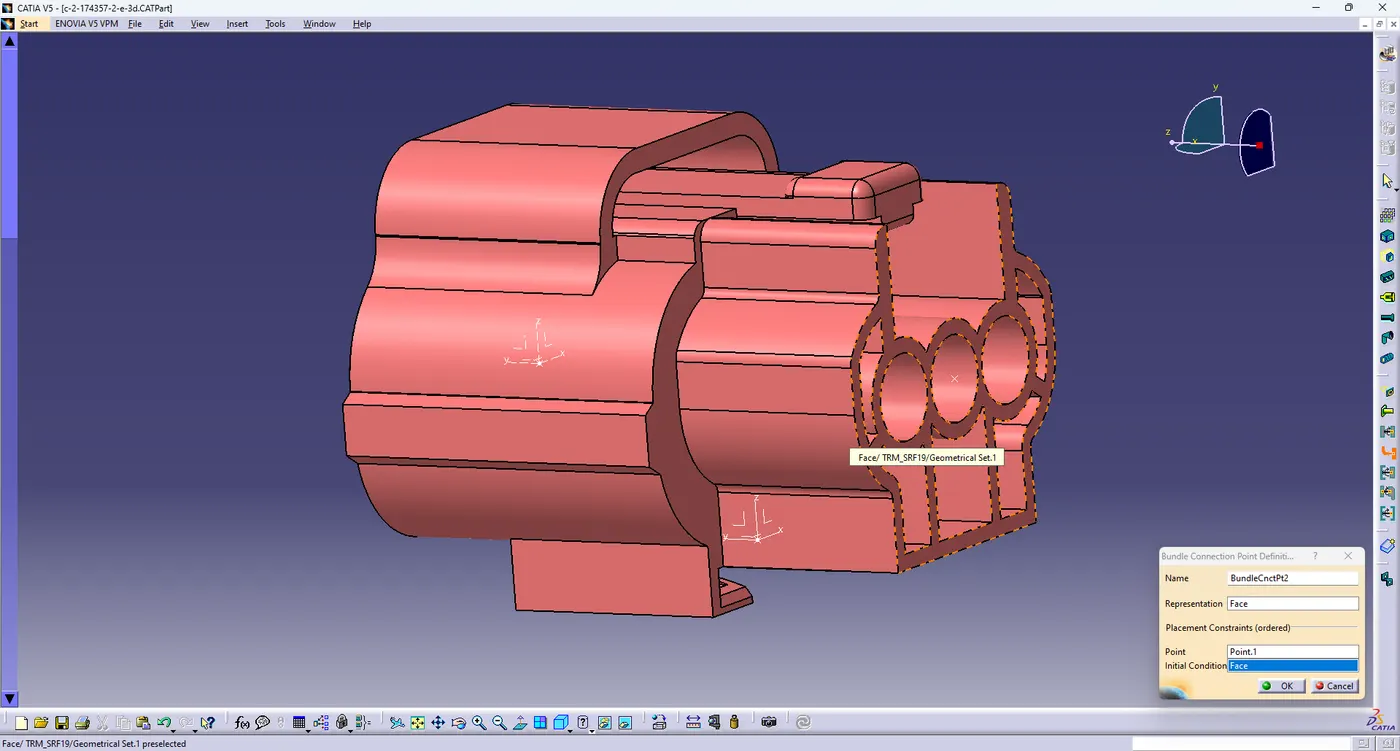
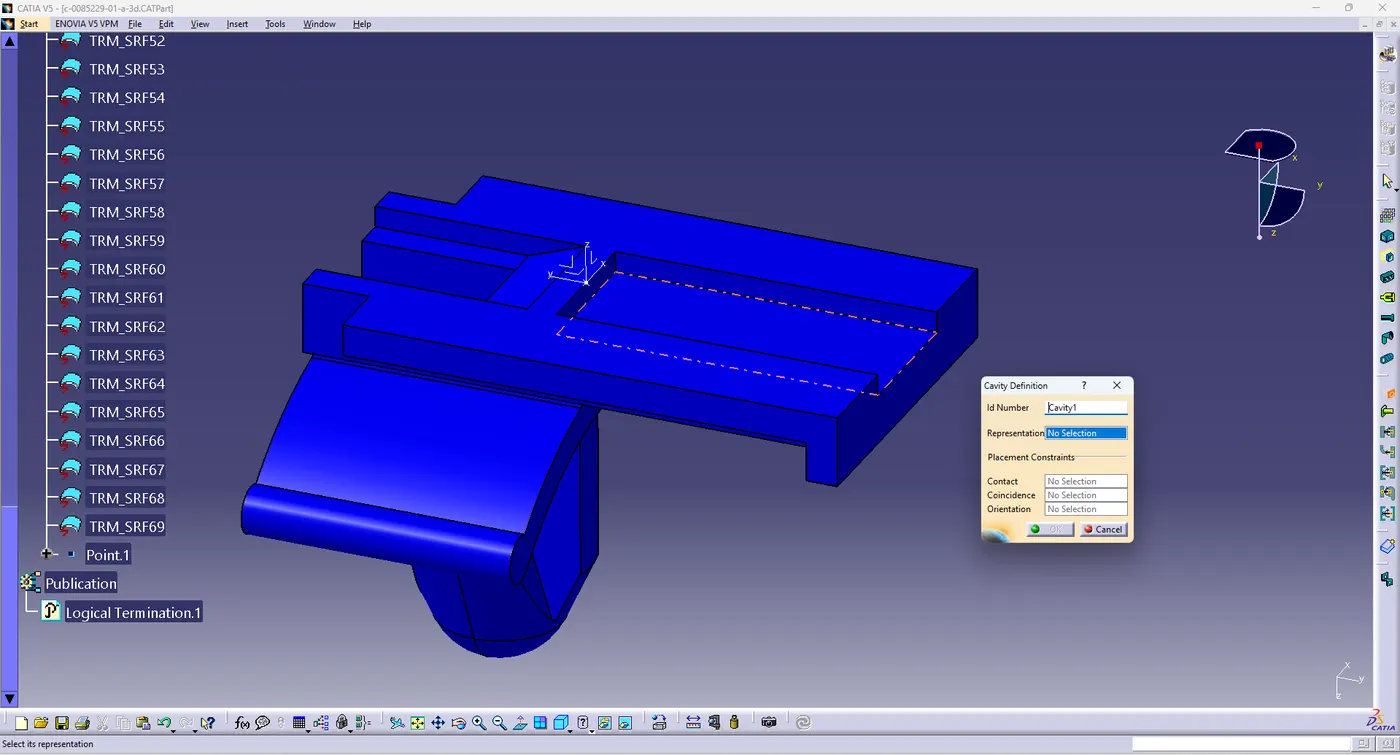
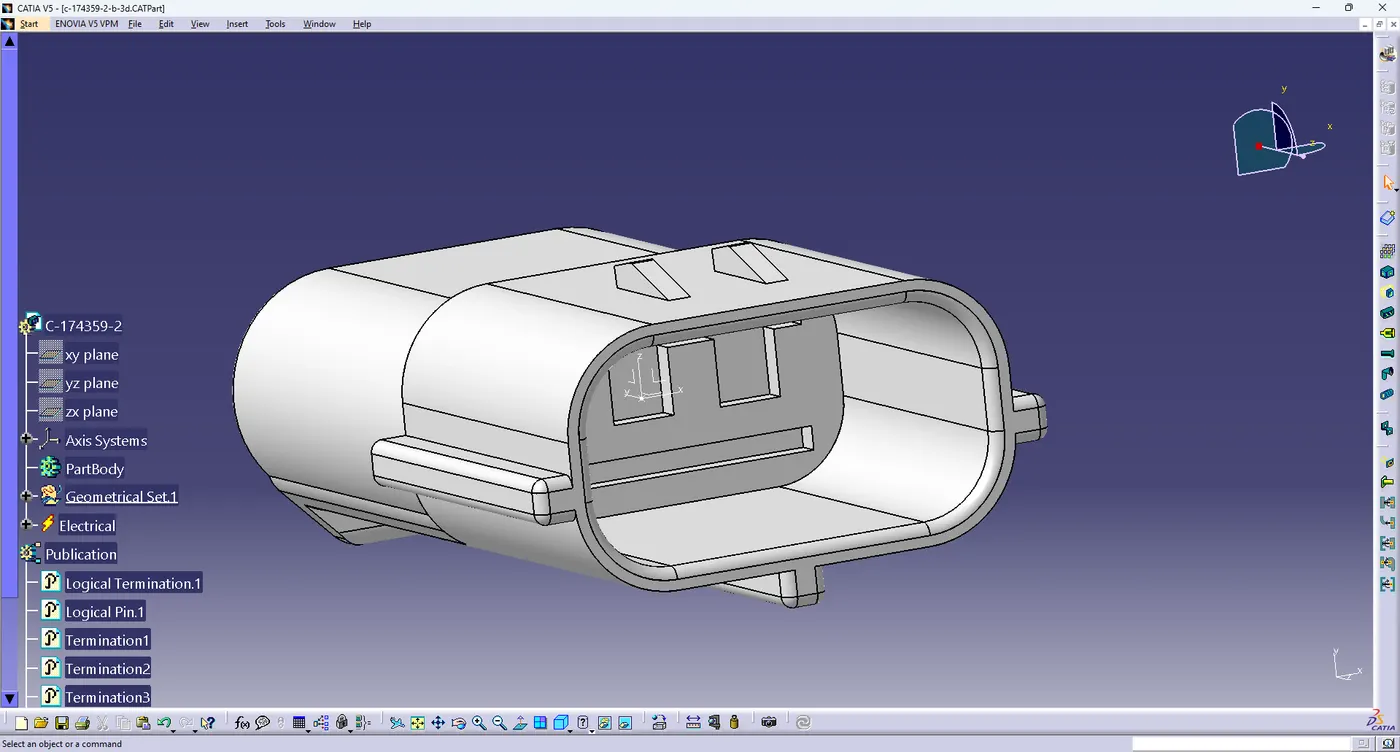
- in this challenge some commands use like define mounting equipment, define connectors, define connector connection points , define bundle connection points, define cavity connection point,

- select electrical assembly design
- all parts insert by copy past method
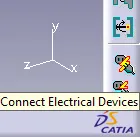
- use connect electrical device command