Wiring harness design in CATIA V5 - 3D modeling Week 2 Challenge
Q1. Download following connectors & Connector clip cad data from given link & define it as Electrical Connector using Electrical Part design Workbench. Define all the necessary properties to Connectors & Clip.
Ans :
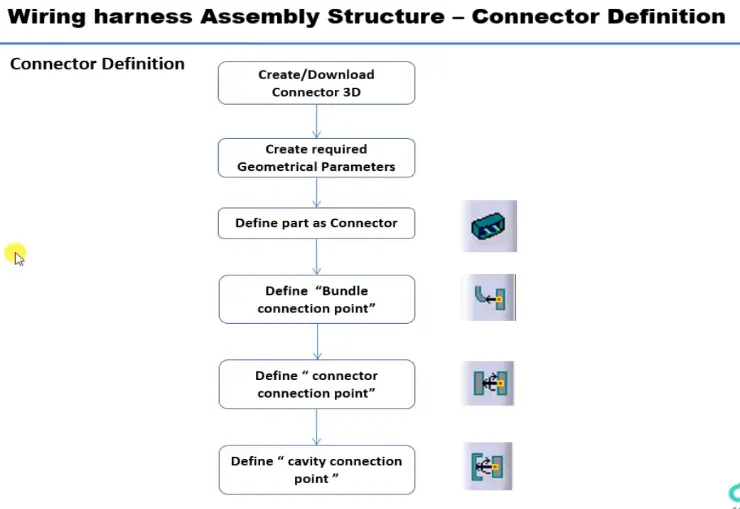
In this challenge we need to follow the below process after downloading zip files and extracting it .
- First we need to create a center point .
- Then we need to create a axis system using the point.
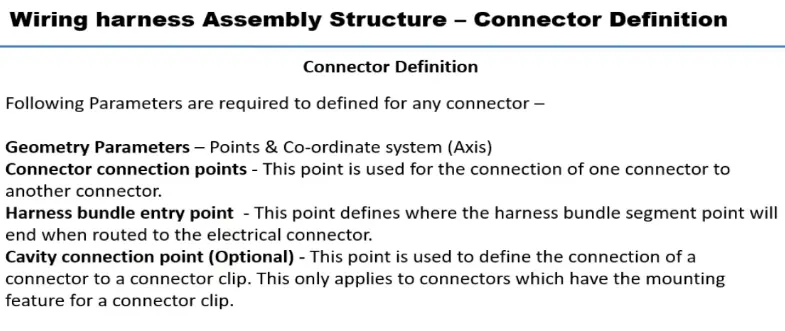
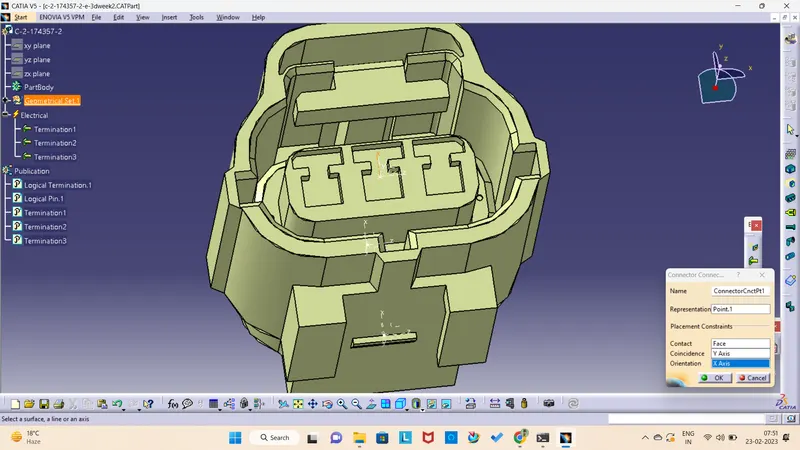
- Then we need to define as a connector and connector connection point.
- After that we have to create a point and axis system for bundle connection point.
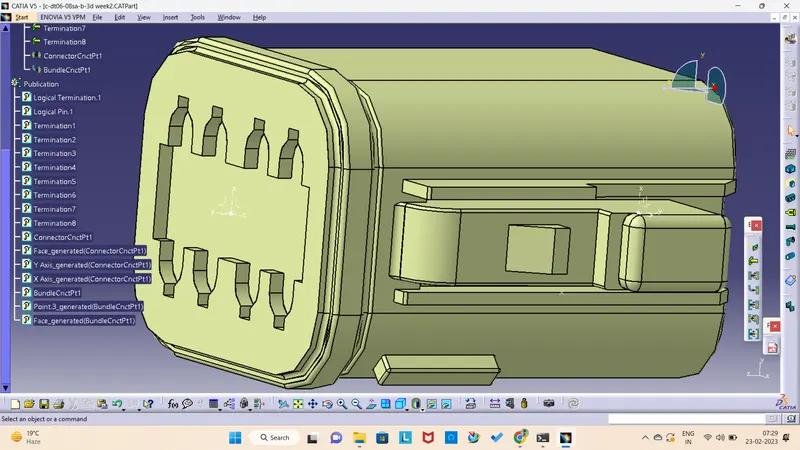
1.Deutsch DT06 – 08SA
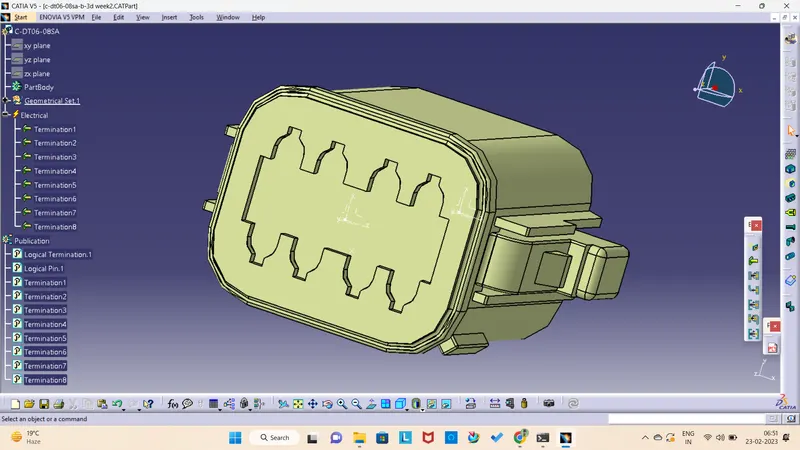
After downloading the zipfile from Tyco connector zip file and extracting , i have created a axis system and defined as a connector.
Connector connection point :
Bundle connection point
Here i have created a center point and axis system for creating a bundle connection point.
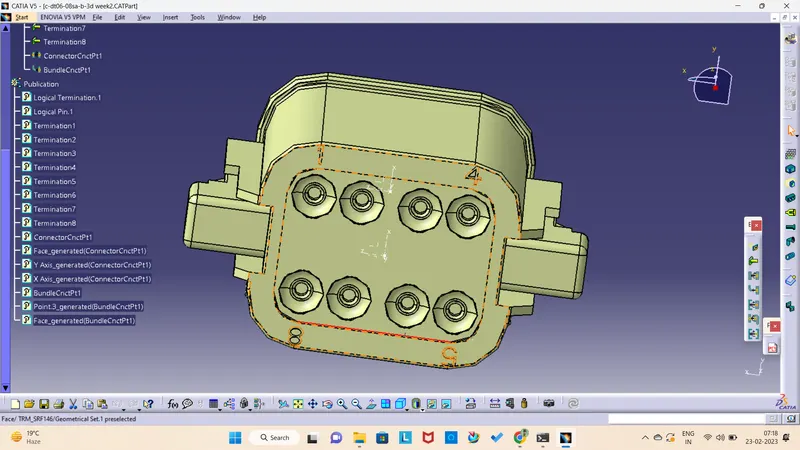
Electrical connector :
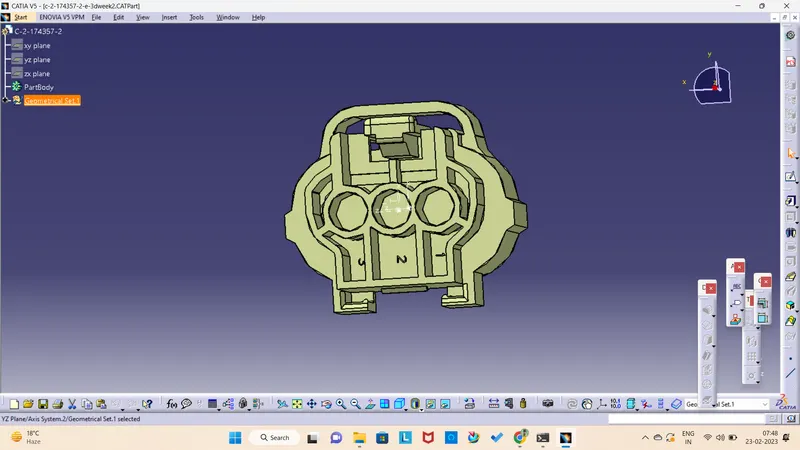
Tyco 174357-2 :
Creating point and Axis system
Creating connector connection point :
Creating Bundle connection point :
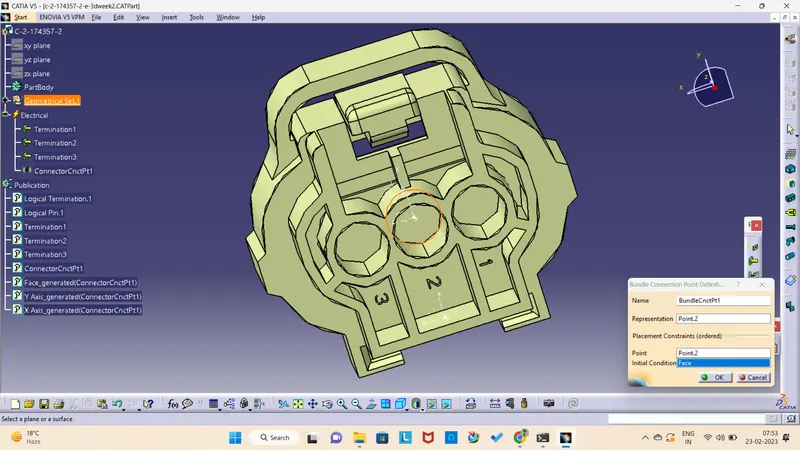
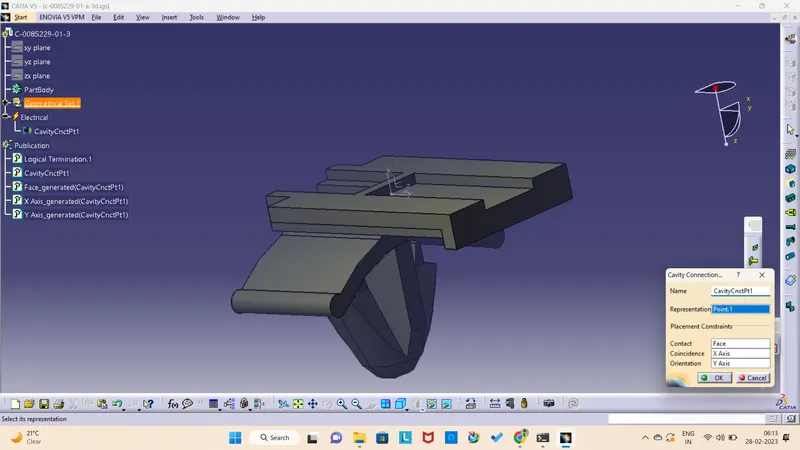
Creating Cavity connection point :
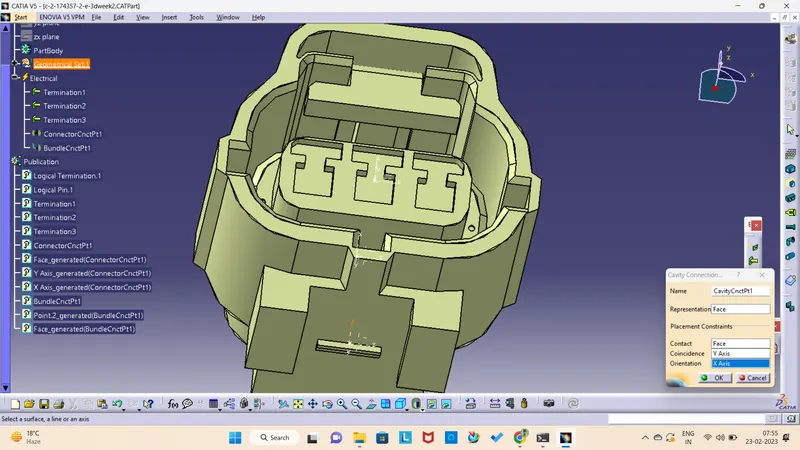
Electrical connector definition :
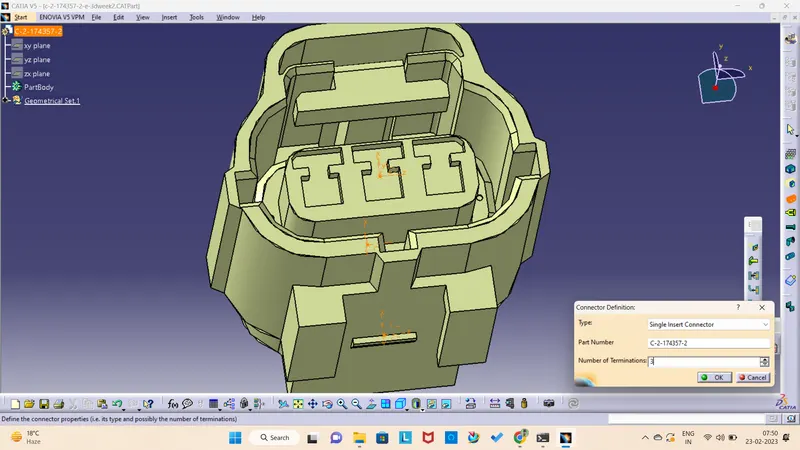
Tyco 85229-1 :
Creating a point definition :
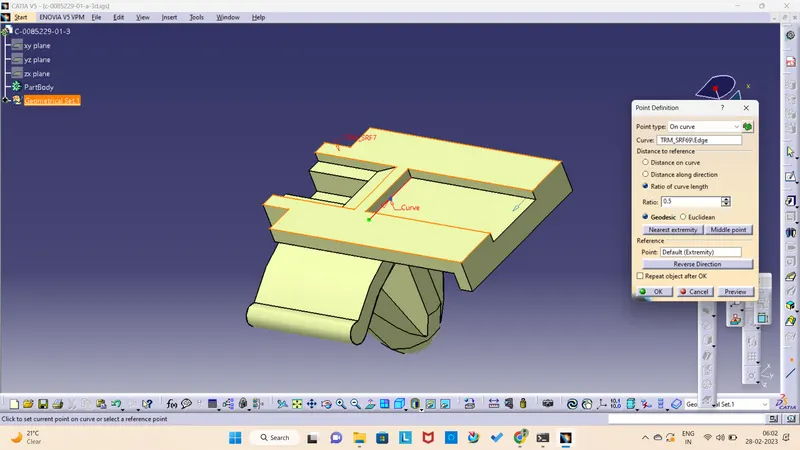
Axis system definition :
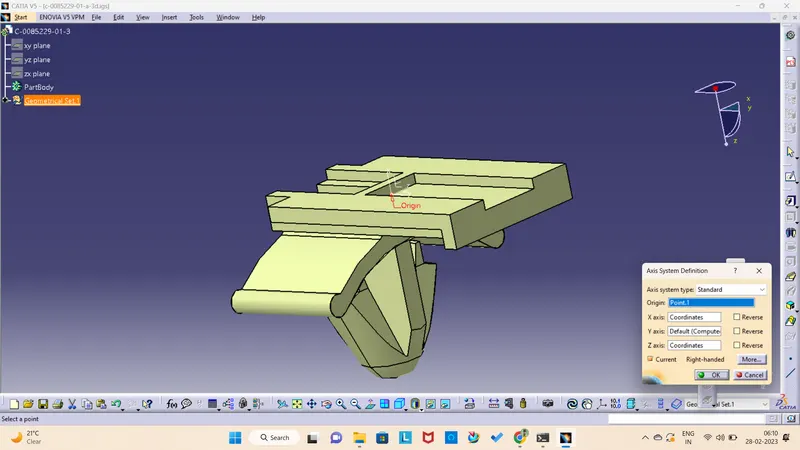
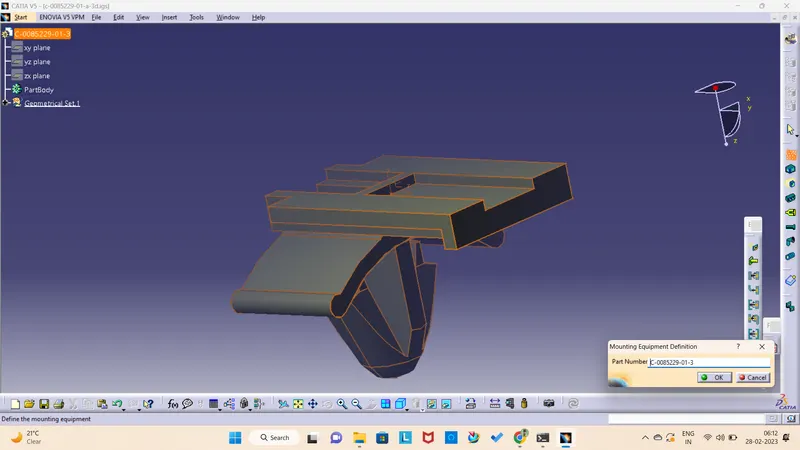
Mounting Equipment definition :
Cavity connection point :