Wiring harness design in CATIA V5 - 3D modeling Week 2 Challenge
Wiring harness design in CATIA V5 - 3D modeling Week 2 Challenge
Aim:-
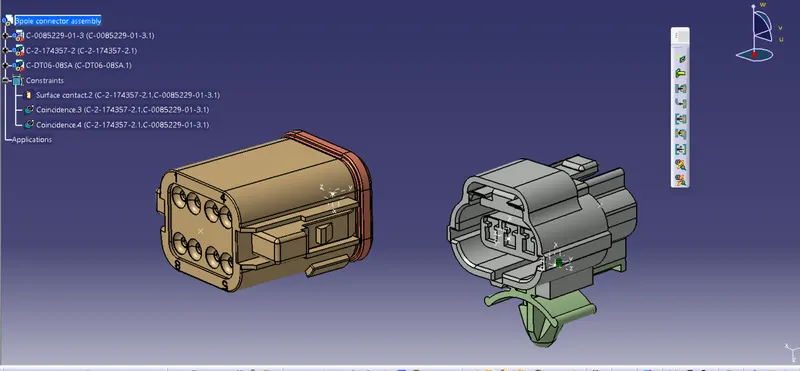
Download following connectors & Connector clip cad data from given link & define it as Electrical Connector using Electrical Part design Workbench. Define all the necessary properties to Connectors & Clip.
- Deutsch DT06 – 08SA ( https://www.te.com/usa-en/product-DT06-08SA.html)
- Tyco 174357-2 (https://www.te.com/usa-en/product-2-174357-2.html?source=header-match)
- Tyco 85229-1 – (https://www.te.com/usa-en/product-85229-1.html?q=85229&source=header)
Objective :-
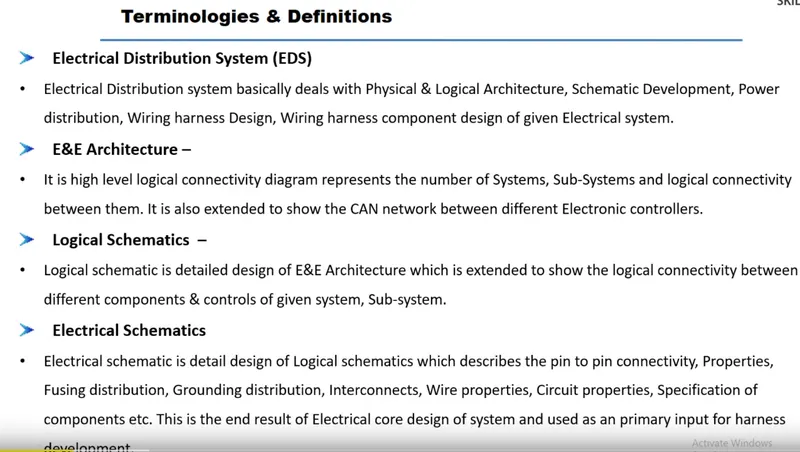
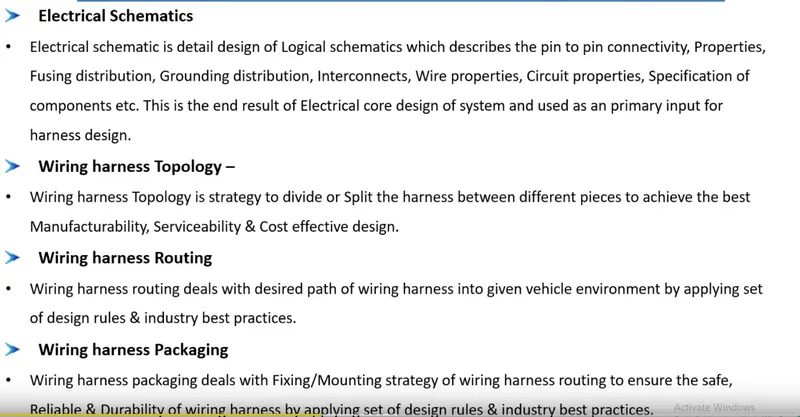
Introduction to wiring harness :-
 `
`
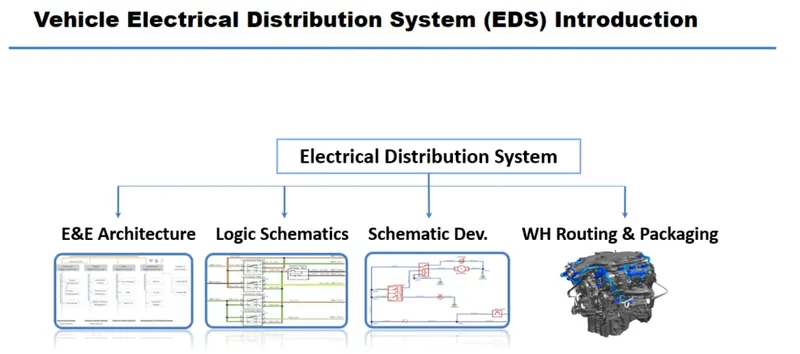
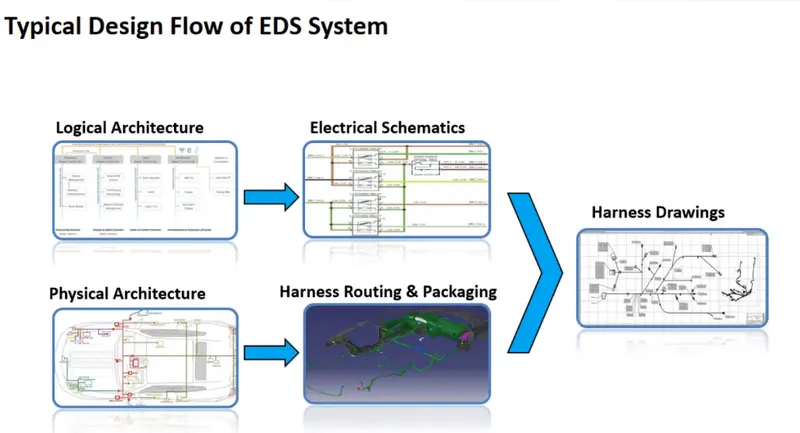
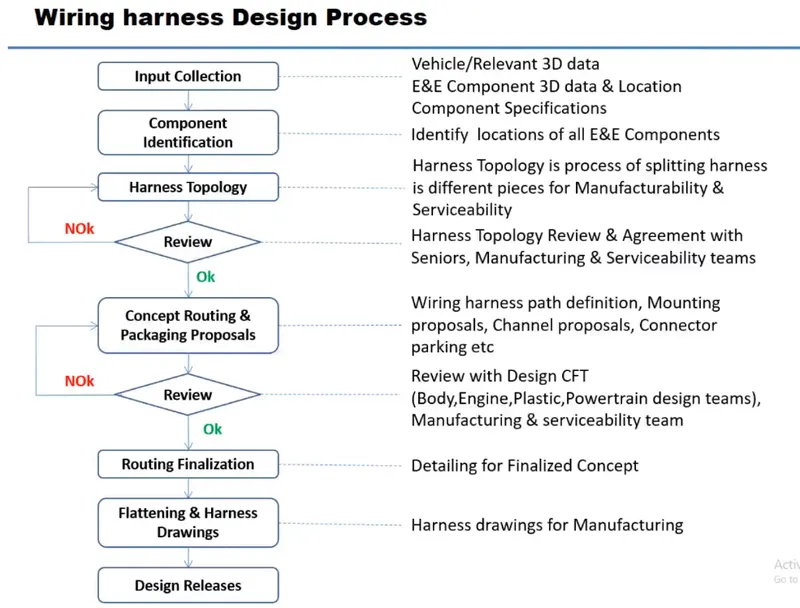
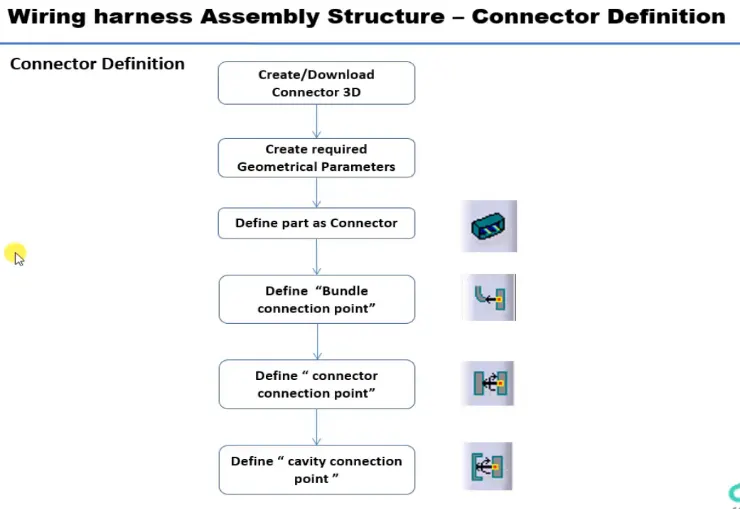
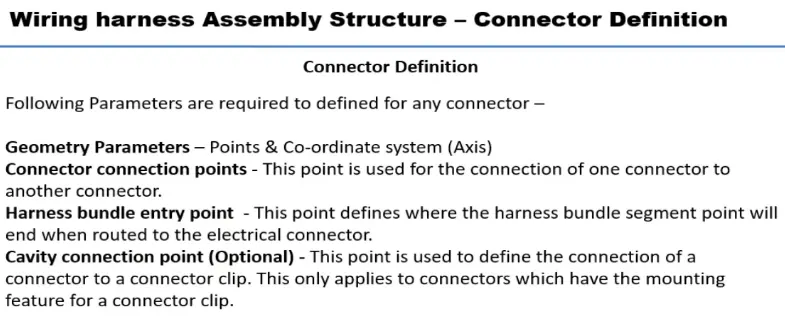
Connector deffintion in computer adied three dimesional interactive application in virtual Environment:-
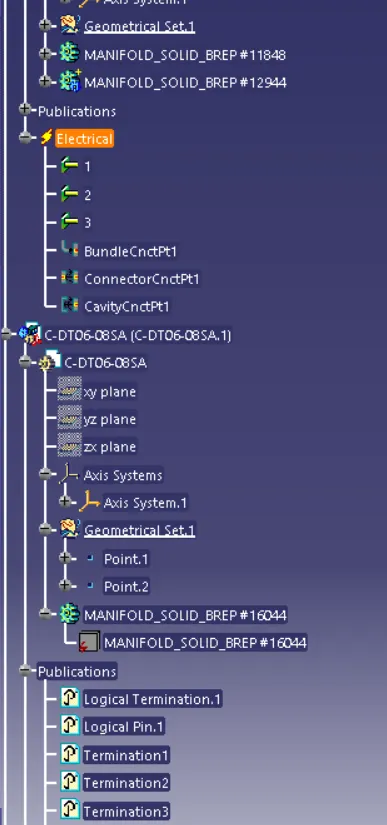
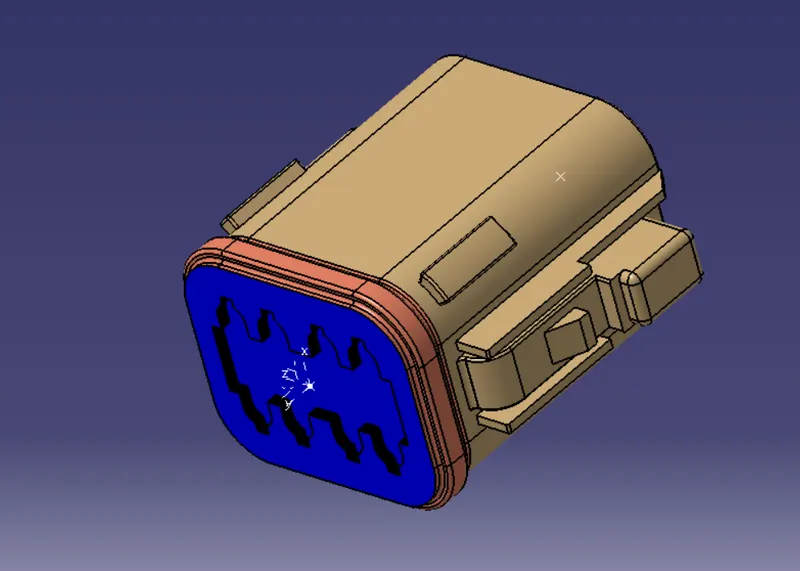
Deutsch DT06 – 08SA:-
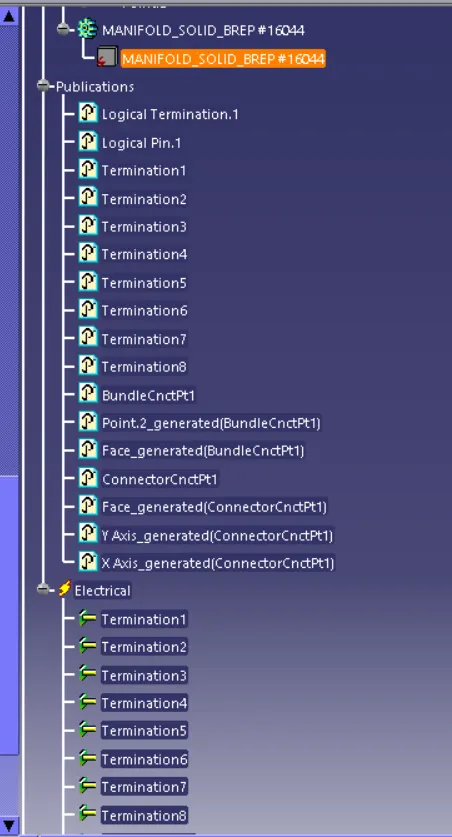
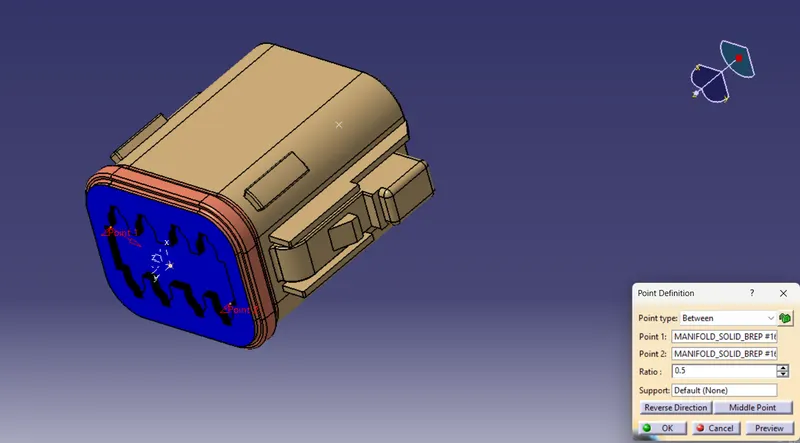
- Creat the point in between the two corner at middle point created
- rear side of the bunddle connection point to contact and selected the faces and given 0.5
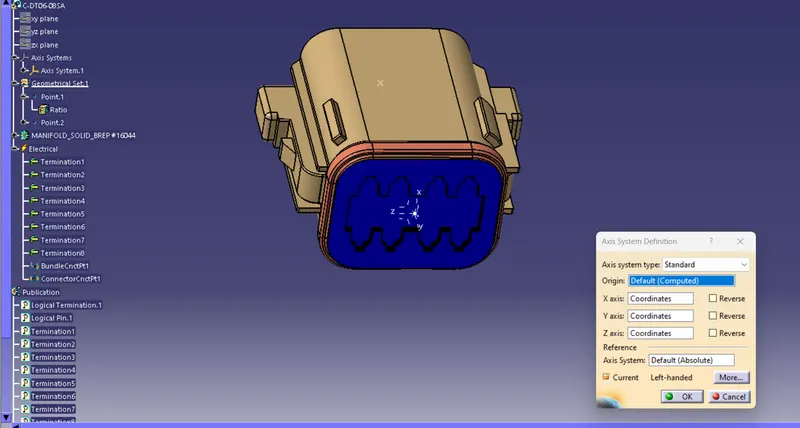
- Creat axis system at origin point and given to rotation of axis
- X-90 degree
- y-90 degree
- z- 90 degree axis
Arrange the axis system to easily connect the electrical devices
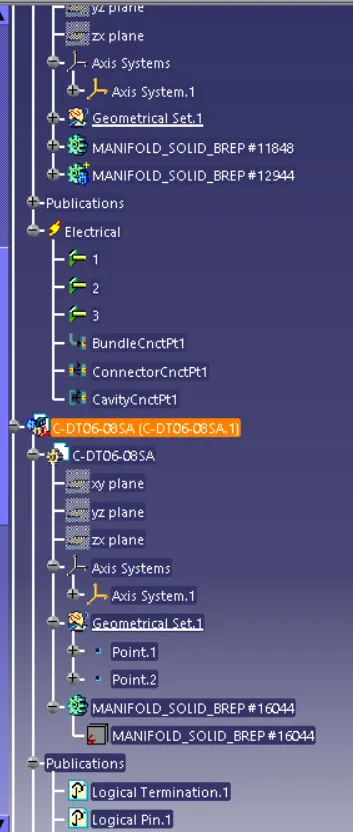
2) Tyco 174357-2:-
- Creat the point in between the two corner at middle point created
- rear side of the bunddle connection point to contact and selected the faces and given 0.5
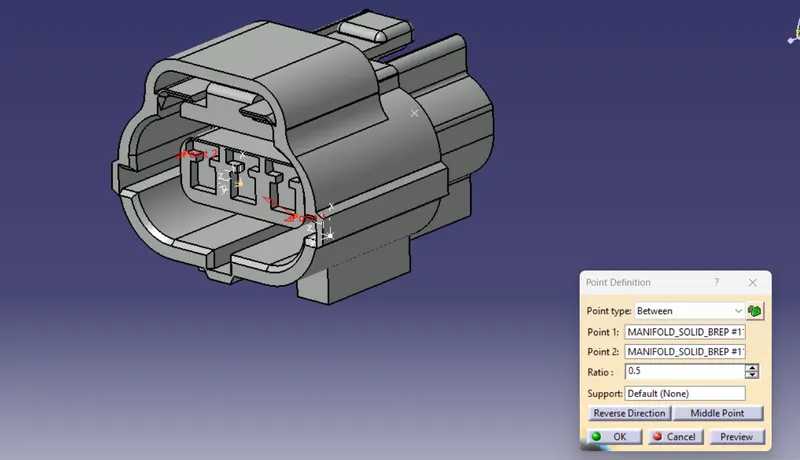
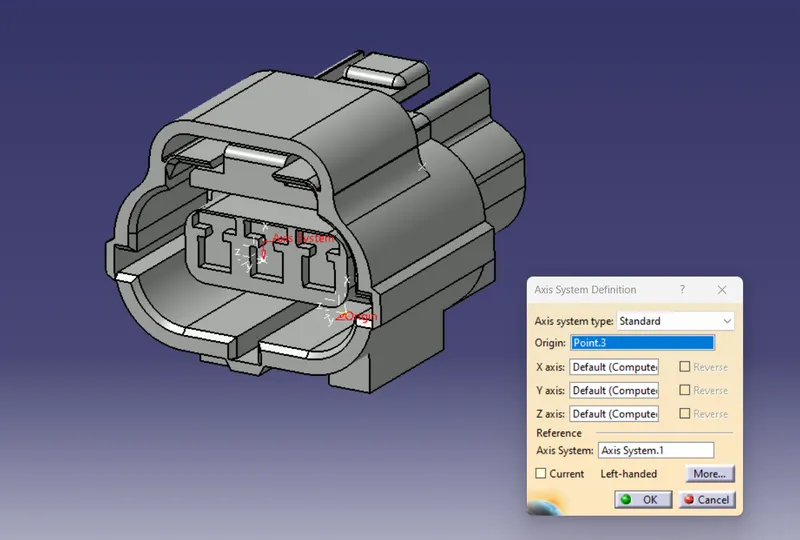
- Creat axis system at origin point and given to rotation of axis And Bottom place also selected to axis system
- X-90 degree
- y-90 degree
- z- 90 degree axis
Arrange the axis system to easily connect the electrical devices
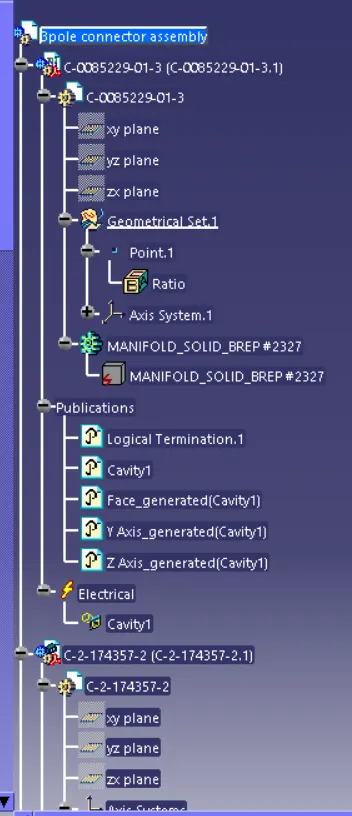
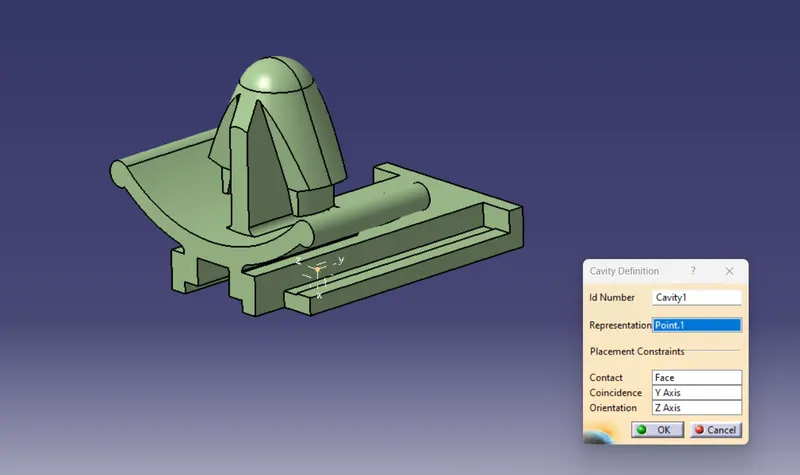
3) Tyco 85229-1:-
firstly push type clips or clamps we use cavity connection point to define it
creat point through the contact face and concindence with y- axis and orientation with z -axis
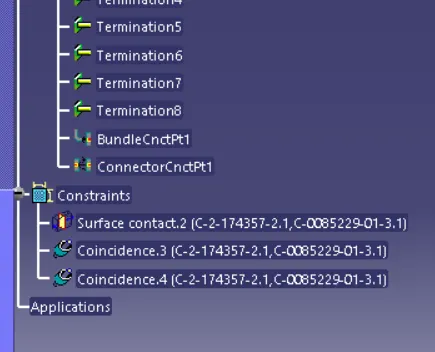
Move to product to all electrical component are assembly through we provided axis
Product:-(Assembly)
Define the mounting equiment:- Assembled to the Tyco 174357-2 through axis Tyco 85229-1 Connected to electrical devices