Wiring harness design in CATIA V5 - 3D modeling Week 2 Challenge
1.CONNECTOR :Deutsch DT06 – 08SA ( C-DT06-08SA )
step 1 : The connector is downloaded from the above link.
step 2 : Defined the axis system for connector connetion point, cavity connection point and define point for bundle entry in the part work bench.
step 3 : Then in the electrical part design, define the above component as the connector and also define its connector connection point, cavity connection point and finally define the bundle entry point.
step 4 : Save the female connector in the connector catogue which can be done using store device command.
Connector Connection point & Ref. axis
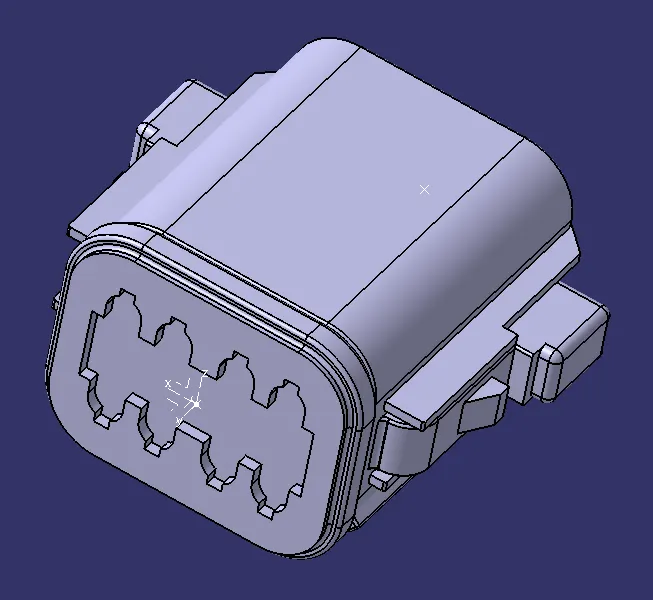
Bundle Connection point
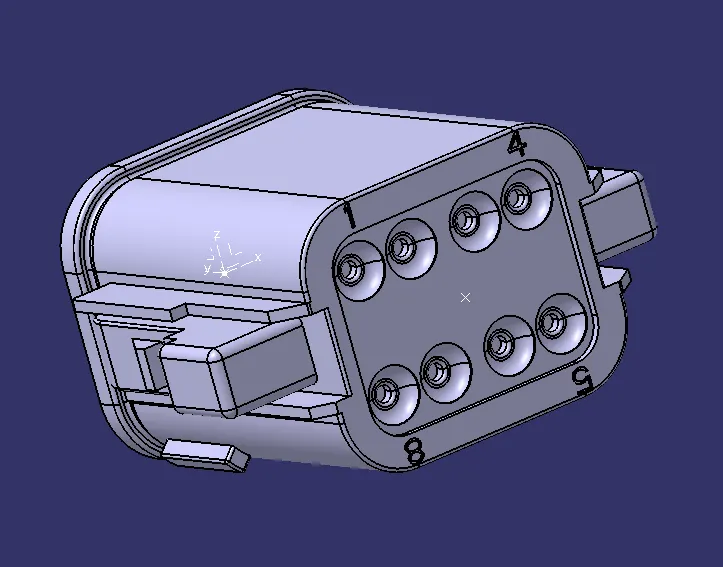
Electrical definitions
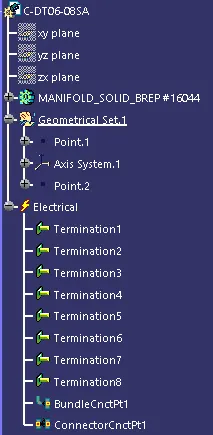
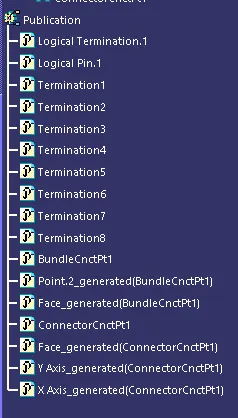
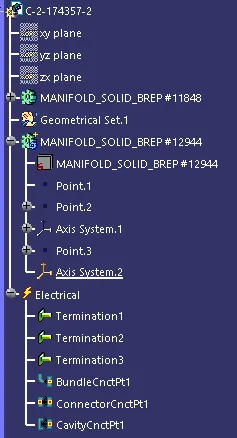
2.CONNECTOR :Tyco 174357-2 ( C-2-174357-2 )
step 1 : The connector is downloaded from the above link.
step 2 : Defined the axis system for connector connetion point and then define a point for bundle entry in the part work bench.
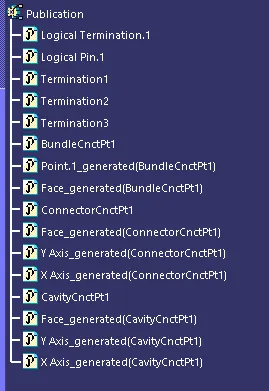
step 3 : Then in the electrical part design, define the above component as the connector and also define its connector connection point and define the bundle entry point.
step 4 : Save the male connector in the connector catogue which can be done using store device command.
Connector Connection point & Ref. axis
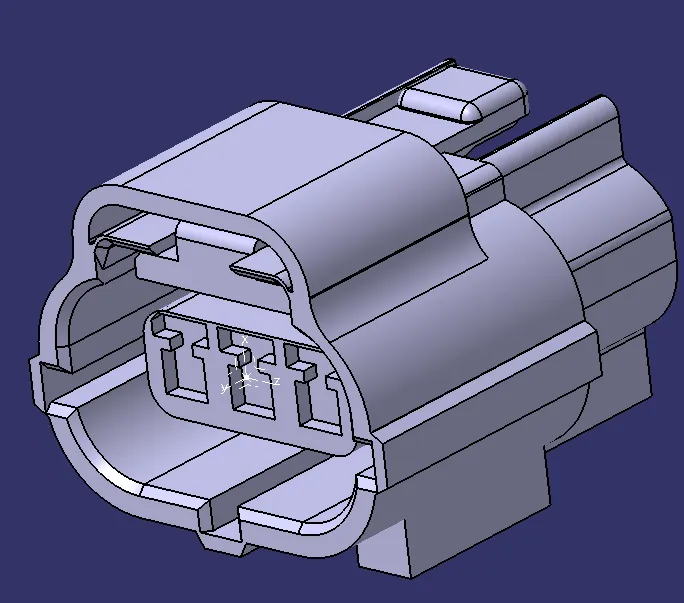
Bundle Connection point
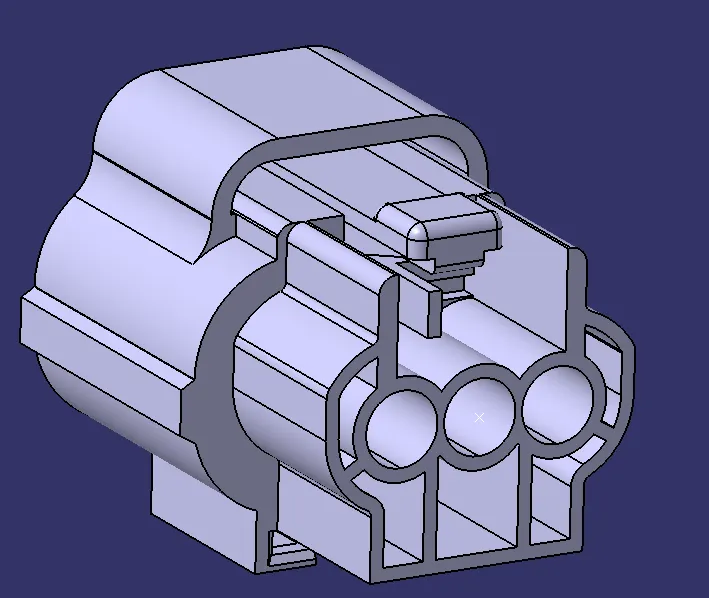
Cavity Connection point & Ref. axis
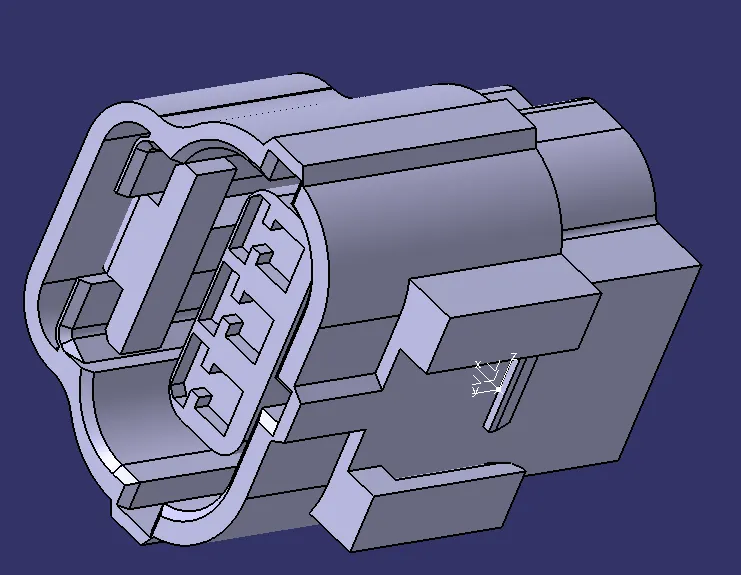
Electrical definitions
3.CONNECTOR CLIP :Tyco 85229-1 ( C-0085229-01-3 )
step 1 : The connector clip is downloaded from the above link.
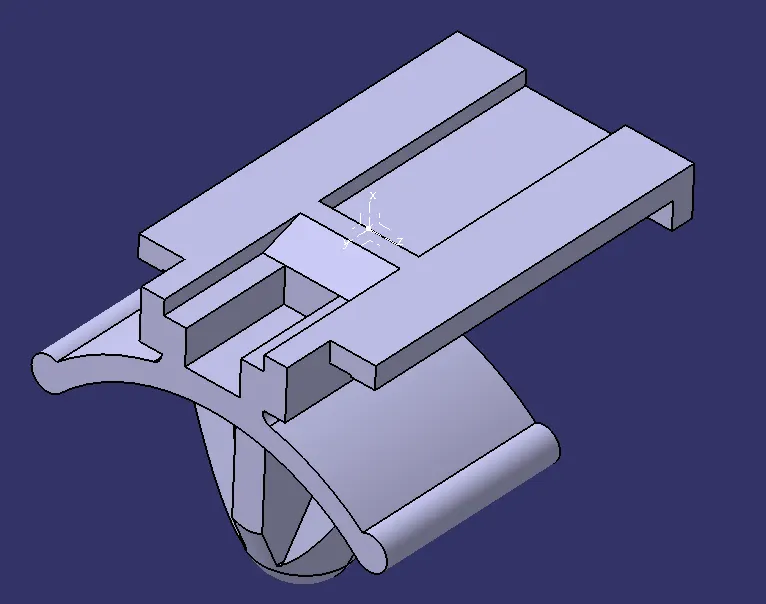
step 2 : Defined the axis system for cavity connection point in the part work bench.
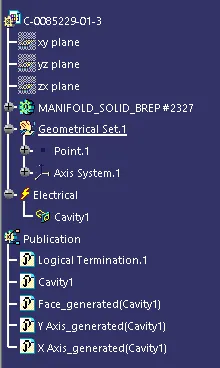
step 3 : Then in the electrical part design, define the above component as the cavity and also define its cavity connection point.
step 4 : Save the cavity connector in the cavity catogue which can be done using store device command
Cavity Connection point & Ref. axis
Electrical definitions
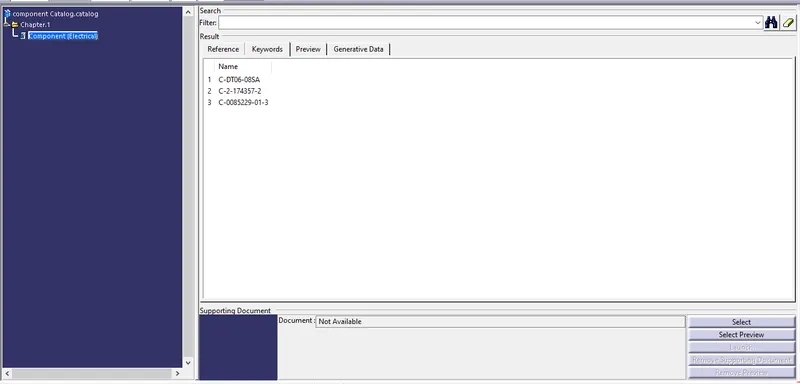
component Catalog