Wiring harness design in CATIA V5 - 3D modeling Week 2 Challenge
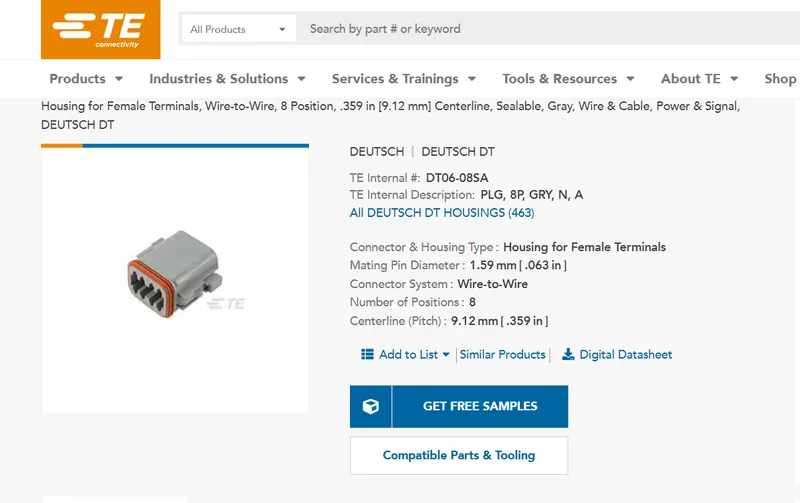
1. Deutsch DT06 - 08SA
- CAD files are dowloaded from te.com for all the respective parts.
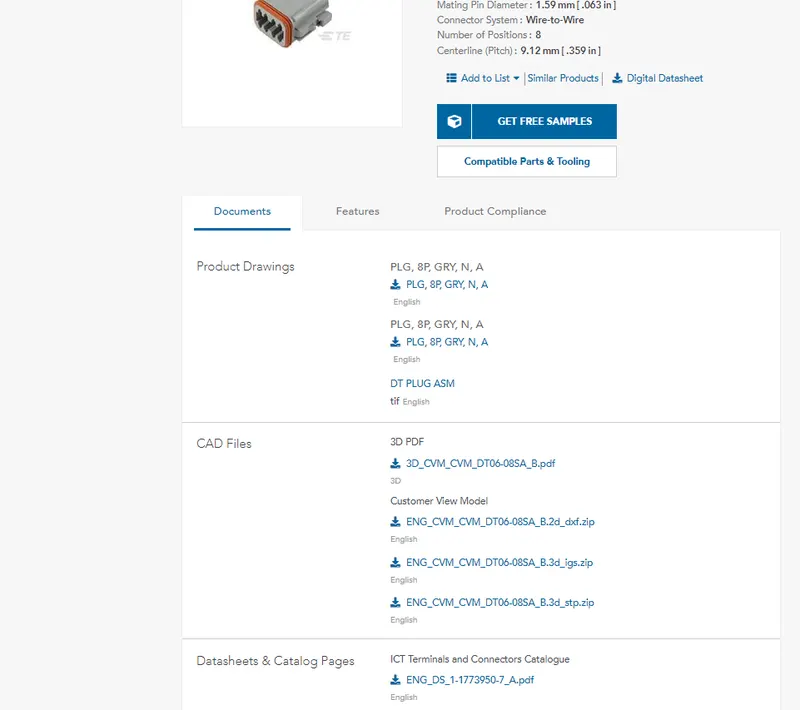
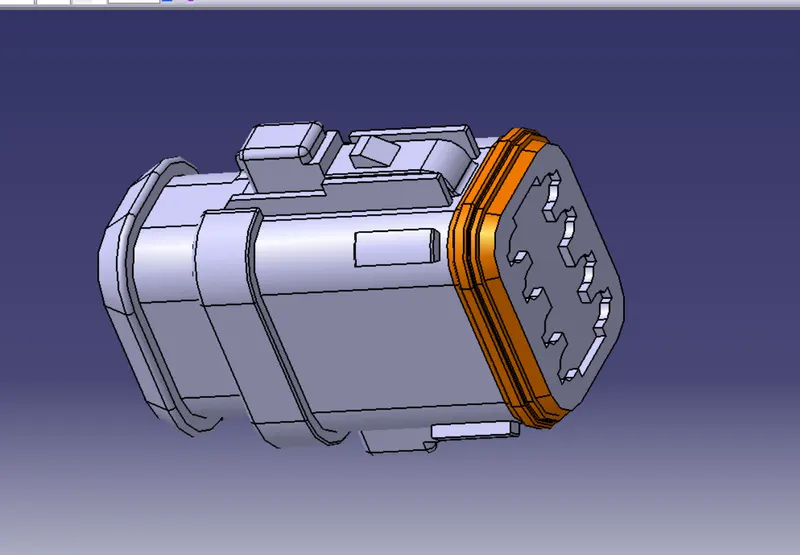
- Downloaded zip file is extracted and saved as CATpart
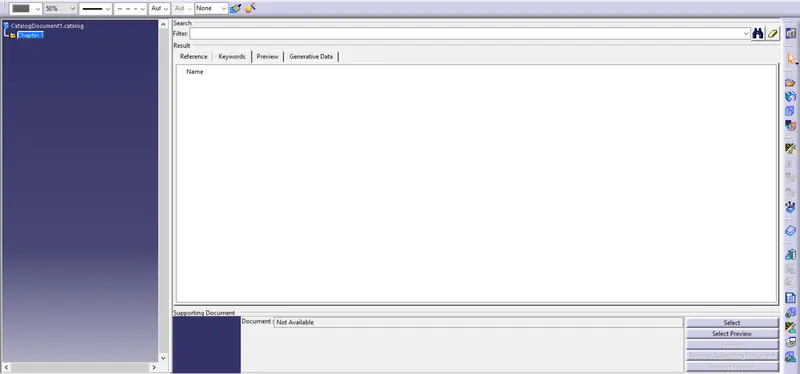
- From file new, a catalogDocument is Created
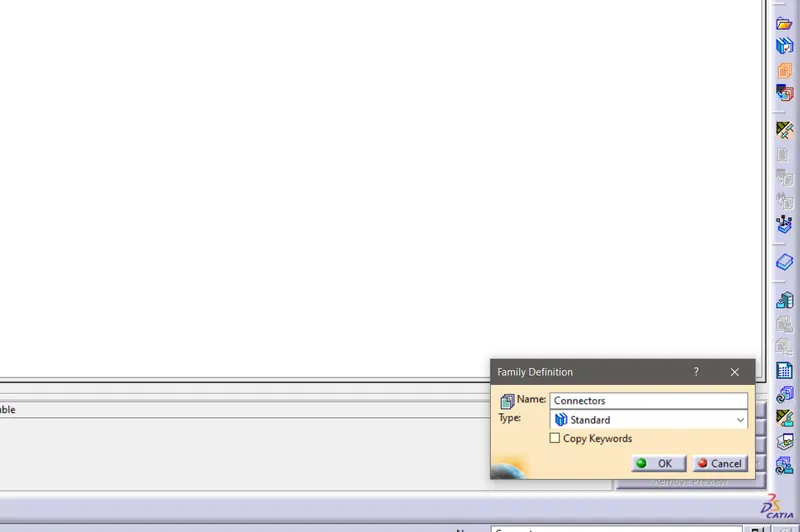
- Added a new family for the connector.
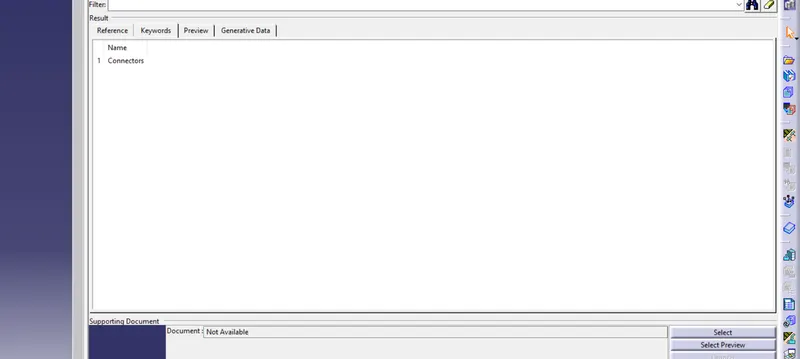
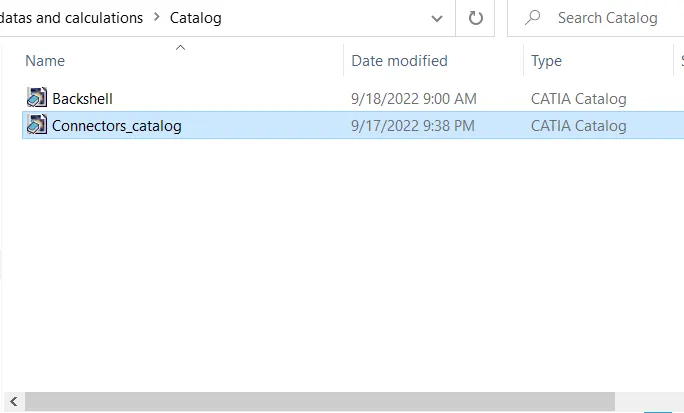
- Saved the catalogDocument in new folder created.
- Define the connector from the electrical part design workbench
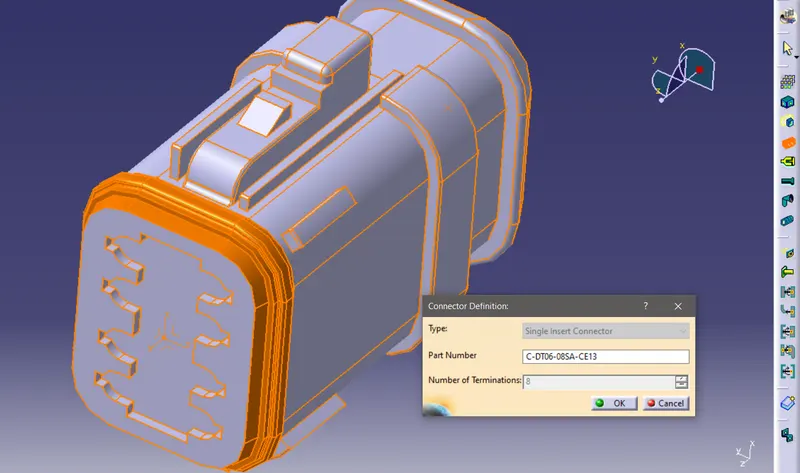
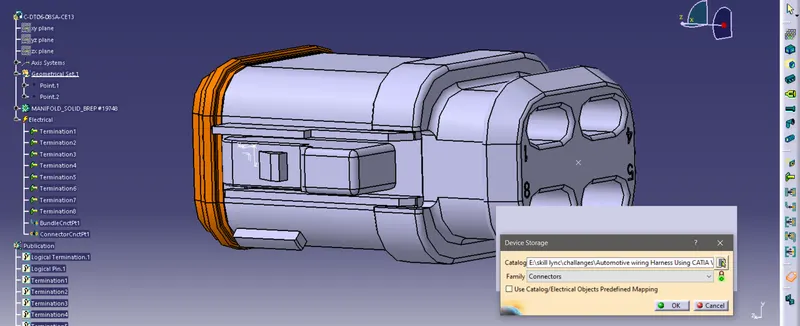
- Type and number of terminations are provided as shown in the above figure.
- Created axis system for the mating and define Connector connection point shown below figure.
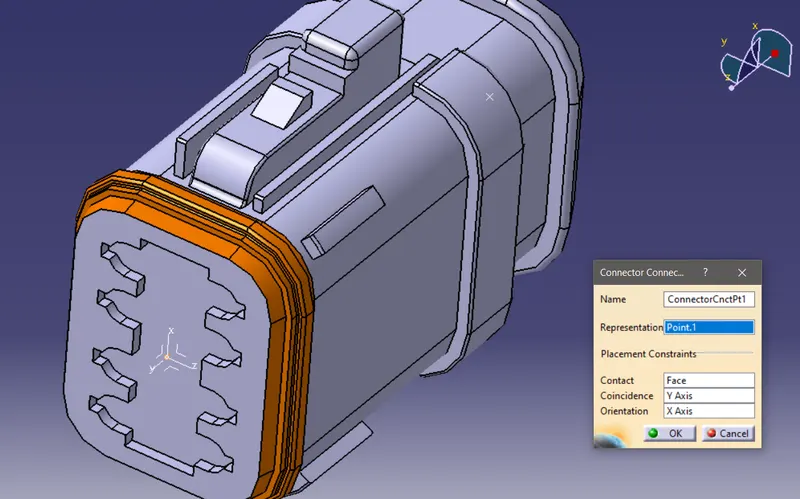
- Created another point on the other side of the connecter where the wires are connected.
- And define the bundle connection point as shown in the below figure.
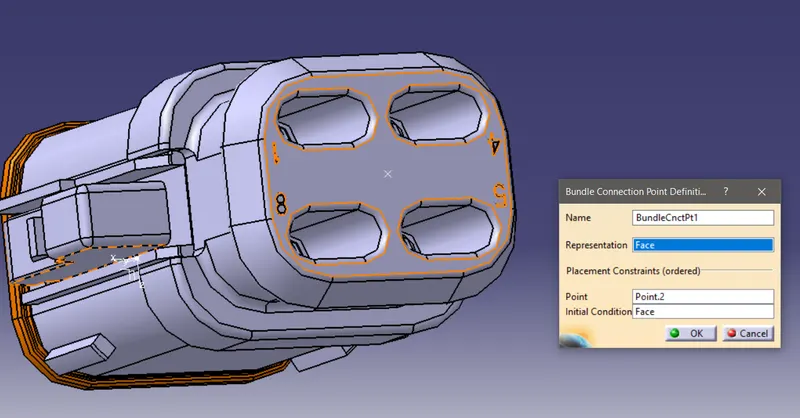
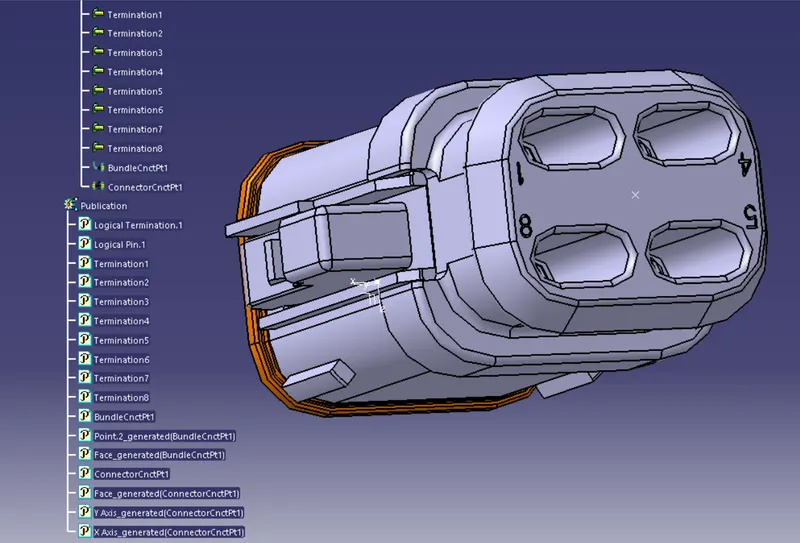
- Now we heve to define Cavity connection point, but it is only applicable to the part which has the clip mounting feature.
- So we will save this part and go for the next (mating part).
2.Tyco 174357-2
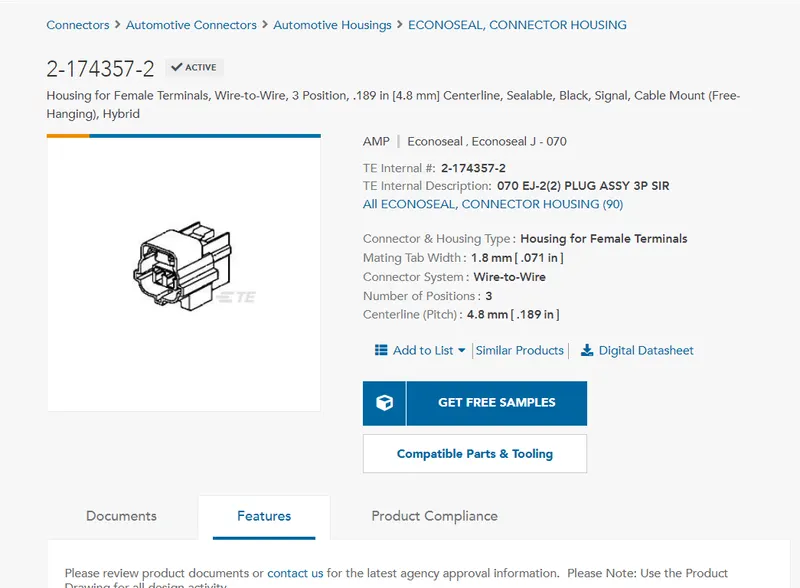
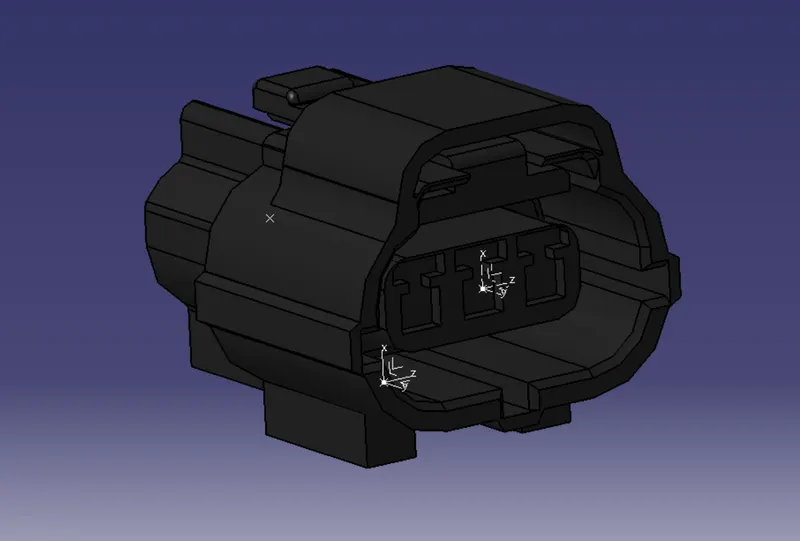
similarly,
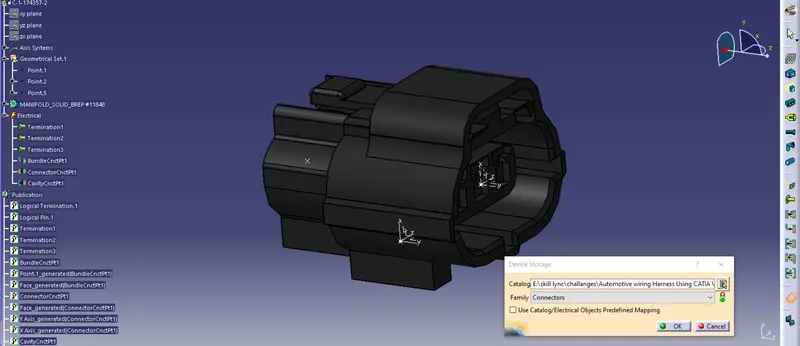
- Bundle Connection point definition.
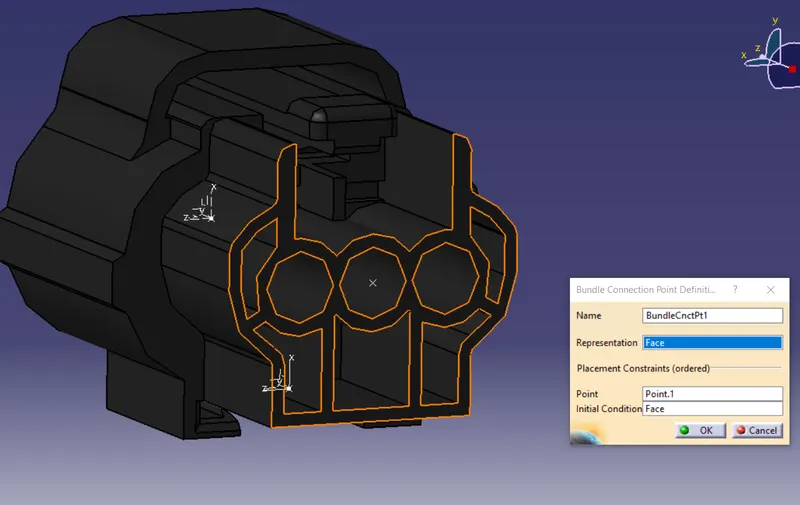
- Connector connection point definition.
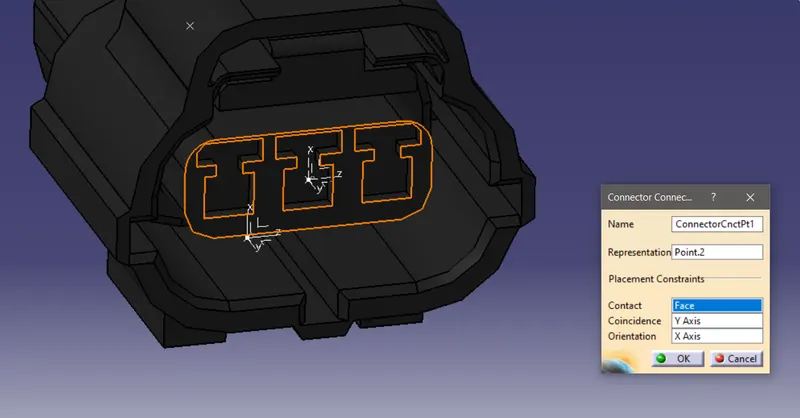
- Along with these, here we have mounting clip feature. So we have to define cavity connection point.
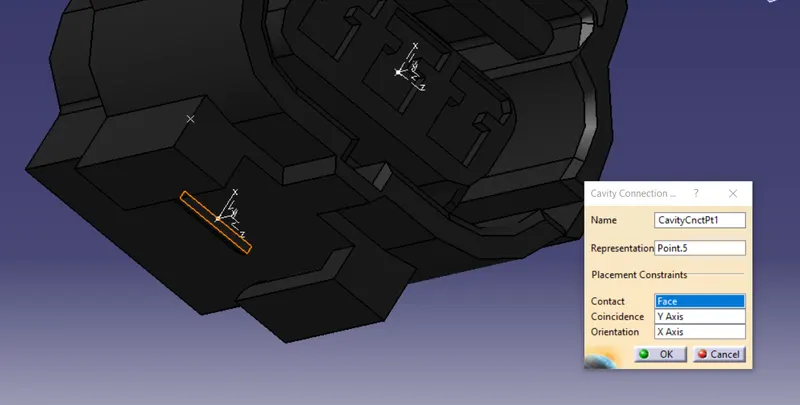
3. 85229-1 (mounting clip)
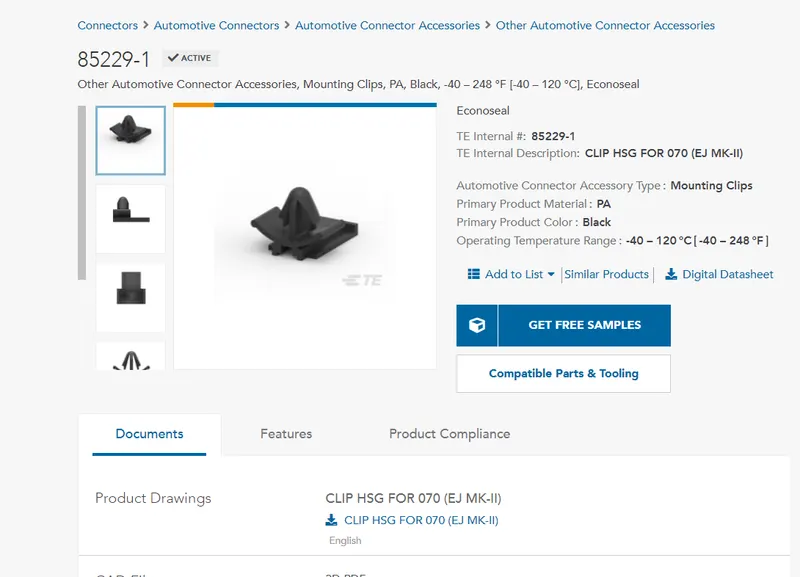
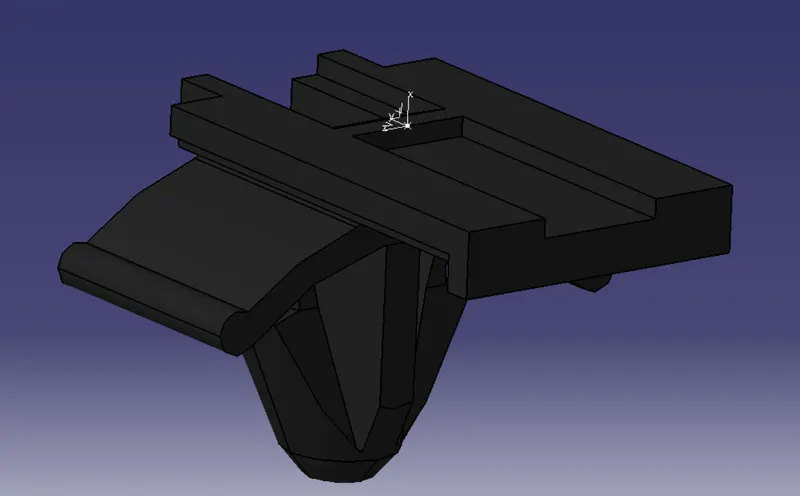
- Here we only have to define the cavity connection point.
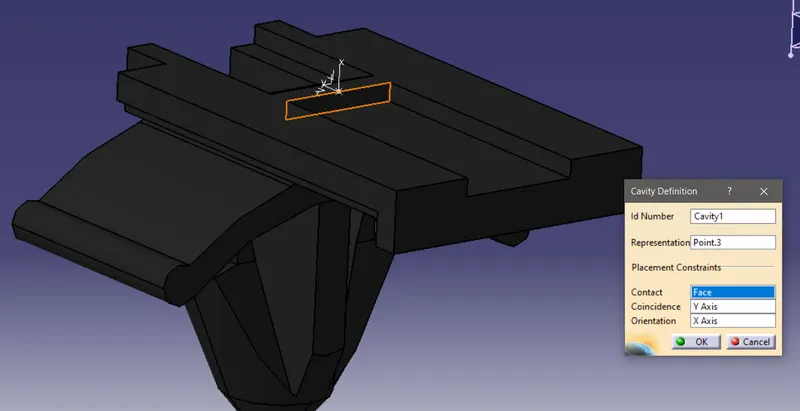
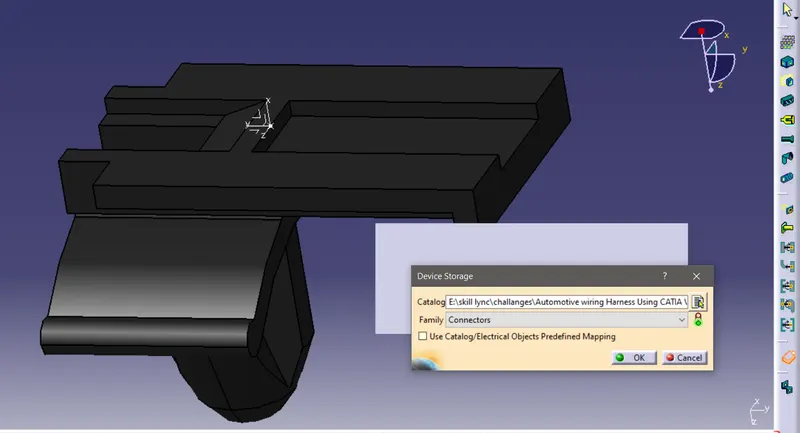
- At last we can store all these devices to the connector catalog from the electrical part design workbench.